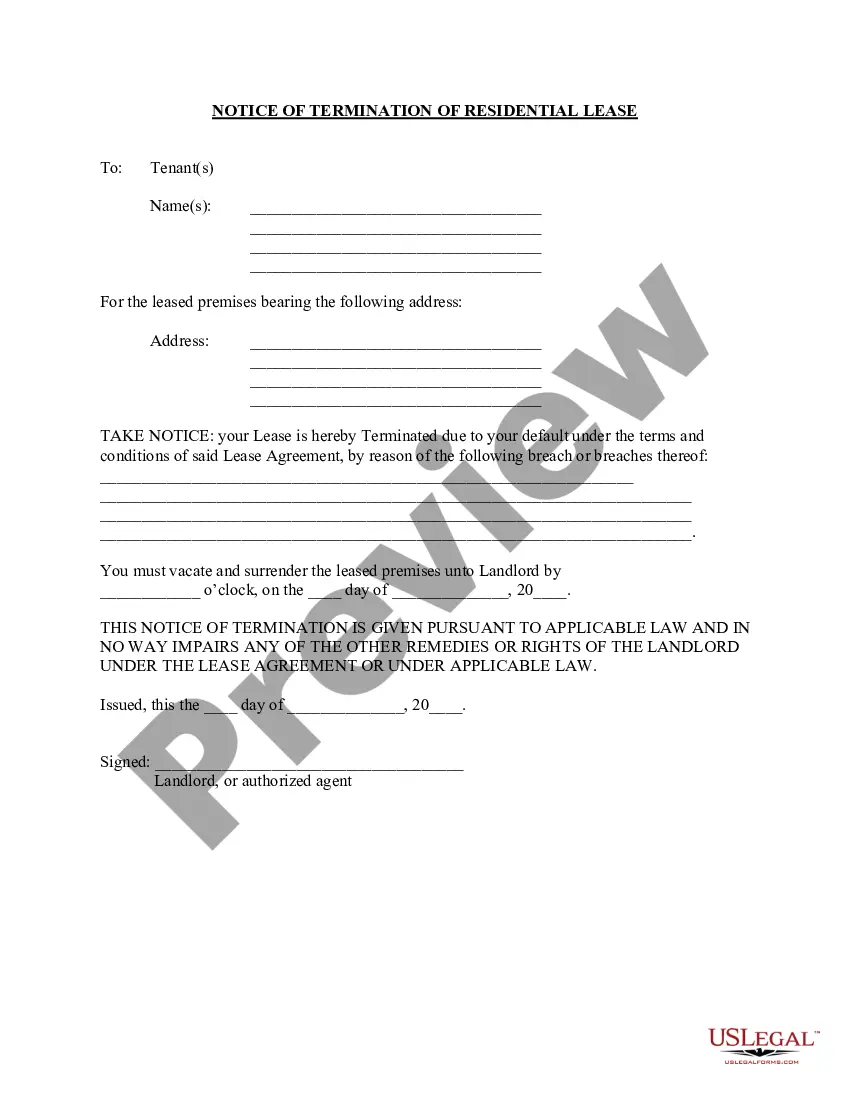
Renta Carta De Propietario A Inquilino Without
Description
Get your form ready online
Our built-in tools help you complete, sign, share, and store your documents in one place.
Make edits, fill in missing information, and update formatting in US Legal Forms—just like you would in MS Word.
Download a copy, print it, send it by email, or mail it via USPS—whatever works best for your next step.
Sign and collect signatures with our SignNow integration. Send to multiple recipients, set reminders, and more. Go Premium to unlock E-Sign.
If this form requires notarization, complete it online through a secure video call—no need to meet a notary in person or wait for an appointment.
We protect your documents and personal data by following strict security and privacy standards.

Make edits, fill in missing information, and update formatting in US Legal Forms—just like you would in MS Word.

Download a copy, print it, send it by email, or mail it via USPS—whatever works best for your next step.

Sign and collect signatures with our SignNow integration. Send to multiple recipients, set reminders, and more. Go Premium to unlock E-Sign.

If this form requires notarization, complete it online through a secure video call—no need to meet a notary in person or wait for an appointment.

We protect your documents and personal data by following strict security and privacy standards.
Looking for another form?
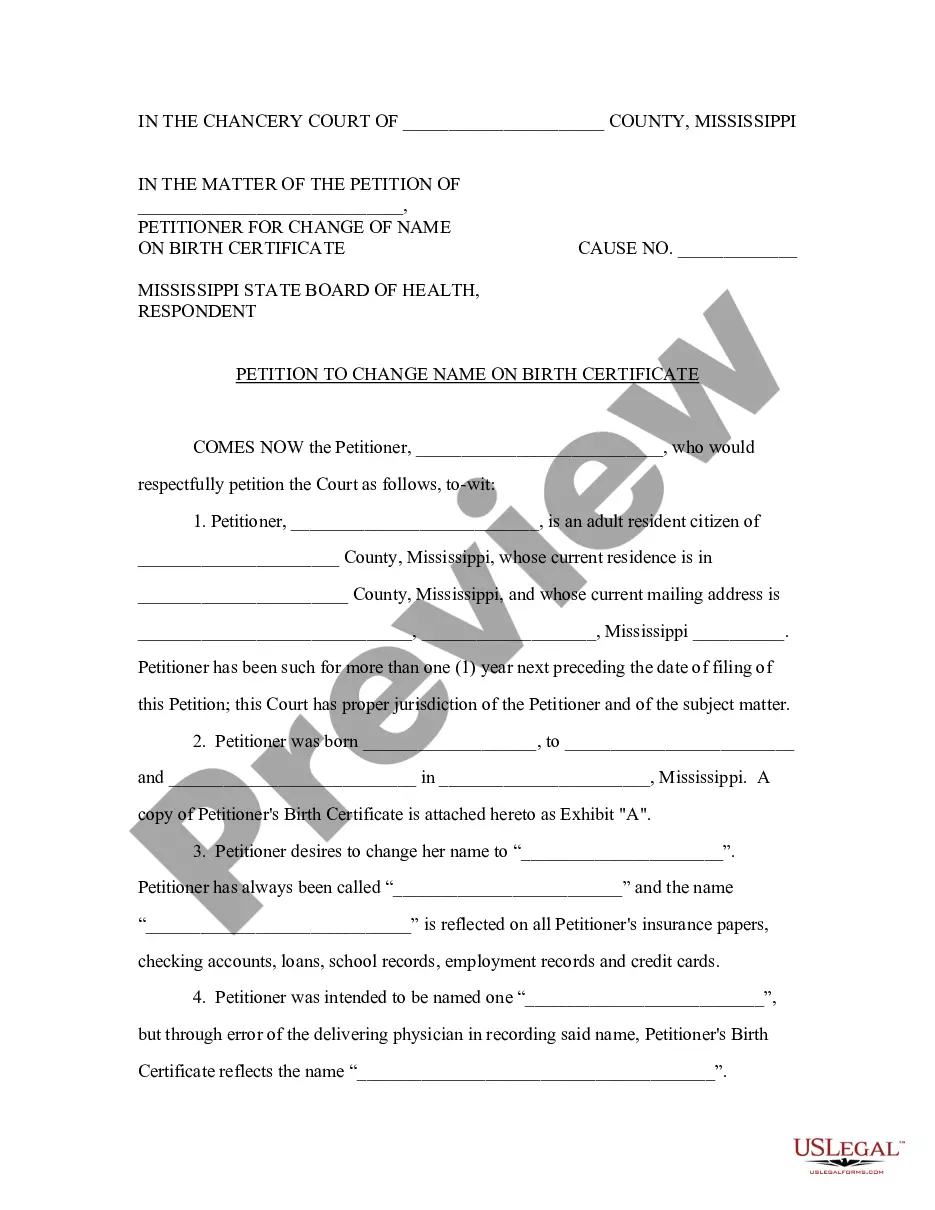
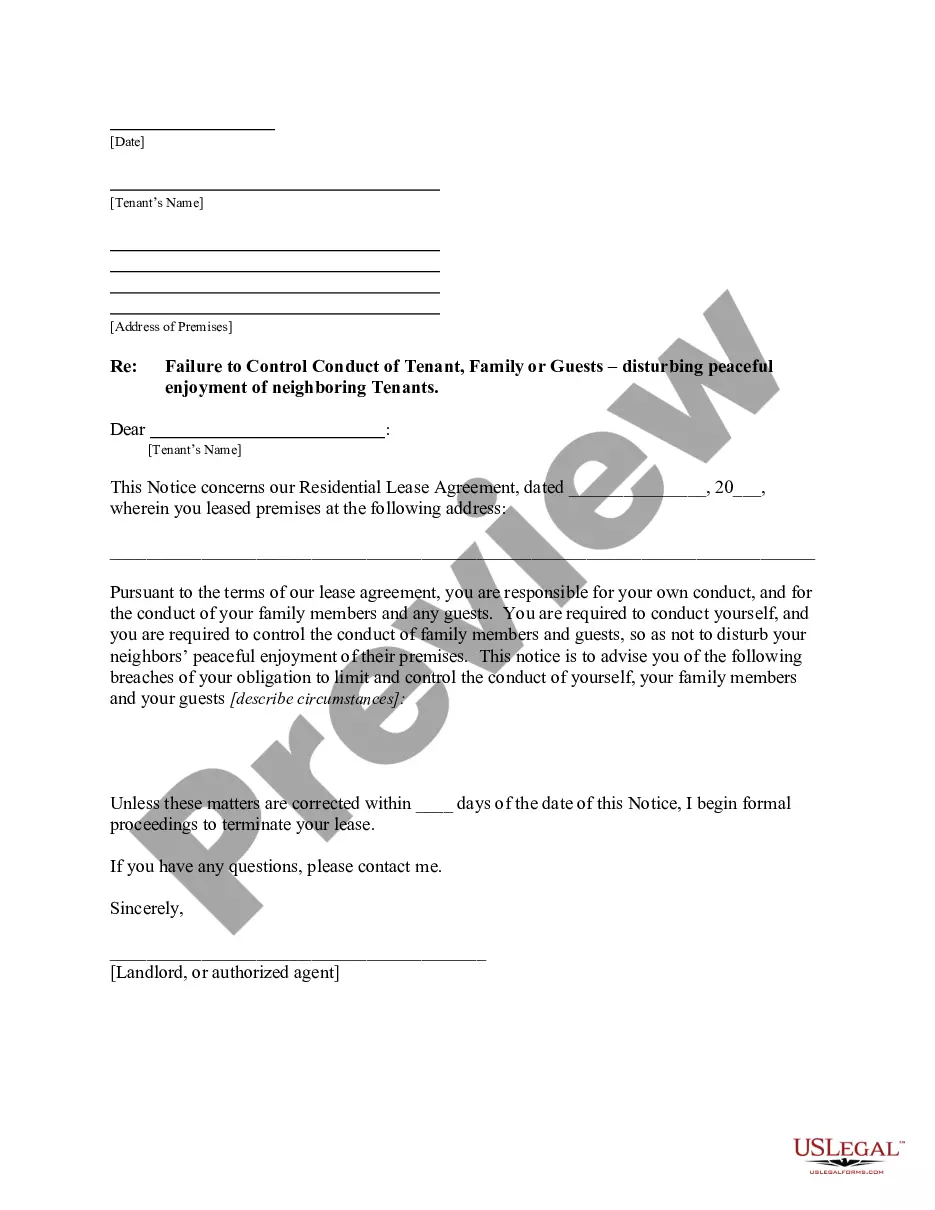
How to fill out Florida Letter From Landlord To Tenant As Notice To Tenant Of Tenant's Disturbance Of Neighbors' Peaceful Enjoyment To Remedy Or Lease Terminates?
Managing legal documents and processes can be a lengthy addition to your routine.
Renta Carta De Propietario A Inquilino Without and similar templates often require you to locate them and comprehend the most effective way to complete them.
For this reason, whether you are addressing financial, legal, or personal issues, possessing a thorough and user-friendly online collection of forms will be extremely beneficial.
US Legal Forms stands as the leading online resource for legal documents, featuring over 85,000 state-specific templates and a multitude of tools designed to assist you in completing your forms swiftly.
Is it your first time using US Legal Forms? Sign up and create your account in just a few minutes to gain access to the form catalogue and Renta Carta De Propietario A Inquilino Without. Then, follow these steps to complete your document: Be certain you have the correct form by utilizing the Review option and examining the form description. Select Buy Now when you're prepared, and choose the subscription plan that suits your requirements. Click Download then complete, eSign, and print the form. US Legal Forms has twenty-five years of experience assisting clients with their legal documentation. Discover the form you need now and simplify any process effortlessly.
- Explore the collection of relevant documents accessible to you with just one click.
- US Legal Forms provides state- and county-specific templates that can be downloaded at any time.
- Enhance your document management processes by utilizing a high-quality service that enables you to prepare any form within minutes without incurring extra or hidden fees.
- Simply Log In to your account, search for Renta Carta De Propietario A Inquilino Without, and obtain it instantly from the My documents section.
- You can also access prior downloads.
Form popularity
FAQ
How to convert PDFs to Word Click the Select a file button above or drag and drop files into the PDF drop zone. Select the PDF you want to convert to the DOCX file format. Watch Acrobat automatically convert the file from PDF to an editable Word document. Download the converted Word document or sign in to share it.
How to edit PDF files: Open a file in Acrobat. Click on the ?Edit PDF? tool in the right pane. Use Acrobat editing tools: Add new text, edit text, or update fonts using selections from the Format list. ... Save your edited PDF: Name your file and click the ?Save? button. That's it.
How to Edit a Scanned PDF Online? To edit a scanned PDF online, upload your document using 's uploader. 's online editor instantly converts any scanned document to an editable format online. ... Choose the 'Text' button in the 'Edit' tab and start typing.
Scan a document as a PDF file and edit it in Word In Word, click File > Open. Browse to the location of the PDF file on your computer and click Open. A message appears, stating that Word will convert the PDF file into an editable Word document. Click OK.
Edit text and images in PDF files Open the Edit PDF tool. Click the Select a File button. Choose a file to edit. Edit text in the PDF. Edit an image in the PDF. Save your file.
Scan a document as a PDF file and edit it in Word In Word, click File > Open. Browse to the location of the PDF file on your computer and click Open. A message appears, stating that Word will convert the PDF file into an editable Word document. Click OK.
How to edit a scanned document Open the scanned PDF file in Acrobat. From the Edit menu, select Text or Image tool. ... Select the text element that you want to edit and start typing. ... Select Save As from the hamburger menu, and type a new name for your editable document.
How to edit scanned documents: Open a PDF file containing a scanned image in Acrobat for Mac or PC. Click on the ?Edit PDF? tool in the right pane. Acrobat automatically applies optical character recognition (OCR) to your document and converts it to a fully editable copy of your PDF.