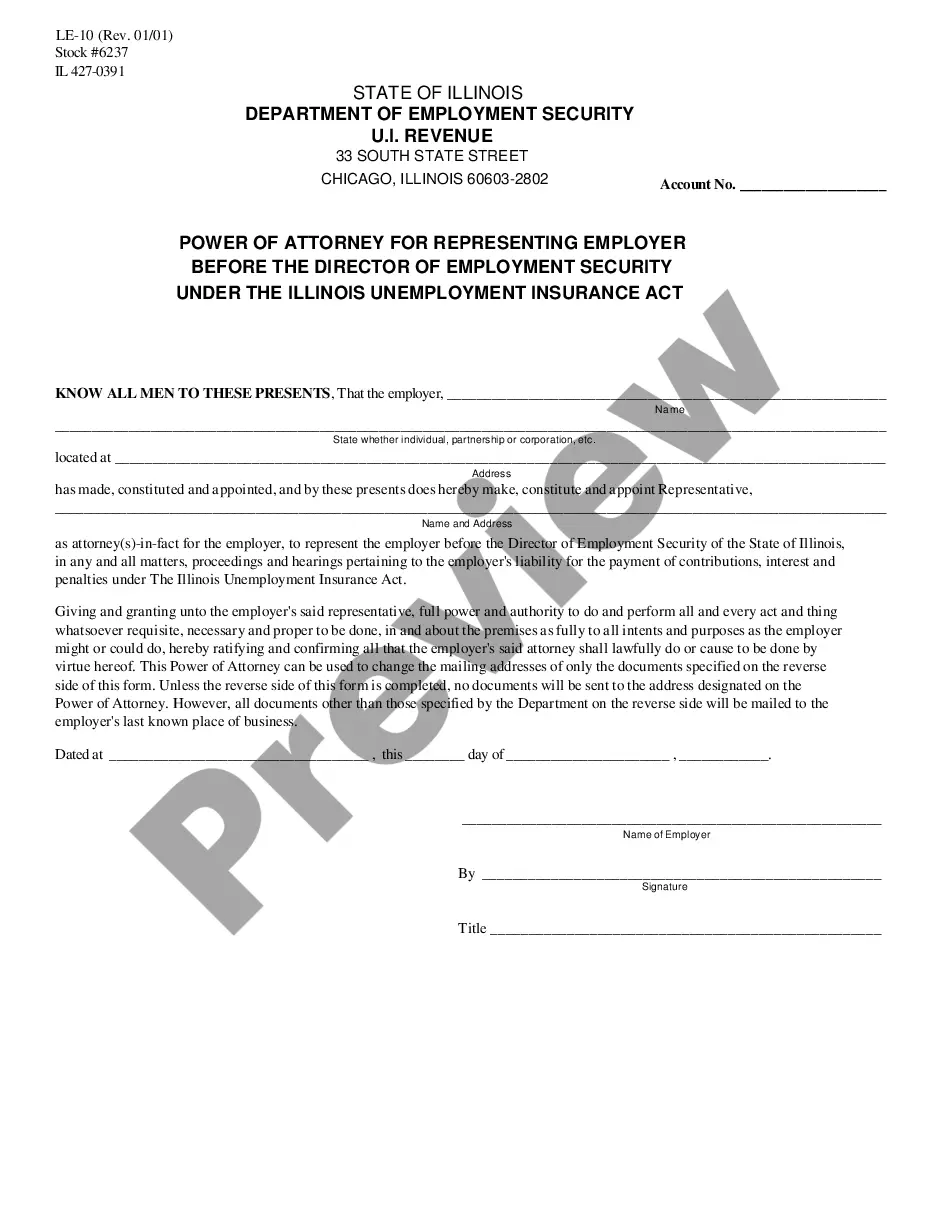
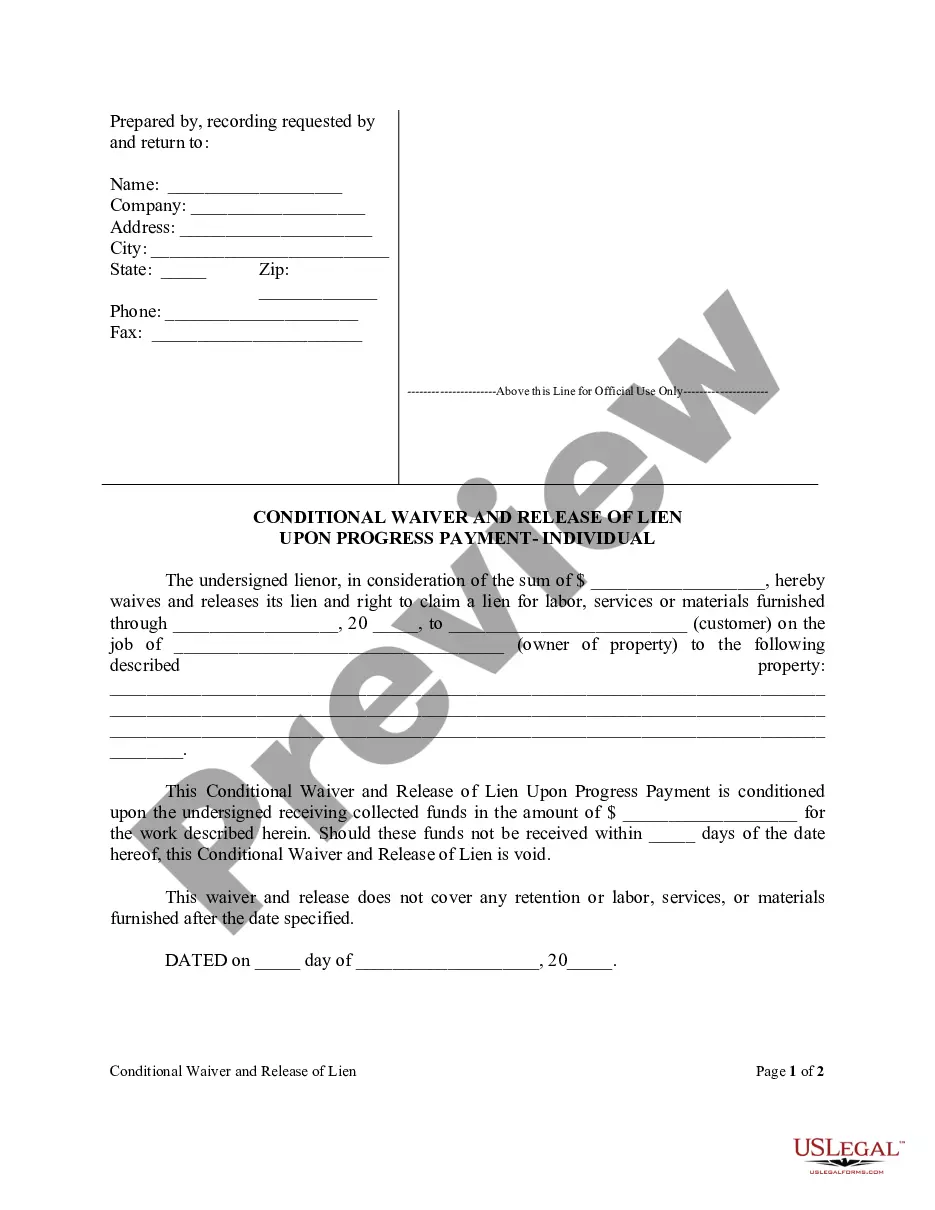
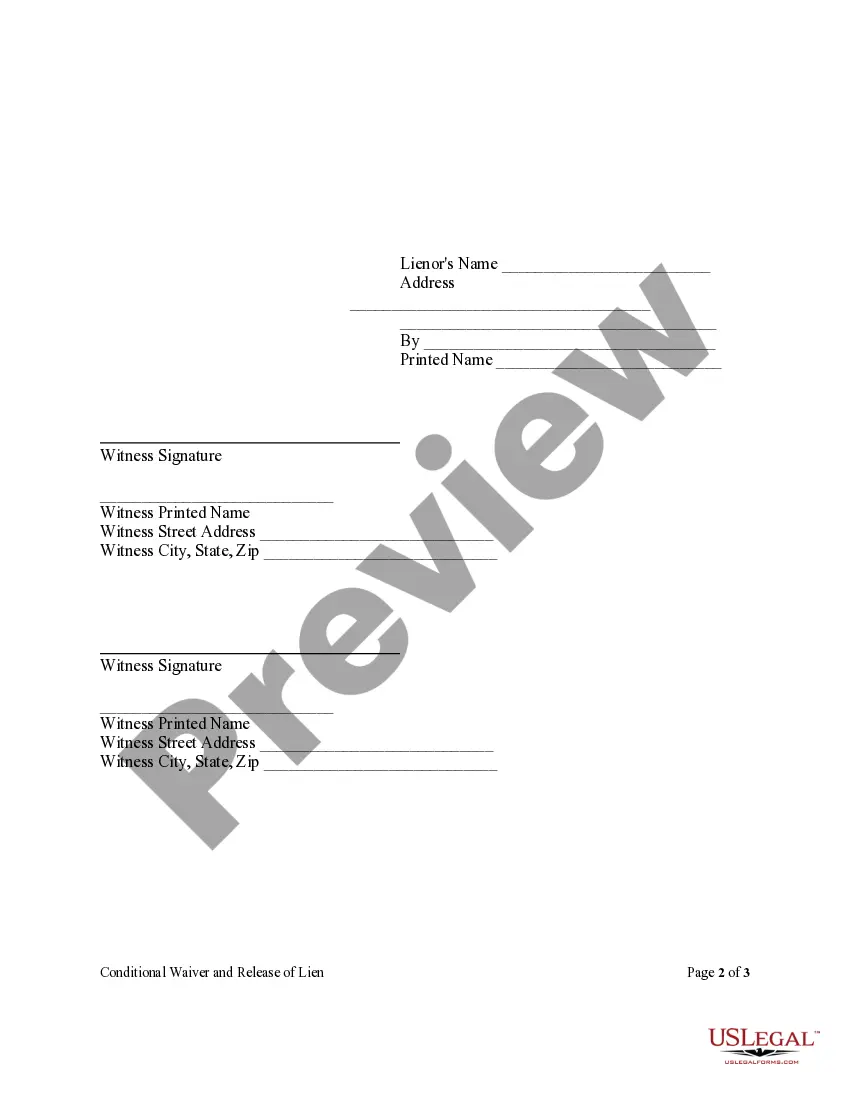
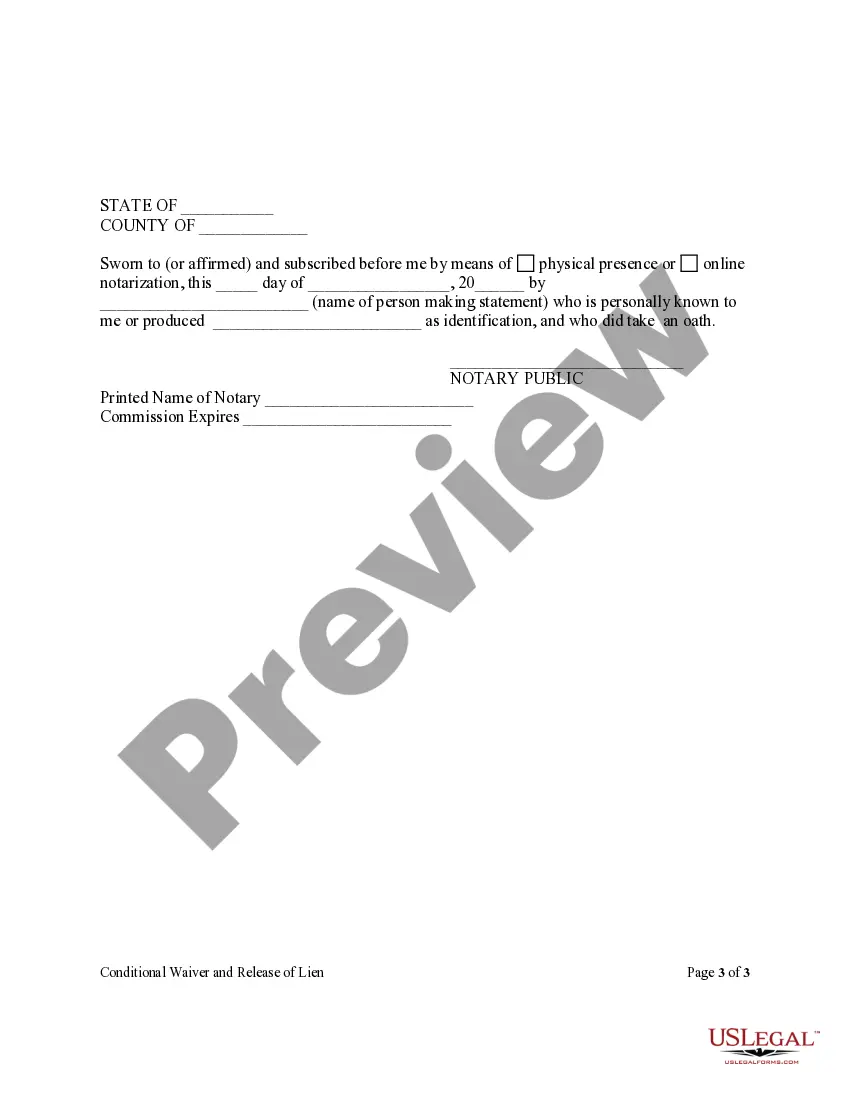
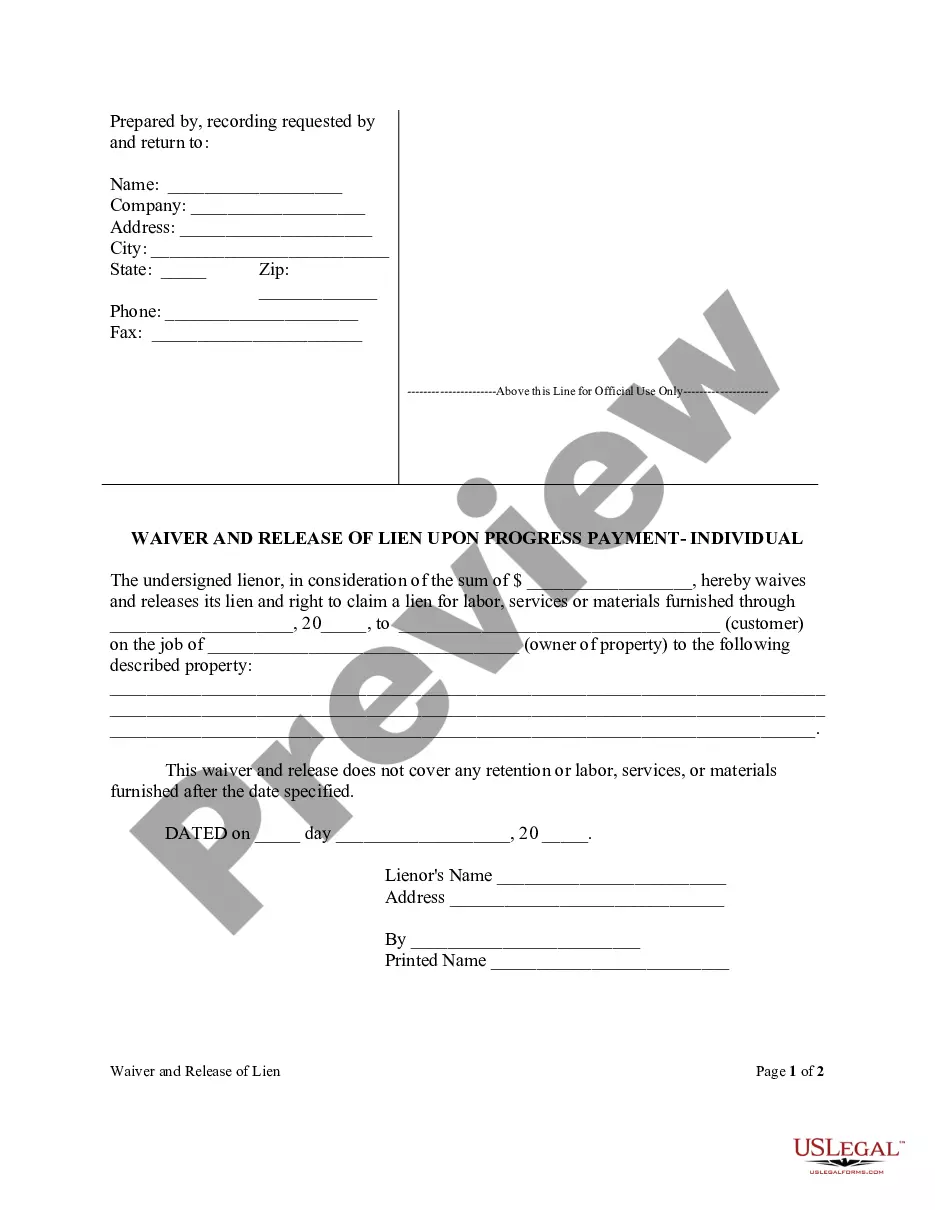
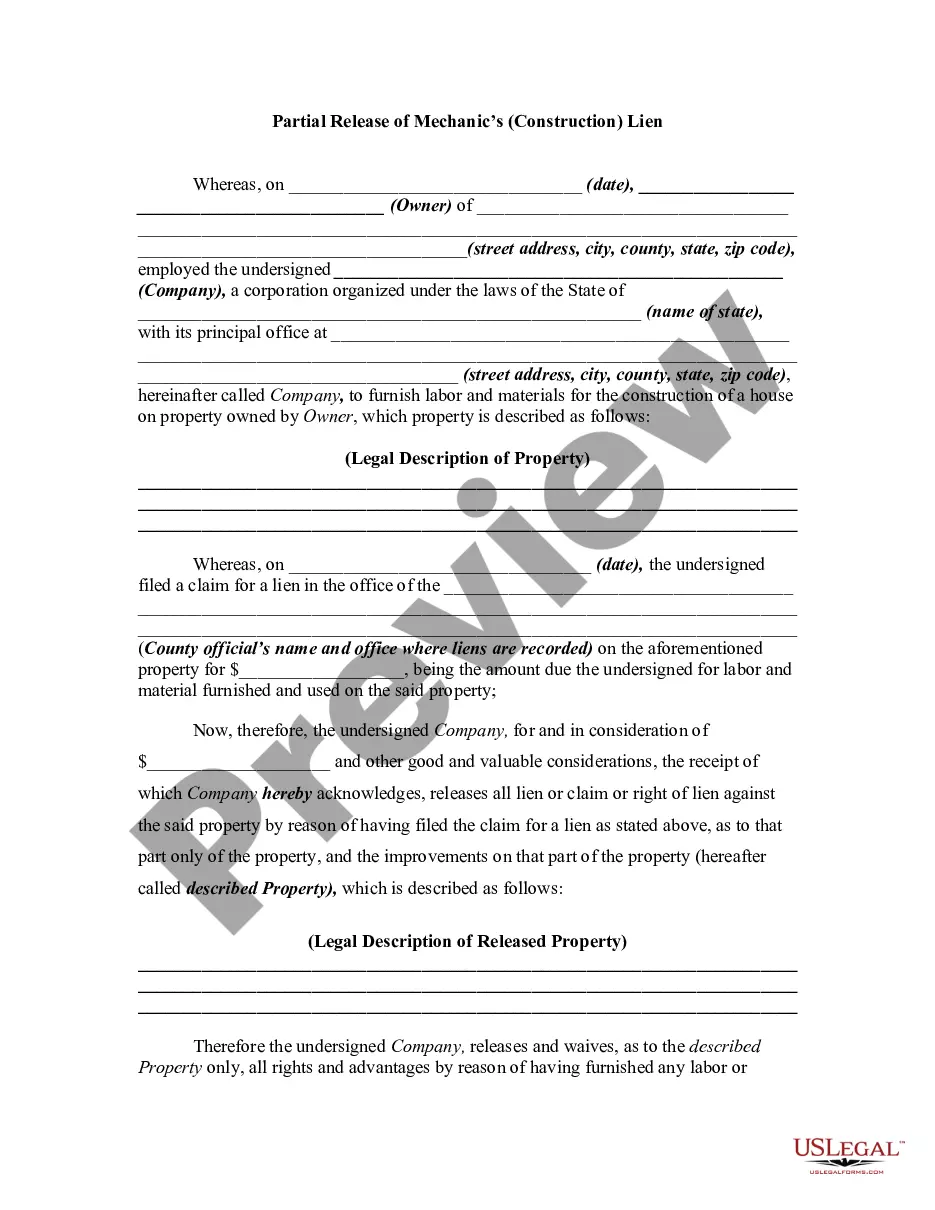
Partial Release Of Lien Form With Notary
Description
Get your form ready online
Our built-in tools help you complete, sign, share, and store your documents in one place.
Make edits, fill in missing information, and update formatting in US Legal Forms—just like you would in MS Word.
Download a copy, print it, send it by email, or mail it via USPS—whatever works best for your next step.
Sign and collect signatures with our SignNow integration. Send to multiple recipients, set reminders, and more. Go Premium to unlock E-Sign.
If this form requires notarization, complete it online through a secure video call—no need to meet a notary in person or wait for an appointment.
We protect your documents and personal data by following strict security and privacy standards.

Make edits, fill in missing information, and update formatting in US Legal Forms—just like you would in MS Word.

Download a copy, print it, send it by email, or mail it via USPS—whatever works best for your next step.

Sign and collect signatures with our SignNow integration. Send to multiple recipients, set reminders, and more. Go Premium to unlock E-Sign.

If this form requires notarization, complete it online through a secure video call—no need to meet a notary in person or wait for an appointment.

We protect your documents and personal data by following strict security and privacy standards.
Looking for another form?
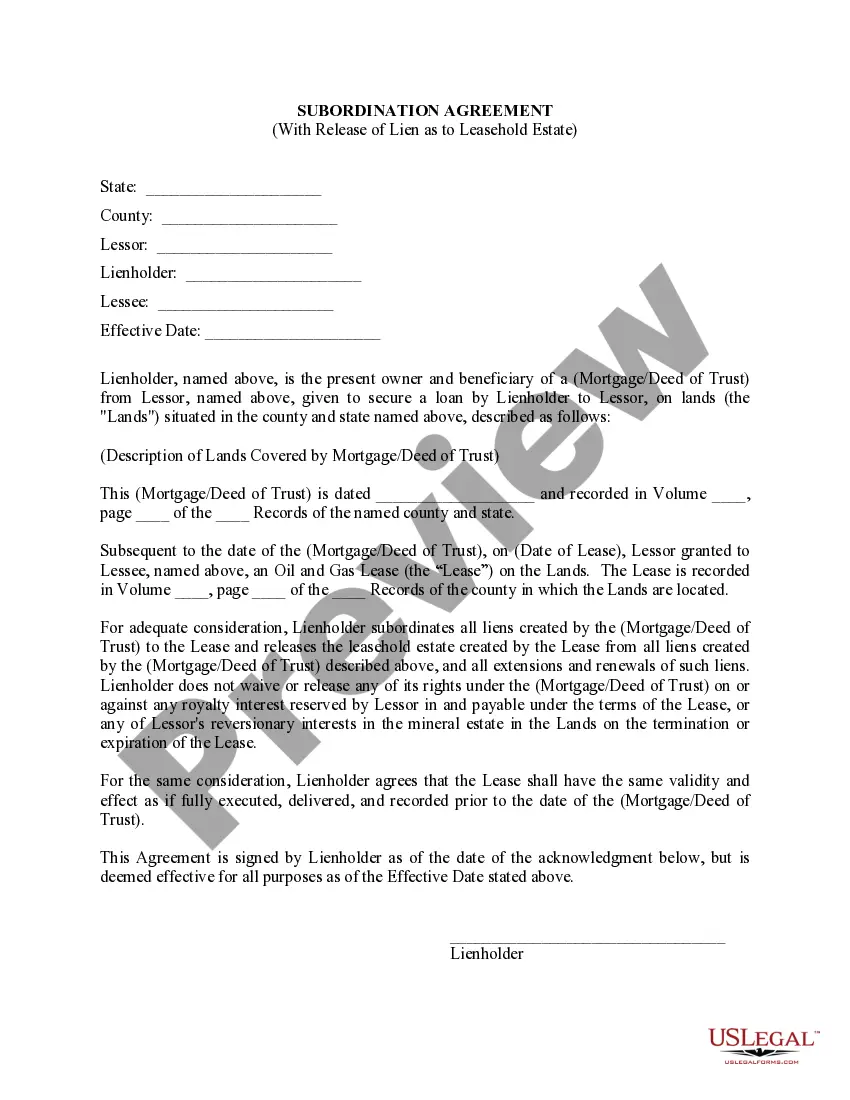
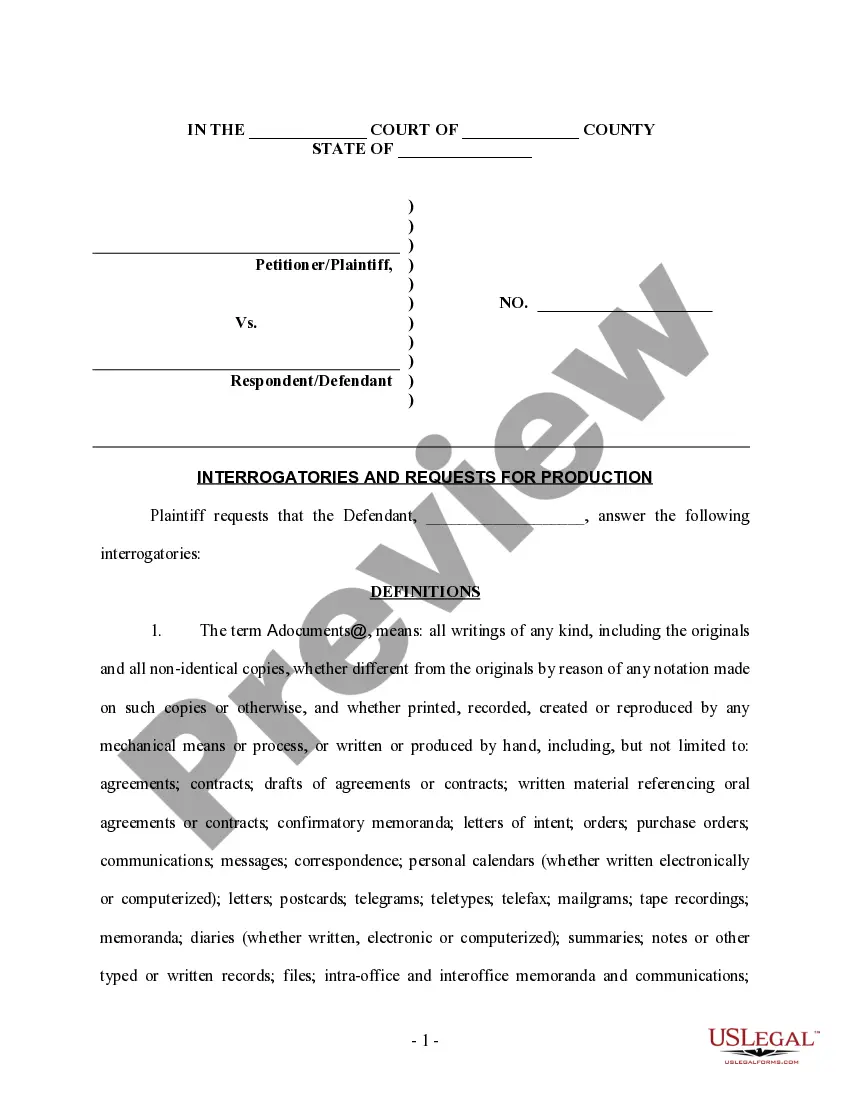
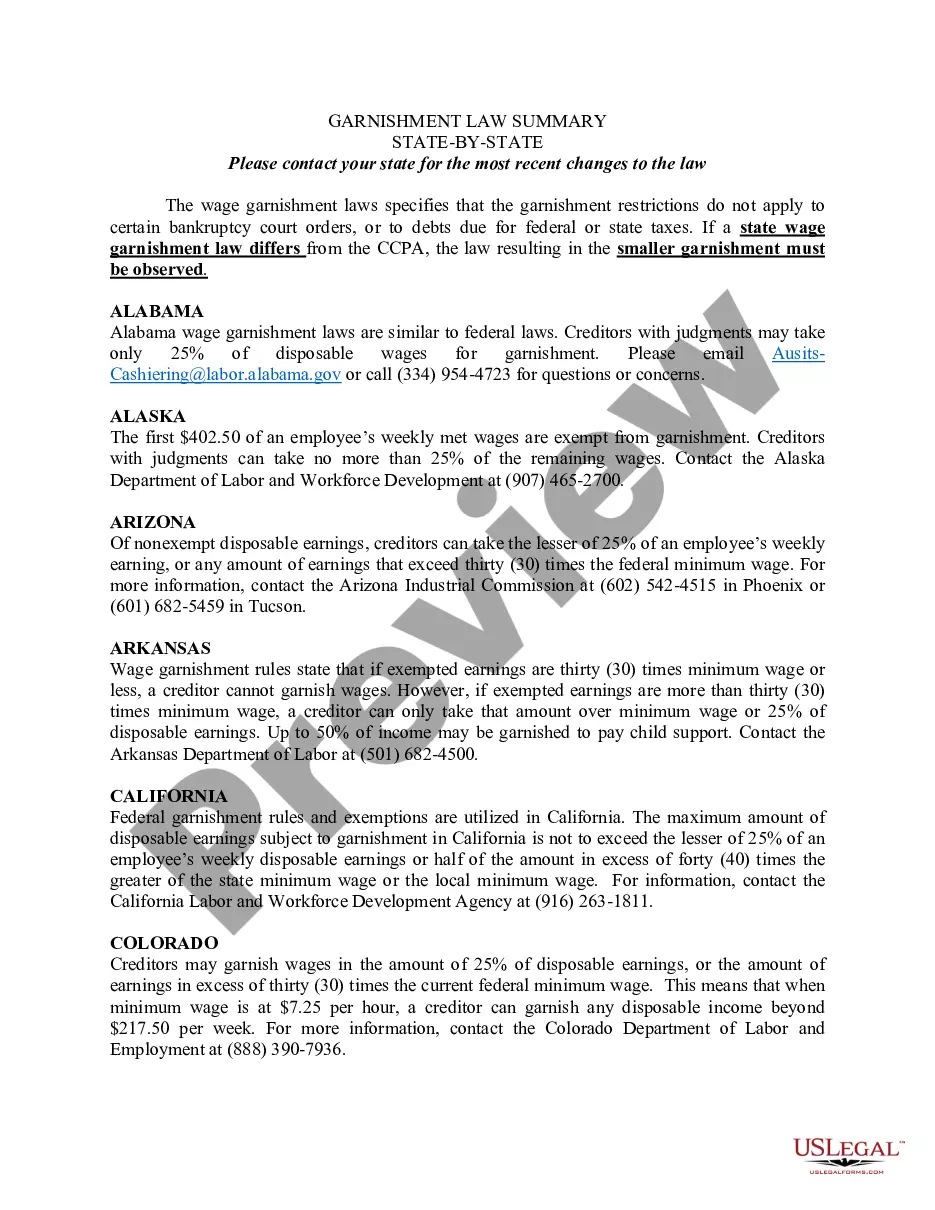



How to fill out Florida Conditional Partial Release And Waiver Of Lien Form - Construction - Mechanic Liens - Individual?
How to obtain professional legal documents that adhere to your state's rules and compile the Partial Release Of Lien Form With Notary without consulting a lawyer.
Numerous online services offer templates to address various legal scenarios and requirements. However, it might take time to determine which available samples meet both your needs and legal standards.
US Legal Forms is a trusted platform that assists you in finding official documents crafted in accordance with the most recent state law revisions while saving money on legal help.
If you do not possess an account with US Legal Forms, follow the steps below to create one: Review the webpage you've accessed to confirm that the form meets your requirements. Utilize the form description and preview options if they are provided. If necessary, search for another sample in the header displaying your state. Once you find the appropriate document, click the Buy Now button. Select the most suitable pricing plan, then Log In or pre-register for an account. Choose your payment method (by credit card or via PayPal). Select the file format for your Partial Release Of Lien Form With Notary and click Download. The received templates will remain available to you: you can access them anytime in the My documents section of your profile. Register on our platform and create legal documents independently like a seasoned legal professional!
- US Legal Forms is not an ordinary online directory.
- It’s a repository of over 85,000 validated templates for various business and personal situations.
- All documents are categorized by area and state to streamline your search experience.
- It also features advanced tools for PDF editing and eSignature, allowing users with a Premium subscription to swiftly finalize their documents online.
- Acquiring the necessary paperwork requires minimal time and effort.
- If you already own an account, Log In and verify that your subscription is active.
- Download the Partial Release Of Lien Form With Notary using the corresponding button beside the file name.
Form popularity
FAQ
Florida statutory lien waivers are not required to be notarized, and gain no practical benefit from notarization.
How to complete the Conditional Waiver and Release on Progress Payment formName of Claimant. The claimant is the party receiving the payment in other words, the one waiving their lien rights.Name of Customer.Job Location.Owner.Through Date.Maker of the Check.Amount of the Check.Check Payable To.More items...?
Must a New York lien waiver be notarized? No. New York does not specifically require lien waivers to be notarized. Additionally, electronic signatures are valid signatures in NY, including on lien waivers, despite the fact that New York has not adopted the UETA framework.
The waivers need not be notarized. It is sufficient that it is in writing. The taxpayer is bound to submit his duly executed waiver to the officers of the Bureau and to retain his copy of the accepted waiver.
North Carolina lien waivers do not need to be notarized to be effective.