California Form Wills Without A Lawyer
Description
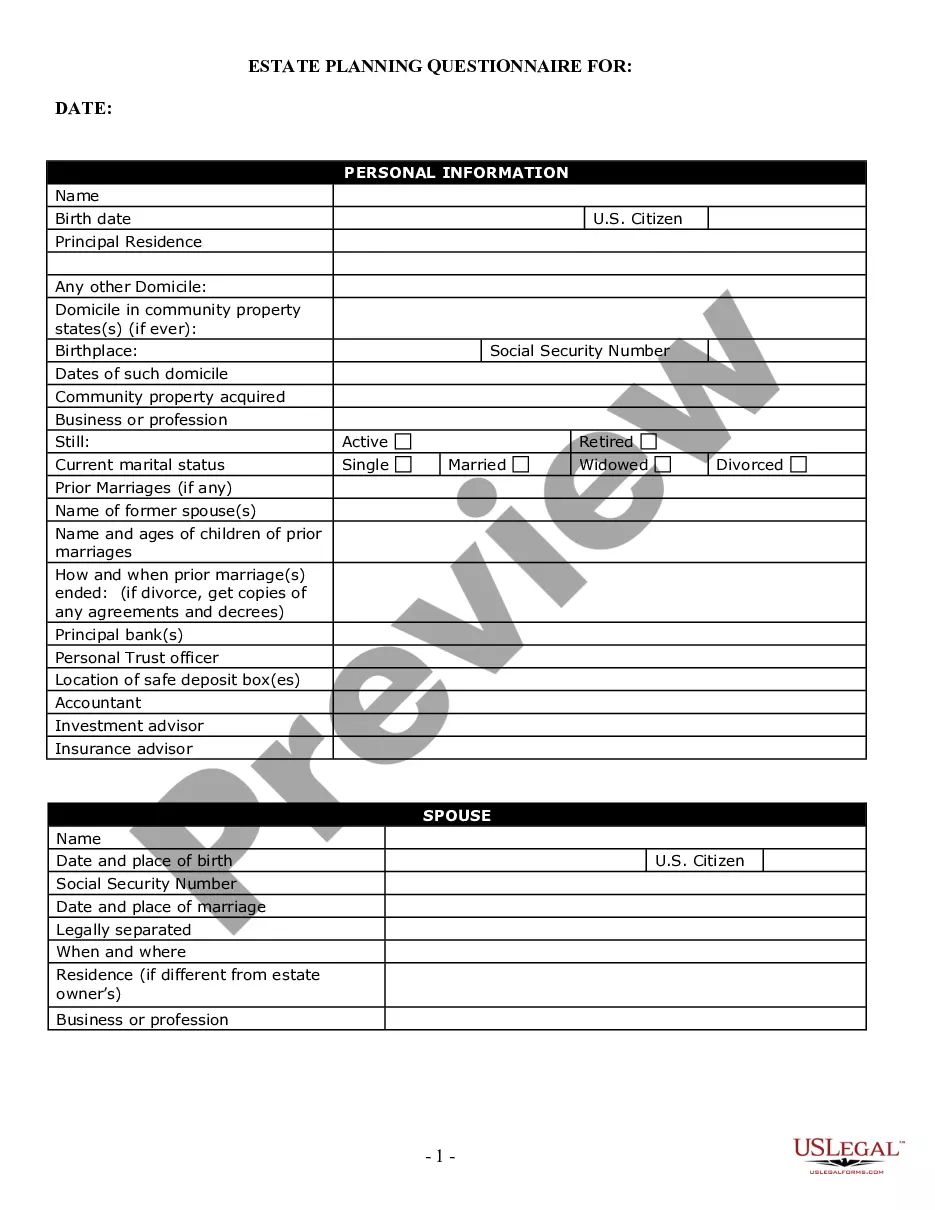
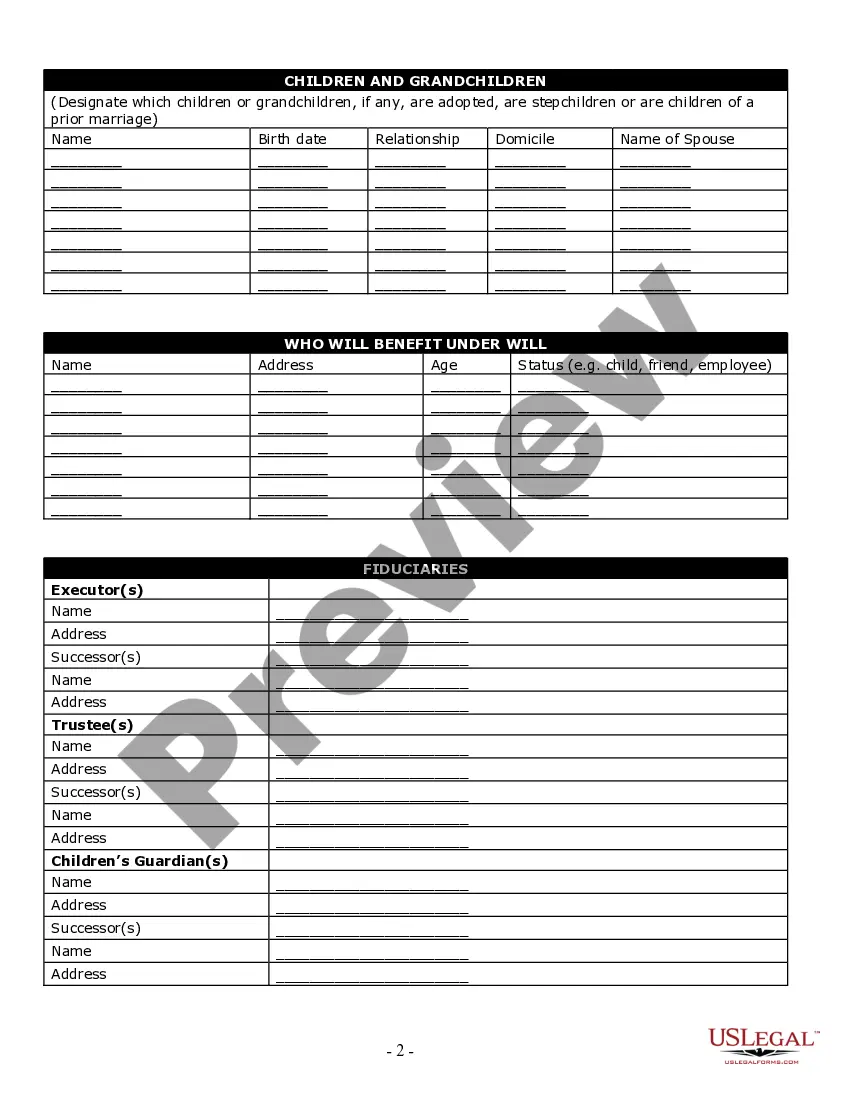
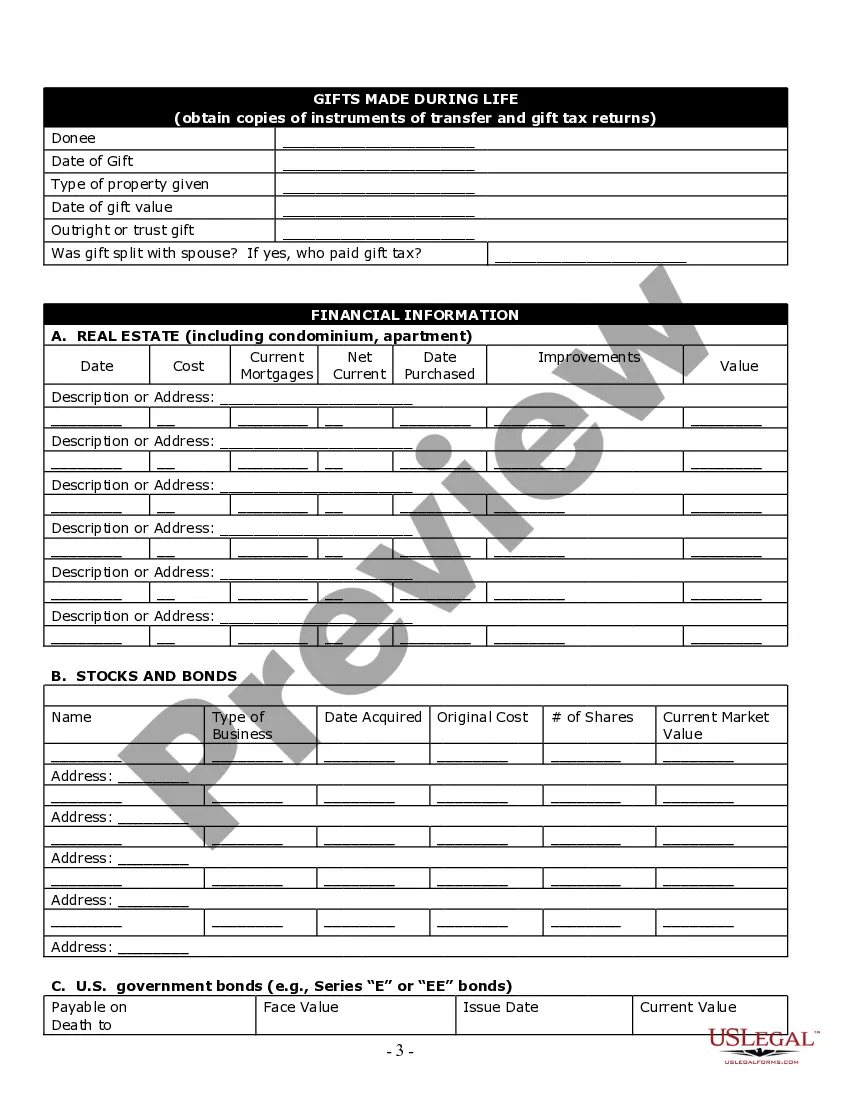
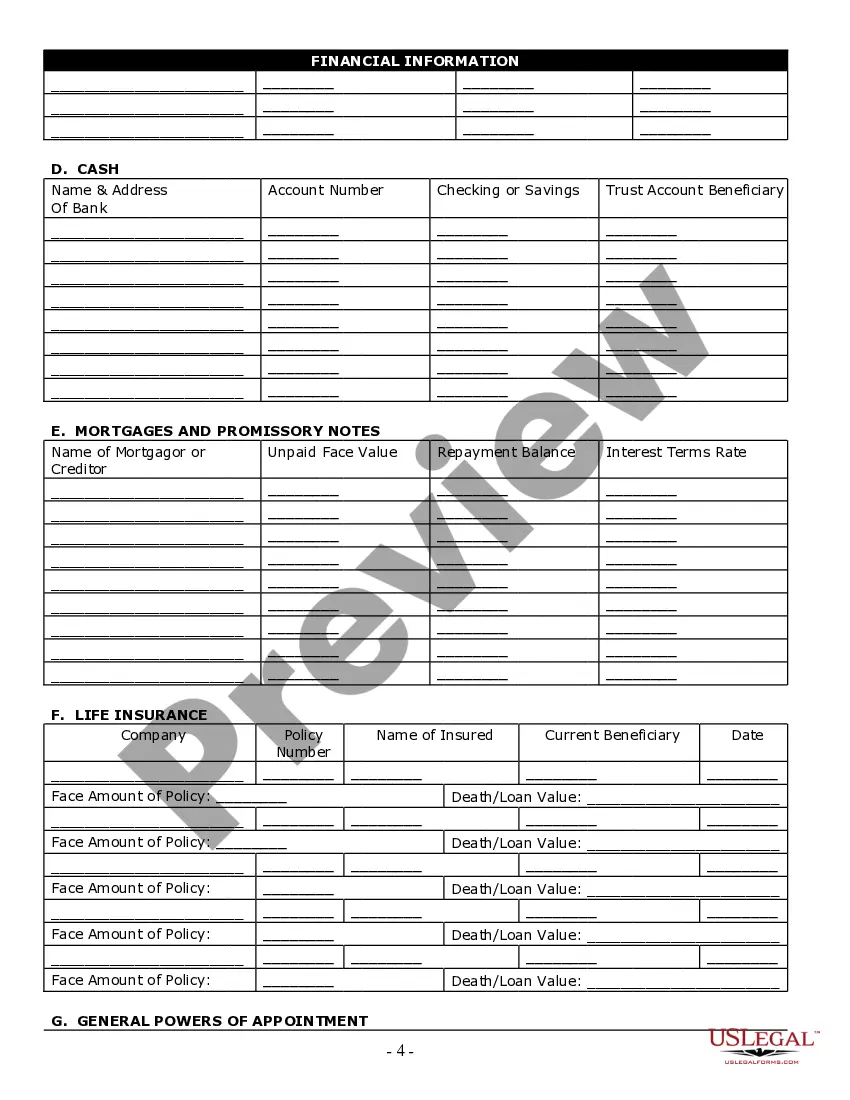
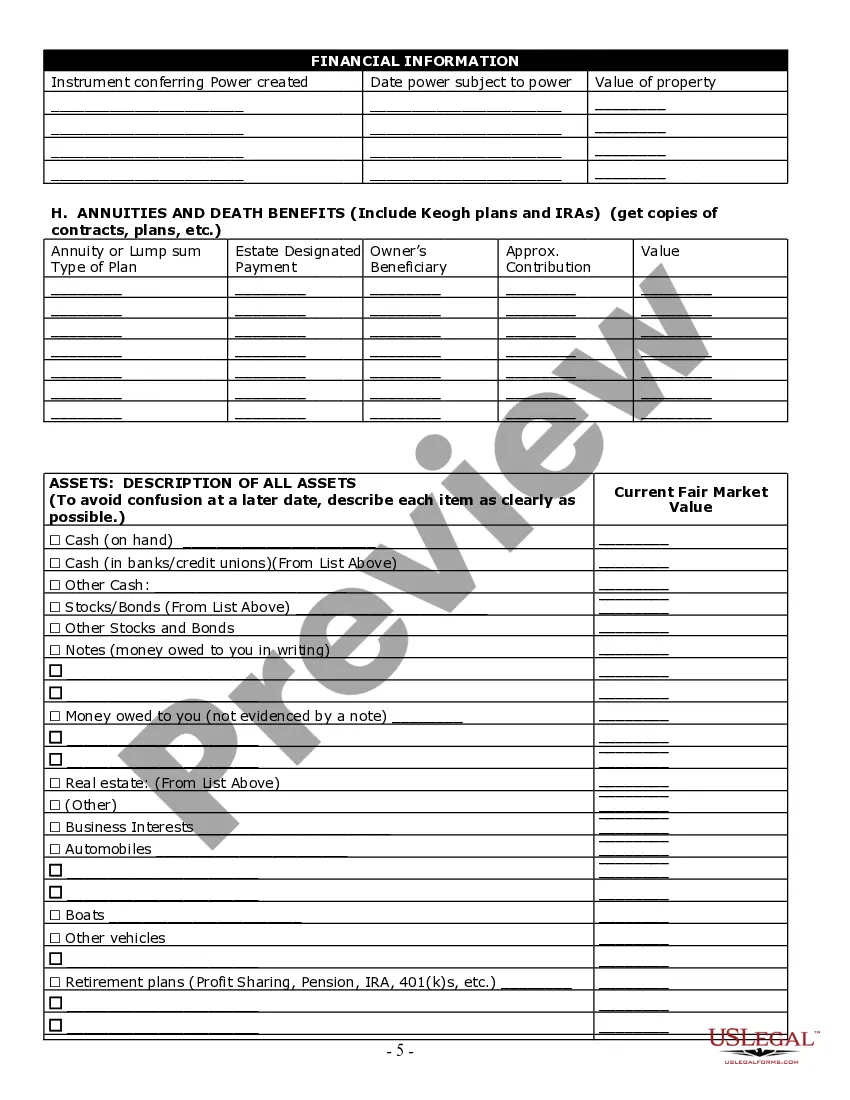
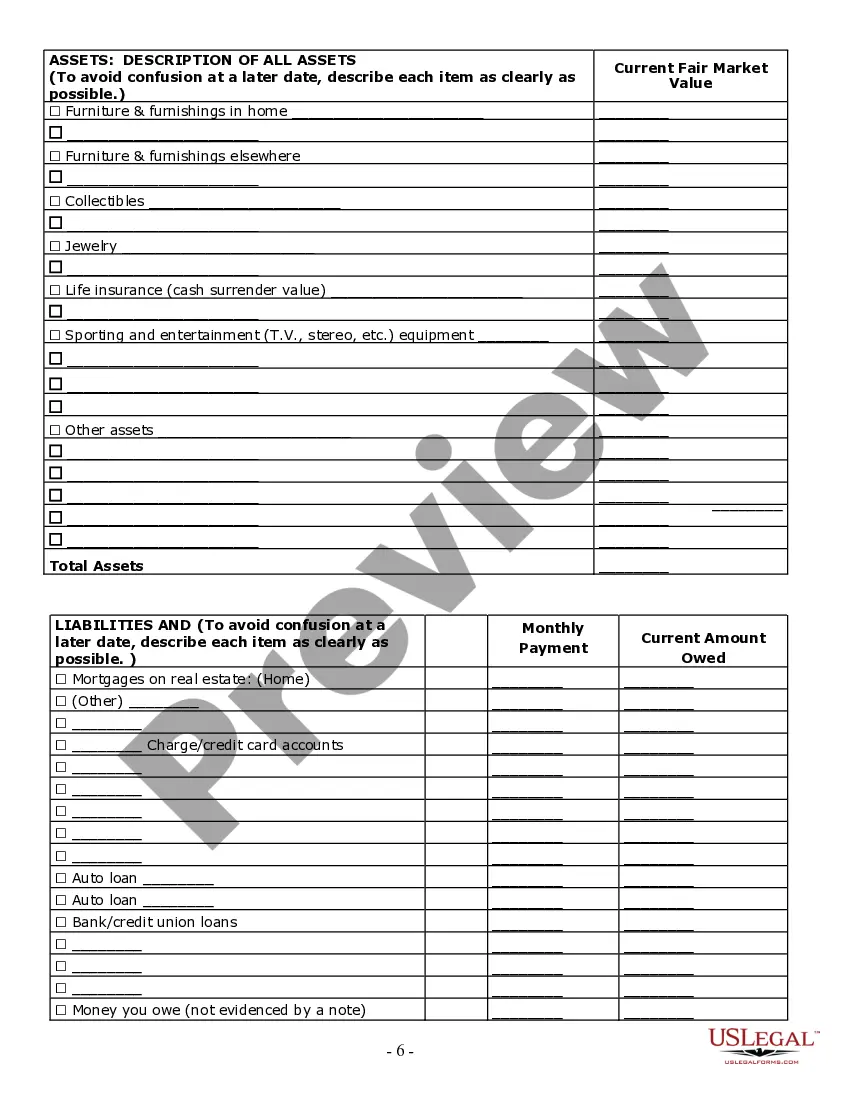
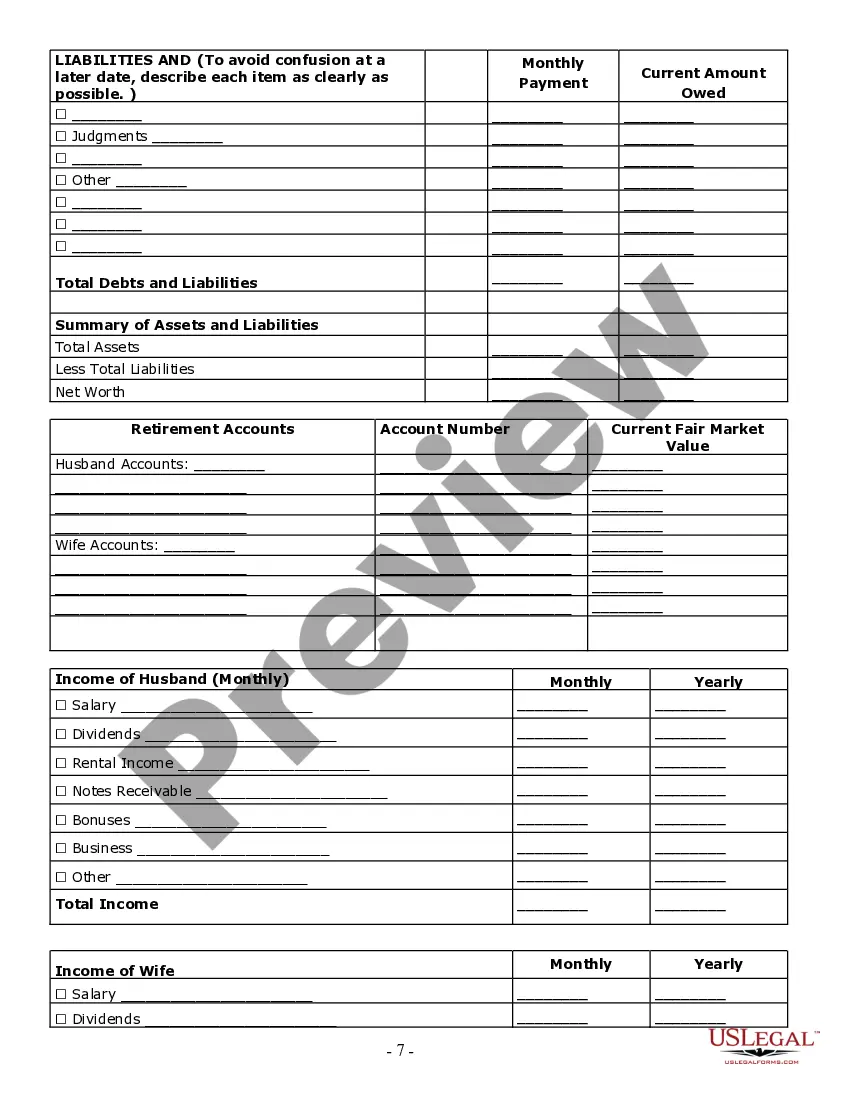

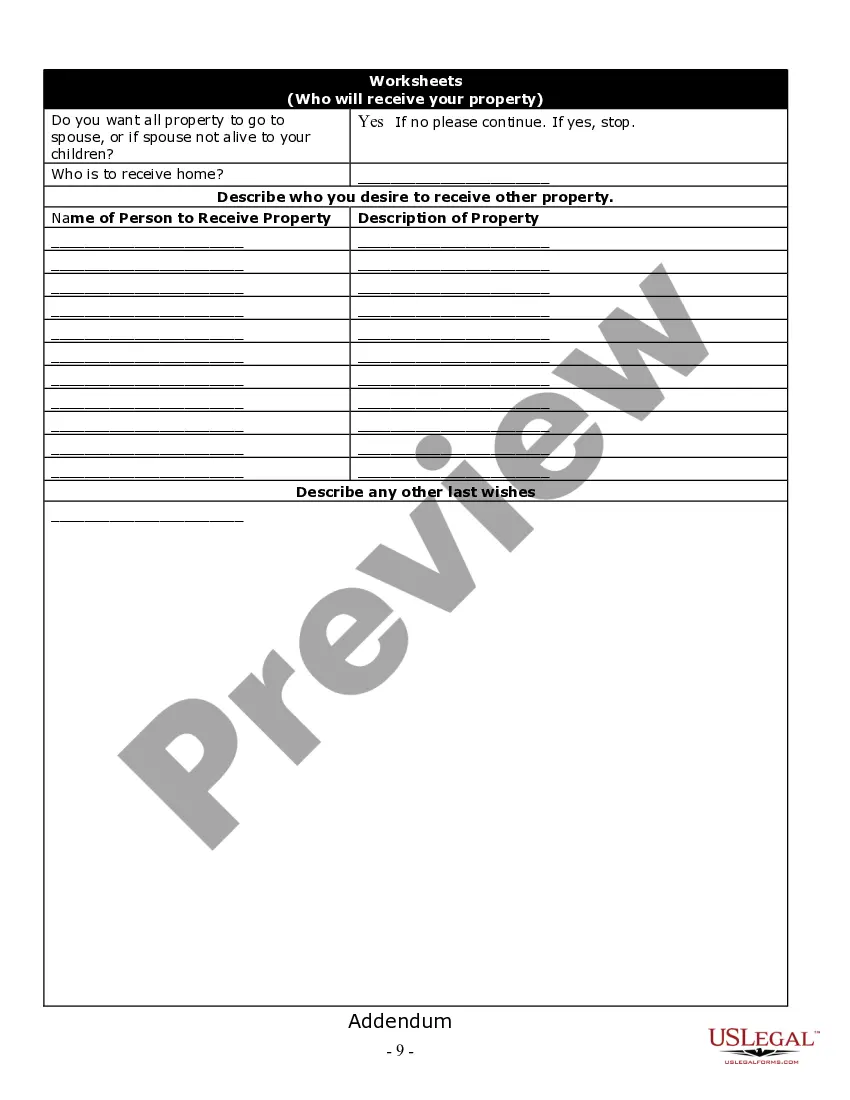


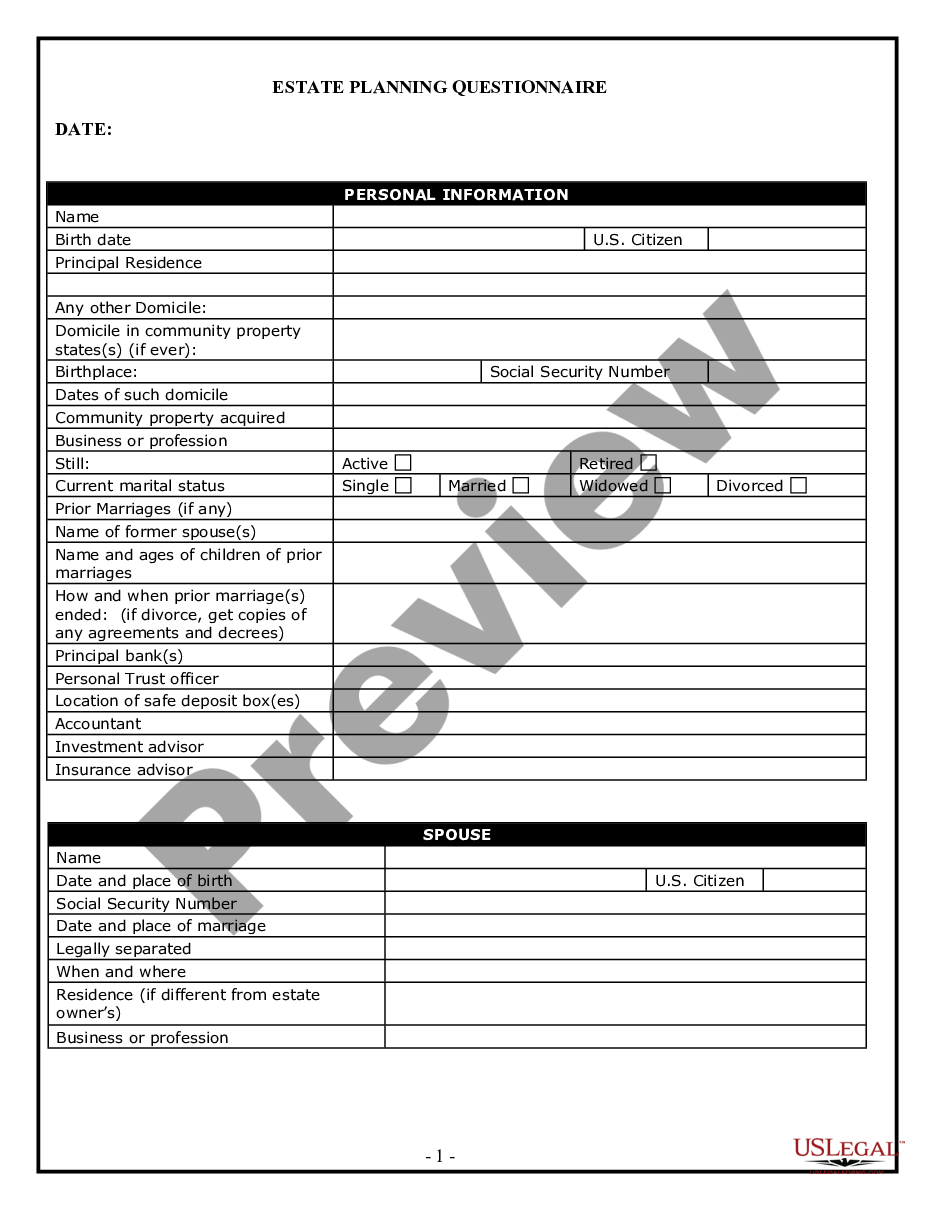
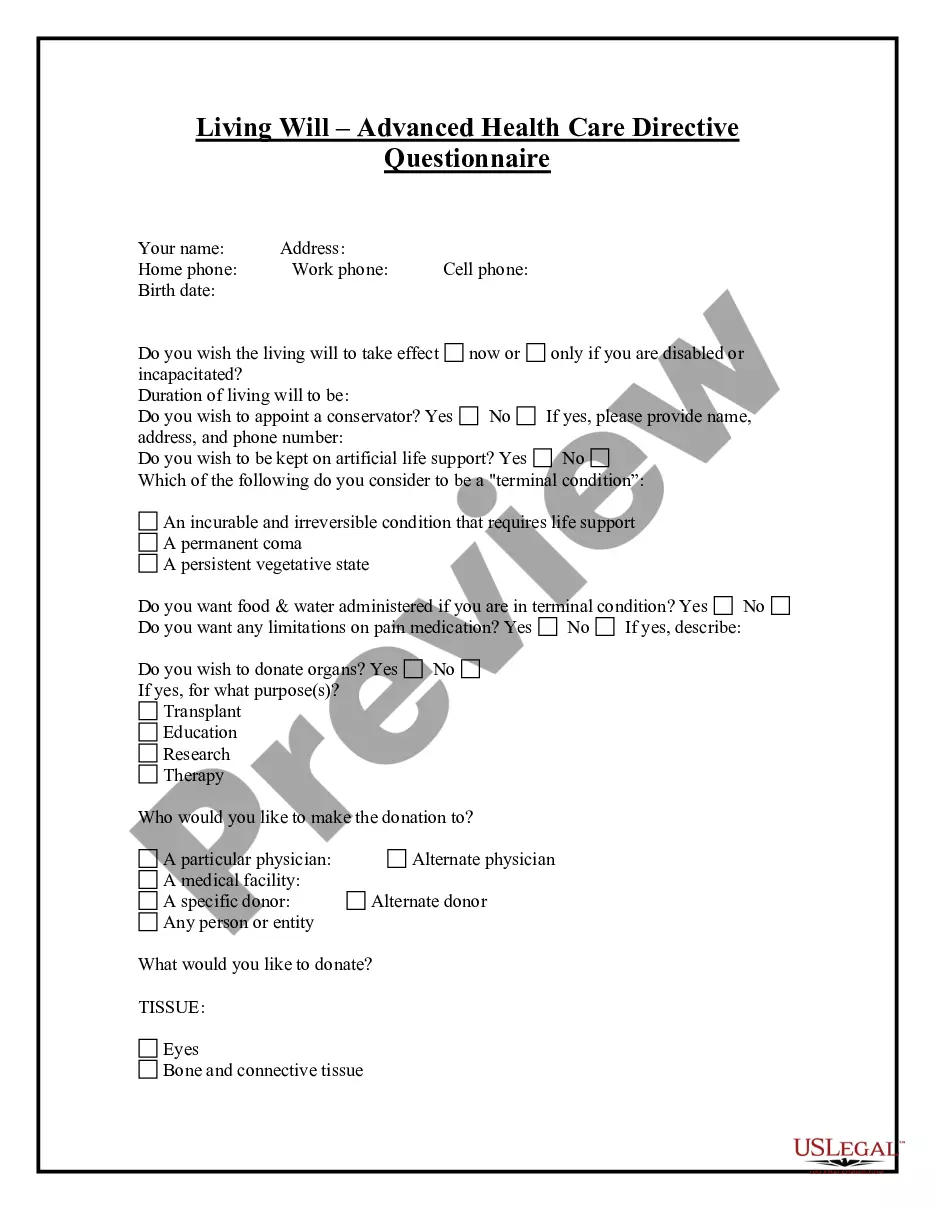
Get your form ready online
Our built-in tools help you complete, sign, share, and store your documents in one place.
Make edits, fill in missing information, and update formatting in US Legal Forms—just like you would in MS Word.
Download a copy, print it, send it by email, or mail it via USPS—whatever works best for your next step.
Sign and collect signatures with our SignNow integration. Send to multiple recipients, set reminders, and more. Go Premium to unlock E-Sign.
If this form requires notarization, complete it online through a secure video call—no need to meet a notary in person or wait for an appointment.
We protect your documents and personal data by following strict security and privacy standards.

Make edits, fill in missing information, and update formatting in US Legal Forms—just like you would in MS Word.

Download a copy, print it, send it by email, or mail it via USPS—whatever works best for your next step.

Sign and collect signatures with our SignNow integration. Send to multiple recipients, set reminders, and more. Go Premium to unlock E-Sign.

If this form requires notarization, complete it online through a secure video call—no need to meet a notary in person or wait for an appointment.

We protect your documents and personal data by following strict security and privacy standards.
Looking for another form?

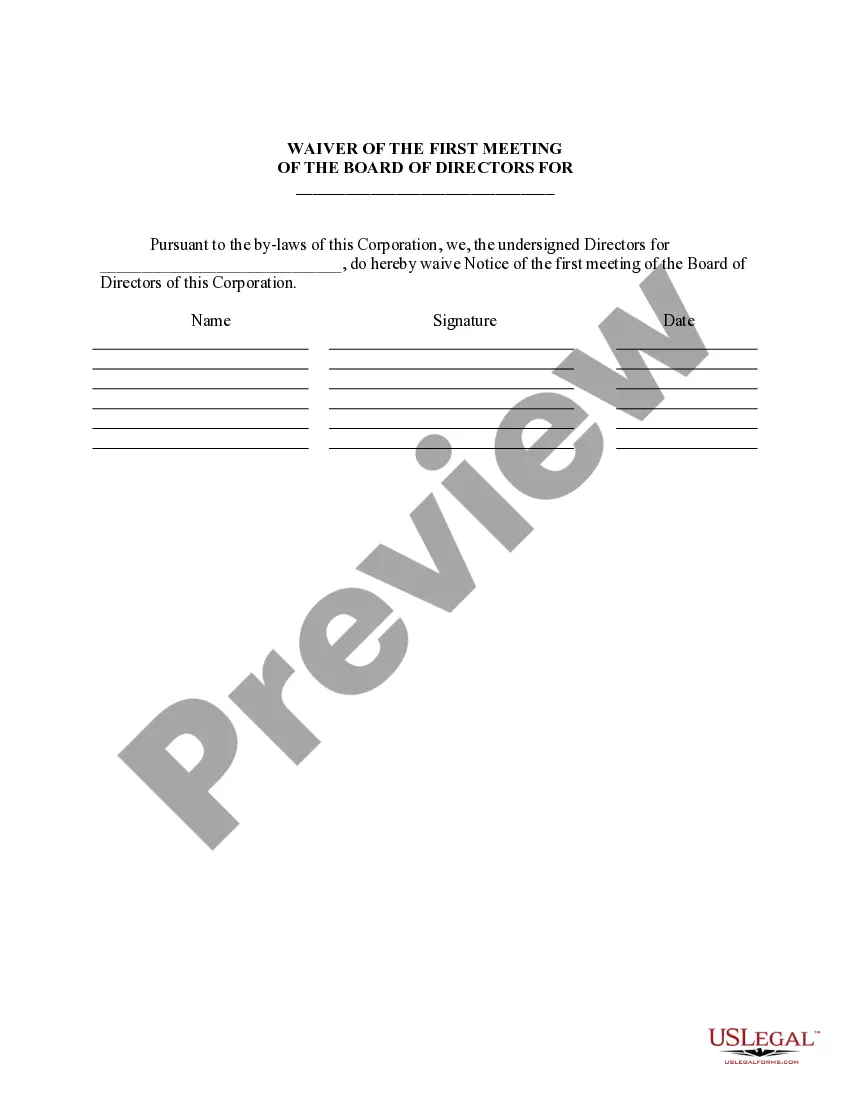





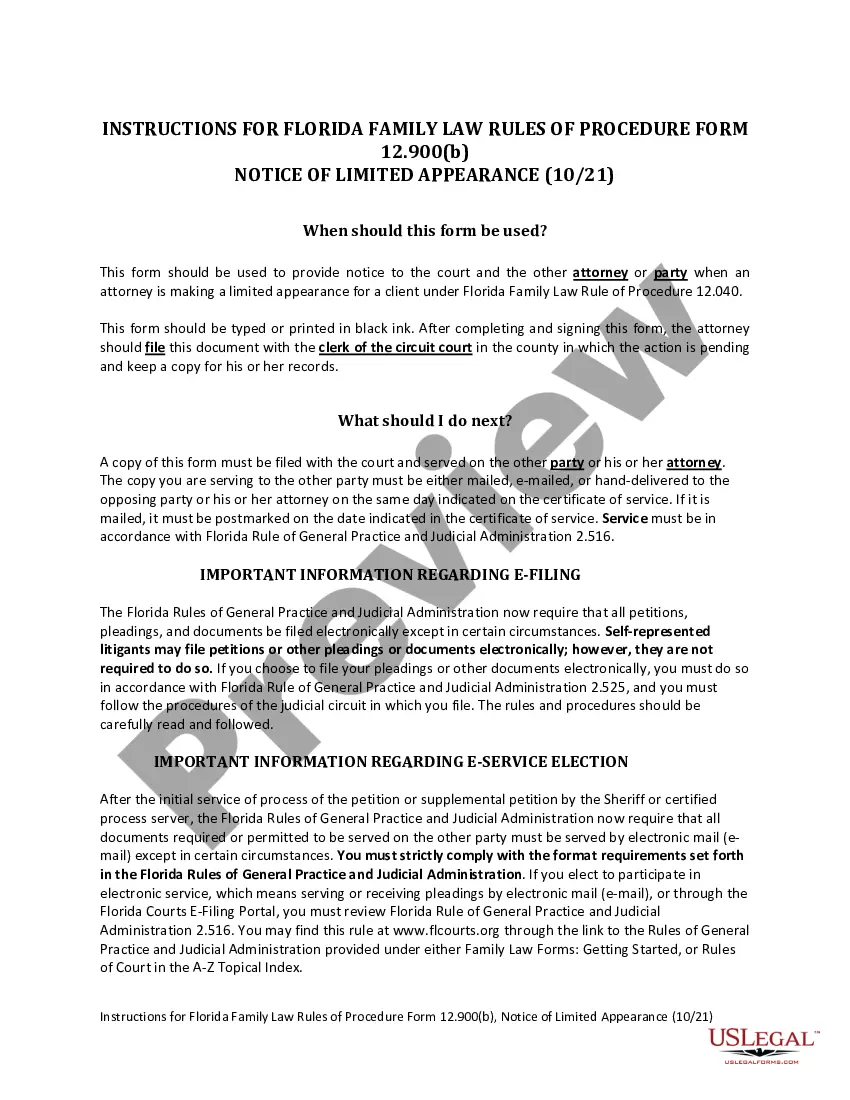


How to fill out California Estate Planning Questionnaire And Worksheets?
Managing legal documents can be daunting, even for the most adept professionals.
When you seek a California Form Wills Without A Lawyer and lack the opportunity to devote time searching for the correct and updated version, the process can be taxing.
US Legal Forms accommodates all your requirements, from individual to business paperwork, all in one location.
Utilize advanced tools to complete and manage your California Form Wills Without A Lawyer.
Here are the steps to follow after accessing the form you need: Validate that this is the correct form by previewing it and reading its description; ensure that the sample is accepted in your state or county; select Buy Now when you are ready; choose a monthly subscription plan; pick the format you require, and Download, complete, eSign, print, and send your document. Enjoy the US Legal Forms online library, supported by 25 years of expertise and dependability. Transform your daily document management into a seamless and user-friendly experience today.
- Access a repository of articles, guidelines, handbooks, and materials relevant to your situation and needs.
- Save time and effort searching for the documents you require, and use US Legal Forms’ advanced search and Review feature to find California Form Wills Without A Lawyer and download it.
- If you possess a monthly subscription, Log In to your US Legal Forms account, search for the form, and download it.
- Check the My documents tab to see the documents you have previously downloaded and to manage your folders as desired.
- If this is your first experience with US Legal Forms, create an account and gain unlimited access to all the benefits of the platform.
- A comprehensive online form library could be a transformative resource for anyone wanting to navigate these circumstances efficiently.
- US Legal Forms stands as a leading provider of online legal forms, boasting over 85,000 state-specific legal documents accessible at any moment.
- With US Legal Forms, you can access state- or county-specific legal and business forms.
Form popularity
FAQ
How to make a will without a lawyer in 7 steps Step 1: Create an account with an online service. ... Step 2: Designate an executor. ... Step 3: Identify beneficiaries. ... Step 4: Plan for your dependents. ... Step 5: Prepare your assets. ... Step 6: List your debts. ... Step 7: Execute your will.
Your will must be in writing, meaning it exists in a physical form. For example, a will ?in writing? can be one you've written by hand, or one you've typed on a computer and printed. A digital copy, like a PDF of your will saved on your computer, isn't considered valid under California law. Neither is an oral will.
Steps to Create a Will in California Decide what property to include in your will. Decide who will inherit your property. Choose an executor to handle your estate. Choose a guardian for your children. Choose someone to manage children's property. Make your will. Sign your will in front of witnesses.
The will must be in writing. The will must be signed in front of two witnesses and a legally authorized person (an attorney is fine). A certificate in the exact form of California Probate Code section 6384 must be signed, dated, and attached to the will. The will must be for only one person.
Yes. There are handwritten Wills, typewritten Wills, attorney-prepared Wills, and statutory Wills. All are valid if done precisely as the law requires. You should see a lawyer if you do not want to use this Statutory Will or if you do not understand this form.