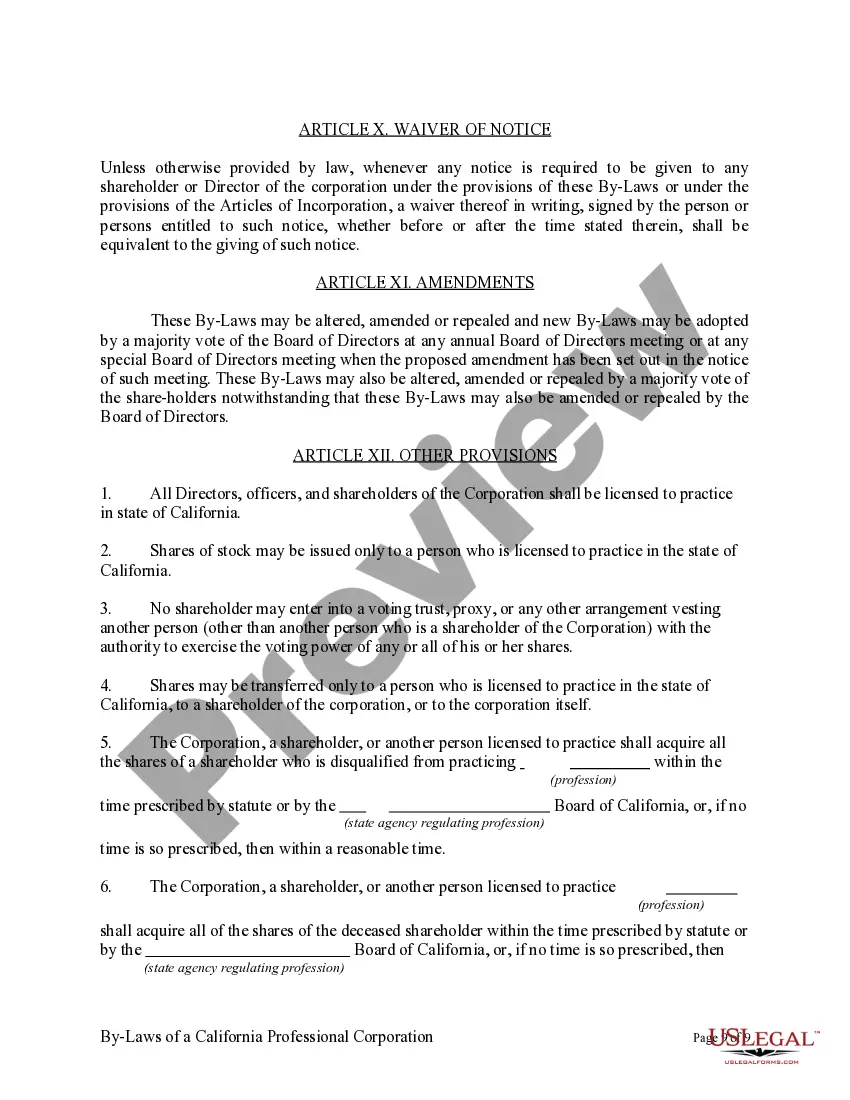
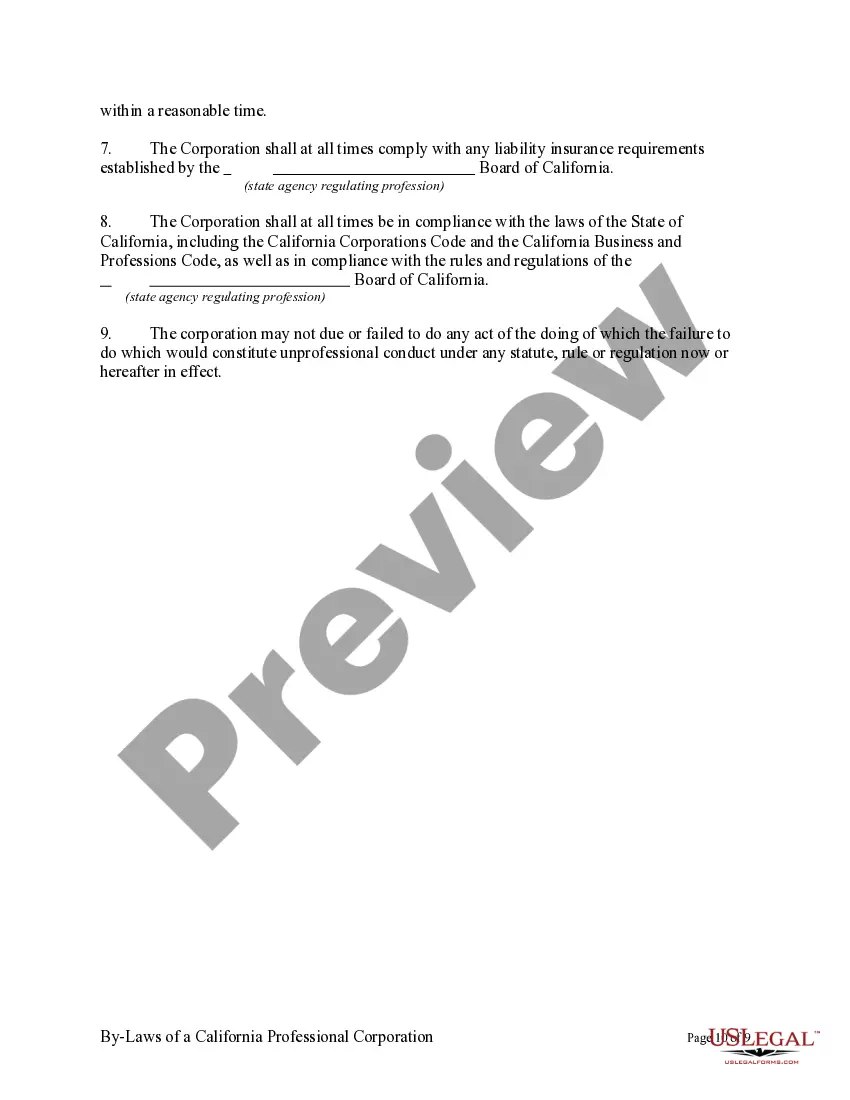
California Professional Corporation Ca Withdrawal
Description
Get your form ready online
Our built-in tools help you complete, sign, share, and store your documents in one place.
Make edits, fill in missing information, and update formatting in US Legal Forms—just like you would in MS Word.
Download a copy, print it, send it by email, or mail it via USPS—whatever works best for your next step.
Sign and collect signatures with our SignNow integration. Send to multiple recipients, set reminders, and more. Go Premium to unlock E-Sign.
If this form requires notarization, complete it online through a secure video call—no need to meet a notary in person or wait for an appointment.
We protect your documents and personal data by following strict security and privacy standards.

Make edits, fill in missing information, and update formatting in US Legal Forms—just like you would in MS Word.

Download a copy, print it, send it by email, or mail it via USPS—whatever works best for your next step.

Sign and collect signatures with our SignNow integration. Send to multiple recipients, set reminders, and more. Go Premium to unlock E-Sign.

If this form requires notarization, complete it online through a secure video call—no need to meet a notary in person or wait for an appointment.

We protect your documents and personal data by following strict security and privacy standards.
Looking for another form?







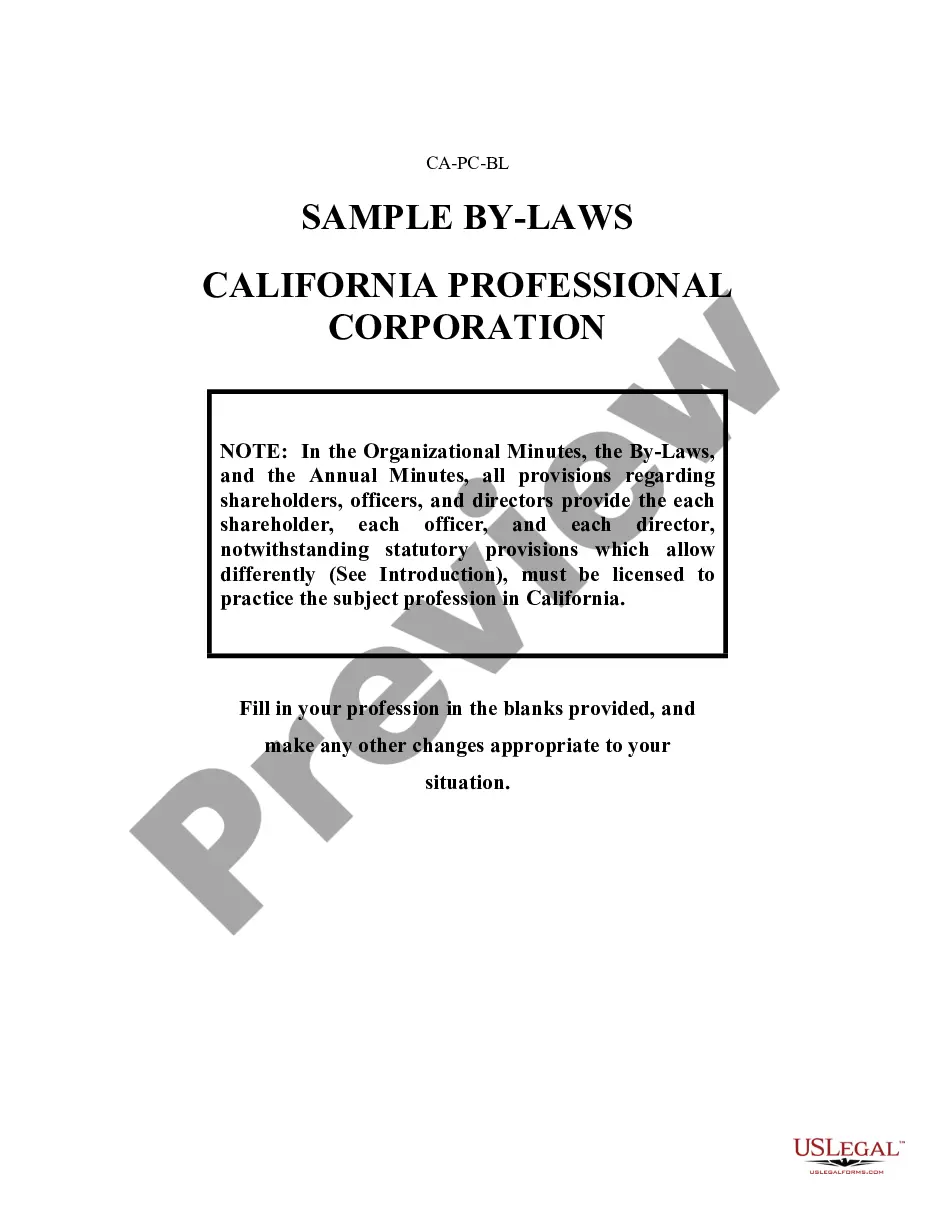
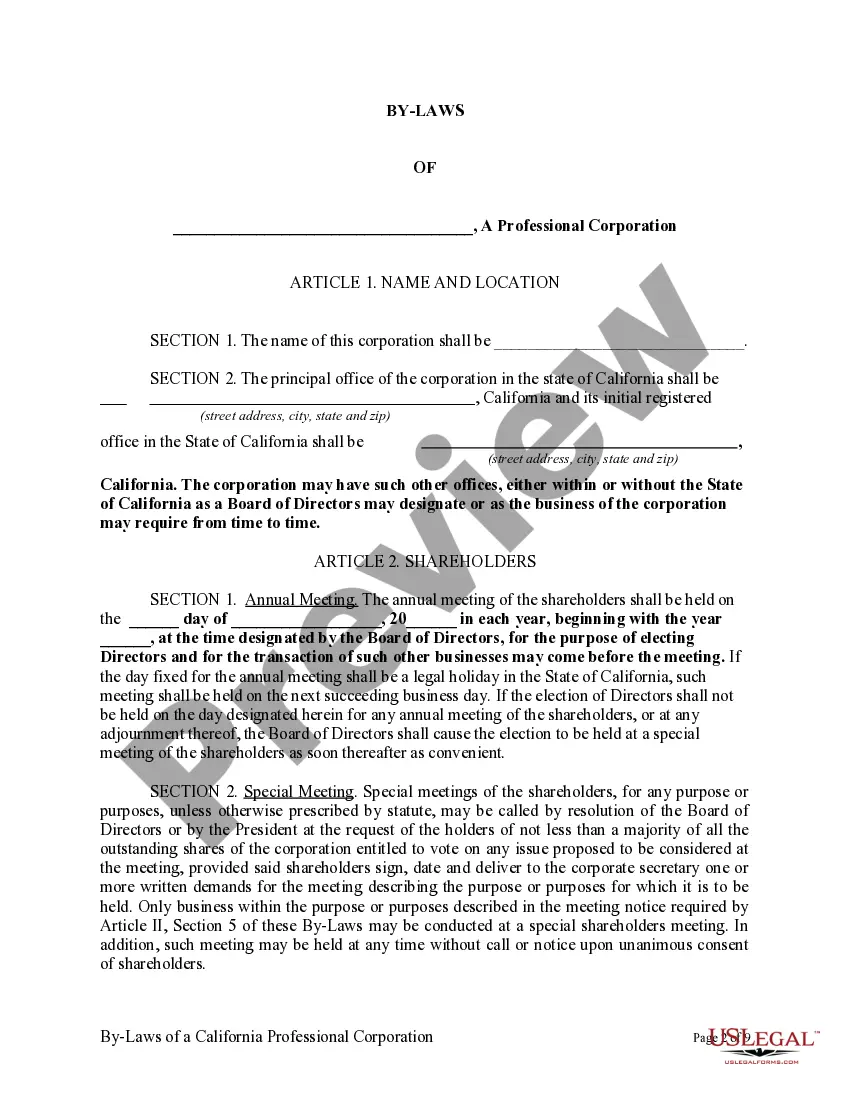
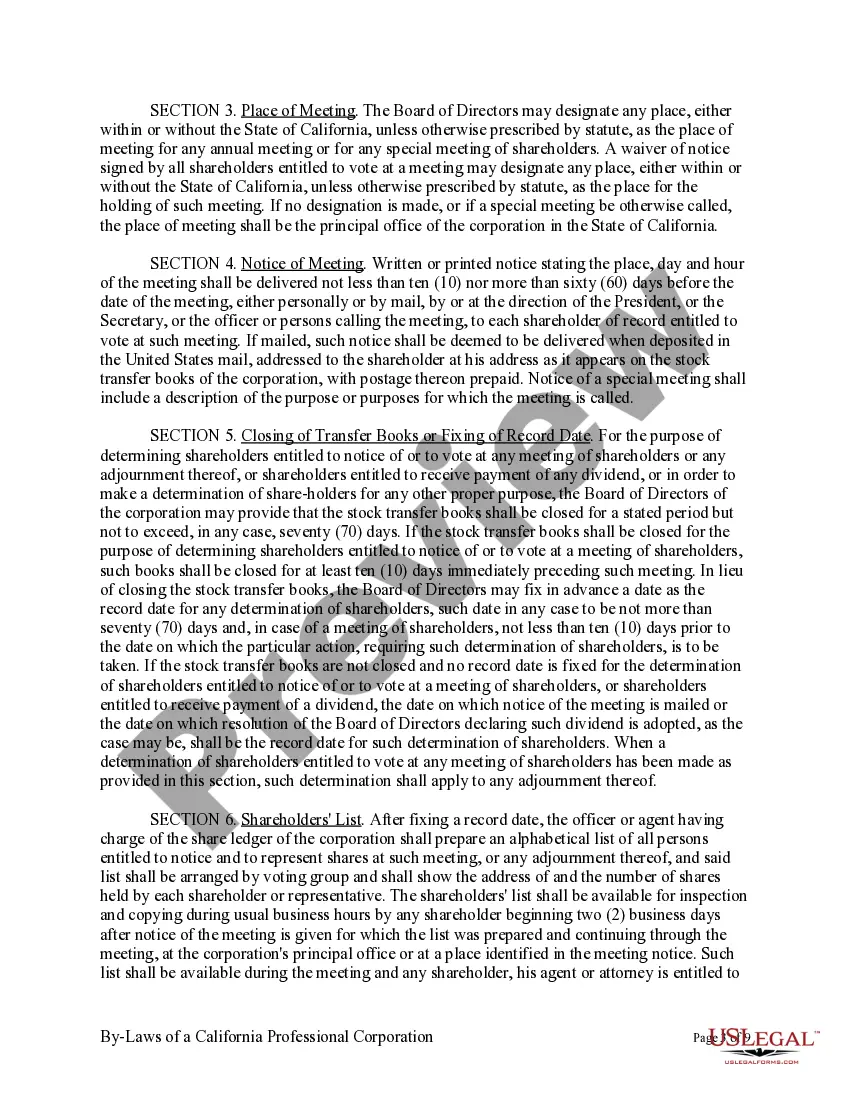
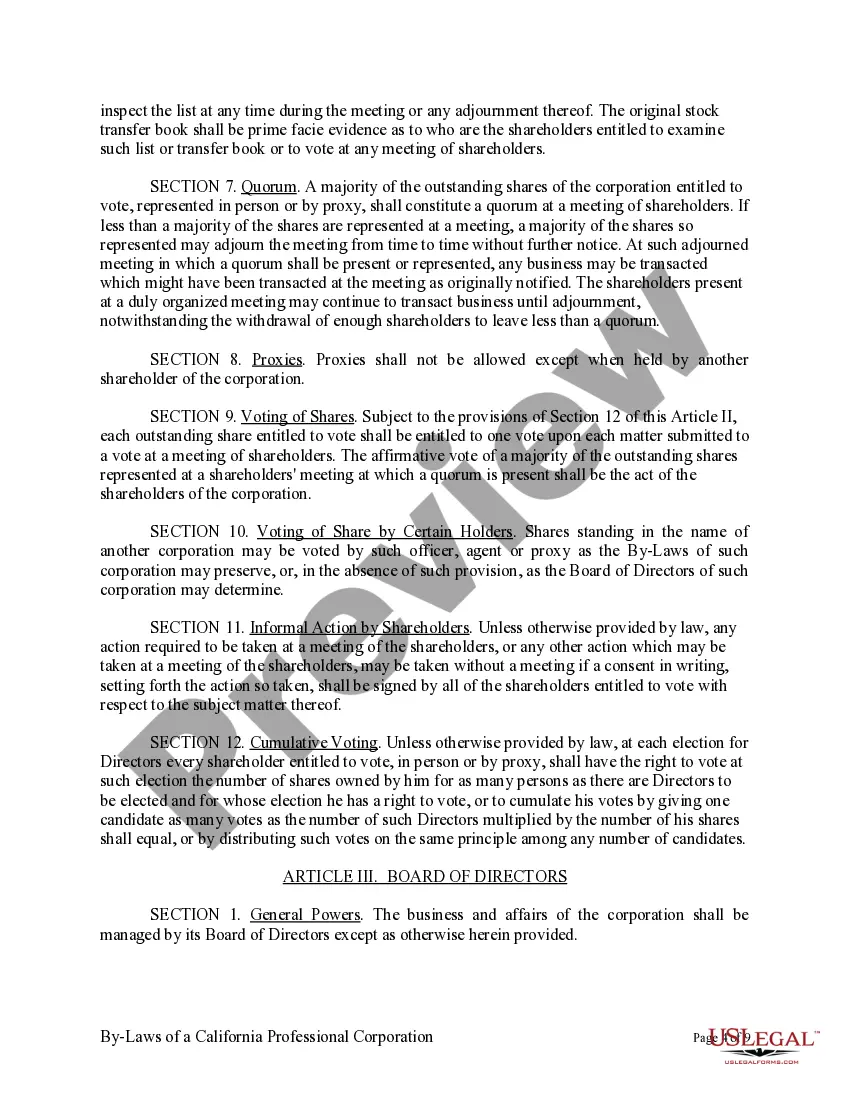
How to fill out Sample Bylaws For A California Professional Corporation?
Acquiring legal templates that comply with federal and state regulations is essential, and the internet provides numerous choices.
But what’s the use of spending time searching for the accurately drafted California Professional Corporation Ca Withdrawal example online when the US Legal Forms digital library already has such templates compiled in one location.
US Legal Forms is the largest online legal repository with over 85,000 fillable templates created by attorneys for various business and personal situations.
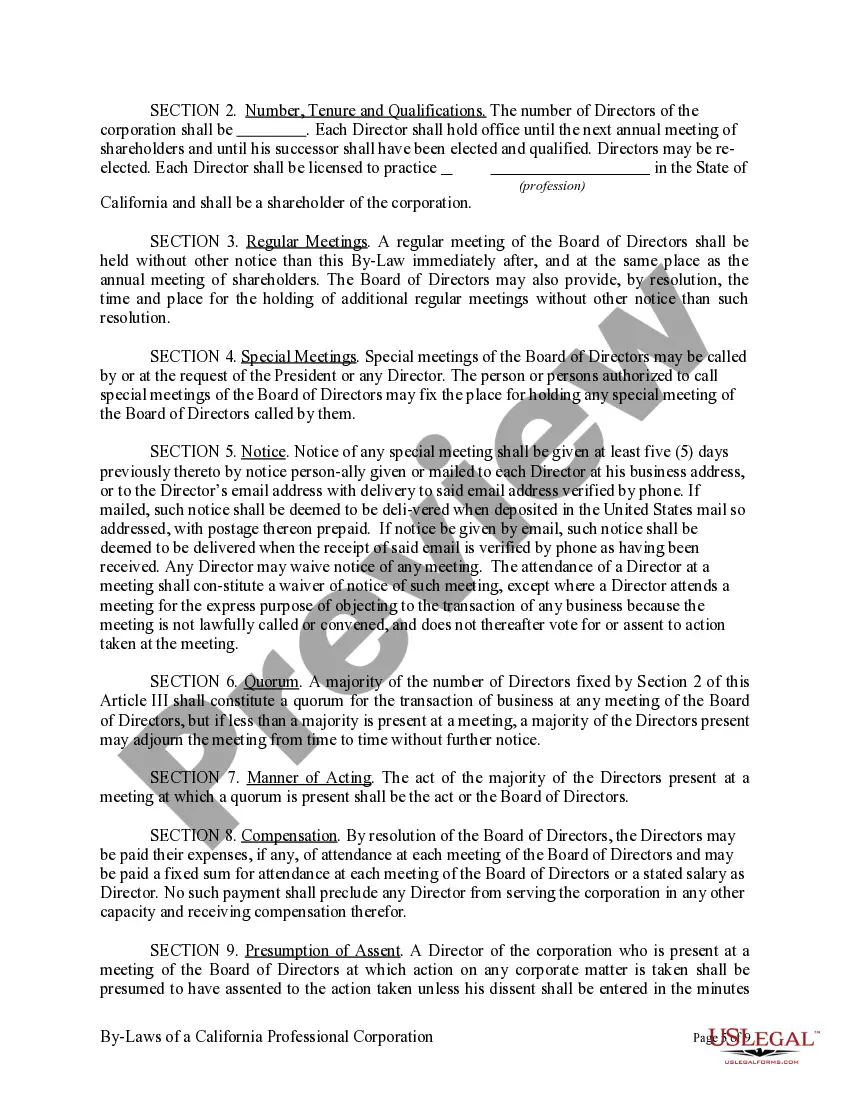
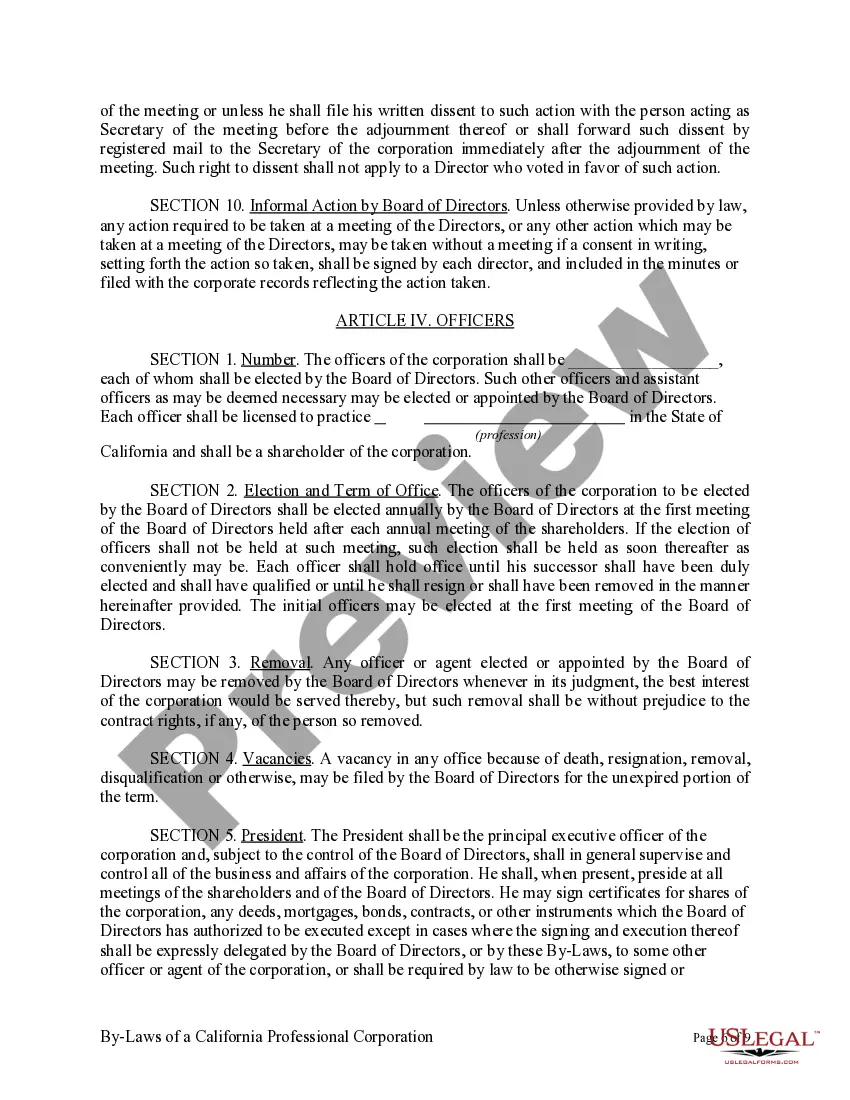
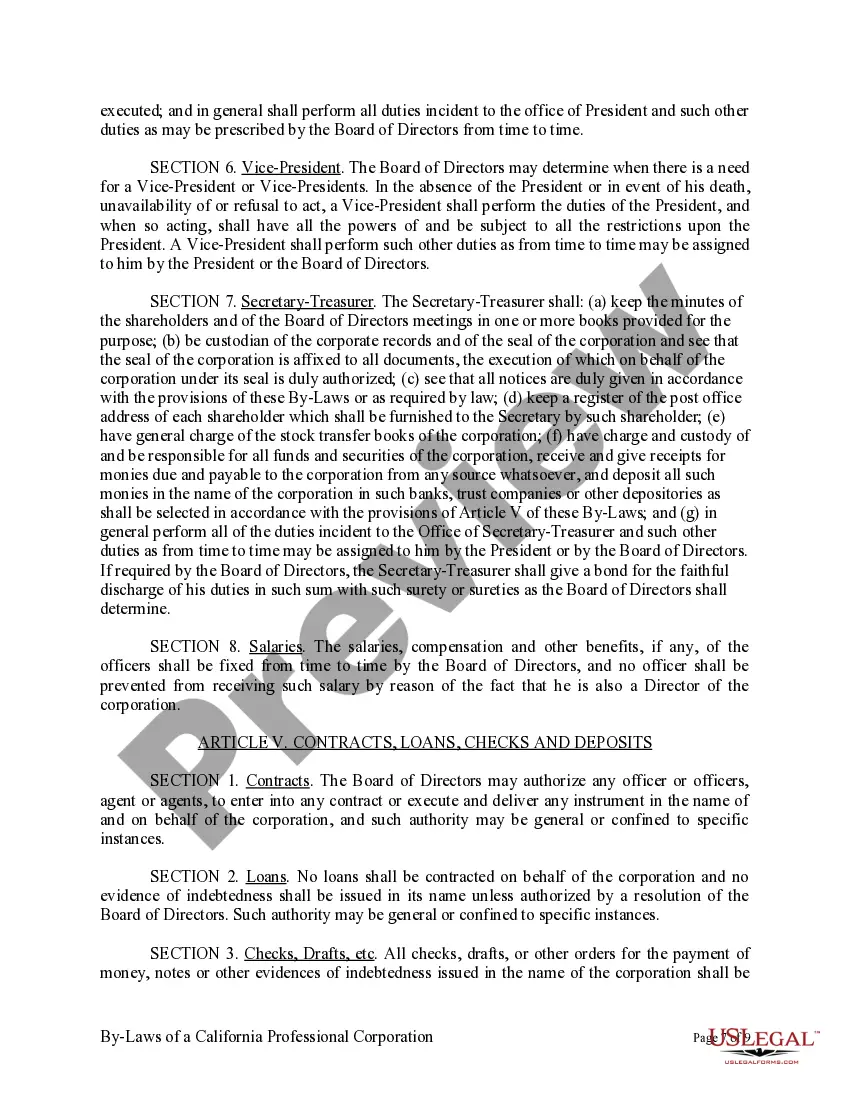
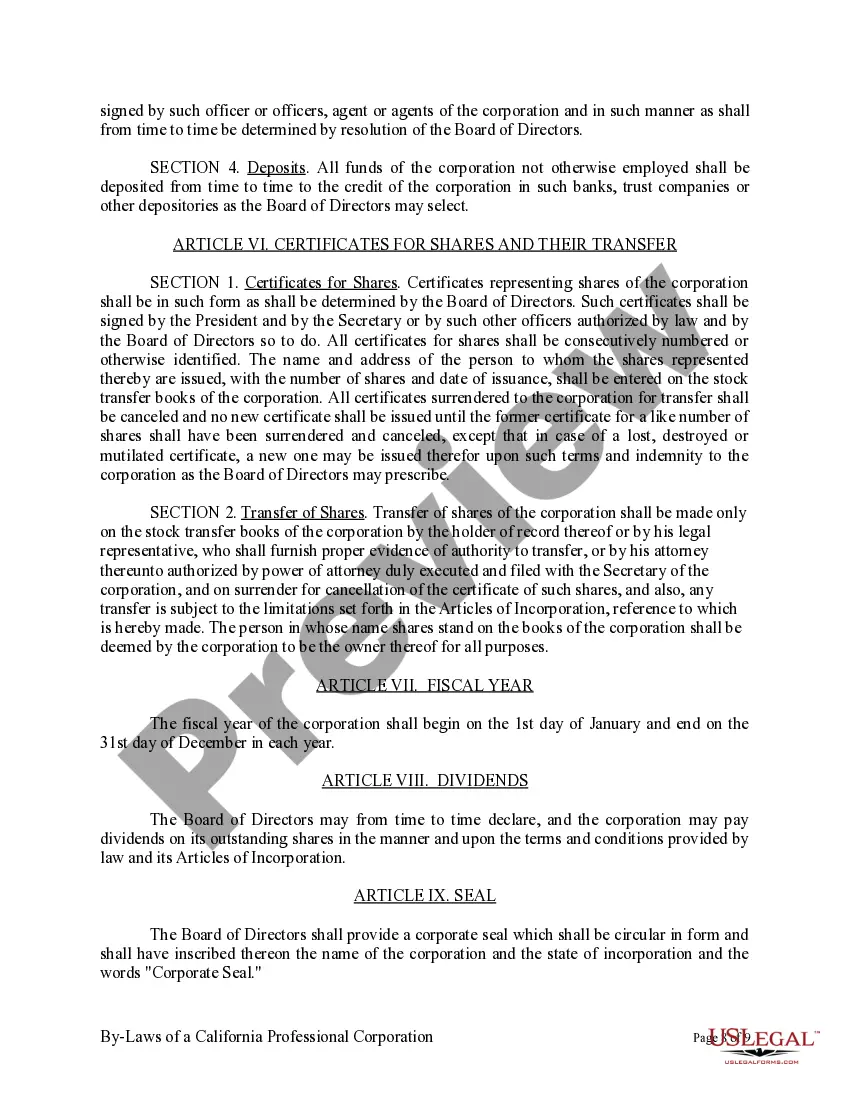
Review the template using the Preview feature or through the text outline to confirm it suits your requirements.
- They are straightforward to navigate with all documents categorized by state and intended use.
- Our experts keep up with legislative changes, ensuring that your paperwork is always current and compliant when obtaining a California Professional Corporation Ca Withdrawal from our site.
- Acquiring a California Professional Corporation Ca Withdrawal is simple and fast for both existing and new users.
- If you already possess an account with an active subscription, Log In and download the document sample you need in your desired format.
- If you are new to our site, follow the instructions below.
Form popularity
FAQ
To dissolve, the corporation must file a Certificate of Election to Wind Up and Dissolve (Form ELEC STK) prior to or together with a Certificate of Dissolution (Form DISS STK). However, if the election to dissolve is made by the vote of all the outstanding shares, only the Certificate of Dissolution is required.
How do I dissolve a California corporation or LLC? Pay any owed fees, penalties, or California Franchise Tax payments to the California Franchise Tax Board. File the correct dissolution form with the California Secretary of State.
WHERE TO FILE: The Certificate of Surrender can be mailed to Secretary of State, Document Filing Support Unit, 1500 11th Street, 3rd Floor, Sacramento, CA 95814 or delivered in person to the Sacramento office. Certificates of Surrender are only filed in the Secretary of State's Sacramento office.
To dissolve a California corporation, submit the appropriate form(s) to the California Secretary of State (SOS) by mail or in person. The dissolution forms are available on the SOS website and can be filled in online then printed out. You may type on the forms or write in black or blue ink.
File the appropriate dissolution, surrender, or cancellation SOS form(s) within 12 months of filing your final tax return. Currently, LLCs can submit termination forms online. Online submission for Corporation and Partnership dissolution/cancellation forms is not available at this time.