Ca Professional Corporation California With Foreign Entity
Description
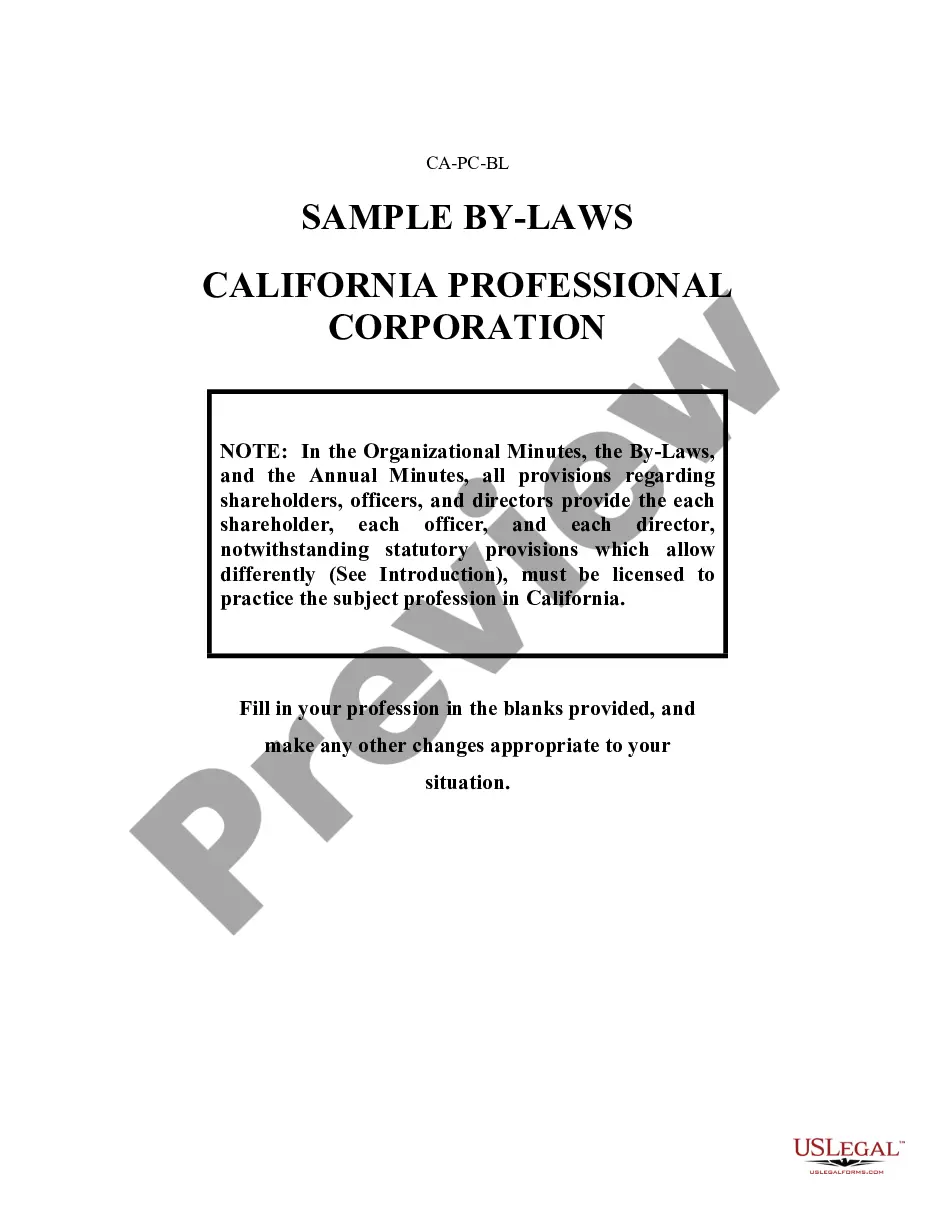
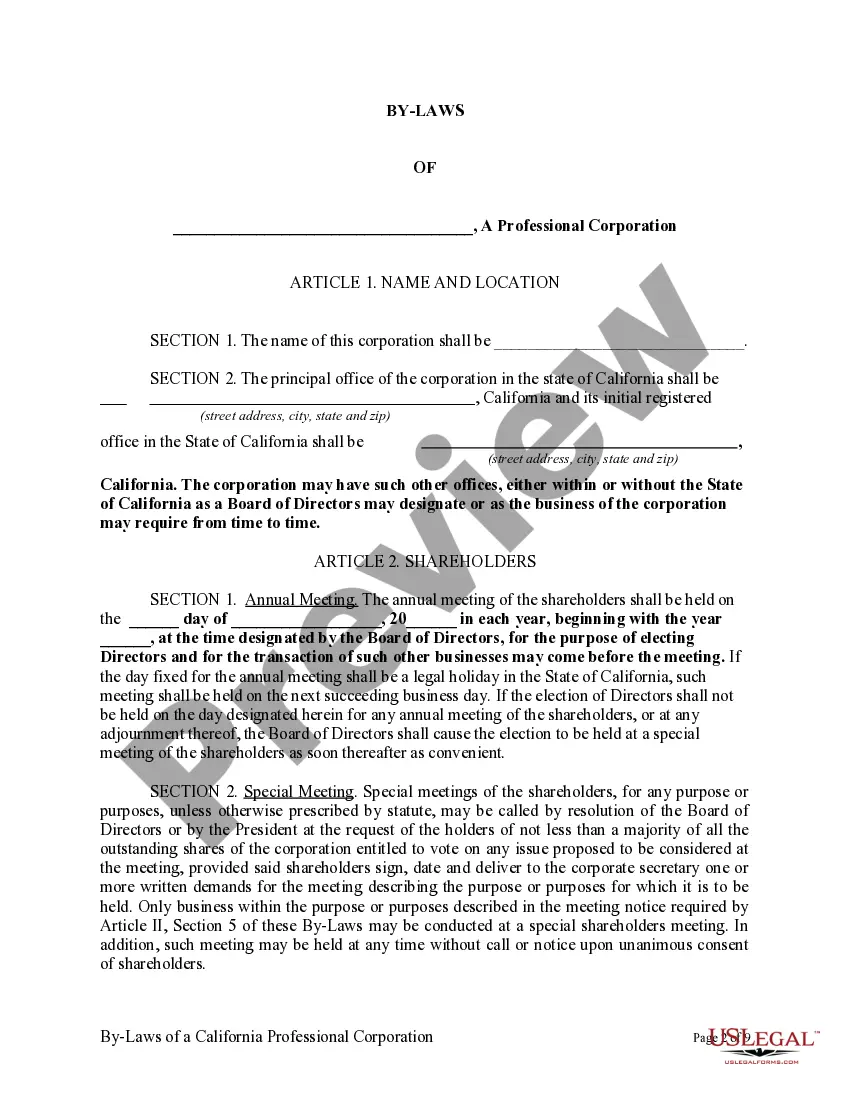
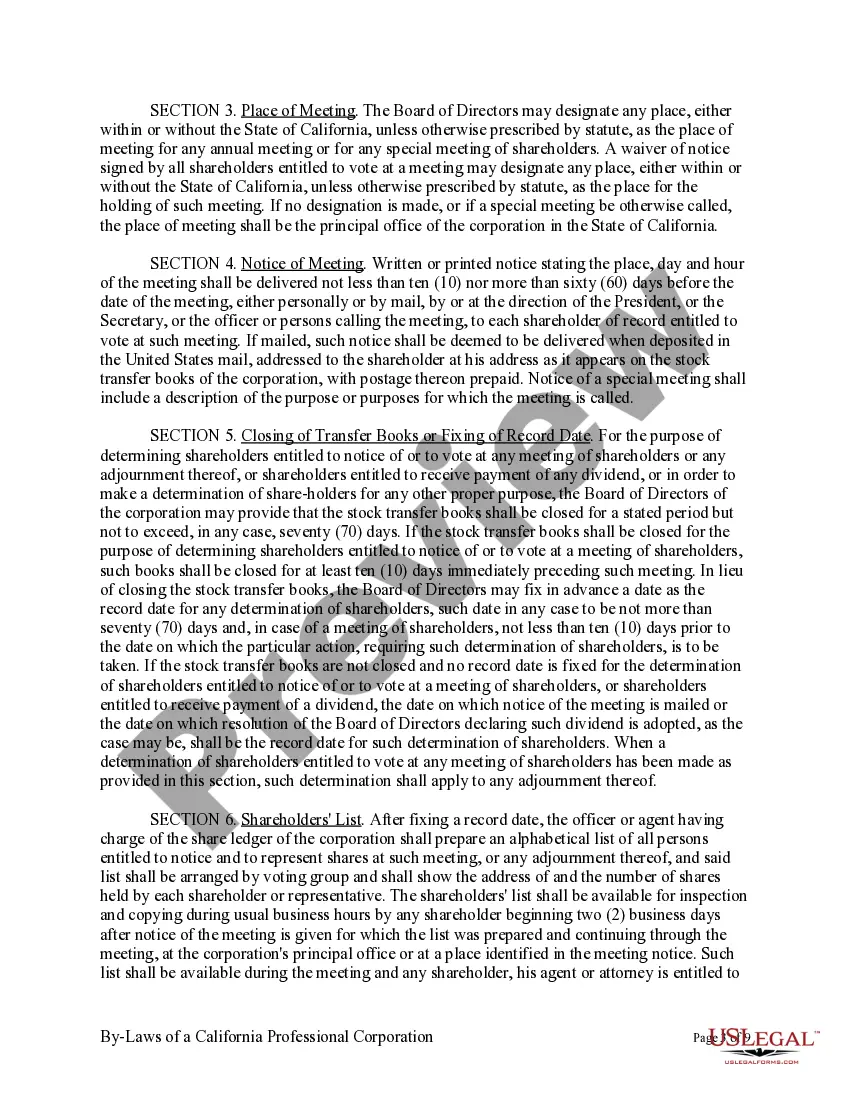
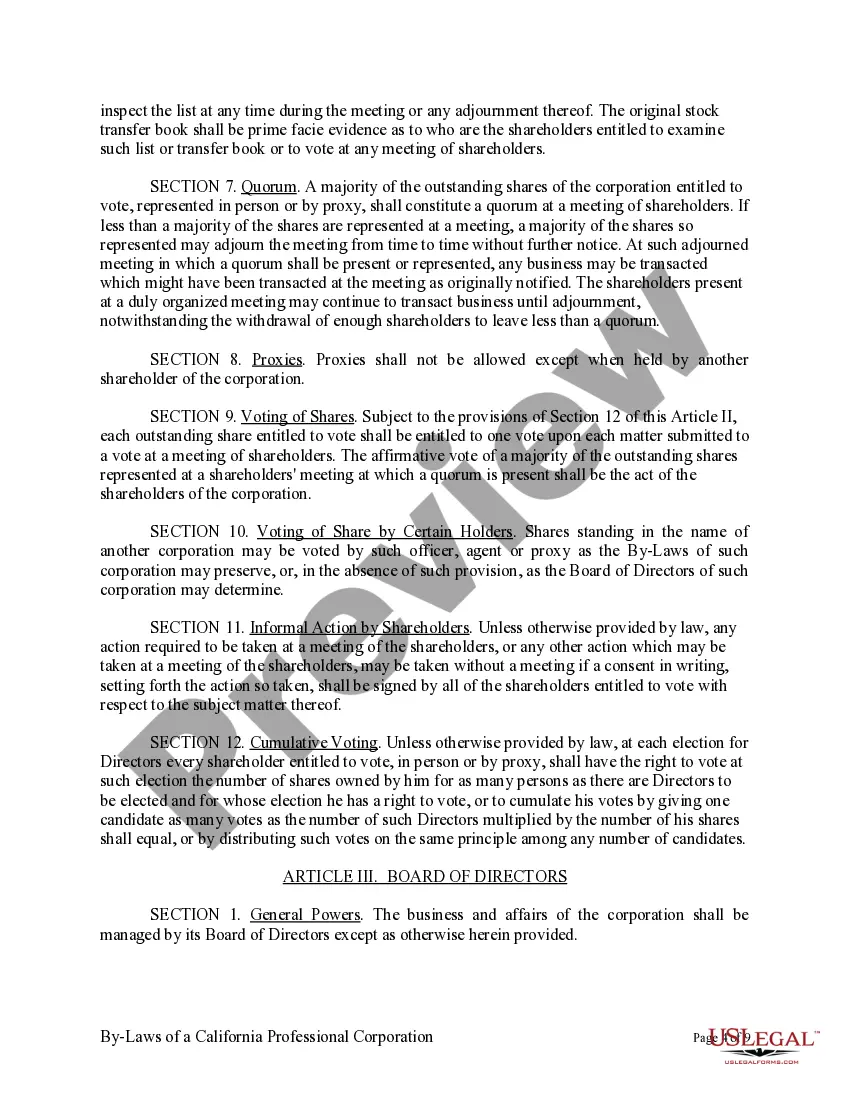
Get your form ready online
Our built-in tools help you complete, sign, share, and store your documents in one place.
Make edits, fill in missing information, and update formatting in US Legal Forms—just like you would in MS Word.
Download a copy, print it, send it by email, or mail it via USPS—whatever works best for your next step.
Sign and collect signatures with our SignNow integration. Send to multiple recipients, set reminders, and more. Go Premium to unlock E-Sign.
If this form requires notarization, complete it online through a secure video call—no need to meet a notary in person or wait for an appointment.
We protect your documents and personal data by following strict security and privacy standards.

Make edits, fill in missing information, and update formatting in US Legal Forms—just like you would in MS Word.

Download a copy, print it, send it by email, or mail it via USPS—whatever works best for your next step.

Sign and collect signatures with our SignNow integration. Send to multiple recipients, set reminders, and more. Go Premium to unlock E-Sign.

If this form requires notarization, complete it online through a secure video call—no need to meet a notary in person or wait for an appointment.

We protect your documents and personal data by following strict security and privacy standards.
Looking for another form?









How to fill out Sample Bylaws For A California Professional Corporation?
Managing legal documents can be daunting, even for experienced experts.
When searching for a California Professional Corporation with Foreign Entity and lacking the time to find the correct and current version, the tasks can be taxing.
US Legal Forms caters to any requirements you might have, from personal to corporate documents, all centralized in one platform.
Utilize cutting-edge tools to complete and manage your California Professional Corporation with Foreign Entity.
Here are the steps to follow after obtaining the form you require: Confirm that this is the correct document by previewing it and reviewing its description. Ensure that the template is recognized in your state or county. Click Buy Now when you are prepared. Select a monthly subscription plan. Choose the format you require, and Download, complete, sign, print, and submit your documents. Take advantage of the US Legal Forms online library, supported by 25 years of expertise and reliability. Transform your daily document management into a straightforward and user-friendly process today.
- Access a wealth of articles, guides, and handbooks relevant to your needs and circumstances.
- Conserve time and effort in locating the necessary documents, using US Legal Forms’ advanced search and Review feature to find your California Professional Corporation with Foreign Entity.
- If you possess a membership, Log In to your US Legal Forms account, search for the form, and acquire it.
- Visit the My documents tab to view the documents you have previously downloaded and manage your folders as desired.
- If this is your first experience with US Legal Forms, register for an account to gain unrestricted access to all platform benefits.
- A comprehensive online form library could significantly improve efficiency for those handling these matters.
- US Legal Forms stands as a leader in the realm of online legal documentation, offering over 85,000 state-specific legal forms at your disposal.
- With US Legal Forms, you can access state or county-specific legal and business forms.
Form popularity
FAQ
A foreign corporation is simply a corporation that was formed outside of California but has registered with the California Secretary of State to do business in California. So in this case, foreign simply means ?out-of-state.?
You can register a foreign (out-of-state) corporation in California by filing a Statement and Designation by Foreign Corporation (Form S&DC-S/N), along with a Certificate of Good Standing, to the Secretary of State's office. The fee is normally $100.
California Foreign LLC Registration. A foreign (out-of-state) LLC can be registered to do business in California by filing an Application to Register a Foreign LLC with the Secretary of State's office, along with a current Certificate of Good Standing, and paying all associated fees.
When You Have to Register to Do Business in California. California requires any out-of-state business that enters into repeated and consecutive transactions in California?other than for foreign or interstate commerce?to register as a foreign entity with the state government.
You can register a foreign (out-of-state) corporation in California by filing a Statement and Designation by Foreign Corporation (Form S&DC-S/N), along with a Certificate of Good Standing, to the Secretary of State's office. The fee is normally $100.