Company Pay Advance With Paypal
Description
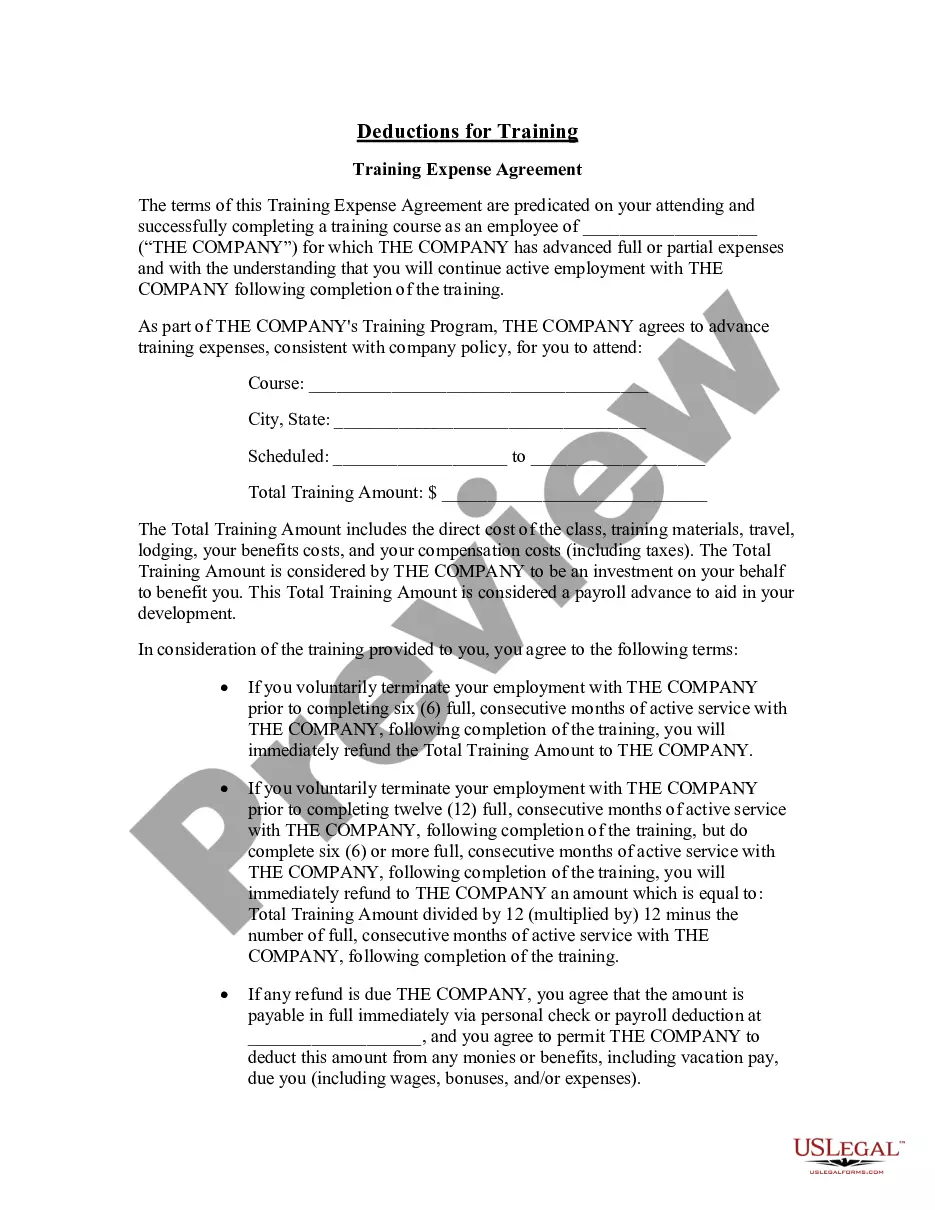
Get your form ready online
Our built-in tools help you complete, sign, share, and store your documents in one place.
Make edits, fill in missing information, and update formatting in US Legal Forms—just like you would in MS Word.
Download a copy, print it, send it by email, or mail it via USPS—whatever works best for your next step.
Sign and collect signatures with our SignNow integration. Send to multiple recipients, set reminders, and more. Go Premium to unlock E-Sign.
If this form requires notarization, complete it online through a secure video call—no need to meet a notary in person or wait for an appointment.
We protect your documents and personal data by following strict security and privacy standards.

Make edits, fill in missing information, and update formatting in US Legal Forms—just like you would in MS Word.

Download a copy, print it, send it by email, or mail it via USPS—whatever works best for your next step.

Sign and collect signatures with our SignNow integration. Send to multiple recipients, set reminders, and more. Go Premium to unlock E-Sign.

If this form requires notarization, complete it online through a secure video call—no need to meet a notary in person or wait for an appointment.

We protect your documents and personal data by following strict security and privacy standards.
Looking for another form?



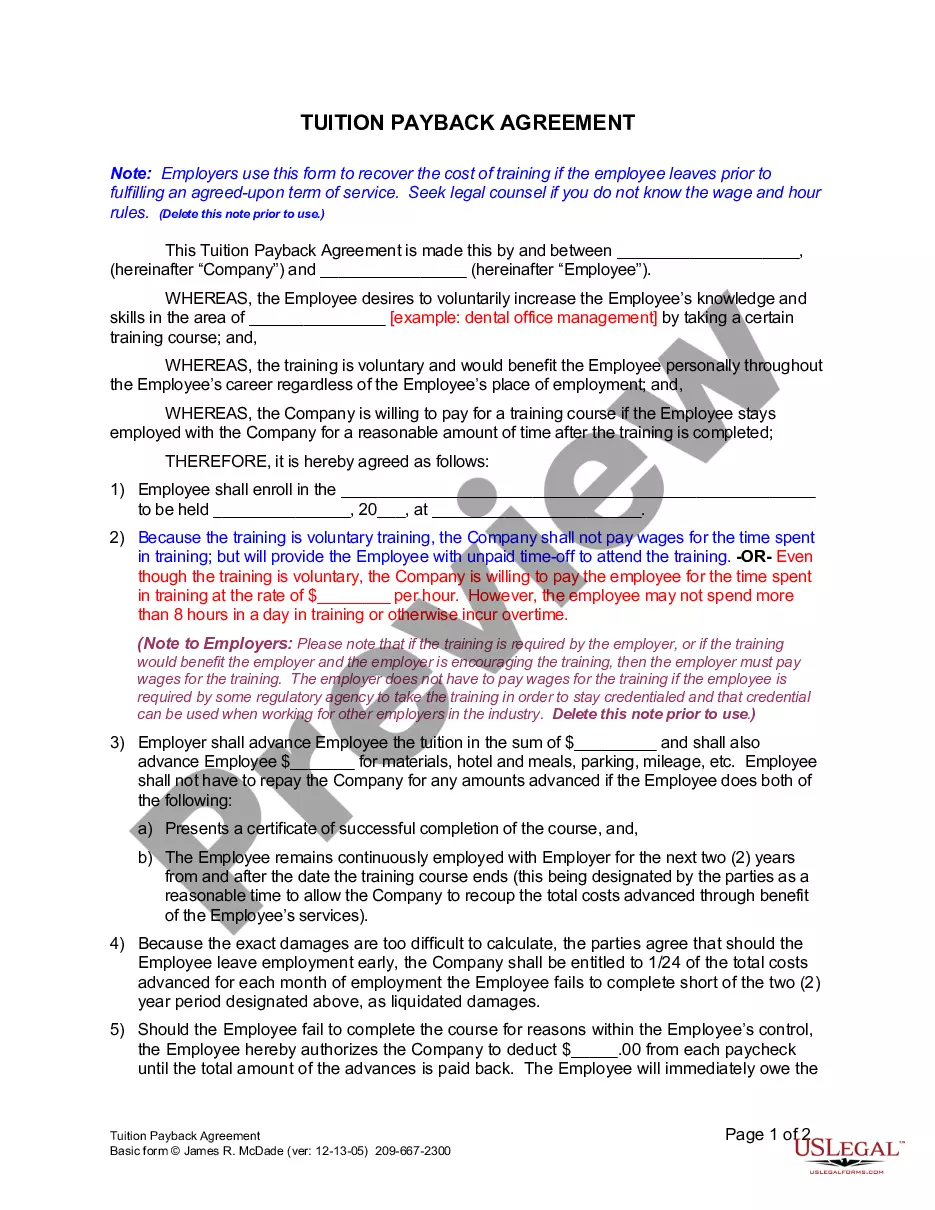
How to fill out California Tuition Payback Agreement?
Identifying a reliable source for obtaining the latest and suitable legal templates is a significant part of navigating bureaucracy.
Choosing the correct legal documents requires precision and meticulousness, which is why it is crucial to acquire samples of Company Pay Advance With PayPal exclusively from trustworthy providers, such as US Legal Forms. An incorrect template can squander your time and prolong the predicament you are facing. With US Legal Forms, you have minimal concerns.
Once you have the document on your device, you can edit it using the editor or print it and complete it manually. Rid yourself of the stress associated with legal documentation. Explore the extensive US Legal Forms collection where you can discover legal samples, verify their applicability to your situation, and download them instantly.
- Use the catalog navigation or search bar to find your document.
- Review the form's description to verify if it meets the criteria of your state and county.
- Examine the form preview, if accessible, to ensure the document is indeed what you require.
- Return to the search and look for the suitable document if the Company Pay Advance With PayPal does not meet your specifications.
- Once you are confident about the document's applicability, download it.
- If you are a registered user, click Log in to verify and access your selected forms in My documents.
- If you don’t possess an account yet, click Buy now to obtain the template.
- Choose the pricing option that suits your requirements.
- Proceed with the registration to finalize your purchase.
- Complete your acquisition by selecting a payment method (credit card or PayPal).
- Select the format for downloading the Company Pay Advance With PayPal.
Form popularity
FAQ
Yes, you can obtain a company pay advance with PayPal. This method allows you to access funds quickly and efficiently, which is beneficial for managing business expenses or unexpected costs. By linking your PayPal account to your business, you can streamline the process of requesting and receiving advancements. Additionally, using US Legal Forms can provide you with valuable resources to navigate the documentation and ensure a smooth experience.
PayPal does not offer direct pay advances. However, individuals and businesses can use PayPal to manage their finances in various ways. For those seeking a company pay advance with PayPal, integrating your account with other financial services may provide alternate solutions. Explore options available through platforms that facilitate advances linked to your PayPal account.
PayPal does not offer traditional business loans in the way other financial institutions might. However, you can obtain a company pay advance with PayPal through options like PayPal Business Loans and PayPal Working Capital. These services provide your business with immediate access to funds based on your PayPal sales history and customer transactions.
Completing a PayPal payment is straightforward. First, log into your PayPal account and navigate to the payment option. Enter the recipient’s information and your payment amount, especially if you’re dealing with a company pay advance with PayPal. Review the details carefully before confirming your payment to ensure everything is correct, and click 'Send to complete the transaction.
Creating a PayPal account involves visiting the PayPal website and clicking on 'Sign Up.' Choose between a personal or business account, and fill out the necessary fields, including your email and password. Remember, if you are planning to use PayPal for a company pay advance, select the business account option for better functionality. Once you've filled everything out, verify your email, and your account will be active.
To fill out PayPal, start by signing in to your account. Then, navigate to the payment section where you can enter the necessary details for your transaction. If you are considering a company pay advance with PayPal, ensure that you provide accurate recipient information and the amount you wish to send. Finally, review your details, and click 'Submit' to complete the transaction.
You can use PayPal Credit just about anywhere PayPal is accepted online. Simply use PayPal to check out, then select PayPal Credit as your payment method or apply for it on the spot.
Connect to PayPal's payment gateway. You can access PayPal's payment gateway from within your merchant account and use it to connect your website's payment page to your PayPal account. Now, your website can accept credit cards through PayPal.
If approved for a cash advance, the process is easy: Select your cash advance amount. Maximum loan amounts vary based primarily on your PayPal account history. Choose the percentage of your future PayPal sales that you want to go towards repayment of the cash advance amount and the cash advance fee.
You may use your account to make purchases (standard and promotional) by choosing PayPal Credit when you make a purchase from a merchant at a website, by telephone, or at another authorized location. You may also use your account to get cash advances.