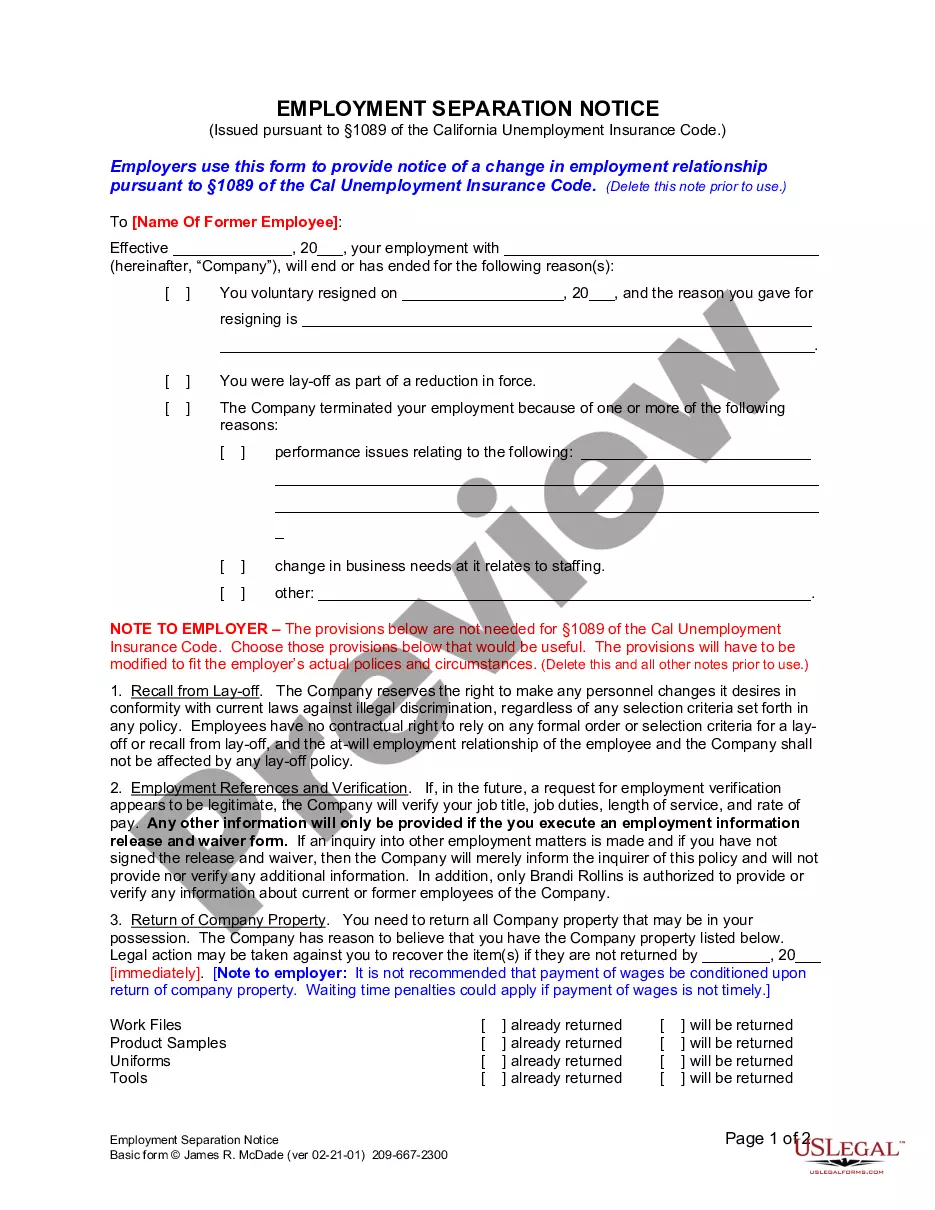
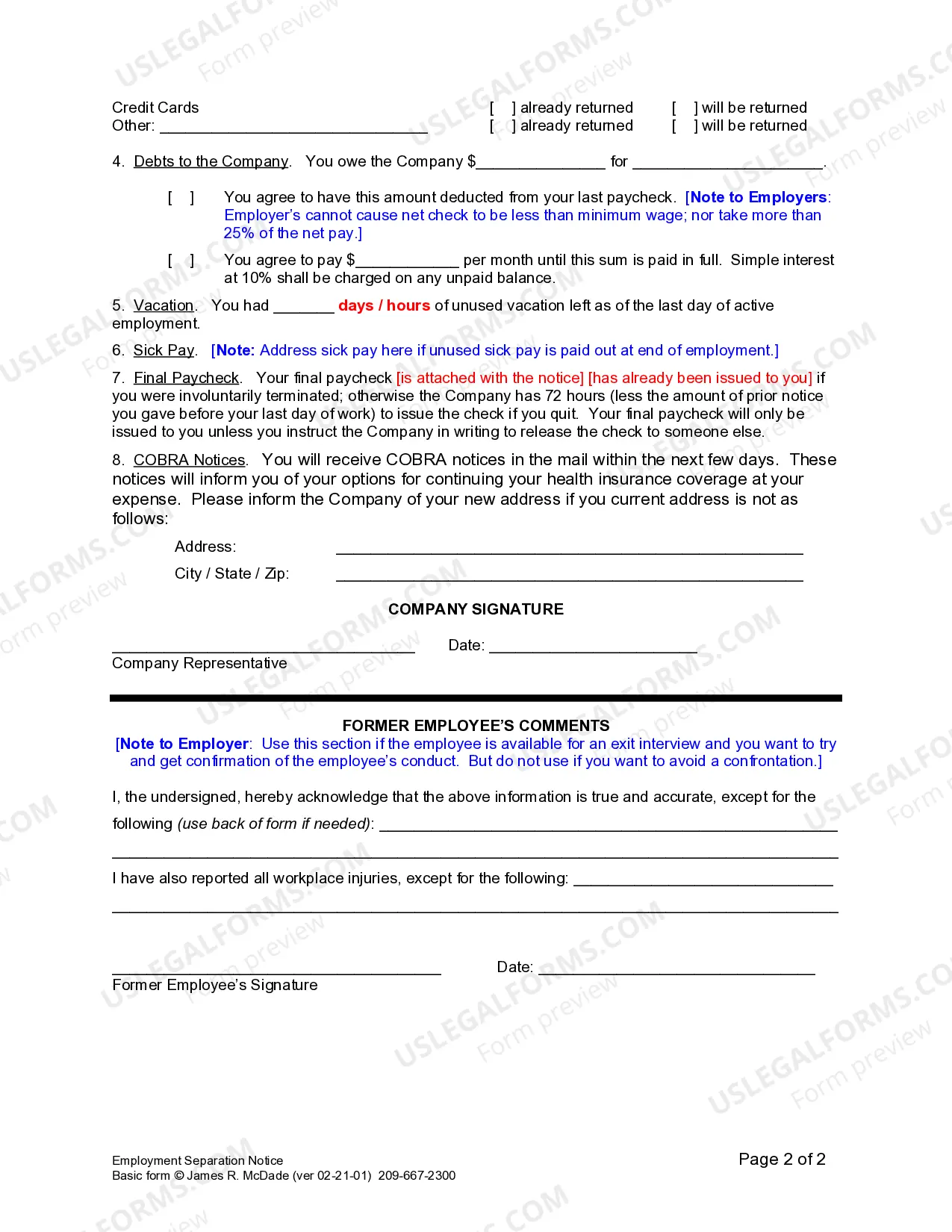
California Separation Notice With No Notice
Description
Get your form ready online
Our built-in tools help you complete, sign, share, and store your documents in one place.
Make edits, fill in missing information, and update formatting in US Legal Forms—just like you would in MS Word.
Download a copy, print it, send it by email, or mail it via USPS—whatever works best for your next step.
Sign and collect signatures with our SignNow integration. Send to multiple recipients, set reminders, and more. Go Premium to unlock E-Sign.
If this form requires notarization, complete it online through a secure video call—no need to meet a notary in person or wait for an appointment.
We protect your documents and personal data by following strict security and privacy standards.

Make edits, fill in missing information, and update formatting in US Legal Forms—just like you would in MS Word.

Download a copy, print it, send it by email, or mail it via USPS—whatever works best for your next step.

Sign and collect signatures with our SignNow integration. Send to multiple recipients, set reminders, and more. Go Premium to unlock E-Sign.

If this form requires notarization, complete it online through a secure video call—no need to meet a notary in person or wait for an appointment.

We protect your documents and personal data by following strict security and privacy standards.
Looking for another form?





How to fill out California Employment Separation Notice?
It’s widely understood that you cannot transform into a legal expert swiftly, nor can you easily create a California Separation Notice With No Notice without possessing a specialized skill set.
Preparing legal documents is a lengthy process that demands specific training and abilities.
So why not entrust the creation of the California Separation Notice With No Notice to the experts.
Review it (if this option is available) and check the supporting description to ascertain if the California Separation Notice With No Notice is what you need.
Initiate a new search if you require a different form. Set up a free account and select a subscription plan to secure the form. Click Buy now. Once the payment is completed, you can obtain the California Separation Notice With No Notice, fill it out, print it, and send or mail it to the designated individuals or entities. You can regain access to your forms from the My documents tab whenever you wish. If you’re a current client, you can simply Log In, and find and download the template from the same tab. Regardless of the purpose of your documents—be it financial, legal, or personal—our website has you covered. Experience US Legal Forms today!
- With US Legal Forms, one of the most comprehensive libraries of legal documents, you can obtain everything from court filings to templates for internal business communications.
- We understand how vital compliance and observance of federal and local regulations are.
- That’s why all forms on our site are location-specific and current.
- Here’s how to start on our website and acquire the form you need in just a few minutes.
- Utilize the search bar located at the top of the page to find the form you require.
Form popularity
FAQ
California Requirements California Unemployment Insurance Code 1089 requires employers to give a written Notice to Employee as to Change in Relationship form to all discharged or laid off employees immediately upon termination.
PostingWho Must PostEqual employment opportunity is the lawAll employersMinimum wage (federal Fair Labor Standards Act)All employersNotice: Employee Polygraph Protection ActAll employersFamily and Medical Leave Act (Federal FMLA)All employers with 50 or more employees and all public agencies8 more rows
PostingWho Must PostNotice to employees: unemployment insurance benefitsAll employersNotice to employees: time off to voteAll employersEqual employment opportunity is the lawAll employersMinimum wage (federal Fair Labor Standards Act)All employers8 more rows
How to write an employee termination letter with ease Choose your tone carefully. Gather all necessary details. Start with basic information. Notify the employee of their termination date. State the reason(s) for termination. Explain compensation and benefits going forward. Outline next steps and disclaimers.
Written notice must be given immediately to employees of their discharge, layoff, leave of absence, or change in employment status. This sample notice (PDF) meets the minimum requirements. You may wish to prepare a duplicate employee notice and keep a copy for your records.