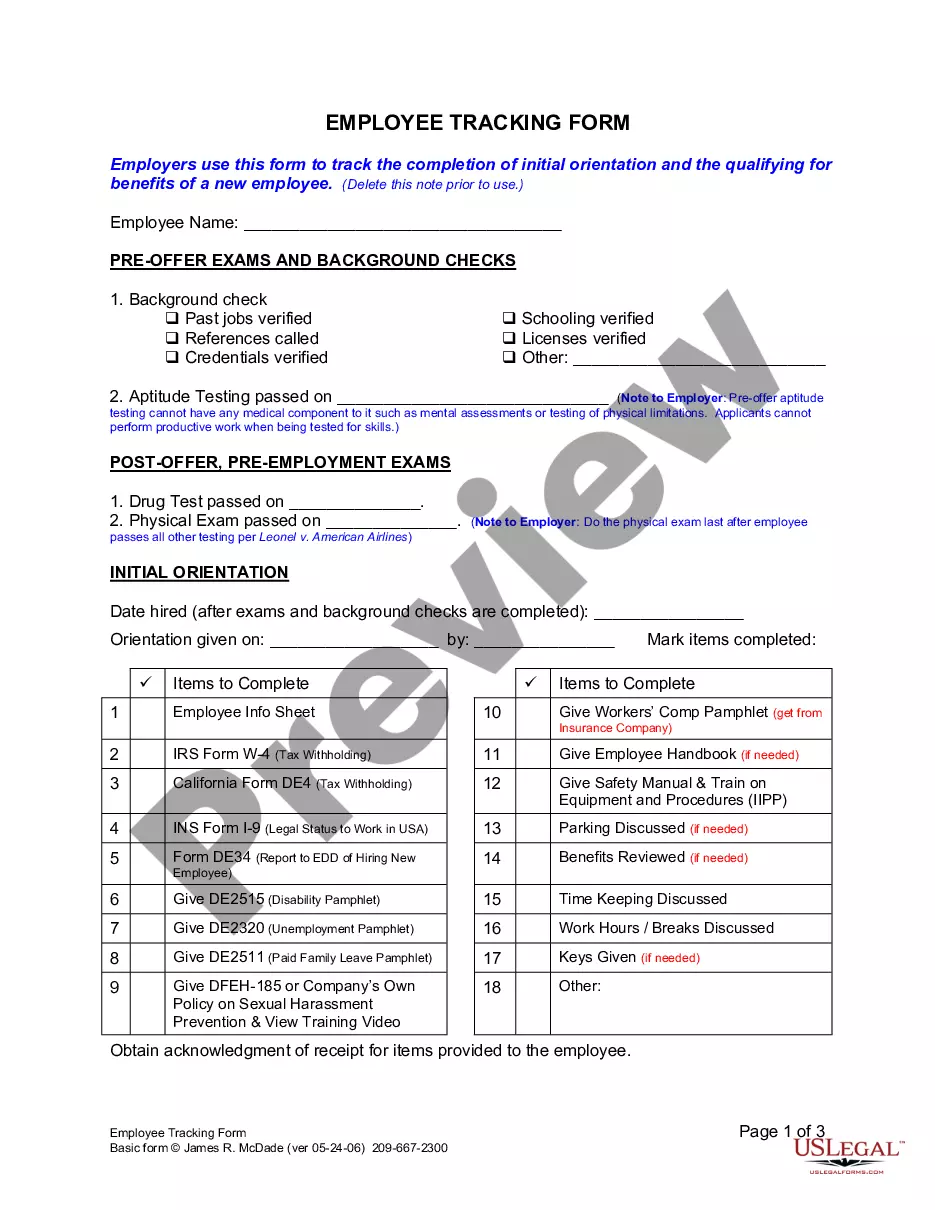
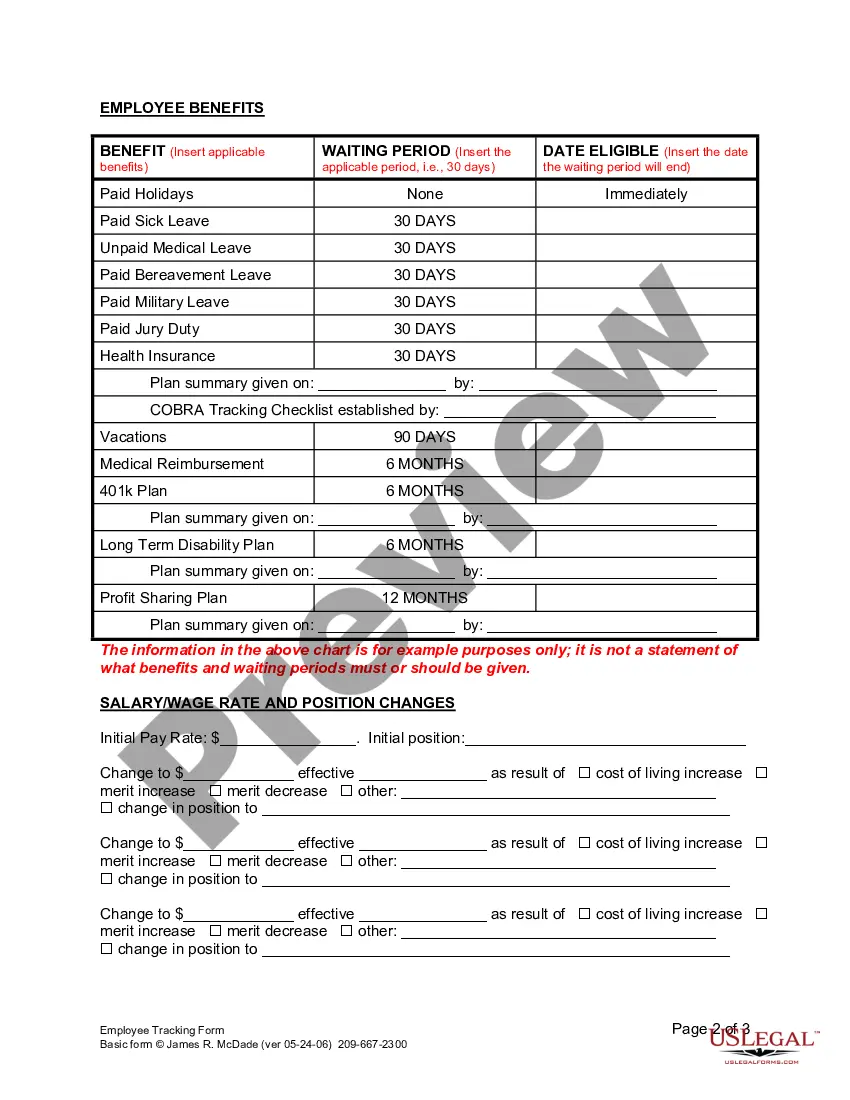
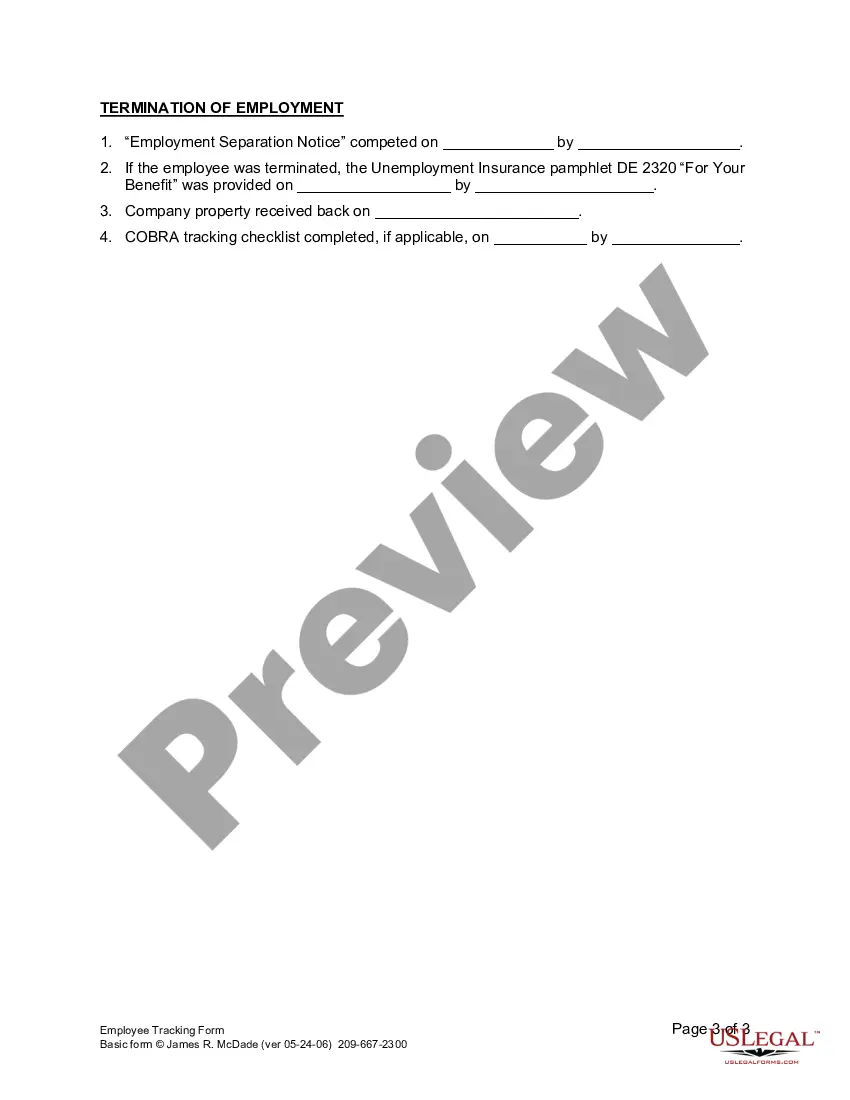
Employee Tracking Form For A Website
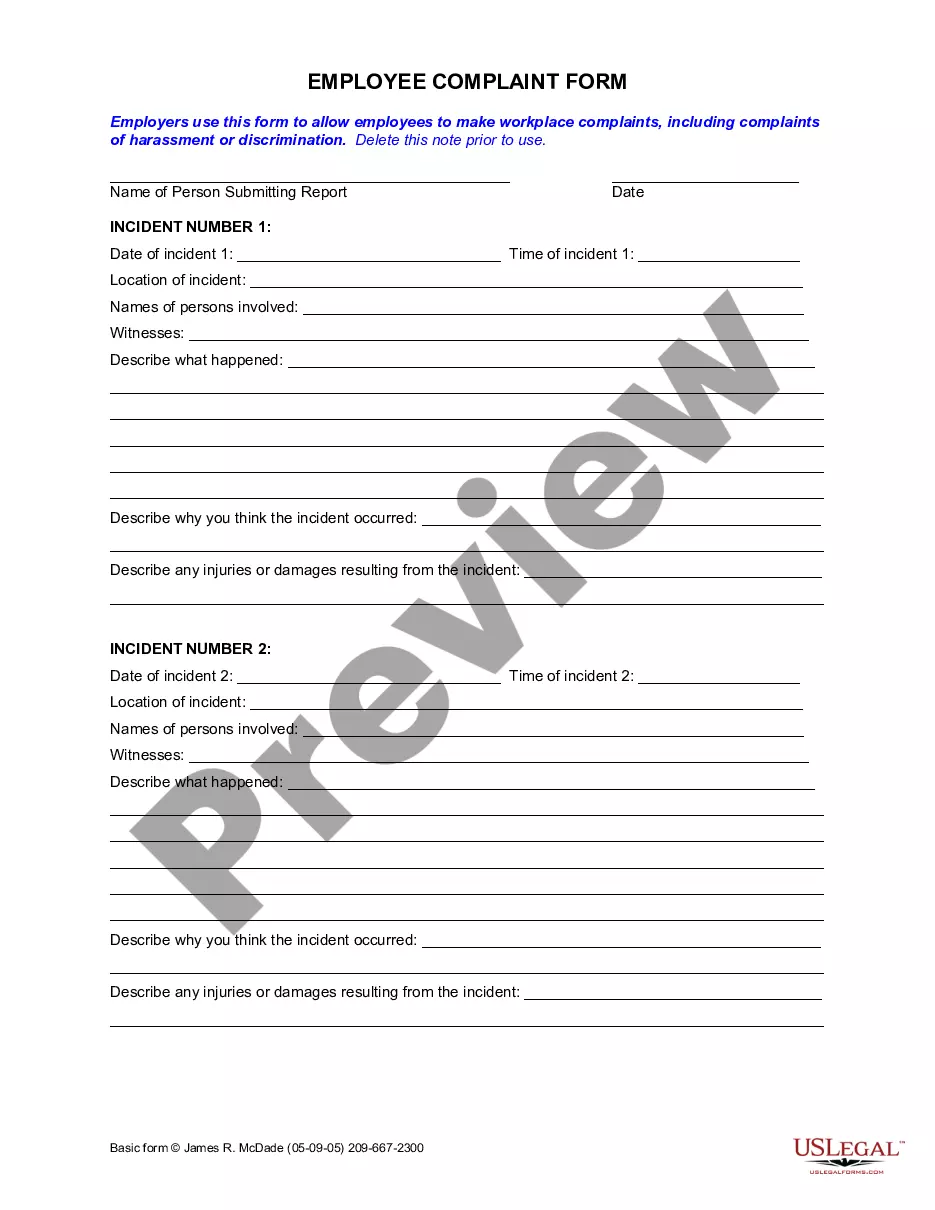
Description
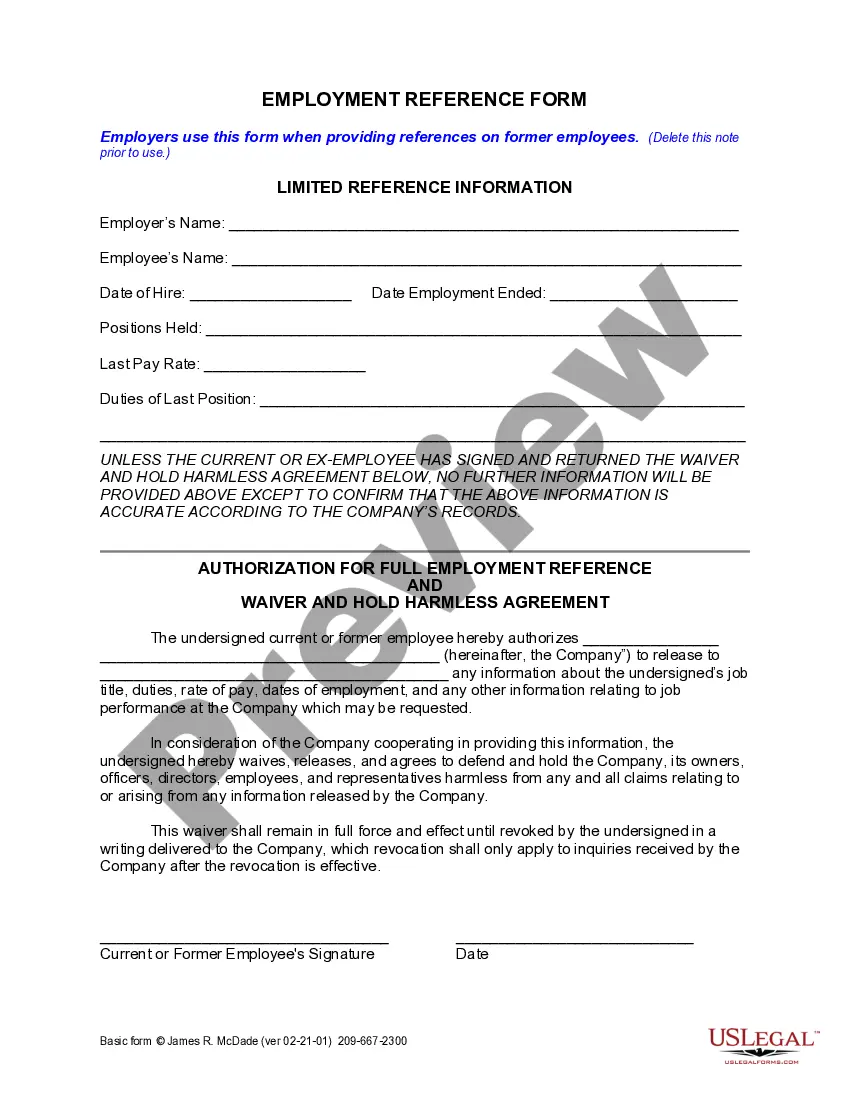
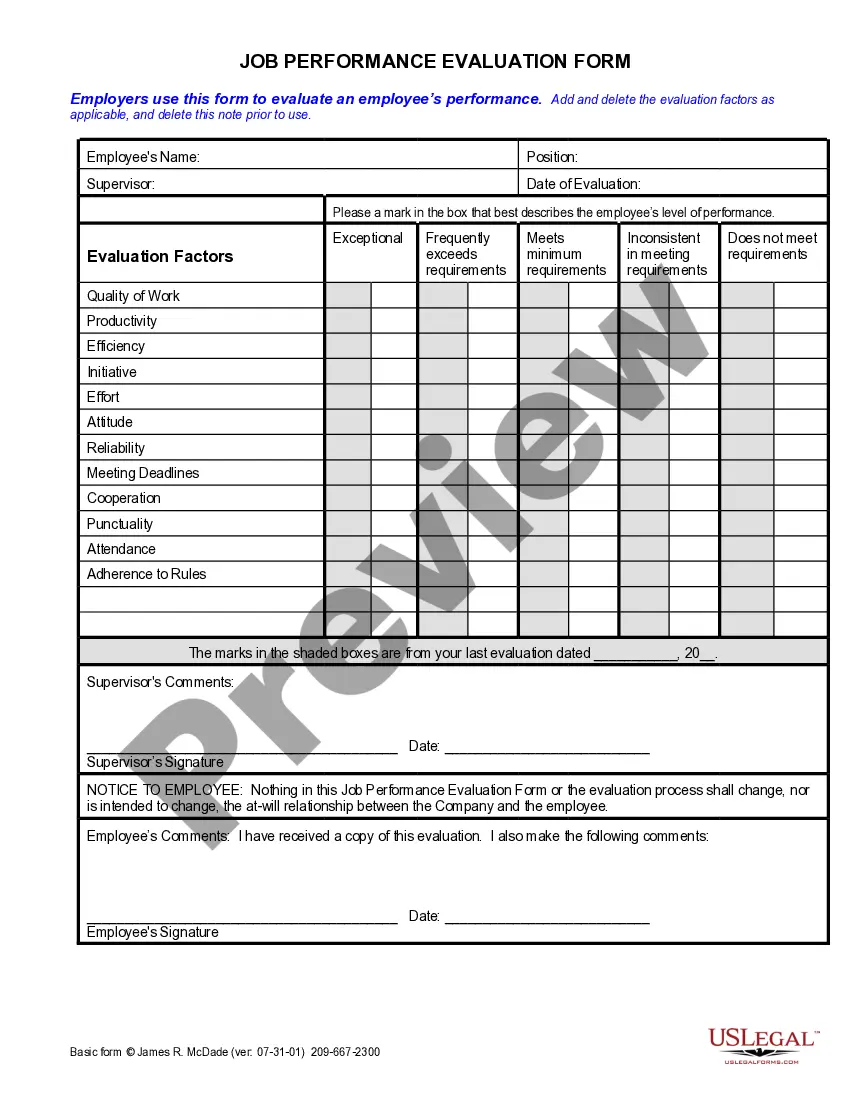

Get your form ready online
Our built-in tools help you complete, sign, share, and store your documents in one place.
Make edits, fill in missing information, and update formatting in US Legal Forms—just like you would in MS Word.
Download a copy, print it, send it by email, or mail it via USPS—whatever works best for your next step.
Sign and collect signatures with our SignNow integration. Send to multiple recipients, set reminders, and more. Go Premium to unlock E-Sign.
If this form requires notarization, complete it online through a secure video call—no need to meet a notary in person or wait for an appointment.
We protect your documents and personal data by following strict security and privacy standards.

Make edits, fill in missing information, and update formatting in US Legal Forms—just like you would in MS Word.

Download a copy, print it, send it by email, or mail it via USPS—whatever works best for your next step.

Sign and collect signatures with our SignNow integration. Send to multiple recipients, set reminders, and more. Go Premium to unlock E-Sign.

If this form requires notarization, complete it online through a secure video call—no need to meet a notary in person or wait for an appointment.

We protect your documents and personal data by following strict security and privacy standards.
Looking for another form?







How to fill out California Employee Tracking Form?
- If you already have an account, log in and download your desired form by clicking the Download button, ensuring your subscription is active. If not, renew it based on your payment plan.
- For first-time users, begin by previewing the desired template and reviewing its description. Confirm that it suits your needs and complies with local jurisdiction requirements.
- If the current form doesn't fit, utilize the Search tab to locate the correct template tailored to your specific requirements.
- Once you find the right form, proceed by clicking the Buy Now button and select a subscription plan that meets your needs. Creating an account will grant you access to the full library.
- Complete your purchase by entering your credit card details or using your PayPal account for payment.
- After payment, download your form and save it on your device. You can also access it anytime through the My Forms section of your profile.
In conclusion, US Legal Forms offers an extensive and easy-to-navigate platform for sourcing your employee tracking form, making the process quick and user-friendly.
Start utilizing US Legal Forms today to streamline your legal documentation needs!
Form popularity
FAQ
Preparing an issue tracker requires identifying the necessary fields, such as Issue Description, Priority, and Responsible Person. Start by drafting a list of common issues and categorizing them for easy tracking. With an employee tracking form for a website, you can create an efficient system to log, track, and resolve issues while promoting team communication and collaboration.
Creating an absence tracker in Excel involves setting up a table with headers like Employee Name, Dates Absent, and Reason for Absence. You can then input data as employees report their absences. This simple method helps ensure that management remains informed about attendance patterns, and by using an employee tracking form for a website, you can achieve a more automated system for tracking and reporting absences.
To make an issue tracker in Excel, begin by creating a new spreadsheet and labeling columns such as Issue ID, Description, Status, and Assigned To. Enter details about each issue, and because Excel allows for sorting and filtering, you can easily keep tabs on progress. Integrating an employee tracking form for a website can enhance issue tracking by providing a centralized place for teams to report and manage issues effectively.
Creating a tracker in Excel is straightforward. Start by opening a new workbook, then label your columns according to the data you want to track. Once your structure is in place, input your data, and consider using basic formulas to automate calculations. An employee tracking form for a website can be designed easily in Excel, helping you manage data efficiently while providing essential insights.
A form to keep track of hours worked is a simple tool designed to help employees record their daily hours. This form not only aids in monitoring work hours but also ensures accurate payroll processing. By utilizing an employee tracking form for a website, organizations can streamline time management and foster accountability among their staff.
To fill out an employee availability form, begin by entering your personal information and indicating your preferred working hours clearly. Next, mark the days you are available, while being mindful of any specific time constraints. By using the Employee tracking form for a website, you enhance how your availability is collected and processed, ensuring better scheduling.
Yes, Google Form submissions can be tracked, and this can be done through Google Sheets. When you set up your form, responses are automatically compiled in a linked Sheet, providing insights on submissions. Additionally, integrating this data with an Employee tracking form for a website can help manage submissions comprehensively.
The most effective type of tracking for analyzing form completions on a website includes both event tracking and conversion tracking. By setting up these features, you can understand how users interact with your Employee tracking form for a website. This knowledge allows you to refine your forms and enhance user experience.
To check form submissions in WordPress, you can use plugins like Contact Form 7 or WPForms. These plugins often come with built-in features that help you track and manage submitted data through your Employee tracking form for a website. By regularly checking the submissions, you can analyze engagement and improve your forms.
To analyze form completion on a website, you should use event tracking or goal tracking. Event tracking captures user interactions with your Employee tracking form for a website, while goal tracking in Google Analytics helps you measure completion rates. Both methods provide insights into user behavior and form effectiveness.