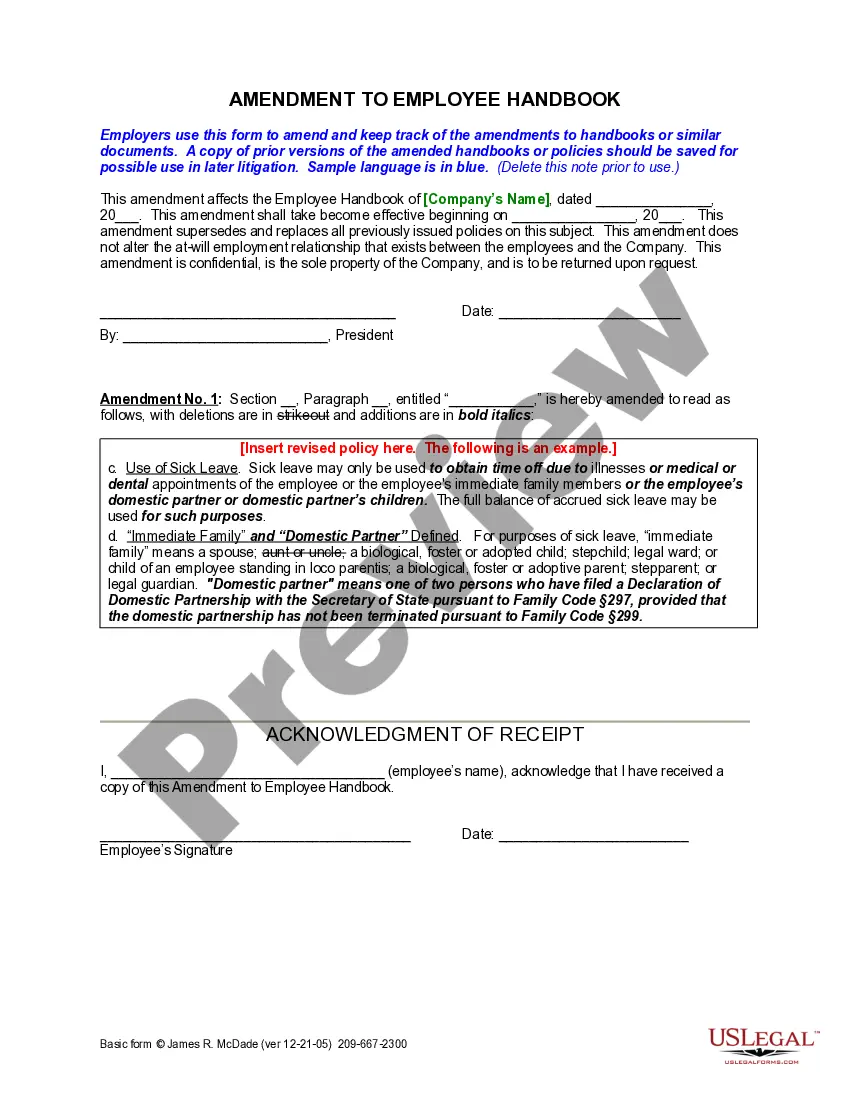
Employee Handbook Amendment Template With Signature
Description
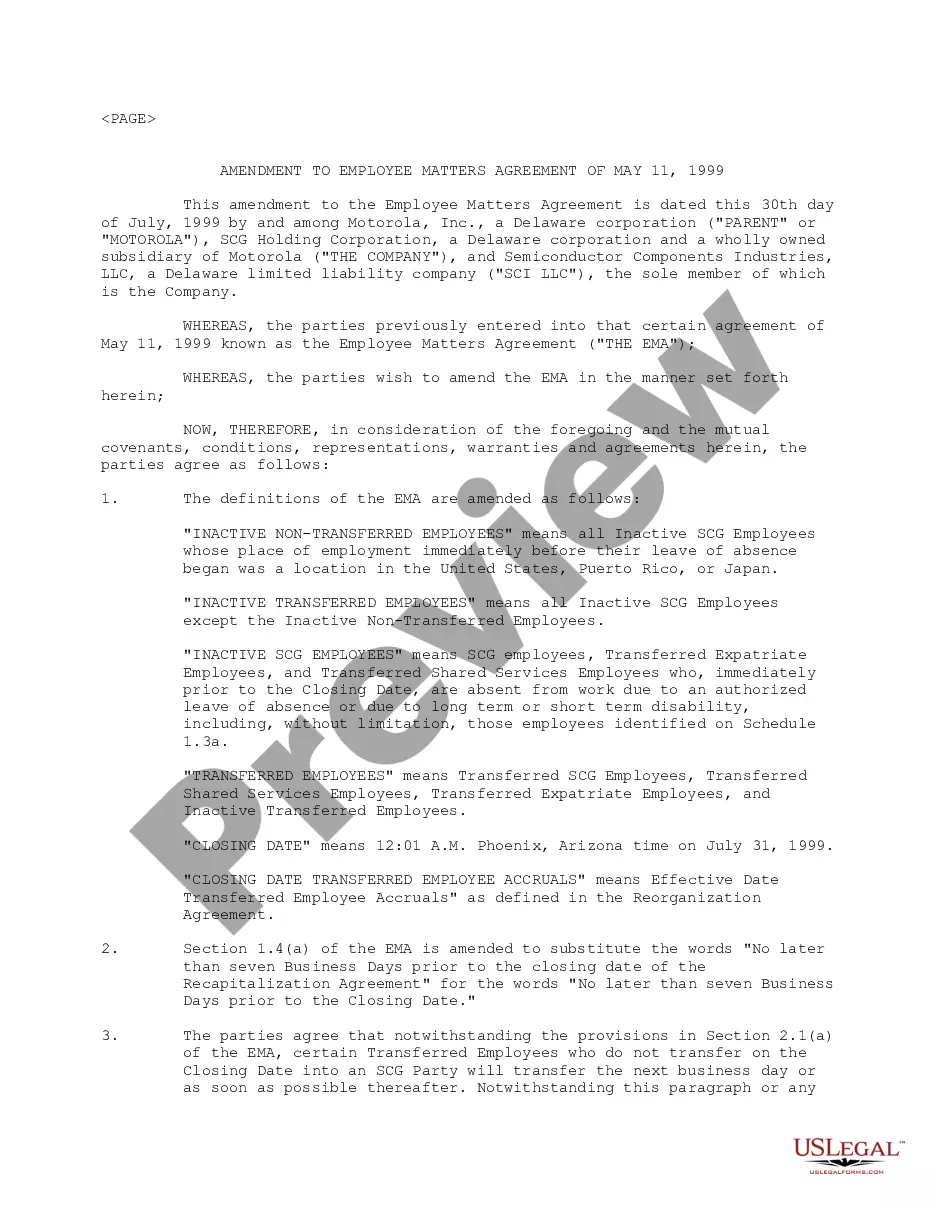
Get your form ready online
Our built-in tools help you complete, sign, share, and store your documents in one place.
Make edits, fill in missing information, and update formatting in US Legal Forms—just like you would in MS Word.
Download a copy, print it, send it by email, or mail it via USPS—whatever works best for your next step.
Sign and collect signatures with our SignNow integration. Send to multiple recipients, set reminders, and more. Go Premium to unlock E-Sign.
If this form requires notarization, complete it online through a secure video call—no need to meet a notary in person or wait for an appointment.
We protect your documents and personal data by following strict security and privacy standards.

Make edits, fill in missing information, and update formatting in US Legal Forms—just like you would in MS Word.

Download a copy, print it, send it by email, or mail it via USPS—whatever works best for your next step.

Sign and collect signatures with our SignNow integration. Send to multiple recipients, set reminders, and more. Go Premium to unlock E-Sign.

If this form requires notarization, complete it online through a secure video call—no need to meet a notary in person or wait for an appointment.

We protect your documents and personal data by following strict security and privacy standards.
Looking for another form?







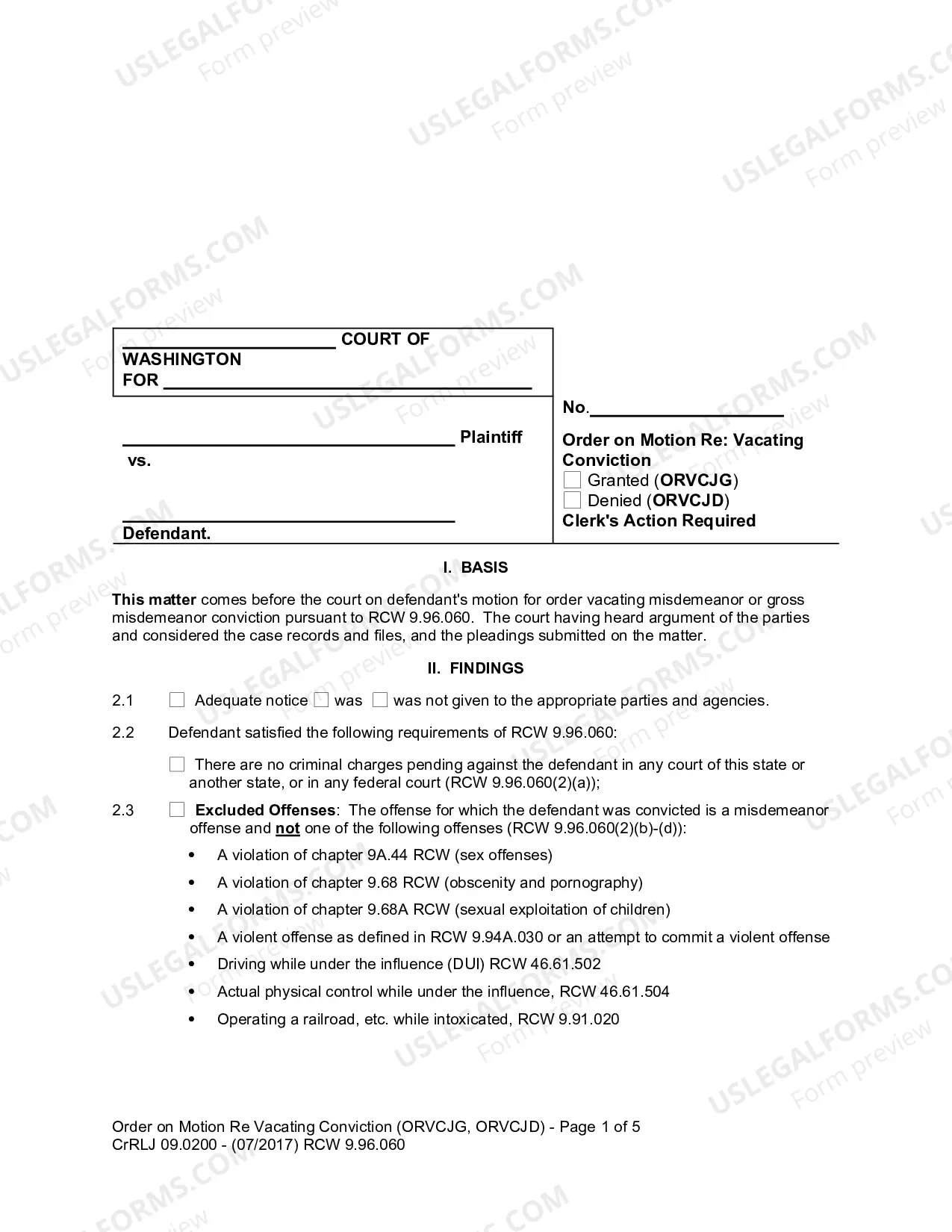

How to fill out California Amendment To Employee Handbook?
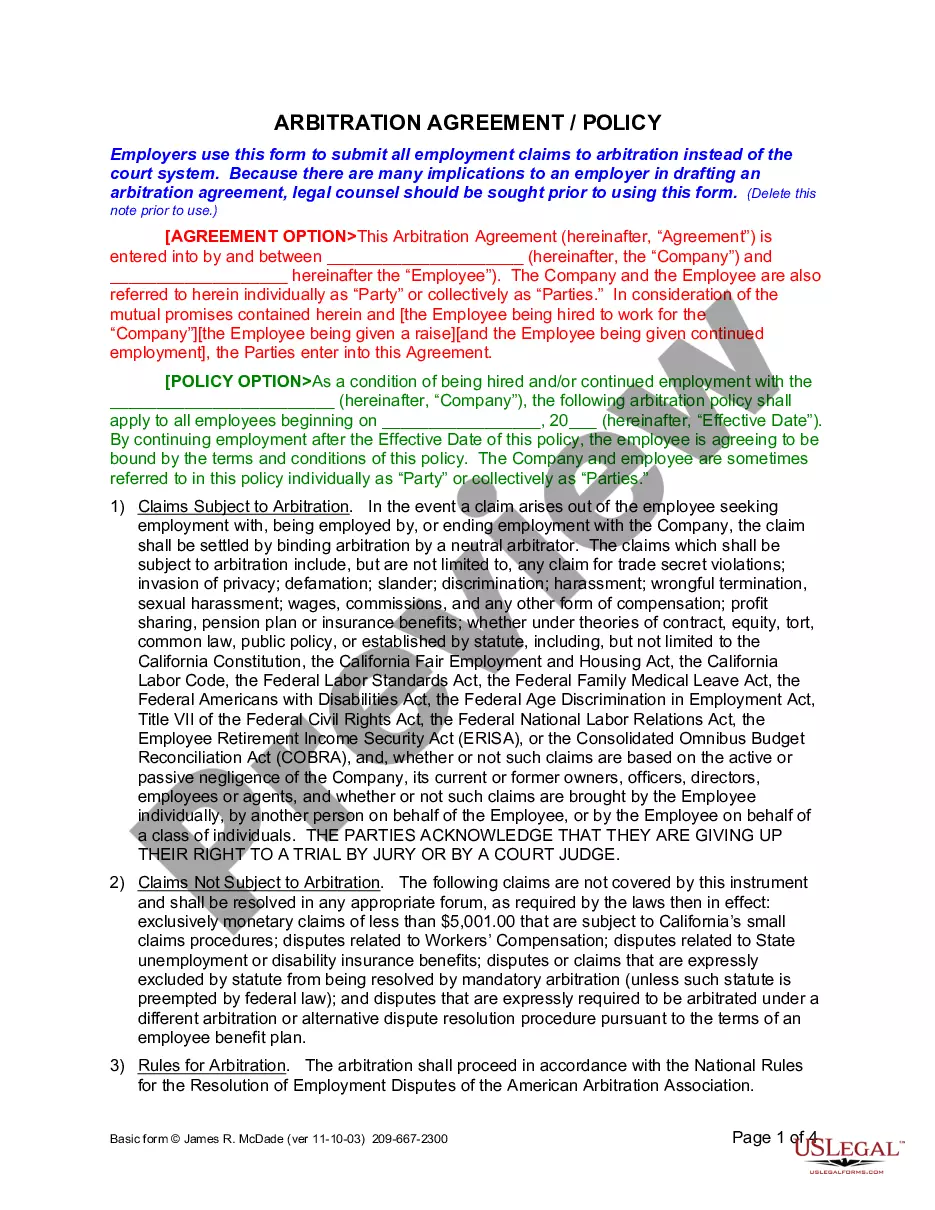
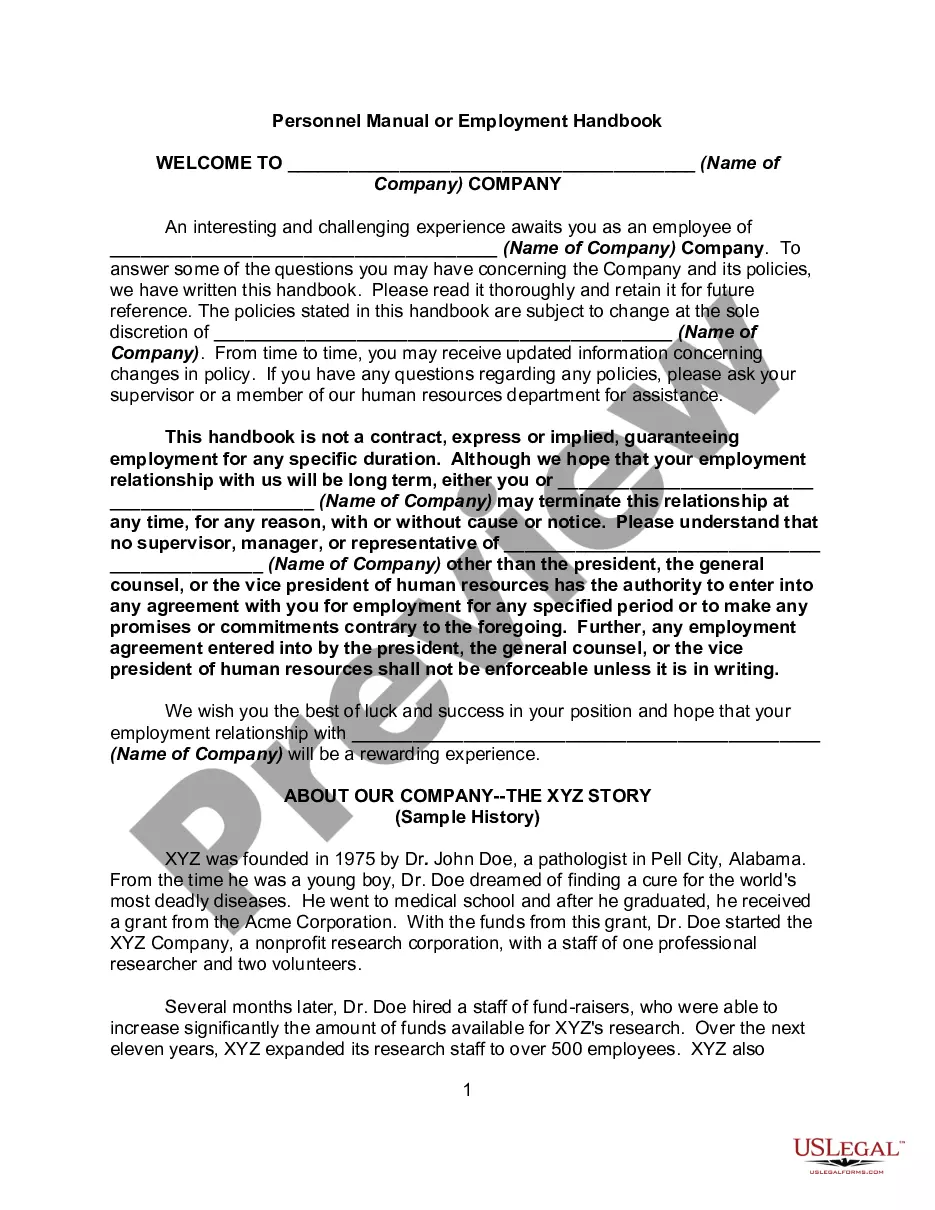
The Employee Handbook Amendment Template With Signature displayed on this page is a versatile formal template crafted by experienced attorneys in compliance with federal and local laws.
For over 25 years, US Legal Forms has offered individuals, companies, and legal practitioners more than 85,000 validated, state-specific documents for any business and personal circumstance. It is the quickest, easiest, and most reliable method to acquire the forms you need, as the service ensures the highest level of data protection and malware prevention.
Access the same document again whenever necessary. Open the My documents section in your profile to redownload any previously saved documents. Register for US Legal Forms to have reliable legal templates for all of life's scenarios readily available.
- Search for the document you require and examine it.
- Browse through the sample you found and preview it or review the form details to verify it meets your needs. If it doesn’t, use the search function to find the correct one. Click Buy Now when you have identified the template you want.
- Select a pricing plan that suits your needs and create an account. Use PayPal or a credit card to make a quick payment. If you already possess an account, Log In and check your subscription to proceed.
- Choose the format you prefer for your Employee Handbook Amendment Template With Signature (PDF, Word, RTF) and save the document on your device.
- Print the template to complete it manually. Alternatively, use an online multifunctional PDF editor to swiftly and accurately fill out and sign your form with a legally-binding electronic signature.
Form popularity
FAQ
Get to the point immediately by stating the new or changed policy. Explain the reasons for the policy and its benefits for both employees and the company. Employees will respond more positively when they understand the reasons for the policy and if they believe that it protects everyone's best interests.
How to write an addendum to a contract in 7 easy steps Consider and mirror the language of the original contract. Choose an addendum title. Make clear the parties involved. Clarify the part of the original contract the addendum refers to. Ensure compliance with the original contract and all other relevant regulations.
Although you're not legally obligated to obtain signatures, doing so provides proof you informed employees of your company policies (including those requiring notification by law). This can reduce legal risk if there's ever a dispute about whether or not an employee was aware of a policy.
How to Amend an Employee Handbook Step 1: Review Current Handbook to Identify Inaccuracies and Inconsistencies. ... Step 2: Assemble All Materials Reflecting Changes in Policies or Procedures. ... Step 3: Assemble All Materials Reflecting No Policies or Procedures. ... Step 4: Conduct Research to Identify Current and Emerging Trends.
Therefore, each time you update the handbook, date it ? or give it a version number ? and distribute it electronically to your entire employee population. Highlight the changes, and ask them to re-read the document, and sign and date an acknowledgement form.