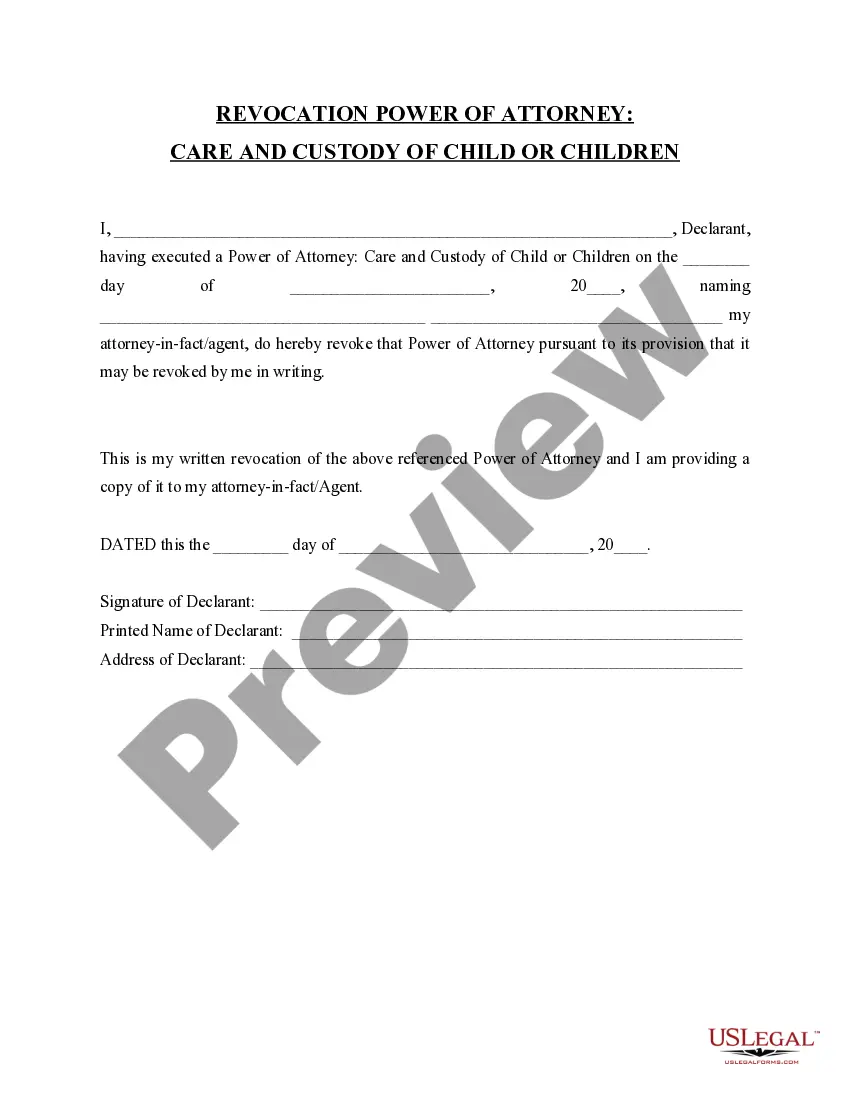
Trust Revocation Declaration Form Format
Description
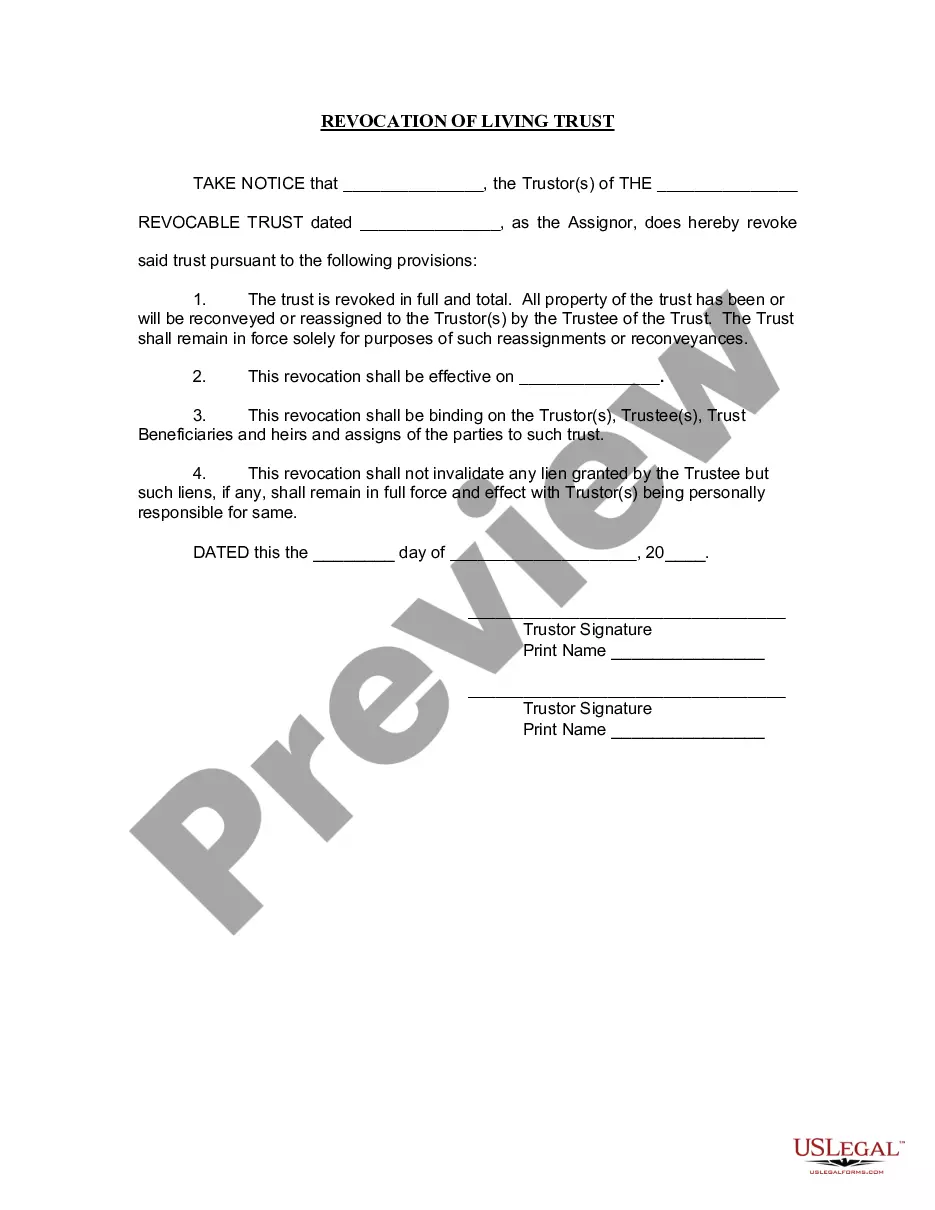
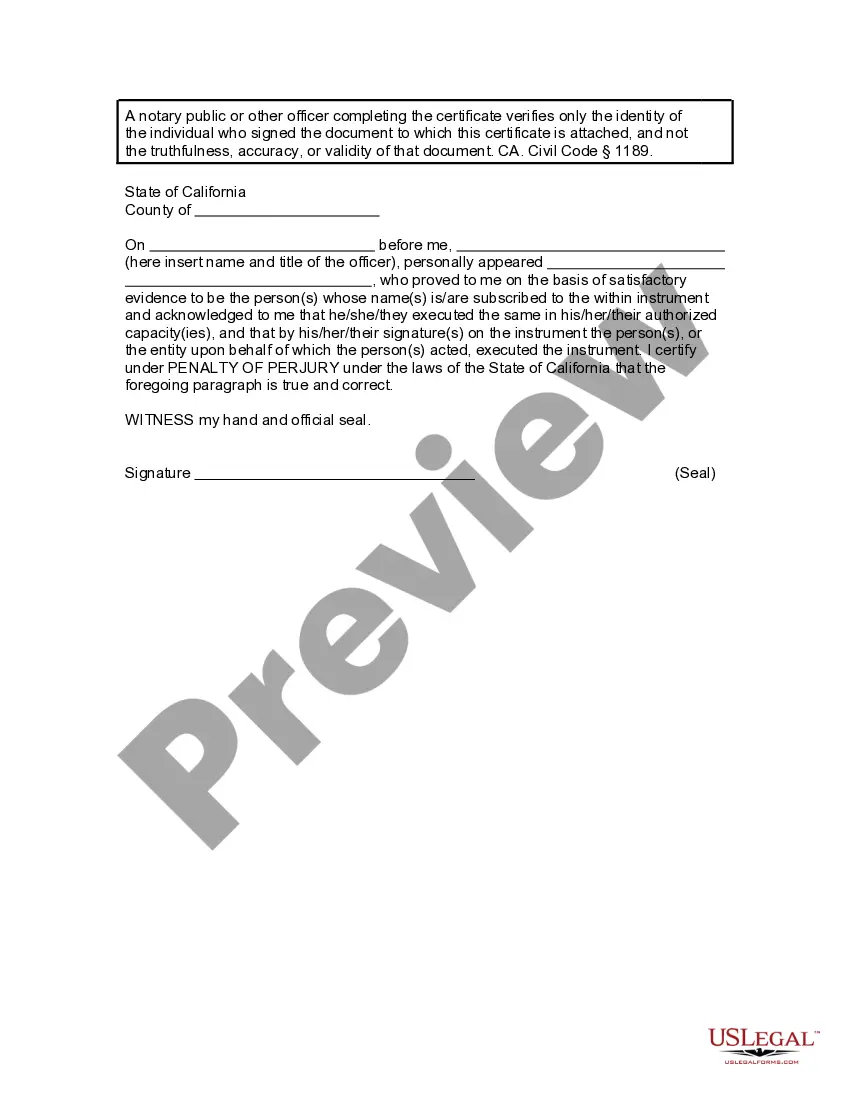




Get your form ready online
Our built-in tools help you complete, sign, share, and store your documents in one place.
Make edits, fill in missing information, and update formatting in US Legal Forms—just like you would in MS Word.
Download a copy, print it, send it by email, or mail it via USPS—whatever works best for your next step.
Sign and collect signatures with our SignNow integration. Send to multiple recipients, set reminders, and more. Go Premium to unlock E-Sign.
If this form requires notarization, complete it online through a secure video call—no need to meet a notary in person or wait for an appointment.
We protect your documents and personal data by following strict security and privacy standards.

Make edits, fill in missing information, and update formatting in US Legal Forms—just like you would in MS Word.

Download a copy, print it, send it by email, or mail it via USPS—whatever works best for your next step.

Sign and collect signatures with our SignNow integration. Send to multiple recipients, set reminders, and more. Go Premium to unlock E-Sign.

If this form requires notarization, complete it online through a secure video call—no need to meet a notary in person or wait for an appointment.

We protect your documents and personal data by following strict security and privacy standards.
Looking for another form?
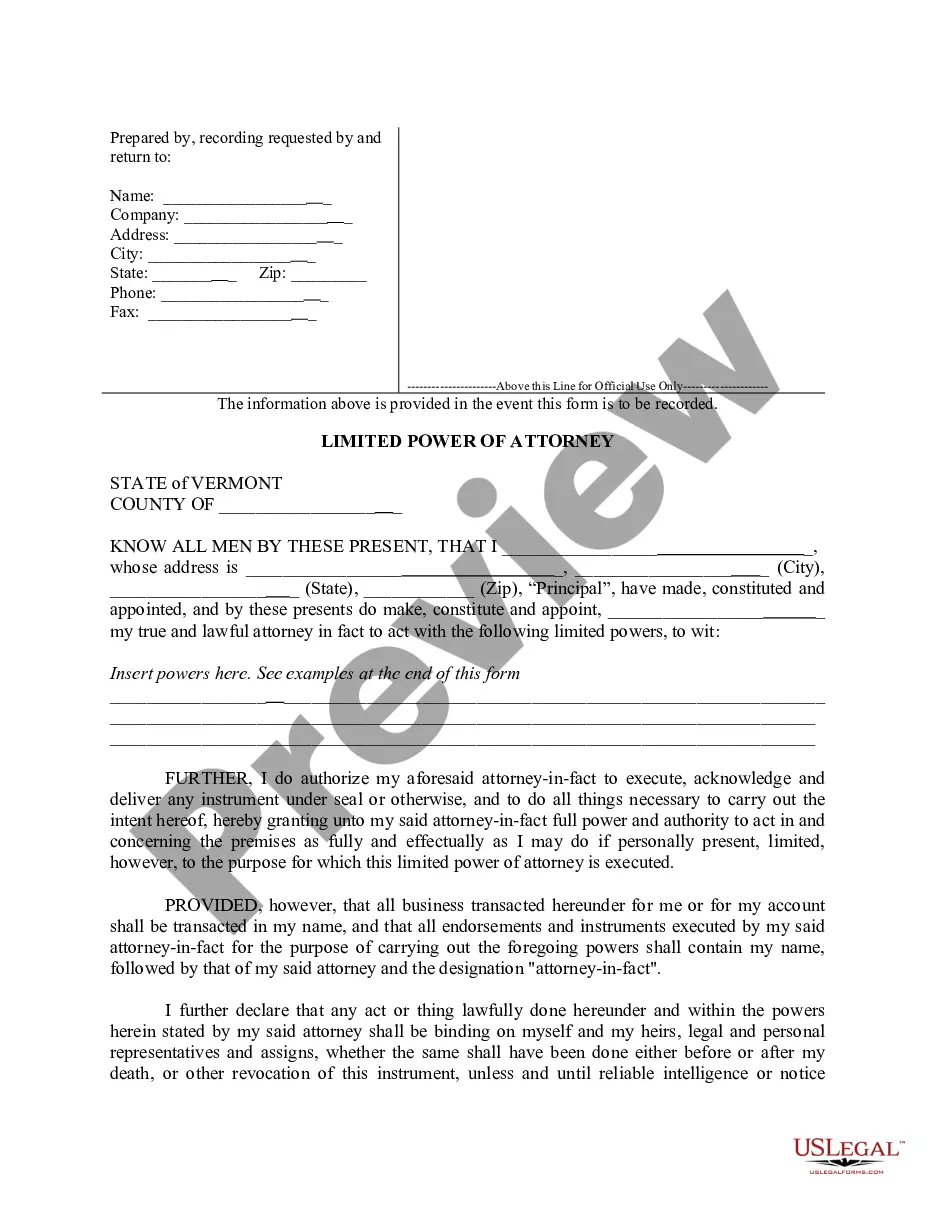

How to fill out California Revocation Of Living Trust?
Locating a reliable source to obtain the latest and suitable legal templates comprises a significant part of tackling bureaucracy.
Selecting the appropriate legal documents requires precision and meticulousness, which is why it is crucial to source samples of the Trust Revocation Declaration Form Format exclusively from trustworthy providers, such as US Legal Forms. An incorrect template will squander your time and postpone your current situation.
Remove the complications associated with your legal paperwork. Explore the extensive US Legal Forms collection where you can find legal templates, verify their relevance to your situation, and download them instantly.
- Utilize the catalog navigation or search bar to locate your template.
- Examine the form’s description to ascertain if it meets the criteria of your state and county.
- View the form preview, if available, to ensure the template matches your interests.
- If the Trust Revocation Declaration Form Format does not suit your requirements, return to the search to find the correct template.
- If you are confident about the form’s appropriateness, download it.
- When you are a registered user, click Log in to verify your identity and gain access to your selected templates in My documents.
- If you do not have an account yet, click Buy now to acquire the form.
- Choose the pricing plan that suits your needs.
- Proceed to the registration to complete your transaction.
- Finalize your purchase by selecting a payment method (credit card or PayPal).
- Choose the file format for downloading the Trust Revocation Declaration Form Format.
- Once you have the form on your device, you may edit it using the editor or print it for manual completion.
Form popularity
FAQ
How to Revoke a Revocable Trust Remove all of your assets from the revocable trust. ... Have your attorney draft a ?dissolution document,? which must be signed and notarized and have two witnesses. ... Draft a new will or create a new trust.
The first step in dissolving a revocable trust is to remove all the assets that have been transferred into it. The second step is to fill out a formal revocation form, stating the grantor's desire to dissolve the trust.
If no communication has been made to the creditors, A may revoke the trust. But if the creditors are parties to the arrangement, the trust cannot be revoked without their consent.
While irrevocable trusts are intended to be unchangeable, under the right conditions, settlors may be able to amend or even terminate the trust.
A trust might terminate because: The trust has accomplished its intended purposes. It is no longer economically feasible to have a trust. The trust has distributed all of its property and assets. The trust is revoked. The court dissolves the trust because of a dispute or illegality.