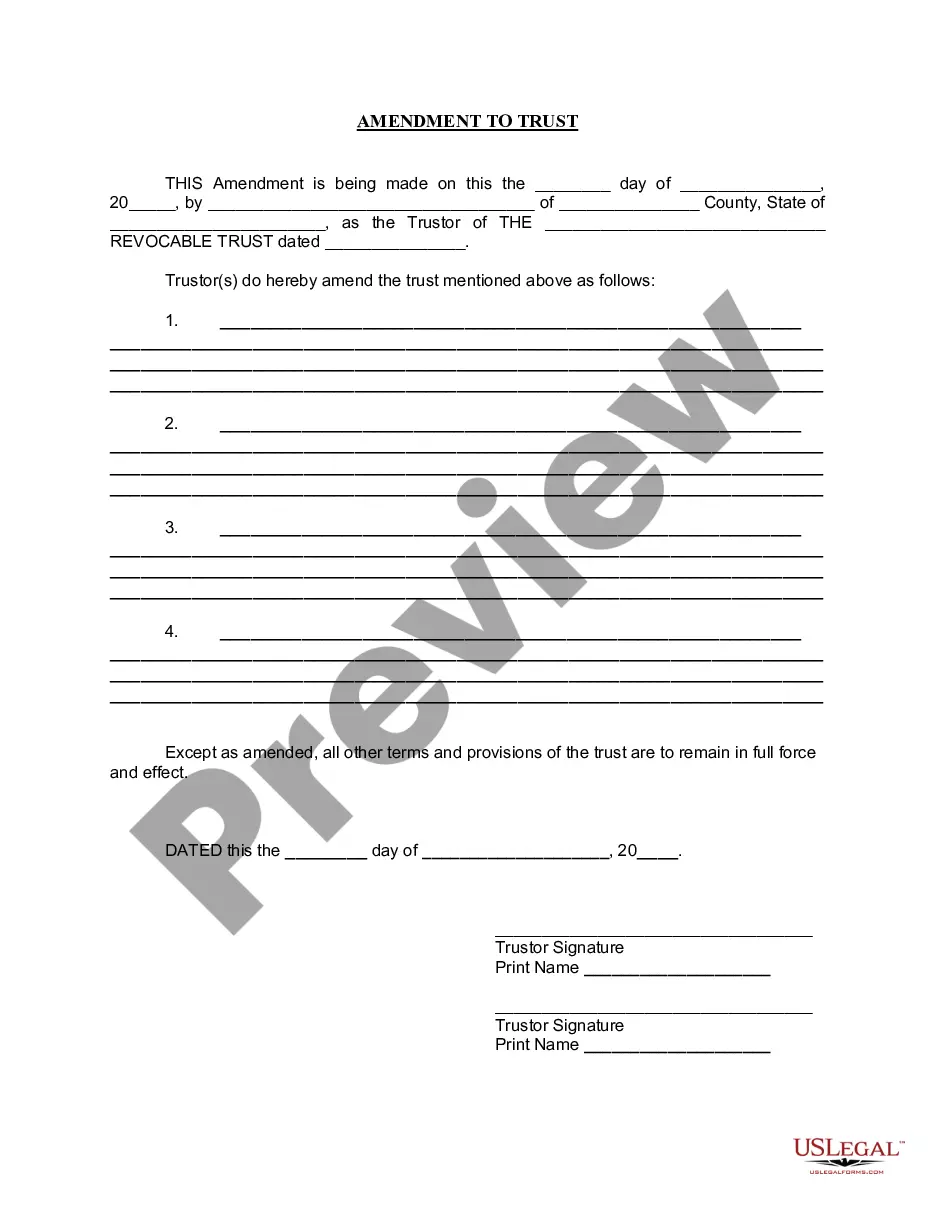
Amendment To Living Trust Form With Two Points
Description
Get your form ready online
Our built-in tools help you complete, sign, share, and store your documents in one place.
Make edits, fill in missing information, and update formatting in US Legal Forms—just like you would in MS Word.
Download a copy, print it, send it by email, or mail it via USPS—whatever works best for your next step.
Sign and collect signatures with our SignNow integration. Send to multiple recipients, set reminders, and more. Go Premium to unlock E-Sign.
If this form requires notarization, complete it online through a secure video call—no need to meet a notary in person or wait for an appointment.
We protect your documents and personal data by following strict security and privacy standards.

Make edits, fill in missing information, and update formatting in US Legal Forms—just like you would in MS Word.

Download a copy, print it, send it by email, or mail it via USPS—whatever works best for your next step.

Sign and collect signatures with our SignNow integration. Send to multiple recipients, set reminders, and more. Go Premium to unlock E-Sign.

If this form requires notarization, complete it online through a secure video call—no need to meet a notary in person or wait for an appointment.

We protect your documents and personal data by following strict security and privacy standards.
Looking for another form?
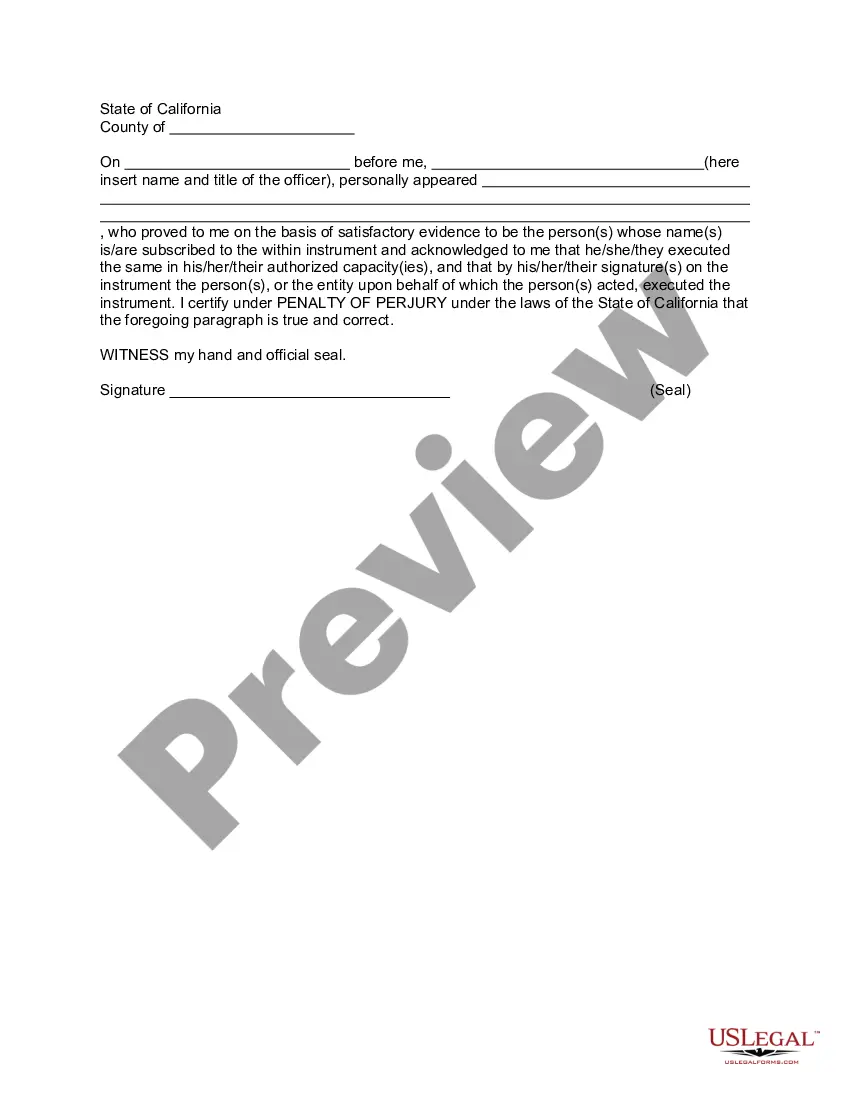
How to fill out California Amendment To Living Trust?
It’s clear that you cannot become a legal authority instantly, nor can you determine how to rapidly prepare an Amendment To Living Trust Form With Two Points without possessing a distinct set of expertise.
Drafting legal documents is an extensive process that demands specific education and abilities. So why not entrust the development of the Amendment To Living Trust Form With Two Points to the professionals.
With US Legal Forms, one of the most extensive legal document repositories, you can find everything from court papers to templates for internal business correspondence. We understand how crucial compliance and adherence to federal and state regulations are.
You can regain access to your documents from the My documents tab anytime. If you’re a returning customer, you can simply Log In, and find and download the template from the same section.
Regardless of the reason for your documents—be it financial and legal, or personal—our website has you equipped. Give US Legal Forms a try today!
- Begin by locating the document you need using the search bar at the top of the page.
- Preview it (if this choice is available) and read the accompanying description to see if Amendment To Living Trust Form With Two Points is what you’re looking for.
- Start your search anew if you require a different form.
- Create a free account and select a subscription plan to acquire the template.
- Click Buy now. Once the payment is successful, you can download the Amendment To Living Trust Form With Two Points, complete it, print it, and send or submit it to the appropriate individuals or organizations.
Form popularity
FAQ
For example, you might use a trust amendment form to: Update your trustee or successor trustee: If your chosen trustee is no longer willing or able to manage the trust, or you'd like to designate someone else, you can use an amendment form to name another person or organization to manage your trust.
Revising the terms of a trust is known as ?amending? the trust. An amendment is generally appropriate when there are only a few minor changes to make, like rewording a certain paragraph, changing the successor trustee, or modifying beneficiaries.
A restatement differs from a Trust amendment, as amendments are better suited for minor adjustments. In some cases, a Trust restatement is recommended to consolidate several amendments made over time. This can help simplify things for a successor trustee, rather than having them follow several amending documents.
Revising the terms of a trust is known as ?amending? the trust. An amendment is generally appropriate when there are only a few minor changes to make, like rewording a certain paragraph, changing the successor trustee, or modifying beneficiaries.
So a Restatement would say ?I hereby take my entire trust named TRUST dated DATE and replace it with this whole new trust named TRUST dated TODAY'S DATE.? A restatement is generally cleaner, and a preferred way to amend trusts, as opposed to amendments.