Amendment To Living Trust Form With Decimals
Description

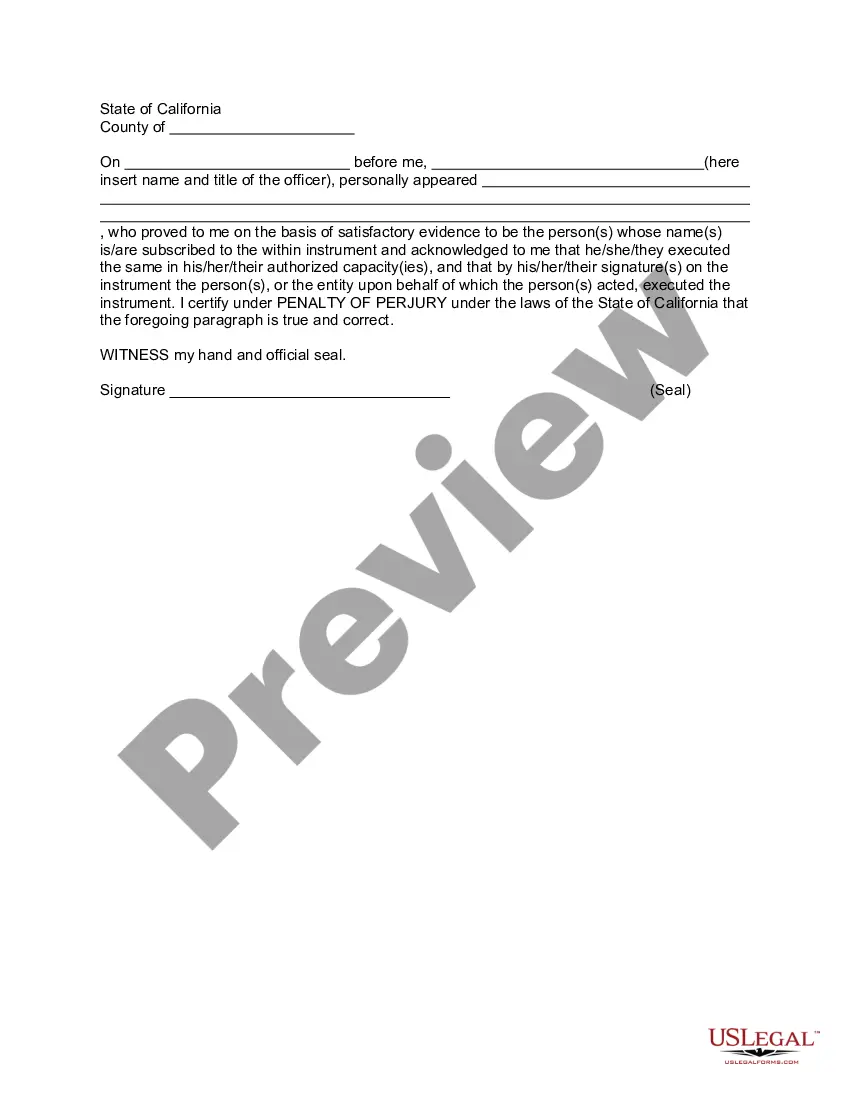


Get your form ready online
Our built-in tools help you complete, sign, share, and store your documents in one place.
Make edits, fill in missing information, and update formatting in US Legal Forms—just like you would in MS Word.
Download a copy, print it, send it by email, or mail it via USPS—whatever works best for your next step.
Sign and collect signatures with our SignNow integration. Send to multiple recipients, set reminders, and more. Go Premium to unlock E-Sign.
If this form requires notarization, complete it online through a secure video call—no need to meet a notary in person or wait for an appointment.
We protect your documents and personal data by following strict security and privacy standards.

Make edits, fill in missing information, and update formatting in US Legal Forms—just like you would in MS Word.

Download a copy, print it, send it by email, or mail it via USPS—whatever works best for your next step.

Sign and collect signatures with our SignNow integration. Send to multiple recipients, set reminders, and more. Go Premium to unlock E-Sign.

If this form requires notarization, complete it online through a secure video call—no need to meet a notary in person or wait for an appointment.

We protect your documents and personal data by following strict security and privacy standards.
Looking for another form?


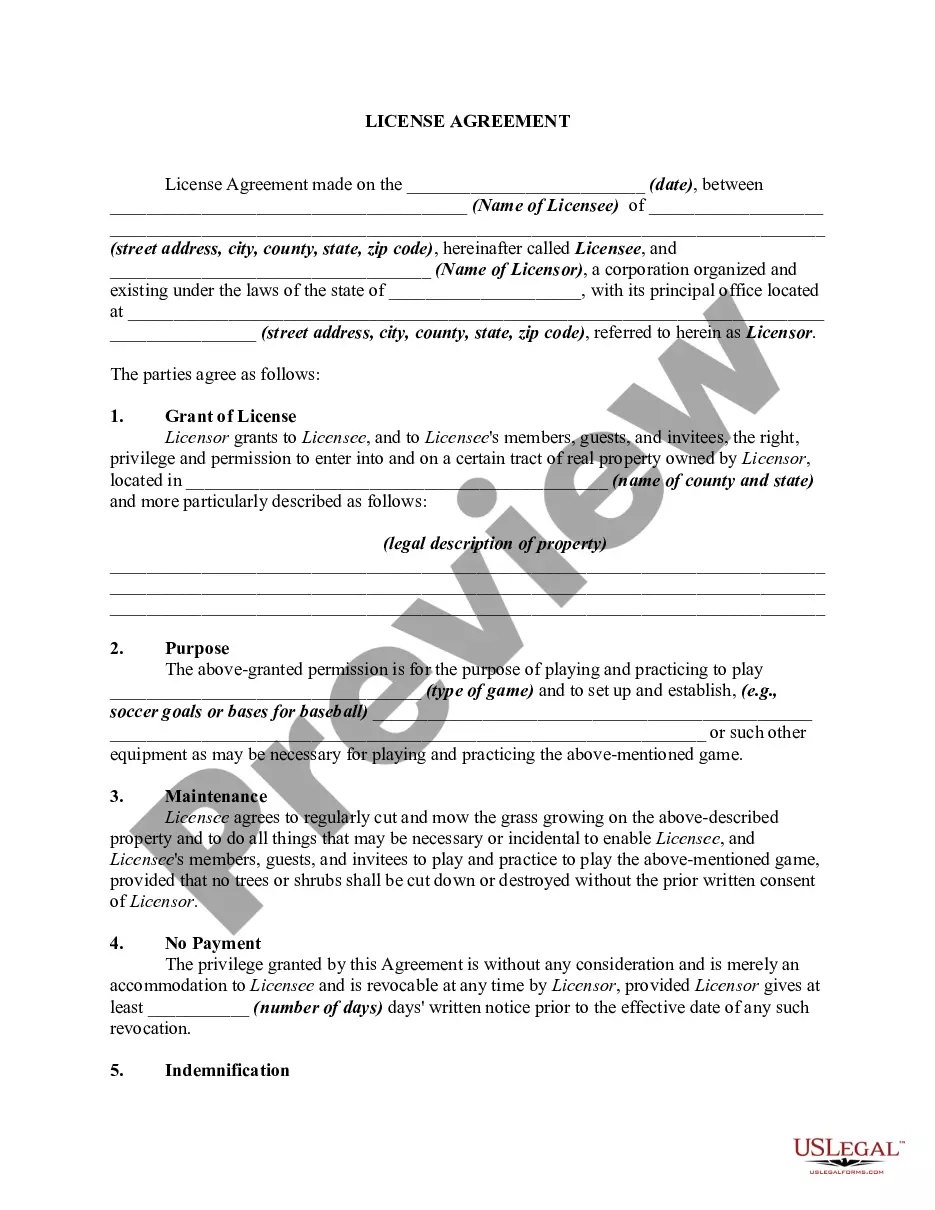







How to fill out California Amendment To Living Trust?
Locating a reliable source for the most up-to-date and pertinent legal templates is a significant part of managing bureaucracy.
Acquiring the appropriate legal documents requires precision and carefulness, which is why it is vital to take samples of the Amendment To Living Trust Form With Decimals exclusively from credible sources, such as US Legal Forms. An incorrect template could squander your time and postpone the matter at hand. With US Legal Forms, you can rest easy.
Eliminate the complications associated with your legal documentation. Explore the extensive US Legal Forms library to find legal templates, verify their applicability to your situation, and download them instantly.
- Use the library navigation or search bar to find your sample.
- Review the form's description to determine if it meets the standards of your state and locality.
- Access the form preview, if available, to verify that it is the document you need.
- If the Amendment To Living Trust Form With Decimals does not align with your needs, continue searching for the correct template.
- Once you are confident about the form's applicability, download it.
- If you are a registered user, click Log in to verify and retrieve your chosen templates in My documents.
- If you do not have an account yet, click Buy now to acquire the template.
- Choose the pricing plan that suits your needs.
- Proceed to register to complete your purchase.
- Conclude your transaction by selecting a payment method (credit card or PayPal).
- Select the file format for downloading the Amendment To Living Trust Form With Decimals.
- After obtaining the form on your device, you can modify it using the editor or print it out and fill it out manually.
Form popularity
FAQ
It's important to know what you want to change and where in your trust document this information lives (such as the article number you're amending). Fill out the amendment form. Complete the entire form. It's important to be clear and detailed in describing your changes.
So a Restatement would say ?I hereby take my entire trust named TRUST dated DATE and replace it with this whole new trust named TRUST dated TODAY'S DATE.? A restatement is generally cleaner, and a preferred way to amend trusts, as opposed to amendments.
In most cases, a trust deed generally offers two processes for the removal of a beneficiary. Most commonly, the beneficiary can sign a document to renunciate all interests as a beneficiary. Otherwise, the trustee may have discretionary power to revoke the beneficiary.
A trust amendment is a legal document that changes specific provisions of a revocable living trust but leaves all of the other provisions unchanged, while a restatement of a trust?which is also known as a complete restatement or an amendment and complete restatement?completely replaces and supersedes all of the ...
Revising the terms of a trust is known as ?amending? the trust. An amendment is generally appropriate when there are only a few minor changes to make, like rewording a certain paragraph, changing the successor trustee, or modifying beneficiaries.