Amending Trust California Without A Will
Description
Get your form ready online
Our built-in tools help you complete, sign, share, and store your documents in one place.
Make edits, fill in missing information, and update formatting in US Legal Forms—just like you would in MS Word.
Download a copy, print it, send it by email, or mail it via USPS—whatever works best for your next step.
Sign and collect signatures with our SignNow integration. Send to multiple recipients, set reminders, and more. Go Premium to unlock E-Sign.
If this form requires notarization, complete it online through a secure video call—no need to meet a notary in person or wait for an appointment.
We protect your documents and personal data by following strict security and privacy standards.

Make edits, fill in missing information, and update formatting in US Legal Forms—just like you would in MS Word.

Download a copy, print it, send it by email, or mail it via USPS—whatever works best for your next step.

Sign and collect signatures with our SignNow integration. Send to multiple recipients, set reminders, and more. Go Premium to unlock E-Sign.

If this form requires notarization, complete it online through a secure video call—no need to meet a notary in person or wait for an appointment.

We protect your documents and personal data by following strict security and privacy standards.
Looking for another form?






How to fill out California Amendment To Living Trust?
Dealing with legal papers and processes can be a lengthy addition to your schedule.
Modifying Trust California Without A Will and similar documents usually requires you to locate them and comprehend the optimal way to fill them out efficiently.
Consequently, if you are managing financial, legal, or personal issues, possessing a thorough and functional online repository of forms readily available will greatly assist.
US Legal Forms is the leading online service for legal templates, boasting over 85,000 state-specific forms and a variety of resources to help you complete your documents swiftly.
Is it your first time using US Legal Forms? Sign up and create a free account in just a few minutes, and you'll gain access to the form library and Modifying Trust California Without A Will. Then, follow the steps below to fill out your form: Ensure you have the correct document using the Review feature and examining the form description. Select Buy Now when ready, and choose the monthly subscription option that suits your needs. Click Download and then complete, eSign, and print the form. US Legal Forms has twenty-five years of expertise assisting users in managing their legal documents. Obtain the form you need today and simplify any process without breaking a sweat.
- Browse the collection of relevant documents accessible to you with just one click.
- US Legal Forms provides you with state- and county-specific forms available for download at any time.
- Safeguard your document management processes with a high-quality service that enables you to create any form in minutes without extra or hidden fees.
- Simply Log In to your account, find Modifying Trust California Without A Will, and download it directly from the My documents section.
- You can also access previously downloaded forms.
Form popularity
FAQ
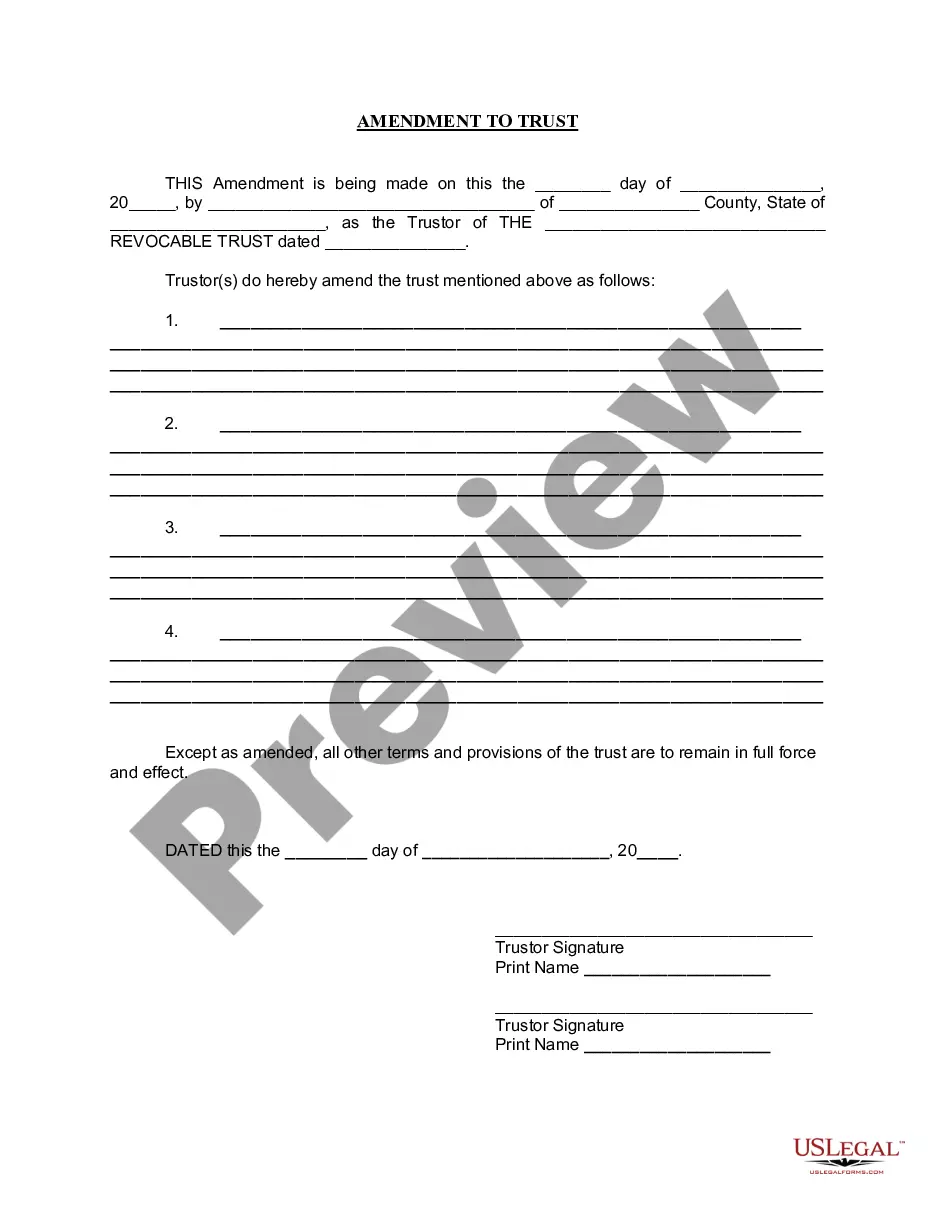
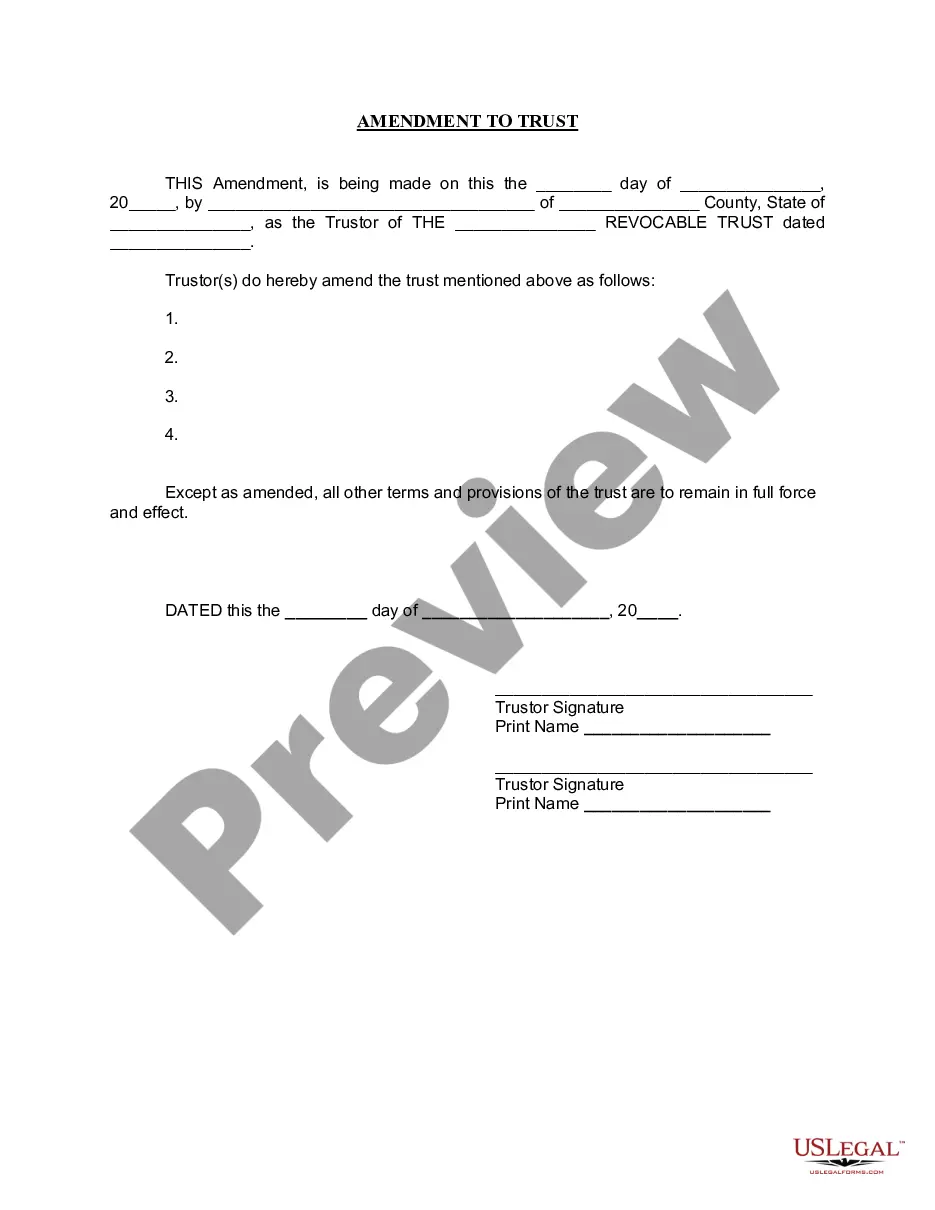
Revoking or amending a revocable living trust can be done with or without an attorney. You can amend a living trust without having to go to court. If you created the document through an online service, you should be able to amend it through them for a small fee.
To modify an irrevocable trust, you can either decant the trust or initiate a court procedure through a California probate court. With the latter, you will need to petition the court to allow the modification to the irrevocable trust. It is also possible to include a trust protector provision in an irrevocable trust.
The only way to amend an irrevocable living trust is to have the consent of each and every beneficiary to the trust. Once they all agree upon the amendment(s) to the trust, they can compel modification of the trust with a petition to the court.
In most cases, you need a court's approval to amend or revoke an irrevocable trust. The trustee must petition the court to make an appropriate change.
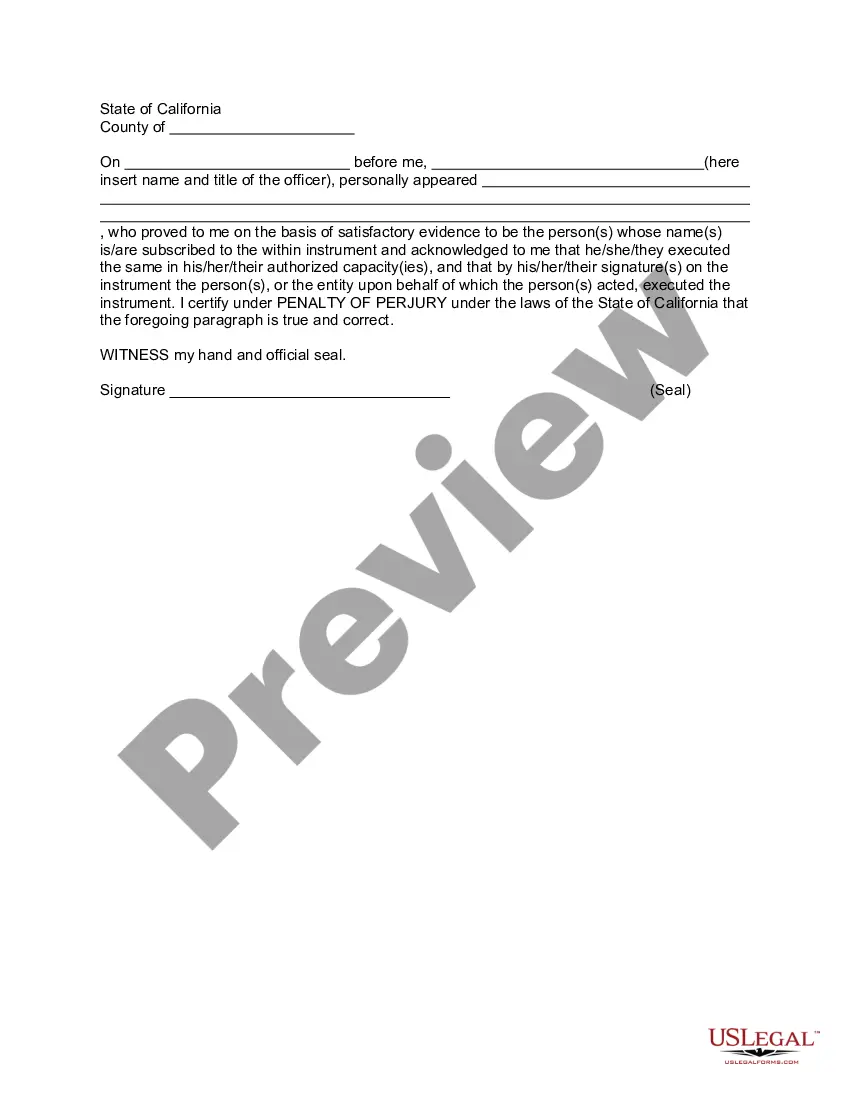
Amending a Living Trust in California These amendments do not need to be notarized to count, but they do need to be witnessed and signed, or at least created holographically (in the grantor's handwriting, with the grantor's signature).