Owner Affidavit California For Identity
Description
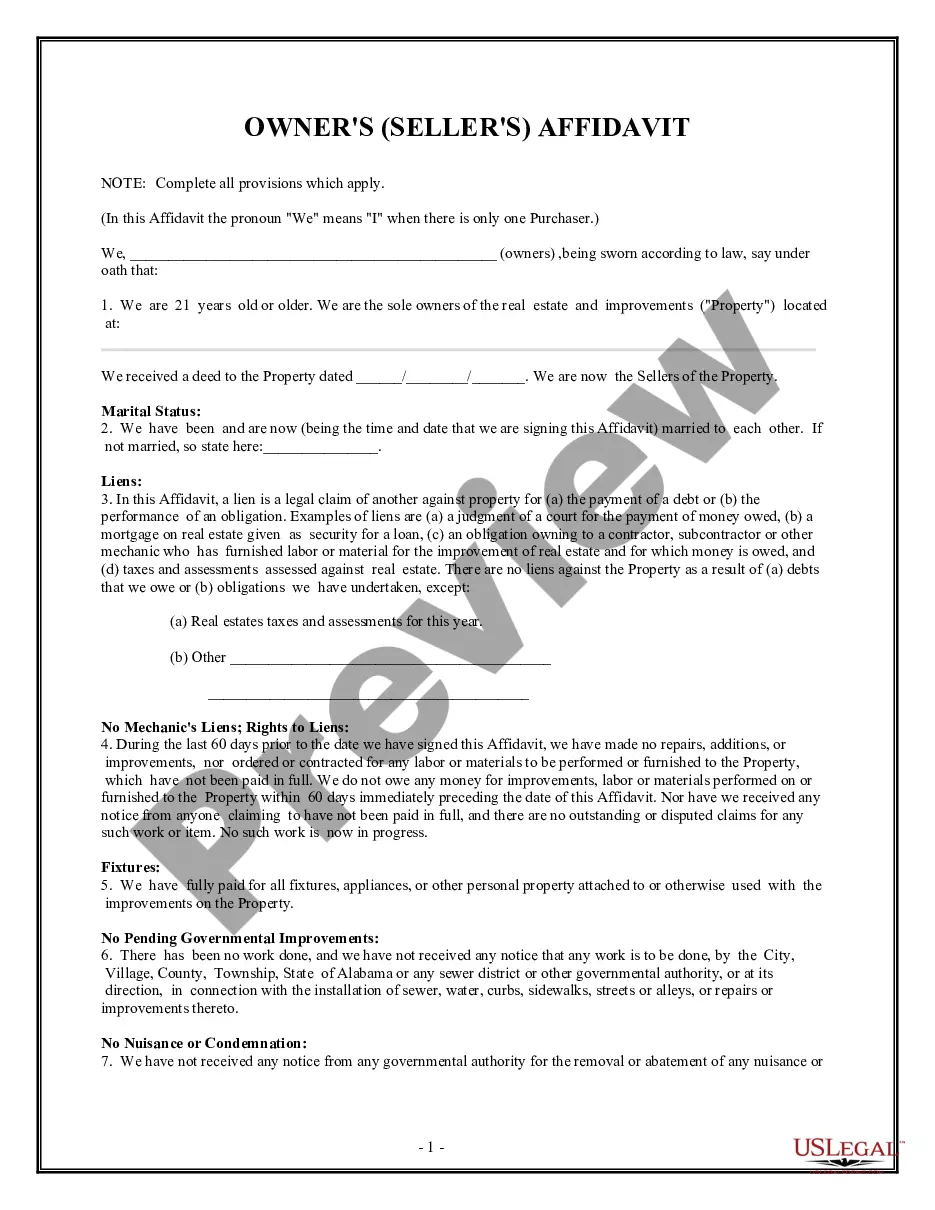
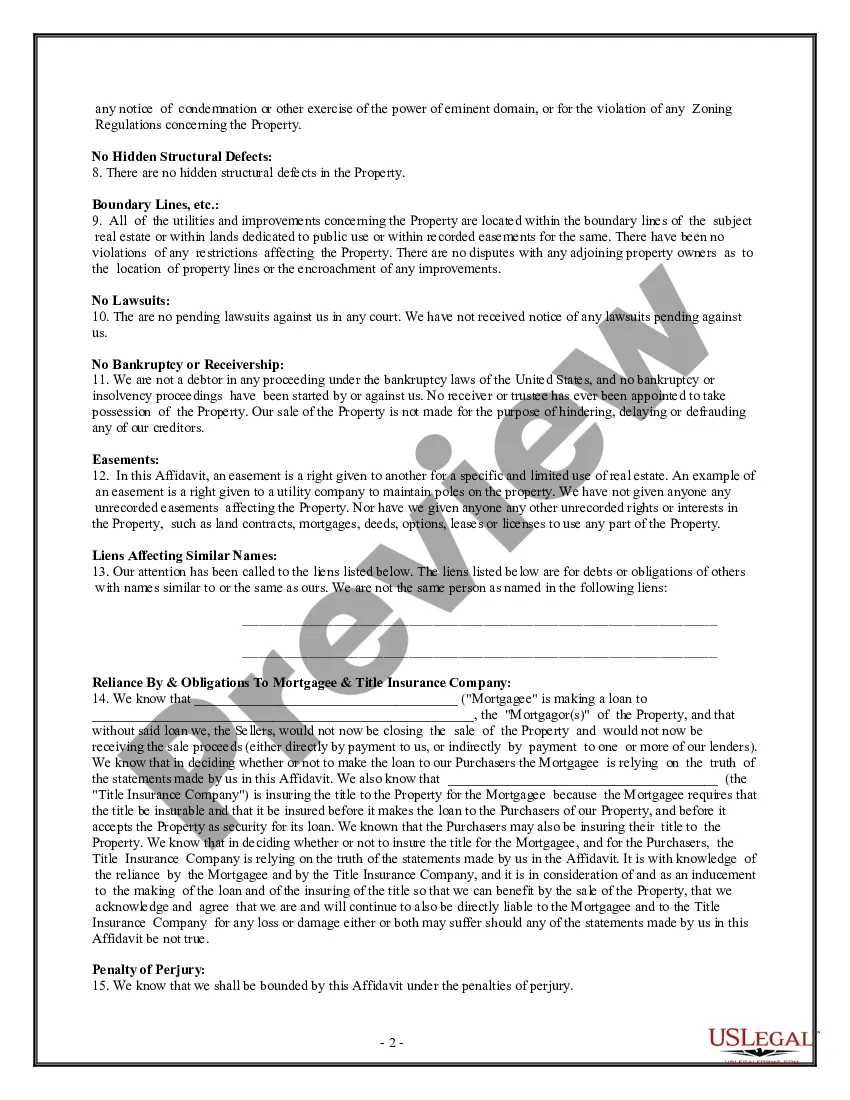
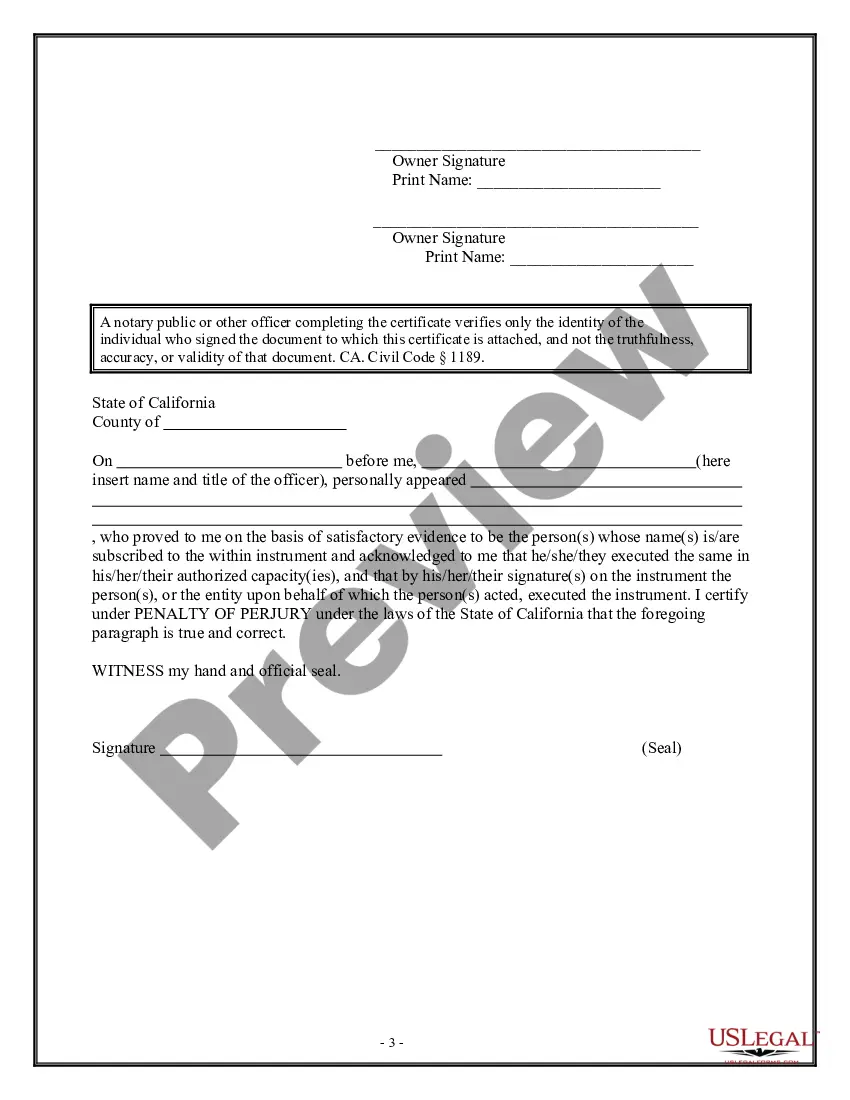

Get your form ready online
Our built-in tools help you complete, sign, share, and store your documents in one place.
Make edits, fill in missing information, and update formatting in US Legal Forms—just like you would in MS Word.
Download a copy, print it, send it by email, or mail it via USPS—whatever works best for your next step.
Sign and collect signatures with our SignNow integration. Send to multiple recipients, set reminders, and more. Go Premium to unlock E-Sign.
If this form requires notarization, complete it online through a secure video call—no need to meet a notary in person or wait for an appointment.
We protect your documents and personal data by following strict security and privacy standards.

Make edits, fill in missing information, and update formatting in US Legal Forms—just like you would in MS Word.

Download a copy, print it, send it by email, or mail it via USPS—whatever works best for your next step.

Sign and collect signatures with our SignNow integration. Send to multiple recipients, set reminders, and more. Go Premium to unlock E-Sign.

If this form requires notarization, complete it online through a secure video call—no need to meet a notary in person or wait for an appointment.

We protect your documents and personal data by following strict security and privacy standards.
Looking for another form?




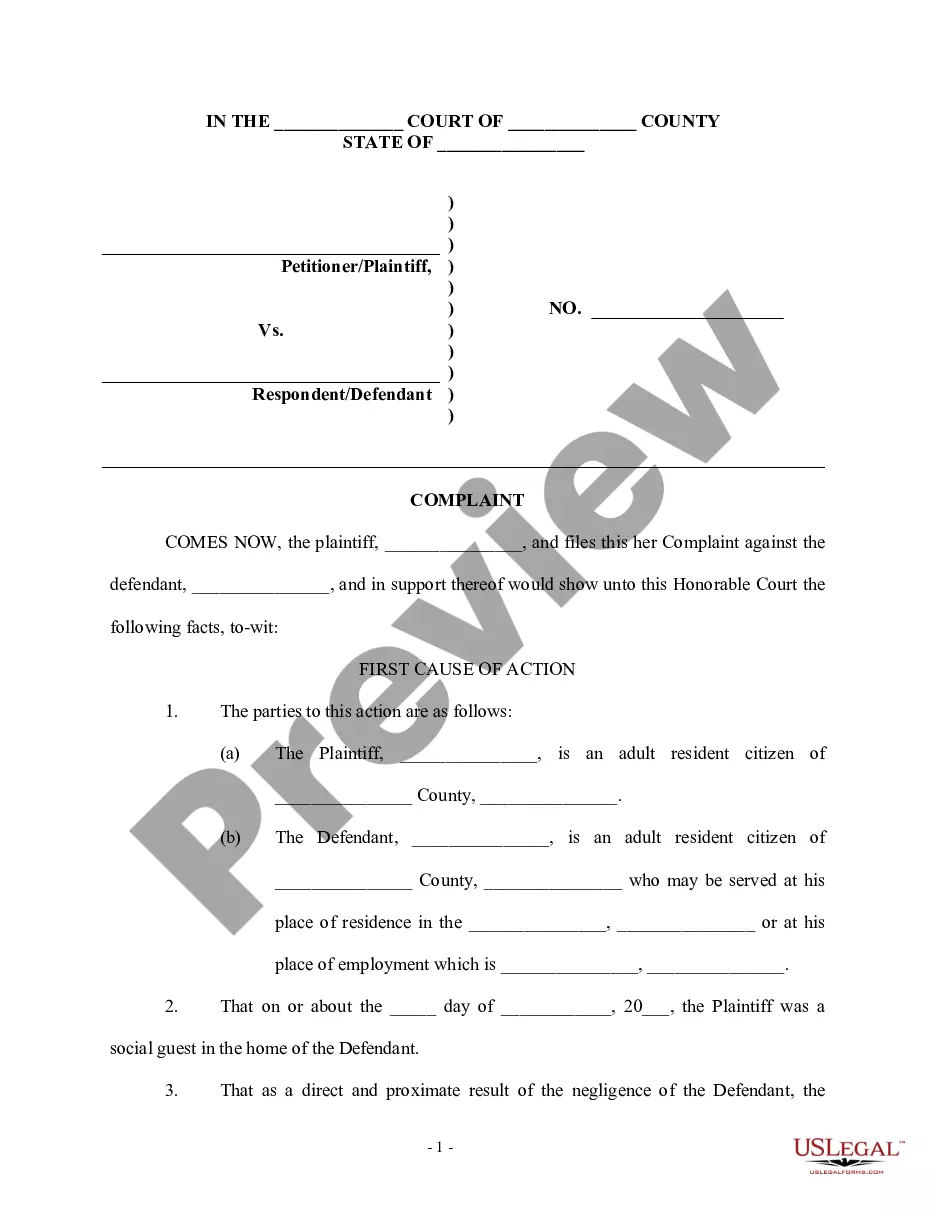
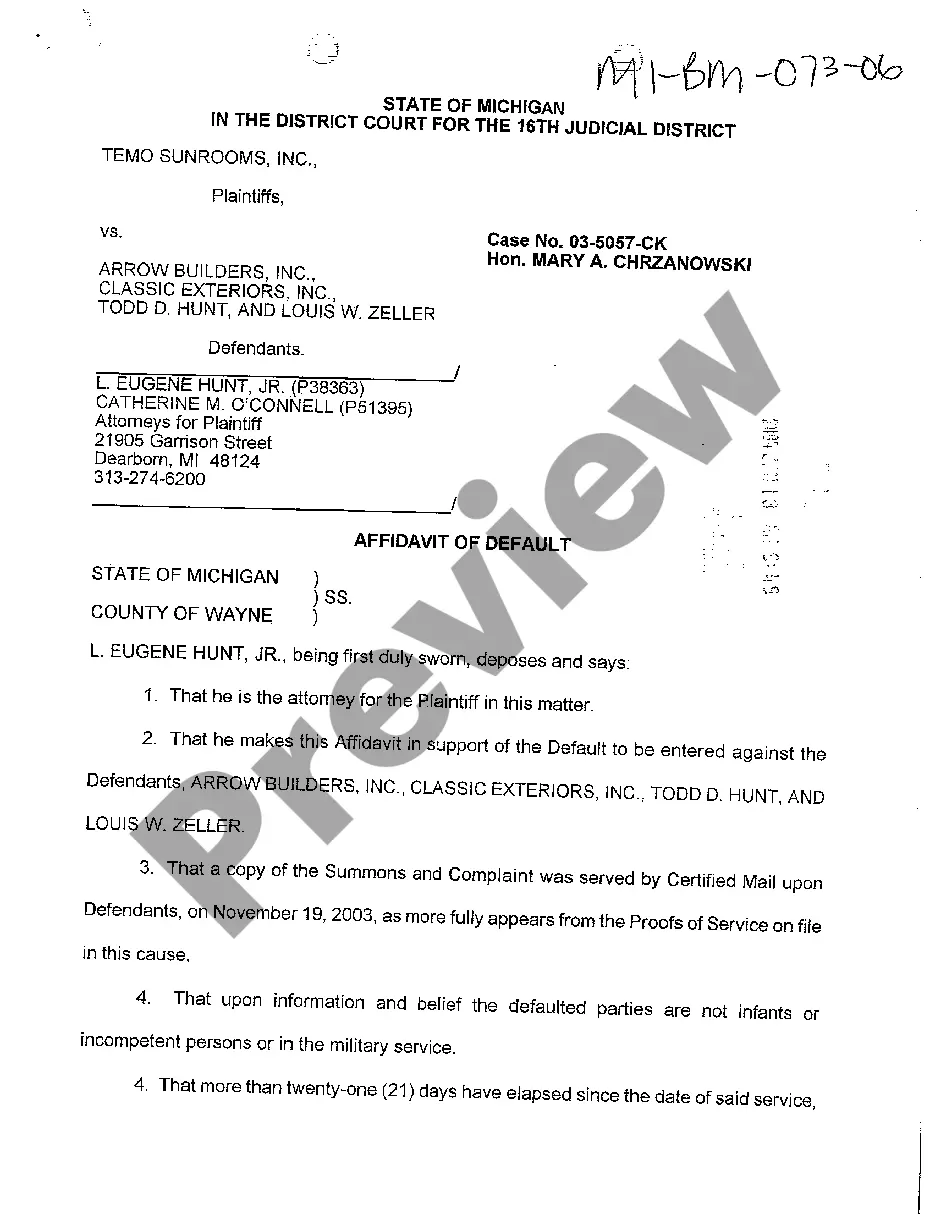
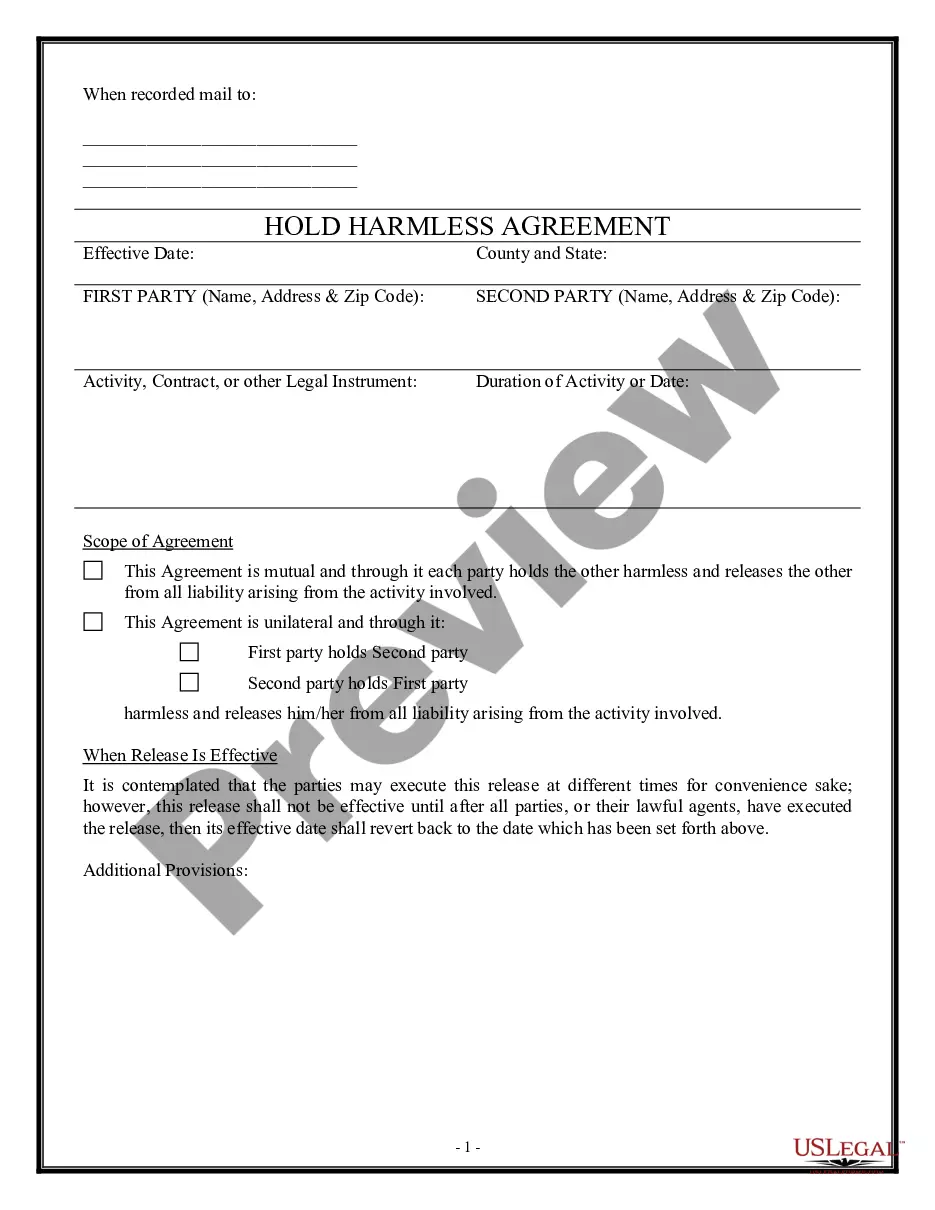
How to fill out California Owner's Or Seller's Affidavit Of No Liens?
When it's necessary to file Owner Affidavit California For Identity that aligns with your local state's statutes and guidelines, there may be several alternatives to consider.
There's no need to examine each form to ensure it meets all the legal requirements if you are a US Legal Forms member.
It is a reliable service that can assist you in obtaining a reusable and current template on any matter.
Browse through the suggested page and confirm it meets your specifications. Use the Preview mode and review the form description if available. If necessary, find another template using the Search field in the header. Click Buy Now once you discover the appropriate Owner Affidavit California For Identity. Choose the most suitable subscription plan, Log In to your account, or create a new one. Pay for a subscription (options for PayPal and credit card are available). Download the template in your desired file format (PDF or DOCX). Print the document or complete it electronically using an online editor. Obtaining expertly crafted official documents becomes easy with US Legal Forms. Additionally, Premium users can take advantage of the powerful integrated tools for online document editing and signing. Give it a try today!
- US Legal Forms is the most comprehensive online repository with a collection of over 85,000 ready-to-use documents for business and personal legal matters.
- All templates are validated to comply with each state's regulations.
- Thus, when downloading Owner Affidavit California For Identity from our site, you can be assured that you possess a valid and up-to-date document.
- Acquiring the necessary sample from our platform is quite simple.
- If you already have an account, just Log In to the system, verify that your subscription is active, and save the selected file.
- In the future, you can access the My documents tab in your profile and retrieve the Owner Affidavit California For Identity whenever you wish.
- If this is your first visit to our website, please follow the instructions below.
Form popularity
FAQ
At a minimum, an Affidavit of Identity should include the following information:The signer's full name;Date of birth of the signer;The signer's address;The form of identification relied upon;A signature of the person seeking to be identified;The signature of a notary public; and.The seal of the notary public.
The bottom part of the Affidavit should include the following:Full name of the deponent and their signature.Statement indicating whether the affidavit has been sworn or not.Date and place where the affidavit is being signed.Designation and full name of the Notary or Magistrate (person attesting the affidavit)
Process of drafting an affidavitAt the top, write the name of the court, tribunal in which the affidavit is to be submitted, along with the allotted case/suit no.Mention the names of parties in brief.As a heading/title of the document, mention 'AFFIDAVIT' in the bold and underlined font.More items...?
6 steps to writing an affidavitTitle the affidavit. First, you'll need to title your affidavit.Craft a statement of identity. The very next section of your affidavit is what's known as a statement of identity.Write a statement of truth.State the facts.Reiterate your statement of truth.Sign and notarize.
The certification or declaration may be in substantially the following form: (a) If executed within this state: "I certify (or declare) under penalty of perjury that the foregoing is true and correct": (Date and Place) (Signature) (b) If executed at any place, within or without this state: "I