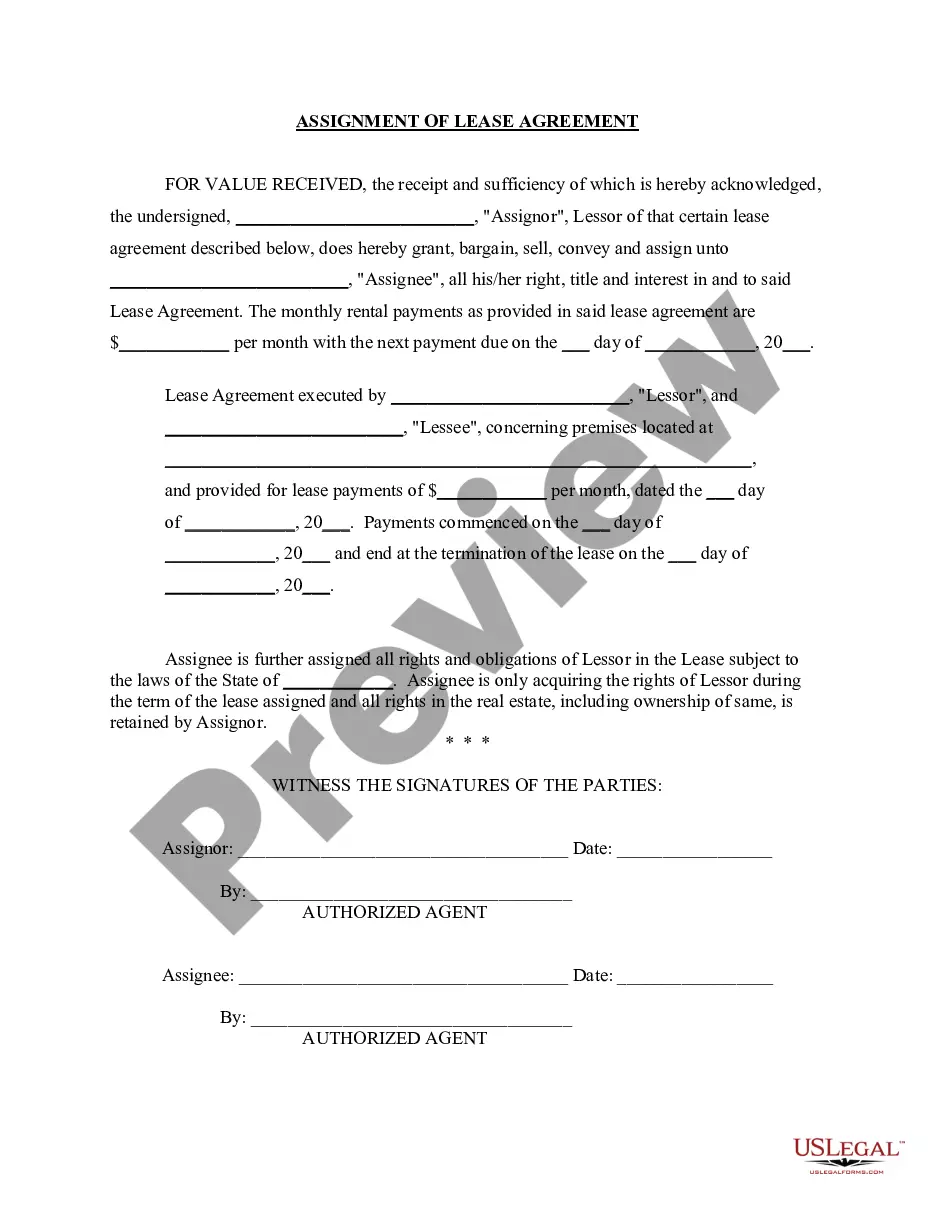
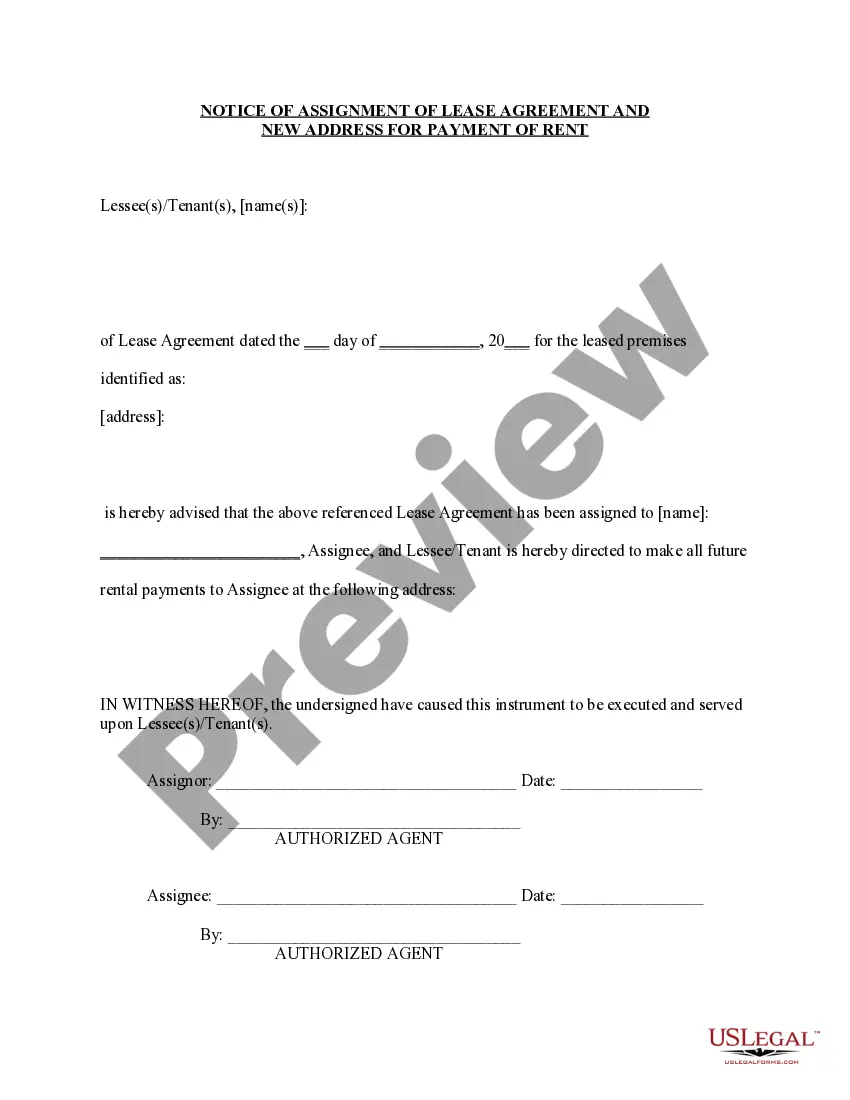
Assignment Of Lease California For Commercial
Description
Get your form ready online
Our built-in tools help you complete, sign, share, and store your documents in one place.
Make edits, fill in missing information, and update formatting in US Legal Forms—just like you would in MS Word.
Download a copy, print it, send it by email, or mail it via USPS—whatever works best for your next step.
Sign and collect signatures with our SignNow integration. Send to multiple recipients, set reminders, and more. Go Premium to unlock E-Sign.
If this form requires notarization, complete it online through a secure video call—no need to meet a notary in person or wait for an appointment.
We protect your documents and personal data by following strict security and privacy standards.

Make edits, fill in missing information, and update formatting in US Legal Forms—just like you would in MS Word.

Download a copy, print it, send it by email, or mail it via USPS—whatever works best for your next step.

Sign and collect signatures with our SignNow integration. Send to multiple recipients, set reminders, and more. Go Premium to unlock E-Sign.

If this form requires notarization, complete it online through a secure video call—no need to meet a notary in person or wait for an appointment.

We protect your documents and personal data by following strict security and privacy standards.
Looking for another form?
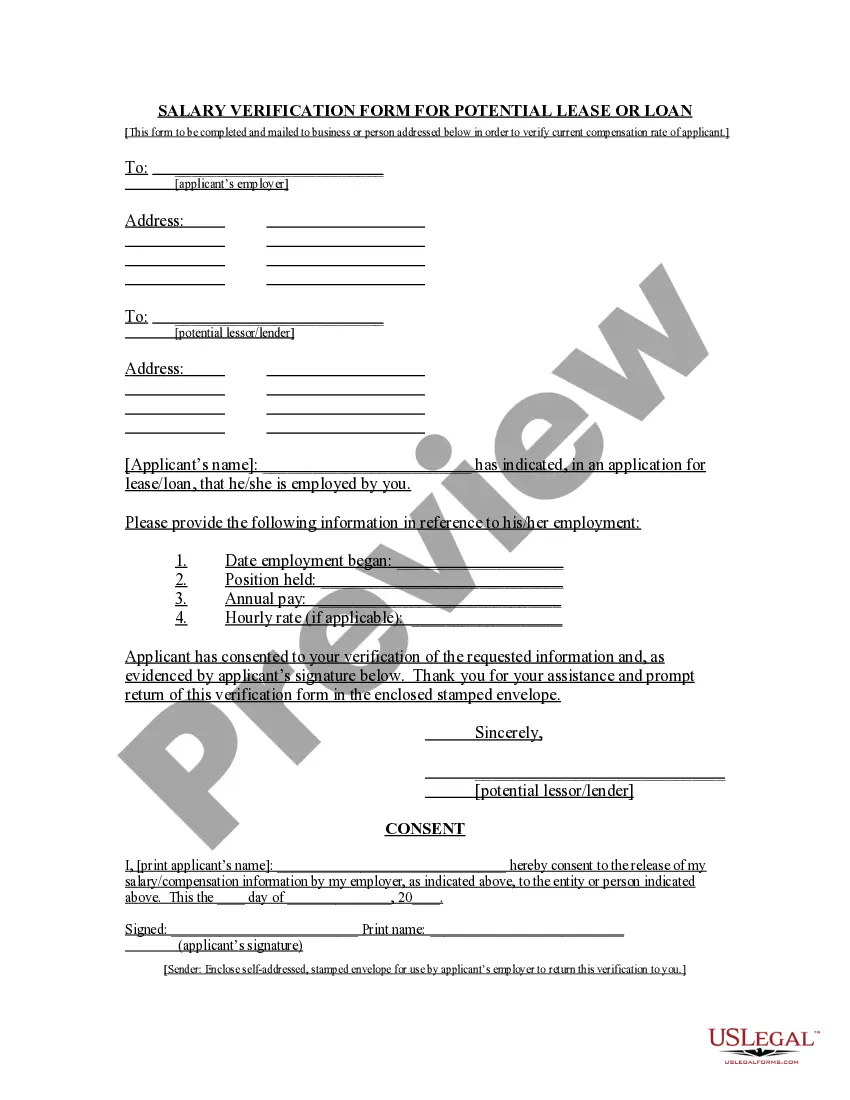
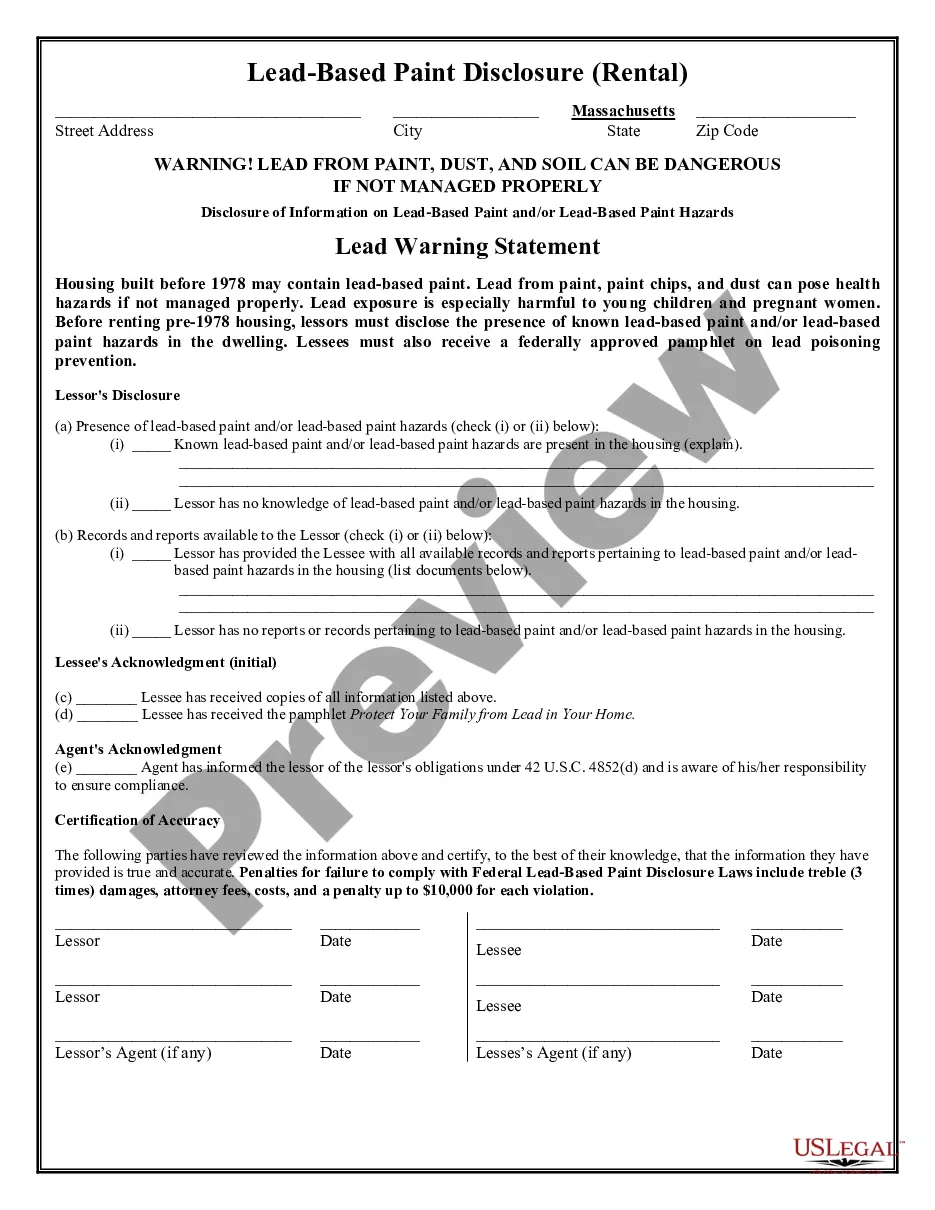
How to fill out California Assignment Of Lease From Lessor With Notice Of Assignment?
It’s evident that you cannot become a legal specialist instantly, nor can you master how to swiftly prepare Assignment Of Lease California For Commercial without having a dedicated background.
Assembling legal documents is an extensive endeavor that necessitates specific training and expertise.
So why not entrust the drafting of the Assignment Of Lease California For Commercial to the professionals.
You can revisit your documents from the My documents tab at any moment. If you are an existing customer, you can simply Log In, and locate and download the template from the same tab.
Regardless of the intention of your forms—whether they are financial and legal, or personal—our website has you covered. Try US Legal Forms now!
- Identify the document you need by utilizing the search bar at the top of the webpage.
- Preview it (if this option is available) and review the accompanying description to determine if Assignment Of Lease California For Commercial is what you are looking for.
- Restart your search if you require a different template.
- Sign up for a free account and select a subscription plan to purchase the template.
- Click Buy now. Once the payment is processed, you can receive the Assignment Of Lease California For Commercial, complete it, print it, and send or mail it to the designated recipients or organizations.
Form popularity
FAQ
Service of a summons and complaint may be made by the plaintiff or by any person authorized to serve with South Carolina Process Service by registered or certified mail, return receipt requested, and delivery restricted to the addressee. On the return receipt, the date of delivery is shown as the date of service.
There are three requirements for a valid will in South Carolina: It is signed by the will-maker. It must have two witness signatures. It must be notarized by a notary public.
Service of all other process shall be made by the sheriff or his deputy or any other duly constituted law enforcement officer or by any person designated by the court who is not less than eighteen (18) years of age and not an attorney in or a party to the action, except that a subpoena may be served as provided in Rule ...
To be eligible to serve process in South Carolina, you do not need a license. You do, however, need to follow the state-specific laws to ensure your case can continue without delay. The laws vary from state to state, so it is important to hire a process server who is local to the case.
Bringing the papers to you at your home or by you receiving the papers in a certified letter. This process is known as service. Before legal action can be taken against you, the person bringing the lawsuit must show that they have ?served? you with the legal papers filed against you.
Process server requirements and licensing The state of South Carolina requires all process servers to be licensed. In order to become licensed, process servers must meet certain requirements, including being at least 18 years of age and having a clean criminal record.
South Carolina does not recognize ?legal separation.? Instead, the South Carolina Family Courts issue Orders of Separate Maintenance and Support, which provide specific details regarding parties' child custody, visitation, and support arrangements, as well as maintaining marital assets and paying marital debts, until ...
Form 9 - Letter to Clerk of Lower Court Filing Notice of Appeal, S.C.