Ca Partnership California For Jobs
Description
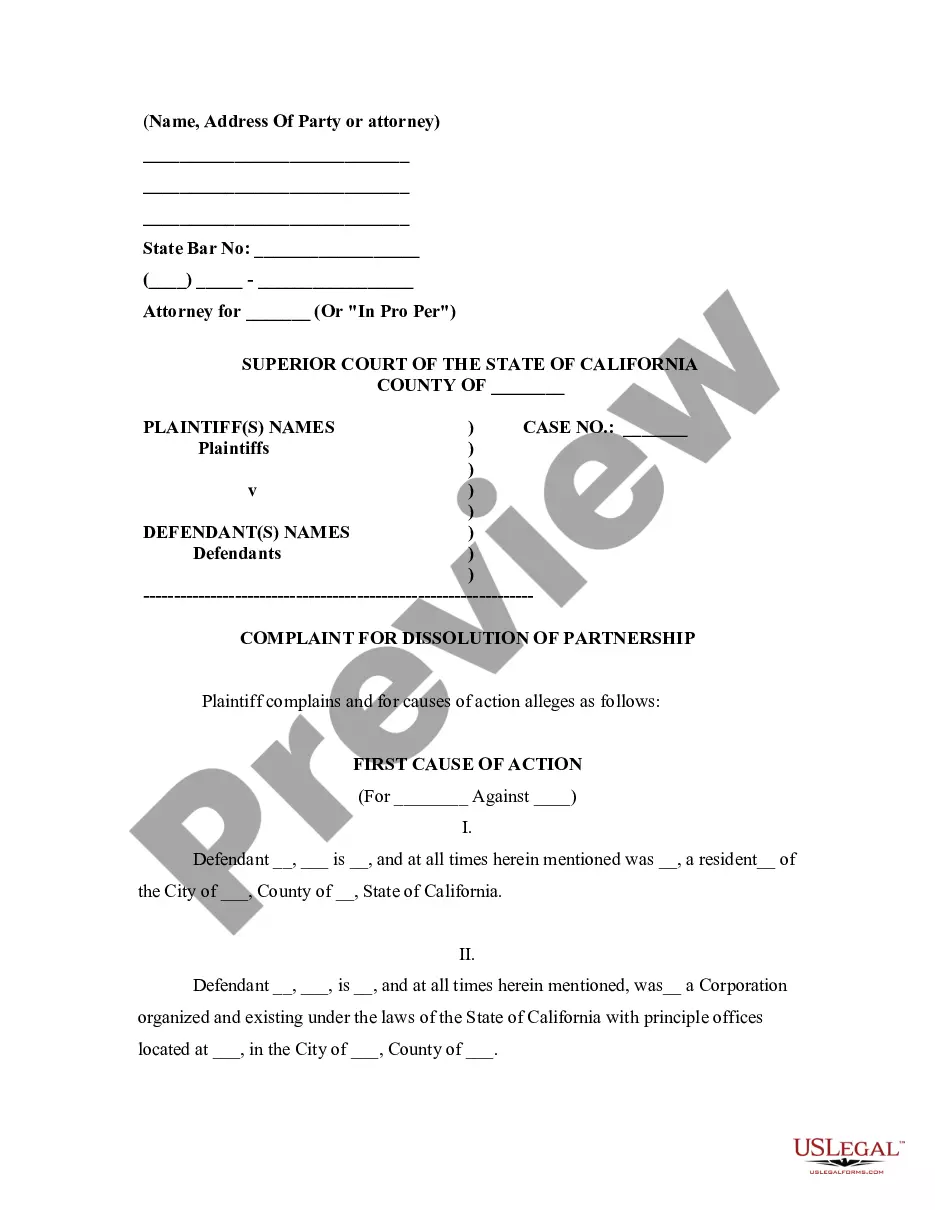
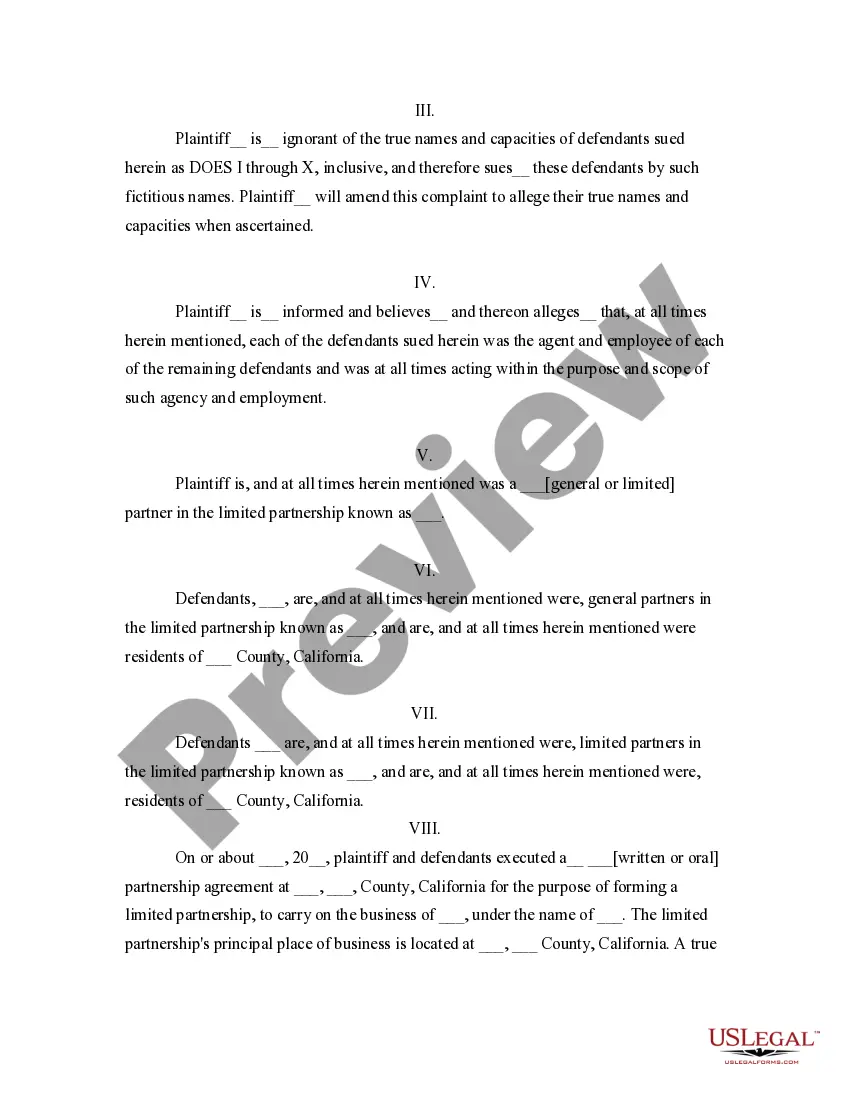
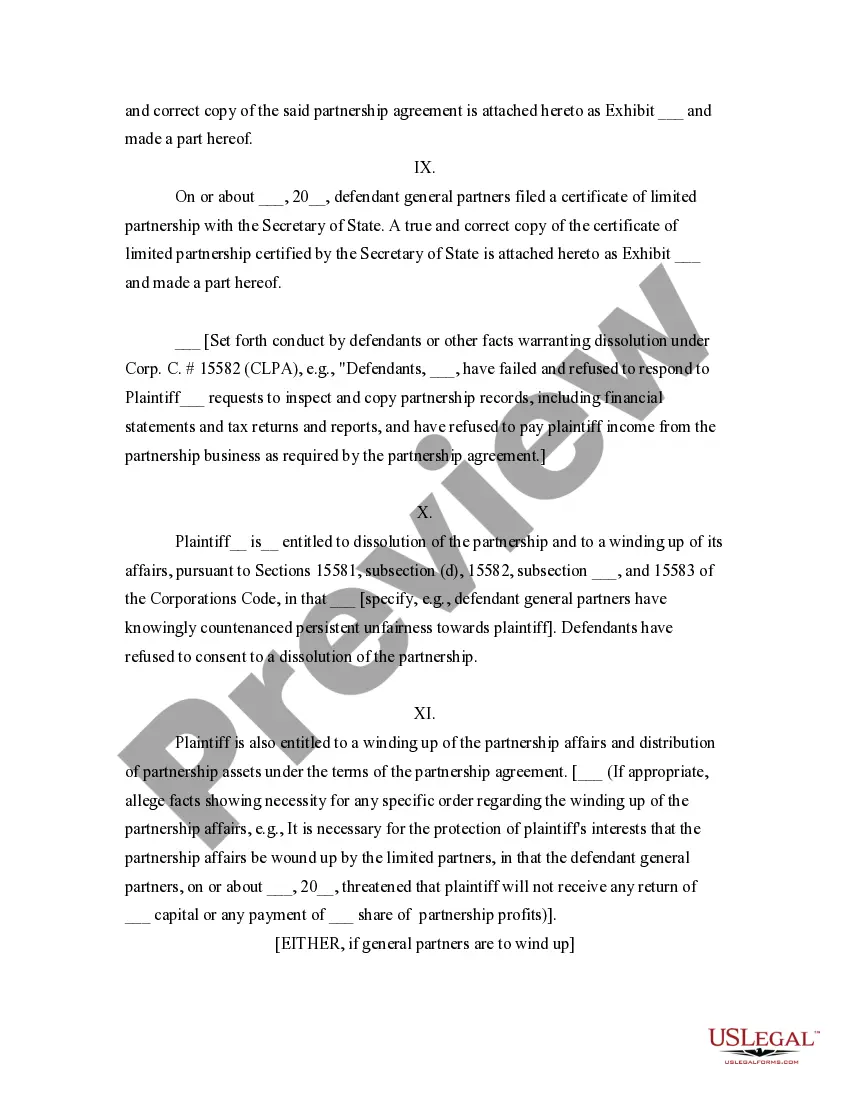
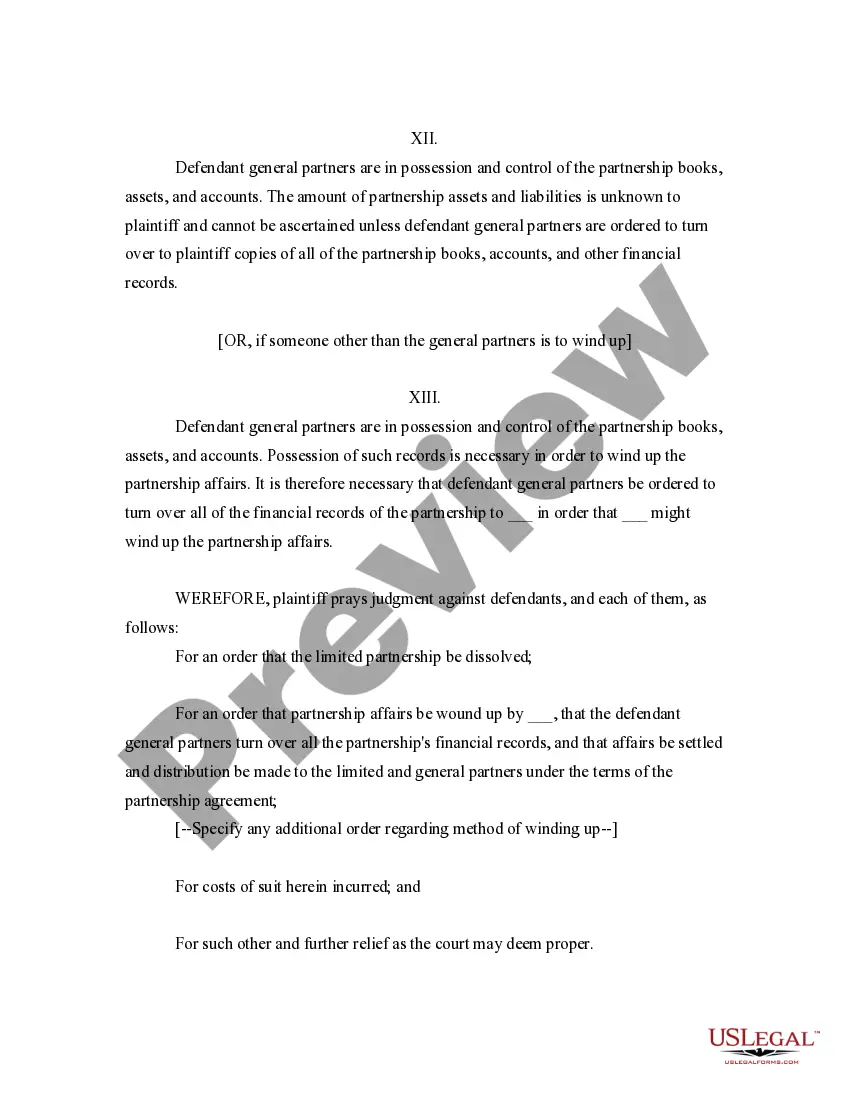
Get your form ready online
Our built-in tools help you complete, sign, share, and store your documents in one place.
Make edits, fill in missing information, and update formatting in US Legal Forms—just like you would in MS Word.
Download a copy, print it, send it by email, or mail it via USPS—whatever works best for your next step.
Sign and collect signatures with our SignNow integration. Send to multiple recipients, set reminders, and more. Go Premium to unlock E-Sign.
If this form requires notarization, complete it online through a secure video call—no need to meet a notary in person or wait for an appointment.
We protect your documents and personal data by following strict security and privacy standards.

Make edits, fill in missing information, and update formatting in US Legal Forms—just like you would in MS Word.

Download a copy, print it, send it by email, or mail it via USPS—whatever works best for your next step.

Sign and collect signatures with our SignNow integration. Send to multiple recipients, set reminders, and more. Go Premium to unlock E-Sign.

If this form requires notarization, complete it online through a secure video call—no need to meet a notary in person or wait for an appointment.

We protect your documents and personal data by following strict security and privacy standards.
Looking for another form?



How to fill out California Complaint For Dissolution Of Limited Partnership?
It’s obvious that you can’t become a legal expert immediately, nor can you grasp how to quickly prepare Ca Partnership California For Jobs without the need of a specialized set of skills. Creating legal forms is a long venture requiring a particular training and skills. So why not leave the creation of the Ca Partnership California For Jobs to the specialists?
With US Legal Forms, one of the most comprehensive legal template libraries, you can access anything from court documents to templates for in-office communication. We understand how important compliance and adherence to federal and local laws are. That’s why, on our platform, all forms are location specific and up to date.
Here’s start off with our platform and get the form you require in mere minutes:
- Discover the document you need by using the search bar at the top of the page.
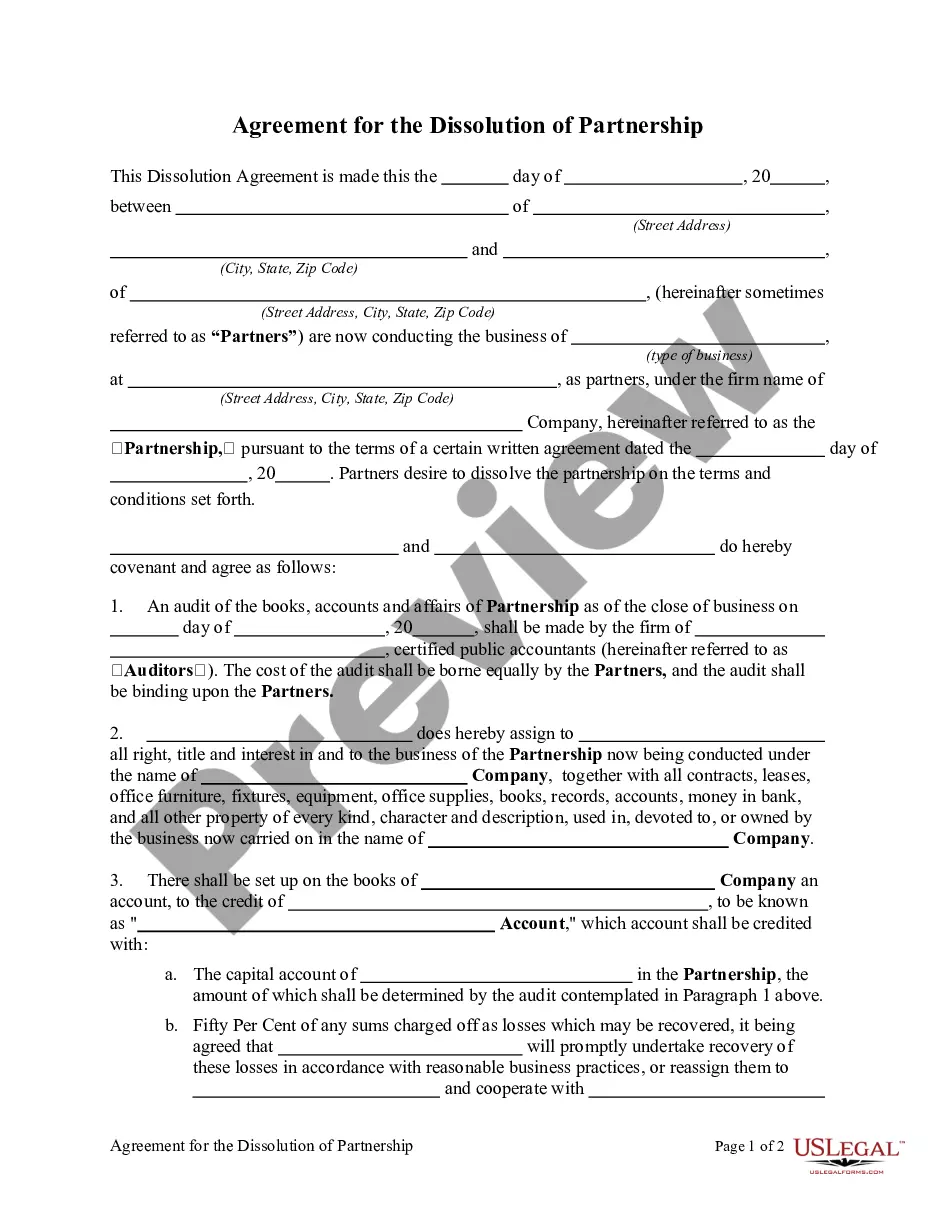
- Preview it (if this option available) and check the supporting description to figure out whether Ca Partnership California For Jobs is what you’re looking for.
- Start your search again if you need any other template.
- Register for a free account and choose a subscription option to purchase the form.
- Choose Buy now. Once the transaction is complete, you can download the Ca Partnership California For Jobs, complete it, print it, and send or mail it to the necessary individuals or entities.
You can re-access your forms from the My Forms tab at any time. If you’re an existing client, you can simply log in, and find and download the template from the same tab.
Regardless of the purpose of your forms-whether it’s financial and legal, or personal-our platform has you covered. Try US Legal Forms now!
Form popularity
FAQ
If there are no differences between your federal and California income or deductions, do not file a Schedule CA (540), California Adjustments - Residents. If there are differences between your federal and California income or deductions, complete Schedule CA (540).
If you have an LLC, here's how to fill in the California Form 568: Line 1?Total income from Schedule IW. Enter the total income. Line 2?Limited liability company fee. Enter the amount of the LLC fee. The LLC must pay a fee if the total California income is equal to or greater than $250,000.
PAYMENTS Mail Form 568 with payment to: Mail Franchise Tax Board. PO Box 942857. Sacramento, CA 94257-0501. E-Filed returns: Pay electronically using Web Pay, credit card, EFW, or mail form FTB 3588, Payment Voucher for LLC e-filed Returns, with payment to: Mail Franchise Tax Board. PO Box 942857. Sacramento, CA 94257-0531.
Your partnership must file a Partnership Return of Income (Form 565). Each partner will also need to file a Partner's Share of Income, Deductions, Credits, etc. (Schedule K-1 Form 565). Because a partnership is a pass-through entity, each partner is responsible for paying their share of the partnership taxes.
A partnership (including REMICs classified as partnerships) that engages in a trade or business in California or has income from a California source must file Form 565.