Retroactive Rent Formula
Description

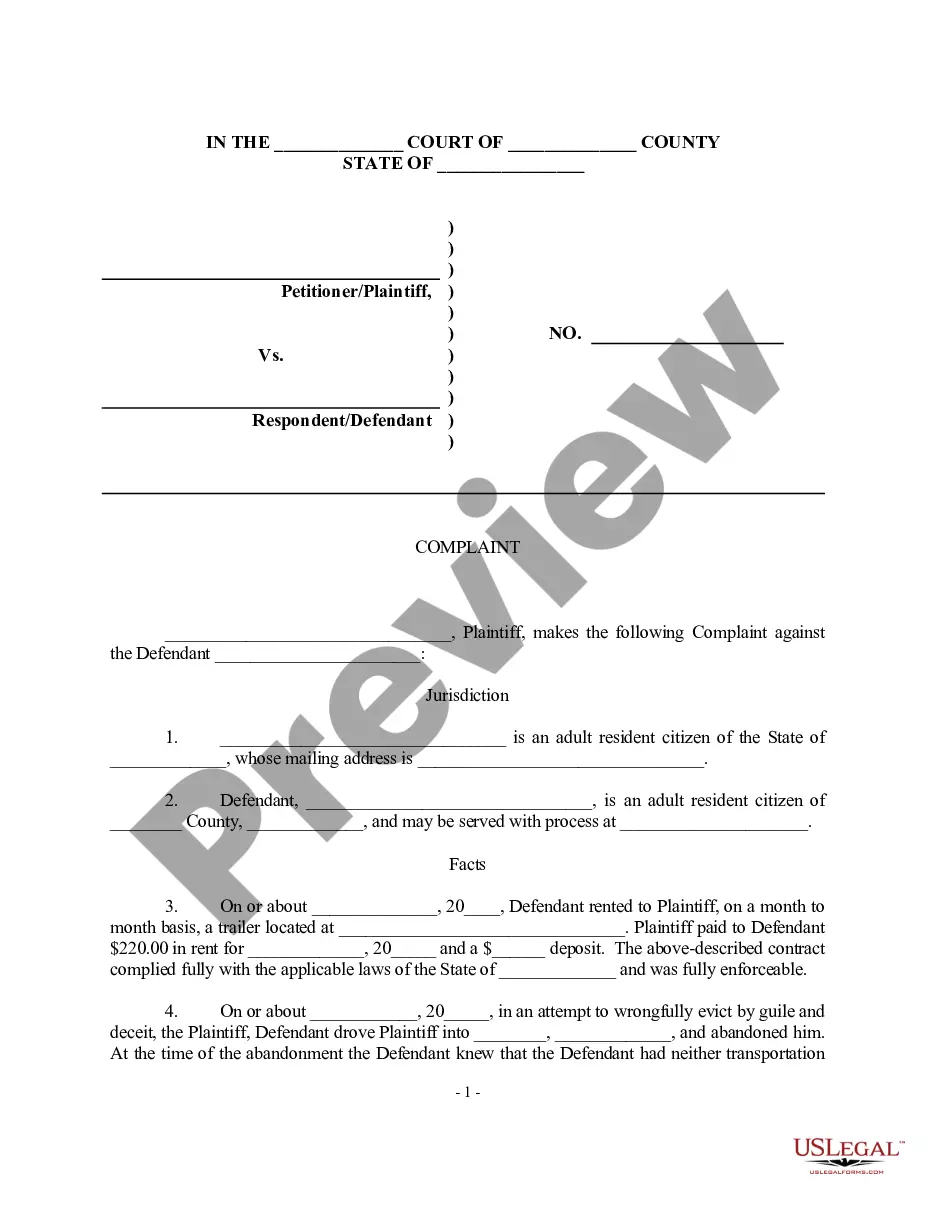
Get your form ready online
Our built-in tools help you complete, sign, share, and store your documents in one place.
Make edits, fill in missing information, and update formatting in US Legal Forms—just like you would in MS Word.
Download a copy, print it, send it by email, or mail it via USPS—whatever works best for your next step.
Sign and collect signatures with our SignNow integration. Send to multiple recipients, set reminders, and more. Go Premium to unlock E-Sign.
If this form requires notarization, complete it online through a secure video call—no need to meet a notary in person or wait for an appointment.
We protect your documents and personal data by following strict security and privacy standards.

Make edits, fill in missing information, and update formatting in US Legal Forms—just like you would in MS Word.

Download a copy, print it, send it by email, or mail it via USPS—whatever works best for your next step.

Sign and collect signatures with our SignNow integration. Send to multiple recipients, set reminders, and more. Go Premium to unlock E-Sign.

If this form requires notarization, complete it online through a secure video call—no need to meet a notary in person or wait for an appointment.

We protect your documents and personal data by following strict security and privacy standards.
Looking for another form?





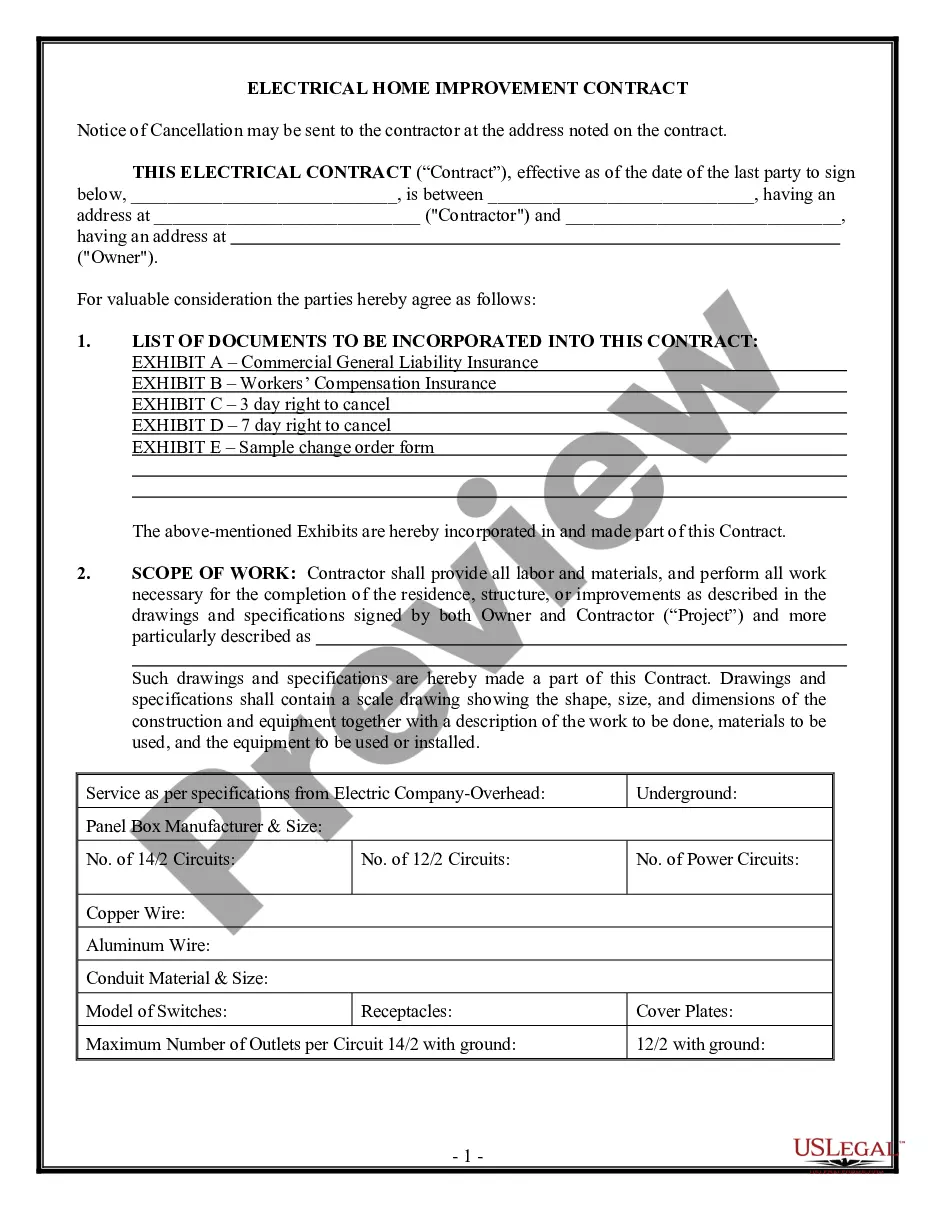



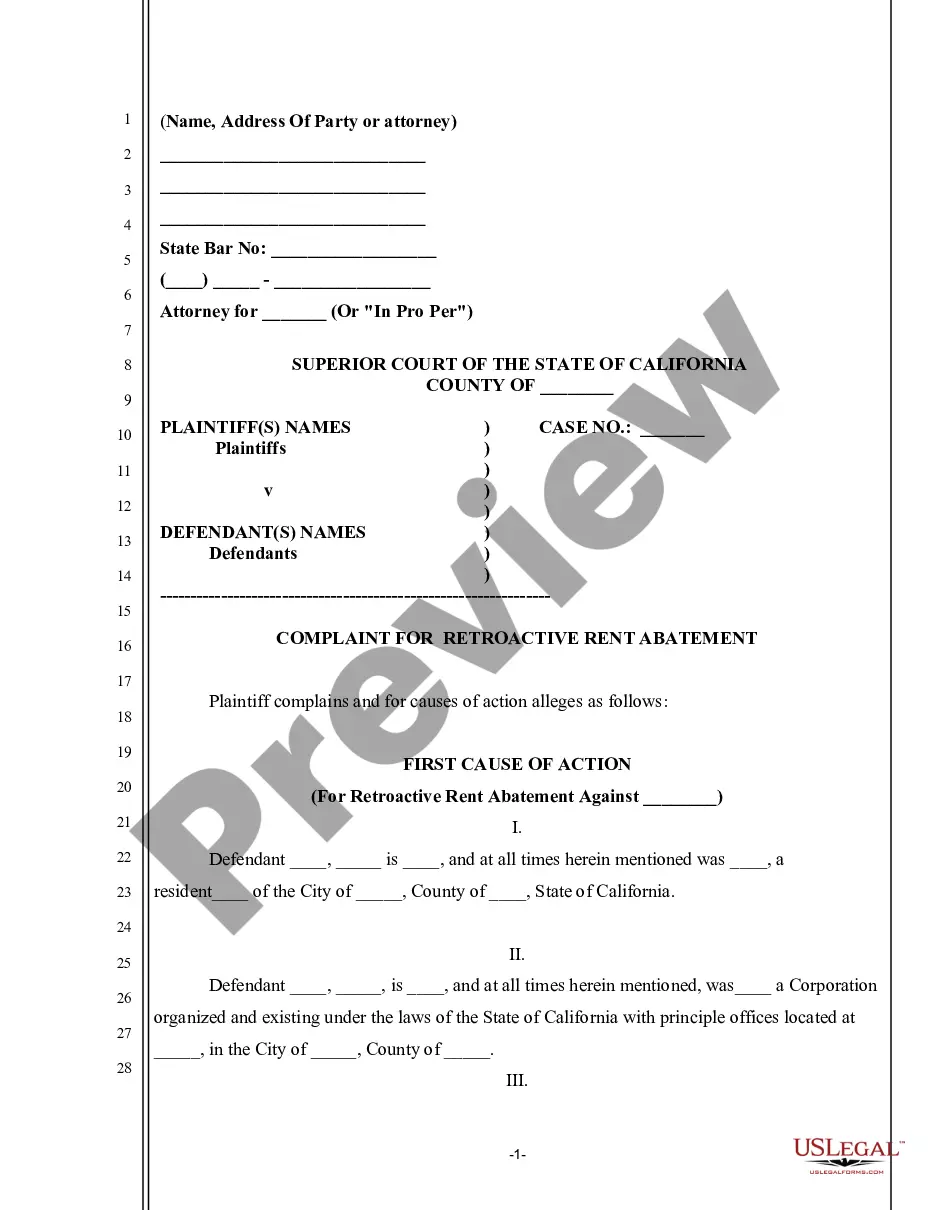
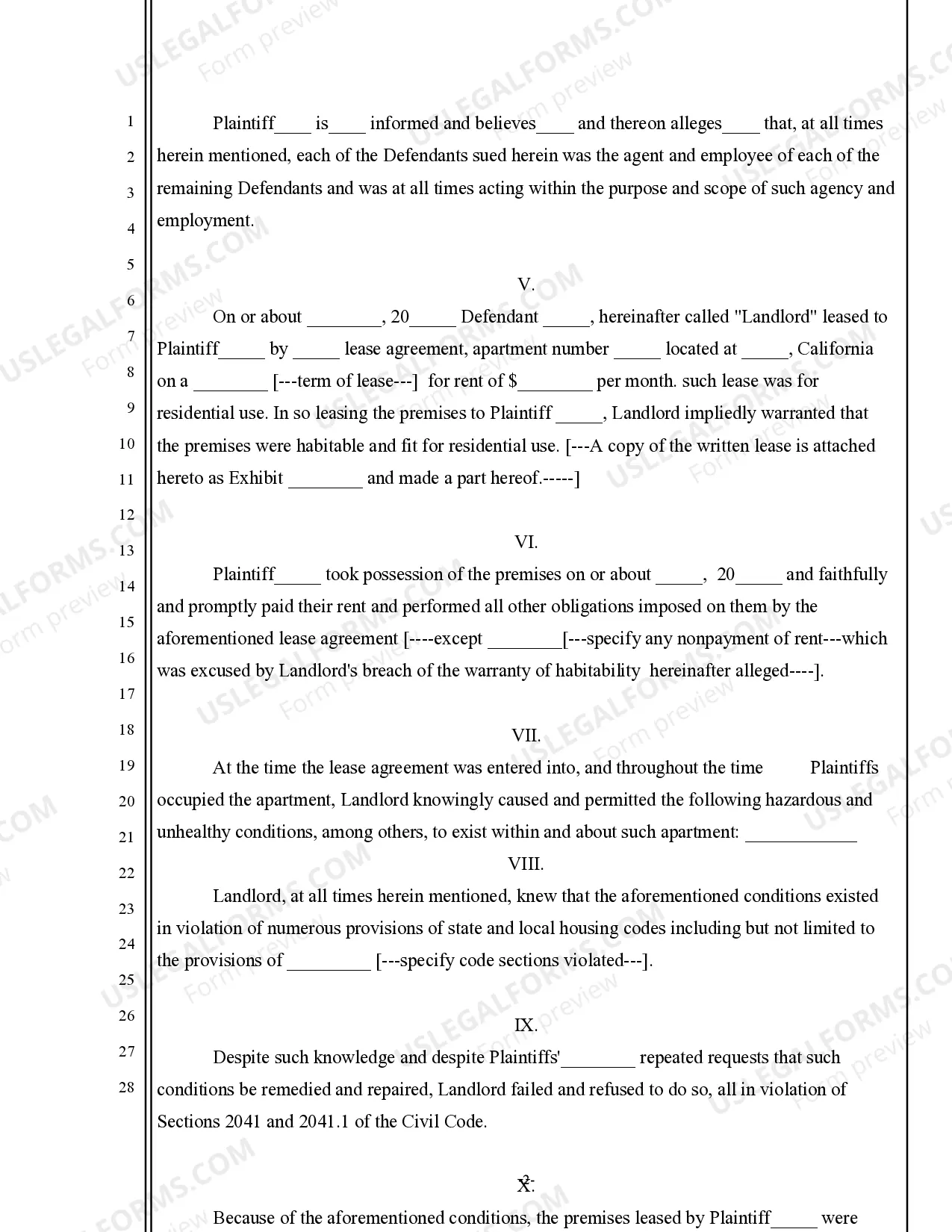
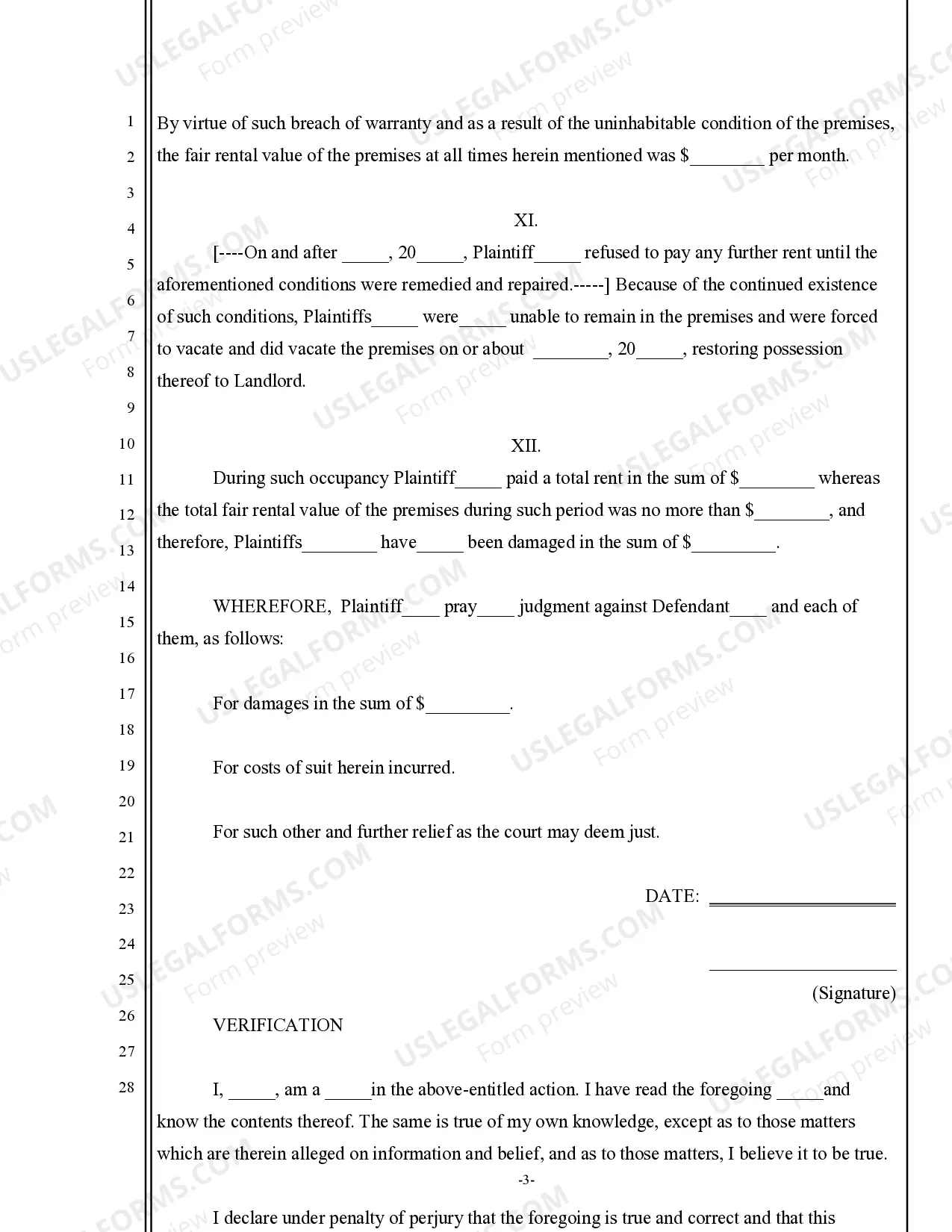
How to fill out California Complaint For Retroactive Rent Abatement?
The Retroactive Rent Template you see on this page is a versatile legal framework designed by expert attorneys in accordance with federal and state laws.
For over 25 years, US Legal Forms has supplied individuals, organizations, and lawyers with over 85,000 validated, state-specific documents for any business and personal event.
Select the format you prefer for your Retroactive Rent Template (PDF, DOCX, RTF) and save the sample on your device. Fill out and sign the document. Print out the template to complete it by hand. Alternatively, use an online multi-functional PDF editor to swiftly and accurately fill out and sign your form with a valid signature. Download your documents once more. Utilize the same document again whenever needed. Access the My documents tab in your profile to redownload any previously saved forms. Subscribe to US Legal Forms for verified legal templates for all of life's situations at your fingertips.
- Search for the document you require and examine it.
- Browse through the sample you searched and preview it or check the form description to ensure it meets your requirements. If it doesn’t, use the search feature to locate the suitable one. Click Buy Now once you have identified the template you need.
- Subscribe and Log In.
- Choose the pricing plan that fits you and create an account. Use PayPal or a credit card for a quick payment. If you already possess an account, Log In and verify your subscription to continue.
- Obtain the editable template.
Form popularity
FAQ
How Do You Calculate Proration of Rent? ($1200 / 30 days) x 21 days = $840. ($350 / 7 days) x 3 days = $150. For example, let's say your monthly rent is $1200, and you are moving out on the 15th of a 30-day month. The prorated move-out rent would be: ($1200 / 30 days) x 15 days = $600.
In order to calculate the prorated rent amount you must take the total rent due, divide it by the number of days in the month to determine a daily rent amount. You then multiply the daily rent amount by the number of days the tenant will be occupying the property to generate the prorated amount for the partial month.
Net effective rent is calculated by multiplying gross rent by the length of the lease minus the discounted months you're given by the property owner. Then, you divide the amount by the length of the lease. Finally, you subtract the calculated amount from the gross rent to get your net effective rent.
I Need to Calculate 2.5x Rent For example, if the monthly rent is $1,000, you should multiply it by 2.5. ing to the 2.5x rent rule, this means the tenant should be earning at least $2,500 per month in gross income.
The 40x / 30% Rule There are many ways to calculate affordable rent. Some people use the 40x rule since many landlords require that your annual gross income be at least 40 times your monthly rent. To calculate, simply divide your annual gross income by 40 - if you make $120,000 a year, you can spend $3,000 on rent.