Tenant Cloud
Description


Get your form ready online
Our built-in tools help you complete, sign, share, and store your documents in one place.
Make edits, fill in missing information, and update formatting in US Legal Forms—just like you would in MS Word.
Download a copy, print it, send it by email, or mail it via USPS—whatever works best for your next step.
Sign and collect signatures with our SignNow integration. Send to multiple recipients, set reminders, and more. Go Premium to unlock E-Sign.
If this form requires notarization, complete it online through a secure video call—no need to meet a notary in person or wait for an appointment.
We protect your documents and personal data by following strict security and privacy standards.

Make edits, fill in missing information, and update formatting in US Legal Forms—just like you would in MS Word.

Download a copy, print it, send it by email, or mail it via USPS—whatever works best for your next step.

Sign and collect signatures with our SignNow integration. Send to multiple recipients, set reminders, and more. Go Premium to unlock E-Sign.

If this form requires notarization, complete it online through a secure video call—no need to meet a notary in person or wait for an appointment.

We protect your documents and personal data by following strict security and privacy standards.
Looking for another form?
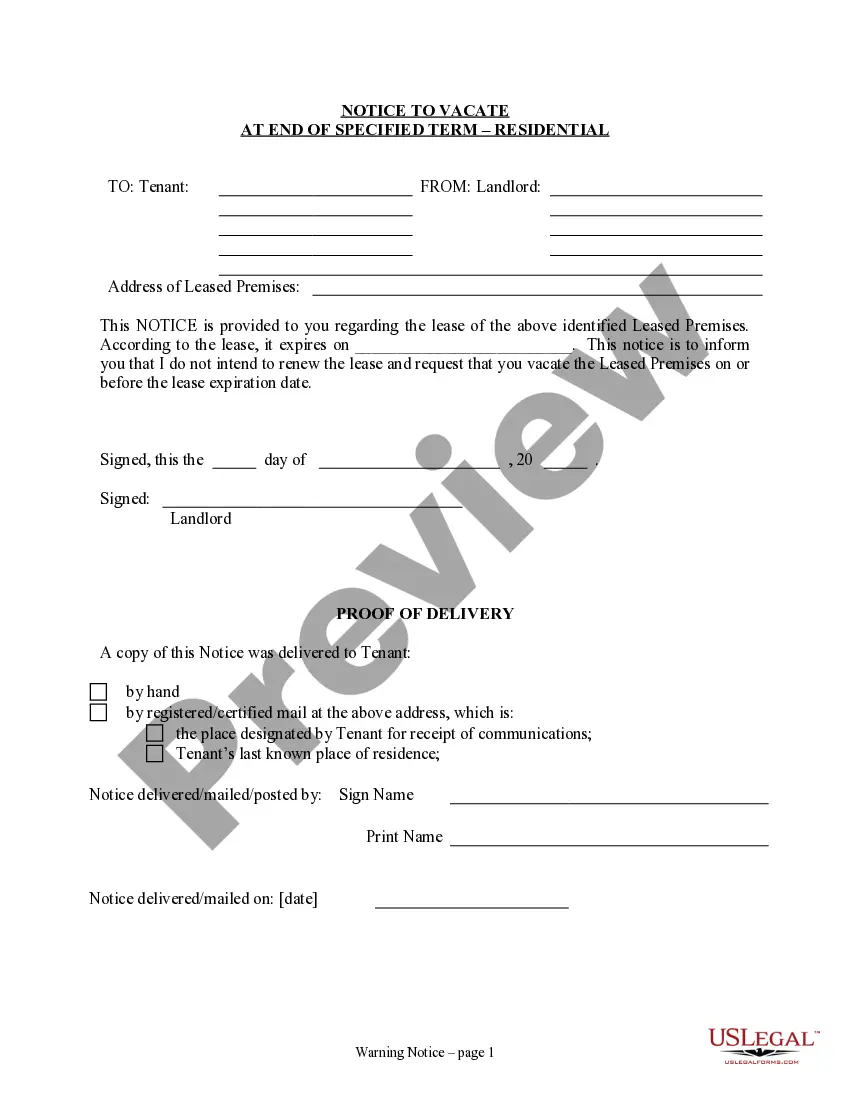
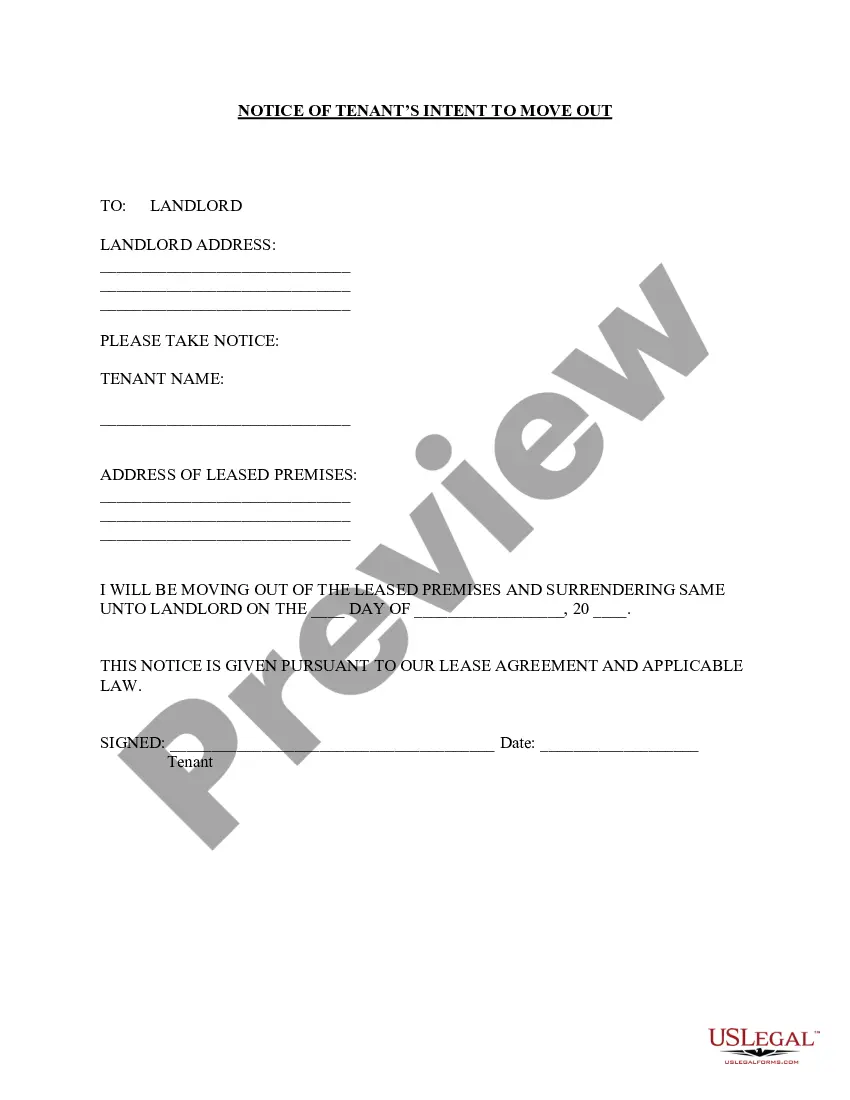
How to fill out California Notice Of Intent Not To Renew At End Of Specified Term From Landlord To Tenant For Residential Property?
- Log in to your US Legal Forms account if you have one. Click the Download button to retrieve your required templates. Ensure your subscription is active; renew if necessary.
- Browse the extensive library and check the Preview mode for each form. Confirm that it fits your needs and complies with your local jurisdiction.
- If you encounter any discrepancies, utilize the Search tab to find the appropriate template that meets your requirements.
- Select the document you need and click the Buy Now button to choose your preferred subscription plan. Register for an account if you're a new user.
- Complete your purchase by entering your payment details, either through a credit card or PayPal.
- Download the form to your device. Access your saved templates anytime from the My Forms section of your profile.
By following these straightforward steps, you can easily access a wealth of legal resources tailored to your needs. US Legal Forms makes the complex world of legal documentation simple and accessible.
Don't wait any longer! Start leveraging the robust features of US Legal Forms today and empower yourself with the legal documents you need.
Form popularity
FAQ
The term 'the cloud' generally refers to a variety of cloud-based services, and many of these services do offer apps. For instance, TenantCloud operates on a cloud-based platform that includes a mobile app. This means you can access all your rental information anytime, anywhere, increasing your convenience and control over your rental properties.
Yes, TenantCloud offers a robust app for both tenants and landlords. This app allows users to manage their rental activities seamlessly, including making payments, tracking expenses, and accessing important documents. By using the TenantCloud app, you can handle your rental matters on the go, ensuring you never miss a rent payment or maintenance request.
Determining the best rent payment app can depend on your specific needs. However, TenantCloud stands out for its user-friendly interface and comprehensive features, such as online rent collection, tenant screening, and property management tools. Many users appreciate how TenantCloud integrates multiple services into one platform, enhancing the overall renting experience.
A cloud tenant refers to a dedicated space within a cloud service where data is stored and managed for a specific user or organization. In simple terms, it allows you to securely access and manage your information online. With solutions like Tenant Cloud, you can enjoy the benefits of cloud technology, including easy access from anywhere and simplified collaboration. This setup enhances your property management experience while ensuring that your data remains safe.
Finding the best property management software often depends on your specific needs, but Tenant Cloud is a strong contender. It streamlines property management tasks, such as tenant screening, lease tracking, and maintenance requests. Additionally, Tenant Cloud integrates seamlessly with various accounting tools, making financial management easier. Overall, it offers a well-rounded solution for property managers seeking efficiency.
Linking your bank account to Step through TenantCloud requires accessing the financial settings. After logging into your TenantCloud account, find the Step integration option and follow the instructions to add your bank information securely. Once completed, you will benefit from streamlined payment processes that simplify your financial management.
Adding a bank account to your resident portal in TenantCloud is easy. Log into your resident portal, select the banking section, and choose the option to add a new account. After entering your bank information as prompted, you can enjoy seamless transactions for payments and other financial activities.
To link your bank account, go to the 'Settings' section of TenantCloud. Here, you will find the banking options where you can initialize the linking process. Provide the required bank details, and follow the instructions to complete the secure linking, allowing you to manage your transactions efficiently.
Filling out a landlord application on TenantCloud is simple and user-friendly. Start by logging into your account and accessing the landlord application feature. You will be guided through a series of prompts, allowing you to provide necessary information, such as your rental property details and your requirements for potential tenants, ensuring a smooth application process.
Linking your bank account to TenantCloud is a straightforward process. Simply log into your account, navigate to the banking settings, and follow the prompts to add your bank details securely. Once linked, you can easily manage payments and transactions directly from your TenantCloud account, enhancing your overall efficiency.