Tenantid Tdn
Description




Get your form ready online
Our built-in tools help you complete, sign, share, and store your documents in one place.
Make edits, fill in missing information, and update formatting in US Legal Forms—just like you would in MS Word.
Download a copy, print it, send it by email, or mail it via USPS—whatever works best for your next step.
Sign and collect signatures with our SignNow integration. Send to multiple recipients, set reminders, and more. Go Premium to unlock E-Sign.
If this form requires notarization, complete it online through a secure video call—no need to meet a notary in person or wait for an appointment.
We protect your documents and personal data by following strict security and privacy standards.

Make edits, fill in missing information, and update formatting in US Legal Forms—just like you would in MS Word.

Download a copy, print it, send it by email, or mail it via USPS—whatever works best for your next step.

Sign and collect signatures with our SignNow integration. Send to multiple recipients, set reminders, and more. Go Premium to unlock E-Sign.

If this form requires notarization, complete it online through a secure video call—no need to meet a notary in person or wait for an appointment.

We protect your documents and personal data by following strict security and privacy standards.
Looking for another form?






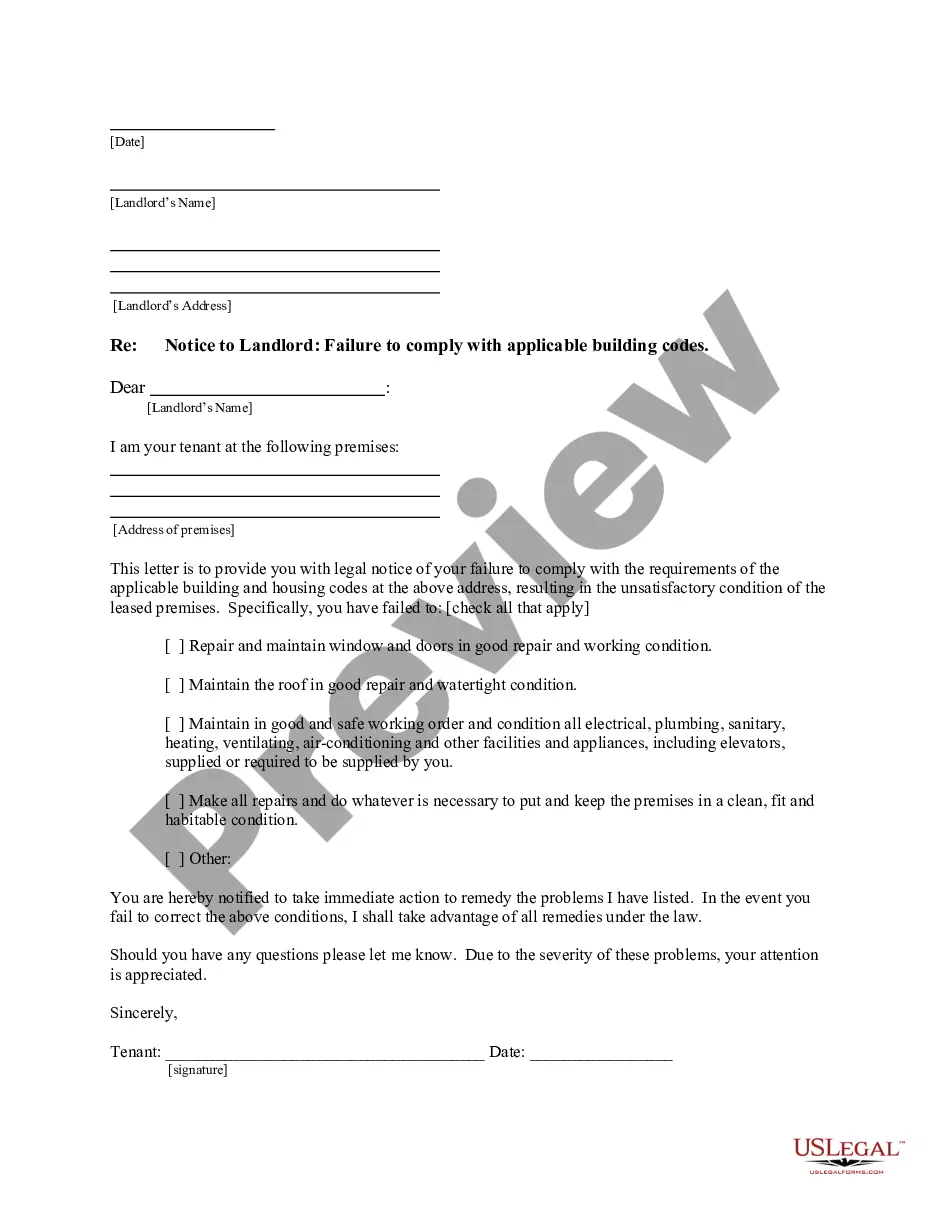
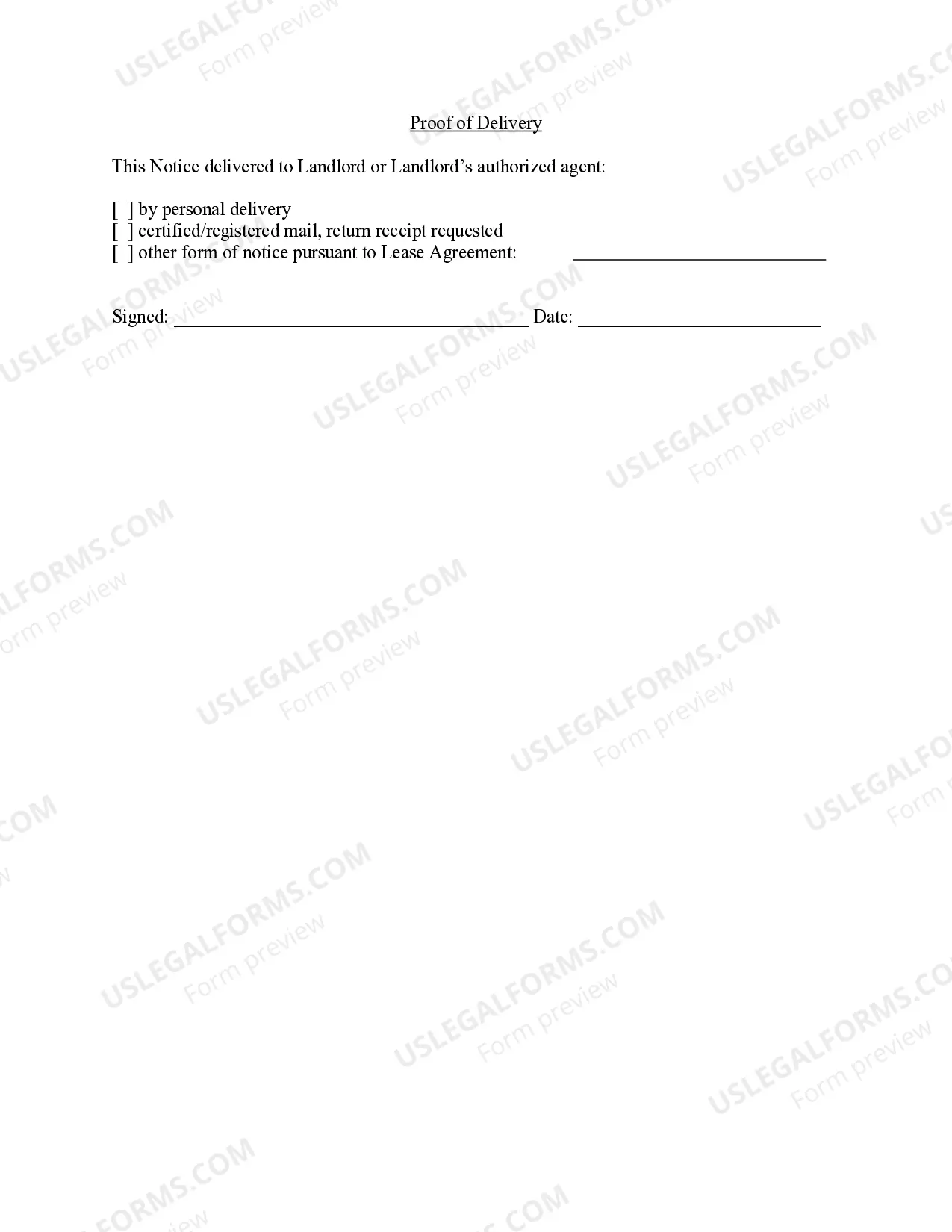
How to fill out California Letter From Tenant To Landlord For Failure Of Landlord To Comply With Building Codes Affecting Health And Safety Or Resulting In Untenantable Condition - Demand For Remedy?
- If you have an account, log in to access your forms and make sure your subscription is active. If needed, renew your plan.
- For new users, begin by exploring the Preview mode and reading the description of your desired form to ensure it meets local jurisdiction requirements.
- If the form doesn't meet your needs, utilize the Search tab to find a more suitable option.
- Once you've identified the appropriate document, click on the Buy Now button and select your preferred subscription plan.
- Proceed to purchase by entering your payment details via credit card or PayPal.
- Finally, download the form to your device and access it anytime through the My Forms section.
By following these straightforward steps, you can easily navigate the US Legal Forms platform and find the necessary documentation without any hassle.
Don't wait! Start streamlining your legal processes today and take advantage of US Legal Forms' extensive library.
Form popularity
FAQ
To add a tenant to your Cloud Solution Provider (CSP) program, start by logging into the partner center. After navigating to 'Customers', select 'Add customer' and link the new tenant by using its Tenantid tdn. This process simplifies managing multiple tenants under your CSP account.
You can find the directory tenant ID in the Azure portal by selecting Azure Active Directory. Once here, check the 'Overview' page, where the directory tenant ID is prominently displayed. This Tenantid tdn is vital for linking various services and ensuring secure operations within your Azure environment.
The directory tenant ID is a unique identifier assigned to each Azure Active Directory tenant. This identifier, often referred to as Tenantid tdn, is crucial for managing applications, users, and services associated with your directory. Understanding this ID helps you streamline your identity management processes effectively.
You can retrieve your tenant ID by accessing the Azure portal and going to the Azure Active Directory section. In the 'Overview' page, you will find the Tenant ID displayed along with other key information. This Tenantid tdn ensures secure access and management of your Azure resources.
To find your tenant ID, navigate to the Azure Active Directory in the Azure portal. In the 'Overview' tab, you will see the 'Tenant ID' listed prominently. This unique identifier, known as Tenantid tdn, is essential for various integrations and configurations within your Azure services.
You can find your directory ID by going to the Azure Active Directory in the Azure portal. After selecting your directory, the ID is displayed in the 'Overview' section as 'Directory ID.' This ID is important for linking your services to your Tenantid tdn, ensuring proper management of your resources.
To create a new Entra ID tenant, visit the Azure portal and sign in with an existing account. Once you are in the portal, navigate to the 'Azure Active Directory' section and select 'Create a tenant.' Follow the prompts to set up your tenant. Remember, this process generates a unique Tenantid tdn that you will use to manage your identity services.
You can get a TenantID by creating a new Microsoft tenant through the admin center. By completing the setup process, you will automatically receive a unique TenantID TDN. It’s crucial for managing your organization’s Microsoft services, so make sure to note it down for future use.
Finding your tenant ID in Intune is simple. Log into the Azure portal, navigate to Azure Active Directory, and select the 'Properties' option. Your TenantID TDN will be displayed there, enabling you to manage device policies effectively within Intune.
To create a new tenant in Office 365, sign in to the Microsoft admin center and choose the option to set up a new tenant. You will provide your organization name and necessary details, and Office 365 will generate your TenantID TDN during the setup process, which you can utilize for further integrations.