Tenant 365
Description




Get your form ready online
Our built-in tools help you complete, sign, share, and store your documents in one place.
Make edits, fill in missing information, and update formatting in US Legal Forms—just like you would in MS Word.
Download a copy, print it, send it by email, or mail it via USPS—whatever works best for your next step.
Sign and collect signatures with our SignNow integration. Send to multiple recipients, set reminders, and more. Go Premium to unlock E-Sign.
If this form requires notarization, complete it online through a secure video call—no need to meet a notary in person or wait for an appointment.
We protect your documents and personal data by following strict security and privacy standards.

Make edits, fill in missing information, and update formatting in US Legal Forms—just like you would in MS Word.

Download a copy, print it, send it by email, or mail it via USPS—whatever works best for your next step.

Sign and collect signatures with our SignNow integration. Send to multiple recipients, set reminders, and more. Go Premium to unlock E-Sign.

If this form requires notarization, complete it online through a secure video call—no need to meet a notary in person or wait for an appointment.

We protect your documents and personal data by following strict security and privacy standards.
Looking for another form?



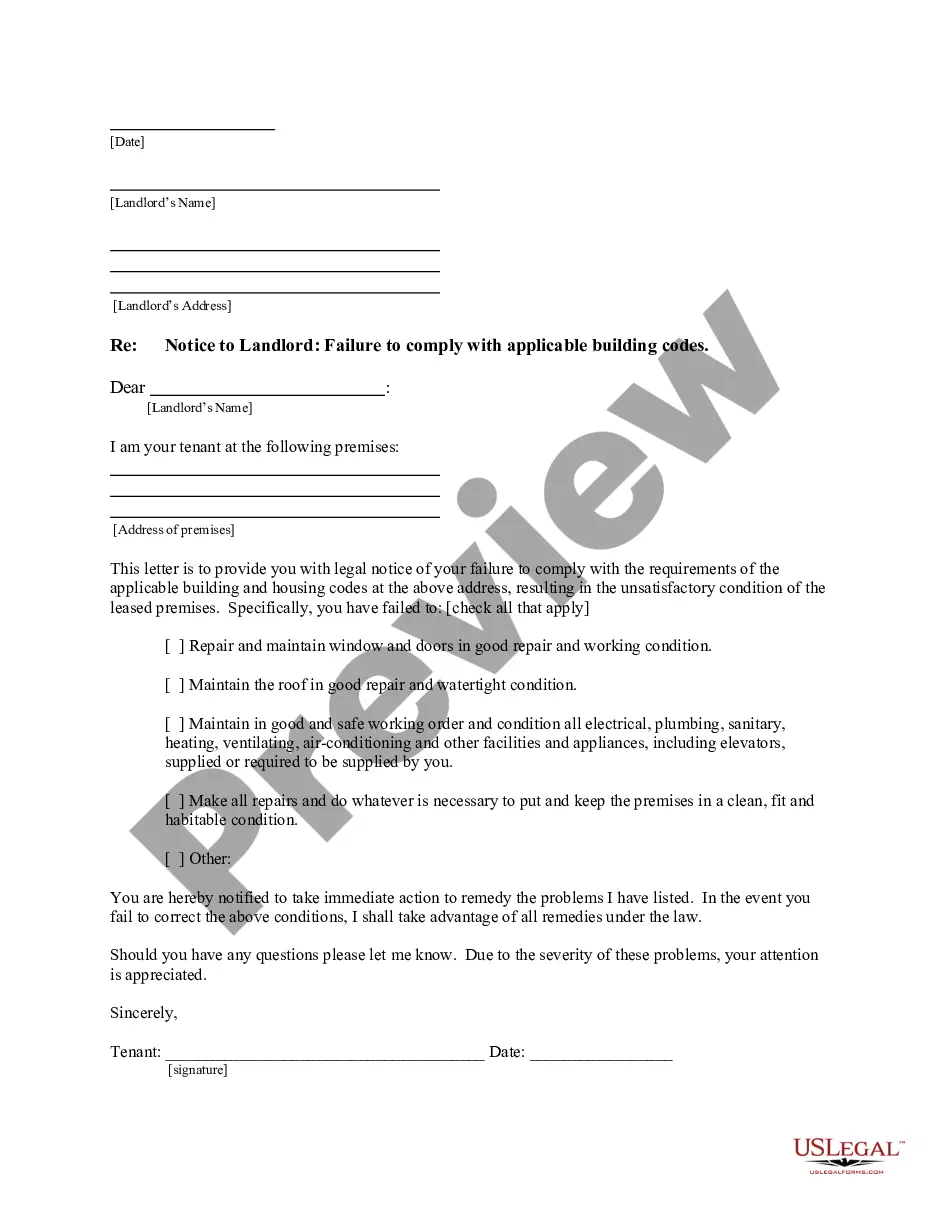
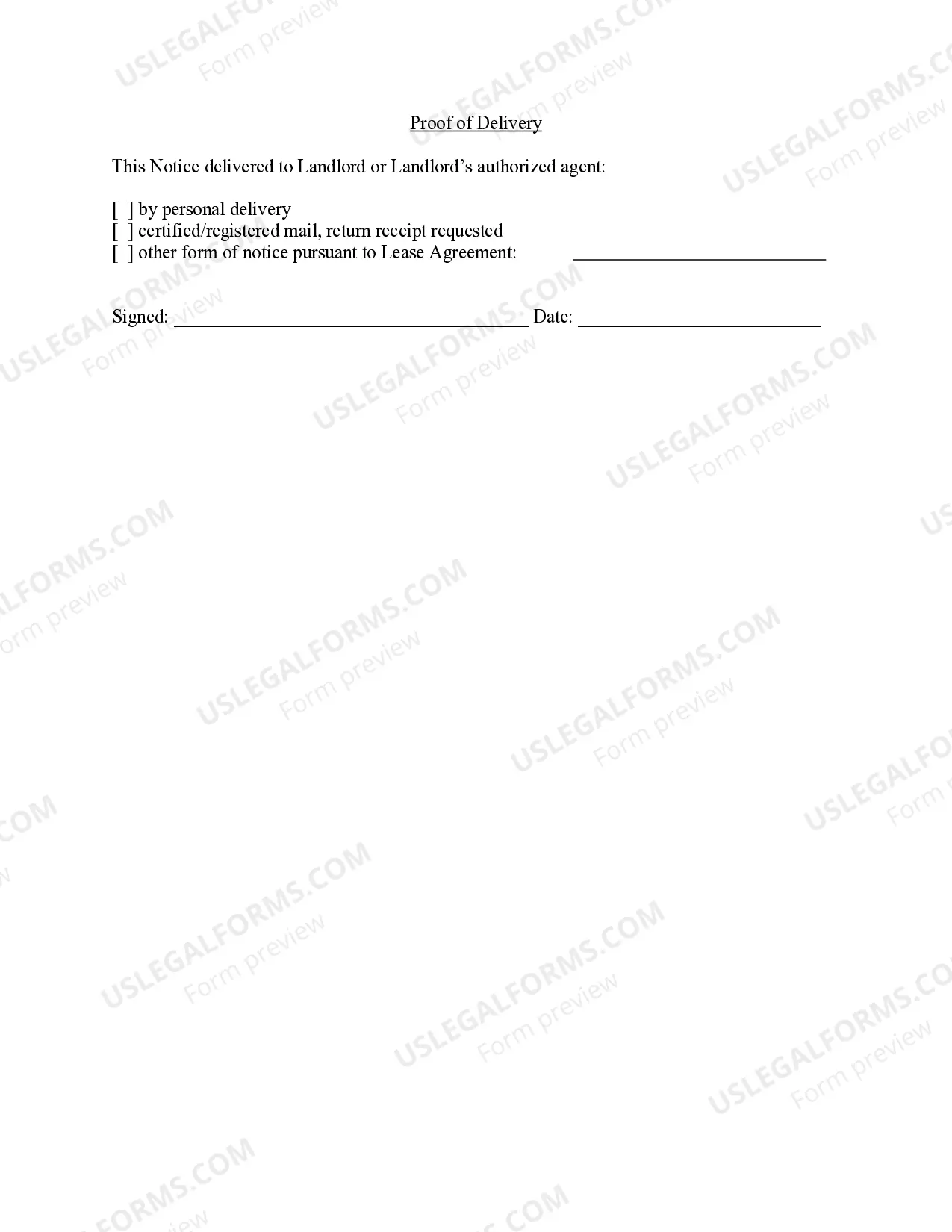
How to fill out California Letter From Tenant To Landlord For Failure Of Landlord To Comply With Building Codes Affecting Health And Safety Or Resulting In Untenantable Condition - Demand For Remedy?
- Log in to your account on the US Legal Forms website to access your saved documents and templates.
- Check the validity of your subscription; if it's expired, renew it as per your payment plan.
- Browse through the Preview mode to find the right form that matches your needs and local jurisdiction.
- If you do not find what you need, utilize the Search feature to locate alternative templates.
- Once a suitable document is identified, click on the Buy Now button and select your preferred subscription plan before registering for an account.
- Complete your purchase by entering your payment details via credit card or PayPal.
- Download the template to your device and access it anytime through the My Forms section in your profile.
In conclusion, utilizing Tenant 365 enhances your experience with US Legal Forms, providing an impressive assortment of over 85,000 editable legal documents. Whether you're an attorney or an individual, the access to premium experts ensures your forms are correctly completed and legally binding.
Don't wait to simplify your legal document needs—start your journey with Tenant 365 today!
Form popularity
FAQ
Yes, multiple people can use Office 365 simultaneously, thanks to its cloud-based design and collaboration features. Each user accesses the same Tenant 365, allowing for real-time collaboration on documents, emails, and projects. This setup enhances teamwork and productivity across your organization. With user-friendly interfaces, individuals can effectively utilize the tools available, regardless of their physical location.
Office 365 can operate in both single and multi-tenant models, depending on the configuration chosen by the organization. Generally, Office 365 allows organizations to create a Tenant 365 that is shared among multiple users while maintaining individual user experiences. Understanding how your Office 365 instance is set up can play a role in how you manage resources and user permissions. Be sure to choose the model that best aligns with your business goals.
A tenant in 365 is essentially a digital space in the Office 365 cloud dedicated to a specific organization. Each Tenant 365 provides a set of tools and services, allowing users within that tenant to collaborate efficiently. It includes features like email, document storage, and communication tools tailored specifically for your organization's needs. Thus, a tenant serves as the foundation for Office 365's services that foster productivity.
Yes, businesses can operate multiple Office 365 tenants, which is often useful for managing different business units or regions. However, managing multiple Tenant 365 instances can be complex, as each will have its own set of users and configurations. Solutions like uslegalforms can assist in navigating the challenges of owning multiple tenants. They provide resources to simplify management and ensure compliance across different tenants.
Your 365 tenant is hosted in Microsoft's cloud infrastructure, which is distributed across various data centers globally. You can check the location of your Tenant 365 by logging into your admin portal and reviewing the settings. Understanding where your data is stored is crucial for compliance and security measures. This transparency helps ensure that you meet necessary regulations for data protection.
365 refers to a tenant, which is a dedicated instance in Office 365 for a specific organization. In this context, tenancy pertains to the user’s account structure that allows access to services like email and cooperation tools. When you sign up for Office 365, you essentially create a Tenant 365 for your organization. This architecture supports personalized user experiences tailored to your business.
365 tenant to tenant migration refers to the process of transferring data and users from one Office 365 tenant to another. This is often necessary during mergers, acquisitions, or organizational changes. By utilizing tools specifically designed for Tenant 365 migrations, you can ensure a smooth transition with minimal downtime. The right strategy will help you maintain business continuity while moving important information.
To obtain the tenant ID of your subscription, visit the Azure portal and go to the 'Subscriptions' section. Here, each subscription will be linked to its respective tenant, allowing you to effortlessly identify the tenant ID. This information is crucial for managing resources and user access in your Tenant 365 environment.
To retrieve the tenant ID in Office 365, simply sign in to the Azure portal and head to the Azure Active Directory section. The tenant ID will be listed in the 'Properties' section, helping you streamline management tasks within your Tenant 365 account.
Finding your Office 365 tenant is straightforward. Log in to your Microsoft 365 admin center, and navigate to settings, where you can view your organization’s details. Your tenant information appears under Account Setup, giving you immediate access to essential details about your Tenant 365.