Llc Formation California Secretary Of State
Description
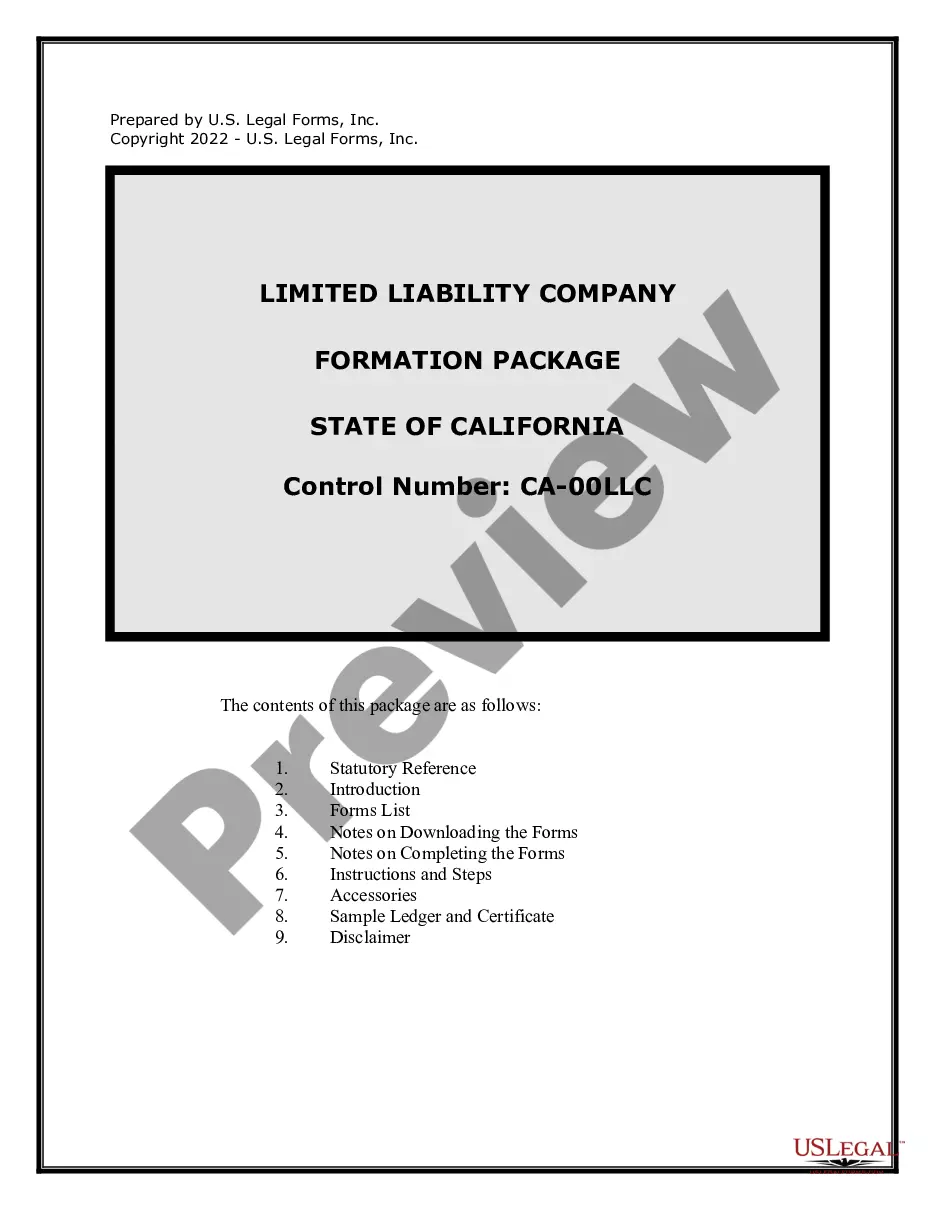
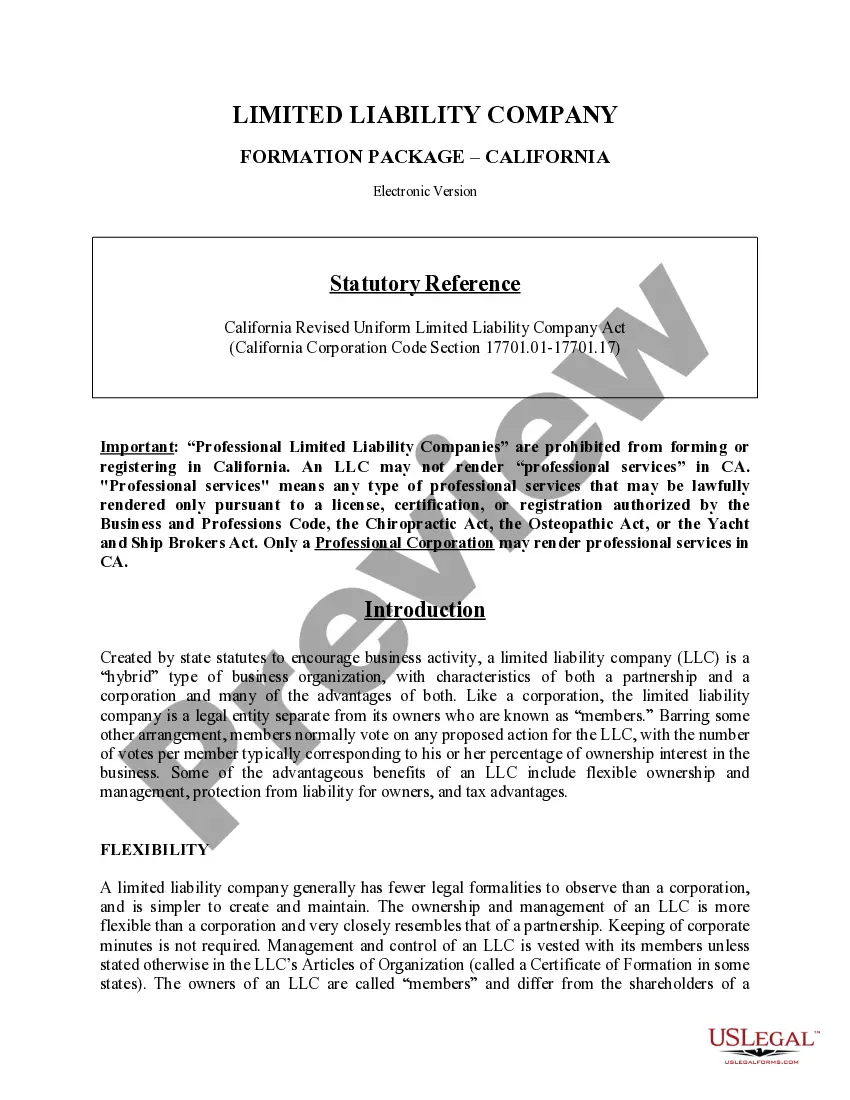
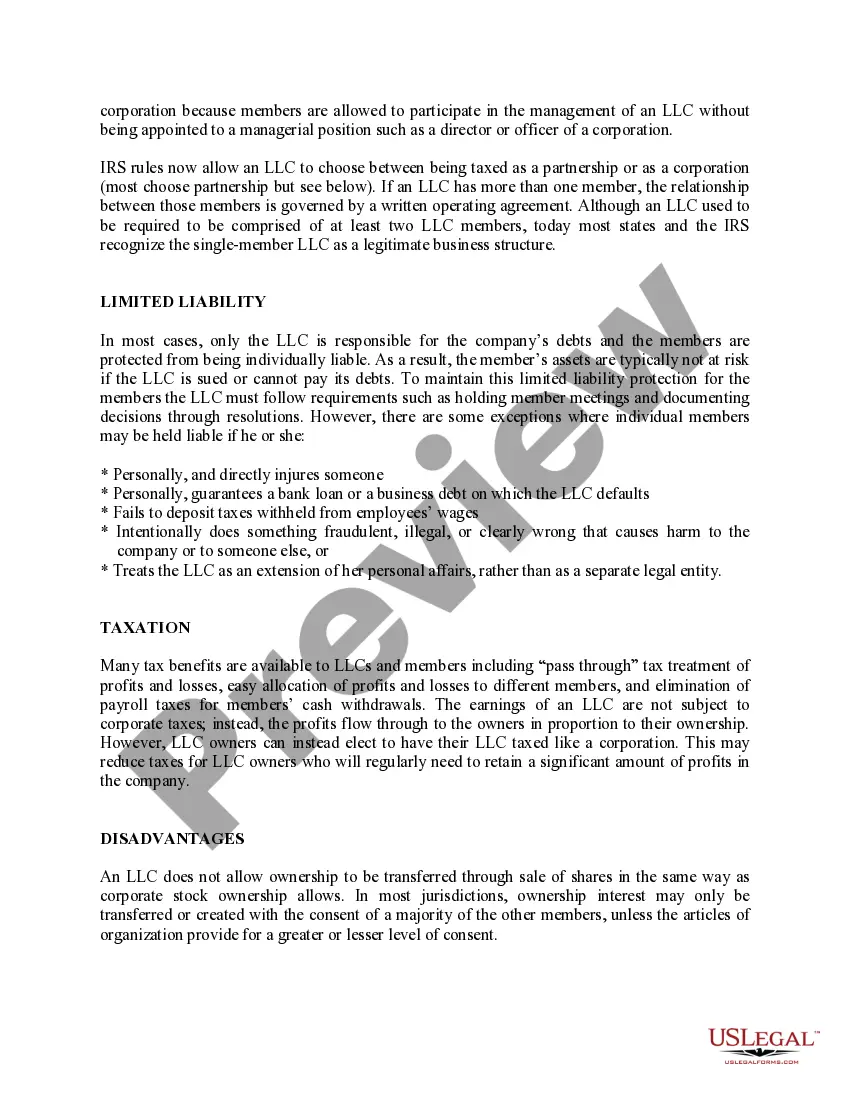
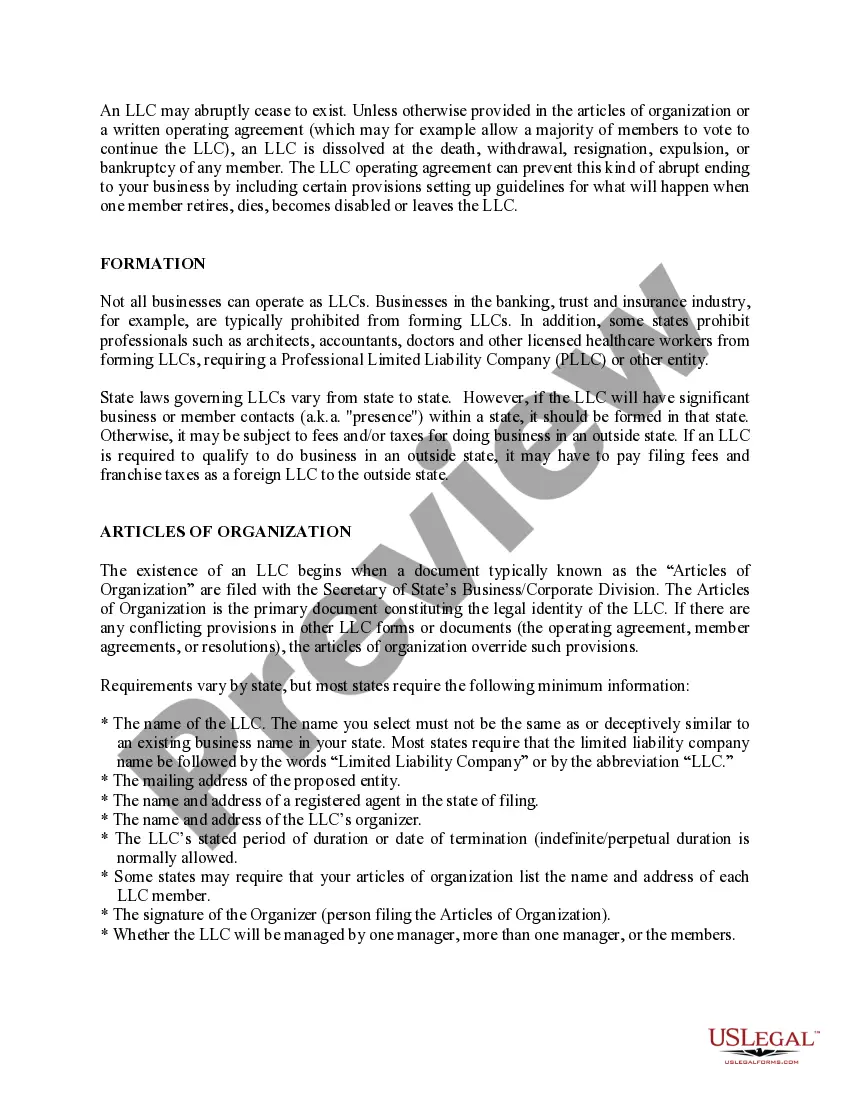
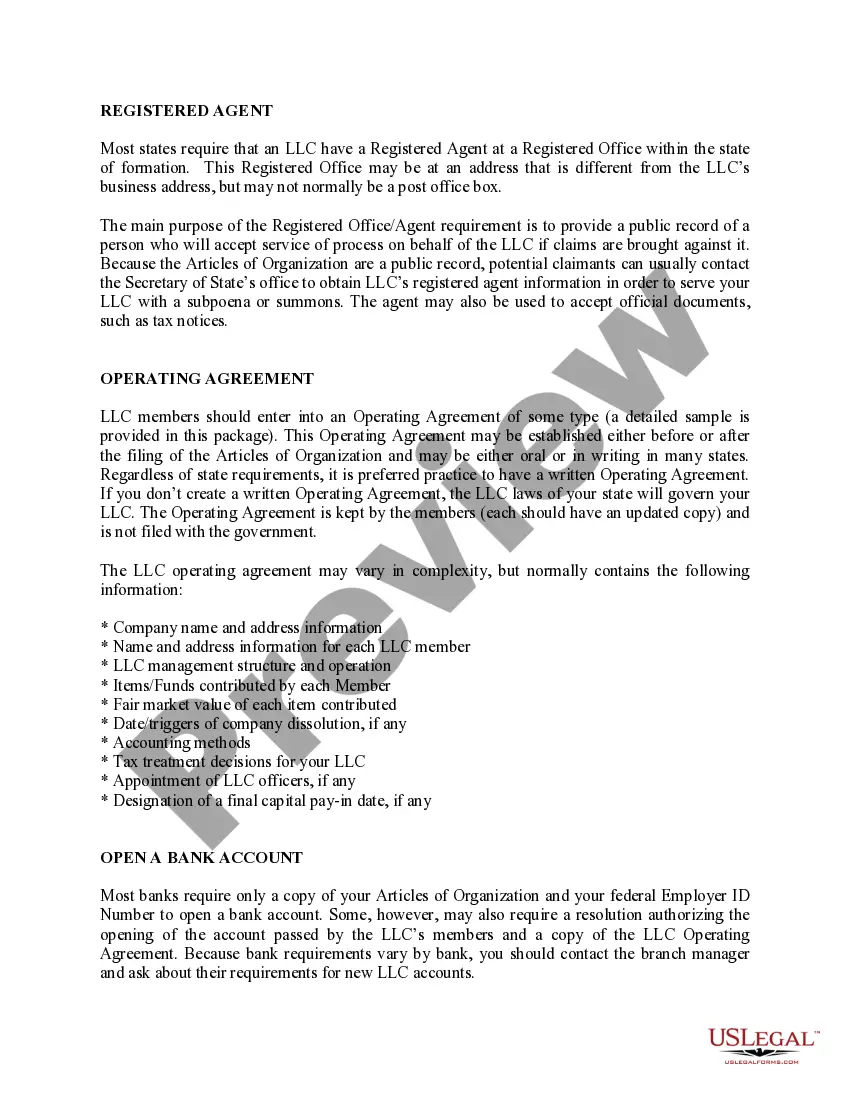
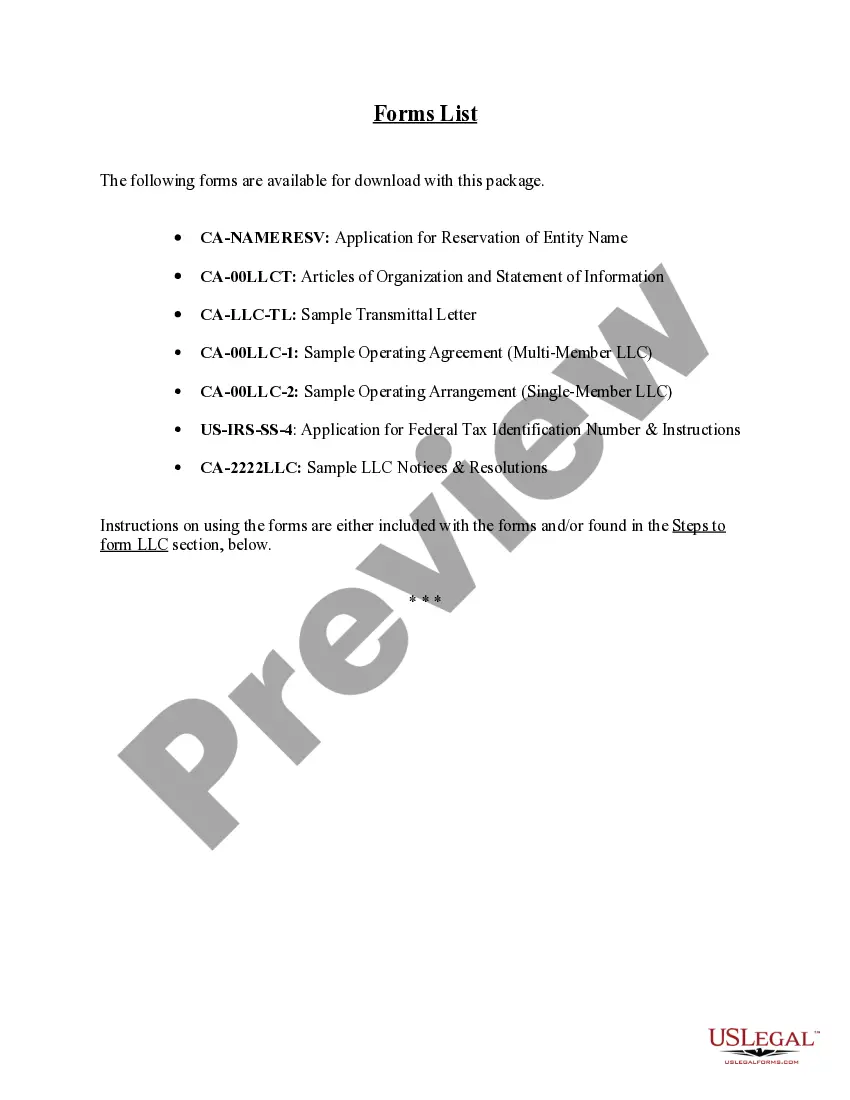

Get your form ready online
Our built-in tools help you complete, sign, share, and store your documents in one place.
Make edits, fill in missing information, and update formatting in US Legal Forms—just like you would in MS Word.
Download a copy, print it, send it by email, or mail it via USPS—whatever works best for your next step.
Sign and collect signatures with our SignNow integration. Send to multiple recipients, set reminders, and more. Go Premium to unlock E-Sign.
If this form requires notarization, complete it online through a secure video call—no need to meet a notary in person or wait for an appointment.
We protect your documents and personal data by following strict security and privacy standards.
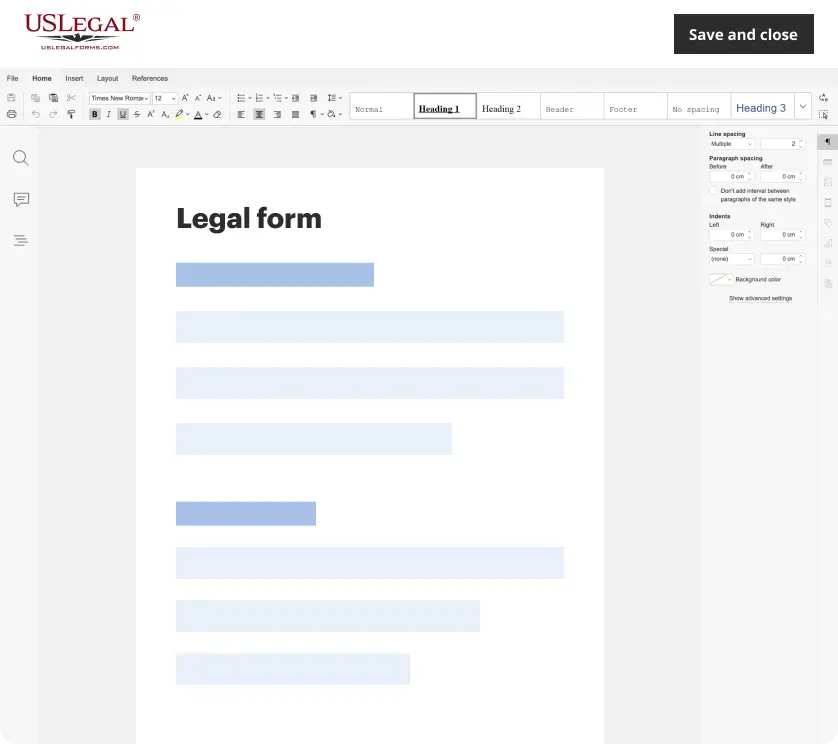
Make edits, fill in missing information, and update formatting in US Legal Forms—just like you would in MS Word.
Download a copy, print it, send it by email, or mail it via USPS—whatever works best for your next step.
Sign and collect signatures with our SignNow integration. Send to multiple recipients, set reminders, and more. Go Premium to unlock E-Sign.
If this form requires notarization, complete it online through a secure video call—no need to meet a notary in person or wait for an appointment.
We protect your documents and personal data by following strict security and privacy standards.
Looking for another form?
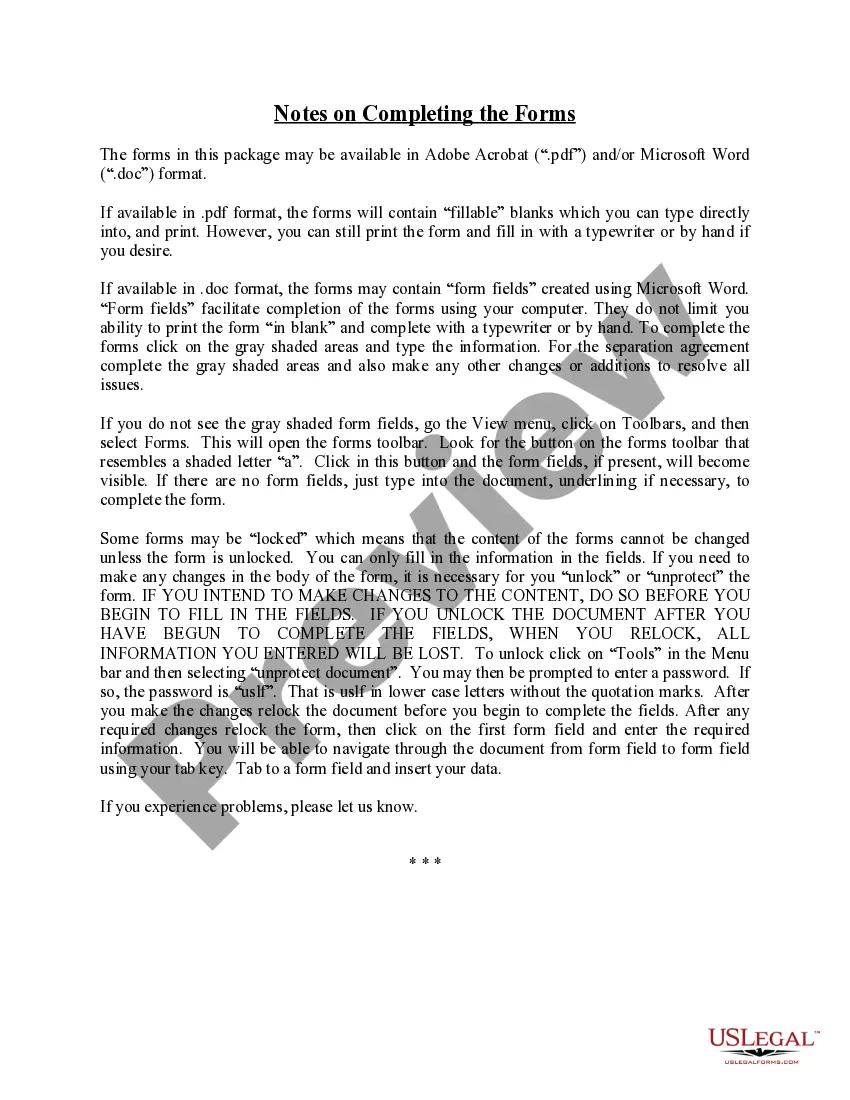
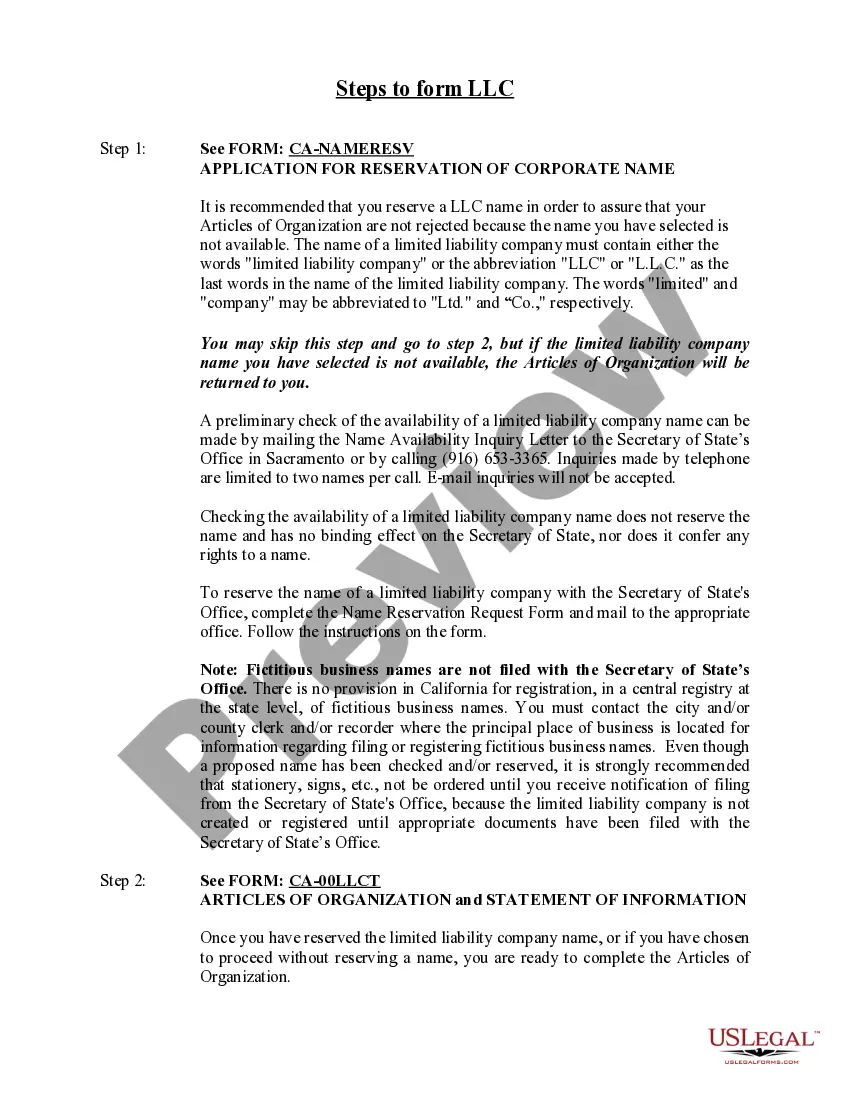
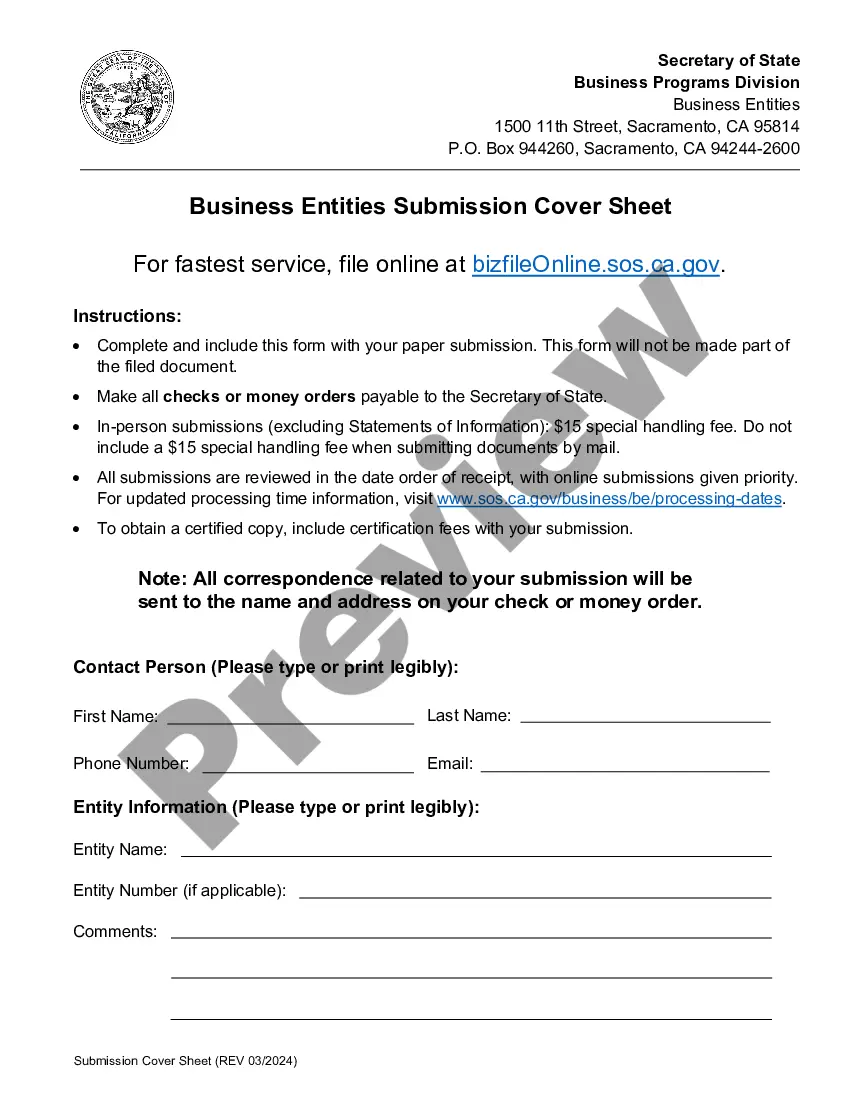
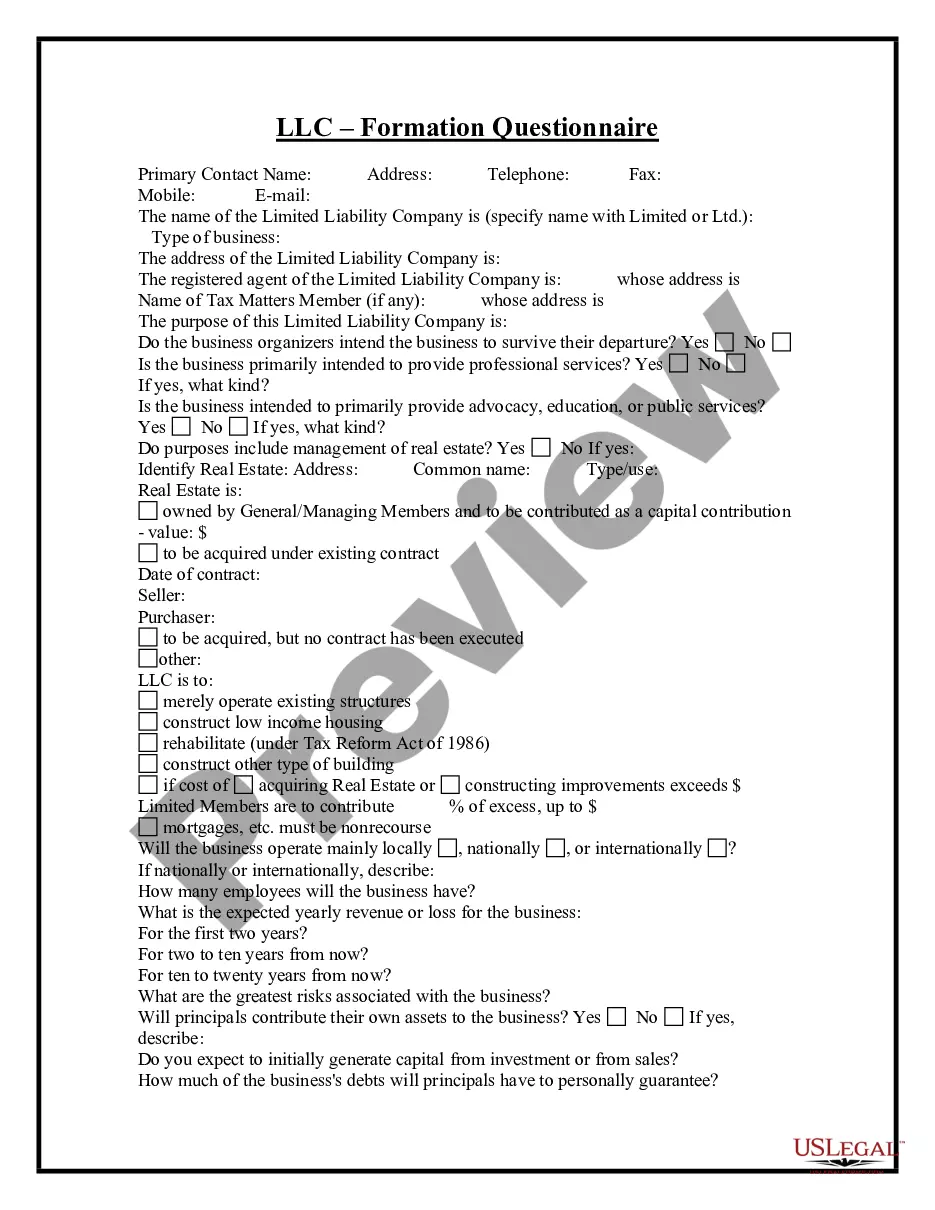
How to fill out California Limited Liability Company LLC Formation Package?
Managing legal documents can be perplexing, even for experienced individuals.
When you're looking for an LLC Formation California Secretary of State and lack the time to search for the correct and current version, the procedures can be overwhelming.
US Legal Forms caters to all your requirements, whether they are personal or business-related, all in one place.
Utilize cutting-edge tools to fill out and manage your LLC Formation California Secretary of State.
Here are the steps to follow after acquiring the desired form: Ensure it is the correct document by previewing it and verifying its description. Confirm that the template is valid in your state or county. Click Buy Now when you are ready. Select a subscription option. Choose the format you prefer, then Download, complete, eSign, print, and submit your document. Experience the US Legal Forms online library, supported by 25 years of expertise and dependability. Transform your daily document management into a seamless and user-friendly experience today.
- Access a valuable repository of articles, guides, and resources pertinent to your circumstances and requirements.
- Conserve time and energy searching for the documents you need by leveraging US Legal Forms’ advanced search and Review tool to find LLC Formation California Secretary of State and obtain it.
- If you have a subscription, Log Into your US Legal Forms account, search for the form, and acquire it.
- Check the My documents tab to review the documents you have previously downloaded and manage your folders as you prefer.
- If you’re a first-time user of US Legal Forms, create a free account to gain unlimited access to all the library's advantages.
- A robust online form library can revolutionize the way individuals handle these challenges.
- US Legal Forms stands as a frontrunner in the realm of online legal documents, offering more than 85,000 state-specific legal forms accessible anytime.
- With US Legal Forms, you can find legal and business forms tailored to your state or county.
Form popularity
FAQ
Name your California LLC. ... Choose your registered agent. ... Prepare and file articles of organization. ... Receive a certificate from the state. ... Create an operating agreement. ... File a statement of information. ... Get an employer identification number. ... Pay the annual franchise tax.
California LLC Formation Filing Fee: $70 Filing your articles officially creates your LLC. You can file online, by mail, or in person. If you want your Articles of Organization processed fast, the state offers expedited processing options: 24-hour Expedite for $350, and Same Day Expedite for $750.
Just go to California's Franchise Tax Board website, and under 'Business,' select 'Use Web Pay Business. ' Select 'LLC' as entity type and enter your CA LLC entity ID. Pay the annual fee for the full calendar year (1/1 to 12/31) using your business bank account.
Due Dates for First-Year Annual Tax Payment Domestic LLCs have until the 15th day of the 4th month after they file their Articles of Organization with the SOS to pay the first-year annual tax. For the LLC's first year, this is measured from the date the business files its Articles of Organization.
Every LLC that is doing business or organized in California must pay an annual tax of $800. This yearly tax will be due, even if you are not conducting business, until you cancel your LLC. You have until the 15th day of the 4th month from the date you file with the SOS to pay your first-year annual tax.