Employment Form W2
Description




Get your form ready online
Our built-in tools help you complete, sign, share, and store your documents in one place.
Make edits, fill in missing information, and update formatting in US Legal Forms—just like you would in MS Word.
Download a copy, print it, send it by email, or mail it via USPS—whatever works best for your next step.
Sign and collect signatures with our SignNow integration. Send to multiple recipients, set reminders, and more. Go Premium to unlock E-Sign.
If this form requires notarization, complete it online through a secure video call—no need to meet a notary in person or wait for an appointment.
We protect your documents and personal data by following strict security and privacy standards.

Make edits, fill in missing information, and update formatting in US Legal Forms—just like you would in MS Word.

Download a copy, print it, send it by email, or mail it via USPS—whatever works best for your next step.

Sign and collect signatures with our SignNow integration. Send to multiple recipients, set reminders, and more. Go Premium to unlock E-Sign.

If this form requires notarization, complete it online through a secure video call—no need to meet a notary in person or wait for an appointment.

We protect your documents and personal data by following strict security and privacy standards.
Looking for another form?

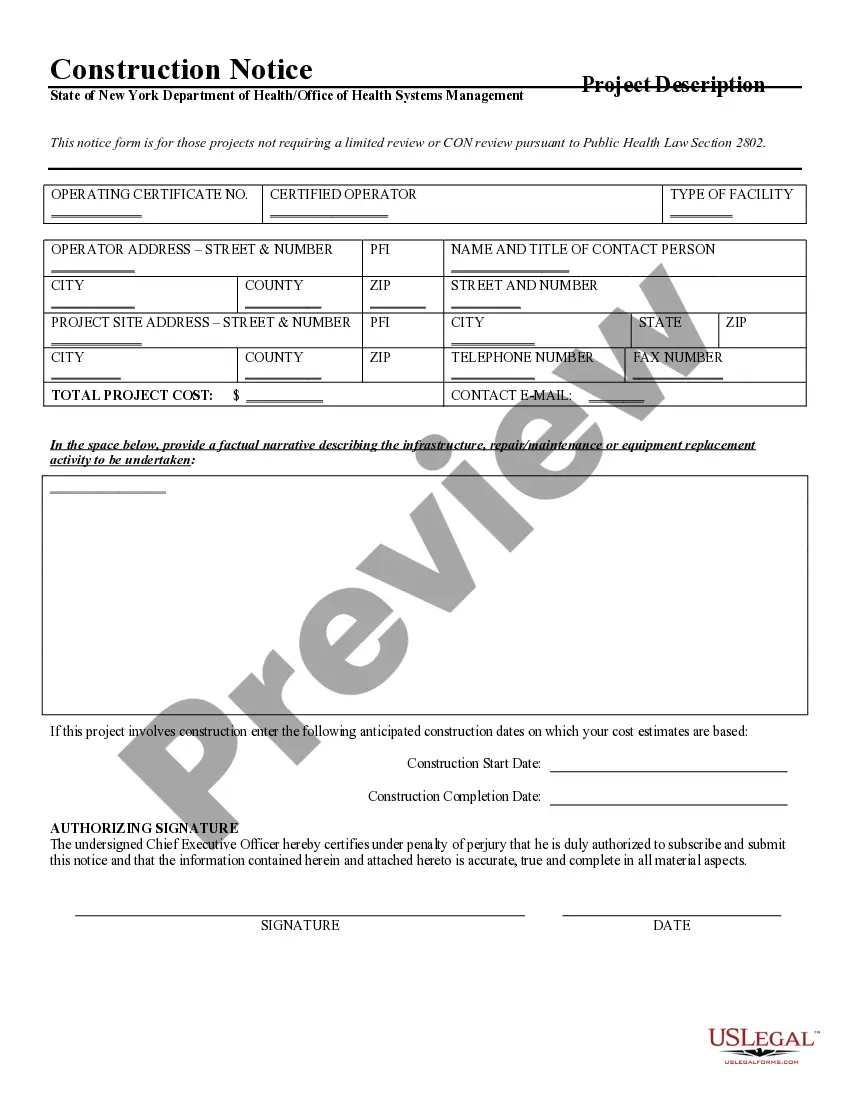





How to fill out Employment Agreement Arizona?
- If you're a returning user, log in to access your account and download the Employment Form W2 directly. Ensure your subscription remains valid; renew if necessary.
- For first-time users, start by reviewing the available forms in Preview mode. Validate that the form meets your local jurisdiction’s requirements before you proceed.
- Should you need a different template, utilize the Search tab to find the correct Employment Form W2 that suits your needs.
- Proceed to purchase your document by clicking the Buy Now button. Choose the subscription plan that works for you and create an account for full access.
- Complete your payment using your credit card or PayPal account. This will grant you access to your chosen Employment Form W2.
- Once your purchase is complete, download the form to your device. You can also find it later in the My Forms section for future use.
In conclusion, US Legal Forms simplifies the process of obtaining your Employment Form W2 by providing a user-friendly platform and extensive support. With a wide array of forms and legal documentation options, you can ensure accuracy and compliance.
Start your journey to hassle-free legal documentation by visiting US Legal Forms today!
Form popularity
FAQ
Yes, it is essential for the name on your W-2 to match the name on your Social Security card. A discrepancy can lead to problems when the IRS processes your tax return. Ensure that both are consistent to avoid delays or issues with your tax filings. Understanding the importance of accuracy on your Employment form W-2 can ease this process.
Reading a W-2 is simple once you understand the sections. Start by looking at the box labeled 'Wages, tips, and other compensation' to see your total earnings. Then, review the taxes withheld, which are typically shown in a separate box. Familiarizing yourself with the Employment form W-2 will make tracking your income easier.
Filling out a W-4 is straightforward. Begin by providing your personal information like your name and Social Security number. Next, indicate your filing status and any additional allowances you wish to claim. If you're unsure, resources are available to guide you through the Employment form W-4.
Filling out a W-2 for work involves gathering the necessary documents and information about your earnings and taxes. Start by entering your employer's information, followed by your employee details, including your Social Security number. Report your total wages and any deductions made throughout the year. If you need assistance, consider using tools designed for the Employment form W-2 to streamline the process.
The number you claim on your W-2 affects how much tax is withheld from your paycheck. Claiming 0 results in more tax being withheld, while claiming 1 allows for less. It's crucial to consider your financial situation when making this decision. For further guidance on choosing the right option, consult resources that explain the Employment form W-2.
To fill out a W-2 form for work, start by entering your employer's information, including name, address, and Employer Identification Number (EIN). Then, provide your details, such as your Social Security number and name. Finally, report your earnings and the taxes withheld throughout the year. Utilizing our Employment form W-2 simplifies this process and helps ensure accuracy.
Yes, you must fill out a separate W-2 for each job you hold during the tax year. Each employer provides their own W-2 form detailing your earnings and tax withholding. This ensures that your income from multiple jobs is accurately reported to the IRS. Using the Employment form W-2 is essential for correct tax filing.
If you quit your job and need your W-2, start by checking the employer's online portal or payroll service. Most companies make the Employment form W2 available online shortly after the end of the tax year. If you're unable to access it online, contact the HR department for assistance.
To obtain your W-2 transcript online, visit the IRS website and use their Get Transcript tool. This service will need your personal information to access your Employment form W2. Alternatively, you can request a transcript by mail if you prefer.
Filing your taxes without a W-2 or paystub can be challenging, but it's possible. Use your best estimates of income and deductions, and consider filing Form 4852 as a substitute for your Employment form W2. If necessary, consult a tax professional for guidance.