Arizona Motion To Dismiss Form Withdrawal
Description
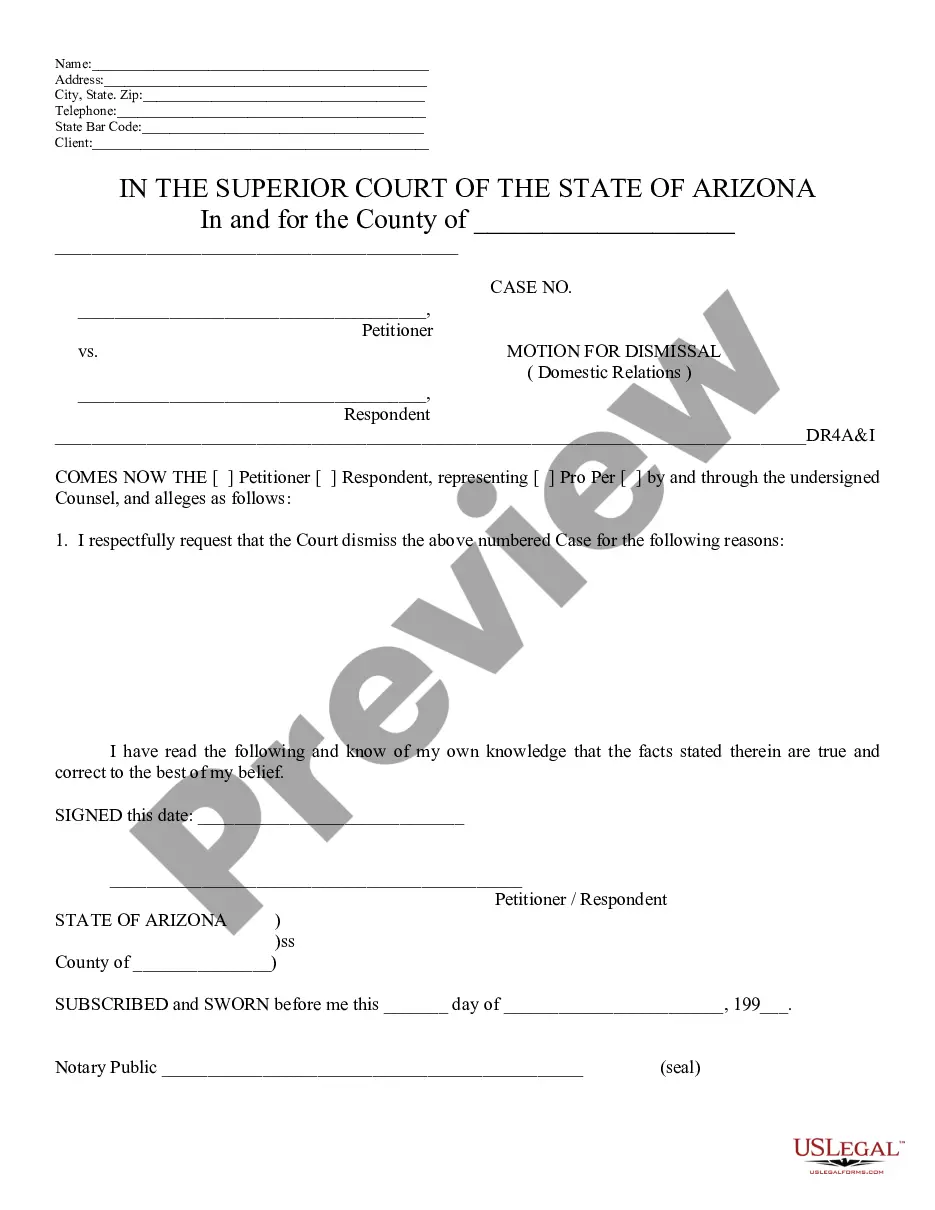
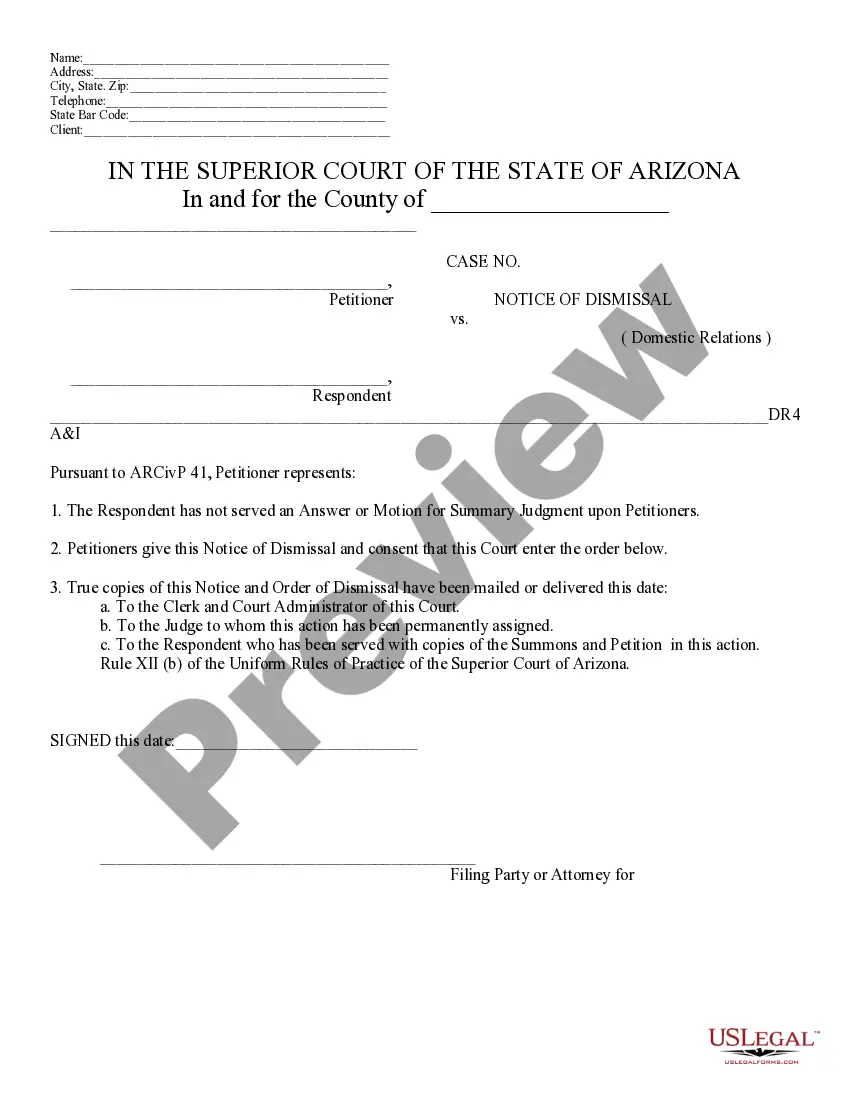
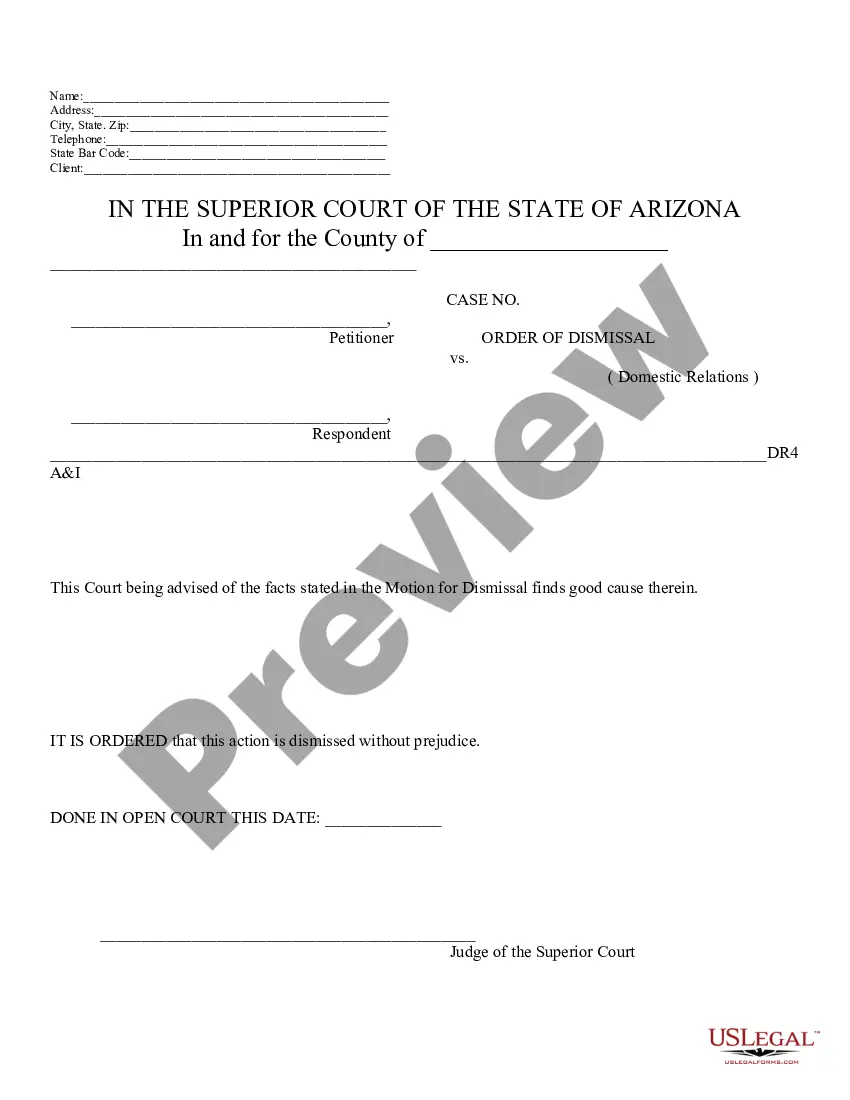

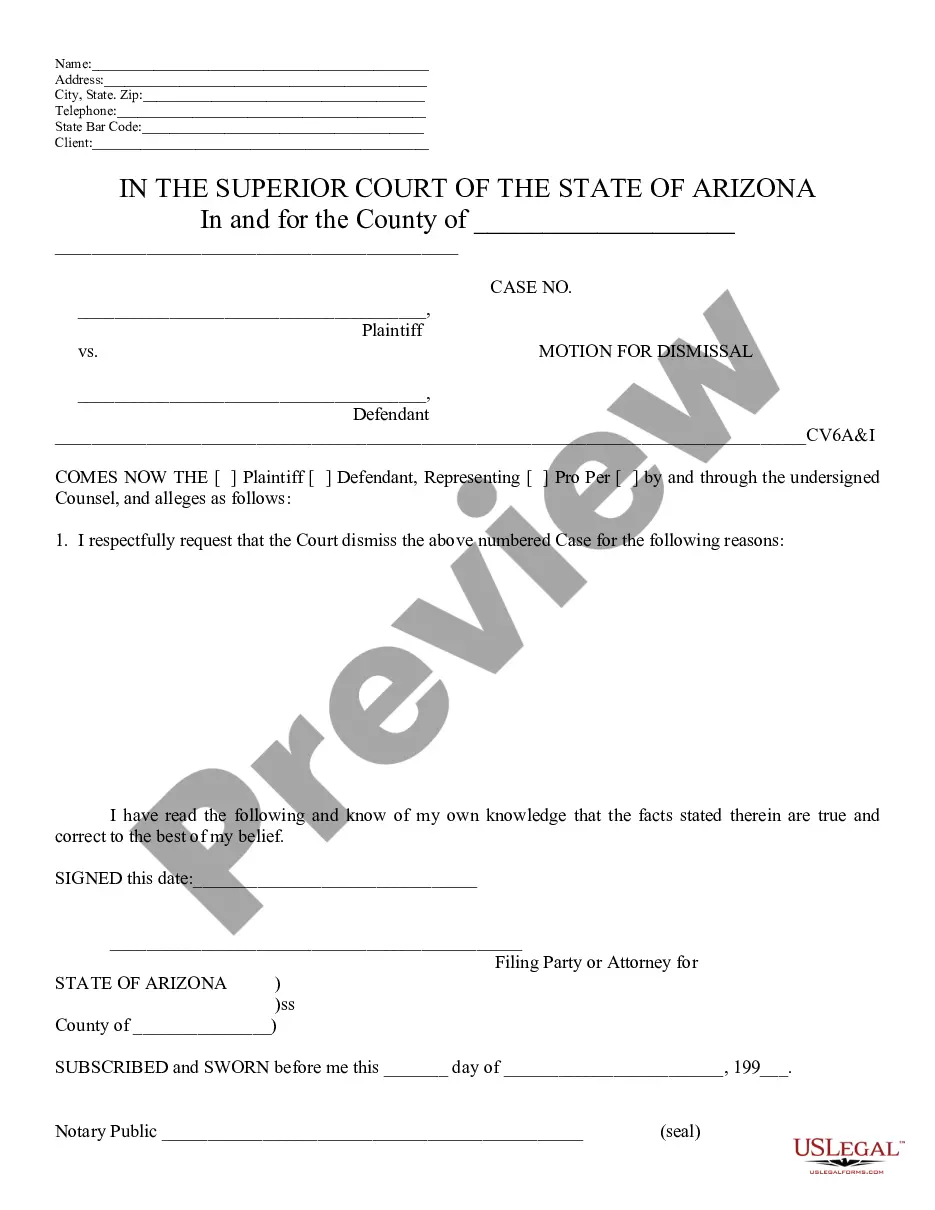
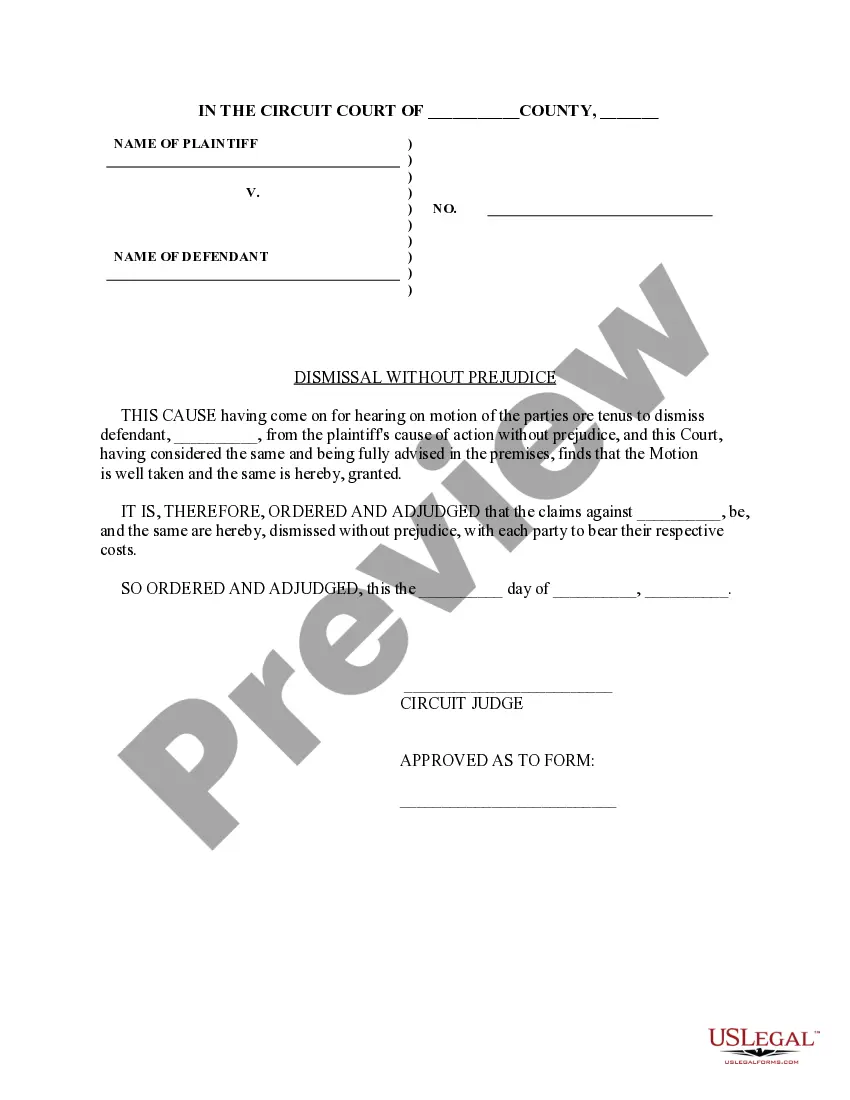
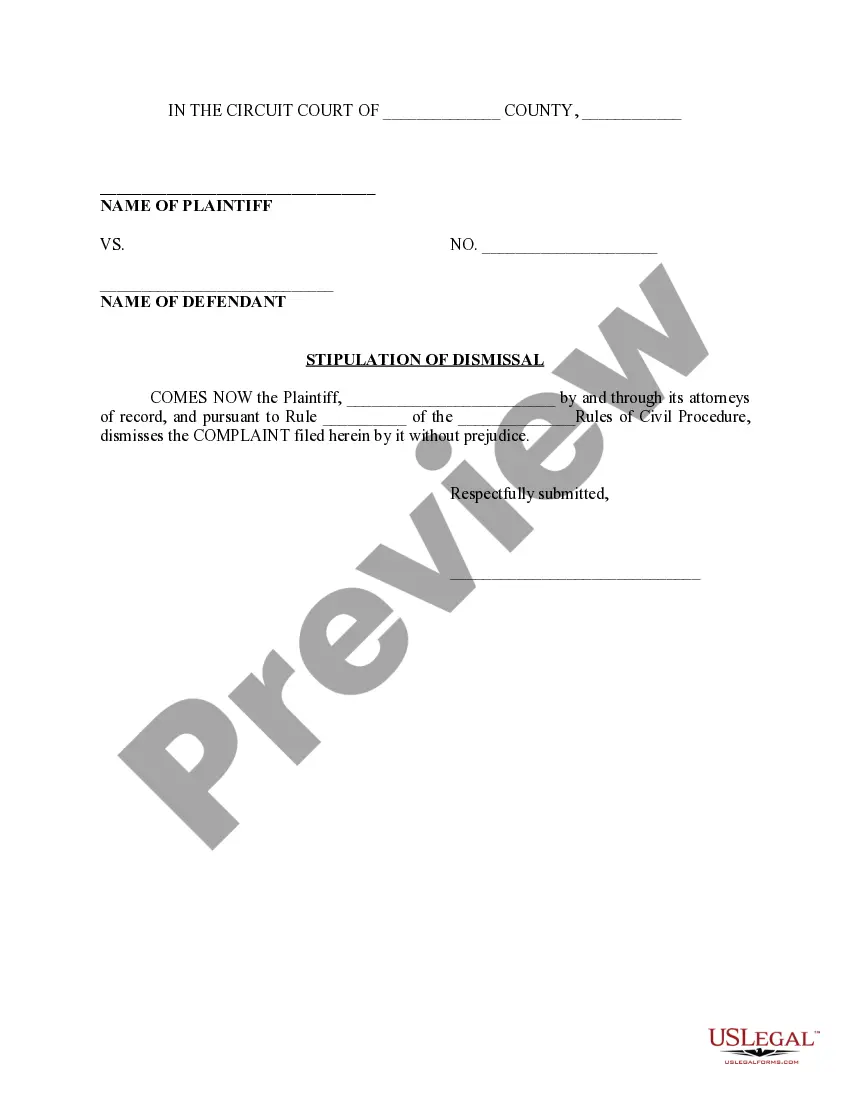
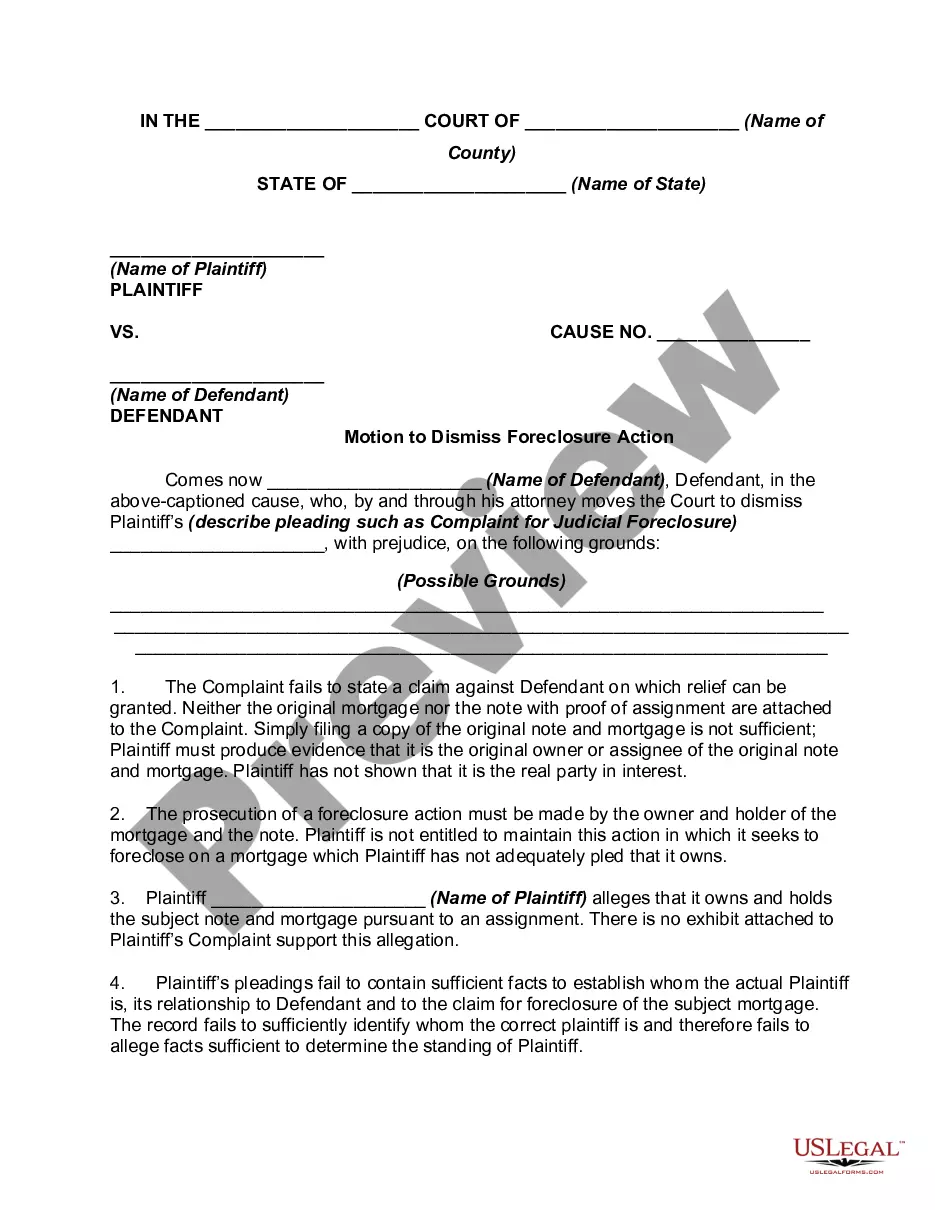
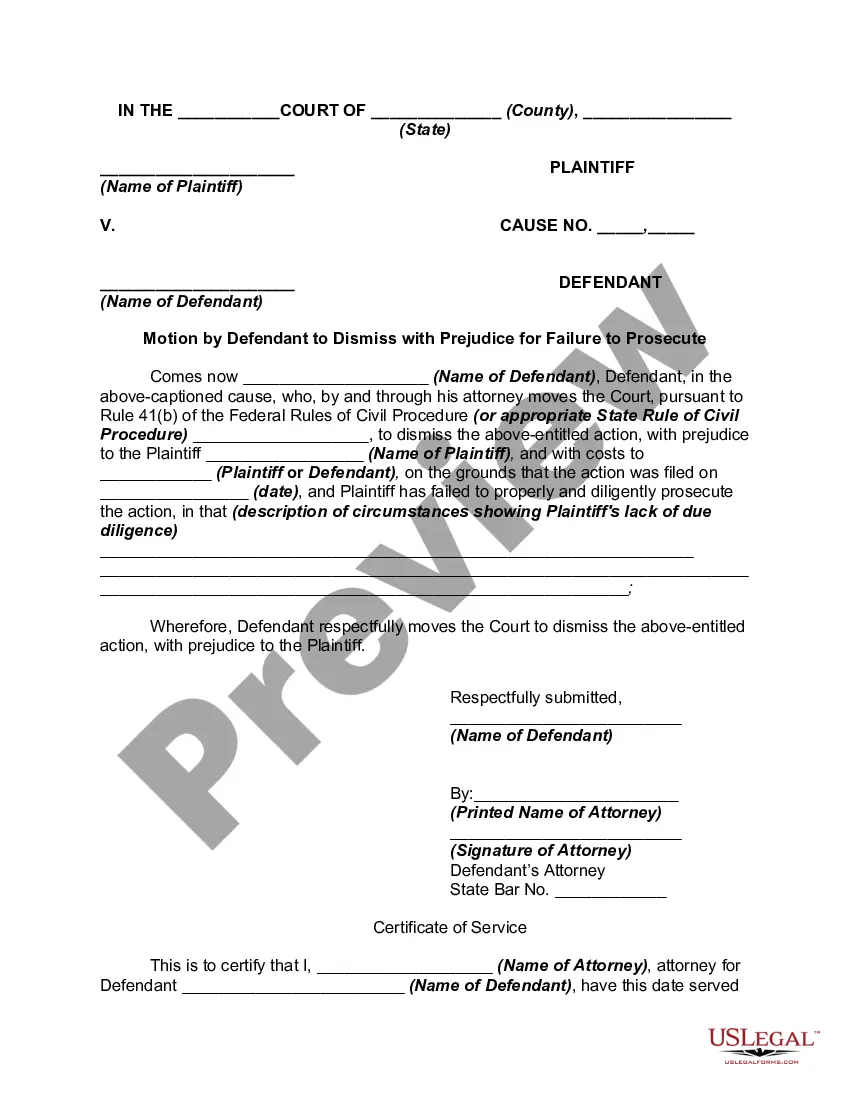
Get your form ready online
Our built-in tools help you complete, sign, share, and store your documents in one place.
Make edits, fill in missing information, and update formatting in US Legal Forms—just like you would in MS Word.
Download a copy, print it, send it by email, or mail it via USPS—whatever works best for your next step.
Sign and collect signatures with our SignNow integration. Send to multiple recipients, set reminders, and more. Go Premium to unlock E-Sign.
If this form requires notarization, complete it online through a secure video call—no need to meet a notary in person or wait for an appointment.
We protect your documents and personal data by following strict security and privacy standards.

Make edits, fill in missing information, and update formatting in US Legal Forms—just like you would in MS Word.

Download a copy, print it, send it by email, or mail it via USPS—whatever works best for your next step.

Sign and collect signatures with our SignNow integration. Send to multiple recipients, set reminders, and more. Go Premium to unlock E-Sign.

If this form requires notarization, complete it online through a secure video call—no need to meet a notary in person or wait for an appointment.

We protect your documents and personal data by following strict security and privacy standards.
Looking for another form?
How to fill out Arizona Motion For Dismissal?
Identifying a preferred location to obtain the most up-to-date and suitable legal templates is a significant part of managing bureaucracy. Locating the correct legal documents demands accuracy and meticulousness, which is why it is crucial to source samples of the Arizona Motion To Dismiss Form Withdrawal solely from trustworthy providers, such as US Legal Forms. Using an incorrect template will consume your time and prolong the issue at hand. With US Legal Forms, you have minimal concerns. You can access and verify all the information regarding the document’s applicability and significance for your specific situation and within your state or locality.
Follow the specified steps to finalize your Arizona Motion To Dismiss Form Withdrawal.
Eliminate the complications associated with your legal paperwork. Explore the extensive US Legal Forms library where you can find legal templates, verify their applicability to your situation, and download them instantly.
- Utilize the directory navigation or search bar to locate your template.
- Examine the form’s description to determine if it meets the standards of your state and locality.
- Check the form preview, if available, to ensure the template is the one you seek.
- Continue the search and discover the appropriate document if the Arizona Motion To Dismiss Form Withdrawal does not fulfill your requirements.
- If you are confident about the form’s relevance, proceed to download it.
- If you are a registered user, click Log in to verify and access your selected forms in My documents.
- If you do not yet have an account, click Buy now to acquire the template.
- Choose the pricing option that best suits your needs.
- Proceed to the registration process to finalize your purchase.
- Complete your transaction by selecting a payment method (credit card or PayPal).
- Select the document format for downloading the Arizona Motion To Dismiss Form Withdrawal.
- After obtaining the form on your device, you can modify it using the editor or print it out to complete it manually.
Form popularity
FAQ
Settlement and Dismissal: After a civil or family law case has been set for trial and the parties have announced settlement without presenting a final judgment to the court, the case shall be placed on the Dismissal Calendar and shall be dismissed without further notice on a day certain, 60 days thereafter, unless ...
Most commonly, a defendant will file a motion to dismiss if they believe there is a lack of evidence, improper jurisdiction, a breach of the statute of limitations or if they believe the other party is not complying with a court order.
If you are the petitioner and service has not been completed, you can submit a notice of dismissal . If service has been completed you can file a motion to dismiss your divorce . If both of you agree to dismiss your divorce, you can submit a stipulation to dismiss your divorce.
Arizona Rule of Family Law Procedure 49 (Rule 49) requires both parties to share information in family law cases. It requires each party send to the other party a detailed statement with the specific positions the party proposes to resolve all issues.
If the client does not sign a Notice of Withdrawal with Consent, the attorney must file a motion to withdraw, which must be served on the client and all other parties, along with a proposed order.