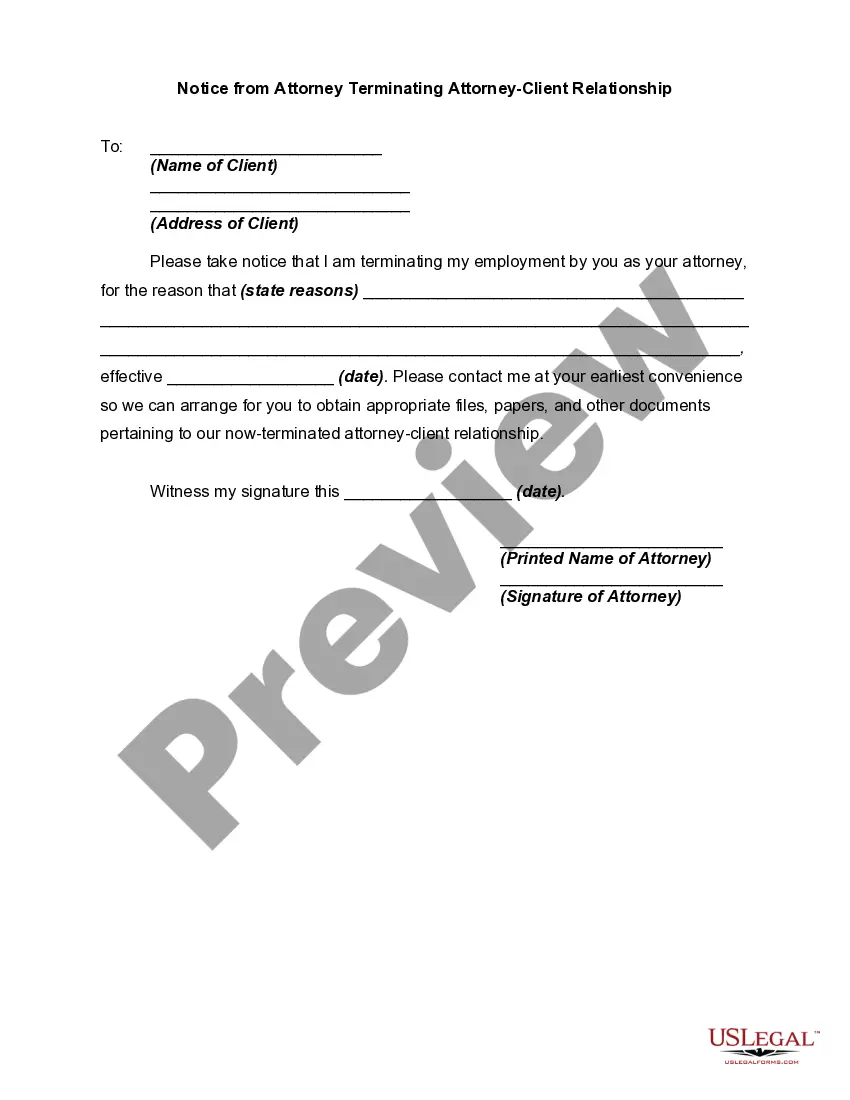
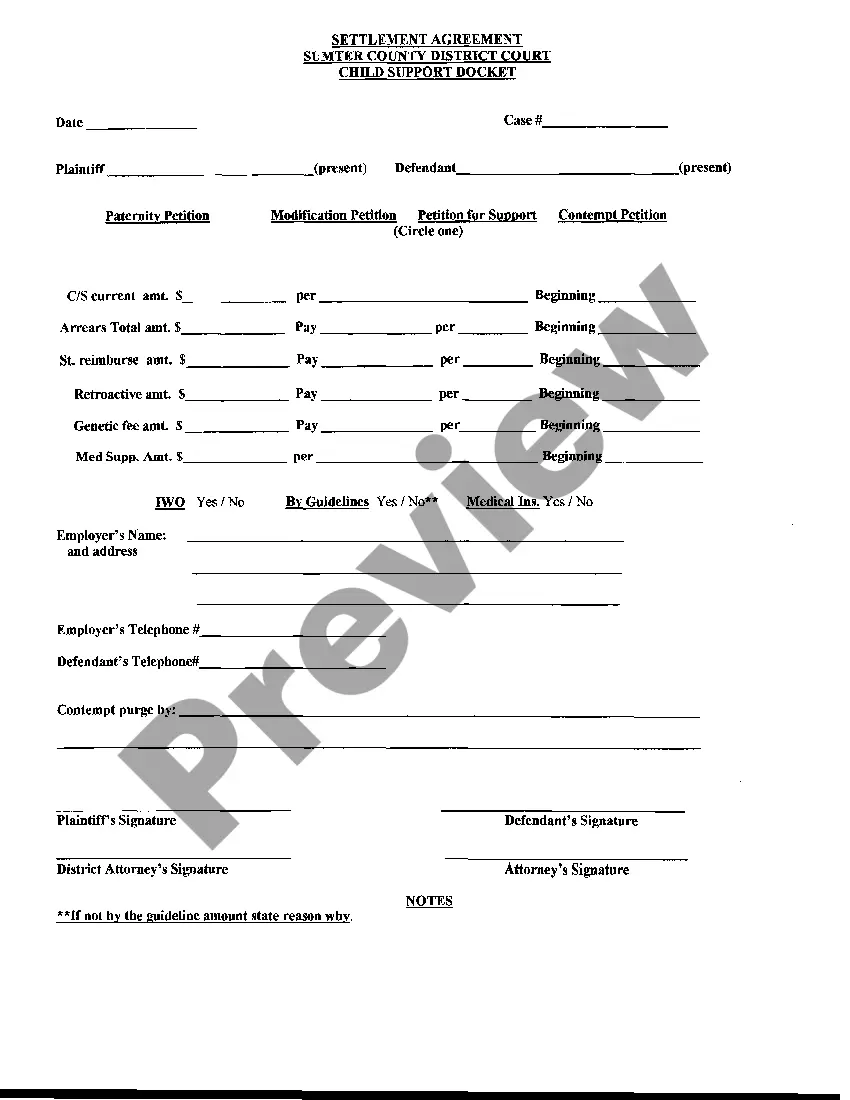
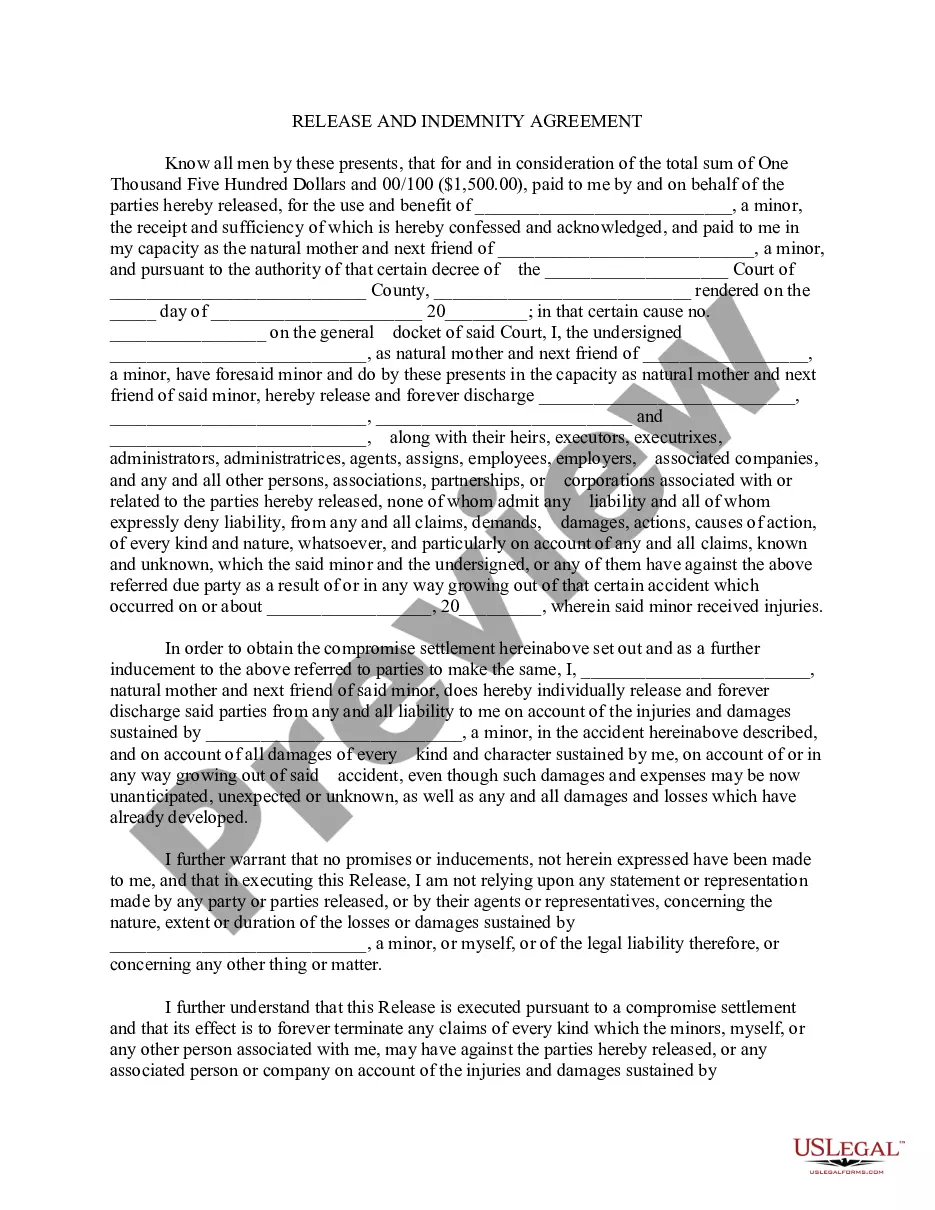
Settlement Agreement CS Docket, is an official form from the Alabama Administrative Office of Courts, which complies with all applicable laws and statutes. USLF amends and updates the forms as is required by Alabama statutes and law.
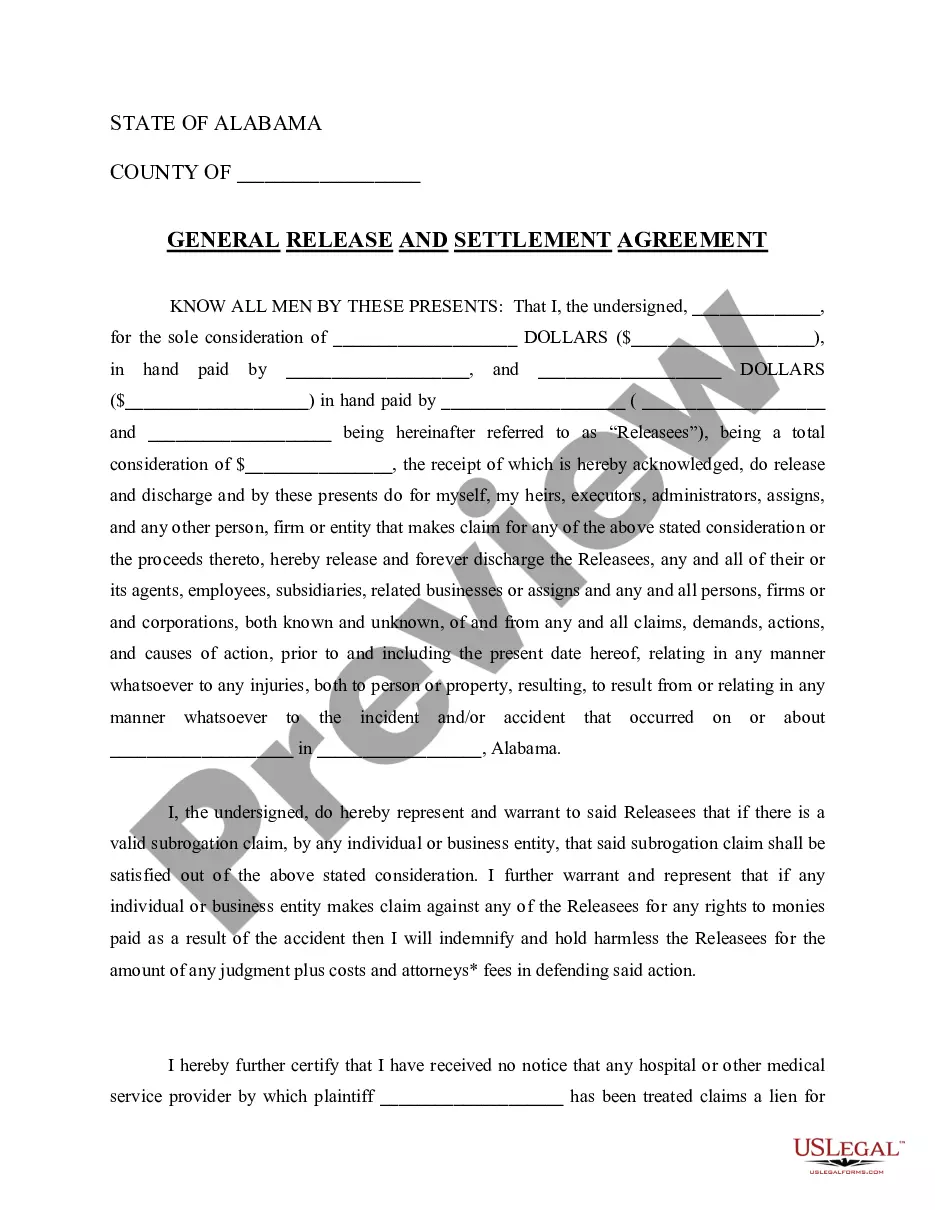
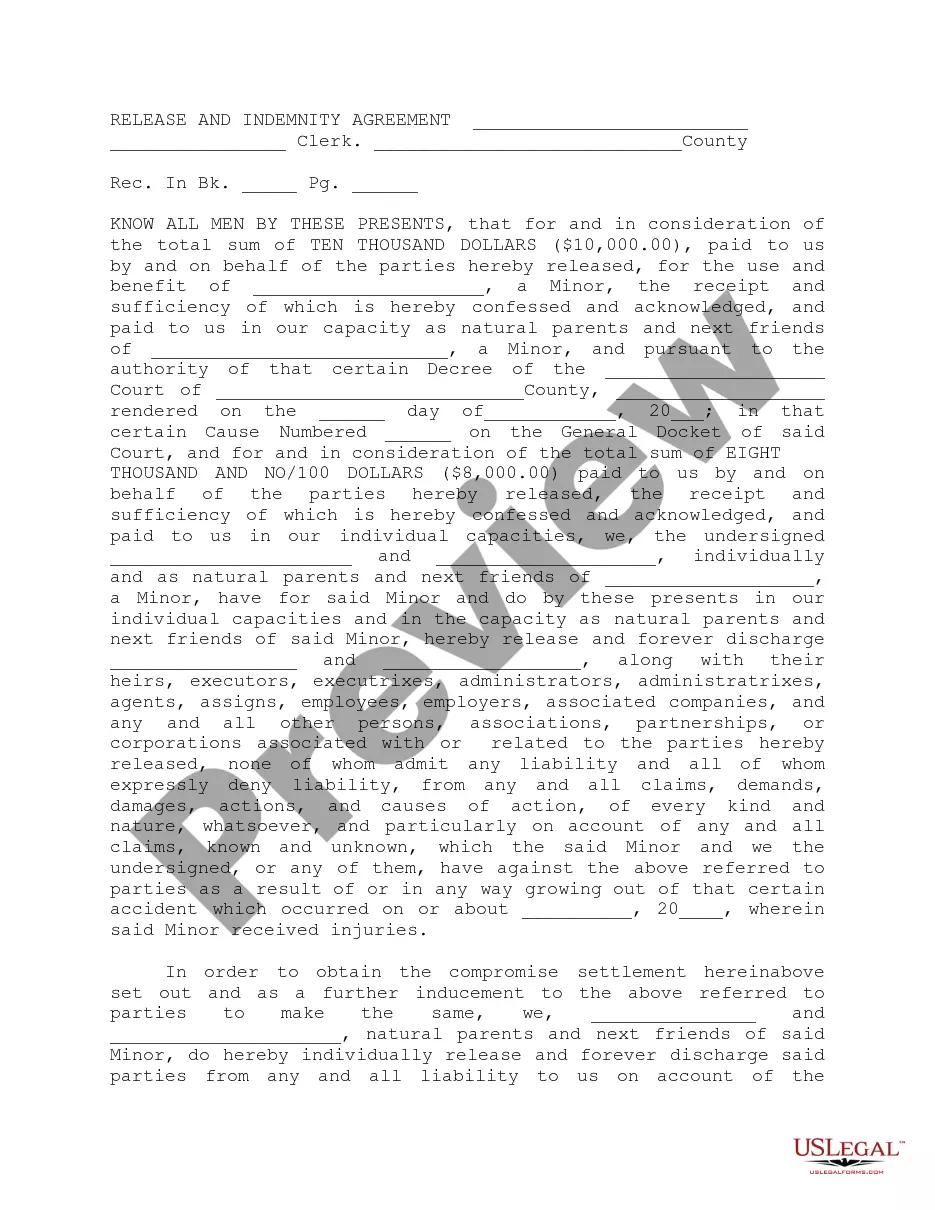
Alabama Agreement Form For Employees
Instant download
This website is not affiliated with any governmental entity
Public form
Description
Get your form ready online
Our built-in tools help you complete, sign, share, and store your documents in one place.
Built-in online Word editor
Make edits, fill in missing information, and update formatting in US Legal Forms—just like you would in MS Word.
Export easily
Download a copy, print it, send it by email, or mail it via USPS—whatever works best for your next step.
E-sign your document
Sign and collect signatures with our SignNow integration. Send to multiple recipients, set reminders, and more. Go Premium to unlock E-Sign.
Notarize online 24/7
If this form requires notarization, complete it online through a secure video call—no need to meet a notary in person or wait for an appointment.
Store your document securely
We protect your documents and personal data by following strict security and privacy standards.

Make edits, fill in missing information, and update formatting in US Legal Forms—just like you would in MS Word.

Download a copy, print it, send it by email, or mail it via USPS—whatever works best for your next step.

Sign and collect signatures with our SignNow integration. Send to multiple recipients, set reminders, and more. Go Premium to unlock E-Sign.

If this form requires notarization, complete it online through a secure video call—no need to meet a notary in person or wait for an appointment.

We protect your documents and personal data by following strict security and privacy standards.
Looking for another form?







How to fill out Alabama Settlement Agreement CS Docket?
Individuals commonly link legal documentation with a complex task that only an expert can handle.
In a certain sense, this is accurate, as creating the Alabama Agreement Form For Employees demands significant expertise in subject matter, encompassing state and county laws.
Nevertheless, with US Legal Forms, the process has become easier: ready-to-use legal templates for any life and business scenario specific to state regulations are compiled in a single online directory and are now accessible to all.
All templates in our catalog are reusable: once purchased, they are stored in your profile. You can access them whenever necessary through the My documents tab. Discover all the benefits of utilizing the US Legal Forms platform. Subscribe today!
- Inspect the page content carefully to ensure it fits your requirements.
- Review the form description or view it using the Preview option.
- Search for another template through the Search bar above if the previous one does not meet your needs.
- Click Buy Now when you discover the appropriate Alabama Agreement Form For Employees.
- Select a subscription plan that aligns with your needs and budget.
- Create an account or Log In to move forward to the payment page.
- Complete your subscription payment through PayPal or with your credit card.
- Choose the format for your document and click Download.
- Print the document or upload it to an online editor for quicker completion.
Form popularity
FAQ
How to write an employment contractTitle the employment contract.Identify the parties.List the term and conditions.Outline the job responsibilities.Include compensation details.Use specific contract terms.Consult with an employment lawyer.
The agreement can be printed on a letter head of the company, on a plain paper or on a stamp paper. It is not necessary for an employment contracted to be on a stamp paper. It is legally binding even on a letter head.
An employment agreement documents all rights and duties between your business and a contracted employee. Such a contract could be between a 1099 or W-2 employee.
Write the contract in six stepsStart with a contract template.Open with the basic information.Describe in detail what you have agreed to.Include a description of how the contract will be ended.Write into the contract which laws apply and how disputes will be resolved.Include space for signatures.
7 things you need to include in an employment contractLegal disclaimer.Job information.Compensation and benefits.Time off, sick days and vacation policy.Employee classification.The schedule and employment period.Confidentiality, privacy and responsibility.Termination, severance and survival.More items...?