Florida Correction Statement and Agreement
What this document covers
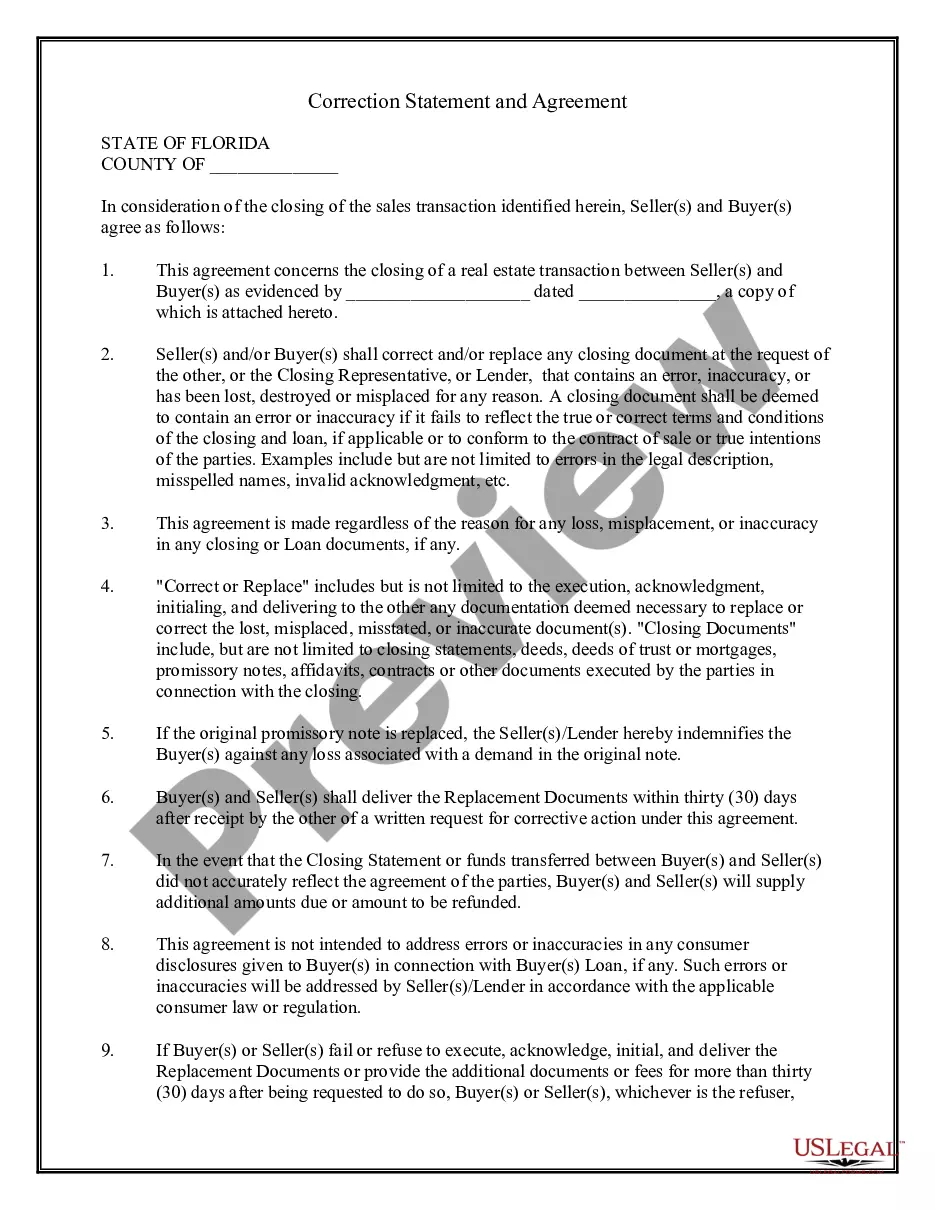
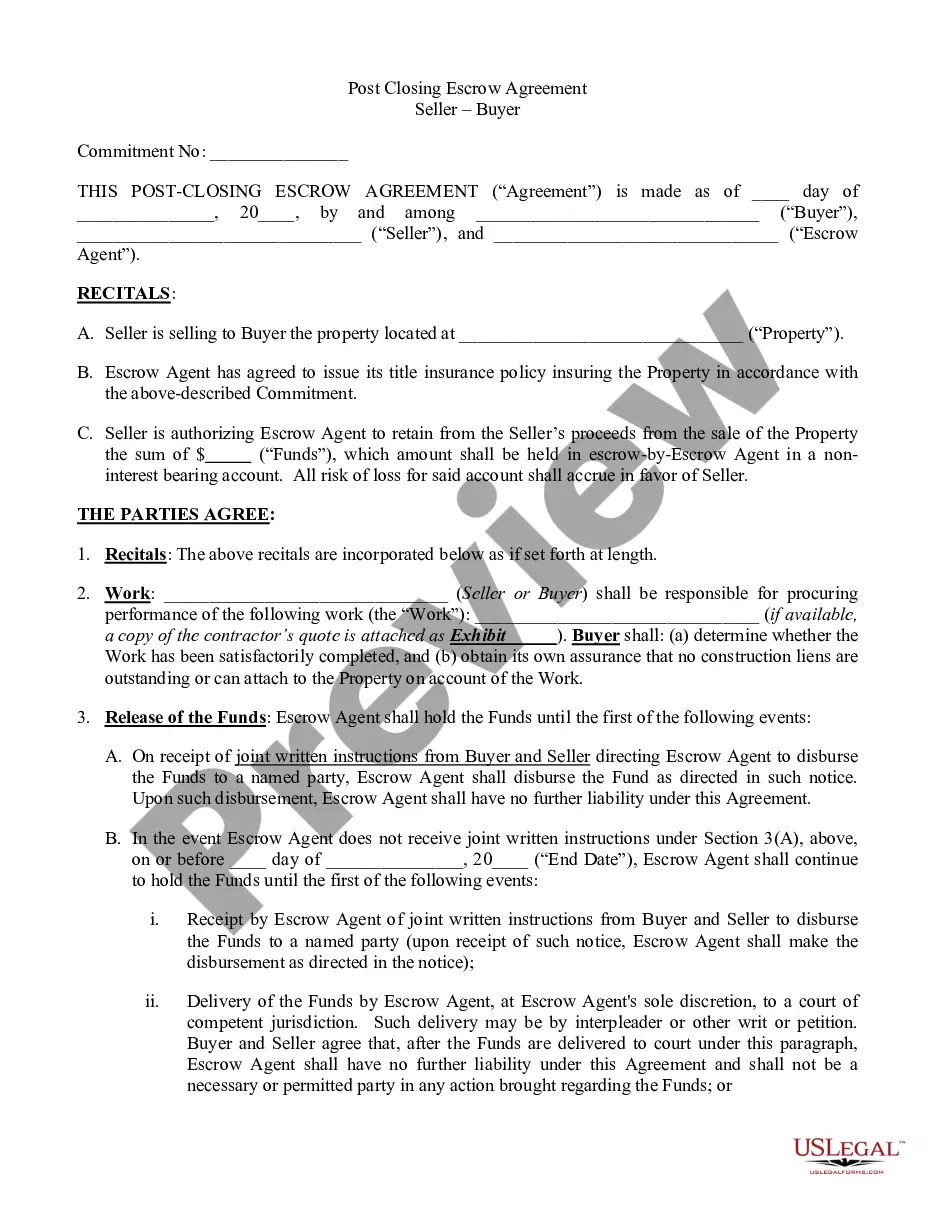
The Correction Statement and Agreement is a legal document used during the closing of a real estate transaction. It is signed by the buyer and seller to agree on executing corrected documents in case of errors. This form also enables the replacement of any documents that may have been lost or misplaced, ensuring clarity and legal compliance in the transaction process.
Key components of this form
- Identification of the buyer(s) and seller(s) involved in the transaction.
- Details of the real estate transaction, including reference to relevant documents.
- Provisions for correcting or replacing documents that contain inaccuracies.
- Time frame for delivering replacement documents within thirty days of request.
- Indemnification clause regarding the replacement of a promissory note.
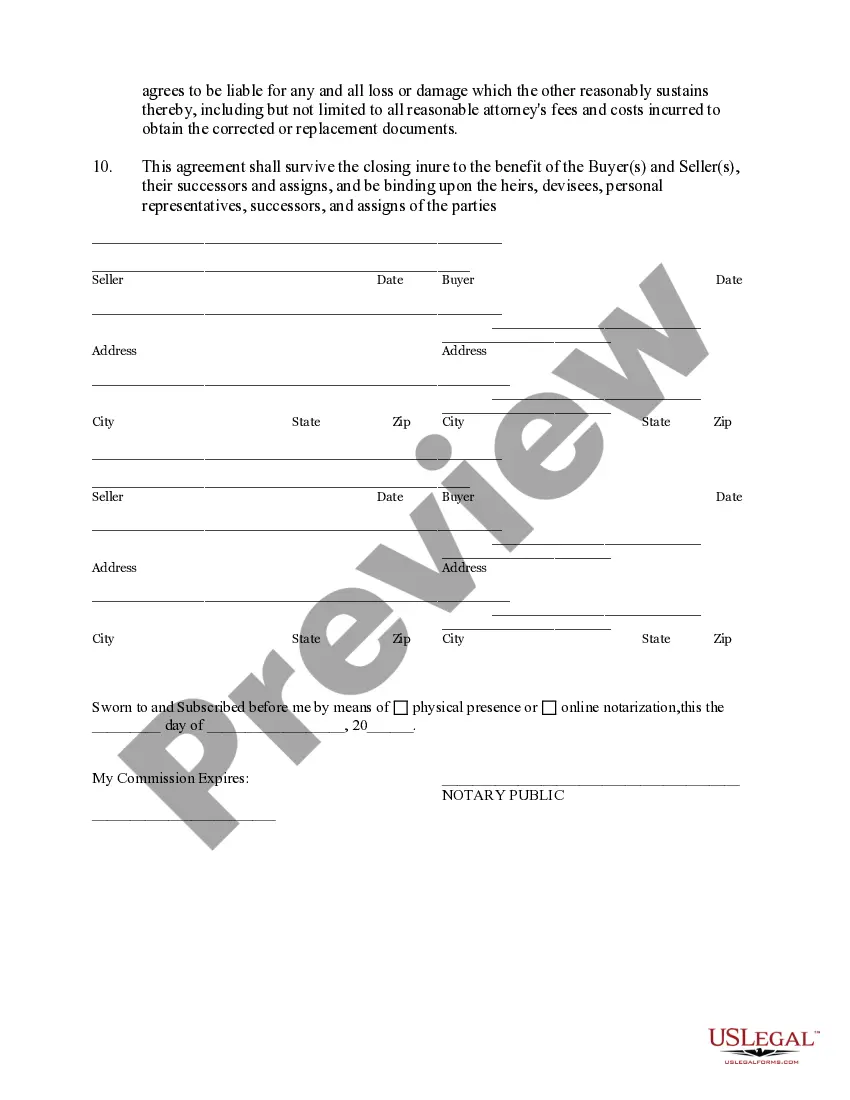
- Binding agreements that extend to heirs and assigns of the parties involved.

When to use this form
This form should be used in various scenarios, such as when there have been errors in closing documents, the documentation does not accurately represent the agreed terms, or if any important documents have been lost. Using this Correction Statement and Agreement helps prevent disputes by clarifying the necessary corrections and actions to be taken post-closing.
Who can use this document
This form is intended for:
- Real estate buyers who are closing on a property purchase.
- Real estate sellers who are finalizing the sale of their property.
- Real estate agents or brokers involved in the transaction.
- Closing representatives or lenders who handle the financial aspects of the transaction.
How to complete this form
- Identify the buyer(s) and seller(s) by entering their names and addresses.
- Reference the sales transaction by providing the date and details of the associated documents.
- Specify any inaccuracies that need correction or documents that require replacement.
- Sign and date the form in the respective sections for all parties involved.
- Ensure the form is notarized if required and submit it at closing.
Is notarization required?
This form does not typically require notarization unless specified by local law. However, it is advisable to consult with a legal professional or a closing representative to verify any requirements specific to your transaction.
Get your form ready online
Our built-in tools help you complete, sign, share, and store your documents in one place.
Make edits, fill in missing information, and update formatting in US Legal Forms—just like you would in MS Word.
Download a copy, print it, send it by email, or mail it via USPS—whatever works best for your next step.
Sign and collect signatures with our SignNow integration. Send to multiple recipients, set reminders, and more. Go Premium to unlock E-Sign.
If this form requires notarization, complete it online through a secure video call—no need to meet a notary in person or wait for an appointment.
We protect your documents and personal data by following strict security and privacy standards.

Make edits, fill in missing information, and update formatting in US Legal Forms—just like you would in MS Word.

Download a copy, print it, send it by email, or mail it via USPS—whatever works best for your next step.

Sign and collect signatures with our SignNow integration. Send to multiple recipients, set reminders, and more. Go Premium to unlock E-Sign.

If this form requires notarization, complete it online through a secure video call—no need to meet a notary in person or wait for an appointment.

We protect your documents and personal data by following strict security and privacy standards.
Typical mistakes to avoid
- Failing to identify all parties involved in the transaction accurately.
- Not referencing the correct transaction documents or dates.
- Omitting signatures or dates which can render the form invalid.
- Ignoring local laws that may affect the legality of the agreement.
Benefits of using this form online
- Convenience of accessing and completing the form from anywhere.
- Editability allows users to tailor the document to their specific needs.
- Reliable templates drafted by licensed attorneys ensuring compliance.
- Instant access means you can finalize your agreement quickly without delays.
Legal use & context
- This form serves as a legally binding agreement between the buyer(s) and seller(s) regarding the correction and replacement of documents.
- It ensures that both parties understand their responsibilities and the consequences of failing to comply with the agreement.
Key takeaways
- Use this form to ensure any closing document inaccuracies are corrected in a timely manner.
- Both buyers and sellers should be aware of their obligations under this agreement.
- This Correction Statement and Agreement provides legal protection and clarity in real estate transactions.
Looking for another form?


Form popularity
FAQ
Updating your information on Sunbiz can take anywhere from a few hours to several days, depending on the nature of the changes. For simple corrections, the updates may reflect quickly, while more complex amendments could require additional review. Utilizing a Florida Correction Statement and Agreement can help streamline this process, ensuring prompt updates to your business records.
To acquire a Certificate of Formation, you must file the Articles of Organization with the Florida Division of Corporations. This document provides essential details about your LLC, which are then reviewed for approval. Once accepted, you will receive the Certificate. If you need corrections, a Florida Correction Statement and Agreement can help manage any amendments needed post-filing.
A Certificate of Formation is not the same as an LLC. The Certificate is a legal document that establishes the existence of the LLC in Florida. It outlines the basic information about the LLC, such as its name and purpose. By obtaining a Florida Correction Statement and Agreement, you can address any issues found in your Certificate or other formation documents.
To file your annual report in Florida, visit the Division of Corporations’ website and complete the required form. It is essential to provide accurate information to keep your business in good standing. Consider including a Florida Correction Statement and Agreement if you notice any discrepancies in your records. This proactive measure helps maintain clarity and prevents potential complications.
If you fail to file your annual report in Florida, your company may face significant penalties. Ultimately, your business could become inactive, and you may lose your legal standing. To prevent such risks, consider utilizing the Florida Correction Statement and Agreement. This document helps you rectify any issues related to your filing, ensuring your business remains compliant and operational.
You can file a Florida annual report online through the Florida Division of Corporations website. This streamlined process allows you to submit your report conveniently from anywhere. After completing the form, ensure you include the Florida Correction Statement and Agreement if you need to make any adjustments to your filing. Using the correct platform simplifies your annual compliance.
The approval process for an LLC in Florida can take anywhere from a few days to several weeks, depending on the method of filing. Online submissions are usually processed faster, often within 1 to 3 days. If you file by mail, expect it to take longer due to postal delays. In case you need to expedite any amendments or corrections, a Florida Correction Statement and Agreement can help streamline that process.
Changing your LLC to an S Corp in Florida involves a few steps. First, ensure your LLC meets the eligibility requirements for S Corporation status. Then, file Form 2553 with the IRS after confirming your LLC is in good standing in Florida. Additionally, you may need to update your operating agreement and consider filing a Florida Correction Statement and Agreement to reflect these changes.
To amend an LLC operating agreement in Florida, first, identify the specific changes that need to be made. Next, draft the amendment and ensure it is compliant with Florida laws. After that, distribute the amendment to all members for their review and approval. Finally, document the amendment in your records and consider filing a Florida Correction Statement and Agreement if necessary.
Yes, you can update your LLC Operating Agreement whenever necessary. It's important to document any changes officially, often through a Florida Correction Statement and Agreement. Regular updates keep your agreement aligned with your LLC's current operations and agreements among members. For added support, consider using uslegalforms to access templates and guidance tailored to your needs.