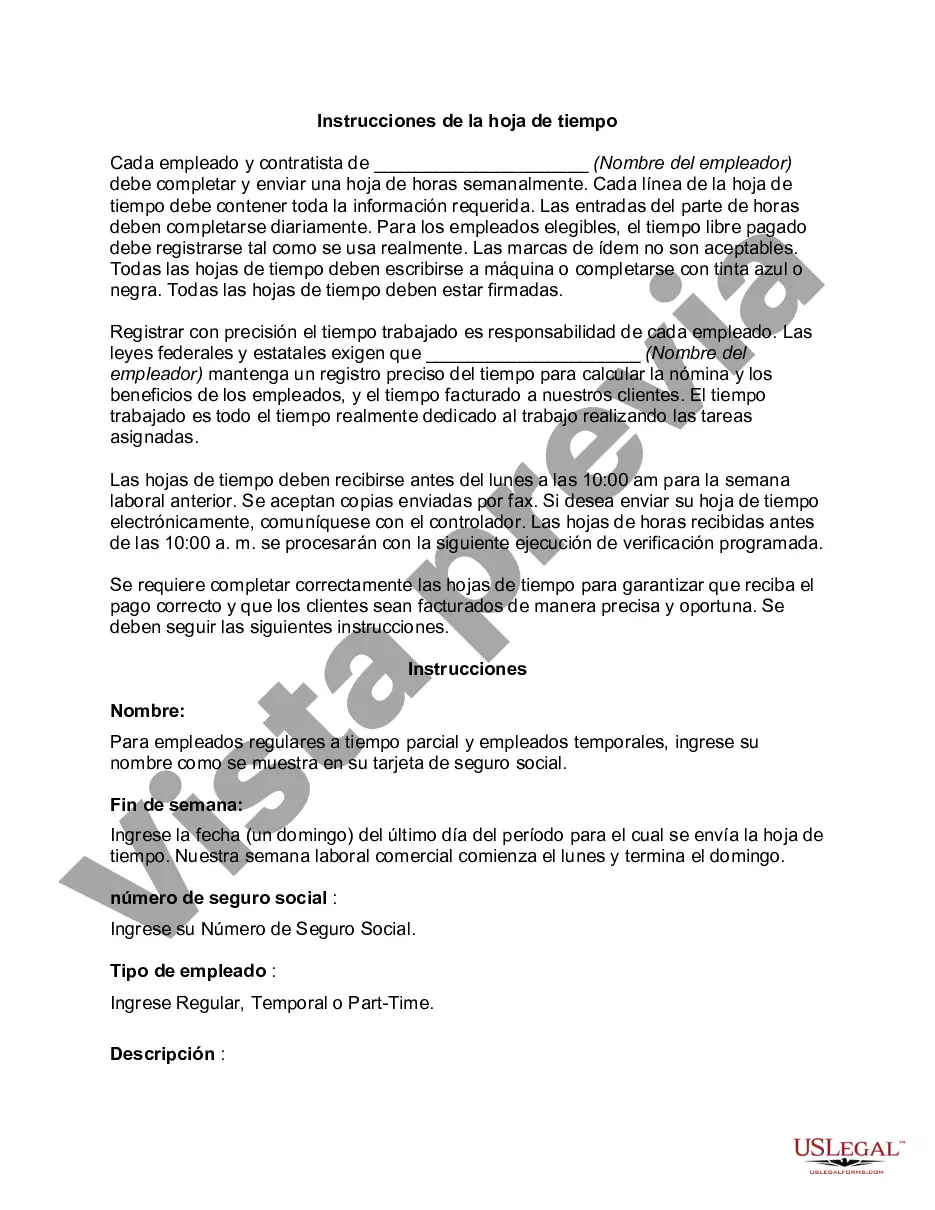
Time sheets were originally developed for an employer to determine payroll. However time sheets are not just for payroll any more. Time sheets may record the start and end time of tasks, or just the duration. It may contain a detailed breakdown of tasks accomplished throughout the project or program. This information may be used for payroll, client billing, and increasingly for project costing, estimation, tracking and management.
Para su conveniencia, debajo del texto en español le brindamos la versión completa de este formulario en inglés.
For your convenience, the complete English version of this form is attached below the Spanish version.
Generally, there’s no one-size-fits-all format. But most time sheets will have sections for dates, hours worked, and notes. Follow any templates or formats provided by your company.
To document overtime, simply mark the extra hours separately and make sure to follow your company’s guidelines. Clear communication is key!
If you forget to log your hours, don’t panic! Just try to recall as best as you can, and then talk to your supervisor about fitting that info into your time sheet.
Absolutely! Many companies now offer mobile apps for tracking your hours. Check with your employer to see if they have one that fits the bill.
No sweat! Just reach out to the appropriate person in your office, like your supervisor or HR, and let them know about the mistake. They’ll guide you on how to fix it.
To fill out a time sheet in Austin, you need to record the dates you worked, the hours you put in, and any breaks you took. Make sure to double-check your entries for accuracy before submitting.
If you run into trouble, reach out to your supervisor or HR for help. It’s always smart to ask for assistance before you throw in the towel!
Trusted and secure by over 3 million people of the world’s leading companies