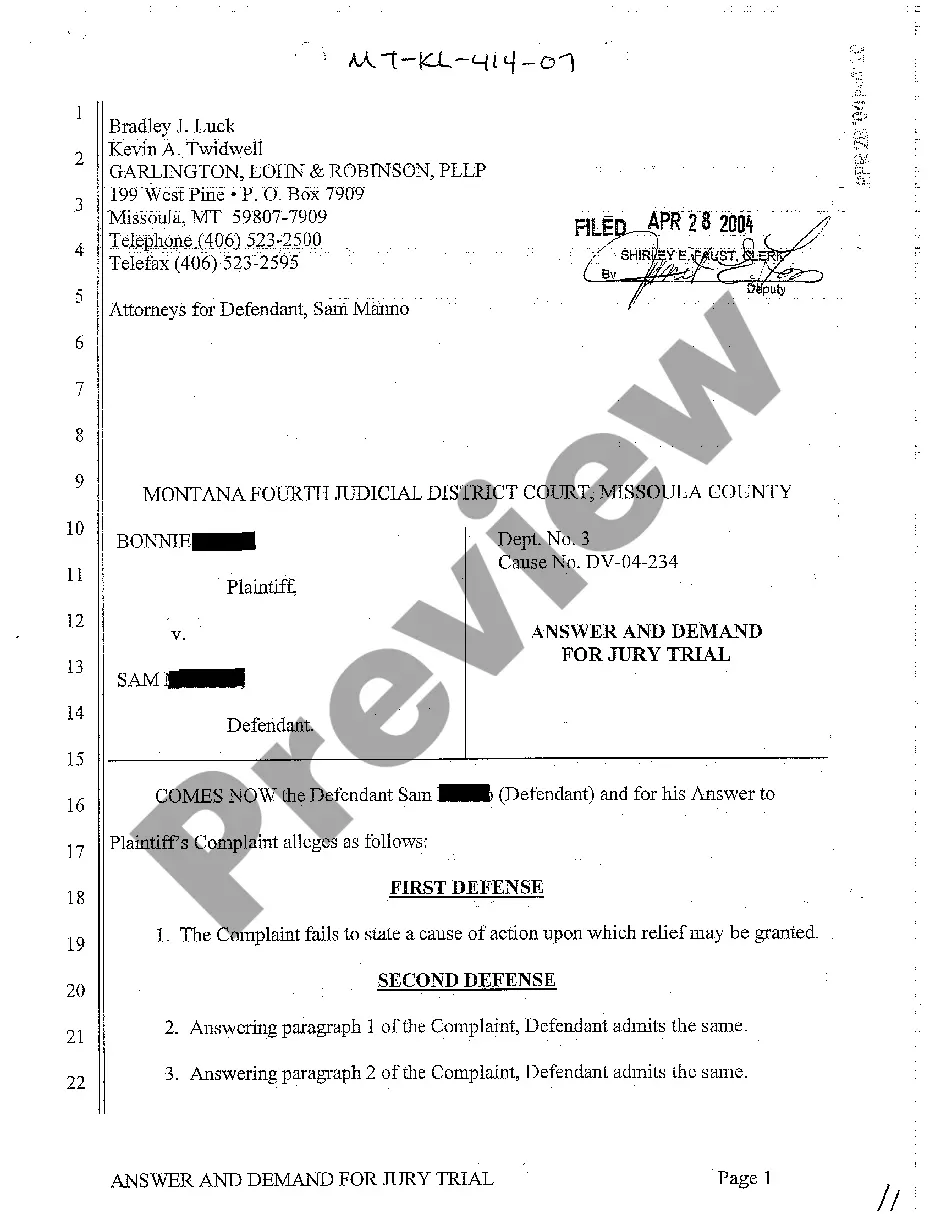
Information Statement - Common Stock
Understanding this form
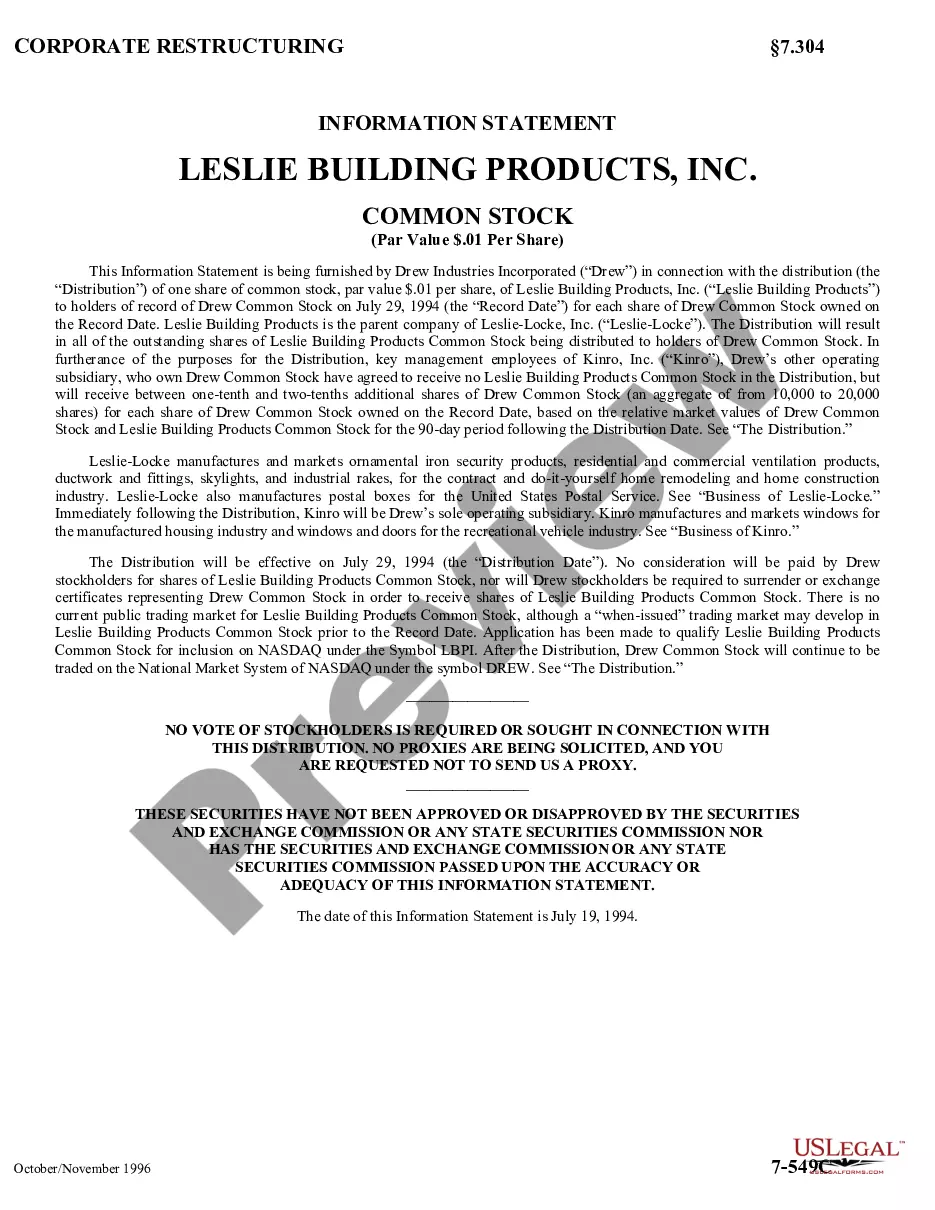
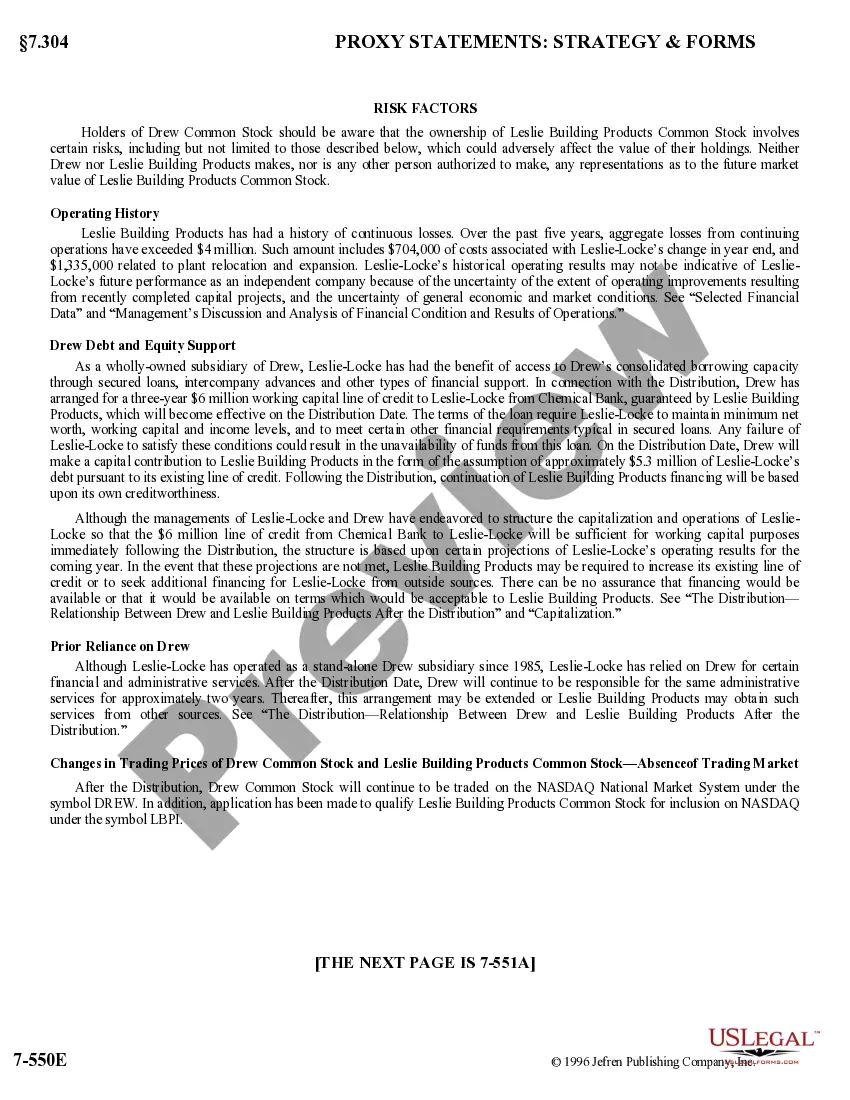
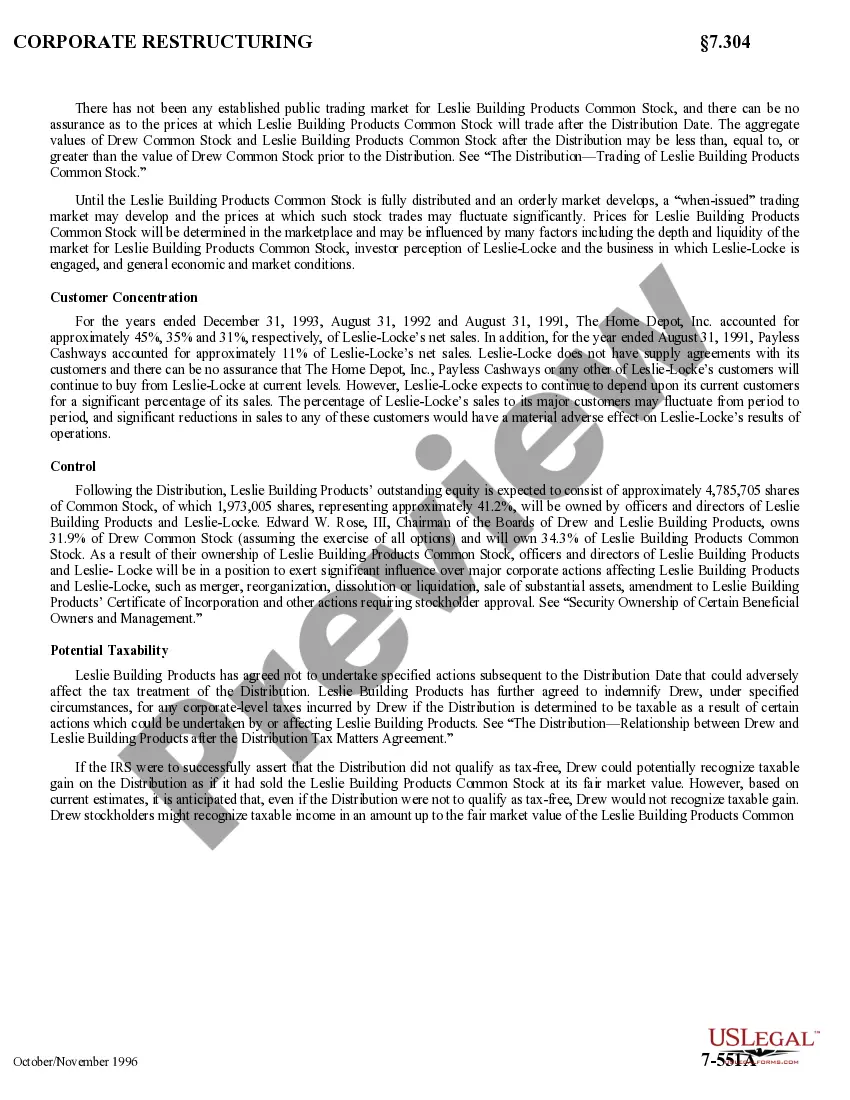
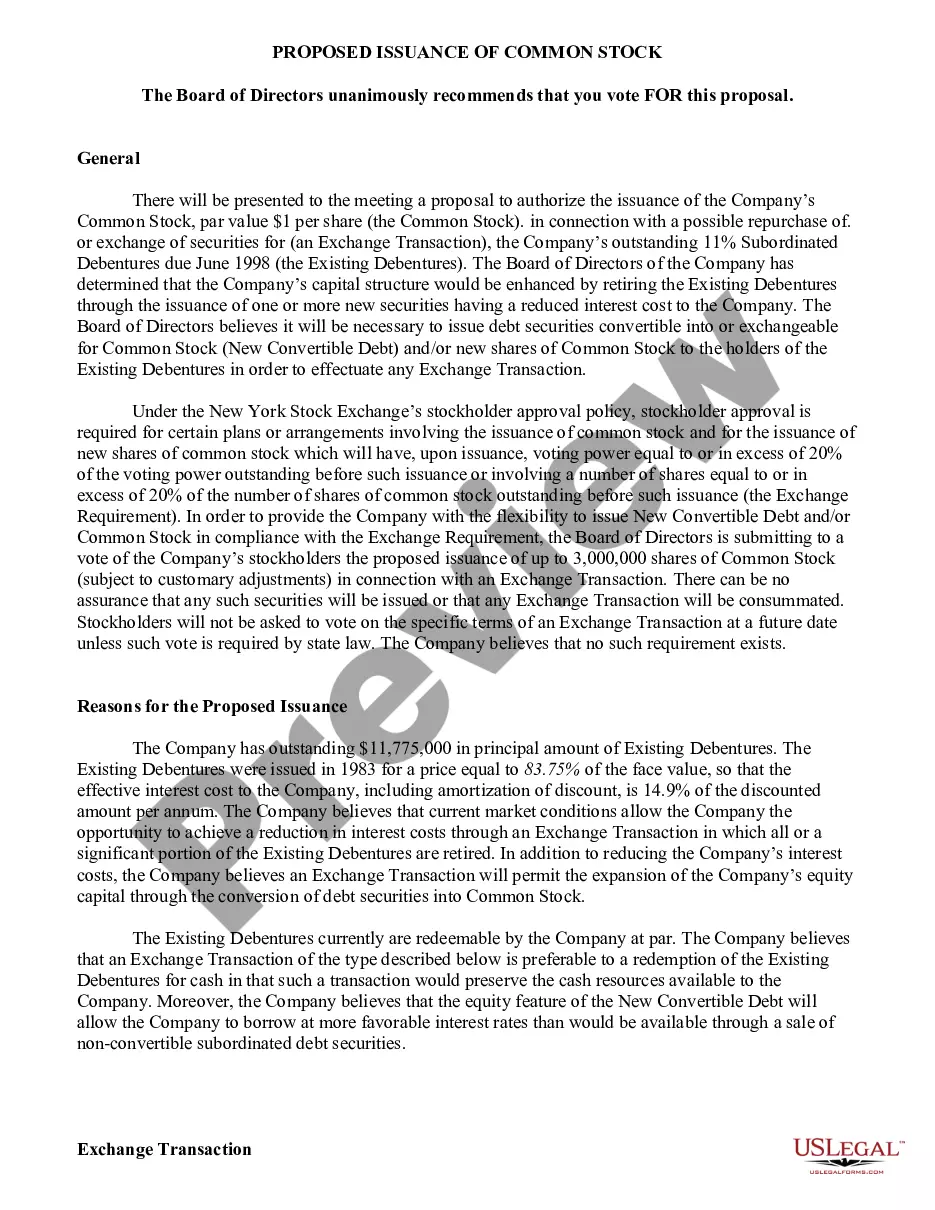
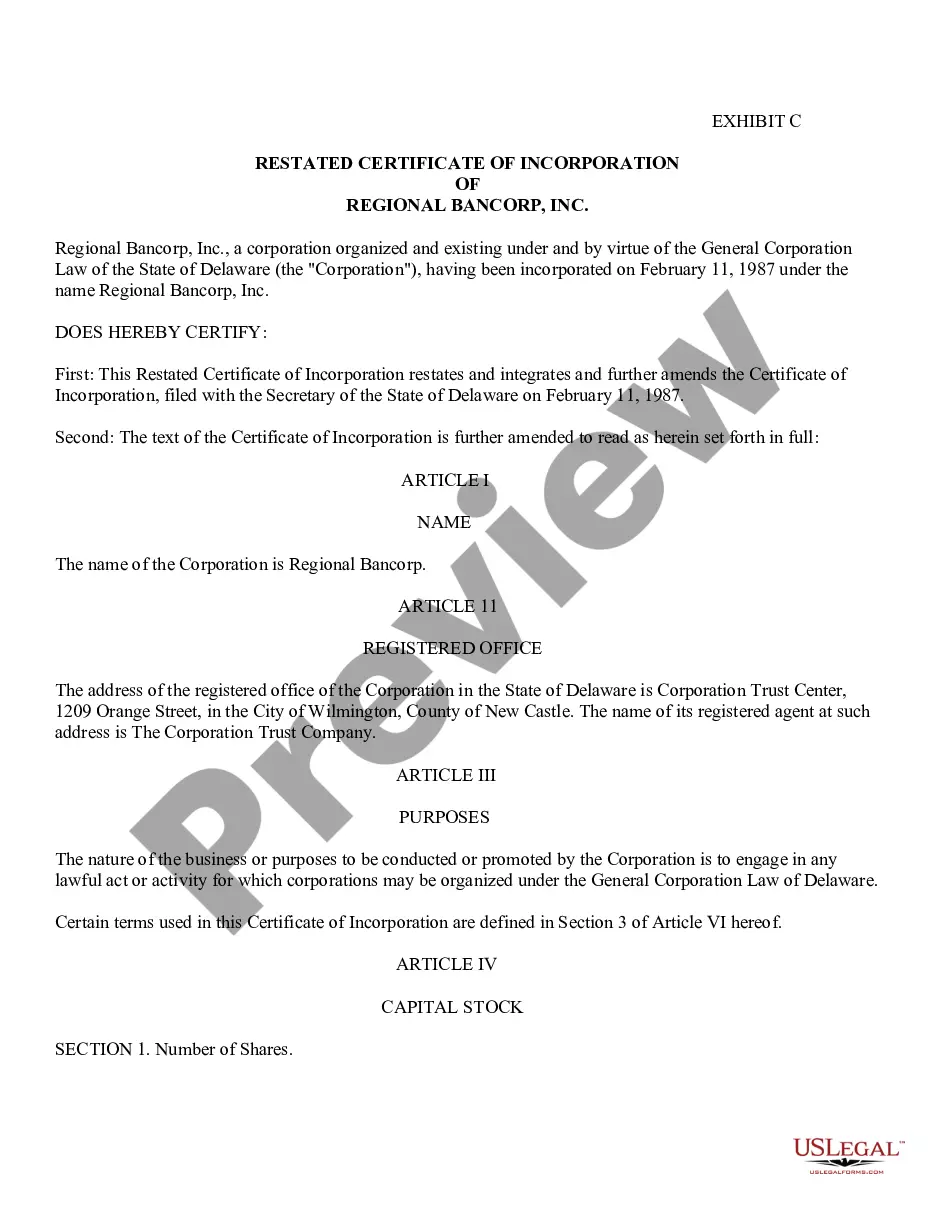
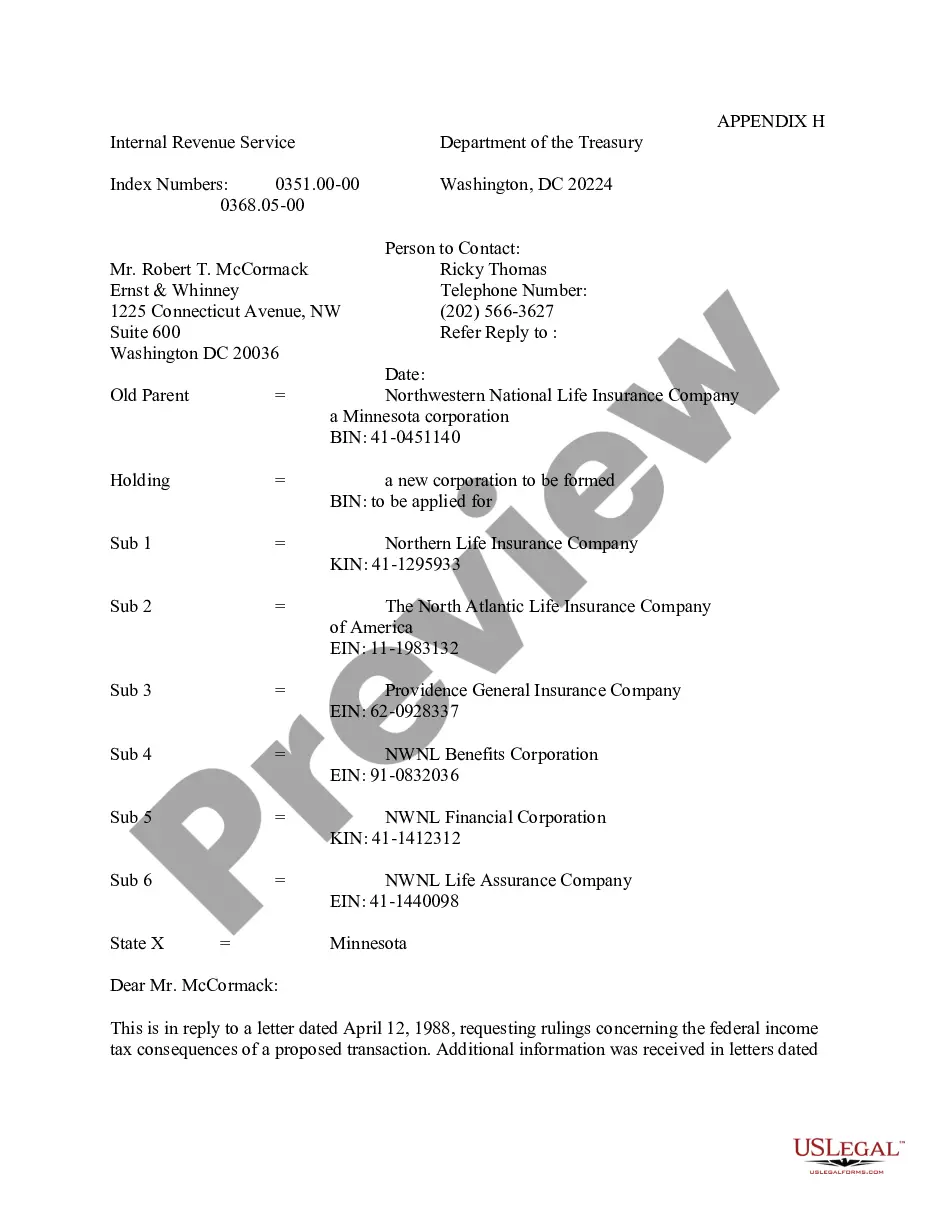
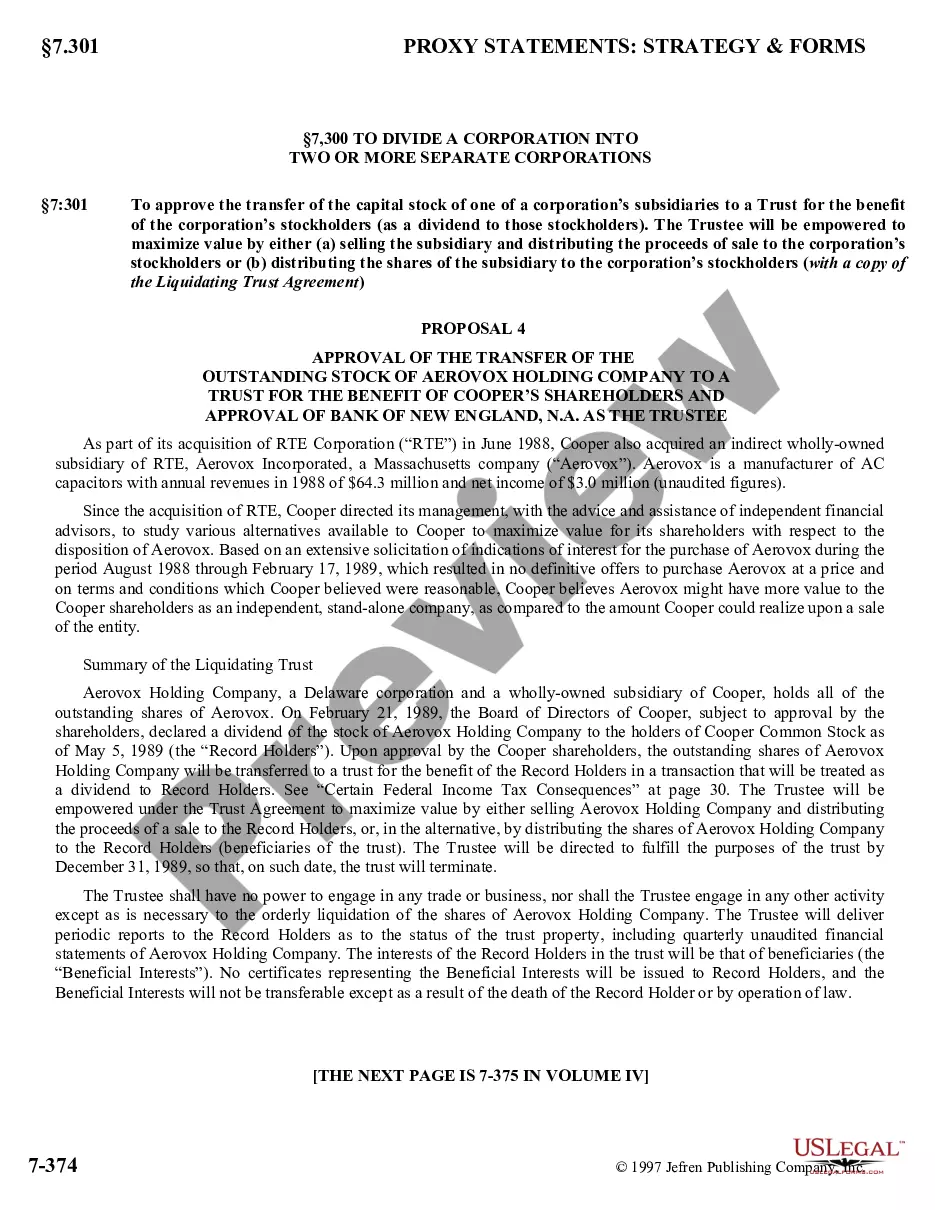
The Information Statement - Common Stock is a detailed document used in corporate matters to provide essential information regarding the distribution of common stock among shareholders. This form is particularly significant during corporate restructurings, spin-offs, or significant changes in a company's capital structure. Unlike ordinary corporate resolutions, this statement is specifically tailored to inform shareholders about the events leading to the issuance of new stock and its implications for their ownership rights.
Key parts of this document
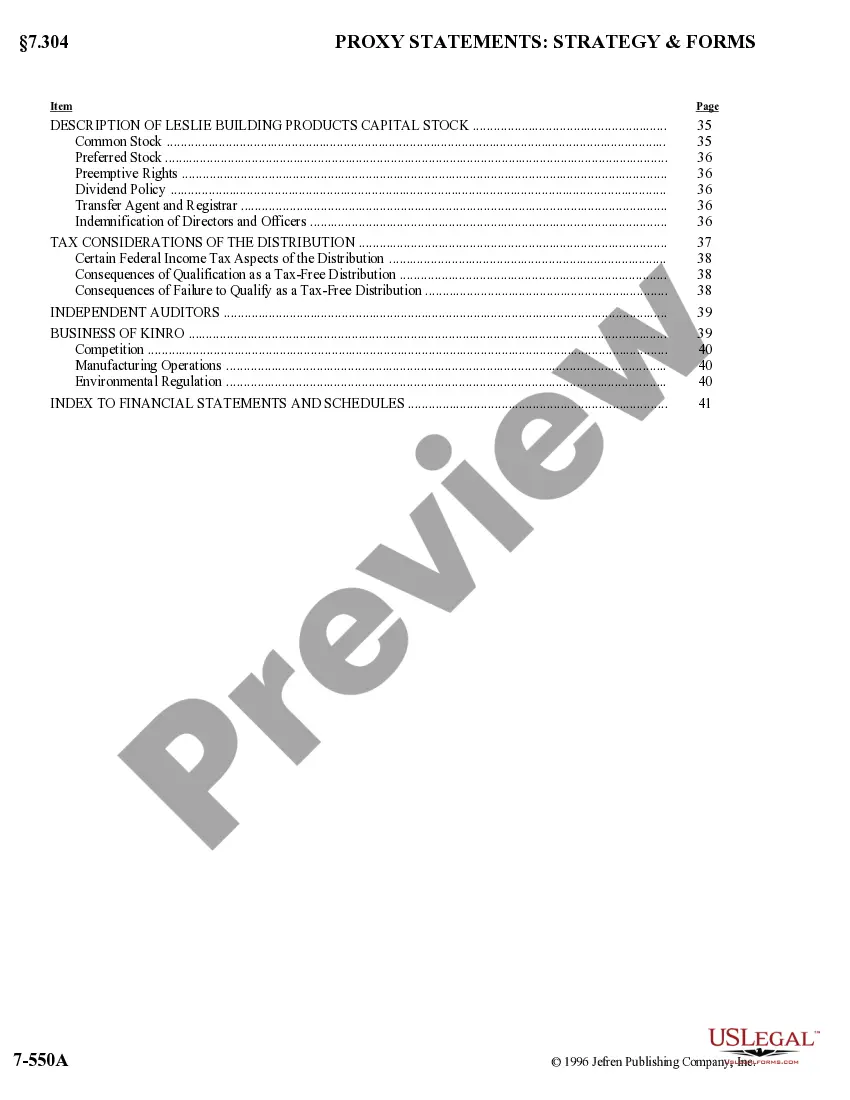
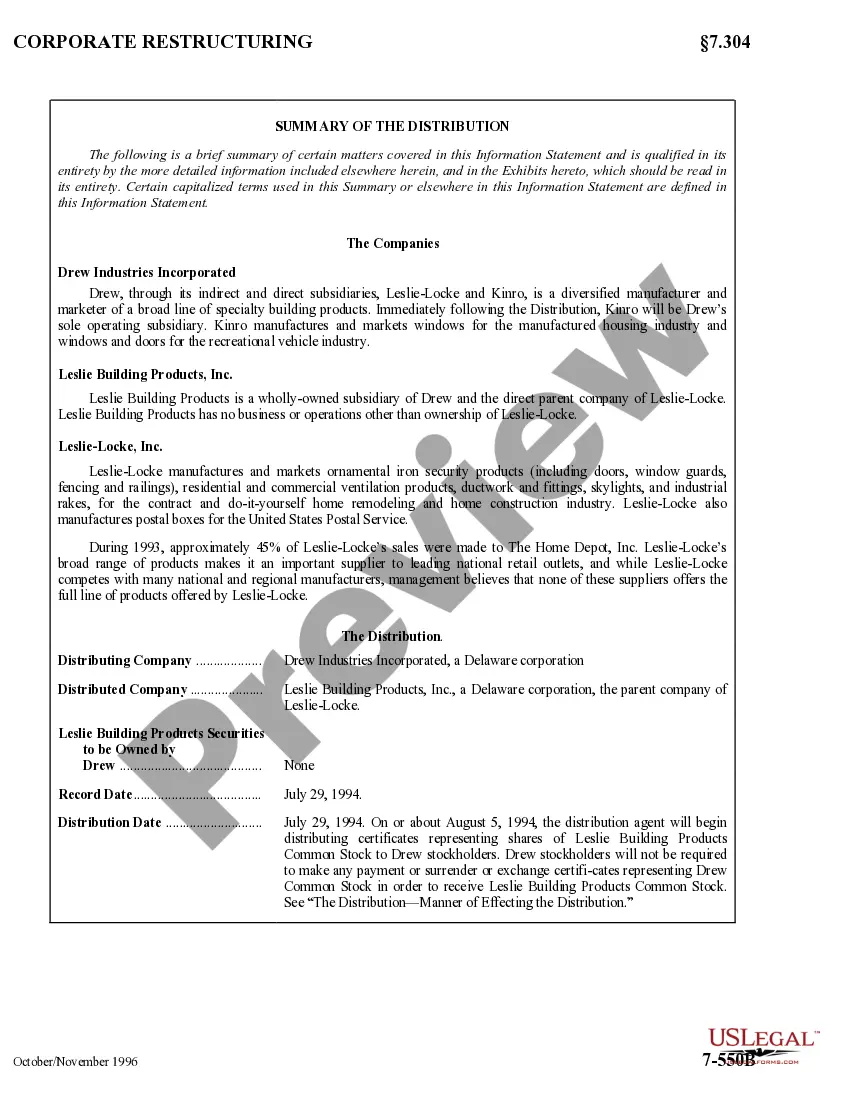
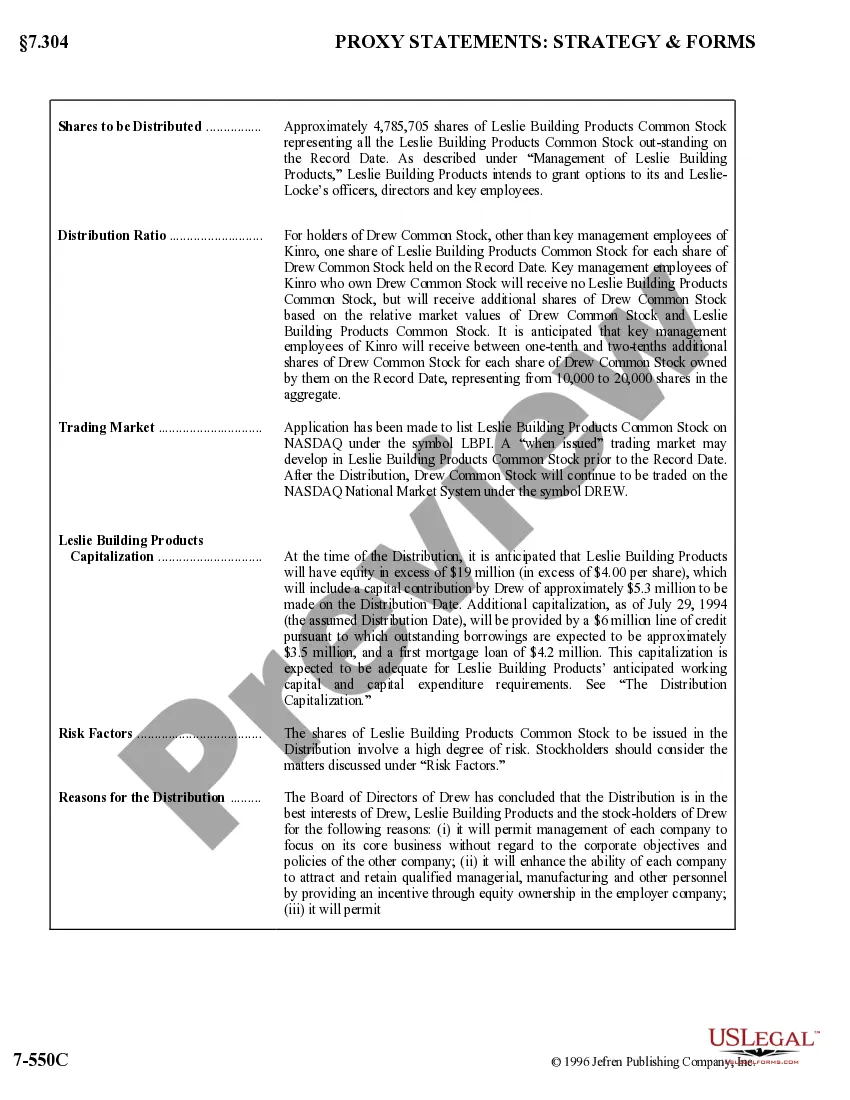
- Details of the stock distribution, including the record date and effective date.
- Information on the companies involved in the distribution, including their business operations and related financial data.
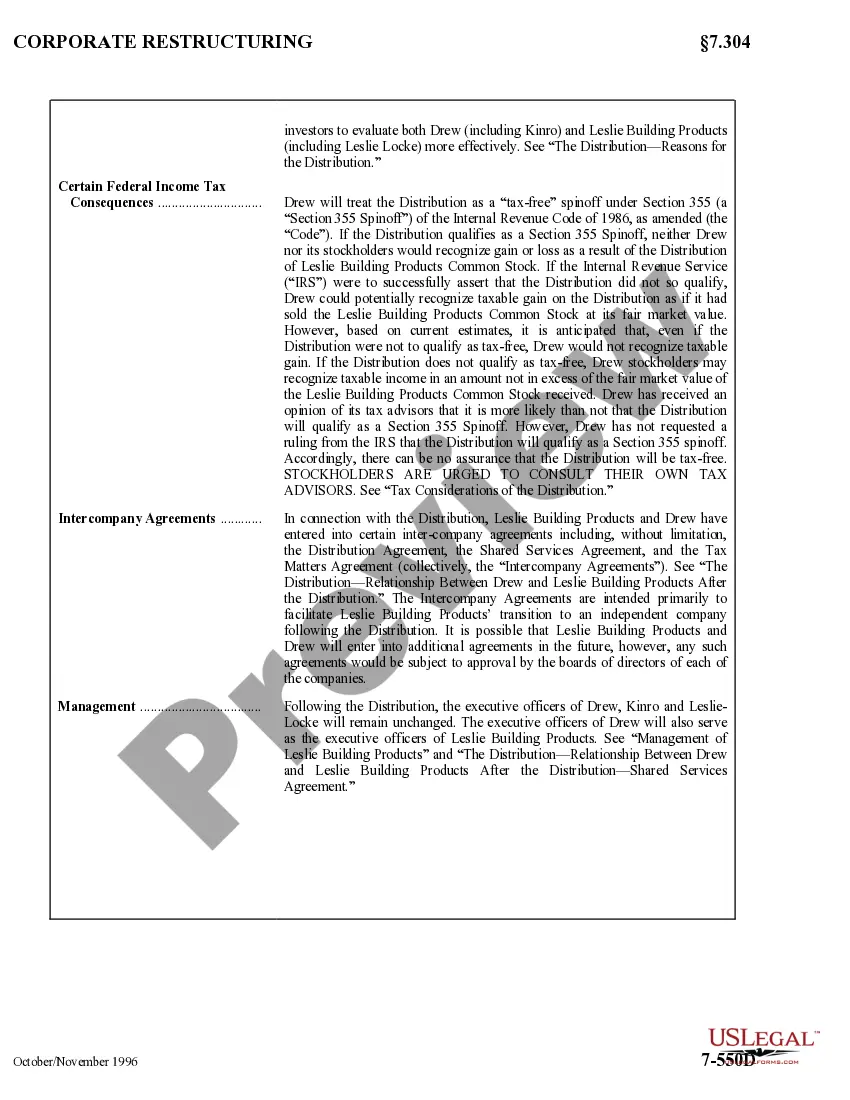
- Explanation of key management decisions and their impact on shareholders.
- Legal disclaimers regarding tax consequences and the lack of necessity for majority shareholder votes.
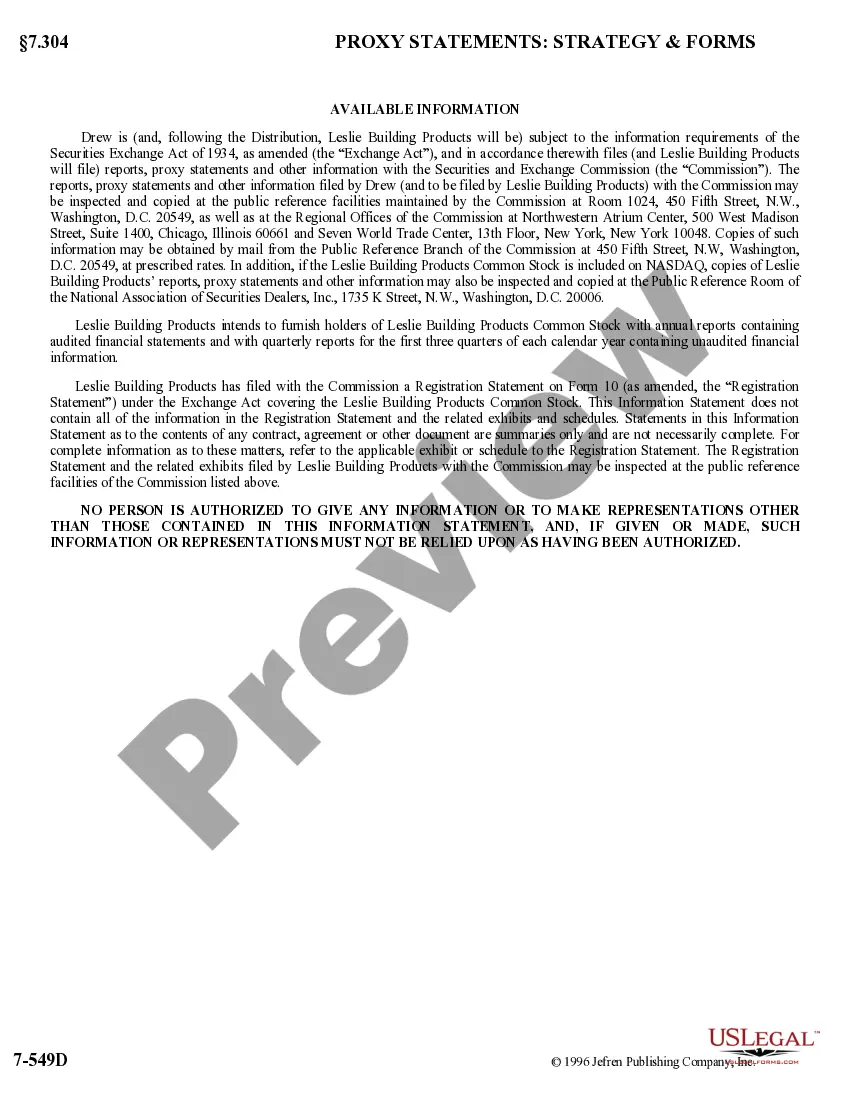
- Summary of available financial information and the background of the companies involved.



When to use this document
This form is utilized when a corporation decides to distribute shares of new common stock to its existing shareholders as part of a merger, acquisition, or reorganization. It is particularly important in cases where there is a need for transparency regarding the new issuance of stock and potential changes in shareholder stakes. Businesses may also need this form during restructuring events to outline key operational decisions and financial implications for shareholders.
Intended users of this form
- Corporate executives responsible for managing stock distributions.
- Shareholders looking to understand their rights and the implications of stock distribution.
- Company legal counsel aiding in corporate restructuring and compliance.
- Financial analysts assessing the impact of stock distributions on shareholder value.
Instructions for completing this form
- Identify the companies involved in the stock distribution and provide their factual business descriptions.
- Clearly state the record and distribution dates to indicate the eligibility of shareholders.
- Detail the terms of the distribution, including how many shares each shareholder will receive.
- Include legal disclaimers as required by law, especially regarding the tax implications of the distribution.
- Summarize financial data which may impact shareholder perceptions and decisions post-distribution.
Notarization requirements for this form
Notarization is not commonly needed for this form. However, certain documents or local rules may make it necessary. Our notarization service, powered by Notarize, allows you to finalize it securely online anytime, day or night.
Get your form ready online
Our built-in tools help you complete, sign, share, and store your documents in one place.
Make edits, fill in missing information, and update formatting in US Legal Forms—just like you would in MS Word.
Download a copy, print it, send it by email, or mail it via USPS—whatever works best for your next step.
Sign and collect signatures with our SignNow integration. Send to multiple recipients, set reminders, and more. Go Premium to unlock E-Sign.
If this form requires notarization, complete it online through a secure video call—no need to meet a notary in person or wait for an appointment.
We protect your documents and personal data by following strict security and privacy standards.

Make edits, fill in missing information, and update formatting in US Legal Forms—just like you would in MS Word.

Download a copy, print it, send it by email, or mail it via USPS—whatever works best for your next step.

Sign and collect signatures with our SignNow integration. Send to multiple recipients, set reminders, and more. Go Premium to unlock E-Sign.

If this form requires notarization, complete it online through a secure video call—no need to meet a notary in person or wait for an appointment.

We protect your documents and personal data by following strict security and privacy standards.
Common mistakes
- Failing to clearly outline the terms and implications of the stock distribution.
- Not providing adequate notice to shareholders about the record and distribution dates.
- Omitting necessary legal disclaimers regarding tax liabilities.
- Neglecting to include relevant business or financial data that informs shareholders about their investment.
Benefits of using this form online
- Convenience of completing and submitting the form without the need for physical paperwork.
- Instant access to up-to-date legal templates drafted by licensed attorneys.
- Editability allows users to customize the form to fit their specific corporate circumstances.
- Secure delivery ensures sensitive corporate information is handled appropriately.
Legal use & context
- Ensures compliance with SEC regulations regarding shareholder communications.
- Provides necessary disclosures to protect the company and inform stockholders.
- Validates the process of distributing shares to maintain corporate governance.
What to keep in mind
- The Information Statement - Common Stock outlines essential details about stock distributions.
- Understanding the form helps stockholders fully grasp their rights and obligations.
- Online access simplifies the process of obtaining and completing this legal document.
Looking for another form?
Form popularity
FAQ
A VIS or Vaccine Information Statement is a document, produced by CDC, that informs vaccine recipients or their parents or legal representatives about the benefits and risks of a vaccine they are receiving. Read about the evolution and history of Vaccine Information Statements 5 pages.
If you would like a free filed copy of your Statement of Information, go to BusinessSearch.sos.ca.gov. Processing Dates: For current processing dates, go to www.sos.ca.gov/business/be/processing-dates.
The Statement of Information form shows a company's owners/officers, business address(es), and business description. A corporation/LLC must file a Statement of Information within 90 days of their Articles of Incorporation/Organization to do business in the state of California.
Vaccine Information Statements (VISs) are information sheets produced by the CDC that explain both the benefits and risks of a vaccine to vaccine recipients. Federal law requires that healthcare staff provide a VIS to a patient, parent, or legal representative before each dose of certain vaccines.