Schedule 14B Information
About this form
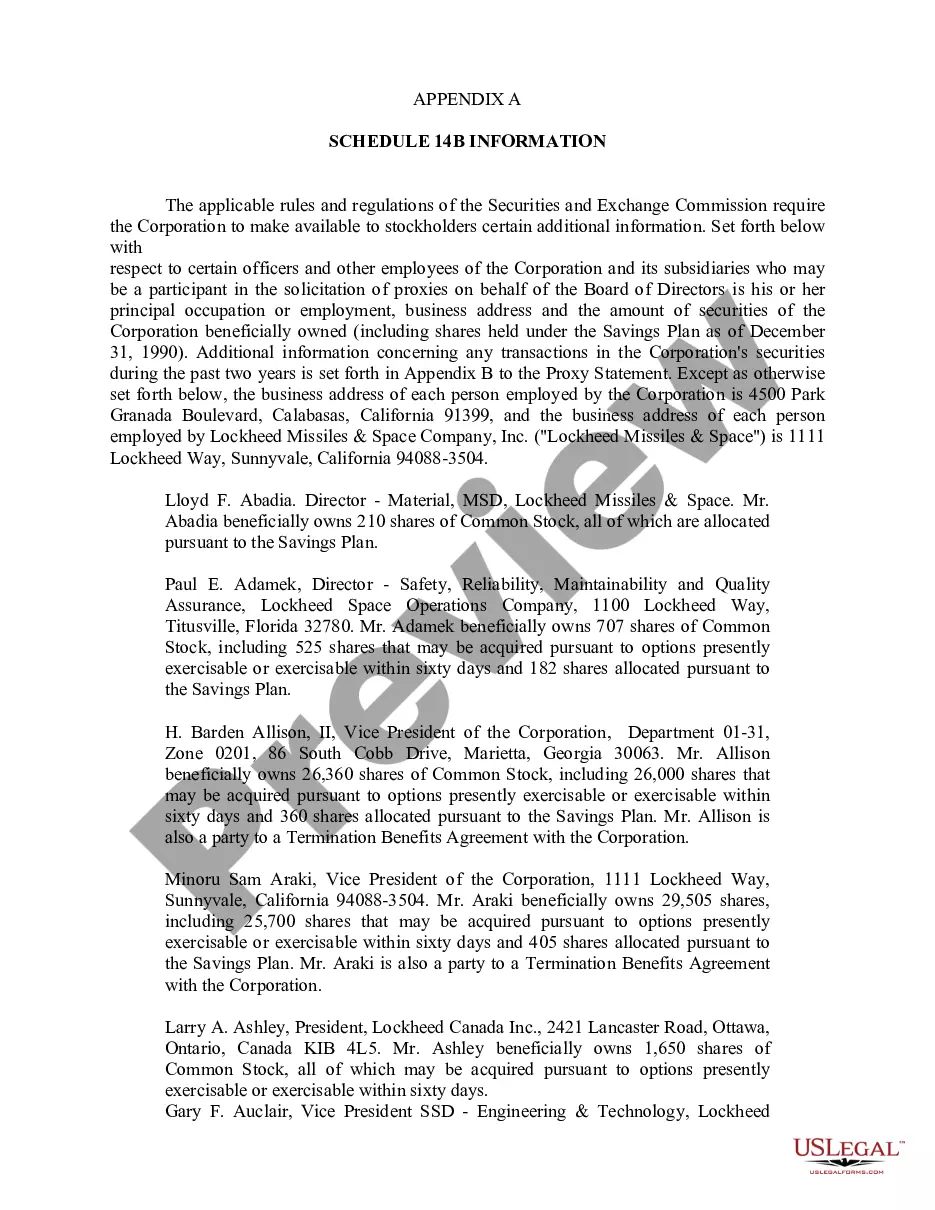
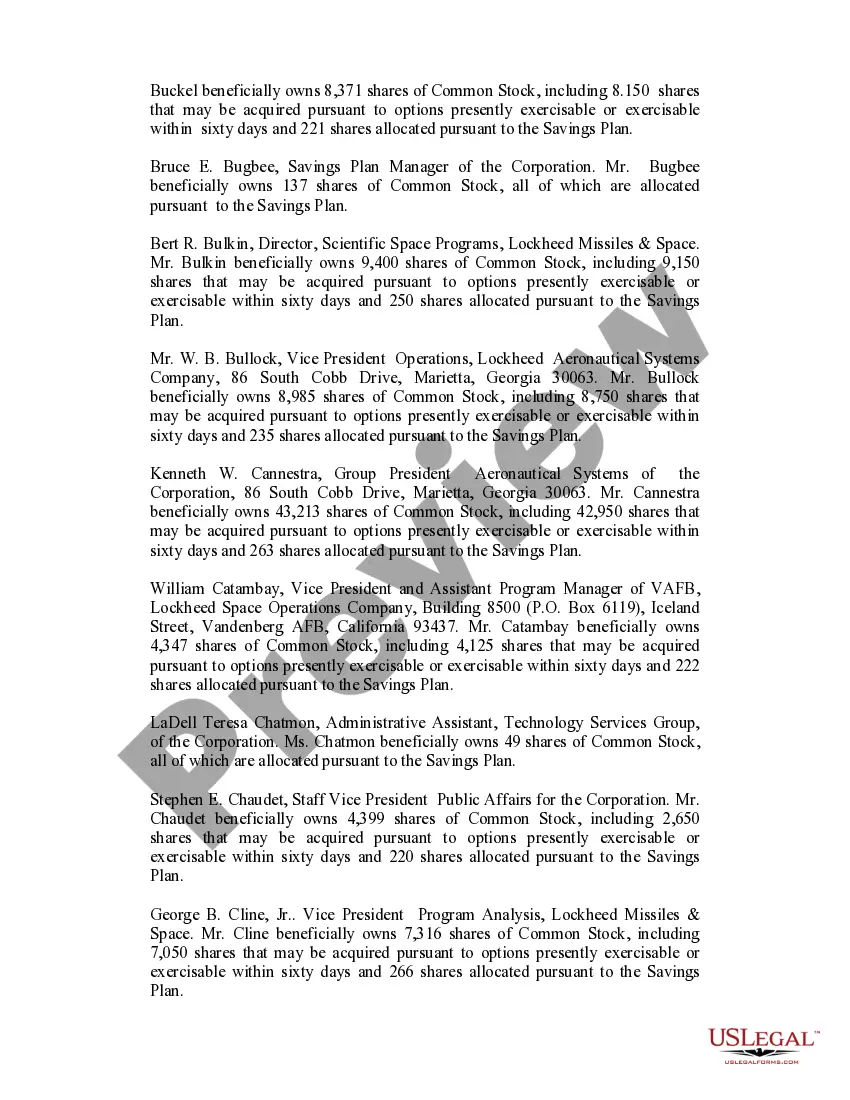
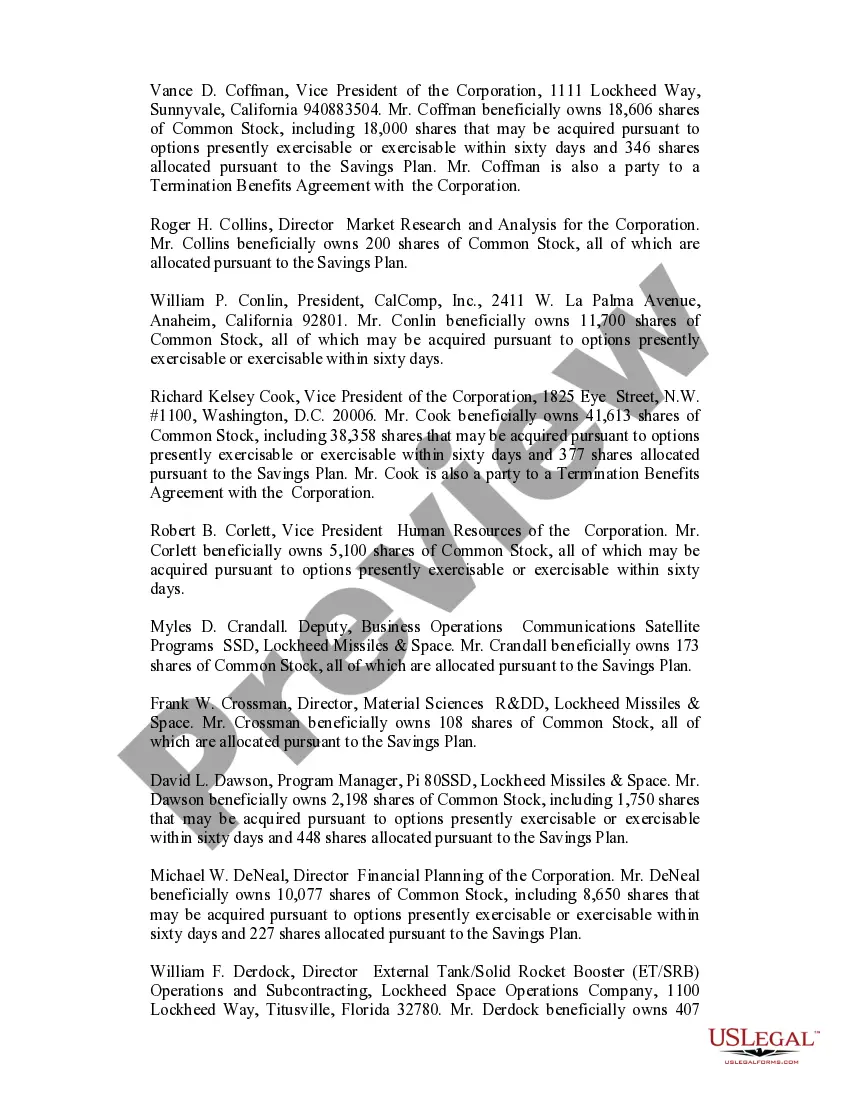
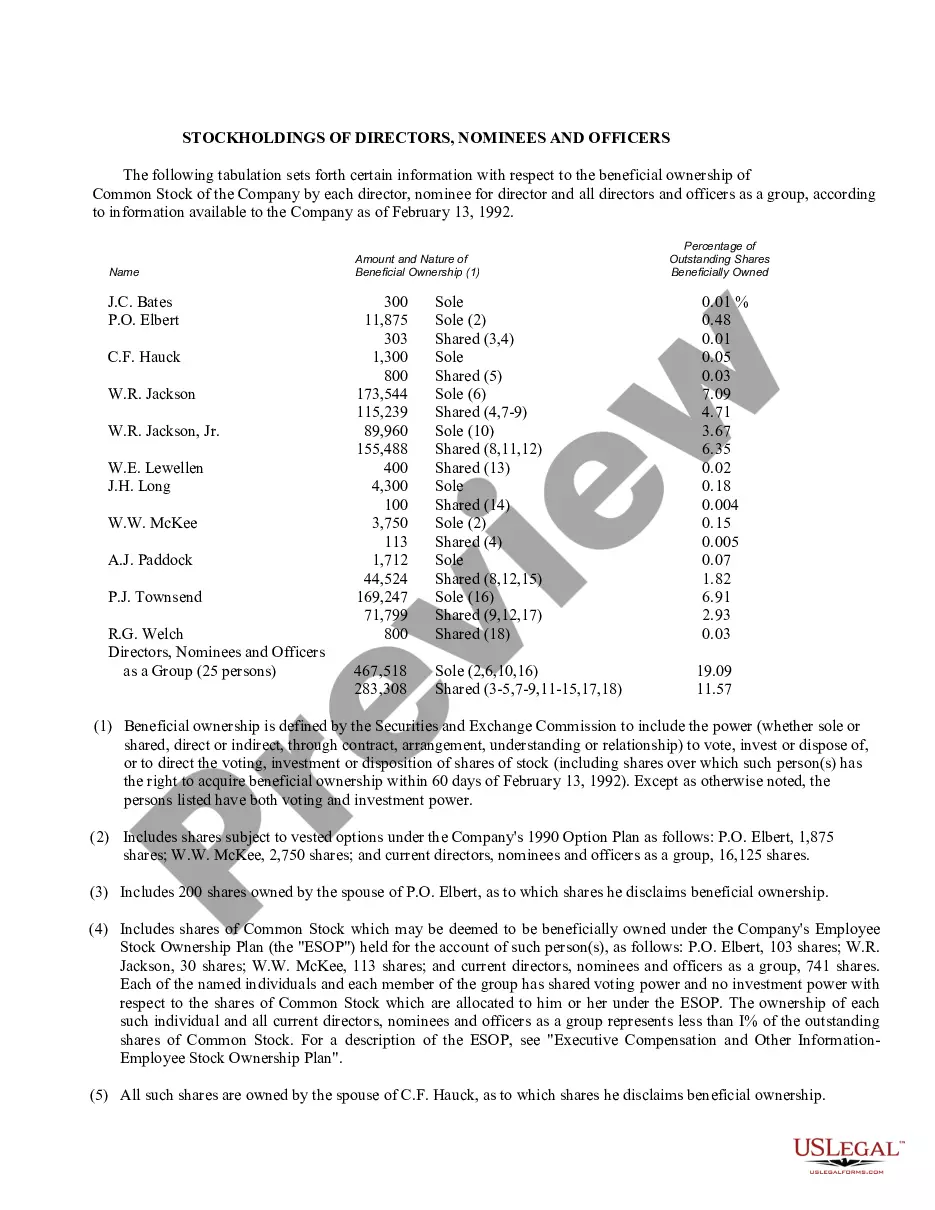
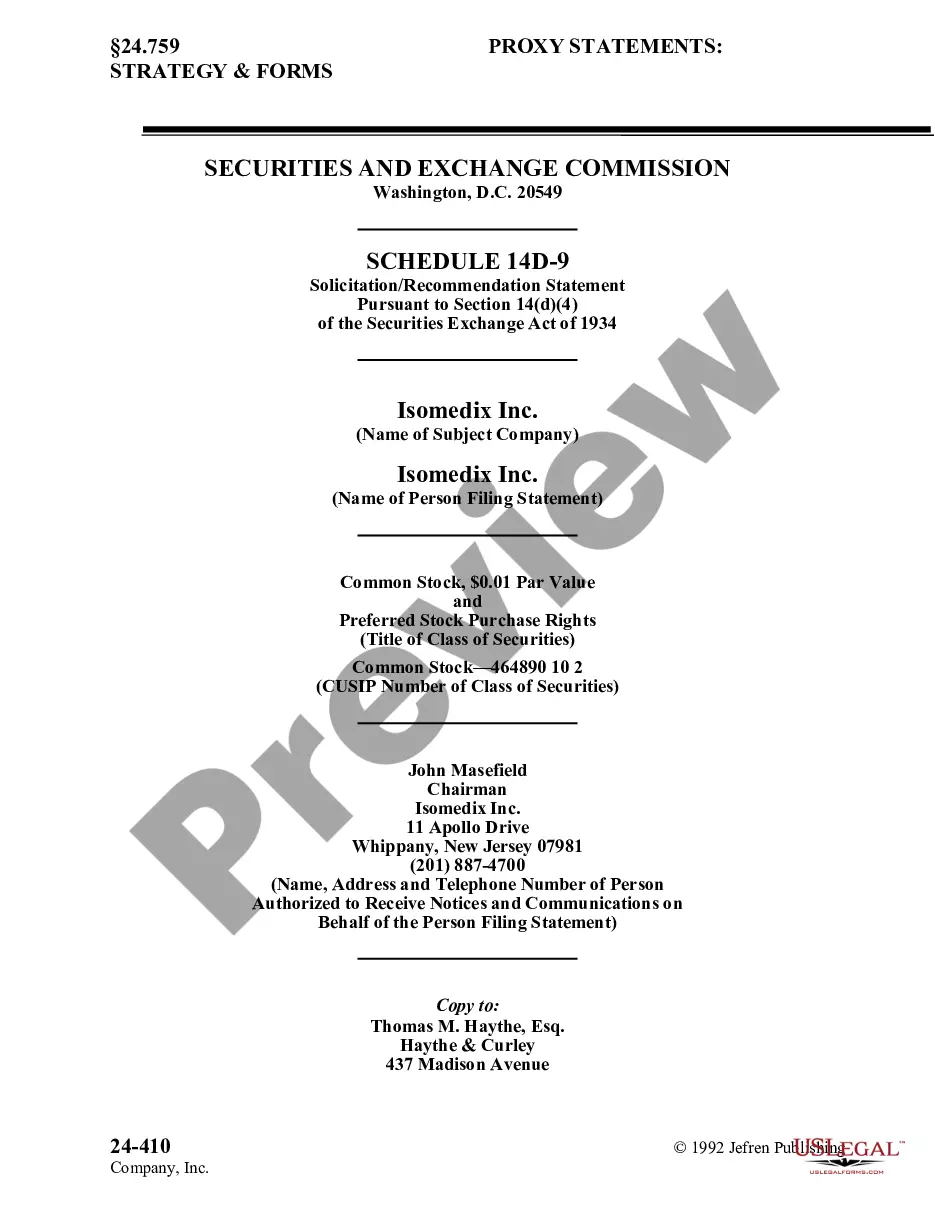
The Schedule 14B Information form is used by corporations to disclose required information to shareholders, as stipulated by the Securities and Exchange Commission (SEC). This form typically includes details such as the names, addresses, and stock holdings of corporate officers and employees who may participate in proxy solicitations. It is distinct from other forms in that it emphasizes reporting beneficial ownership of securities held by involved individuals, ensuring transparency in corporate governance processes.
Key parts of this document
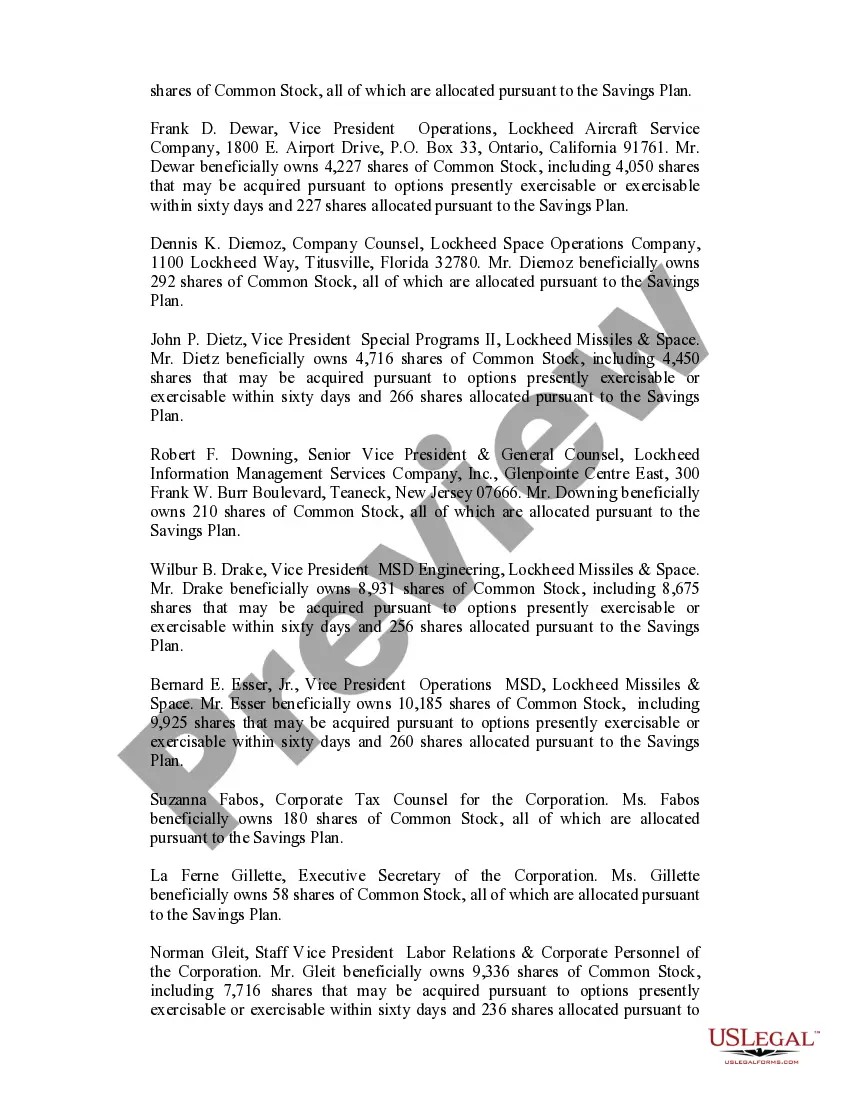
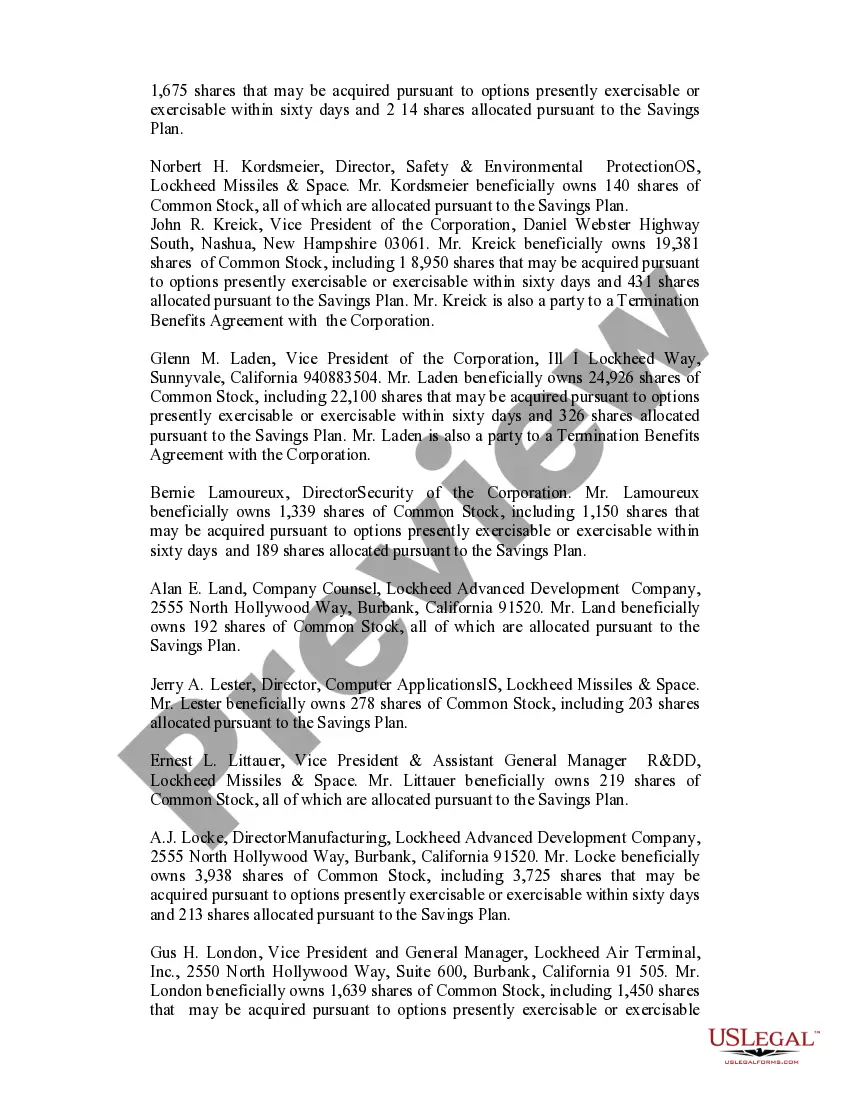
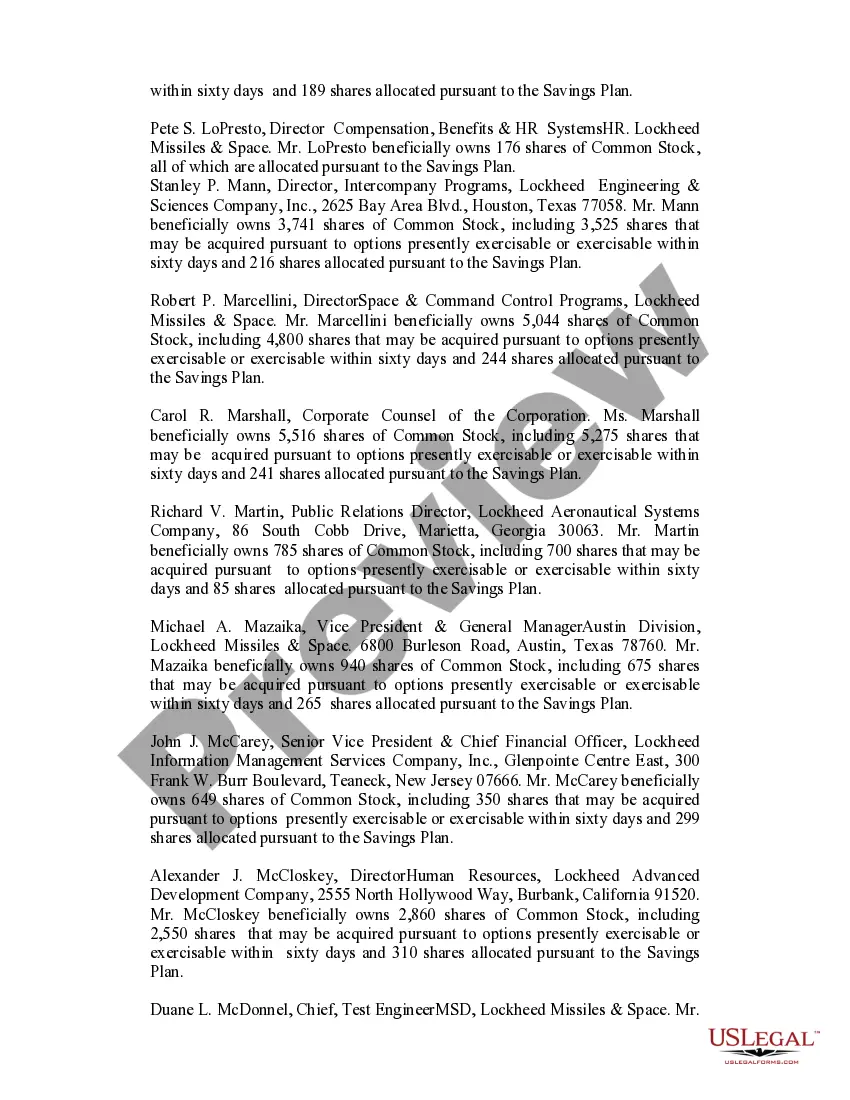
- Identification of corporate officers and employees participating in proxy solicitations.
- Business addresses of the participants involved.
- Details on stock ownership, including shares allocated under savings plans.
- Disclosures related to any securities transactions within the previous two years.






Common use cases
This form is typically used when a corporation is preparing for a proxy solicitation. It is crucial for ensuring that shareholders have access to key information about those who are influencing corporate decisions, especially prior to an annual meeting or any instances where shareholder votes are required.
Intended users of this form
- Corporations preparing their annual proxy statements.
- Corporate secretaries and compliance officers responsible for SEC filings.
- Any individuals or entities involved in corporate governance and shareholder communications.
Completing this form step by step
- Gather the names and addresses of corporate officers and relevant employees.
- Document the amount of securities beneficially owned by each individual.
- Prepare to disclose any significant securities transactions that occurred within the past two years.
- Verify all information is accurate and up-to-date.
- Submit the completed form along with any relevant proxy solicitation materials to the SEC and distribute it to shareholders.
Notarization requirements for this form
This form does not typically require notarization unless specified by local law. Always check specific state requirements to confirm if notarization is needed in your jurisdiction.
Get your form ready online
Our built-in tools help you complete, sign, share, and store your documents in one place.
Make edits, fill in missing information, and update formatting in US Legal Forms—just like you would in MS Word.
Download a copy, print it, send it by email, or mail it via USPS—whatever works best for your next step.
Sign and collect signatures with our SignNow integration. Send to multiple recipients, set reminders, and more. Go Premium to unlock E-Sign.
If this form requires notarization, complete it online through a secure video call—no need to meet a notary in person or wait for an appointment.
We protect your documents and personal data by following strict security and privacy standards.

Make edits, fill in missing information, and update formatting in US Legal Forms—just like you would in MS Word.

Download a copy, print it, send it by email, or mail it via USPS—whatever works best for your next step.

Sign and collect signatures with our SignNow integration. Send to multiple recipients, set reminders, and more. Go Premium to unlock E-Sign.

If this form requires notarization, complete it online through a secure video call—no need to meet a notary in person or wait for an appointment.

We protect your documents and personal data by following strict security and privacy standards.
Mistakes to watch out for
- Failing to include all required individuals, leading to incomplete disclosures.
- Providing outdated or incorrect addresses for participants.
- Omitting necessary details about securities transactions.
Why use this form online
- Easy access to up-to-date templates drafted by licensed attorneys.
- Convenient downloading for immediate use without delay.
- Editability allows for customized information to be seamlessly integrated.
- Reliability and compliance with current legal standards.
Legal use & context
- Ensures compliance with SEC regulations regarding shareholder transparency.
- Facilitates informed decision-making by stockholders during proxy solicitations.
- Protects the corporation from potential legal issues related to undisclosed information.
Summary of main points
- The Schedule 14B Information form is essential for corporate transparency.
- Accurate and thorough completion is critical to comply with SEC requirements.
- Understanding when and how to use this form can help corporations avoid legal pitfalls.
Looking for another form?



Form popularity
FAQ
The IRS offers a PDF version of Form 1040 that you can download and fill out manually, but your best bet is probably using one of the popular tax software programs. The software will walk you through filling out the form, any necessary schedules that go with it, and help with the math.
Step 1: Download the Form. Step 2: Fill-in your personal information. Step 3: Determine How Many Exemptions You're Eligible For. Step 4: Lines 7-22: (Income) Step 5: Lines 23-37 (Deductions to Arrive at Your Adjusted Gross Income) Step 6: Lines 38-55 (Tax and Credits) Step 7: Lines 56-60 (Other Taxes)
K-1 income generated from an S Corp where you materially participate is considered non-passive income. It is not necessarily earned income and it is not passive income.
This article focuses solely on the entry of Self-Employment Earnings (Loss) which is found on Box 14 of the Schedule K-1 (Form 1065) Partner's Share of Income, Deductions, Credits, etc.
Line 16D - Property Distributions - This amount represents the property that was distributed to the taxpayer by the corporation. These distributions will reduce the basis in the taxpayer's stock in the corporation.
Fill in Boxes A Through J. Once you have all the documents handy, it'll be time to fill out boxes A through J, which are located on the very top of 1065 Form. Complete the Remainder of Page 1. Fill Out Schedule B. Complete Schedule K. Fill Out the Remaining Sections. Review and File with the IRS.
K-1 Losses If your K-1 shows a net loss, you report it on the appropriate tax schedule, for example Schedule E for a partnership. Then you write in the loss on your Form 1040 and deduct it from any other taxable income. As long as you end up in the black overall, you can deduct all your losses.
As with the nonfilers, if you missed that deadline, the IRS says you can claim the payment on your 2020 federal tax return this year, by filing a 2020 Form 1040 or 1040-SR. Use our stimulus check calculator to get an idea of how much you may be owed.