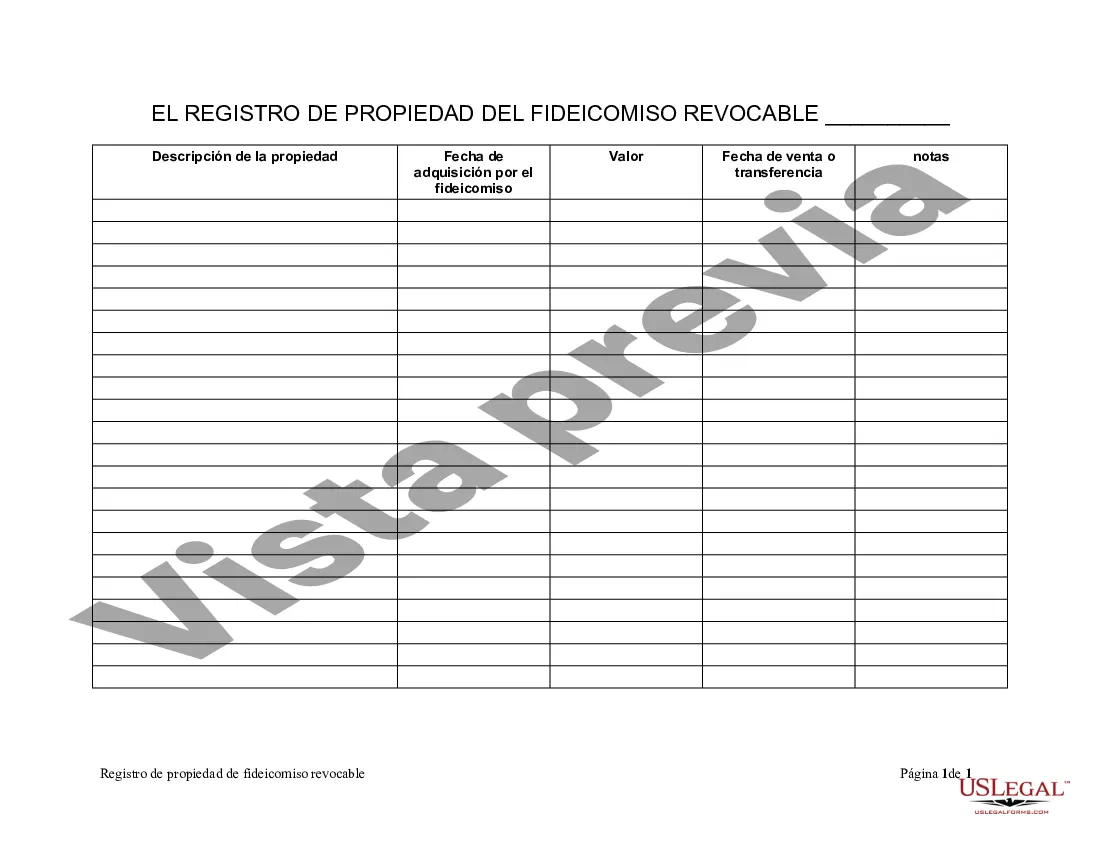
Registro de Propiedad del Fideicomiso en Vida - South Carolina Living Trust Property Record
Description
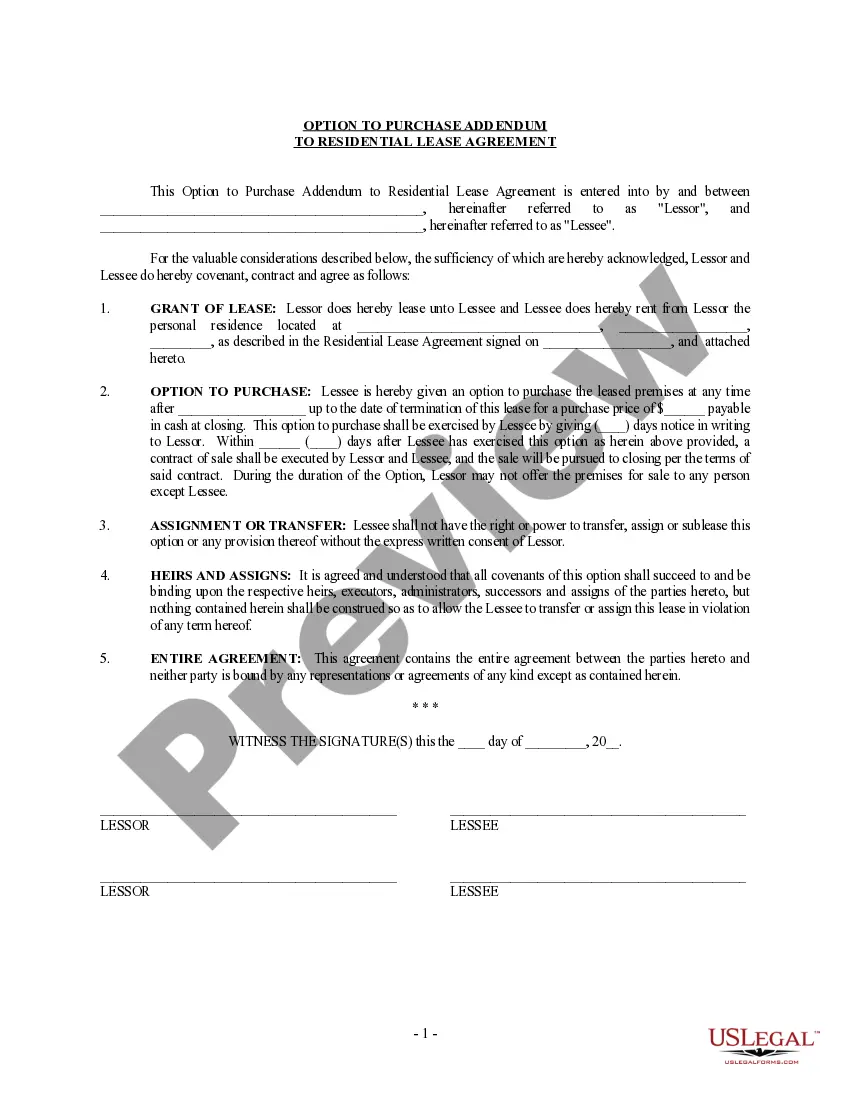
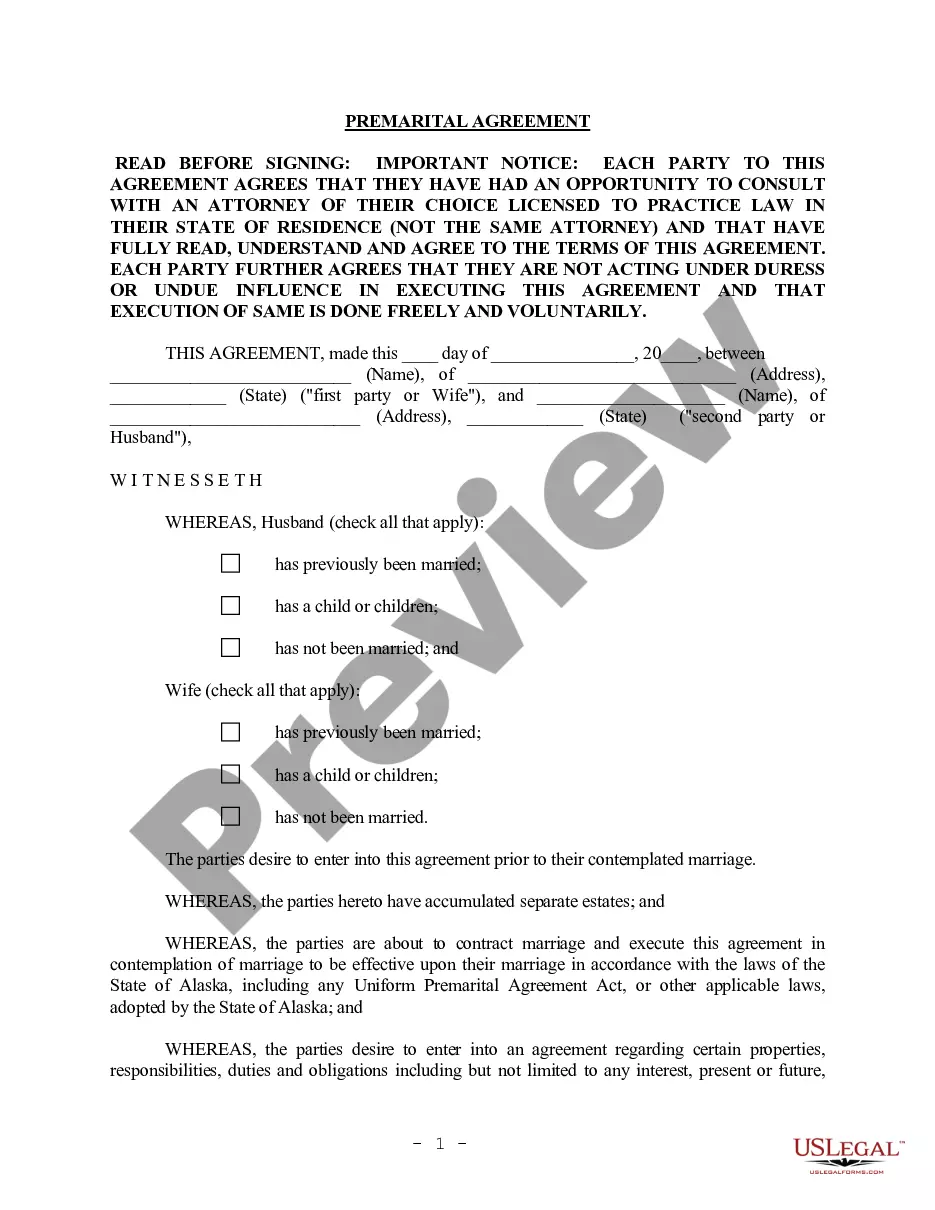
Get your form ready online
Our built-in tools help you complete, sign, share, and store your documents in one place.
Make edits, fill in missing information, and update formatting in US Legal Forms—just like you would in MS Word.
Download a copy, print it, send it by email, or mail it via USPS—whatever works best for your next step.
Sign and collect signatures with our SignNow integration. Send to multiple recipients, set reminders, and more. Go Premium to unlock E-Sign.
If this form requires notarization, complete it online through a secure video call—no need to meet a notary in person or wait for an appointment.
We protect your documents and personal data by following strict security and privacy standards.

Make edits, fill in missing information, and update formatting in US Legal Forms—just like you would in MS Word.

Download a copy, print it, send it by email, or mail it via USPS—whatever works best for your next step.

Sign and collect signatures with our SignNow integration. Send to multiple recipients, set reminders, and more. Go Premium to unlock E-Sign.

If this form requires notarization, complete it online through a secure video call—no need to meet a notary in person or wait for an appointment.

We protect your documents and personal data by following strict security and privacy standards.
Looking for another form?
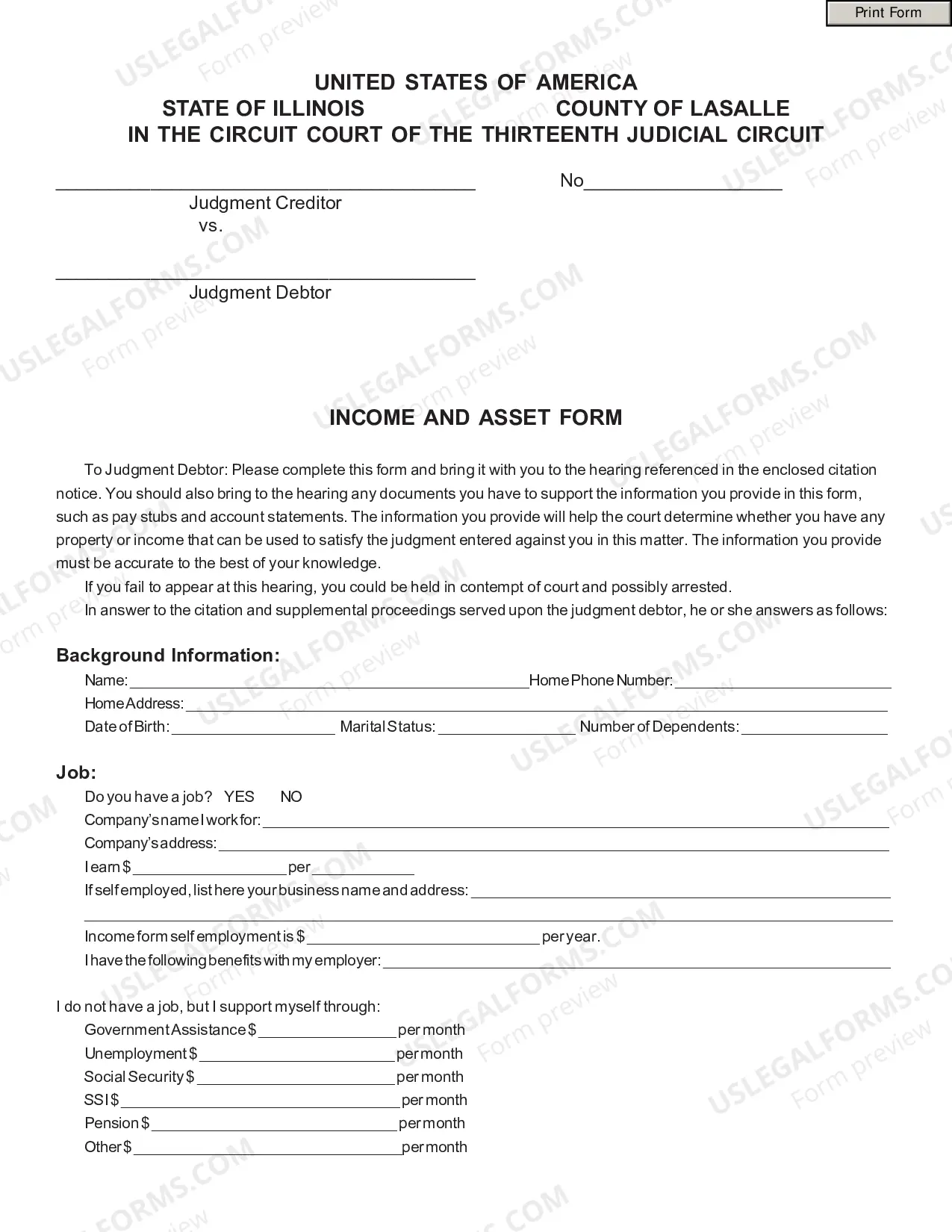
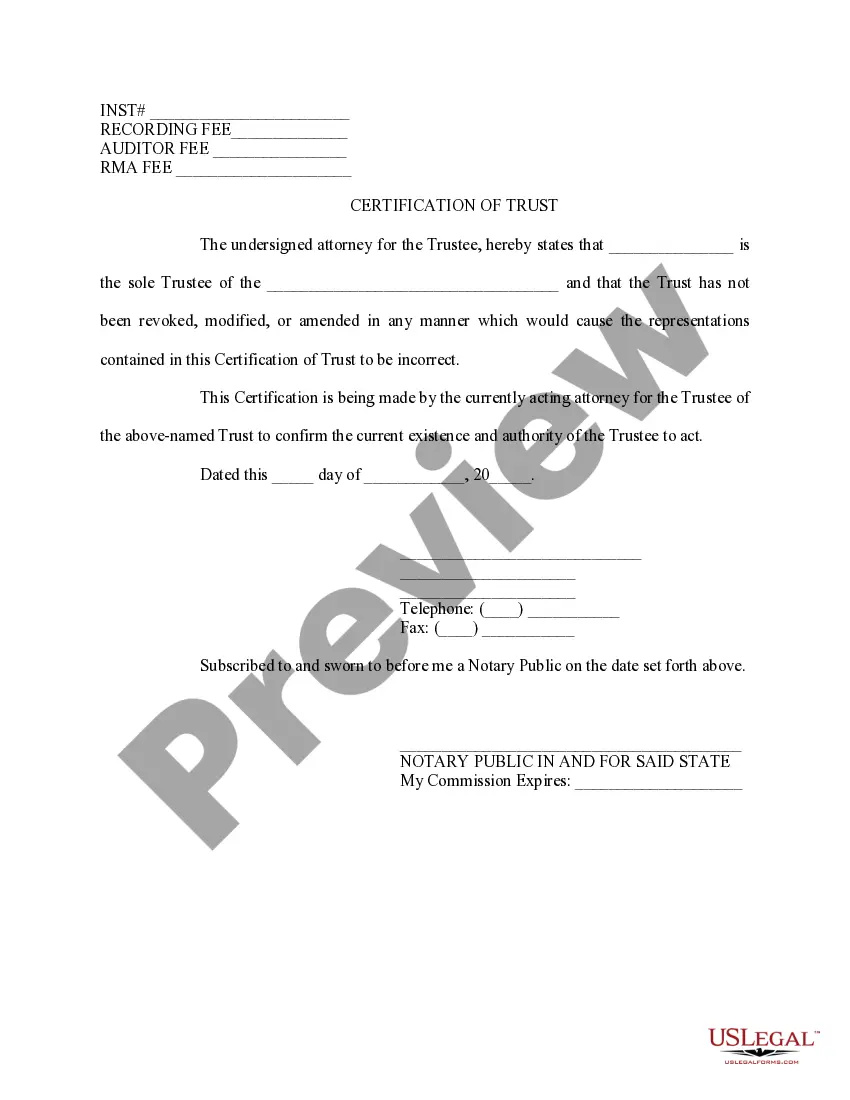
How to fill out South Carolina Registro De Propiedad De Fideicomiso En Vida?
Creating documents isn't the most straightforward task, especially for those who rarely deal with legal papers. That's why we advise utilizing correct South Carolina Living Trust Property Record templates created by skilled lawyers. It allows you to prevent problems when in court or handling formal organizations. Find the files you require on our site for top-quality forms and correct information.
If you’re a user with a US Legal Forms subscription, simply log in your account. Once you’re in, the Download button will immediately appear on the file web page. Right after downloading the sample, it’ll be stored in the My Forms menu.
Customers without a subscription can easily get an account. Utilize this simple step-by-step guide to get your South Carolina Living Trust Property Record:
- Make certain that the form you found is eligible for use in the state it’s needed in.
- Confirm the document. Make use of the Preview option or read its description (if offered).
- Click Buy Now if this template is what you need or use the Search field to find another one.
- Choose a convenient subscription and create your account.
- Use your PayPal or credit card to pay for the service.
- Download your file in a required format.
Right after doing these simple actions, you are able to fill out the sample in a preferred editor. Recheck filled in information and consider requesting an attorney to review your South Carolina Living Trust Property Record for correctness. With US Legal Forms, everything becomes much simpler. Try it now!