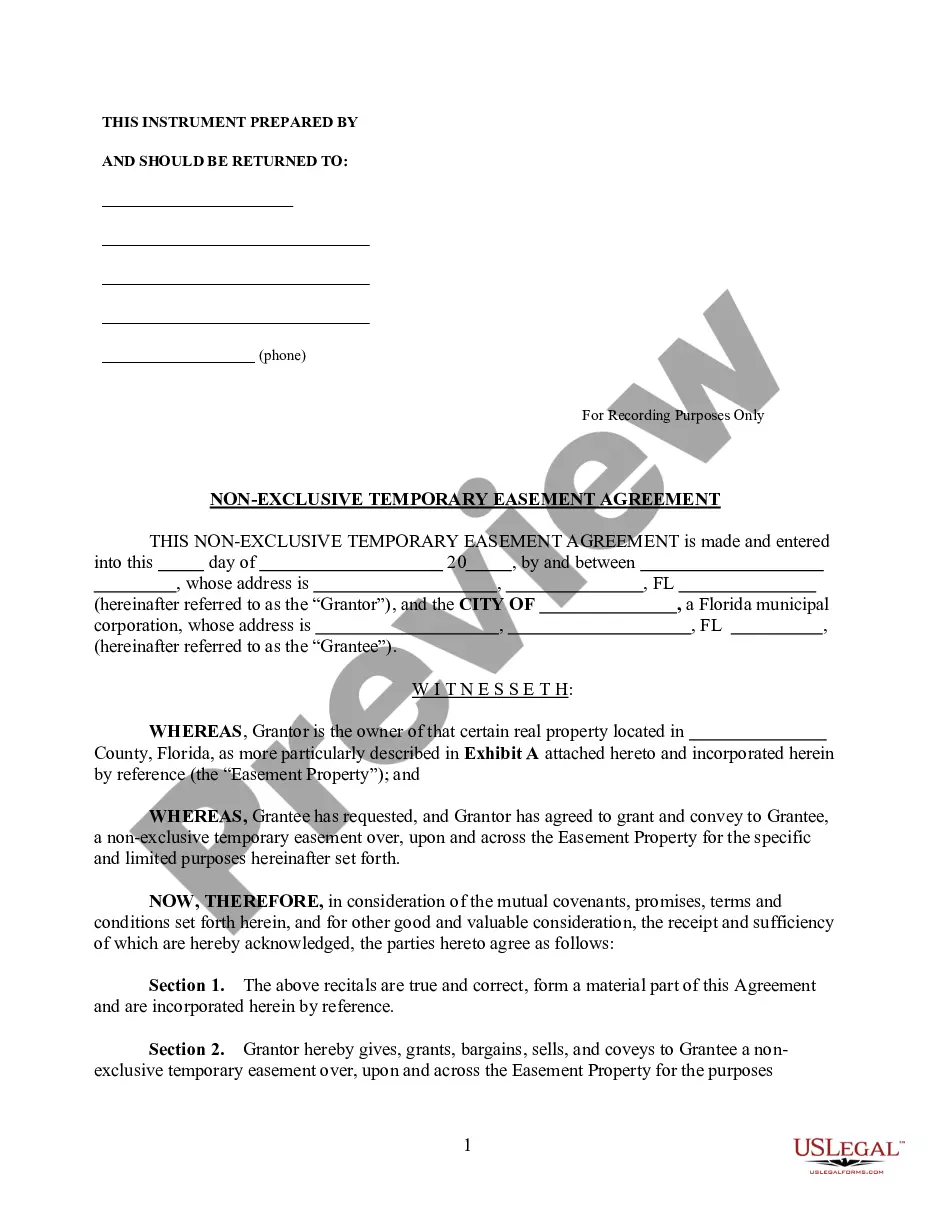
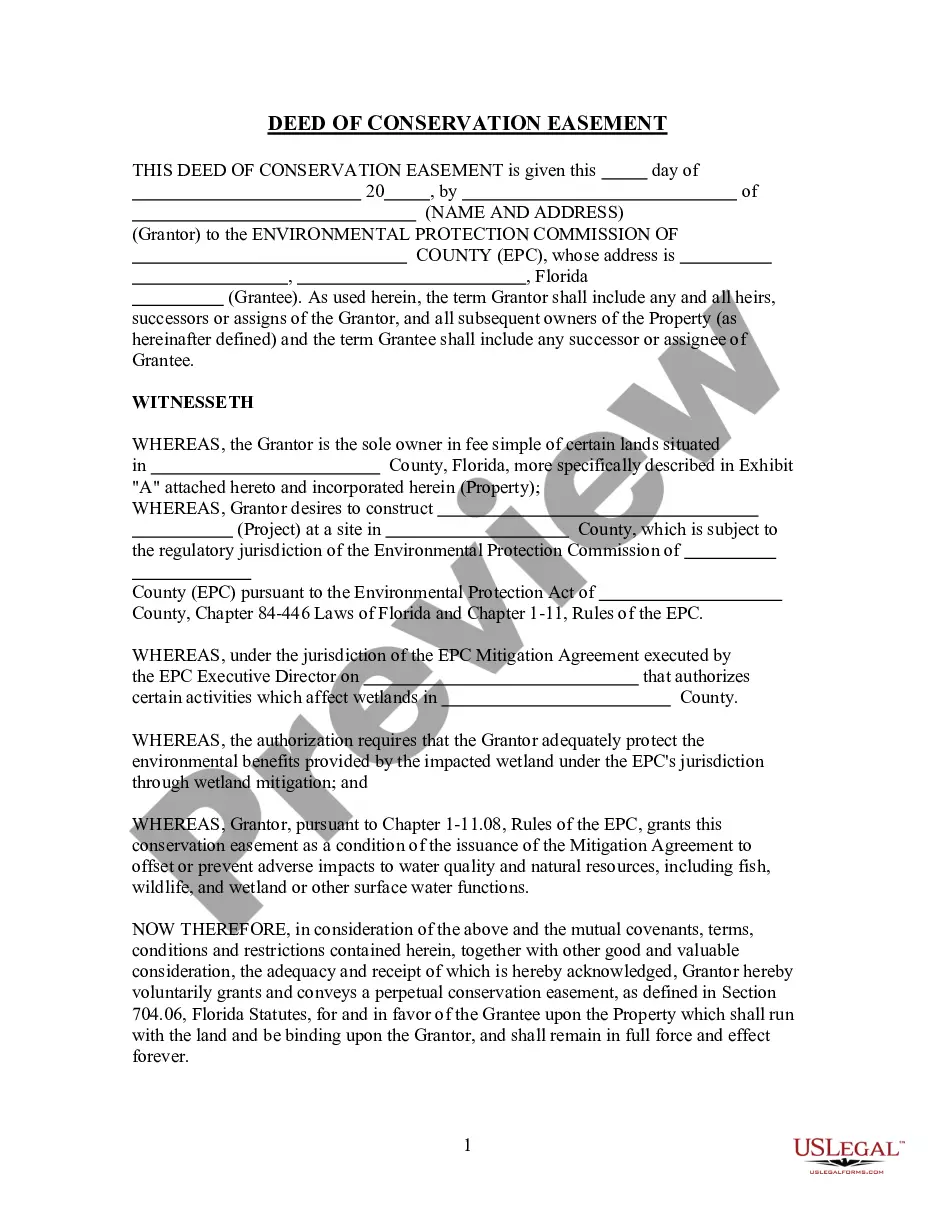
Wisconsin Release Lien Form With 2 Points
Description
Get your form ready online
Our built-in tools help you complete, sign, share, and store your documents in one place.
Make edits, fill in missing information, and update formatting in US Legal Forms—just like you would in MS Word.
Download a copy, print it, send it by email, or mail it via USPS—whatever works best for your next step.
Sign and collect signatures with our SignNow integration. Send to multiple recipients, set reminders, and more. Go Premium to unlock E-Sign.
If this form requires notarization, complete it online through a secure video call—no need to meet a notary in person or wait for an appointment.
We protect your documents and personal data by following strict security and privacy standards.

Make edits, fill in missing information, and update formatting in US Legal Forms—just like you would in MS Word.

Download a copy, print it, send it by email, or mail it via USPS—whatever works best for your next step.

Sign and collect signatures with our SignNow integration. Send to multiple recipients, set reminders, and more. Go Premium to unlock E-Sign.

If this form requires notarization, complete it online through a secure video call—no need to meet a notary in person or wait for an appointment.

We protect your documents and personal data by following strict security and privacy standards.
Looking for another form?
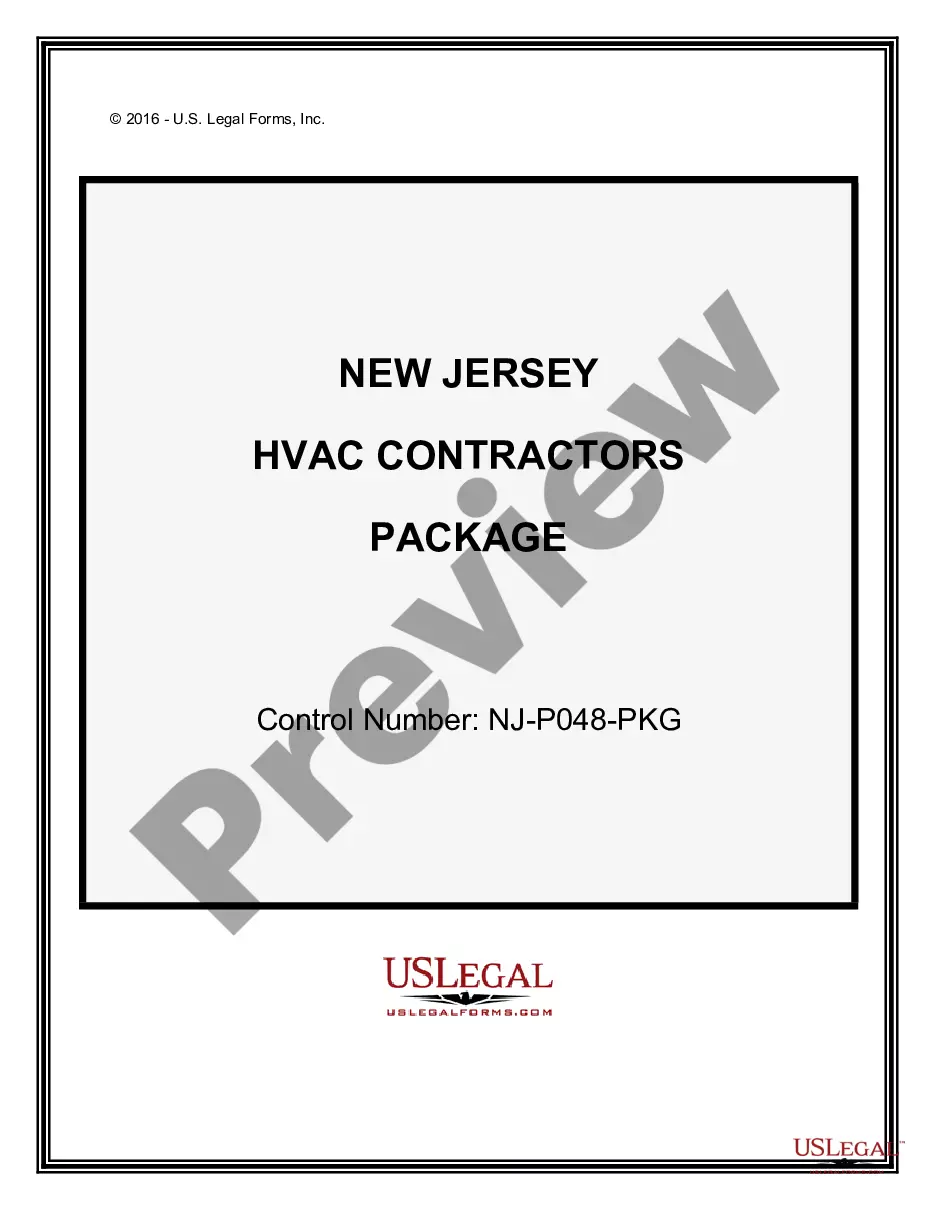



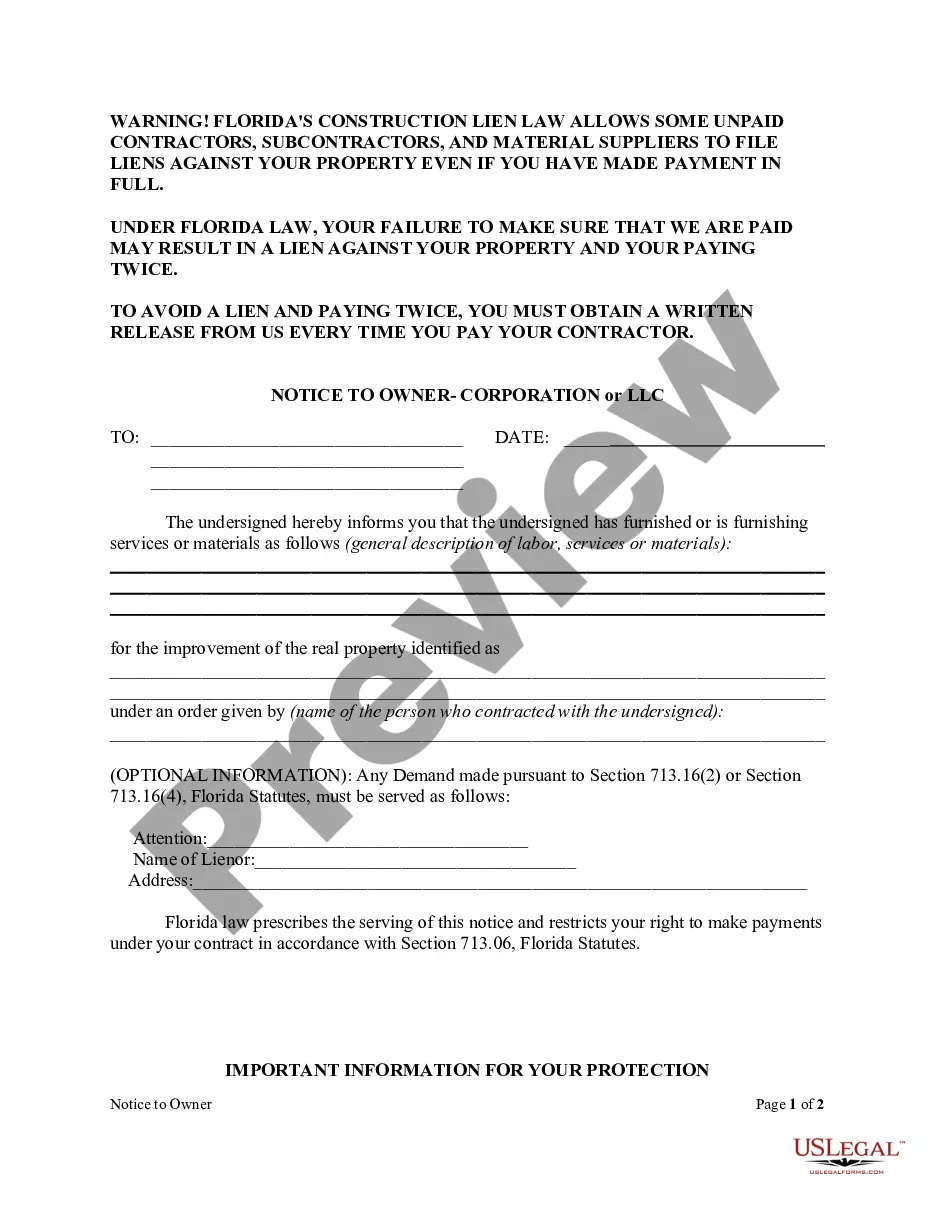

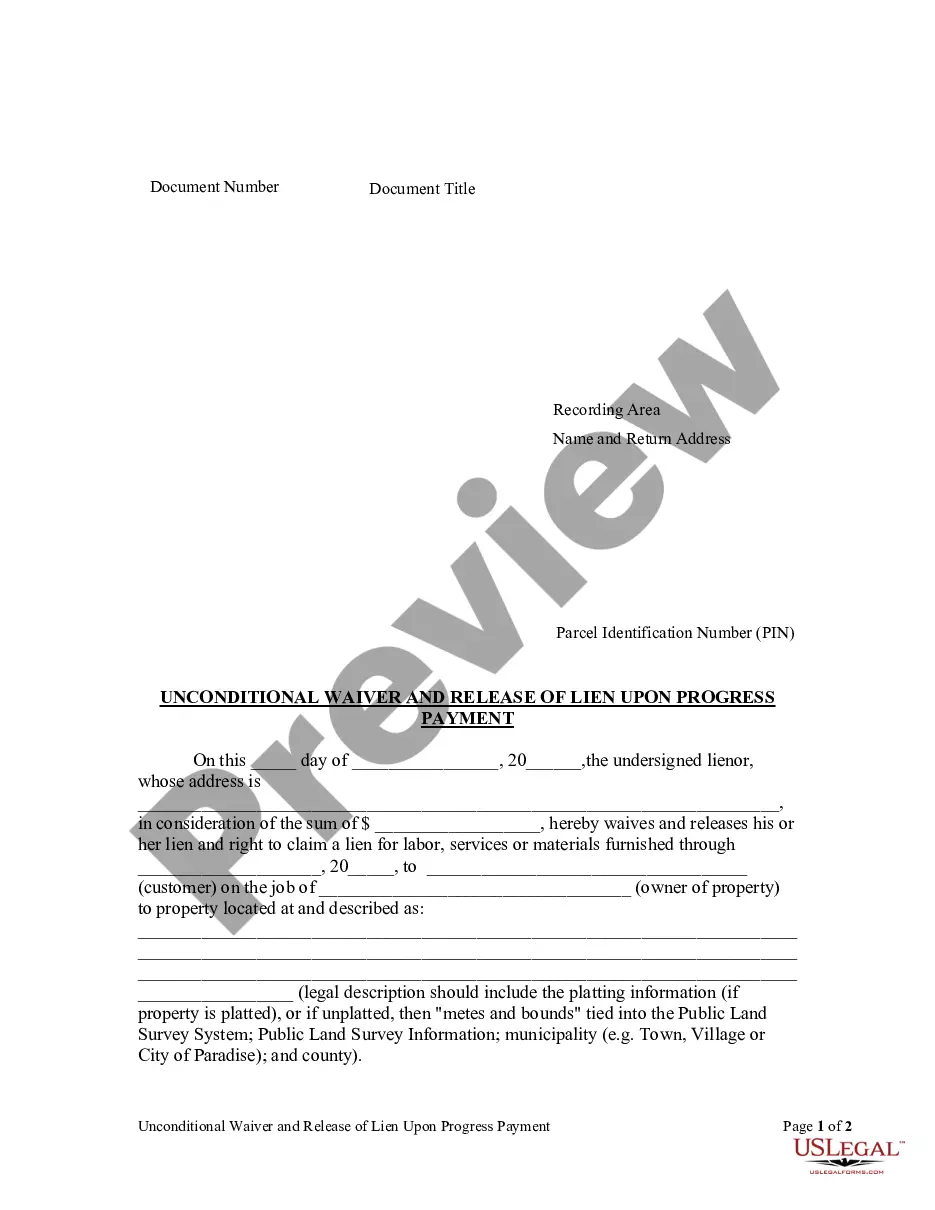
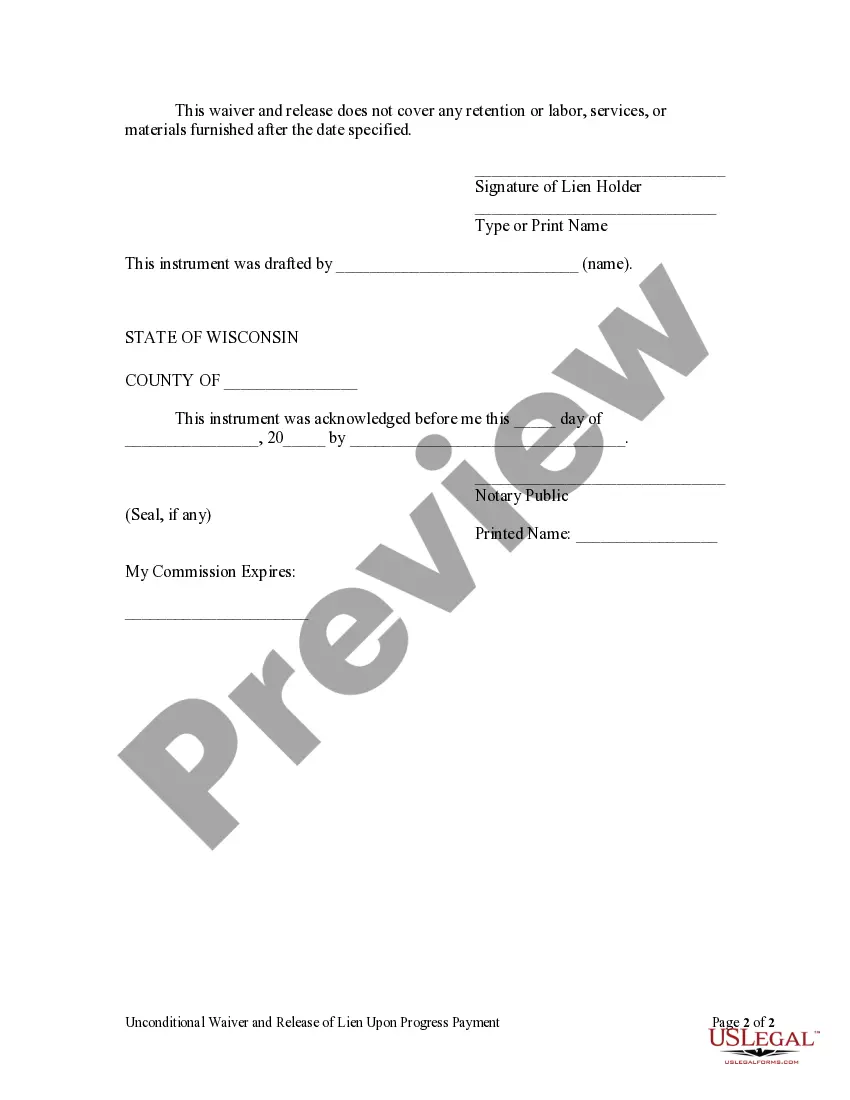
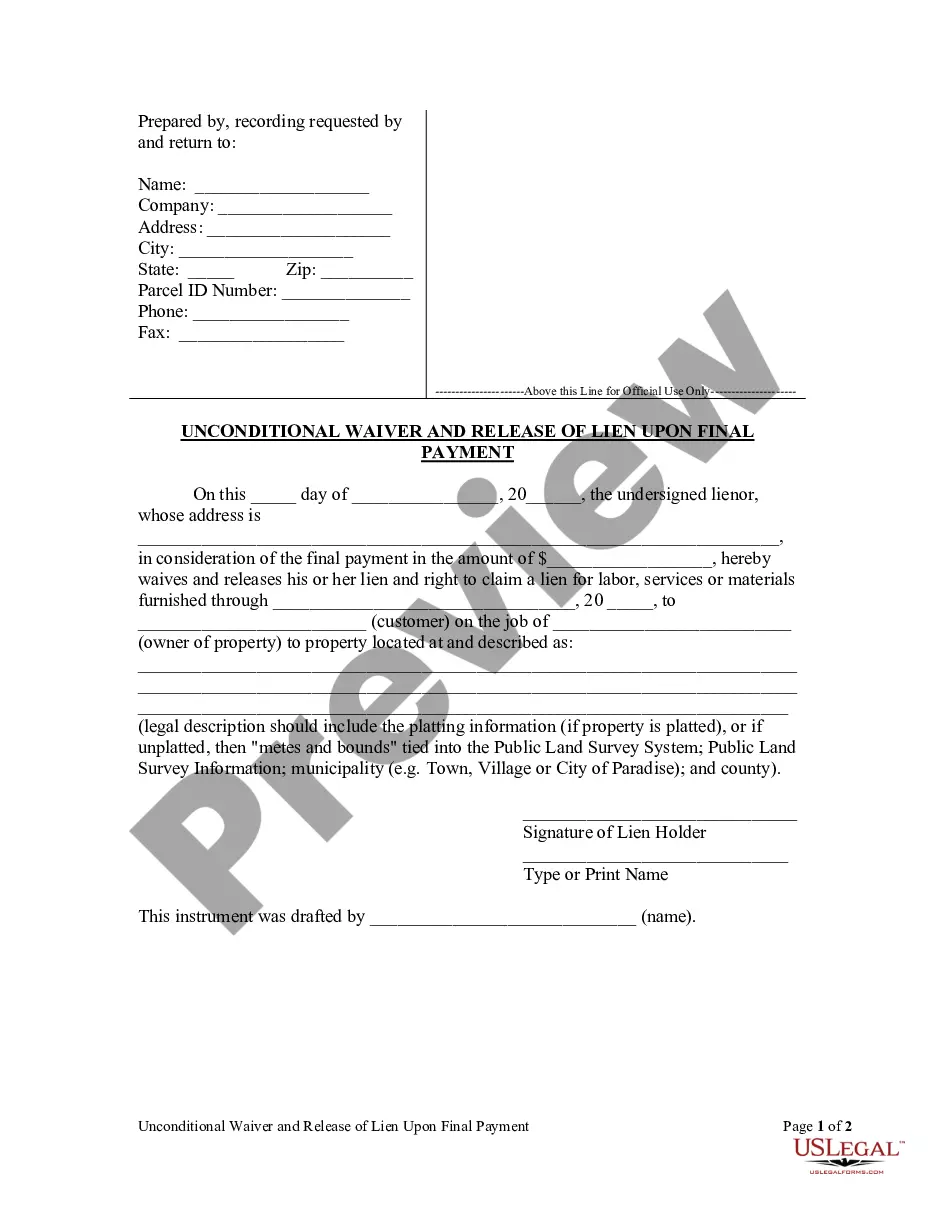
How to fill out Wisconsin Unconditional Waiver And Release Of Claim Of Lien Upon Progress Payment?
Whether you handle documents frequently or occasionally require to send a legal report, it is important to have a reliable source of information where all the samples are interconnected and current.
The first step you should take with a Wisconsin Release Lien Form With 2 Points is to ensure that you have the most recent version, as it determines whether it can be submitted.
If you wish to streamline your search for the latest document examples, look for them on US Legal Forms.
Utilize the search menu to locate the form you need. Examine the Wisconsin Release Lien Form With 2 Points preview and synopsis to verify it is exactly what you seek. After confirming the form, simply click Buy Now. Select a subscription plan that suits you. Create an account or Log In to your existing one. Use your credit card details or PayPal account to complete the transaction. Choose the document format for download and confirm it. Say goodbye to confusion when managing legal documents. All your templates will be organized and authenticated with an account at US Legal Forms.
- US Legal Forms is a repository of legal forms encompassing almost any document sample you may need.
- Search for the templates you need, immediately assess their relevance, and understand more about their application.
- With US Legal Forms, you gain access to over 85,000 form templates across various domains.
- Locate the Wisconsin Release Lien Form With 2 Points samples in just a few clicks and save them in your profile at any time.
- A US Legal Forms profile will facilitate your access to all the templates you need with convenience and minimal hassle.
- Simply click Log In in the site header and navigate to the My documents section with all your necessary forms at your fingertips, eliminating the need to spend time searching for the appropriate template or verifying its validity.
- To acquire a form without an account, follow these steps.
Form popularity
FAQ
There are only nine title-holding states: Kentucky, Maryland, Michigan, Minnesota, Missouri, Montana, New York, Oklahoma, Wisconsin. In the other 41 states, titles are issued to the lien holder of your vehicle until the loan is fully paid off.
How to Sign Your Title in Wisconsin (WI)Back of the title top right - print name(s) on the line where it reads "Print Seller Name."Back of the title right below where you printed name(s) - sign name(s) on the line where it reads "Signature(s) of Seller(s)."
On July 30, 2012, Wisconsin joined other states in becoming a title to lien holder (lender) state. This means that any title with a lien (loan) listed on or after July 30, 2012, will be sent to the lien holder rather than the owner.
Use form 9400-623 if you are primary owner on record and you want to add or remove an owner to the certificate of title or if you want to add a lien (i.e. to request a lien notation). Form 9400-193. Use form 9400-193 if you want to transfer title of the boat and you are removing the primary owner on record. Fee.
A "Confirmation of Security Interest (Lien) Perfection" (form T084 or MV2076), which the lending institution should send to you. 200bOr, an original letter (copy or fax to customer is not acceptable) from your lender on their letterhead releasing the lien. The letter must:25e6describe the vehicle by make.