Construction Agreement Form
Description
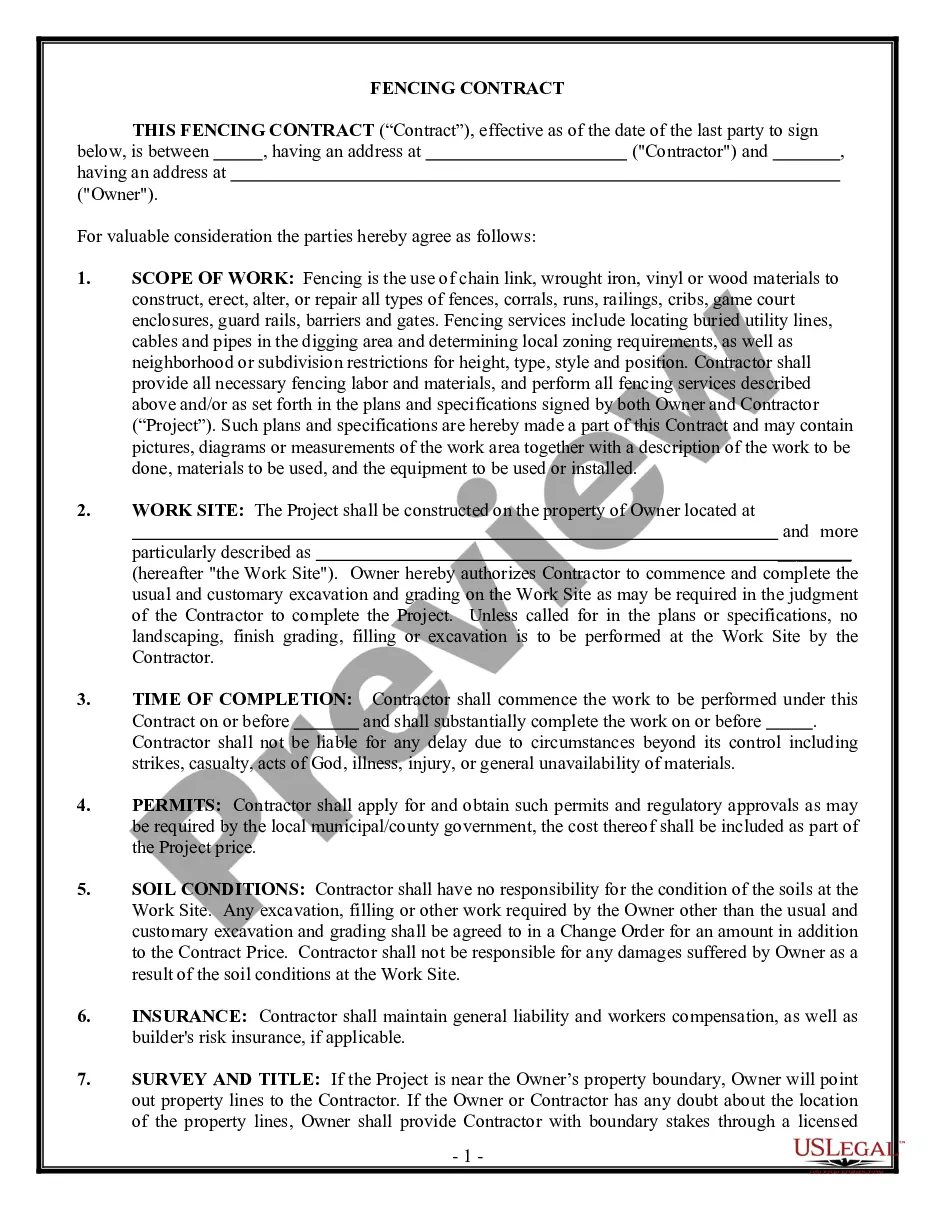
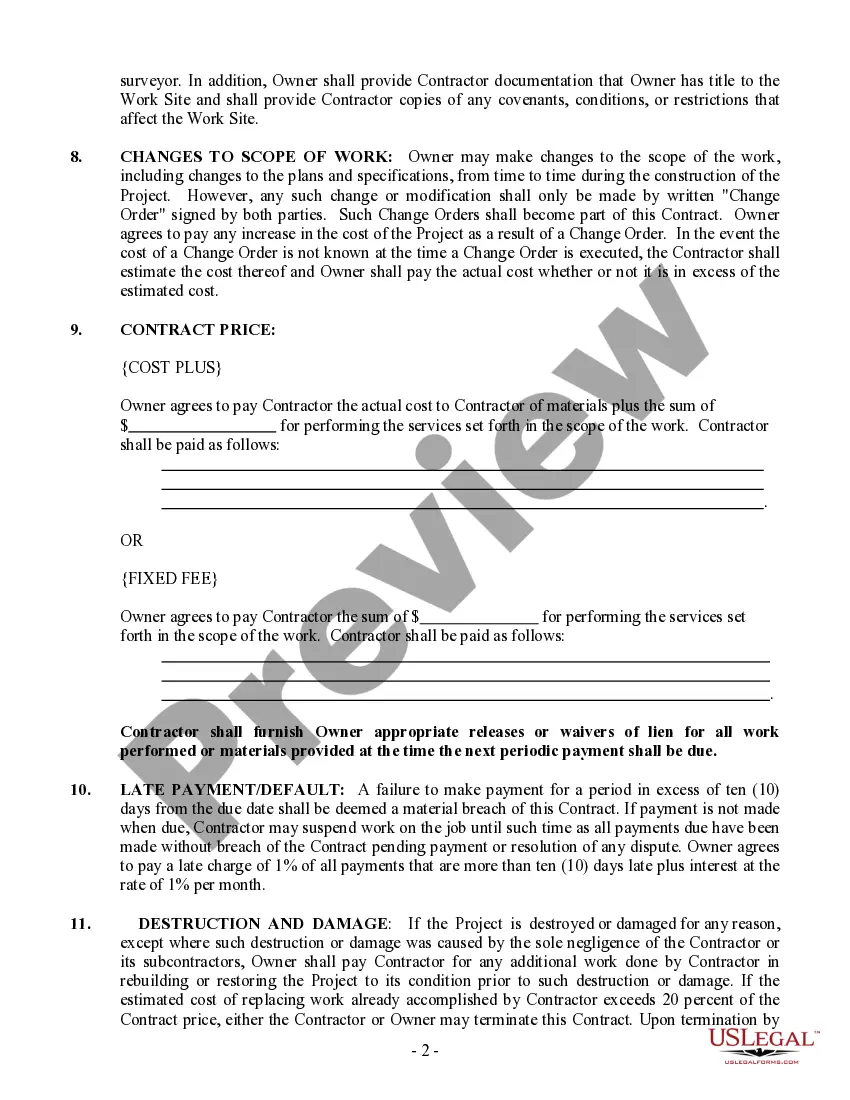
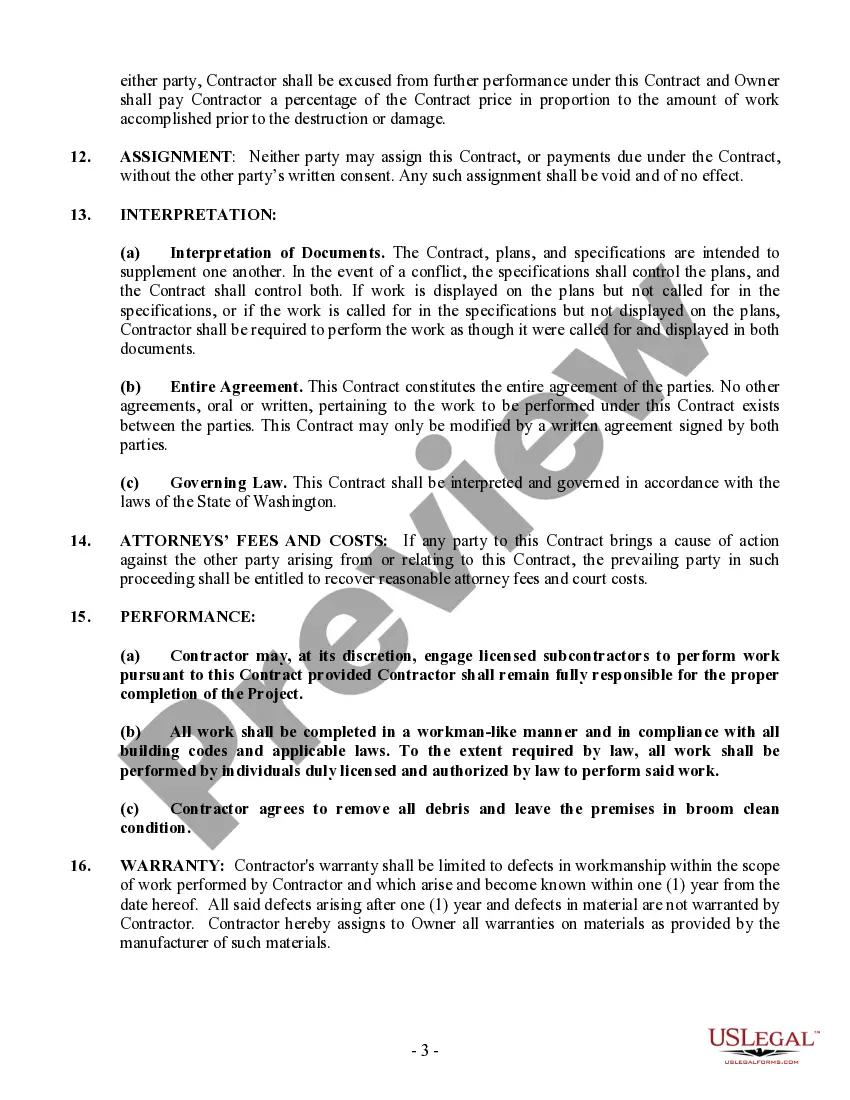
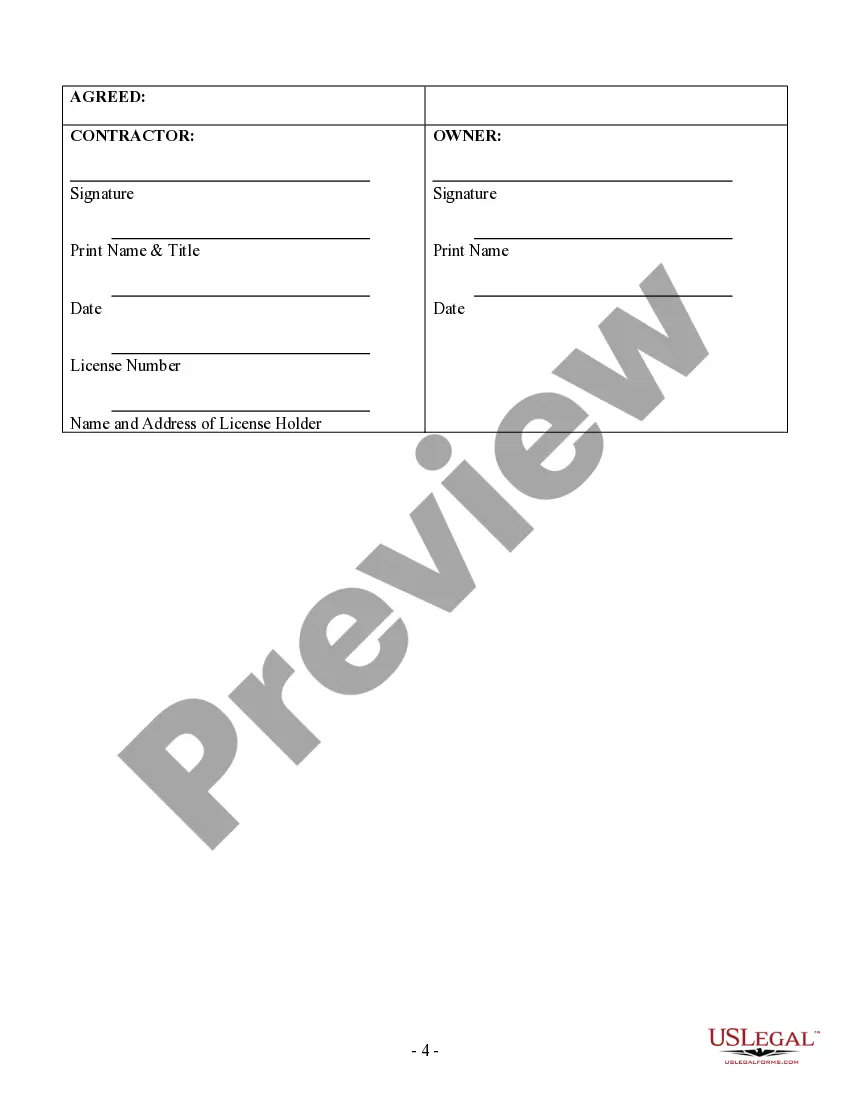
Get your form ready online
Our built-in tools help you complete, sign, share, and store your documents in one place.
Make edits, fill in missing information, and update formatting in US Legal Forms—just like you would in MS Word.
Download a copy, print it, send it by email, or mail it via USPS—whatever works best for your next step.
Sign and collect signatures with our SignNow integration. Send to multiple recipients, set reminders, and more. Go Premium to unlock E-Sign.
If this form requires notarization, complete it online through a secure video call—no need to meet a notary in person or wait for an appointment.
We protect your documents and personal data by following strict security and privacy standards.

Make edits, fill in missing information, and update formatting in US Legal Forms—just like you would in MS Word.

Download a copy, print it, send it by email, or mail it via USPS—whatever works best for your next step.

Sign and collect signatures with our SignNow integration. Send to multiple recipients, set reminders, and more. Go Premium to unlock E-Sign.

If this form requires notarization, complete it online through a secure video call—no need to meet a notary in person or wait for an appointment.

We protect your documents and personal data by following strict security and privacy standards.
Looking for another form?
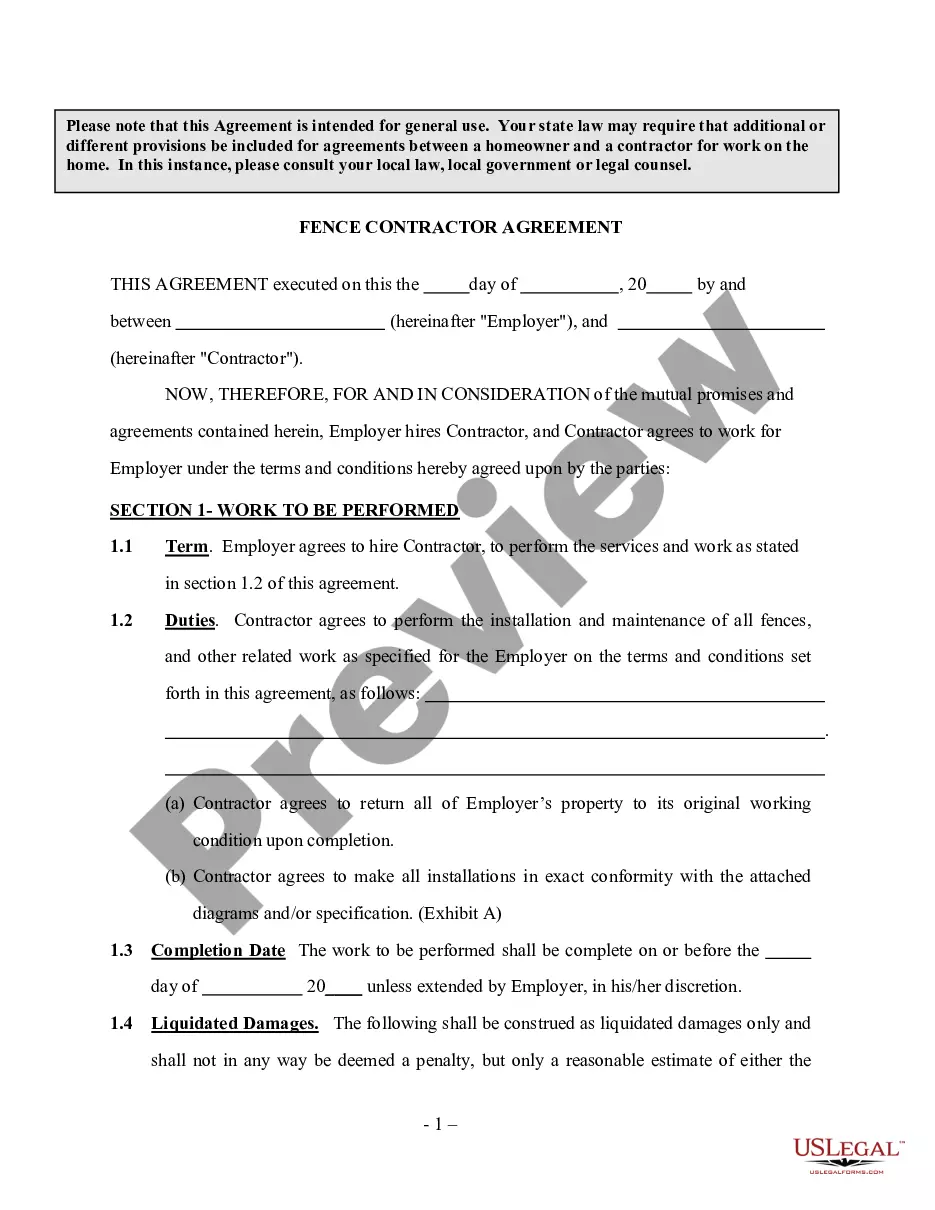
How to fill out Washington Fencing Contract For Contractor?
Whether you handle documents frequently or need to submit a legal report from time to time, it is essential to have a valuable resource where all the samples are connected and current.
The first thing you should do when using a Construction Agreement Form is to confirm that it is indeed the most recent version, as this determines its submitability.
If you want to make your search for the most recent document samples easier, look for them on US Legal Forms.
To obtain a form without having an account, follow these instructions: Use the search feature to find the form you need. Check the preview and description of the Construction Agreement Form to confirm it is the exact one you want. After verifying the form, click Buy Now. Select a subscription plan that suits you. Create an account or Log In to your existing one. Use your credit card information or PayPal account to complete the purchase. Choose the file format for download and confirm your choice. Eliminate confusion when dealing with legal documents. All your templates will be organized and authenticated with a US Legal Forms account.
- US Legal Forms is a repository of legal forms featuring nearly any document template you might seek.
- Look for the templates you need, review their relevance immediately, and learn more about their application.
- With US Legal Forms, you gain access to over 85,000 document templates across various fields.
- Find Construction Agreement Form samples in just a few clicks and save them anytime in your profile.
- A US Legal Forms account will provide you with access to all the samples you need with convenience and minimal hassle.
- Simply click Log In in the website header and navigate to the My documents section to have all the forms you need readily available.
- You will not waste time searching for the ideal template or verifying its accuracy.
Form popularity
FAQ
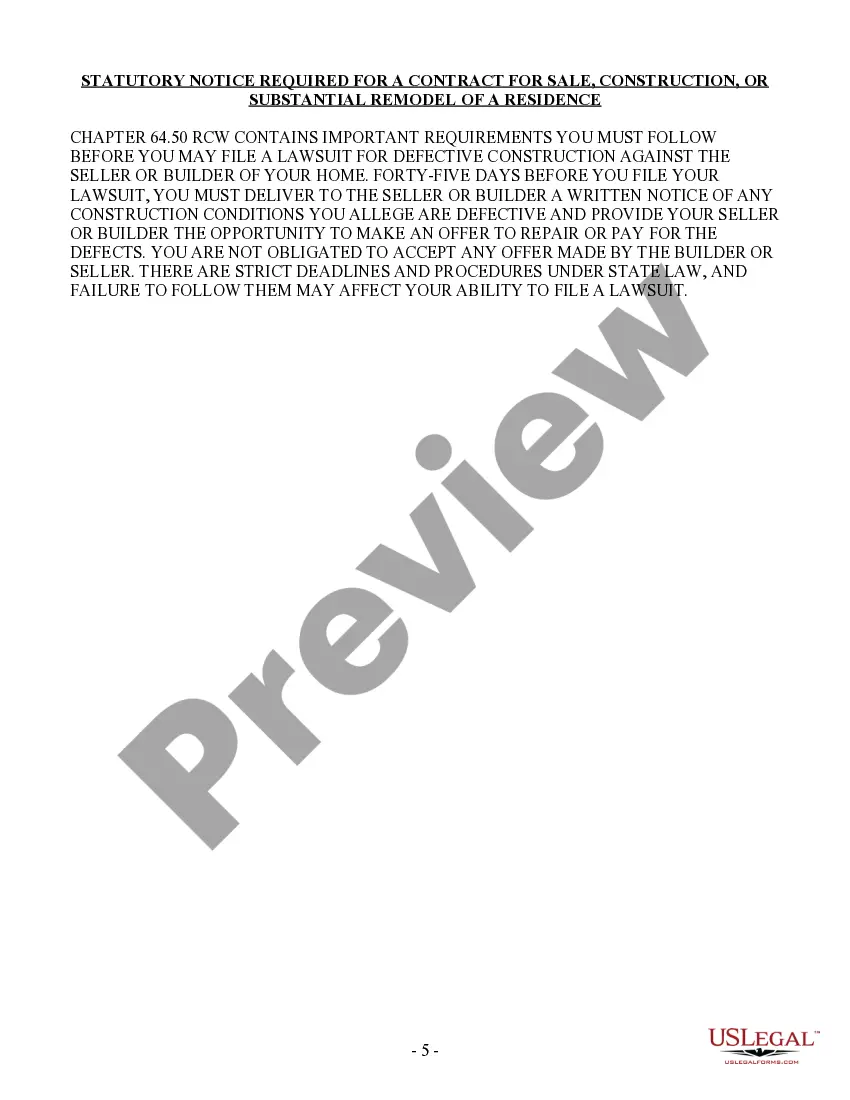
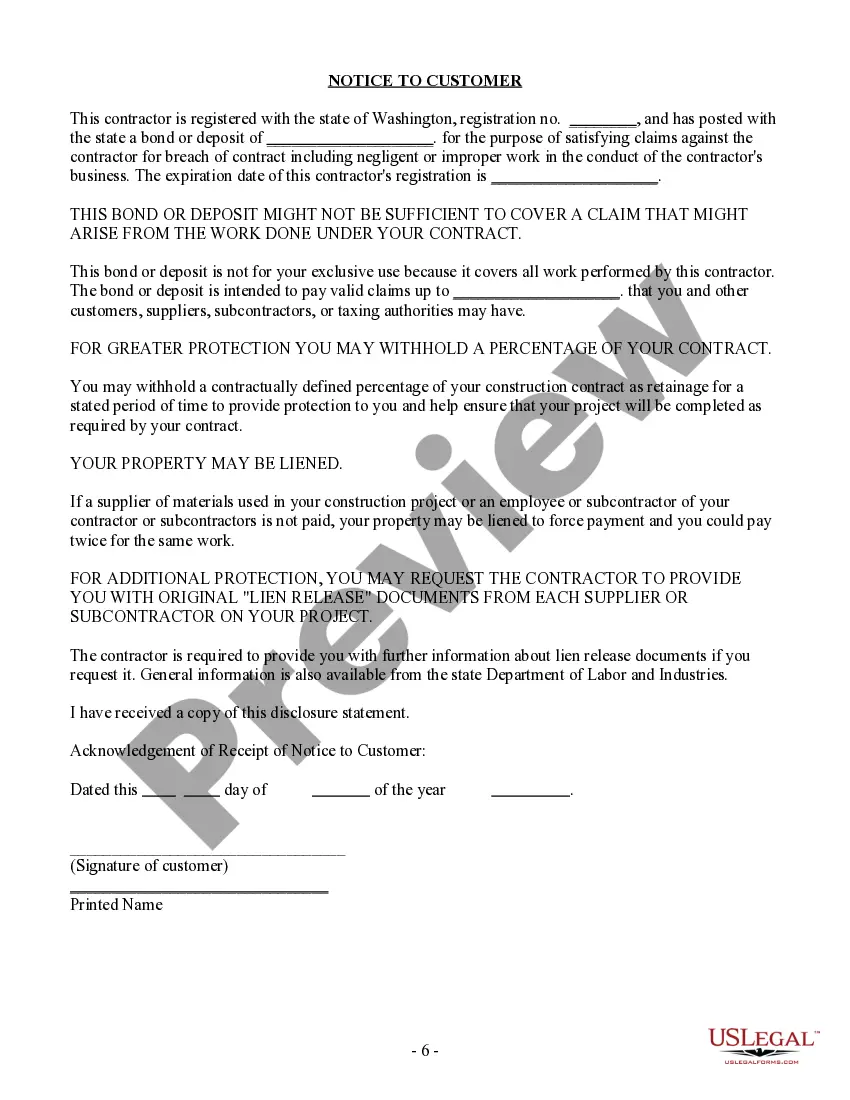
A contract should contain everything agreed upon by you and your licensed contractor. It should detail the work, price, when payments will be made, who gets the necessary building permits, and when the job will be finished. The contract also must identify the contractor, and give his/her address and license number.
Elements of a Construction ContractName of contractor and contact information.Name of homeowner and contact information.Describe property in legal terms.List attachments to the contract.The cost.Failure of homeowner to obtain financing.Description of the work and the completion date.Right to stop the project.More items...
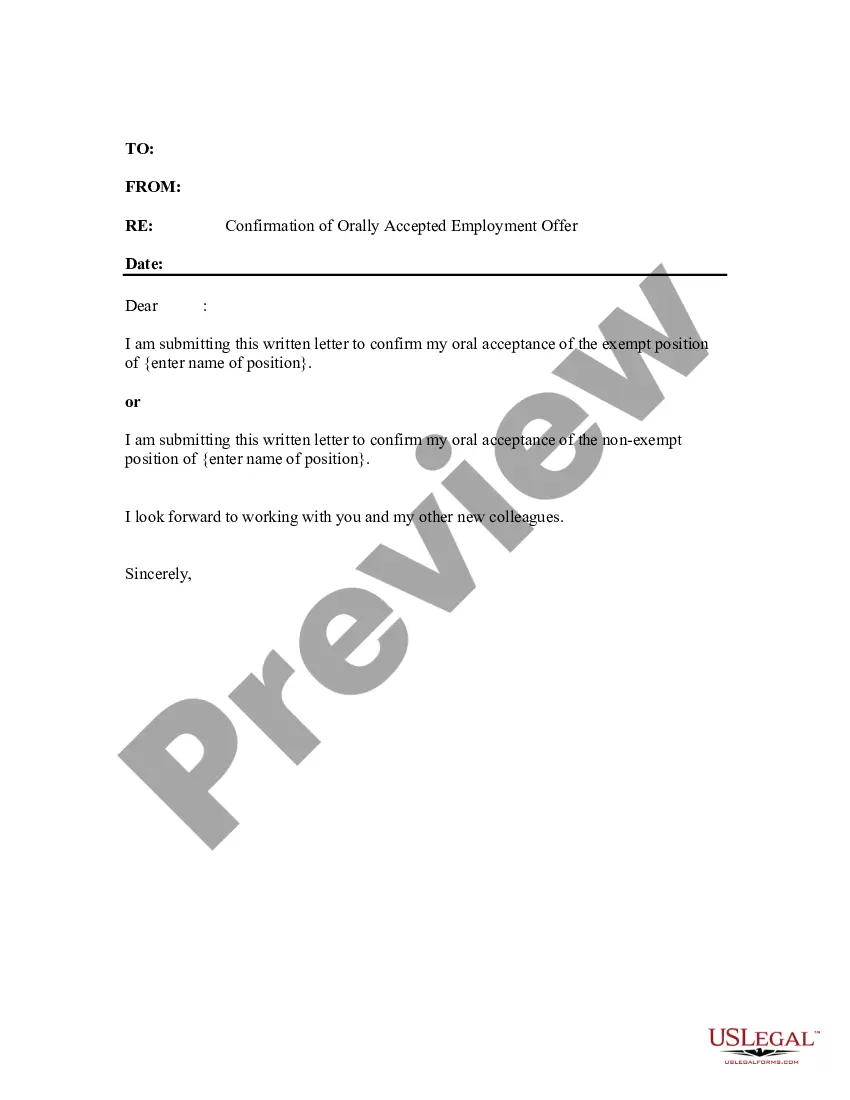
How do I create an Independent Contractor Agreement?State the location.Describe the type of service required.Provide the contractor's and client's details.Outline compensation details.State the agreement's terms.Include any additional clauses.State the signing details.
What Should Be in a Construction Contract?Identifying/Contact Information.Title and Description of the Project.Projected Timeline and Completion Date.Cost Estimate and Payment Schedule.Stop-Work Clause and Stop-Payment Clause.Act of God Clause.Change Order Agreement.Warranty.More items...