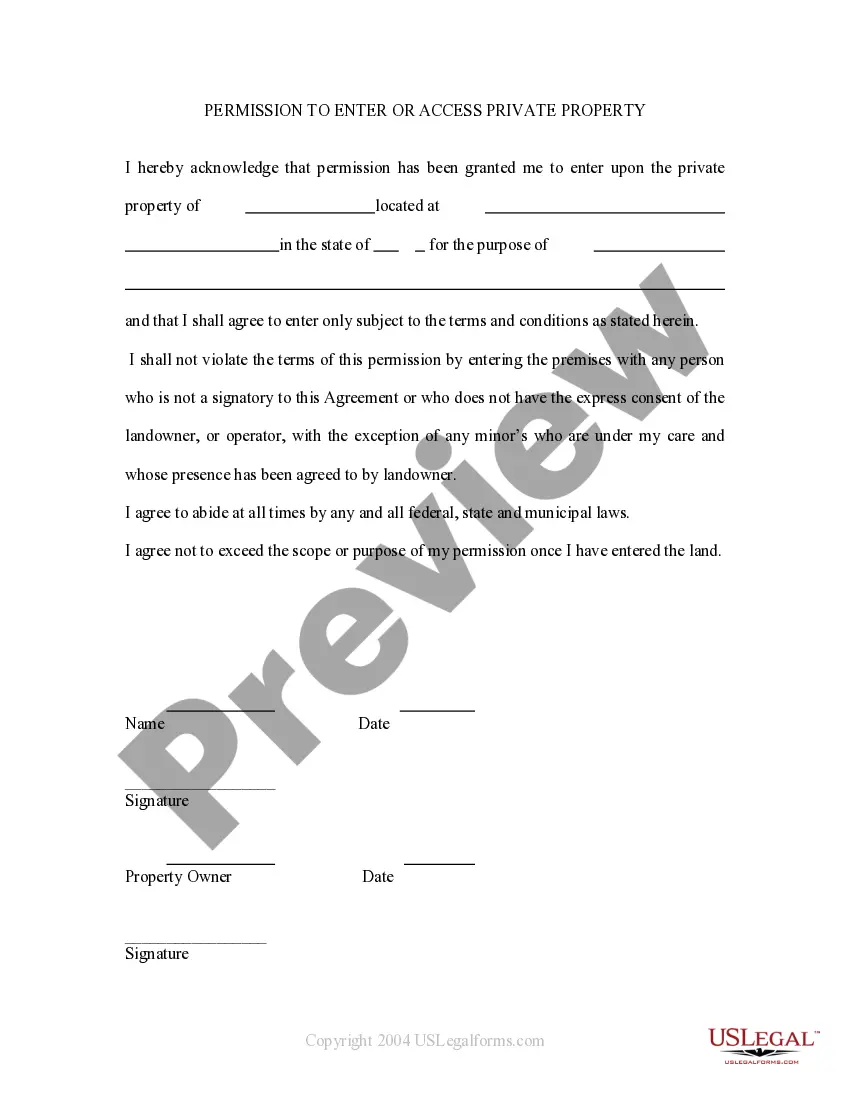
Permission Enter Property Form With 2 Points
Description
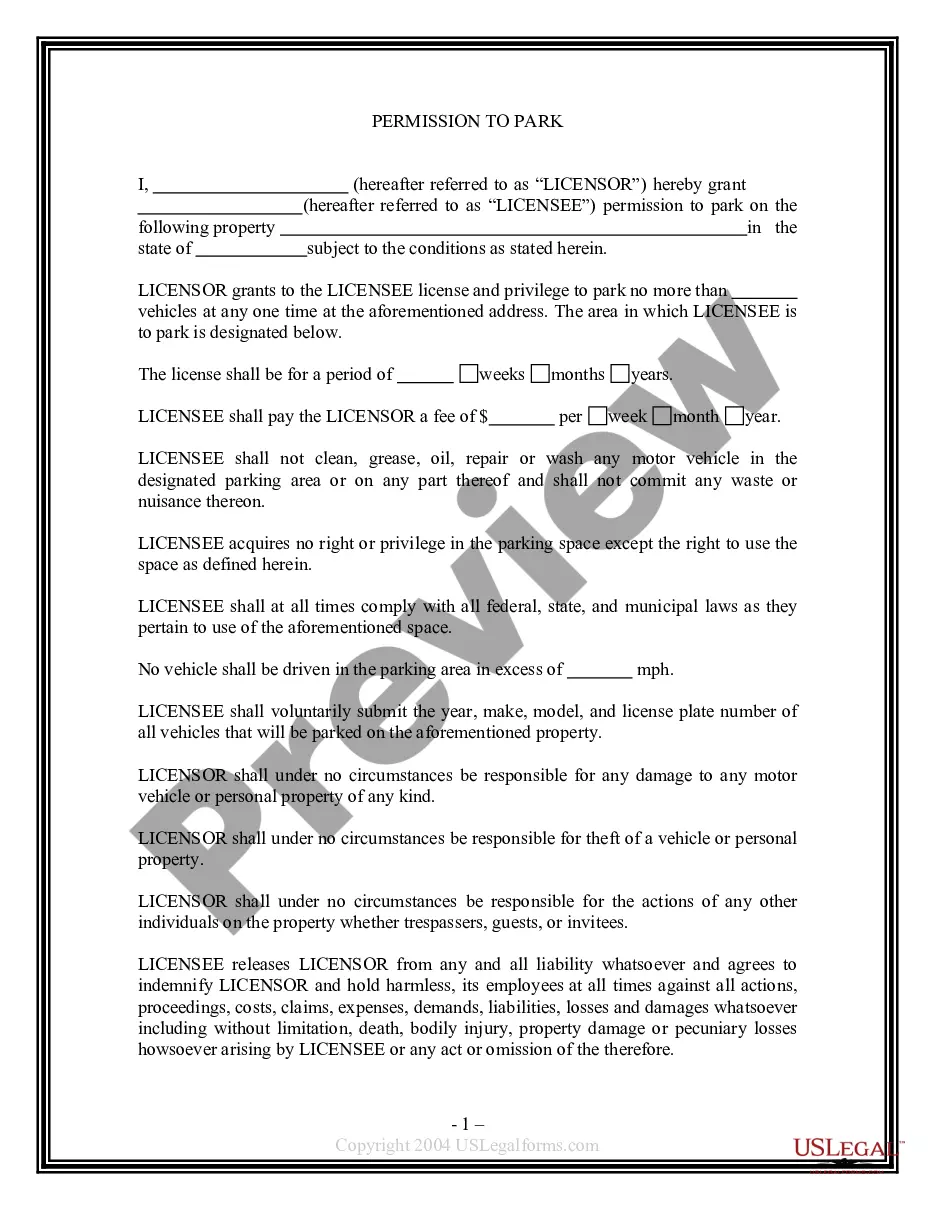
Get your form ready online
Our built-in tools help you complete, sign, share, and store your documents in one place.
Make edits, fill in missing information, and update formatting in US Legal Forms—just like you would in MS Word.
Download a copy, print it, send it by email, or mail it via USPS—whatever works best for your next step.
Sign and collect signatures with our SignNow integration. Send to multiple recipients, set reminders, and more. Go Premium to unlock E-Sign.
If this form requires notarization, complete it online through a secure video call—no need to meet a notary in person or wait for an appointment.
We protect your documents and personal data by following strict security and privacy standards.

Make edits, fill in missing information, and update formatting in US Legal Forms—just like you would in MS Word.

Download a copy, print it, send it by email, or mail it via USPS—whatever works best for your next step.

Sign and collect signatures with our SignNow integration. Send to multiple recipients, set reminders, and more. Go Premium to unlock E-Sign.

If this form requires notarization, complete it online through a secure video call—no need to meet a notary in person or wait for an appointment.

We protect your documents and personal data by following strict security and privacy standards.
Looking for another form?

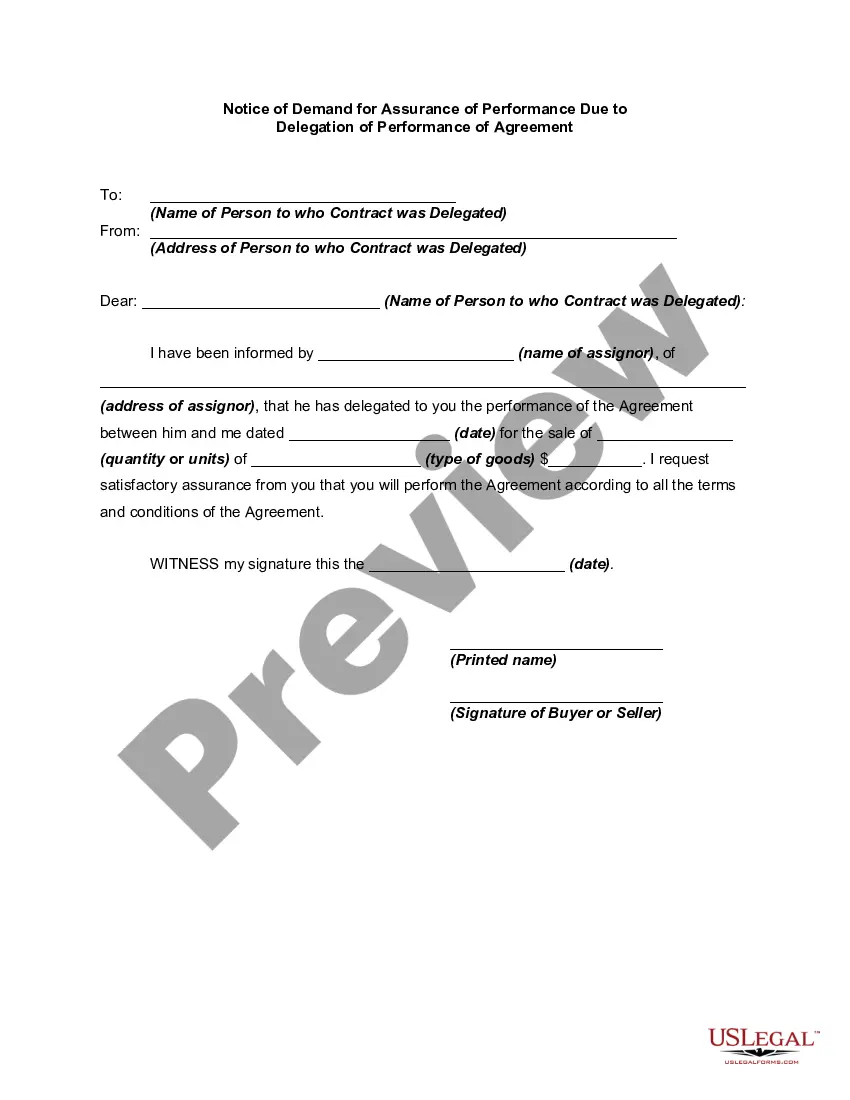
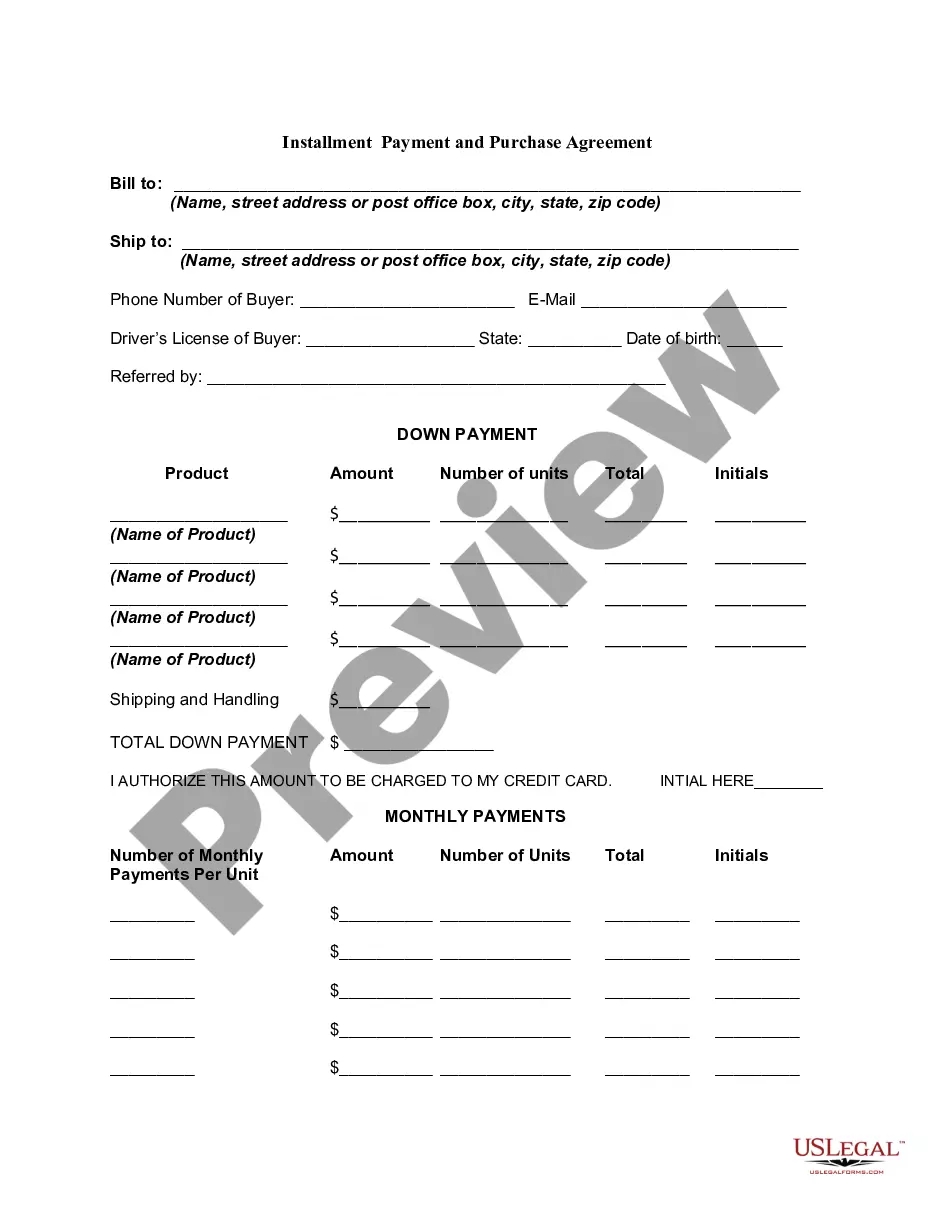
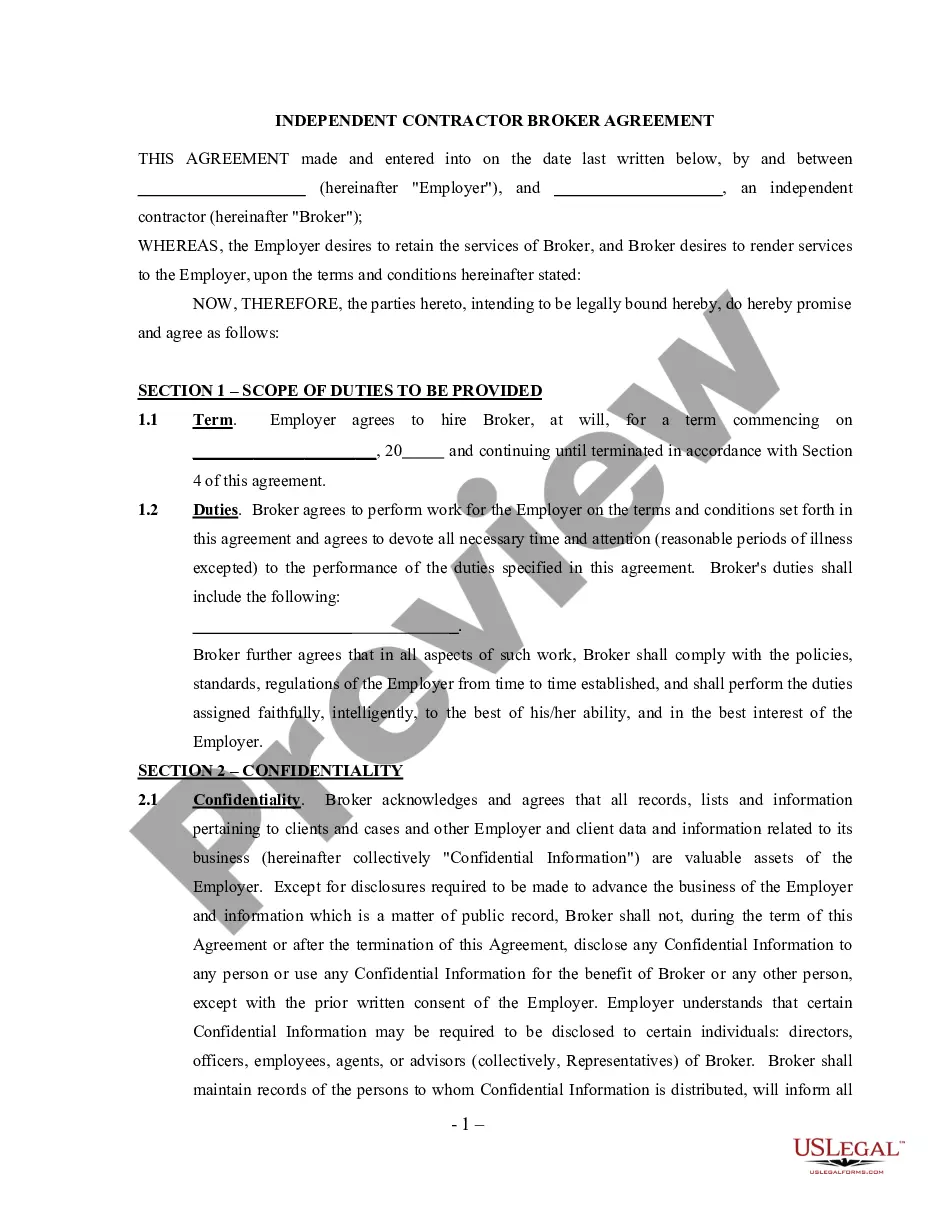
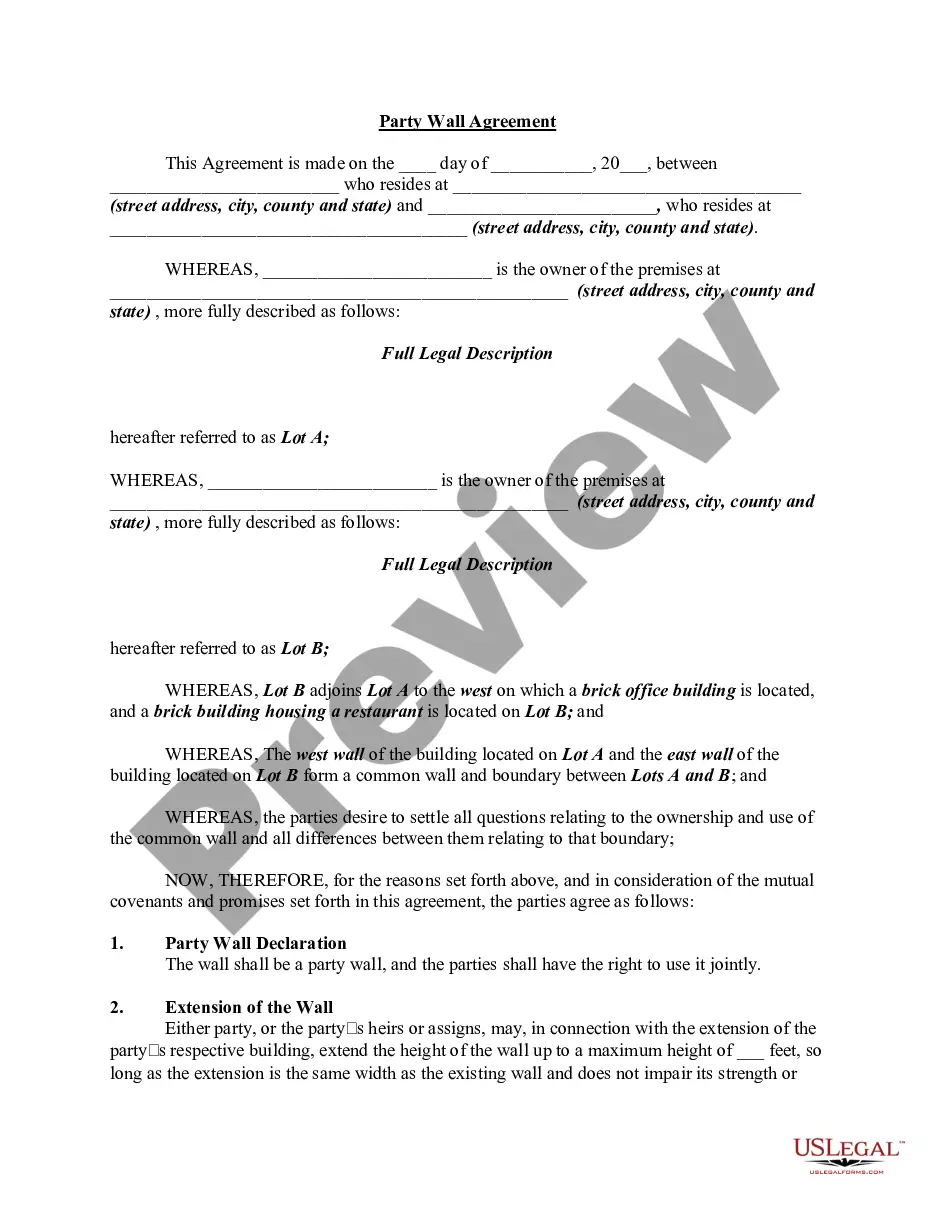
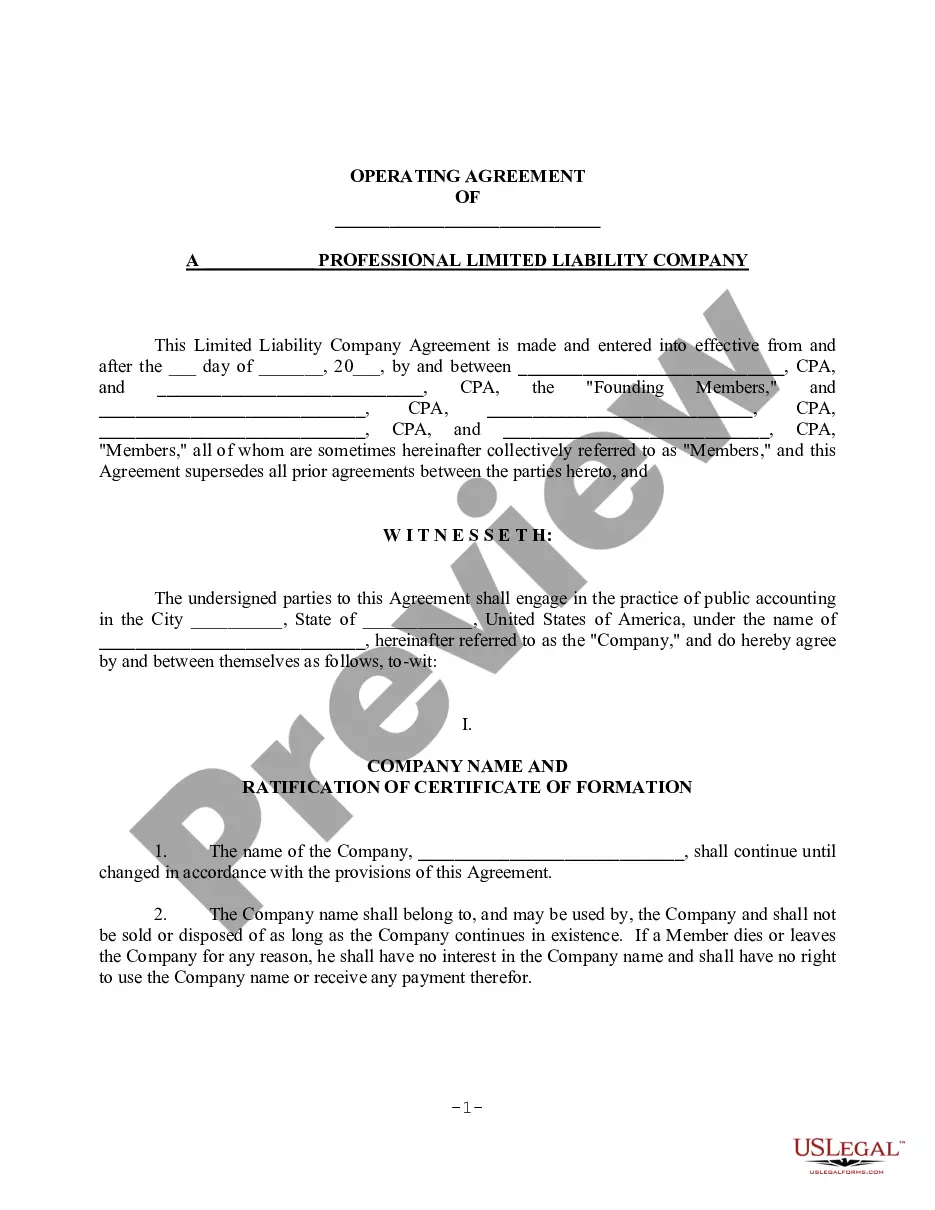
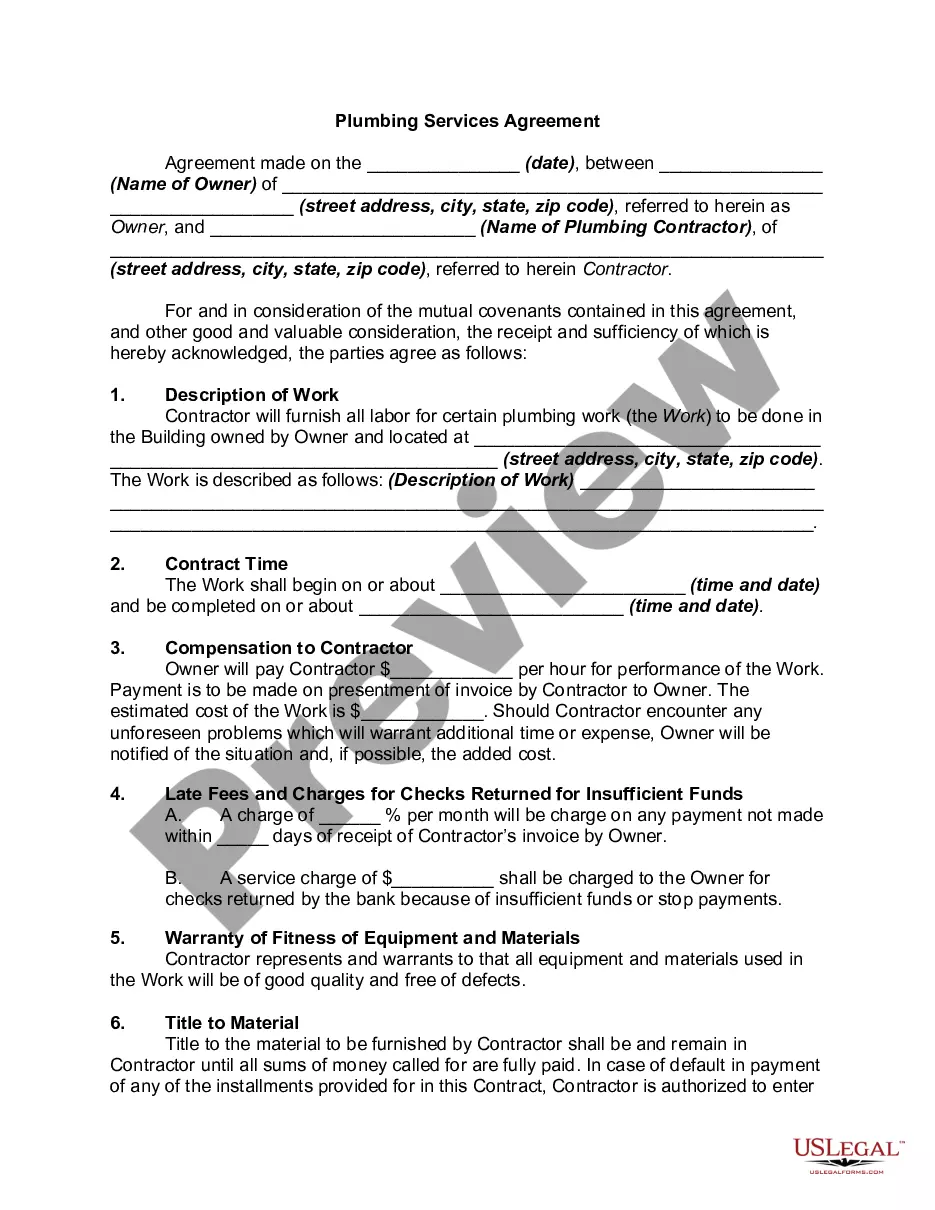
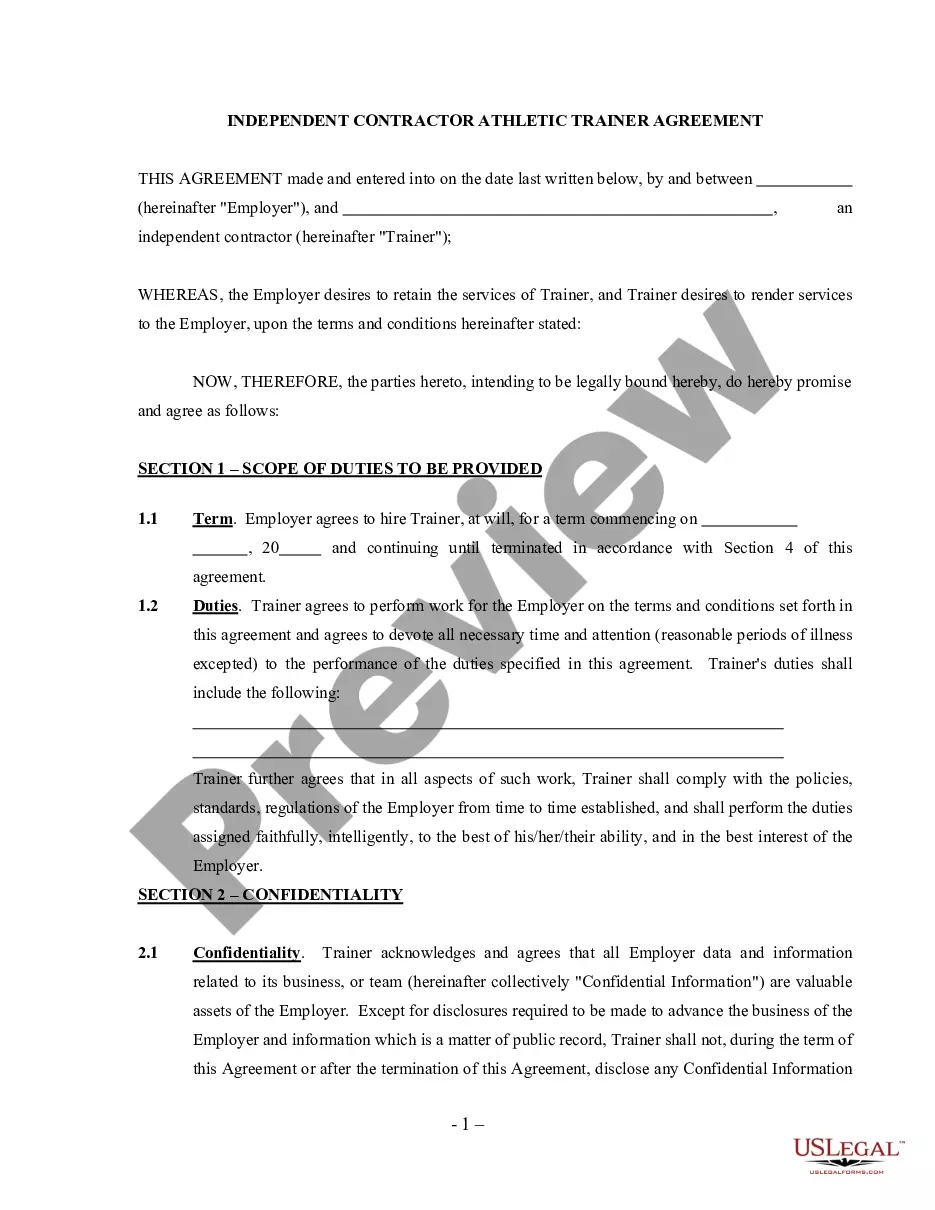
How to fill out Permission To Enter Or Access Private Property?
Whether for corporate reasons or personal issues, everyone must confront legal situations at some point in their lives.
Completing legal documents requires meticulous attention, starting with the selection of the appropriate form template.
Fill out the profile registration form. Choose your payment method: either a credit card or PayPal account. Select the desired file format and download the Permission to Enter Property Form With 2 Points. Once saved, you can fill out the form using editing software or print it to complete it by hand. With a comprehensive US Legal Forms catalog available, you never need to waste time searching for the correct sample across the web. Use the library’s intuitive navigation to find the suitable template for any event.
- For instance, if you choose an incorrect version of a Permission to Enter Property Form With 2 Points, it will be rejected once you submit it.
- Thus, it is crucial to have a reliable source of legal documents such as US Legal Forms.
- If you need to acquire a Permission to Enter Property Form With 2 Points template, follow these straightforward steps.
- Locate the sample you need using the search feature or the catalog navigation.
- Review the form’s description to ensure it corresponds to your case, jurisdiction, and county.
- Click on the form’s preview to view it.
- If it is not the correct document, return to the search feature to locate the Permission to Enter Property Form With 2 Points sample you need.
- Obtain the template when it aligns with your requirements.
- If you possess a US Legal Forms account, simply click Log in to access previously saved templates in My documents.
- If you do not yet have an account, you can acquire the form by clicking Buy now.
- Select the appropriate pricing option.
Form popularity
FAQ
When asking to use private property, initiate the conversation with the property owner in a polite manner. Clearly state what you wish to do, the duration of use, and any potential impact. Making this request precise and respectful can smooth the process of filling out the permission enter property form.
STEP 1: Access MCA homepage STEP 2: Login to MCA portal with valid credentials1 STEP 3: Select ?MCA services? and further select ?E-Filing? STEP 4: Access ?Form 3 ? Information for LLP Agreement and Changes? STEP 5: Enter LLP Information2 STEP 6: Search LLPIN using the search option (optional)3 STEP 7: Select LLPIN ...
2.1.2.1 Option 1. STEP 1: Access MCA homepage. STEP 2: Login to MCA portal with valid credentials. STEP 3: Access application history through user dashboard. STEP 4: Select RUN LLP application with status as 'Resubmission required' STEP 5: Fill up the application. STEP 6: Search CIN/LLPIN using the search option (optional)2.
Non-individual first subscriber(s) are based outside India; Number of subscribers are more than seven; Individual foreign subscribers not having a valid business visa.
1 After payment of the fee prescribed for processing the application and the fee for Provisional permission, the application will be processed in the 'online' system only, subject to submission of complete set of documents to the proposing Authority, to whom such Highway is entrusted (i.e. The project Director of the ...
Affixed pdf) within 15 days from the date the BO user has sent the SRN back for resubmission. Instructions to fill 'Form FiLLiP' are tabulated below at field level. Only important fields that require detailed instructions are explained.