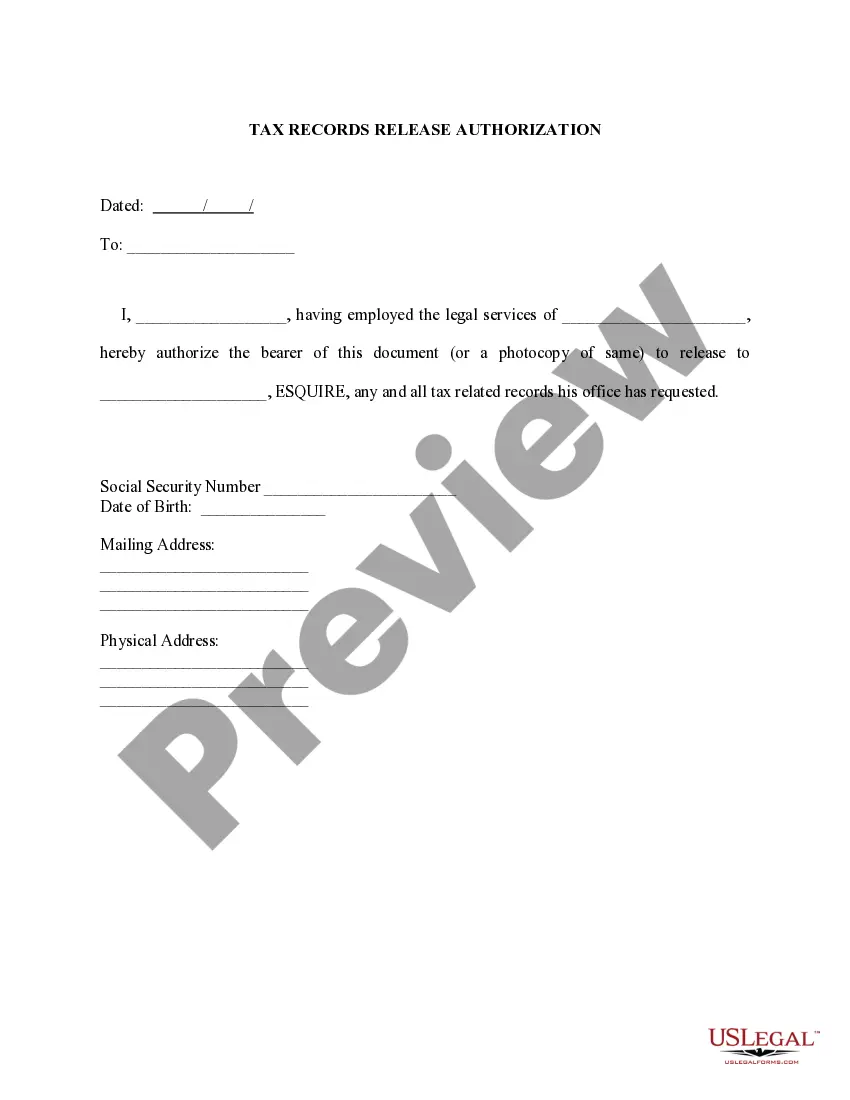
Tax Having Legal Withdrawal
Description


Get your form ready online
Our built-in tools help you complete, sign, share, and store your documents in one place.
Make edits, fill in missing information, and update formatting in US Legal Forms—just like you would in MS Word.
Download a copy, print it, send it by email, or mail it via USPS—whatever works best for your next step.
Sign and collect signatures with our SignNow integration. Send to multiple recipients, set reminders, and more. Go Premium to unlock E-Sign.
If this form requires notarization, complete it online through a secure video call—no need to meet a notary in person or wait for an appointment.
We protect your documents and personal data by following strict security and privacy standards.

Make edits, fill in missing information, and update formatting in US Legal Forms—just like you would in MS Word.

Download a copy, print it, send it by email, or mail it via USPS—whatever works best for your next step.

Sign and collect signatures with our SignNow integration. Send to multiple recipients, set reminders, and more. Go Premium to unlock E-Sign.

If this form requires notarization, complete it online through a secure video call—no need to meet a notary in person or wait for an appointment.

We protect your documents and personal data by following strict security and privacy standards.
Looking for another form?



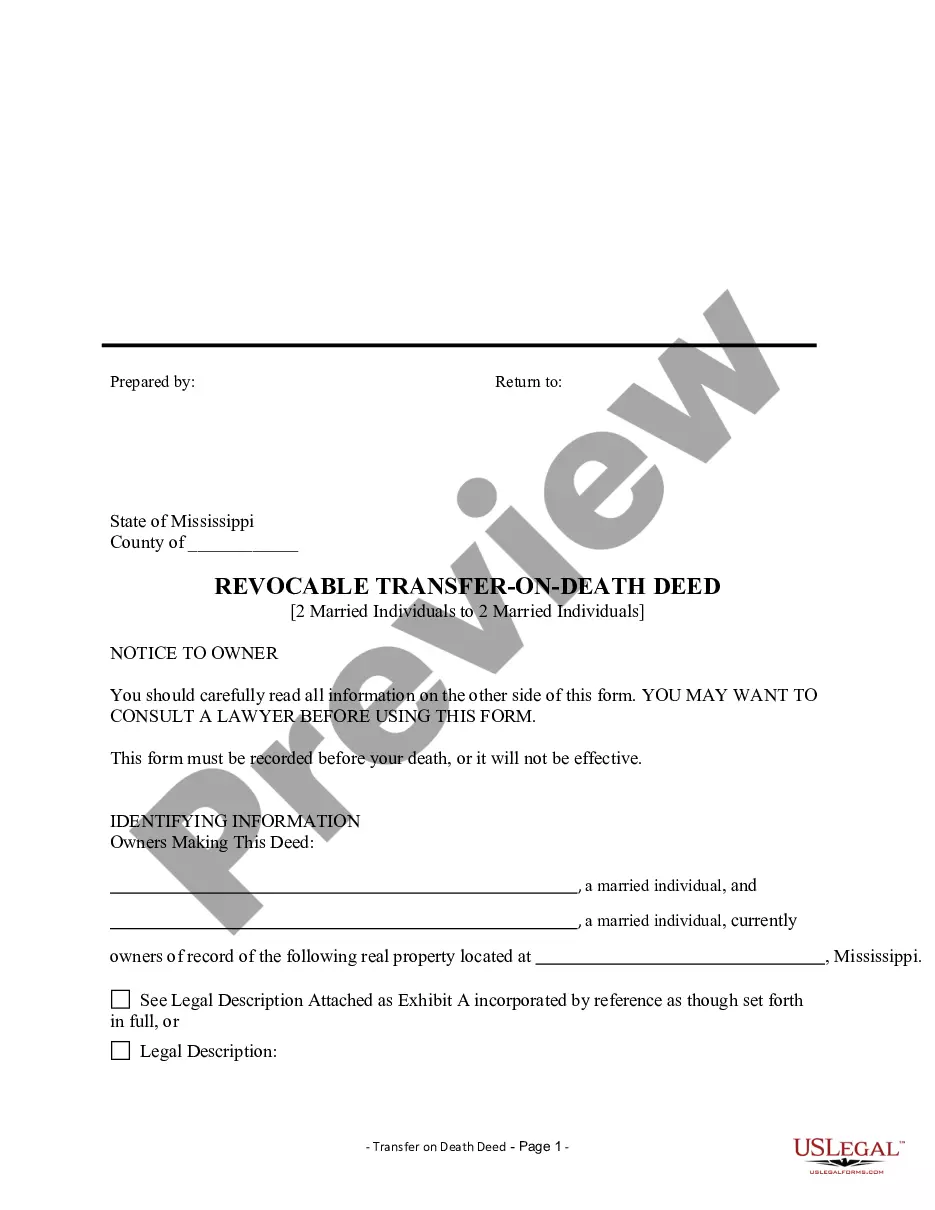

How to fill out Tax Release Authorization?
Legal administration can be daunting, even for the most skilled professionals.
When you're interested in a Tax Having Legal Withdrawal and lack the time to search for the suitable and current version, the tasks can become stressful.
Access state- or county-specific legal and business documents.
US Legal Forms addresses any needs you may have, from personal to business paperwork, all in one location.
If this is your first experience with US Legal Forms, create an account and gain unlimited access to all the platform's advantages. Here are the steps to follow after downloading the form you require: Validate that it is the correct form by previewing it and examining its description. Ensure that the template is accepted in your state or county. Click Buy Now when you are ready. Choose a subscription plan. Select the format you need, and Download, complete, eSign, print and send your document. Take advantage of the US Legal Forms online library, supported by 25 years of experience and dependability. Change your daily document management into a straightforward and user-friendly process today.
- Utilize cutting-edge tools to accomplish and manage your Tax Having Legal Withdrawal.
- Access a valuable resource library of articles, guides, and handbooks pertinent to your circumstances and requirements.
- Save time and energy searching for the documents you need, and leverage US Legal Forms’ sophisticated search and Review feature to locate Tax Having Legal Withdrawal and obtain it.
- If you have a monthly subscription, Log In to your US Legal Forms account, search for the form, and acquire it.
- Check the My documents tab to see the documents you've previously saved and to manage your folders as you prefer.
- A comprehensive online form repository could be a game changer for anyone looking to manage these situations effectively.
- US Legal Forms is a leader in online legal forms, offering over 85,000 state-specific legal documents available to you at any time.
- With US Legal Forms, you can.
Form popularity
FAQ
Report the amount on line 12900 of your income tax and benefit return. This is the amount withdrawn from an RRSP in the year, or the amount paid as full or partial commutation of an RRSP annuity.
In Canada, the current withholding tax rates for withdrawing funds from an RRSP are as follows: 10% on amounts up-to $5,000; 20% on amounts over $5,000 up-to and including $15,000; and. 30% on amounts over $15,000.
Report the amount on line 12900 of your income tax and benefit return. This is the amount withdrawn from an RRSP in the year, or the amount paid as full or partial commutation of an RRSP annuity.
A T4RSP indicates how much money you withdrew from or received out of your RRSPs and how much tax was deducted. A T4RSP also shows money withdrawn from an RRSP under the Home Buyers' Plan and amounts transferred from an RRSP to a spouse or partner under a court judgment or written agreement.
You can deduct any legal fees you paid in the year to collect or establish a right to collect salary or wages. You can also deduct legal fees you paid in the year to collect or establish a right to collect other amounts that must be reported in employment income even if they are not directly paid by your employer.