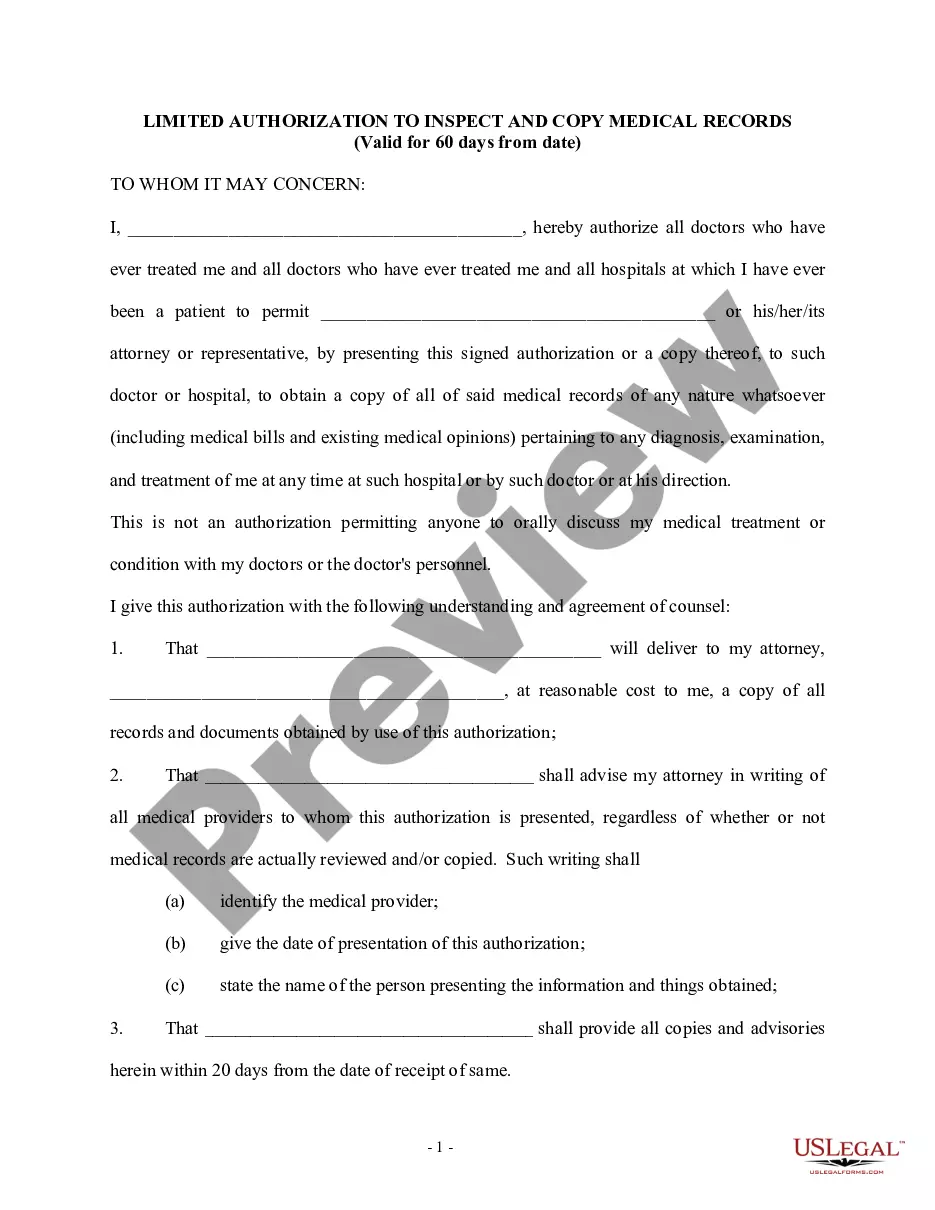
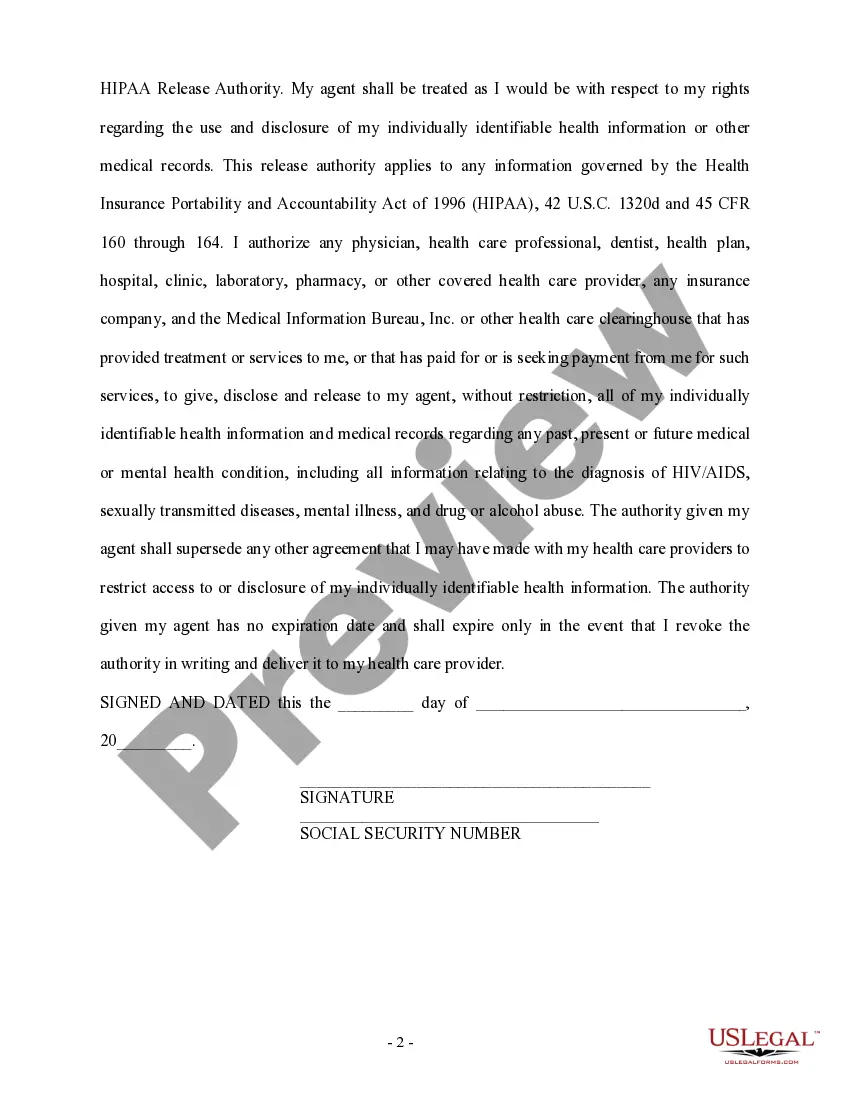
Sample Authorization To Release Medical Records
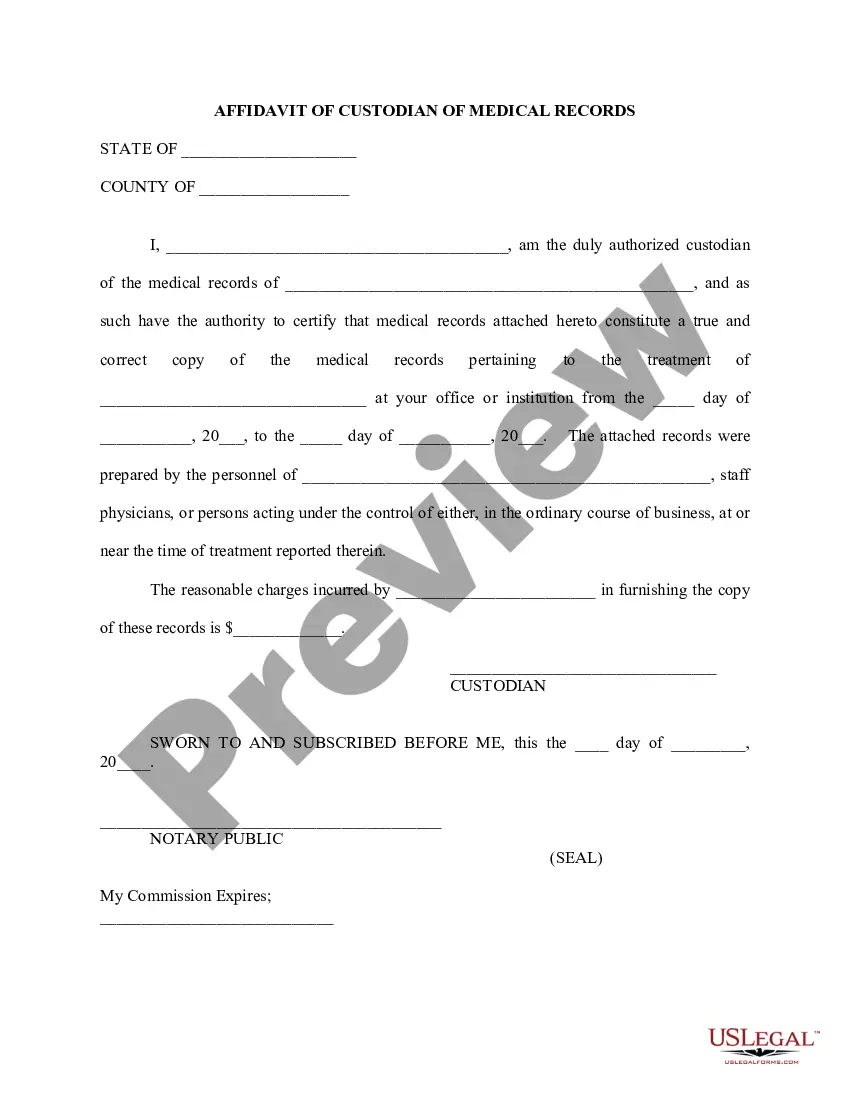
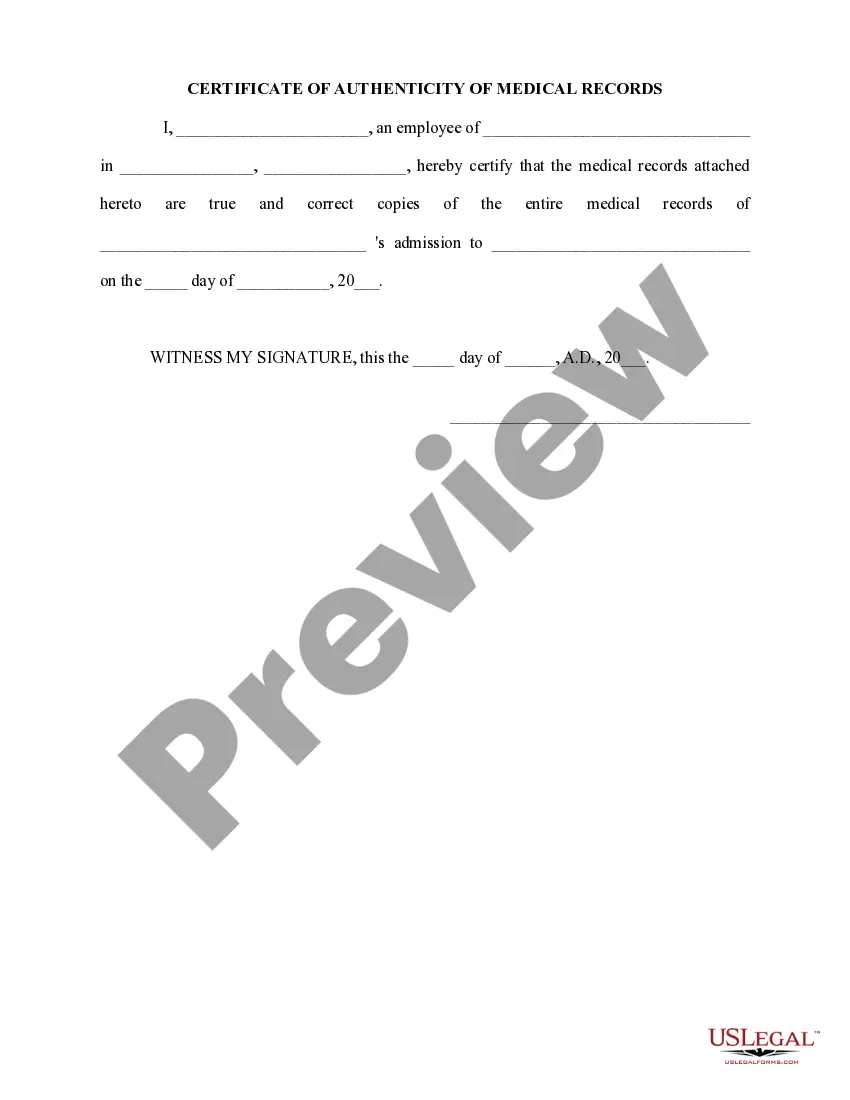
Description
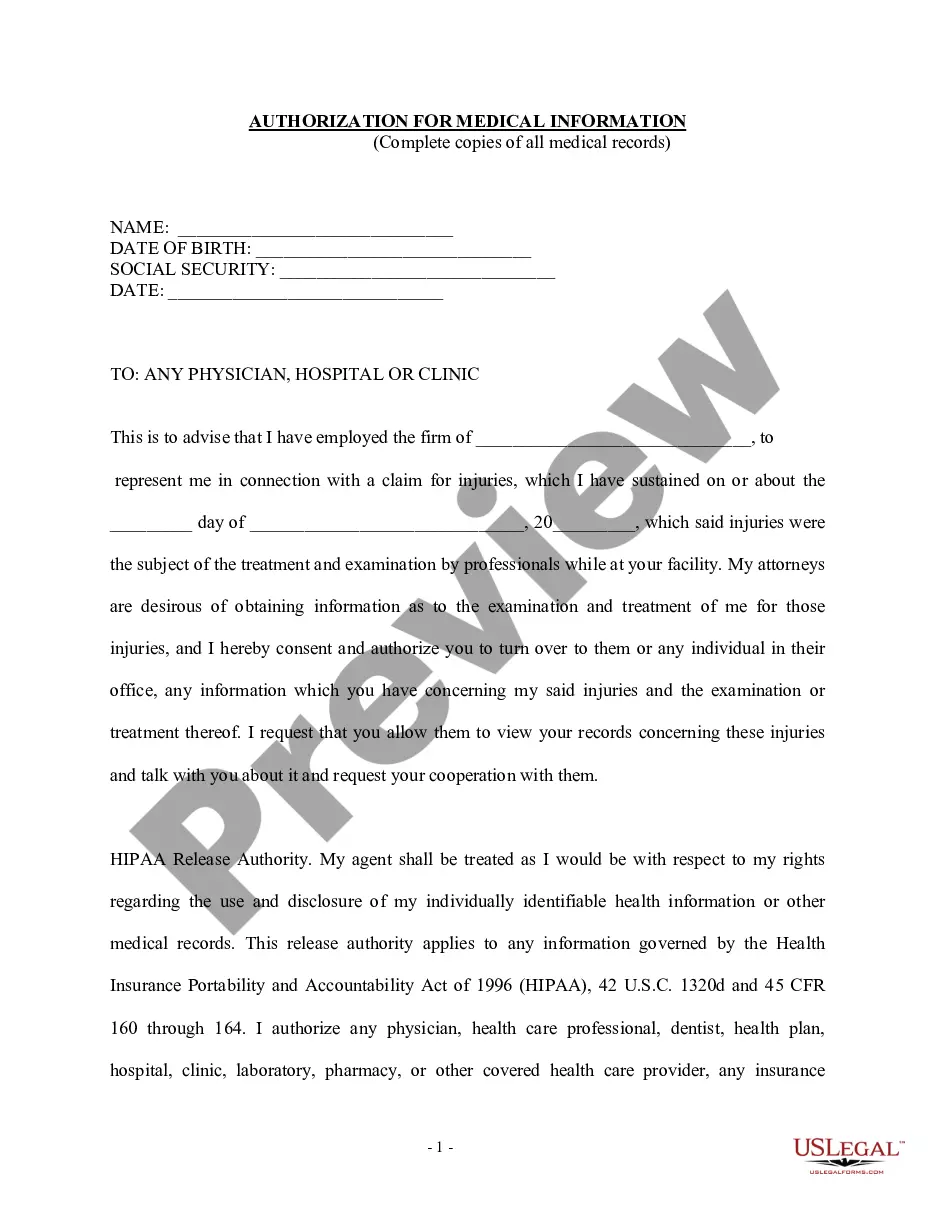
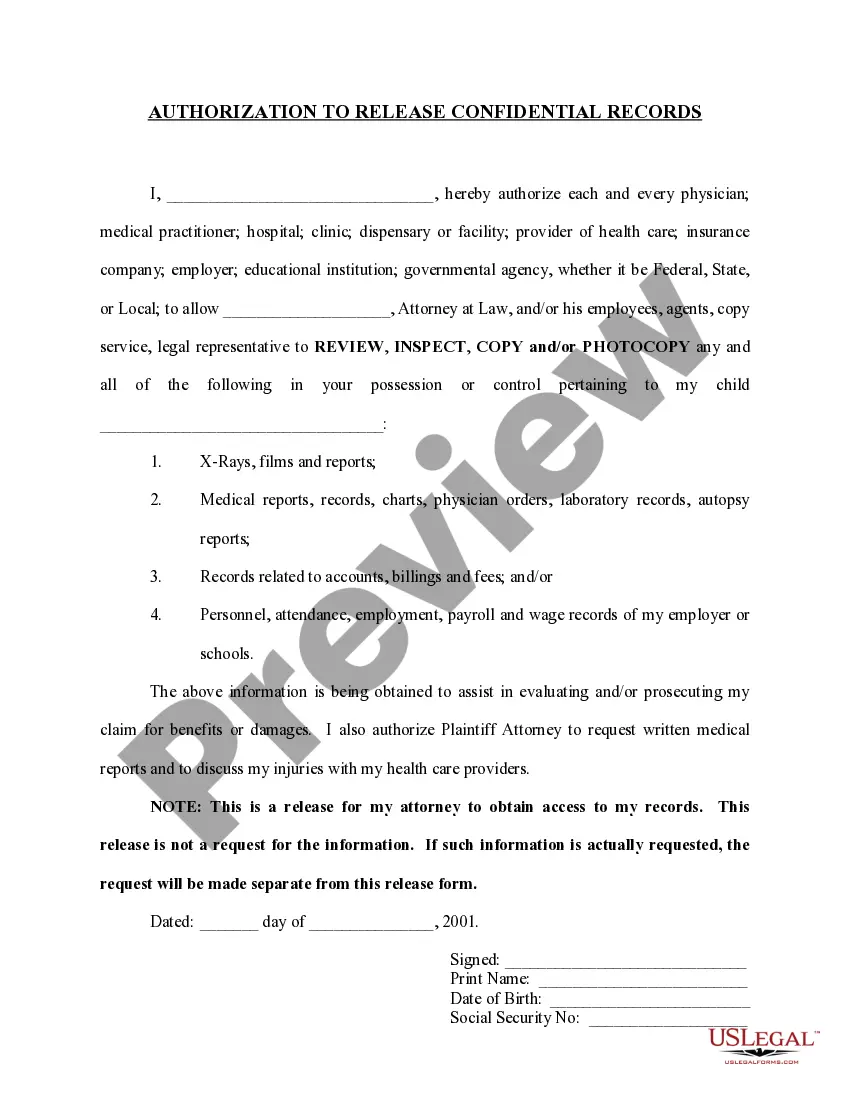
Get your form ready online
Our built-in tools help you complete, sign, share, and store your documents in one place.
Make edits, fill in missing information, and update formatting in US Legal Forms—just like you would in MS Word.
Download a copy, print it, send it by email, or mail it via USPS—whatever works best for your next step.
Sign and collect signatures with our SignNow integration. Send to multiple recipients, set reminders, and more. Go Premium to unlock E-Sign.
If this form requires notarization, complete it online through a secure video call—no need to meet a notary in person or wait for an appointment.
We protect your documents and personal data by following strict security and privacy standards.

Make edits, fill in missing information, and update formatting in US Legal Forms—just like you would in MS Word.

Download a copy, print it, send it by email, or mail it via USPS—whatever works best for your next step.

Sign and collect signatures with our SignNow integration. Send to multiple recipients, set reminders, and more. Go Premium to unlock E-Sign.

If this form requires notarization, complete it online through a secure video call—no need to meet a notary in person or wait for an appointment.

We protect your documents and personal data by following strict security and privacy standards.
Looking for another form?



How to fill out Limited Authorization To Inspect And Copy Medical Records?
Managing legal documents and processes can be a lengthy addition to your day.
Sample Authorization To Release Medical Records and similar forms often necessitate that you locate them and figure out how to fill them out correctly.
Therefore, if you are addressing financial, legal, or personal issues, utilizing a comprehensive and efficient online library of documents readily available will greatly assist.
US Legal Forms is the leading online resource for legal templates, providing over 85,000 state-specific documents and various tools to assist you in completing your paperwork swiftly.
Is this your first time using US Legal Forms? Sign up and create your account in a few minutes to gain access to the document library and Sample Authorization To Release Medical Records. Then, follow the instructions below to complete your document: Ensure you have found the correct document using the Review feature and examining the document description. Select Buy Now when ready, and choose the subscription plan that fits your requirements. Click Download then fill out, sign, and print the document. US Legal Forms has 25 years of experience assisting users with their legal documents. Locate the document you need today and streamline any process without breaking a sweat.
- Browse the collection of pertinent documents accessible to you with just a single click.
- US Legal Forms offers state- and county-specific documents available anytime for downloading.
- Safeguard your document management processes using a high-quality service that allows you to prepare any document in minutes with no additional or concealed fees.
- Simply Log In to your account, locate Sample Authorization To Release Medical Records and download it immediately under the My documents tab.
- You can also retrieve previously downloaded documents.
Form popularity
FAQ
How do I access my health records? Contact the custodian of your health records, such as a doctor, clinic or hospital, to request access.
How Do You Write a Release Form? The first step in writing is identifying all parties involved, including the releaser and the release. Specify the activity or event in detail, such as a photo shoot, a video production, or a performance. Clearly specify what is being released, whether liability, claims, or damages.
In order to complete the quicker process of transferring your medical records, you will be required to provide the following 3 pieces of information: PHN Number. Your Personal Health Number (ie. ... New Doctor Info. Your NEW doctor's name and full office address. ... Valid Credit Card.
The two major types of patient records are the paper health record and the electronic health record (EHR). The EHR is much more efficient than the paper record, and most healthcare facilities have switched to EHRs for a number of reasons.
You or anyone you have authorized to act on your behalf can request access to, or copies of your health records by completing the Authorization for the Release of Health Records form and submitting it in person, by fax, or by mail to the Health Record Department at the location where you received care.