Wage Form Template With Code
Description
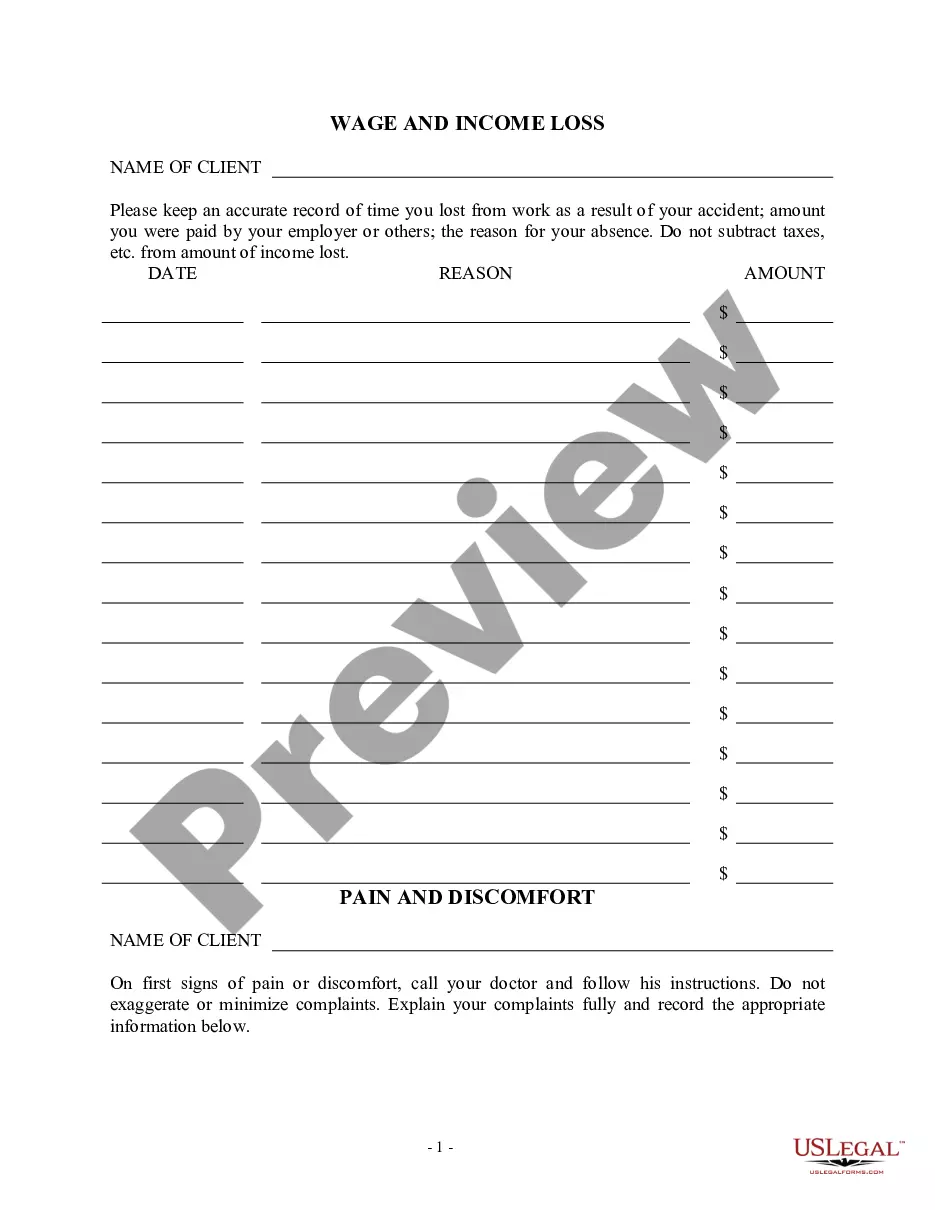
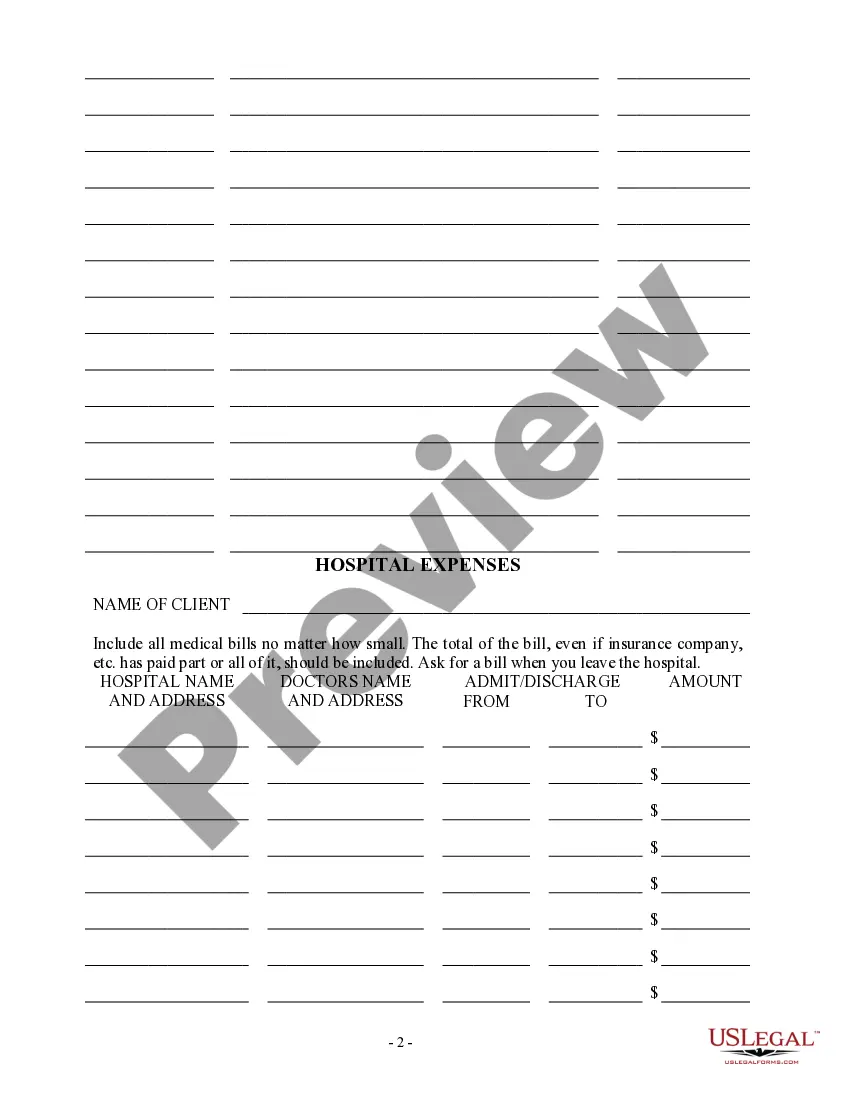
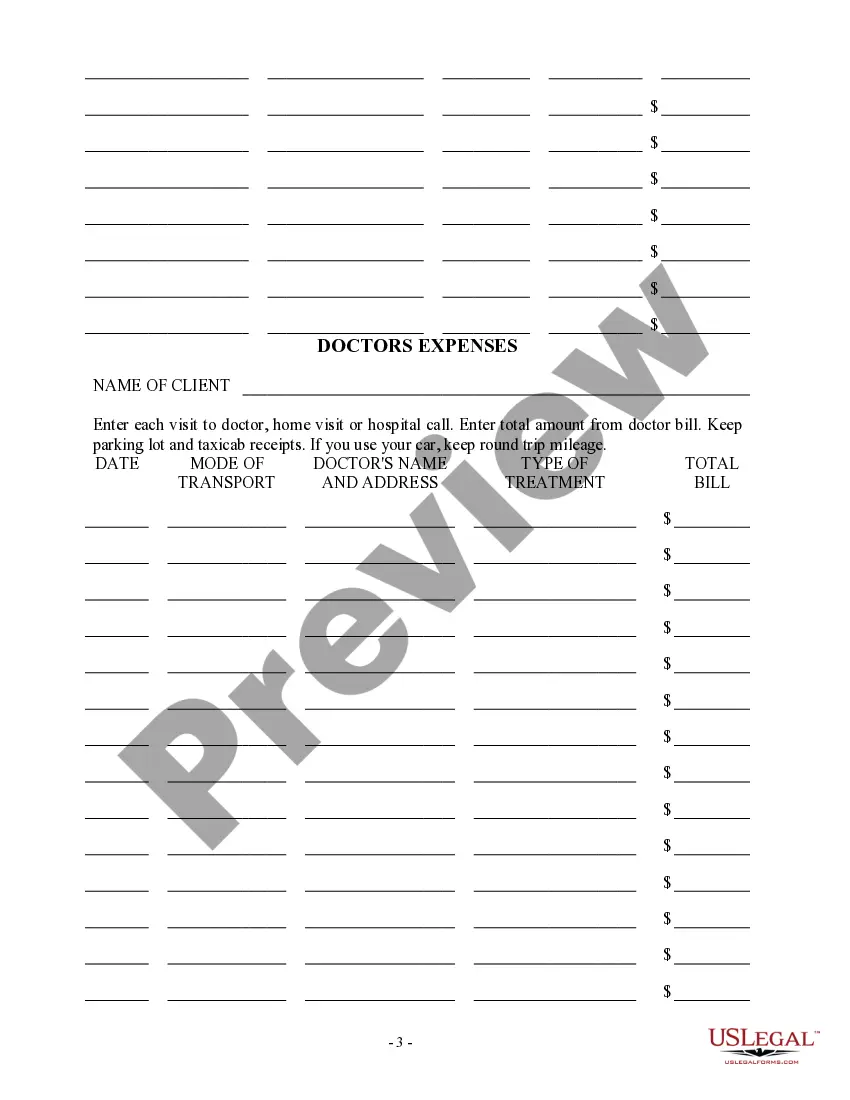

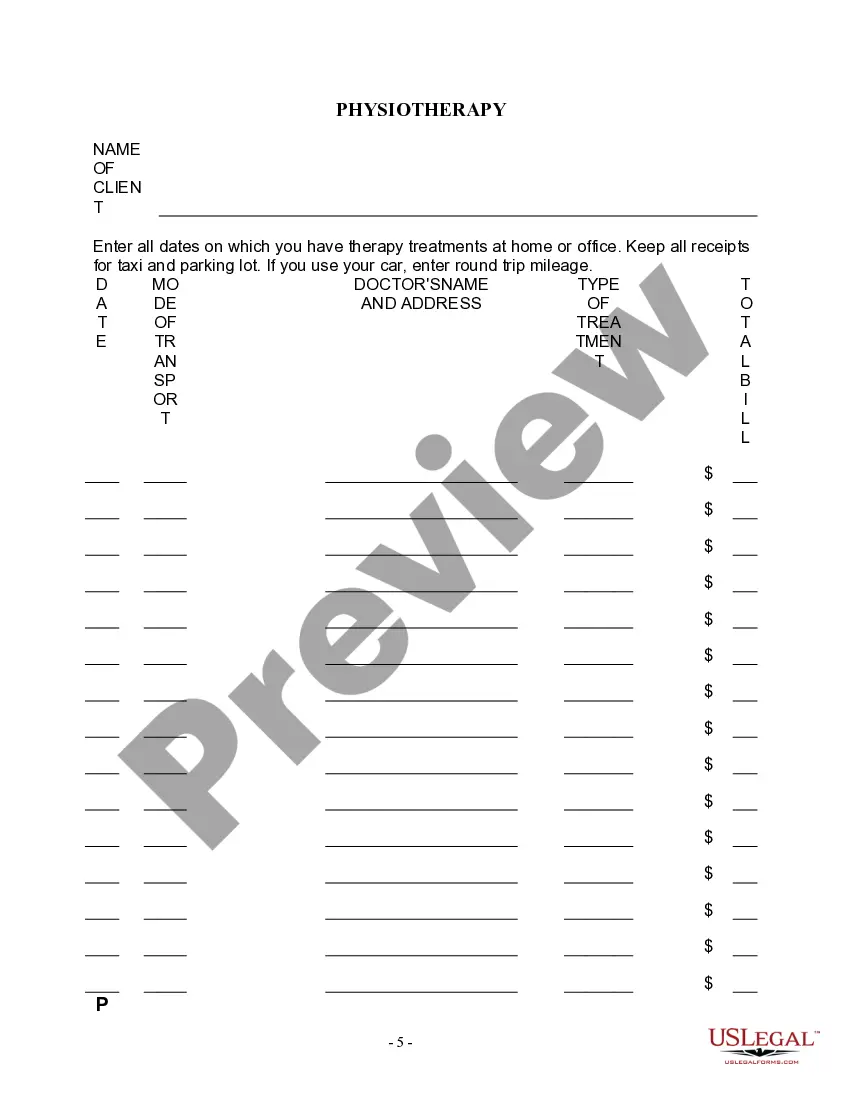

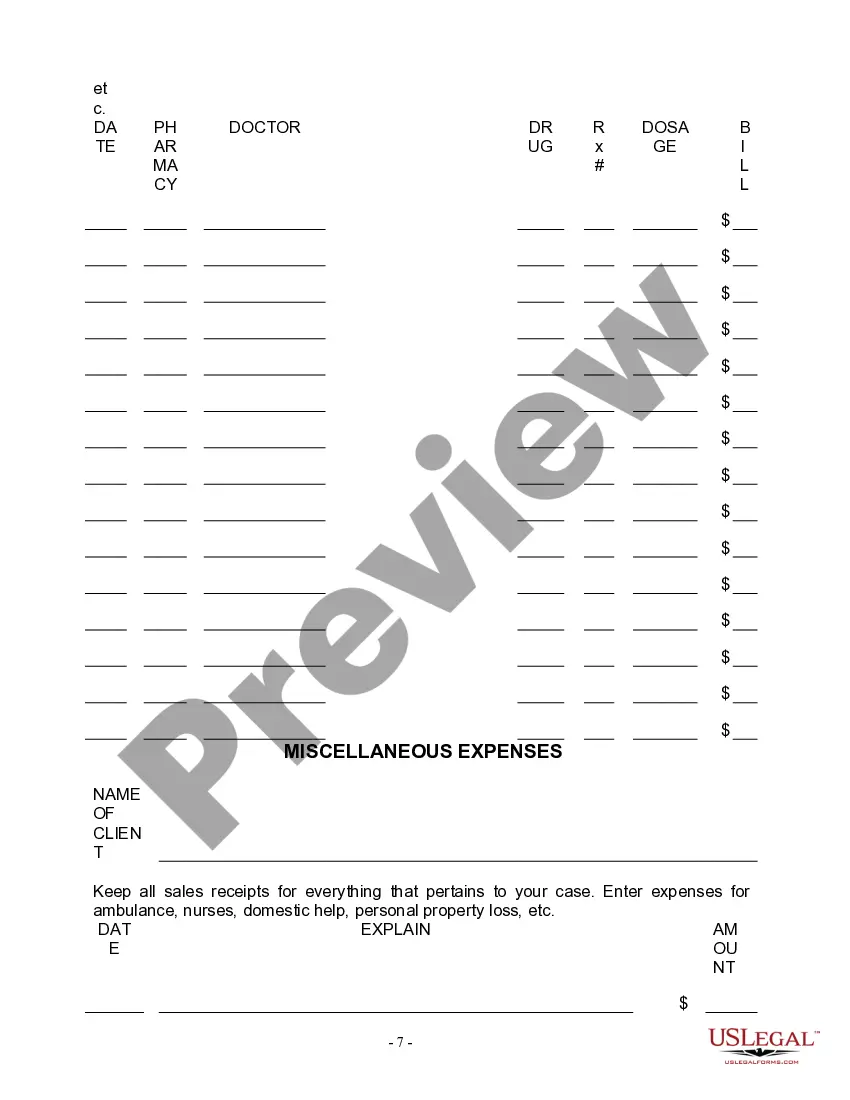

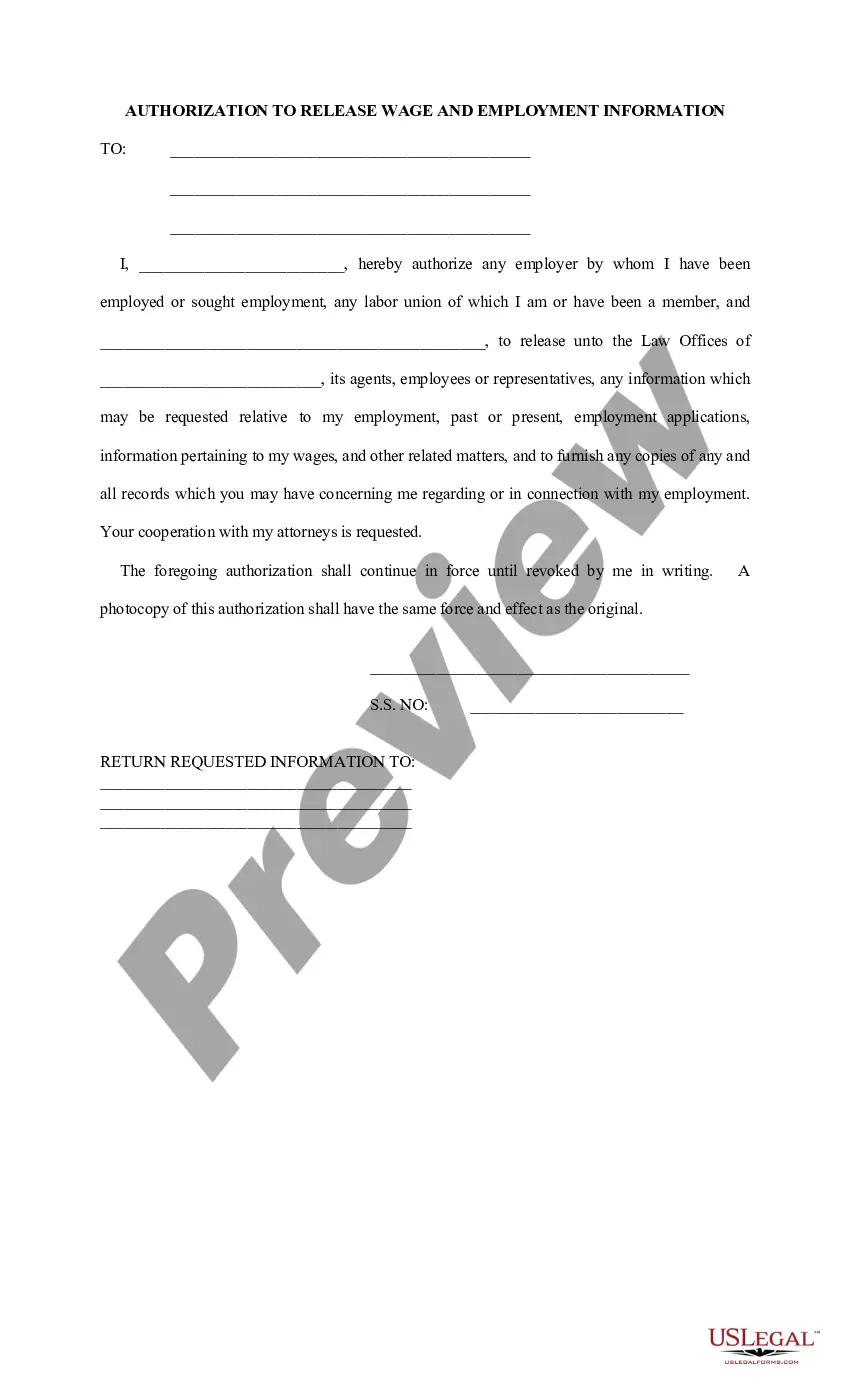
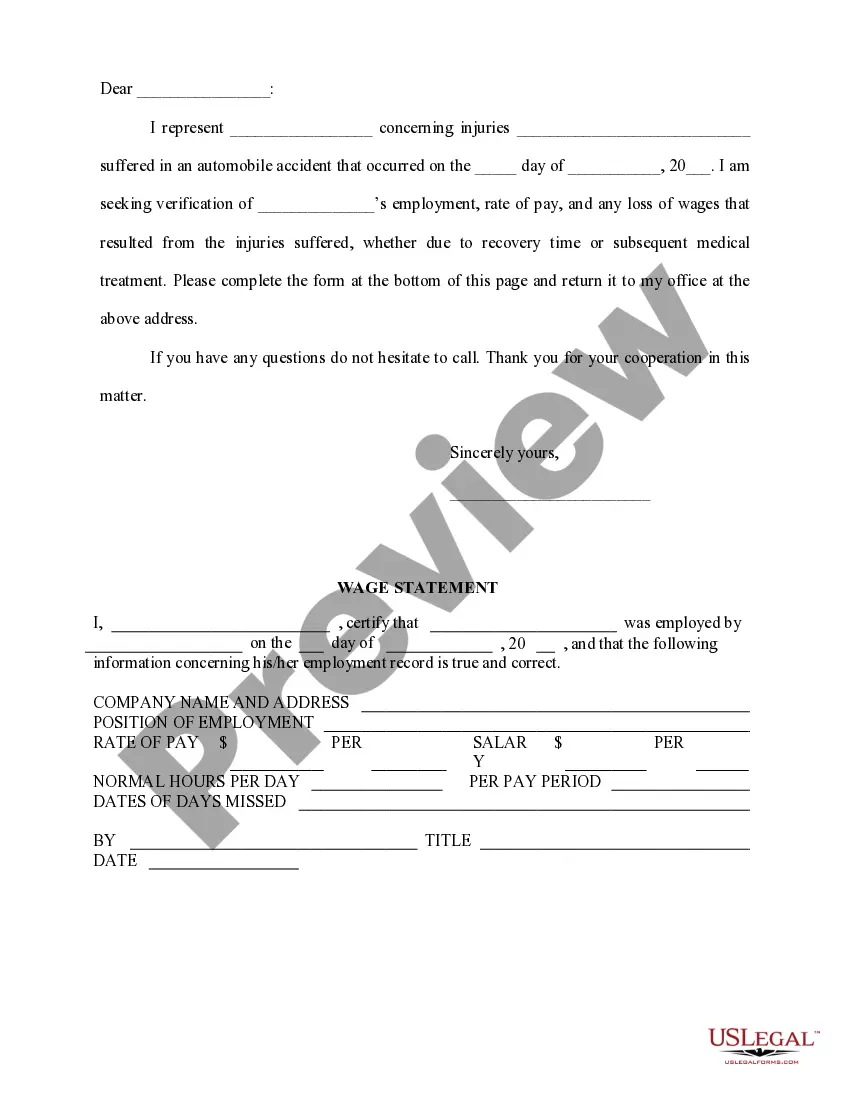

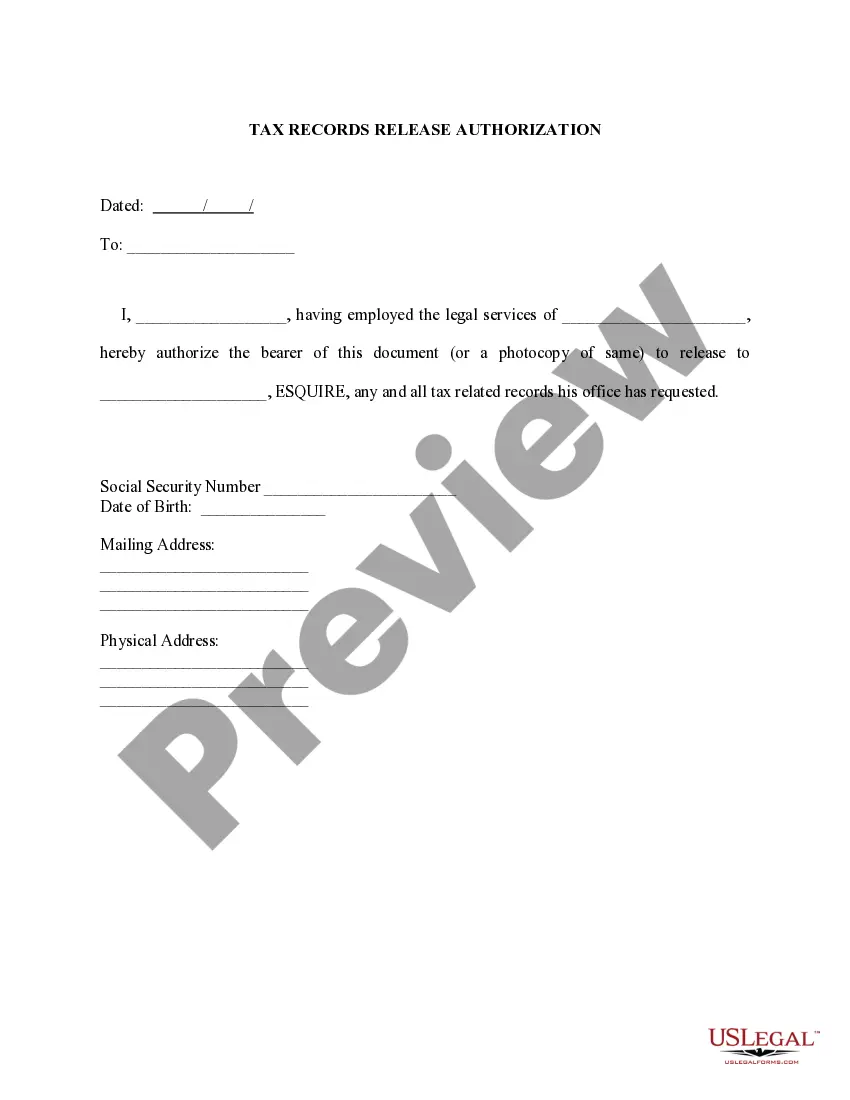
Get your form ready online
Our built-in tools help you complete, sign, share, and store your documents in one place.
Make edits, fill in missing information, and update formatting in US Legal Forms—just like you would in MS Word.
Download a copy, print it, send it by email, or mail it via USPS—whatever works best for your next step.
Sign and collect signatures with our SignNow integration. Send to multiple recipients, set reminders, and more. Go Premium to unlock E-Sign.
If this form requires notarization, complete it online through a secure video call—no need to meet a notary in person or wait for an appointment.
We protect your documents and personal data by following strict security and privacy standards.

Make edits, fill in missing information, and update formatting in US Legal Forms—just like you would in MS Word.

Download a copy, print it, send it by email, or mail it via USPS—whatever works best for your next step.

Sign and collect signatures with our SignNow integration. Send to multiple recipients, set reminders, and more. Go Premium to unlock E-Sign.

If this form requires notarization, complete it online through a secure video call—no need to meet a notary in person or wait for an appointment.

We protect your documents and personal data by following strict security and privacy standards.
Looking for another form?


How to fill out Wage And Income Loss Statement?
It’s well-known that you cannot instantly become a legal specialist, nor can you quickly learn how to draft a Wage Form Template With Code without having a specific background.
Developing legal documents is a lengthy process that demands specialized education and expertise. So why not entrust the creation of the Wage Form Template With Code to the experts.
With US Legal Forms, one of the most comprehensive legal document repositories, you can obtain everything from court documents to templates for internal corporate communications.
If you need any other form, start your search again.
Create a free account and select a subscription option to purchase the form. Click Buy now. Once the payment is completed, you can download the Wage Form Template With Code, complete it, print it, and send or mail it to the respective individuals or organizations.
- We understand how crucial compliance and adherence to federal and state regulations are.
- That’s why, on our site, all forms are location-specific and current.
- Here’s how to begin with our website and acquire the document you require in just minutes.
- Locate the document you need using the search bar at the top of the page.
- Preview it (if this option is available) and review the accompanying description to verify if Wage Form Template With Code is what you’re looking for.
Form popularity
FAQ
By Rachel Blakely-Gray. The new W-4 form for 2023 is now available. Unlike the big W-4 form shakeup of 2020, there aren't significant changes to the new form.
How do I fill out a W-3? Box a: Control number. ... Box b: Kind of Payer. ... Box b: Kind of Employer. ... Box b: Third-party sick pay. ... Box c: Provide the total number of W-2 forms that you are transmitting with this Form W-3. ... Box d: Establishment number. ... Box e: Employer identification number (EIN).
4 updates The form no longer contains references to the tax withholding estimator. The IRS provided additional information to clarify who should use the checkbox for multiple jobs. The 2023 Deductions Worksheet has been updated.
9 Form Instructions Line 1 ? Name. This should be your full name. ... Line 2 ? Business name. ... Line 3 ? Federal tax classification. ... Line 4 ? Exemptions. ... Lines 5 & 6 ? Address, city, state, and ZIP code. ... Line 7 ? Account number(s) ... Part I ? Taxpayer Identification Number (TIN) ... Part II ? Certification.
How to fill out Form W-2 Box A: Employee's Social Security number. ... Box B: Employer Identification Number (EIN) ... Box C: Employer's name, address, and ZIP code. ... Box D: ... Boxes E and F: Employee's name, address, and ZIP code. ... Box 1: Wages, tips, other compensation. ... Box 2: Federal income tax withheld. ... Box 3: Social Security wages.