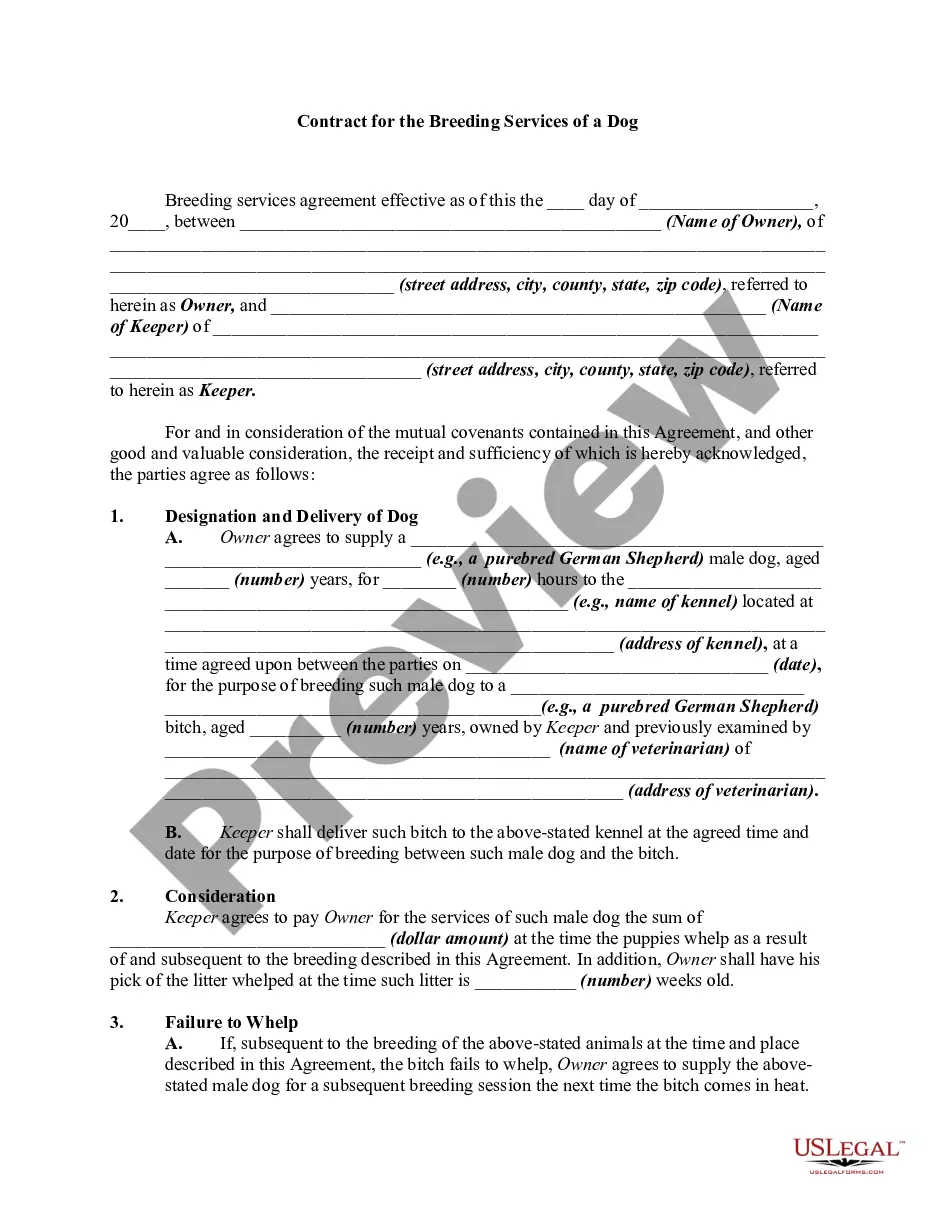
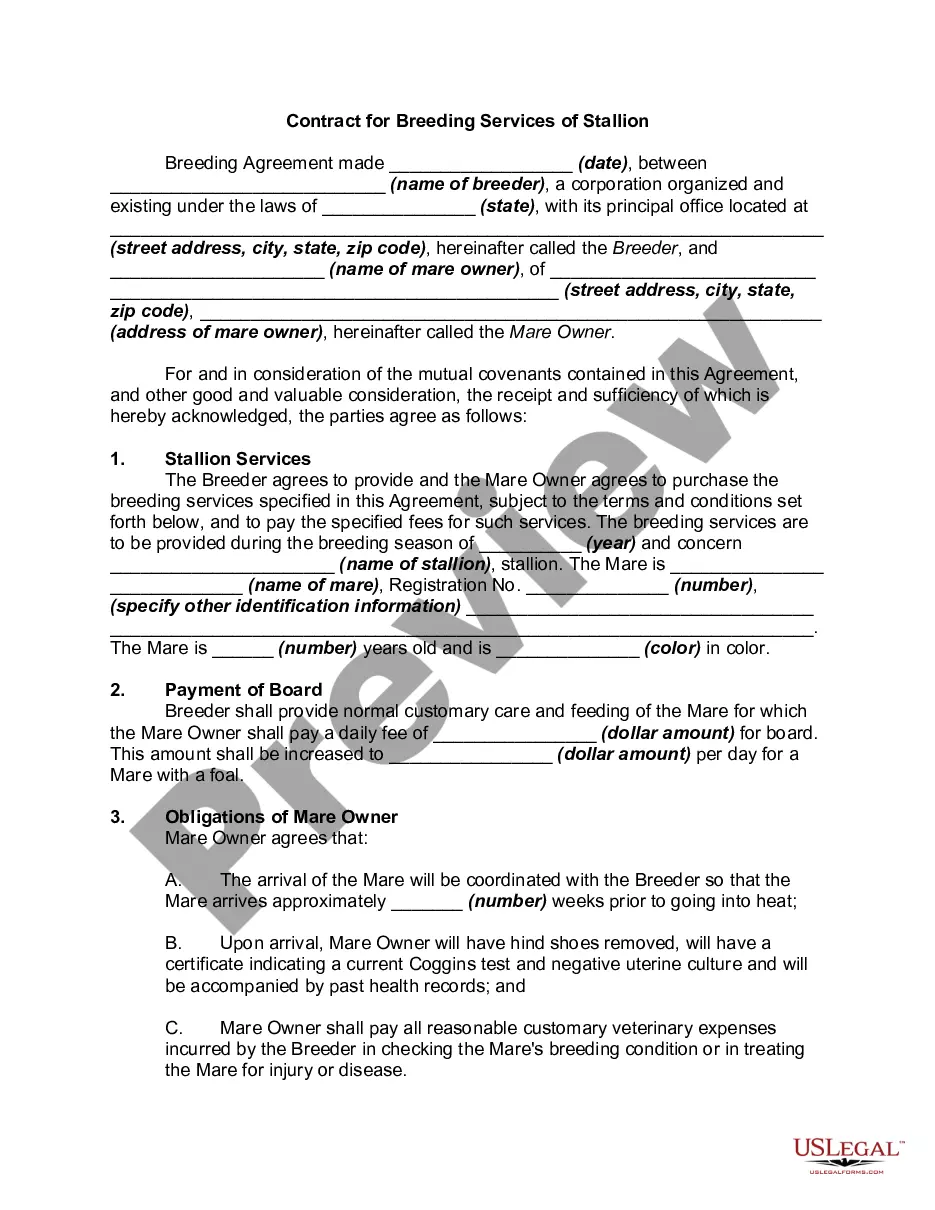
Breeding Canine Contract Forum
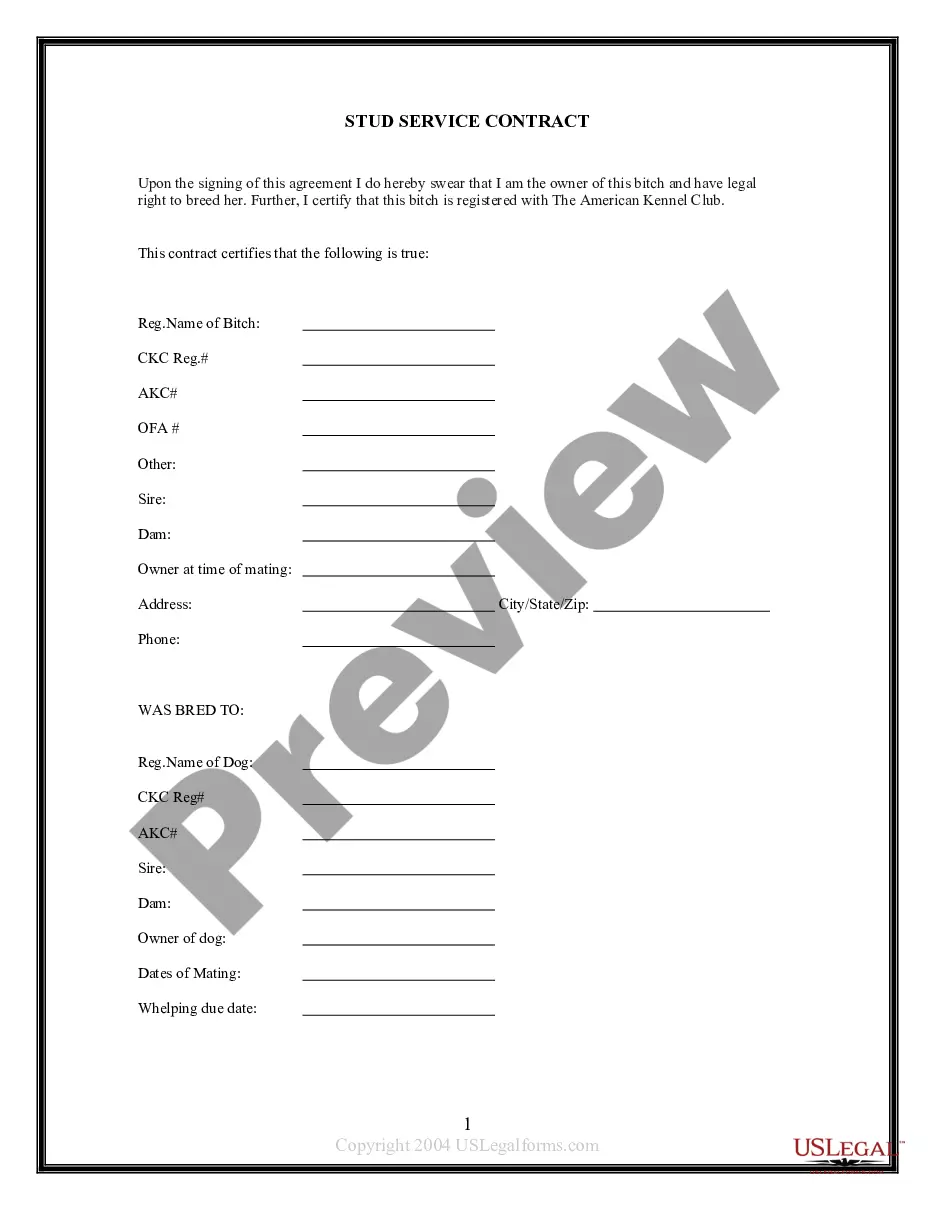
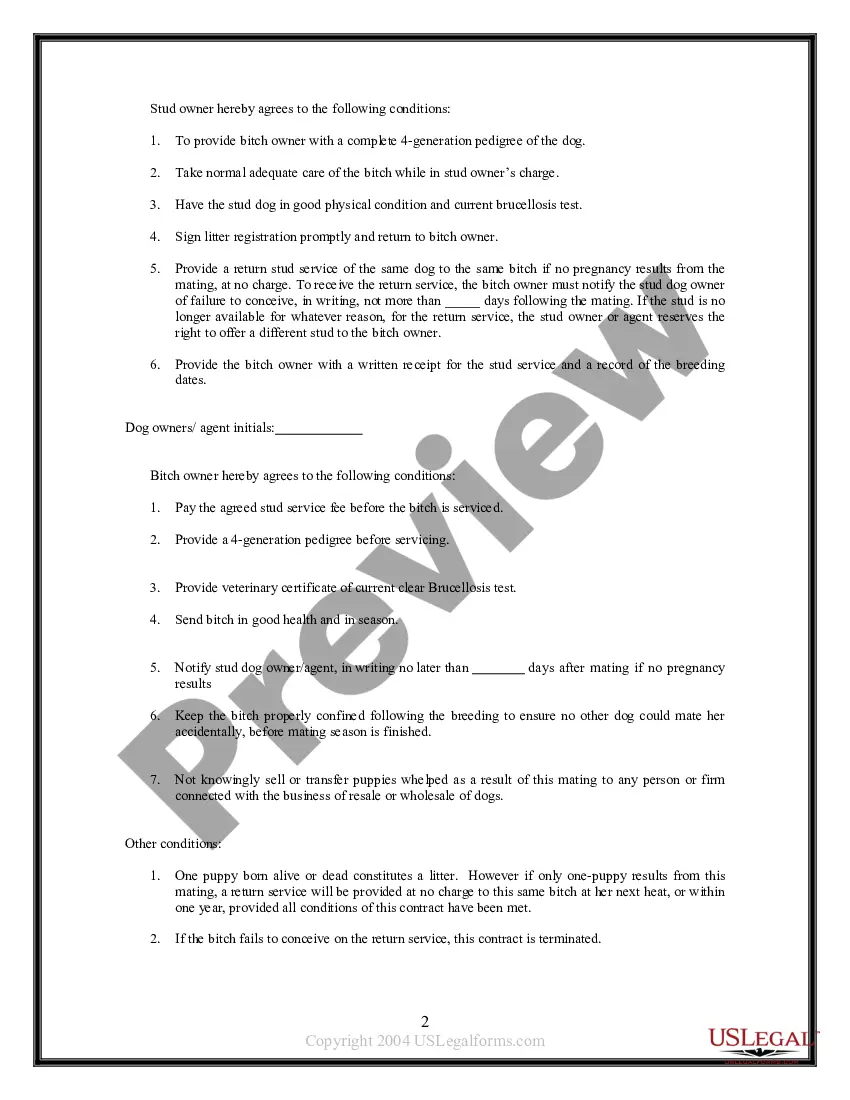
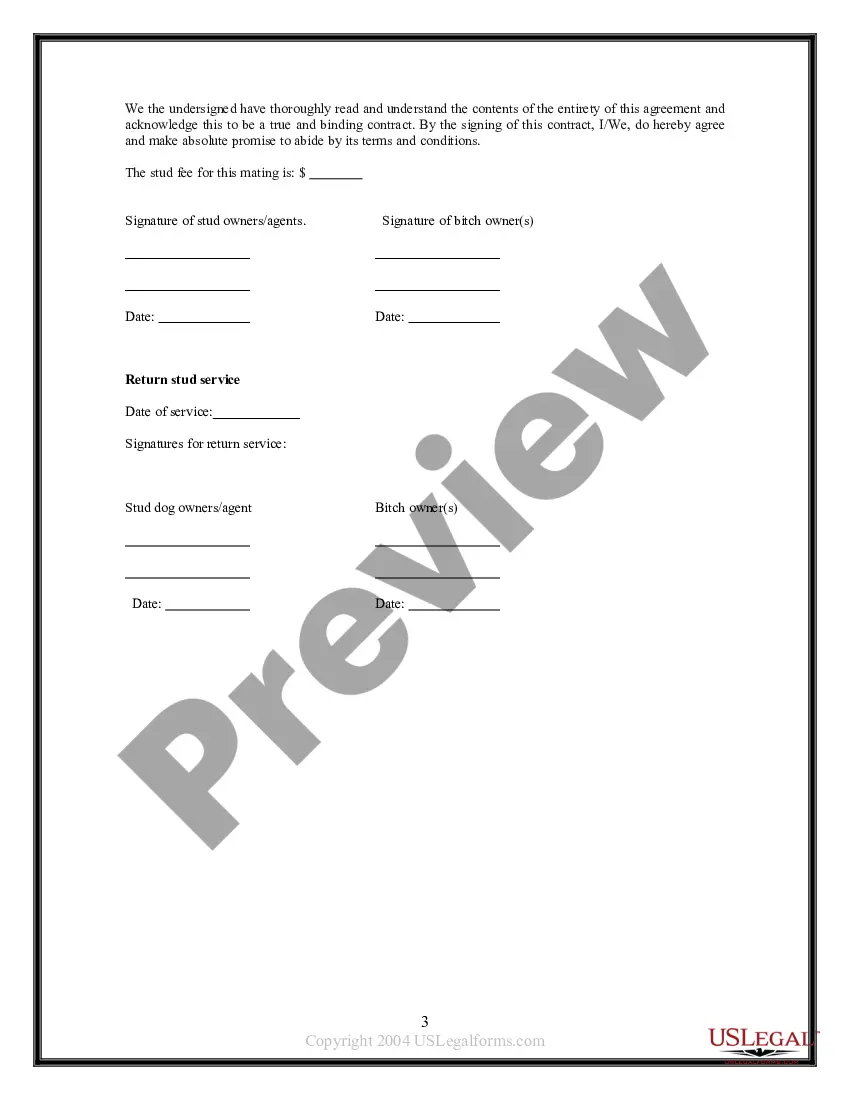
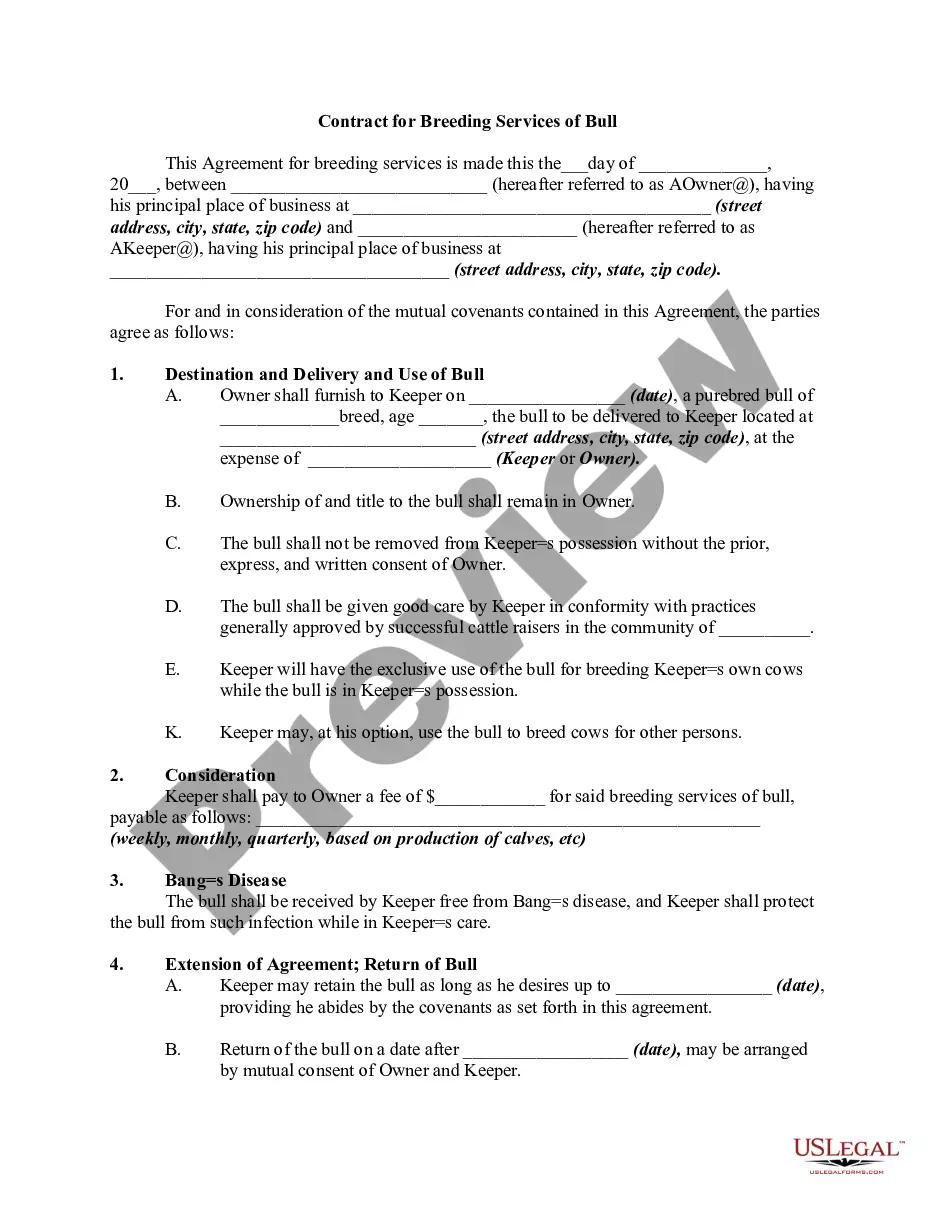
Description
Get your form ready online
Our built-in tools help you complete, sign, share, and store your documents in one place.
Make edits, fill in missing information, and update formatting in US Legal Forms—just like you would in MS Word.
Download a copy, print it, send it by email, or mail it via USPS—whatever works best for your next step.
Sign and collect signatures with our SignNow integration. Send to multiple recipients, set reminders, and more. Go Premium to unlock E-Sign.
If this form requires notarization, complete it online through a secure video call—no need to meet a notary in person or wait for an appointment.
We protect your documents and personal data by following strict security and privacy standards.

Make edits, fill in missing information, and update formatting in US Legal Forms—just like you would in MS Word.

Download a copy, print it, send it by email, or mail it via USPS—whatever works best for your next step.

Sign and collect signatures with our SignNow integration. Send to multiple recipients, set reminders, and more. Go Premium to unlock E-Sign.

If this form requires notarization, complete it online through a secure video call—no need to meet a notary in person or wait for an appointment.

We protect your documents and personal data by following strict security and privacy standards.
Looking for another form?








How to fill out Pet Breeding - Canine Stud Contract?
The Canine Breeding Agreement Forum you find on this website is a versatile legal template crafted by qualified attorneys in adherence to federal and state statutes and guidelines.
For over 25 years, US Legal Forms has supplied individuals, enterprises, and legal professionals with more than 85,000 validated, state-specific documents for any commercial and personal needs.
Register with US Legal Forms to have validated legal templates for every situation in life readily available.
- Search for the document you require and examine it.
- Browse through the sample you looked for and preview it or review the document description to confirm it meets your needs. If it does not, use the search bar to find the right one. Click Buy Now once you have identified the template you require.
- Register and Log In.
- Choose the pricing option that fits you best and create an account. Use PayPal or a credit card for a swift transaction. If you already possess an account, Log In and verify your subscription to proceed.
- Acquire the editable template.
- Select the format you prefer for your Canine Breeding Agreement Forum (PDF, Word, RTF) and download the document to your device.
- Complete and sign the form.
- Print the template to fill it out manually. Alternatively, utilize an online versatile PDF editor to efficiently and accurately fill out and sign your document with a legally-binding electronic signature.
- Redownload your documents as needed.
- Utilize the same document again whenever necessary. Access the My documents tab in your profile to download any previously purchased forms.
Form popularity
FAQ
If you are a nonresident of South Carolina, use your 2022 SC1040 and Schedule NR as a basis to calculate the modified South Carolina taxable income to enter on line 3 of the worksheet. Forms are available at dor.sc.gov/forms.
If you plan to sell your products anywhere other than at craft shows and festivals, including online sales, you must apply for a Retail License ($50 non-refundable fee)?.
CL-1 The Initial Annual Report of Corporations. This form is filed with the South Carolina Department of Revenue. $25.00.
If your company sells products that qualify to be taxed, most states require you to obtain a seller's permit or vendor's license ? whether your online store has a physical location or is online-only. You'll need to collect sales tax, which is what a seller's permit allows you to do.
Do you need a license to operate a business online in South Carolina? You only need a license if your online business is an ecommerce operation, and therefore subject to the state's sales and use tax license requirements.
Any business engaged in retail sales must obtain a South Carolina sales tax license from the Department of Revenue. The license costs $50. Businesses providing professional services, not products, do not need a license.
This is often called filing for a DBA, or doing business as. For example, if ?ABC Company, LLC? wants to do business as ?Best Hot Dogs in Town? then the owners may have to file a DBA. Generally speaking, South Carolina does not require the registration of a DBA.
?Every person who engages in business in South Carolina as a retailer must obtain a Retail License before making any retails sales that is taxed as a Sales & Use Tax?. This includes internet sales and infrequent sales made in South Carolina.