Small Business Partnership For Sale By Owner
Description
Get your form ready online
Our built-in tools help you complete, sign, share, and store your documents in one place.
Make edits, fill in missing information, and update formatting in US Legal Forms—just like you would in MS Word.
Download a copy, print it, send it by email, or mail it via USPS—whatever works best for your next step.
Sign and collect signatures with our SignNow integration. Send to multiple recipients, set reminders, and more. Go Premium to unlock E-Sign.
If this form requires notarization, complete it online through a secure video call—no need to meet a notary in person or wait for an appointment.
We protect your documents and personal data by following strict security and privacy standards.

Make edits, fill in missing information, and update formatting in US Legal Forms—just like you would in MS Word.

Download a copy, print it, send it by email, or mail it via USPS—whatever works best for your next step.

Sign and collect signatures with our SignNow integration. Send to multiple recipients, set reminders, and more. Go Premium to unlock E-Sign.

If this form requires notarization, complete it online through a secure video call—no need to meet a notary in person or wait for an appointment.

We protect your documents and personal data by following strict security and privacy standards.
Looking for another form?


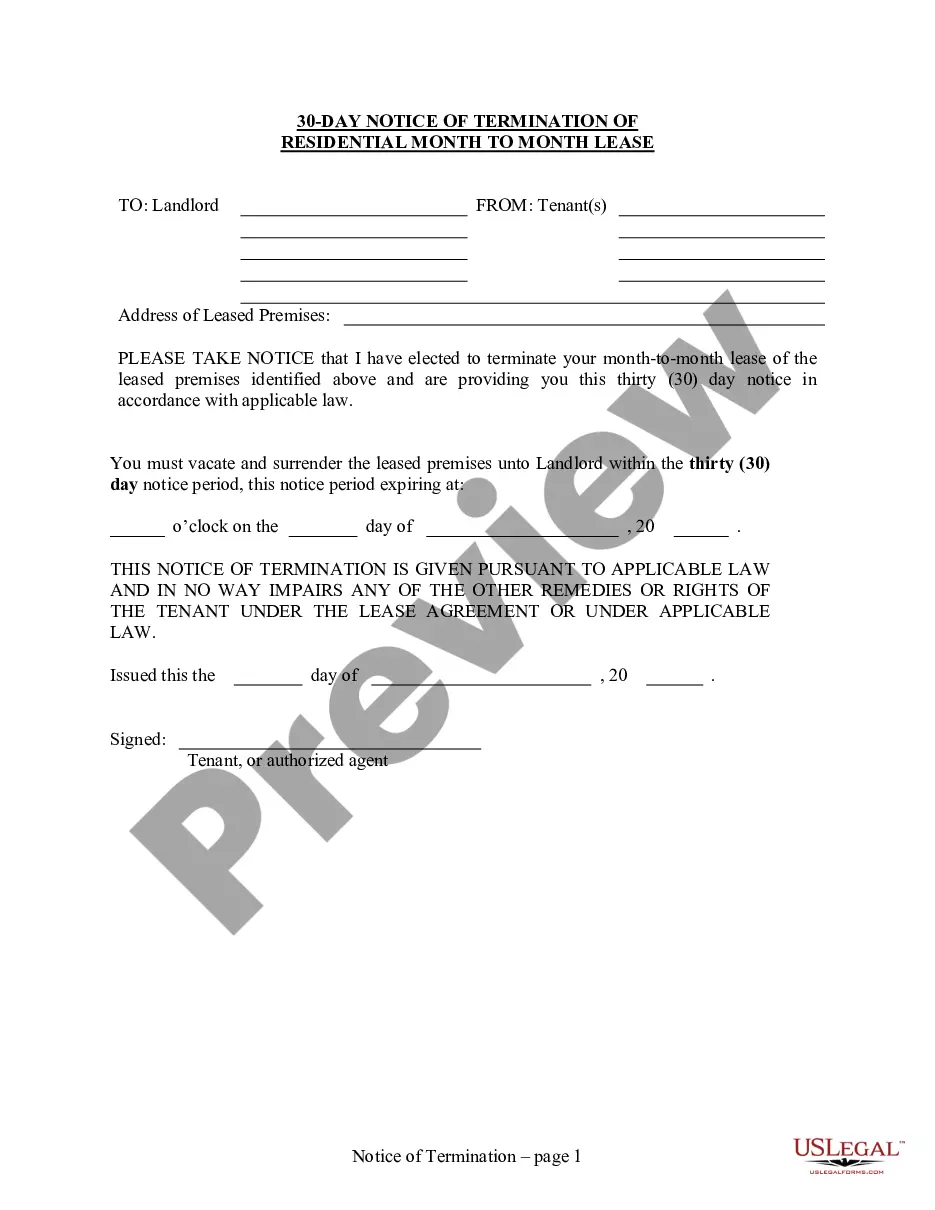

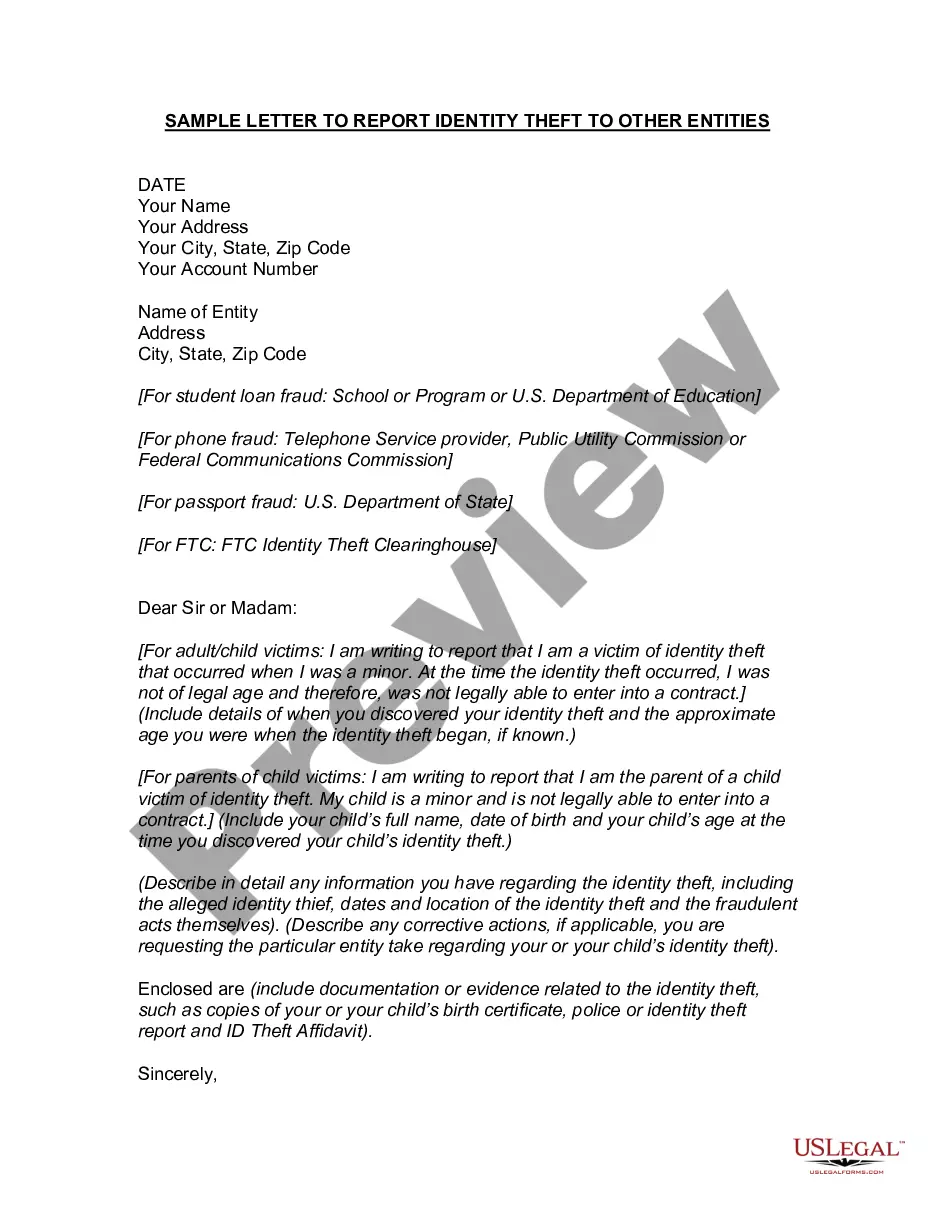
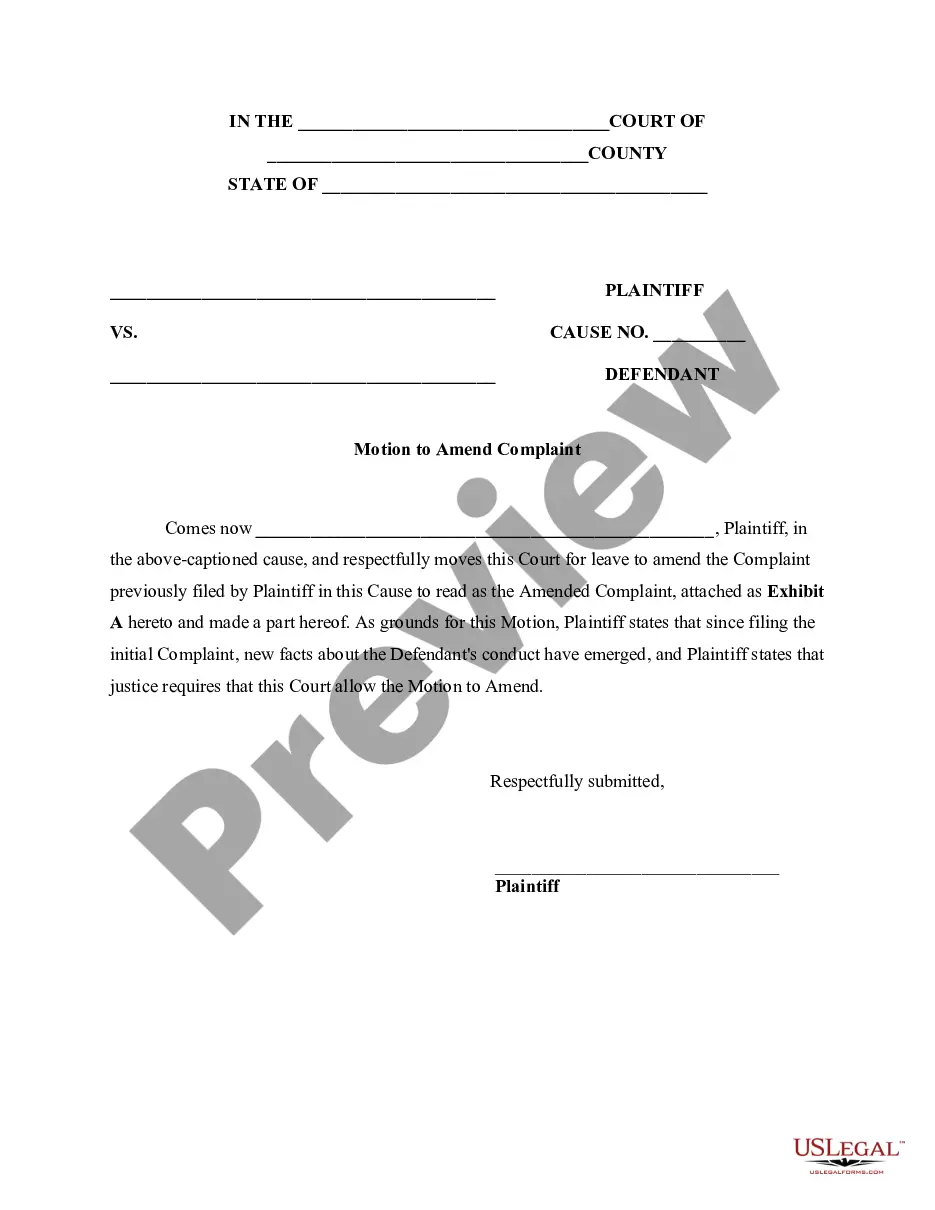
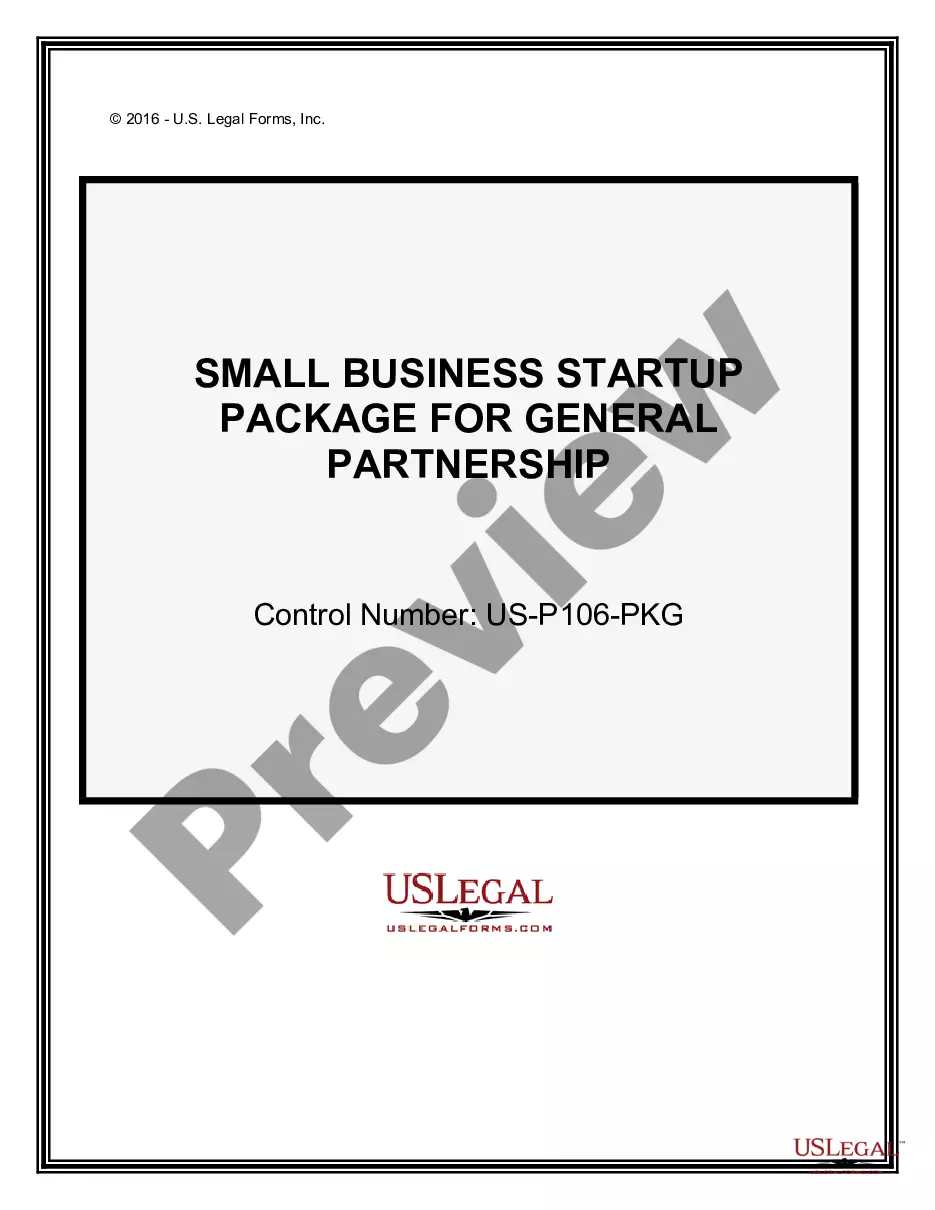
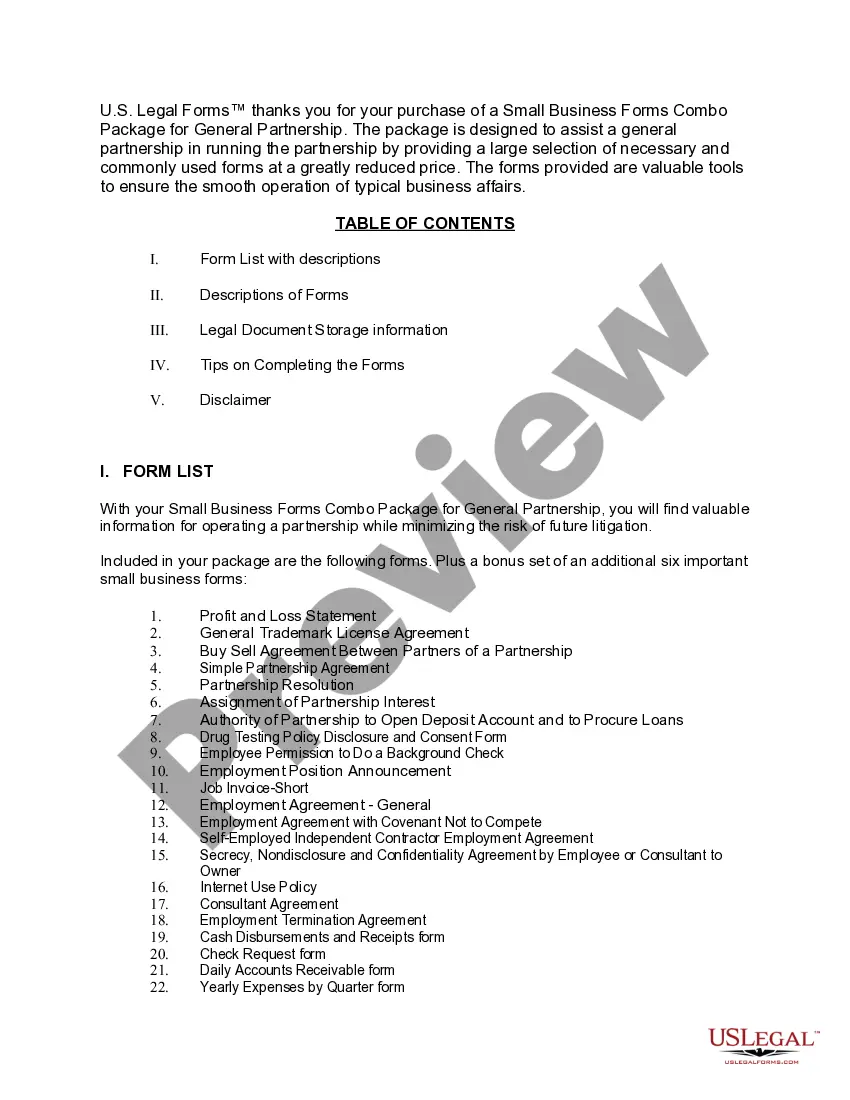
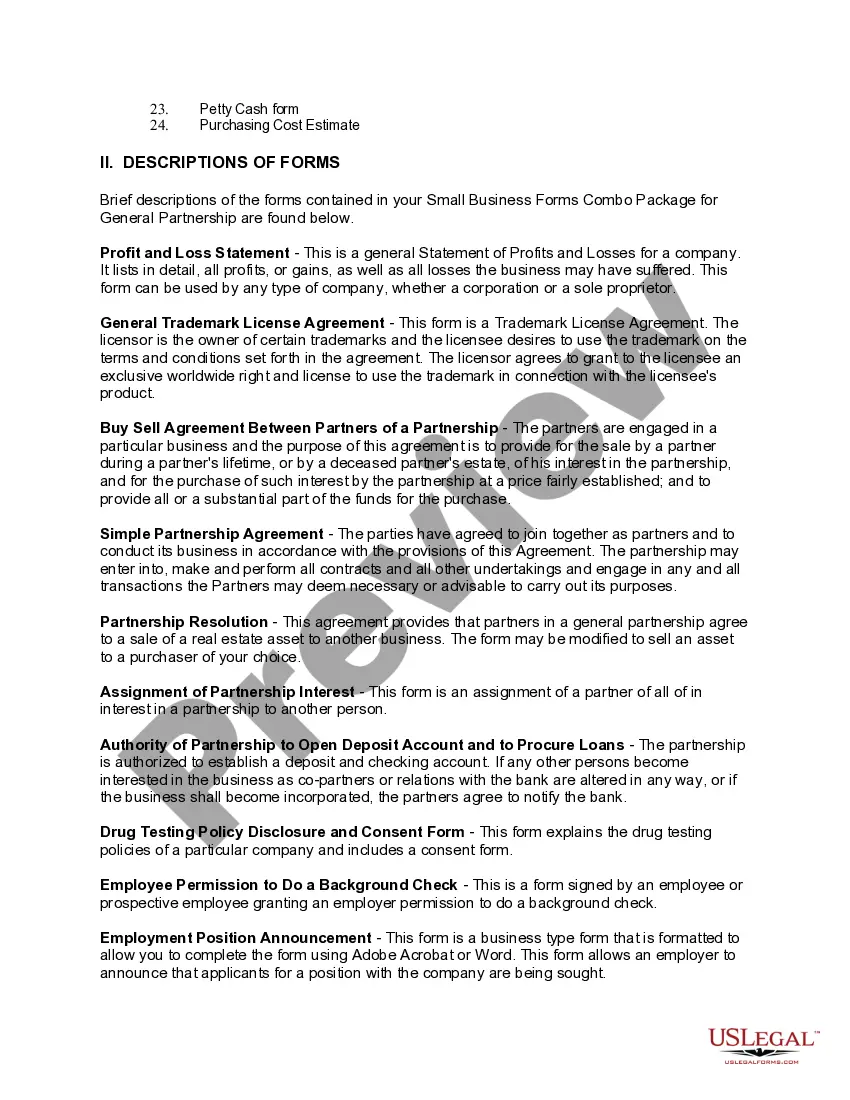
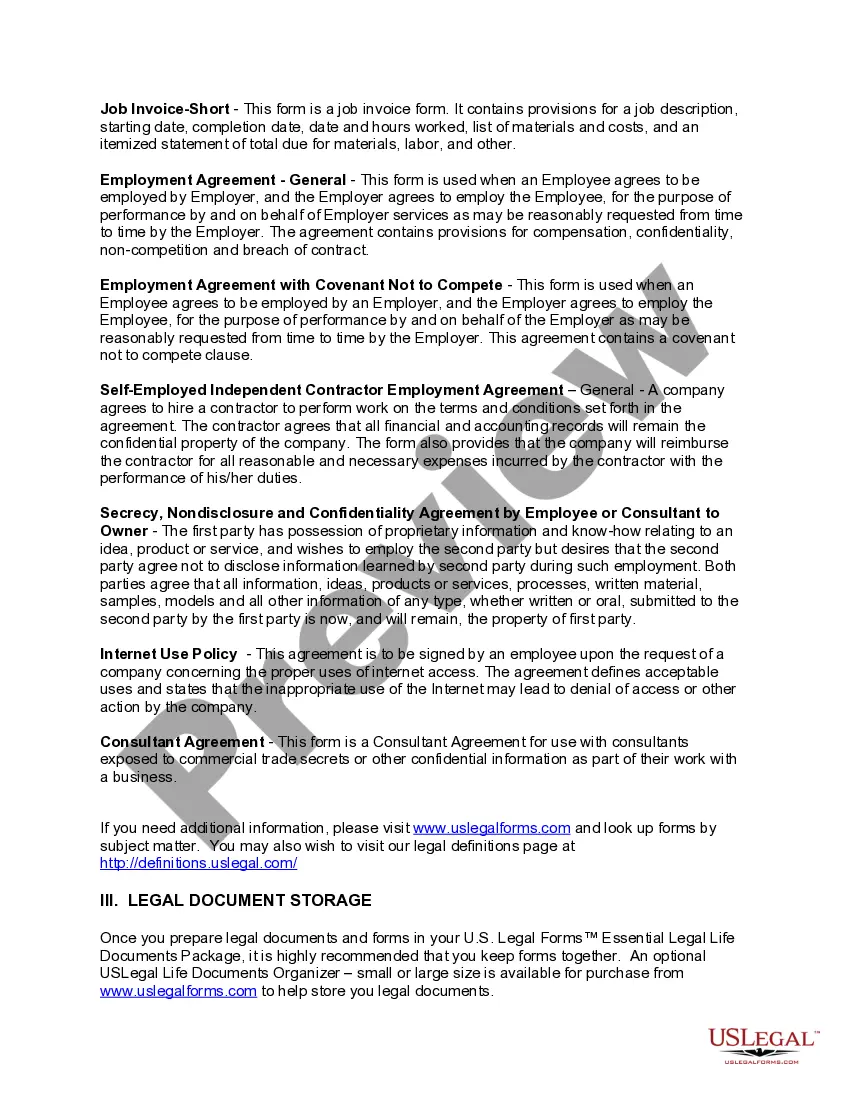
How to fill out Small Business Startup Package For General Partnership?
Whether for professional reasons or personal issues, everyone has to confront legal matters at some point in their life.
Filling out legal documentation requires meticulous consideration, starting from selecting the appropriate form template.
Once saved, you can fill out the form using editing software or print it to complete it manually. With a comprehensive US Legal Forms catalog available, you never need to waste time looking for the correct template online. Utilize the library’s straightforward navigation to find the suitable template for any circumstance.
- Obtain the template you require by utilizing the search bar or catalog browsing.
- Examine the form’s details to ensure it fits your circumstances, state, and county.
- Click on the form’s preview to review it.
- If it’s the incorrect document, return to the search function to locate the Small Business Partnership For Sale By Owner template you need.
- Acquire the file when it aligns with your requirements.
- If you already possess a US Legal Forms account, simply click Log in to access previously saved documents in My documents.
- If you do not have an account yet, you can purchase the form by clicking Buy now.
- Select the appropriate pricing option.
- Complete the account registration form.
- Choose your payment method: you may use a credit card or PayPal account.
- Select the document format you desire and download the Small Business Partnership For Sale By Owner.
Form popularity
FAQ
If a user account is deleted, the form data is deleted after 30 days. The form can be recovered only during this 30 day window, it is not possible to recover the data afterwards. Personal form data is not stored in Exchange or SharePoint or any accessible location, and is not held if you have retention policies.
Tip: If you don't see form tiles, you might be in "list view" instead of "tile view." To restore a form within "list view," hover to the right of the form, select More options, and then select Restore.
Currently they are being stored in OneDrive > Apps > Microsoft Forms > Name of Form.
Re: Restoring a prior version of your Form that has been edited and autosaved. @MarciAngela there's no way to restore a previous version of a form.
Google Forms does not have version history like Google Docs or Sheets. When you delete responses in Google Forms, it will be deleted permanently. The deleted form responses cannot be restored later.
There is also no version history which makes it very difficult to reset the questions that have been overwritten.