Wrongful Counts With Different Criteria
Description
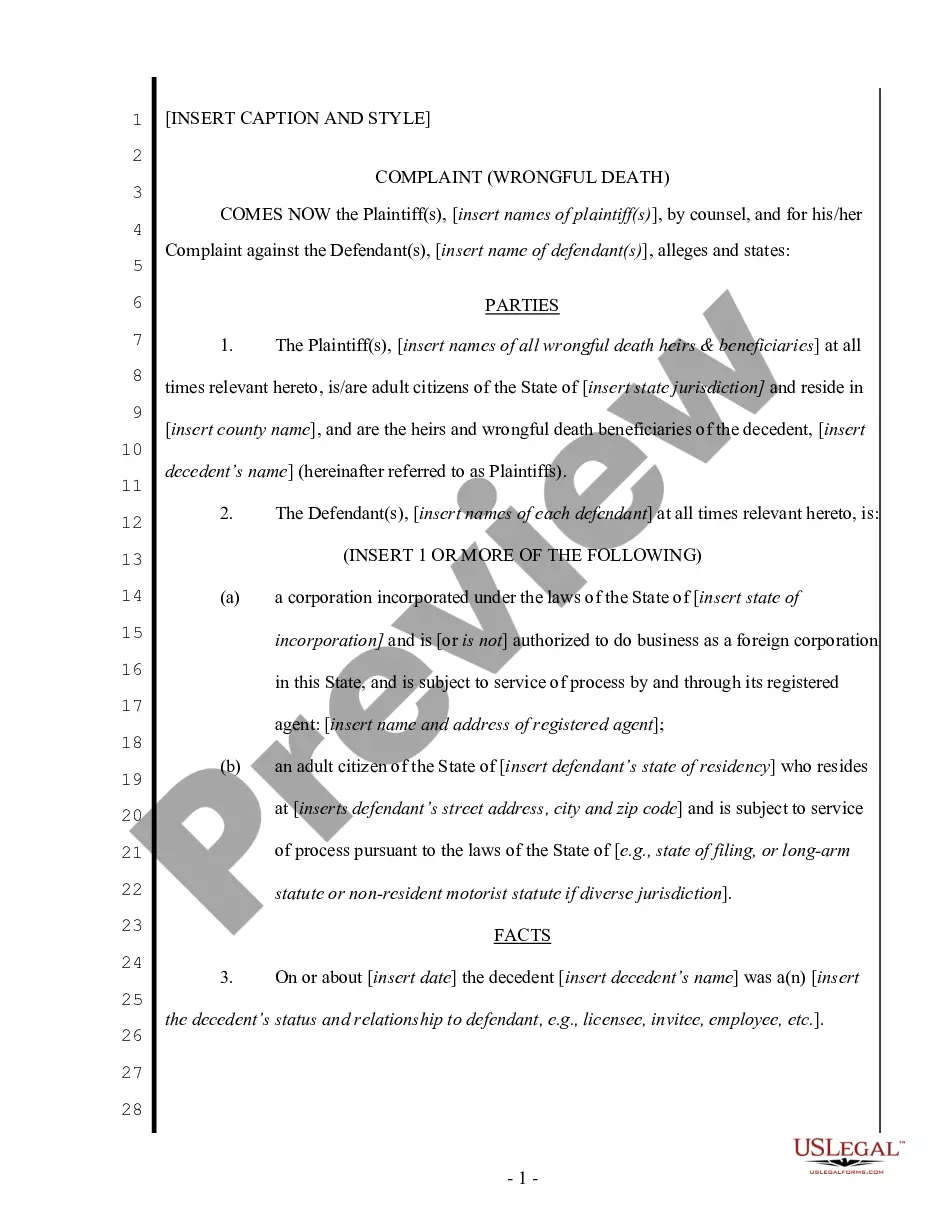
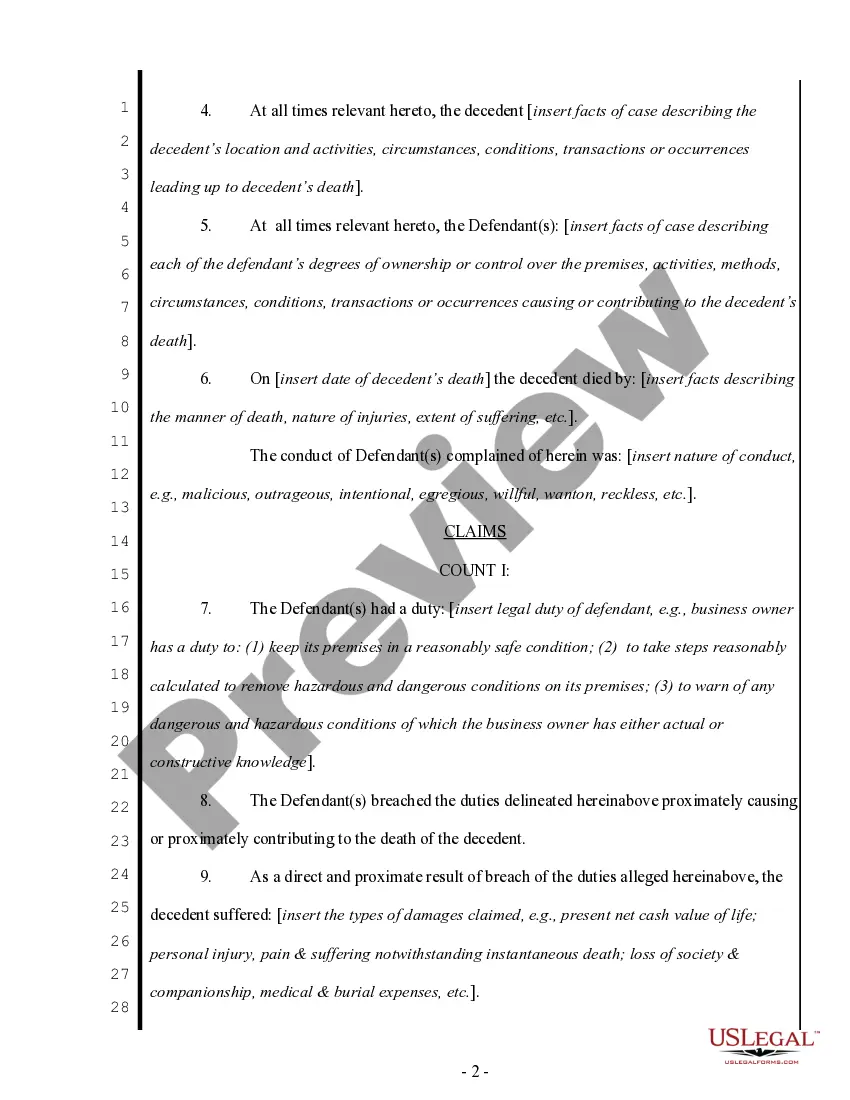
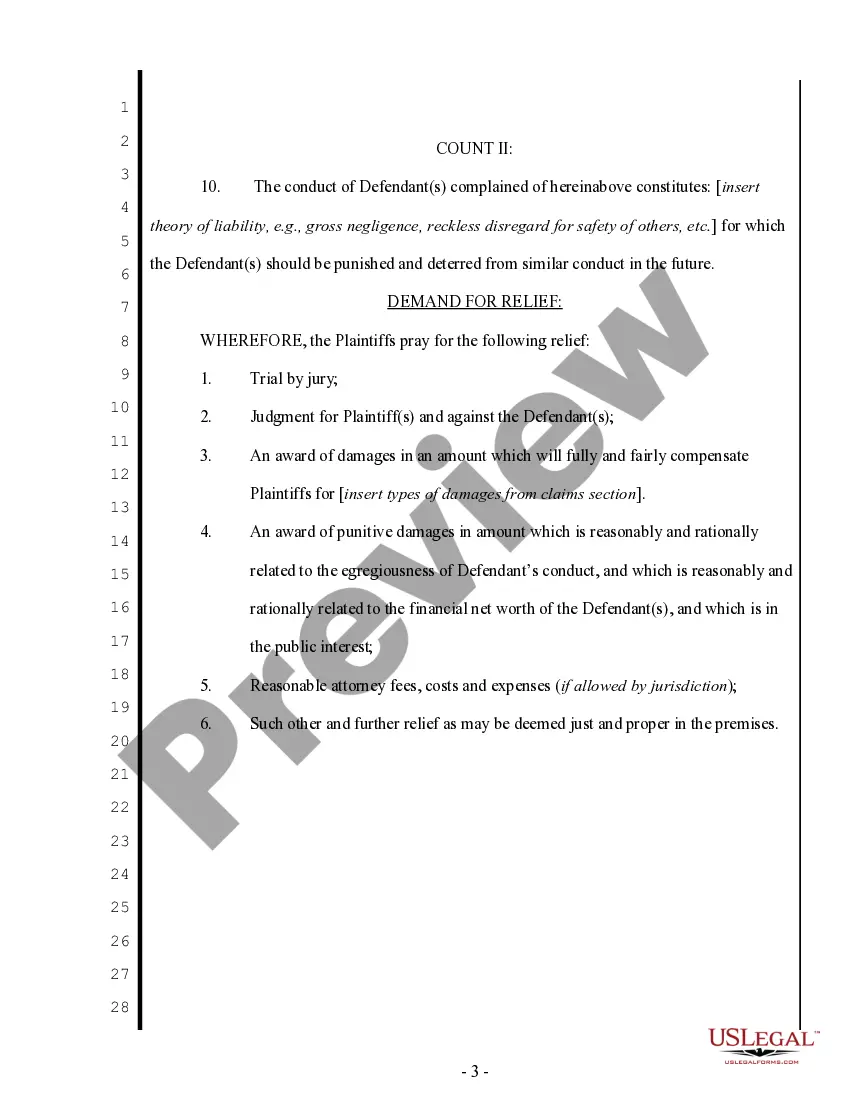
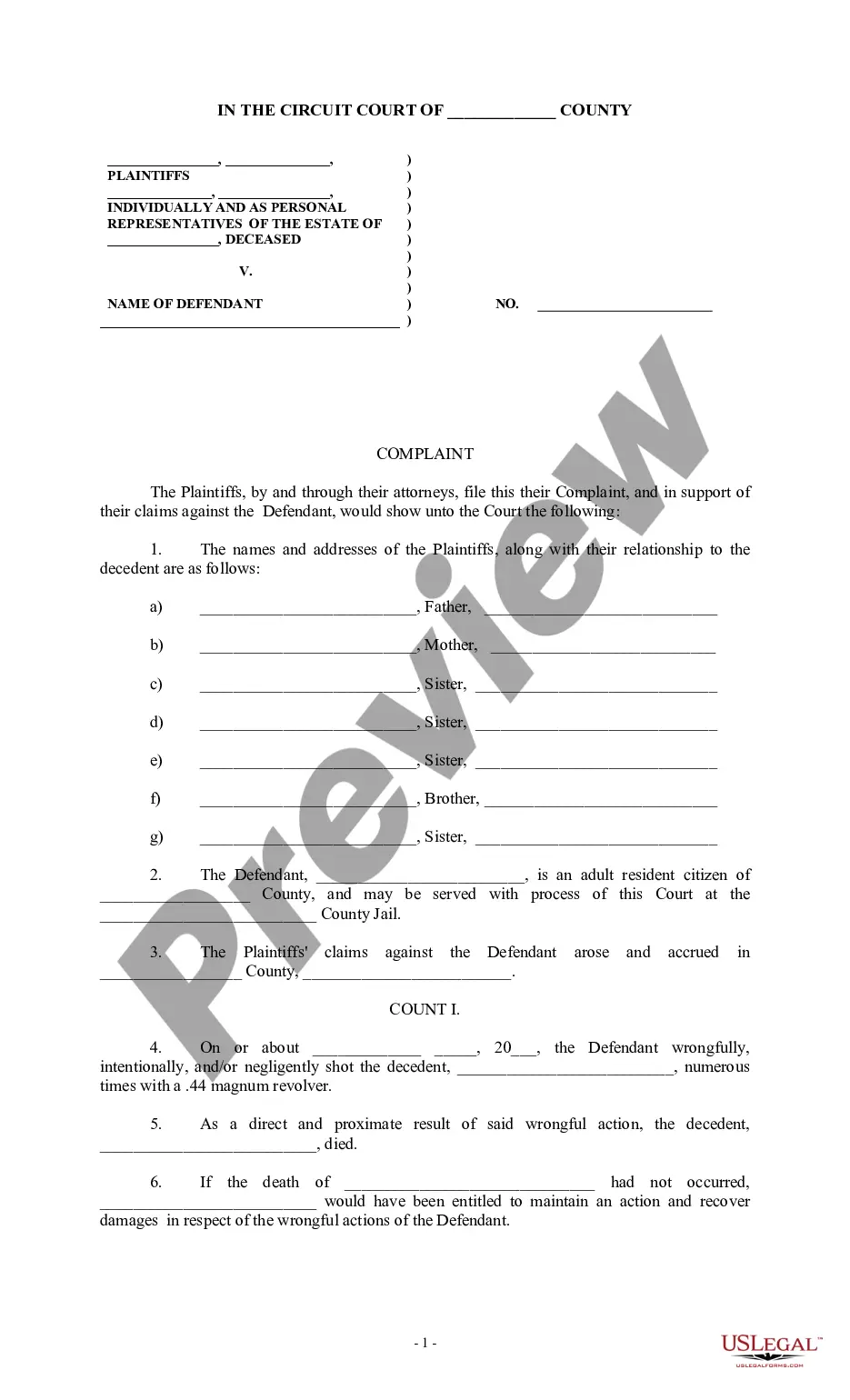

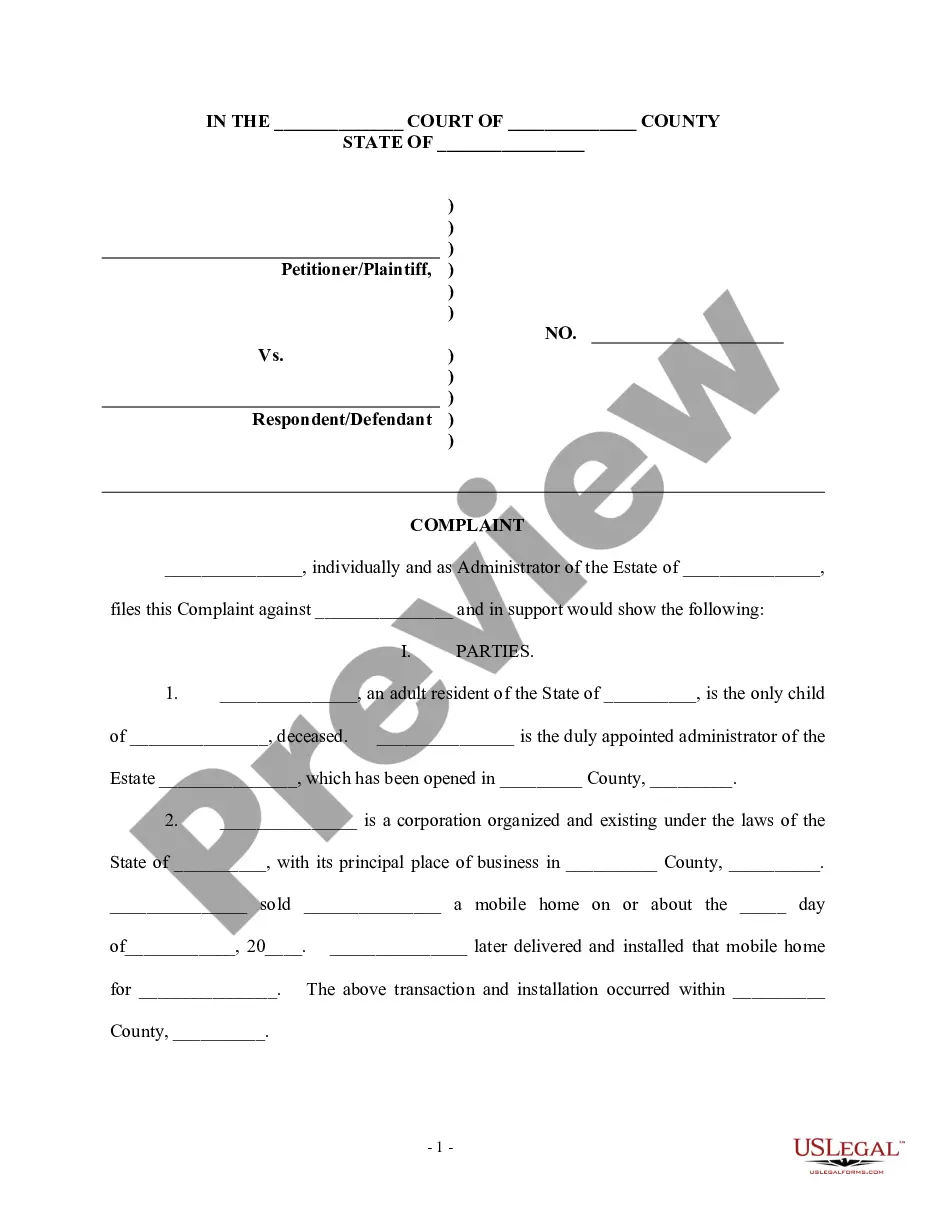

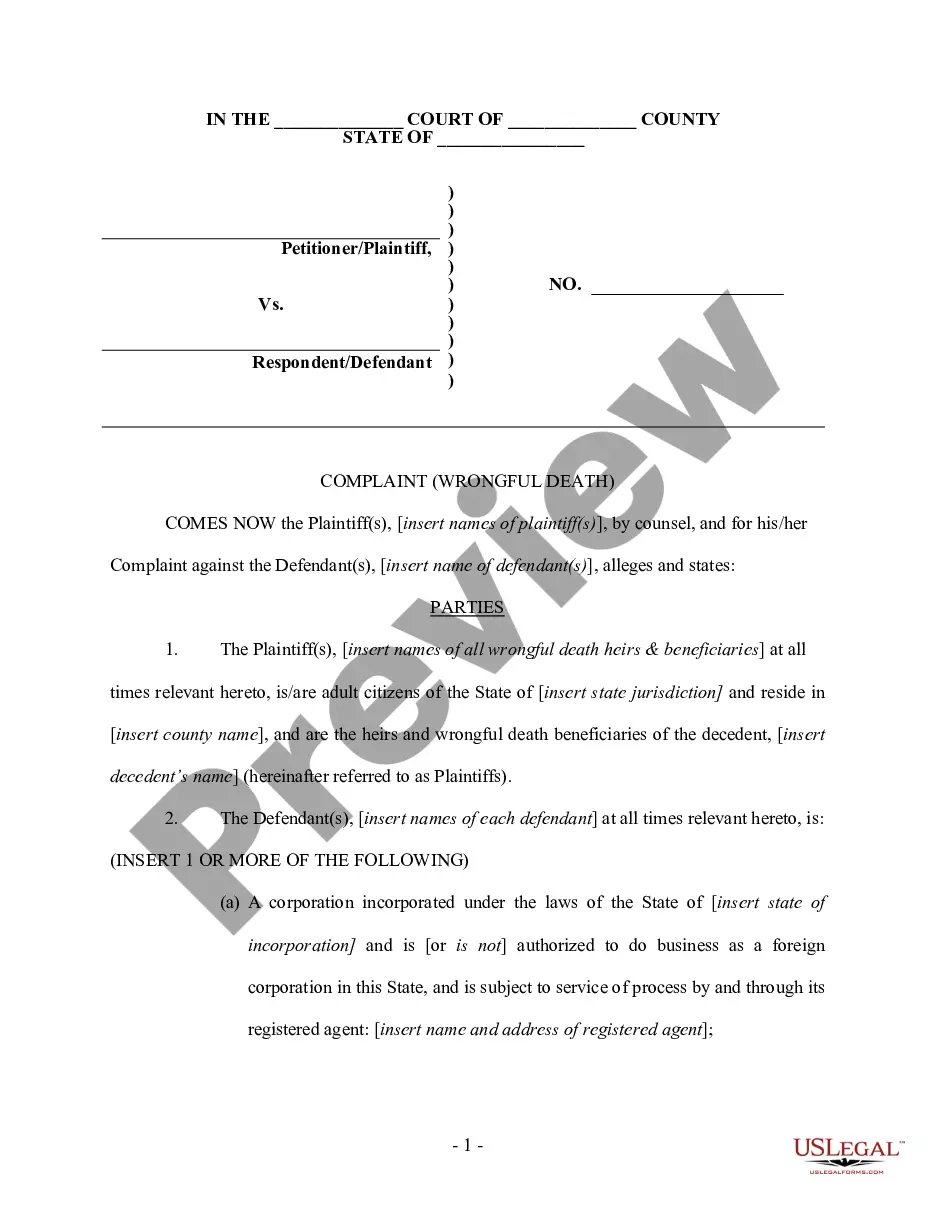
Get your form ready online
Our built-in tools help you complete, sign, share, and store your documents in one place.
Make edits, fill in missing information, and update formatting in US Legal Forms—just like you would in MS Word.
Download a copy, print it, send it by email, or mail it via USPS—whatever works best for your next step.
Sign and collect signatures with our SignNow integration. Send to multiple recipients, set reminders, and more. Go Premium to unlock E-Sign.
If this form requires notarization, complete it online through a secure video call—no need to meet a notary in person or wait for an appointment.
We protect your documents and personal data by following strict security and privacy standards.

Make edits, fill in missing information, and update formatting in US Legal Forms—just like you would in MS Word.

Download a copy, print it, send it by email, or mail it via USPS—whatever works best for your next step.

Sign and collect signatures with our SignNow integration. Send to multiple recipients, set reminders, and more. Go Premium to unlock E-Sign.

If this form requires notarization, complete it online through a secure video call—no need to meet a notary in person or wait for an appointment.

We protect your documents and personal data by following strict security and privacy standards.
Looking for another form?




How to fill out Complaint For Wrongful Death - Multiple Counts?
It’s clear that you can't transform into a legal expert in an instant, nor can you quickly comprehend how to efficiently assemble Wrongful Counts With Different Criteria without possessing a specialized background.
Compiling legal documents is a labor-intensive task that demands specific training and expertise. So why not delegate the creation of the Wrongful Counts With Different Criteria to the experts.
With US Legal Forms, one of the most comprehensive legal template repositories, you can discover everything from court paperwork to templates for internal corporate communication.
Reinitiate your search if you require a different form.
Create a free account and choose a subscription plan to obtain the template.
- We recognize the significance of compliance and adherence to federal and local laws and regulations.
- That’s why, on our platform, all templates are location-specific and current.
- Here’s how to start on our website and obtain the form you need in just minutes.
- Identify the form you need by utilizing the search bar at the top of the page.
- Preview it (if this option is available) and examine the supporting description to determine if Wrongful Counts With Different Criteria is what you’re looking for.
Form popularity
FAQ
To combine multiple COUNTIFS functions, you can nest them within a single formula or use them separately for different criteria sets. This approach allows you to tally up counts that meet various conditions, which is crucial when dealing with wrongful counts with different criteria. By effectively orchestrating these functions, you can achieve more comprehensive insights into your data. Utilizing platforms like uslegalforms can further assist in creating structured data reports.
The +SUM function in Excel represents a mathematical operation that totals a range of numbers. It can handle multiple ranges and can be used to add up values resulting from wrongful counts with different criteria. This function is intuitive and essential for data analysis, ensuring that you can easily summarize financial or statistical data. By mastering this function, you'll enhance your data management skills significantly.
To count entries that meet multiple criteria, use the COUNTIFS function in Excel. This function allows you to specify various ranges and associated criteria, making it ideal for tackling wrongful counts with different criteria. By using multiple criteria, you can obtain a precise count, which aids in data analysis and reporting. Thanks to this capability, you can draw deeper insights from your data.
You can utilize the IF function in combination with AND or OR to handle multiple criteria in Excel. With this method, you create a logical formula that processes different conditions, allowing you to manage wrongful counts with different criteria seamlessly. The output will depend on the conditions you set, giving you control over the decision-making process. This flexibility helps in reporting and analyzing data effectively.
To sum values based on multiple criteria, you can use the SUMIFS function in Excel. This function allows you to specify different conditions for summing, enabling you to handle wrongful counts with different criteria effectively. By providing the sum range followed by pairs of criteria ranges and their respective criteria, you can quickly achieve your desired total. This approach simplifies complex calculations and ensures accurate results.
The COUNTIF function typically works with a single criterion, but you can use COUNTIFS for multiple criteria instead. COUNTIFS allows you to specify different conditions for counting data, making it ideal for situations involving wrongful counts with different criteria. By employing COUNTIFS, you enhance your ability to analyze and understand your data. Our platform supports these functionalities, ensuring you can manage your counts efficiently.
Yes, you can filter data with multiple criteria by using functions like FILTER or advanced filter options available in spreadsheet tools. This feature allows you to narrow down your data set based on specific logical conditions. When analyzing wrongful counts with different criteria, applying multiple filters helps you derive insights more effectively. Using our legal forms platform simplifies this task by providing preset templates tailored to your needs.
To write an if formula with multiple criteria, you need to combine the logical functions such as AND or OR within the formula. For instance, you might structure it as =IF(AND(condition1, condition2), value_if_true, value_if_false). This allows you to evaluate different conditions at once, which is essential when dealing with wrongful counts with different criteria. Utilizing this method helps you streamline your processes and enhances your data management.