Contract For Building A Deck For A Mobile Home
Description
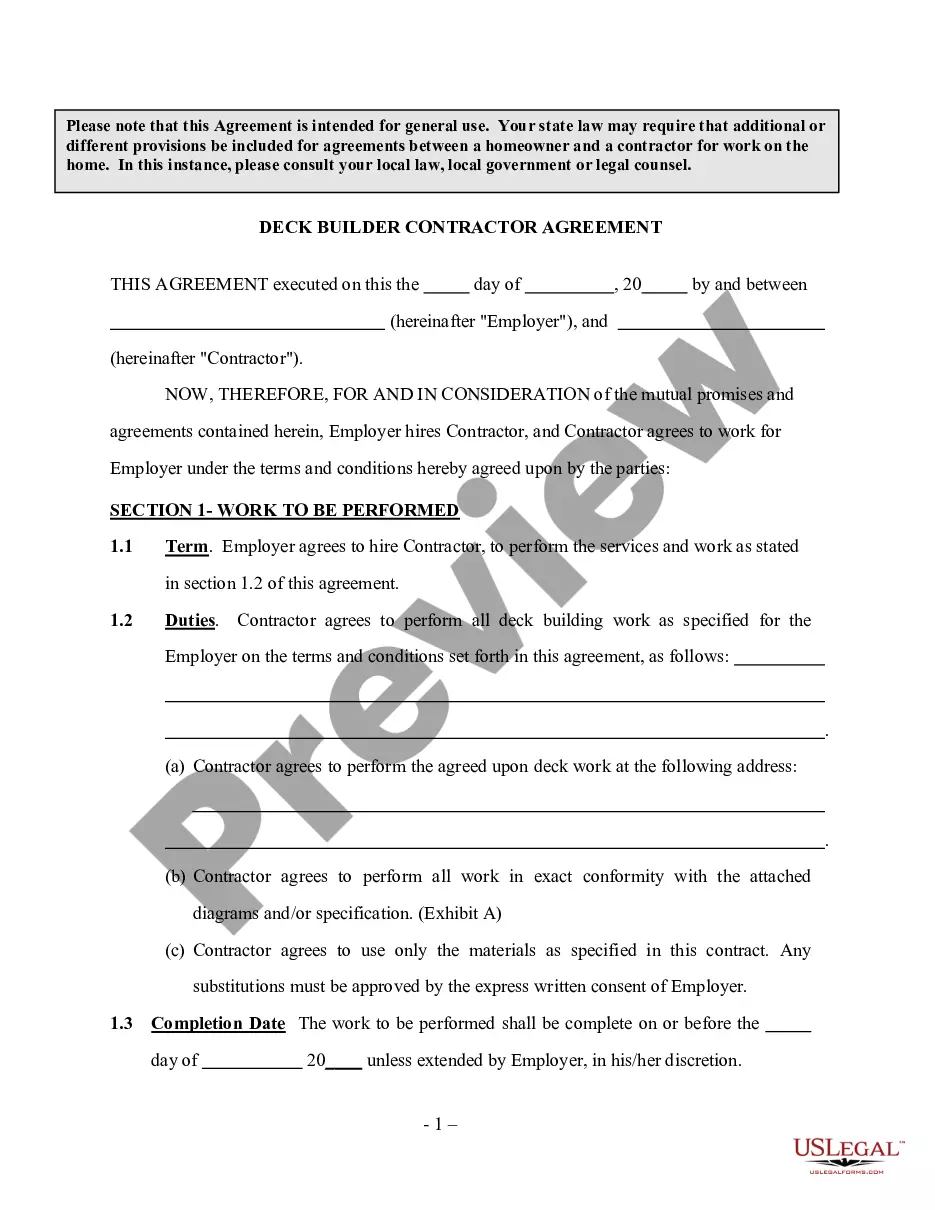


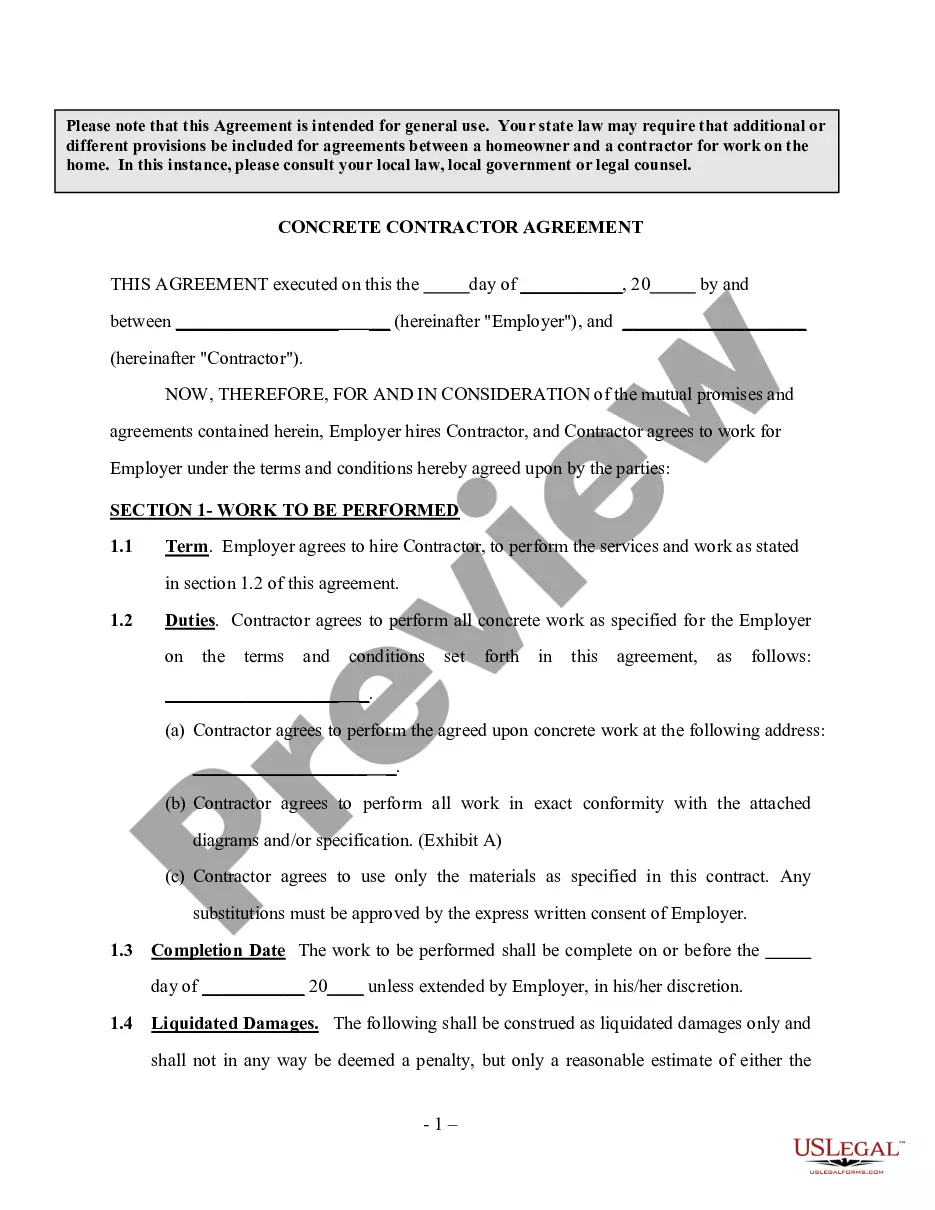
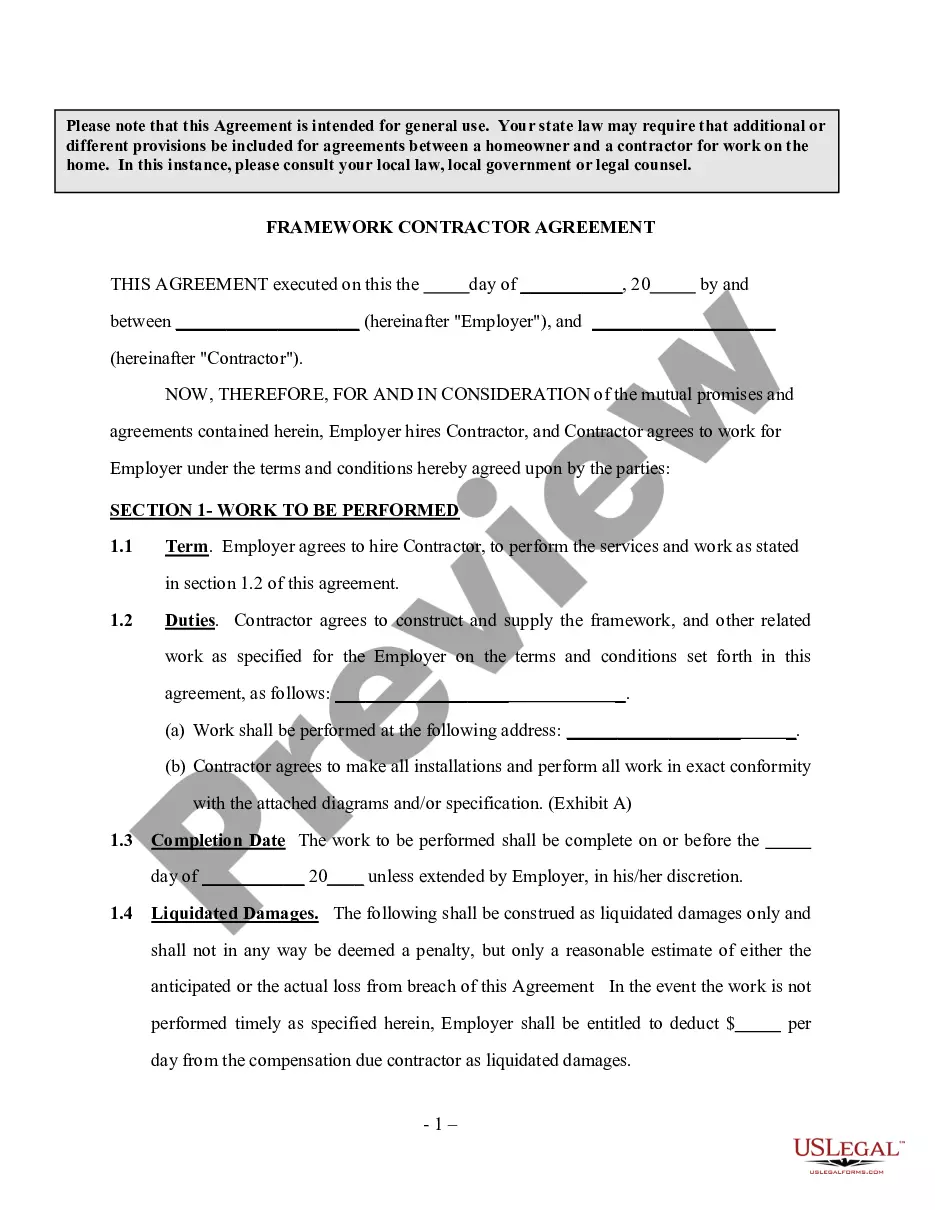
Get your form ready online
Our built-in tools help you complete, sign, share, and store your documents in one place.
Make edits, fill in missing information, and update formatting in US Legal Forms—just like you would in MS Word.
Download a copy, print it, send it by email, or mail it via USPS—whatever works best for your next step.
Sign and collect signatures with our SignNow integration. Send to multiple recipients, set reminders, and more. Go Premium to unlock E-Sign.
If this form requires notarization, complete it online through a secure video call—no need to meet a notary in person or wait for an appointment.
We protect your documents and personal data by following strict security and privacy standards.

Make edits, fill in missing information, and update formatting in US Legal Forms—just like you would in MS Word.

Download a copy, print it, send it by email, or mail it via USPS—whatever works best for your next step.

Sign and collect signatures with our SignNow integration. Send to multiple recipients, set reminders, and more. Go Premium to unlock E-Sign.

If this form requires notarization, complete it online through a secure video call—no need to meet a notary in person or wait for an appointment.

We protect your documents and personal data by following strict security and privacy standards.
Looking for another form?






How to fill out Deck Builder Contractor Agreement - Self-Employed?
Utilizing legal documents that adhere to national and local regulations is crucial, and the online world provides numerous options to choose from.
However, what is the purpose of spending time searching for the appropriate Contract For Building A Deck For A Mobile Home example on the internet when the US Legal Forms digital library already has such documents compiled in one location.
US Legal Forms is the largest online legal repository with more than 85,000 fillable forms created by attorneys for any business or life situation. They are user-friendly, with all documents categorized by state and intended use. Our experts monitor legislative updates, ensuring your paperwork remains current and compliant when obtaining a Contract For Building A Deck For A Mobile Home from our platform.
Click Buy Now once you have identified the correct form and select a subscription plan. Create an account or Log In and complete the payment using PayPal or a credit card. Choose the suitable format for your Contract For Building A Deck For A Mobile Home and download it. All documents available through US Legal Forms are reusable. To re-download and complete previously purchased forms, access the My documents tab in your account. Make the most of the largest and easiest-to-navigate legal paperwork service!
- Acquiring a Contract For Building A Deck For A Mobile Home is straightforward for both existing and new customers.
- If you possess an account with an active subscription, Log In and save the document sample you require in the appropriate format.
- For newcomers to our site, follow the steps outlined below.
- Review the template using the Preview feature or through the text outline to ensure it meets your requirements.
- Use the search functionality at the top of the page to find an alternative sample if necessary.
Form popularity
FAQ
Verification Charts WHAT TO VERIFYACCEPTABLE VERIFICATIONIdentity (for Cash and Food)Driver's license State ID card Birth certificate Passport School records Current Alien Registration Card Collateral Contact outside the client's household SOLQ20 more rows
Most DSHS offices are open 8 a.m. to 5 p.m. Monday through Friday and closed on weekends and holidays.
Mailing DSHS Community Services Division, P.O. Box 11699, Tacoma, WA 98411-6699. Faxing to 888-338-7410.
Latest News. Services are available at your local Community Services Office and by phone through the Customer Service Contact Center at 877-501-2233: TTY/TDD users dial 1-800-833-6384 for Washington Relay Service.
Mailing DSHS Community Services Division, P.O. Box 11699, Tacoma, WA 98411-6699. Faxing to 888-338-7410.