Professional Contract Template With Time
Description
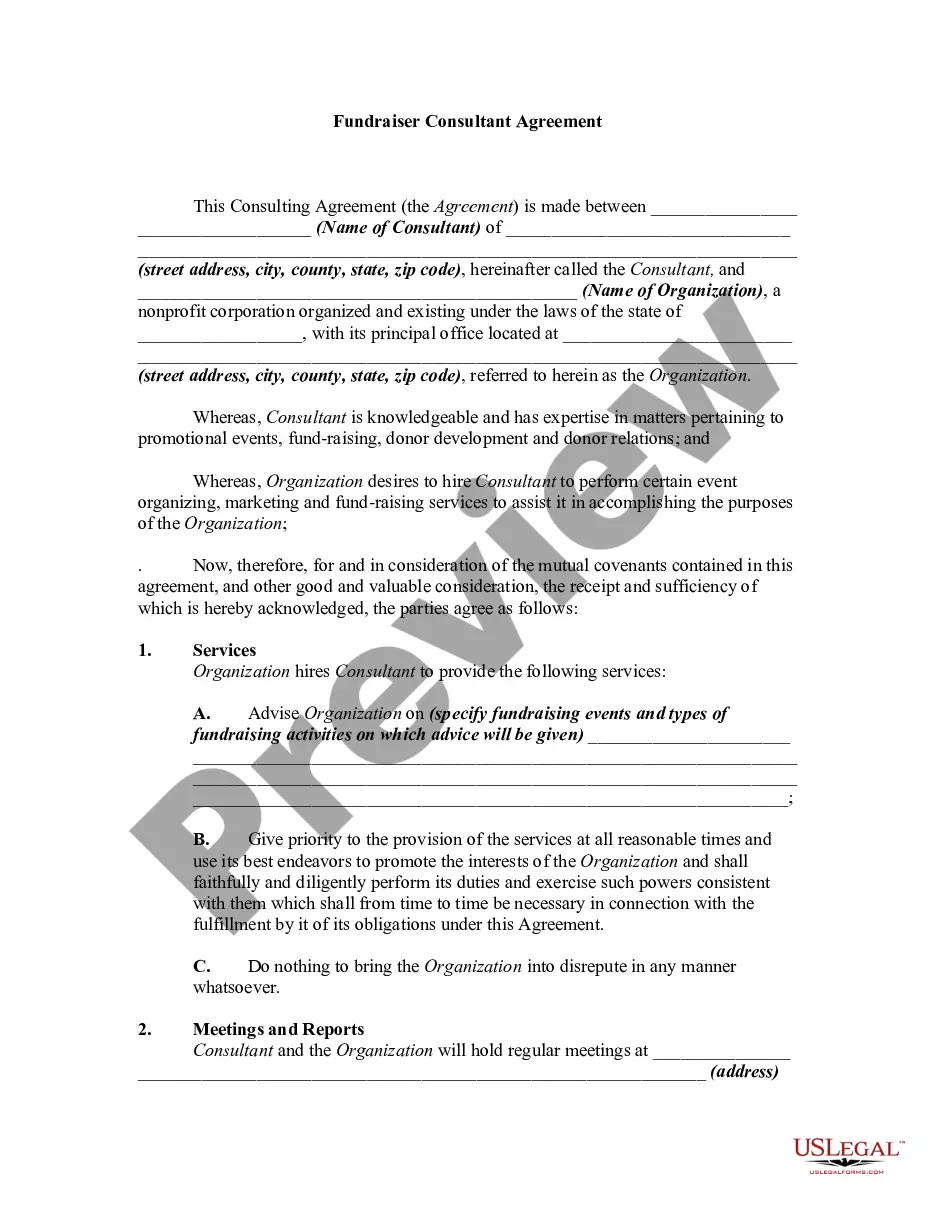
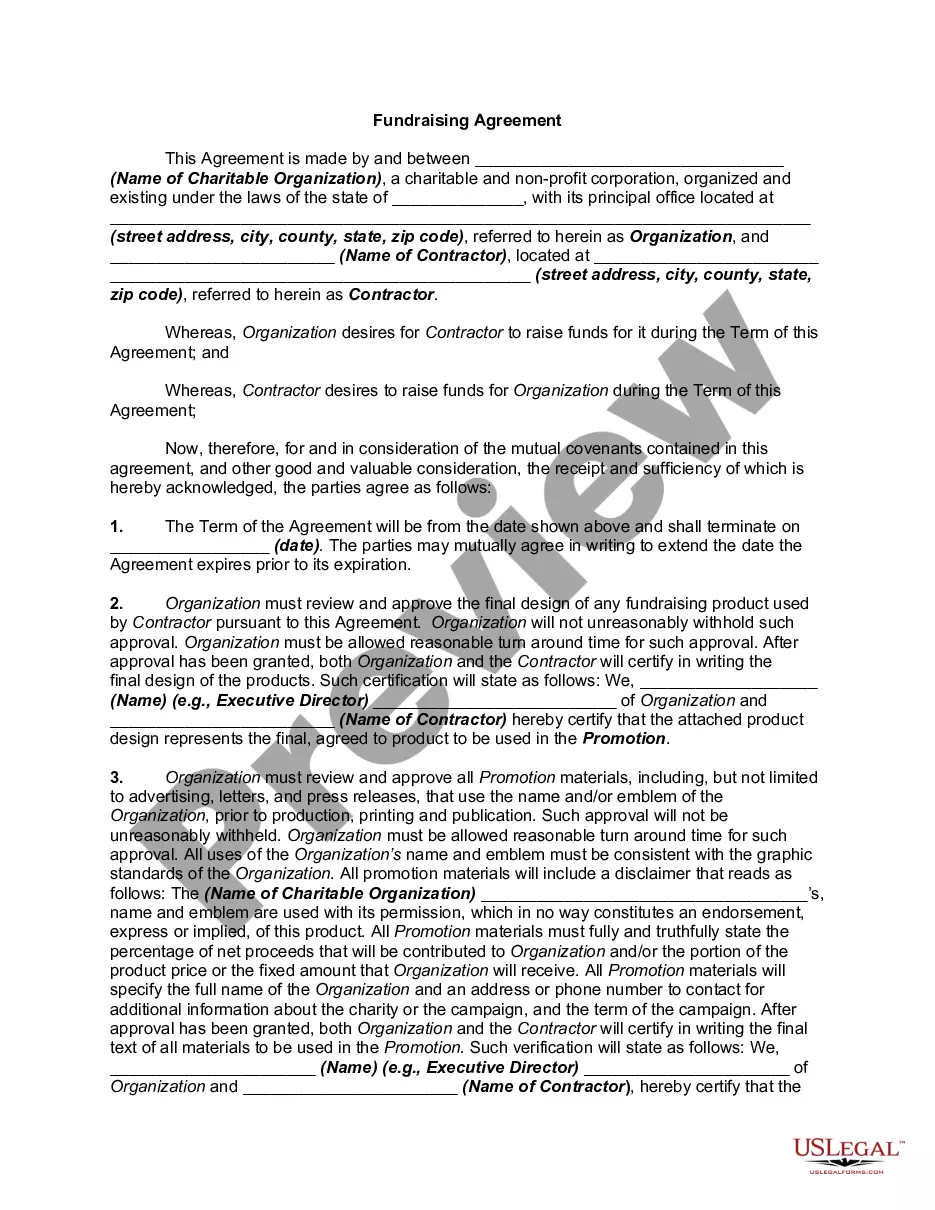
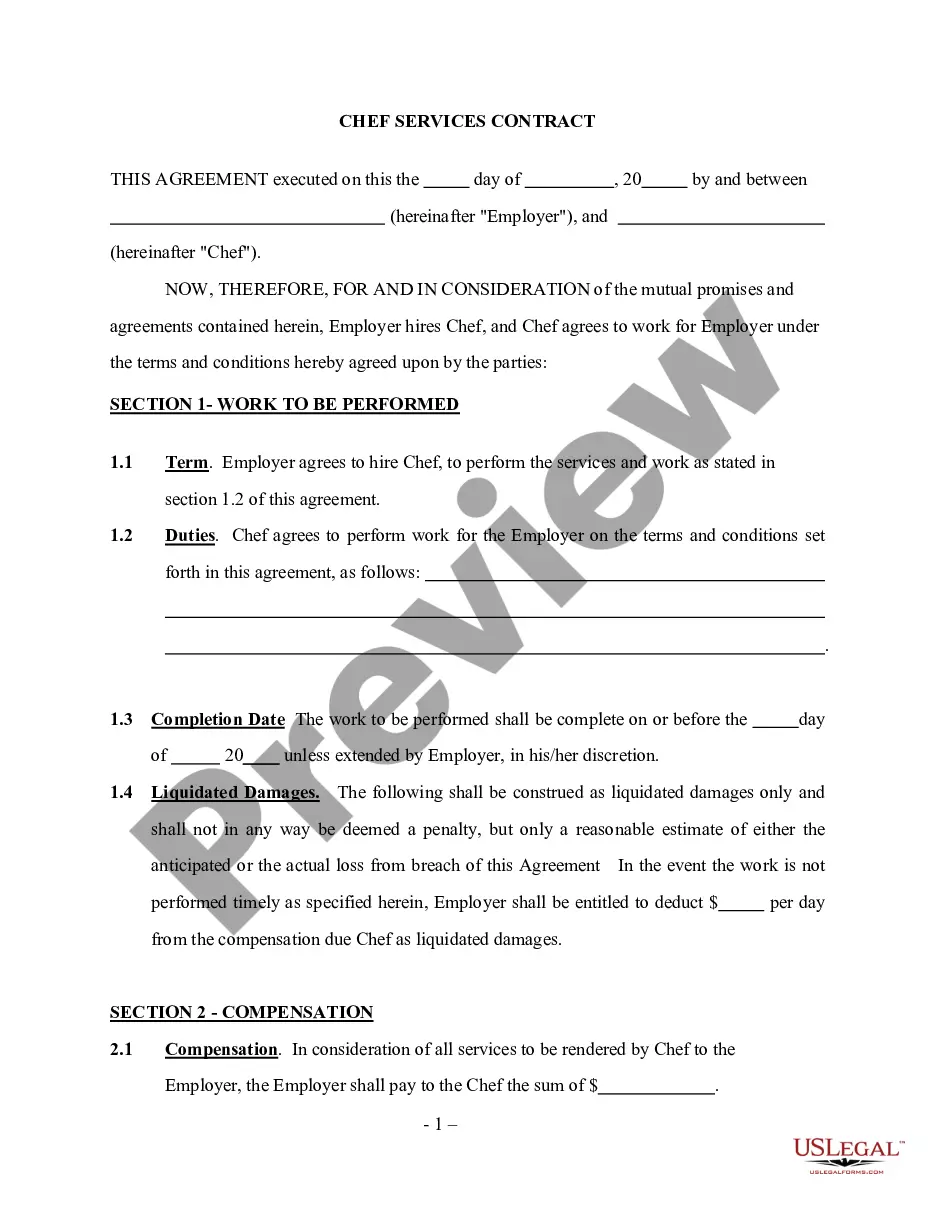
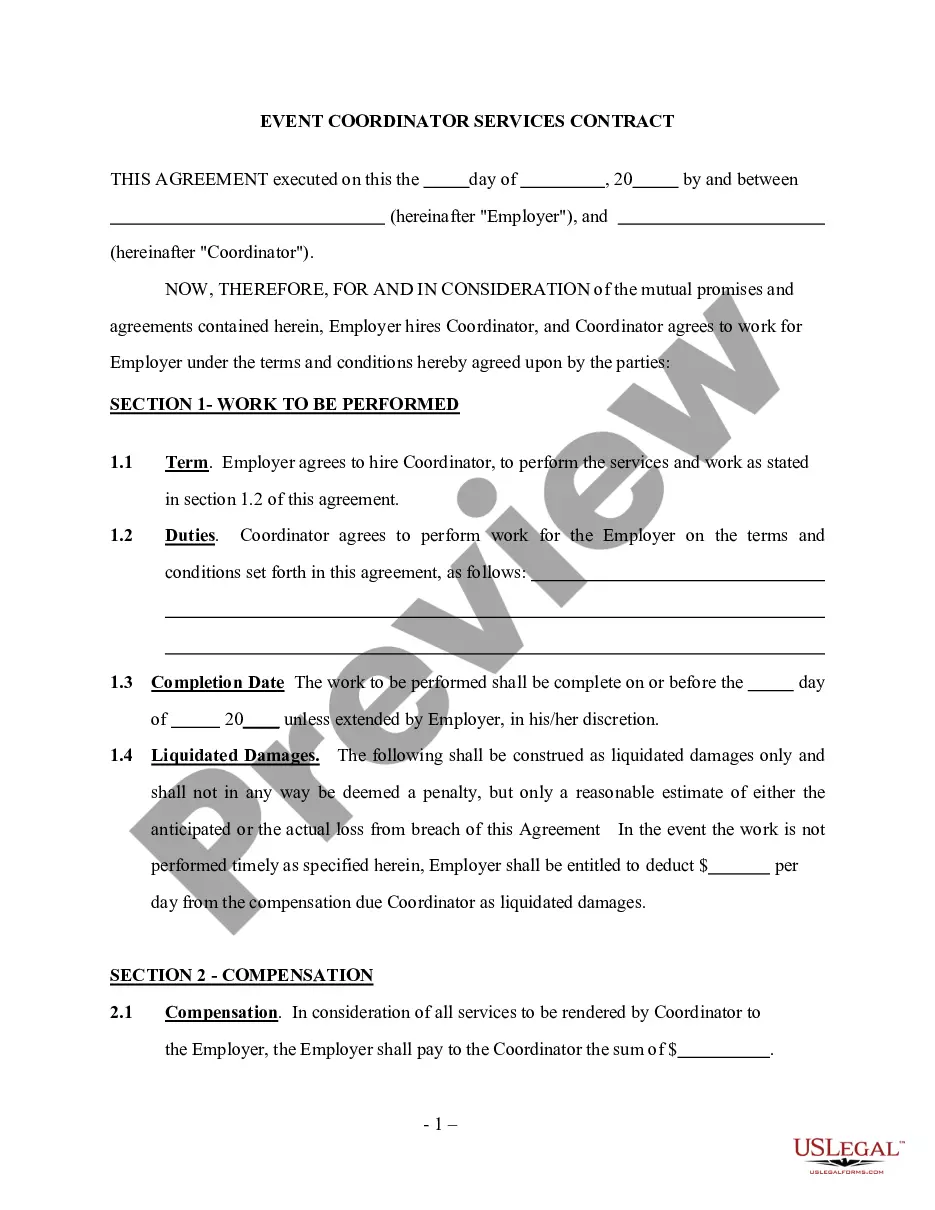
Get your form ready online
Our built-in tools help you complete, sign, share, and store your documents in one place.
Make edits, fill in missing information, and update formatting in US Legal Forms—just like you would in MS Word.
Download a copy, print it, send it by email, or mail it via USPS—whatever works best for your next step.
Sign and collect signatures with our SignNow integration. Send to multiple recipients, set reminders, and more. Go Premium to unlock E-Sign.
If this form requires notarization, complete it online through a secure video call—no need to meet a notary in person or wait for an appointment.
We protect your documents and personal data by following strict security and privacy standards.

Make edits, fill in missing information, and update formatting in US Legal Forms—just like you would in MS Word.

Download a copy, print it, send it by email, or mail it via USPS—whatever works best for your next step.

Sign and collect signatures with our SignNow integration. Send to multiple recipients, set reminders, and more. Go Premium to unlock E-Sign.

If this form requires notarization, complete it online through a secure video call—no need to meet a notary in person or wait for an appointment.

We protect your documents and personal data by following strict security and privacy standards.
Looking for another form?
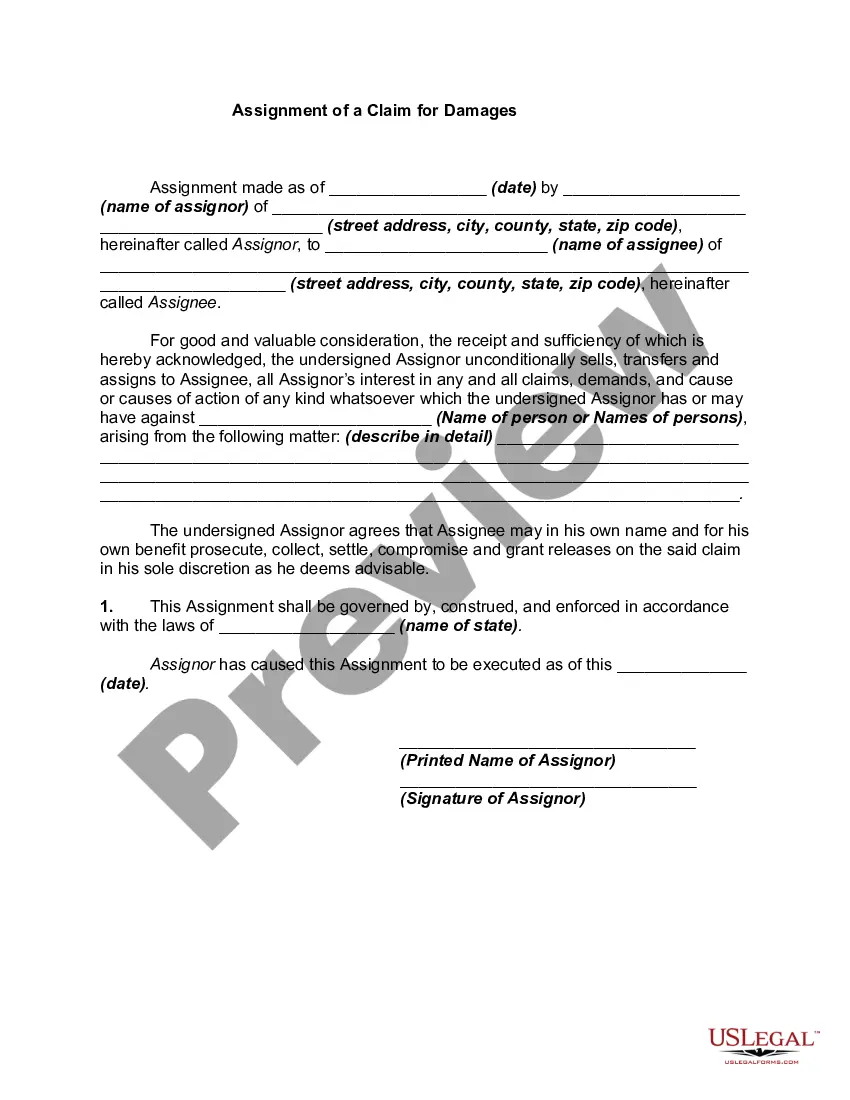
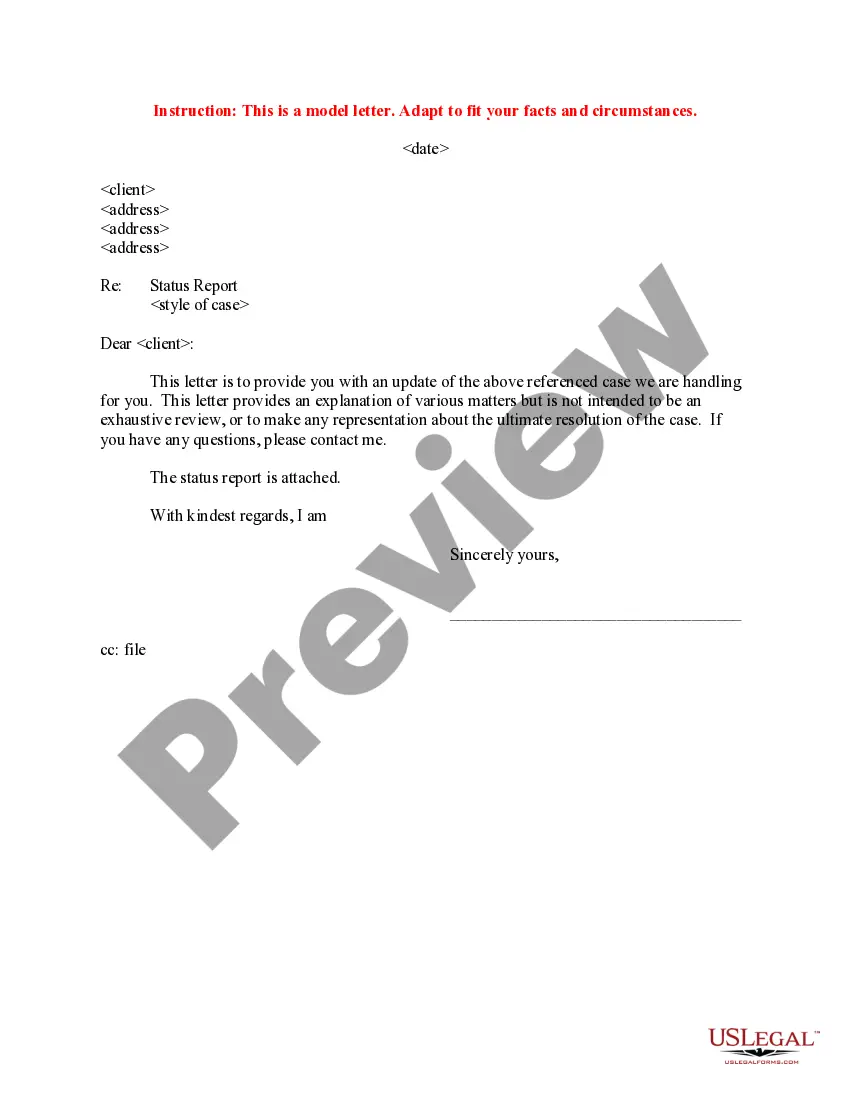

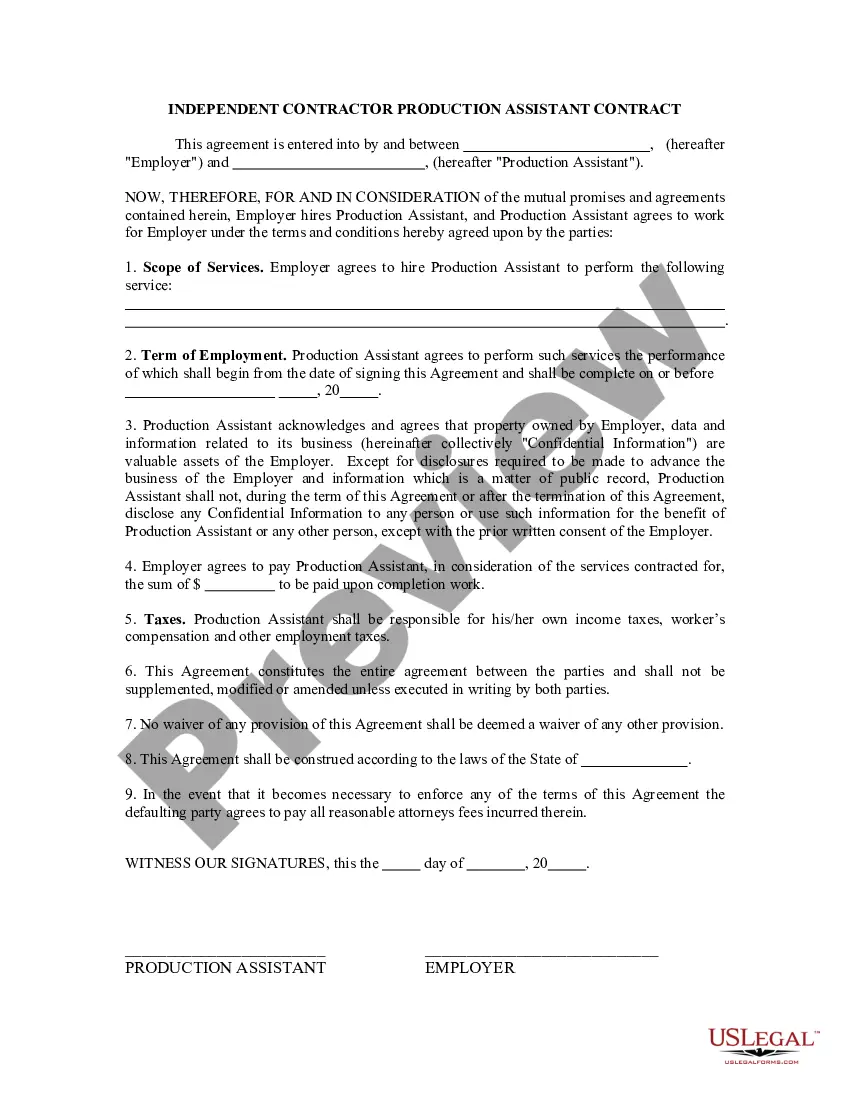
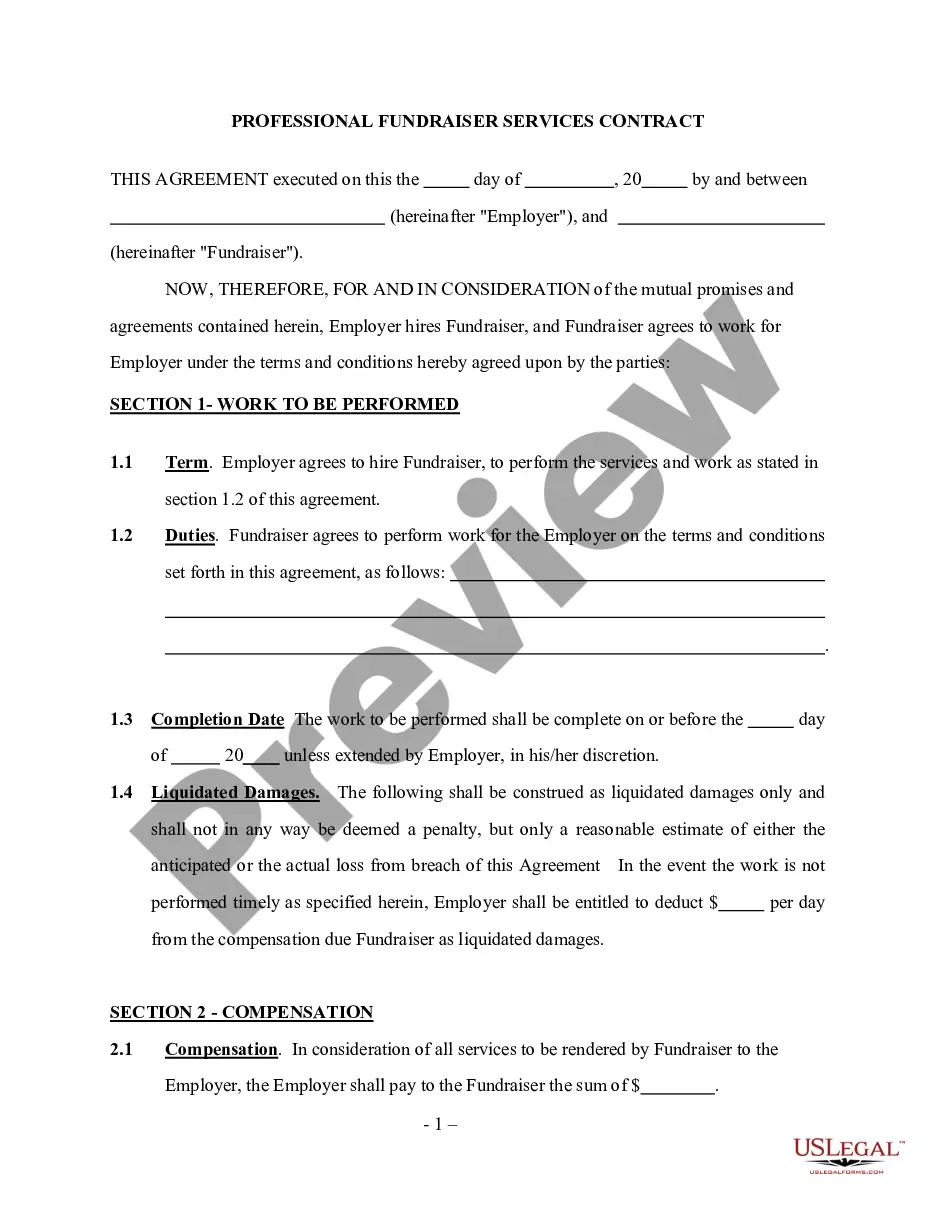
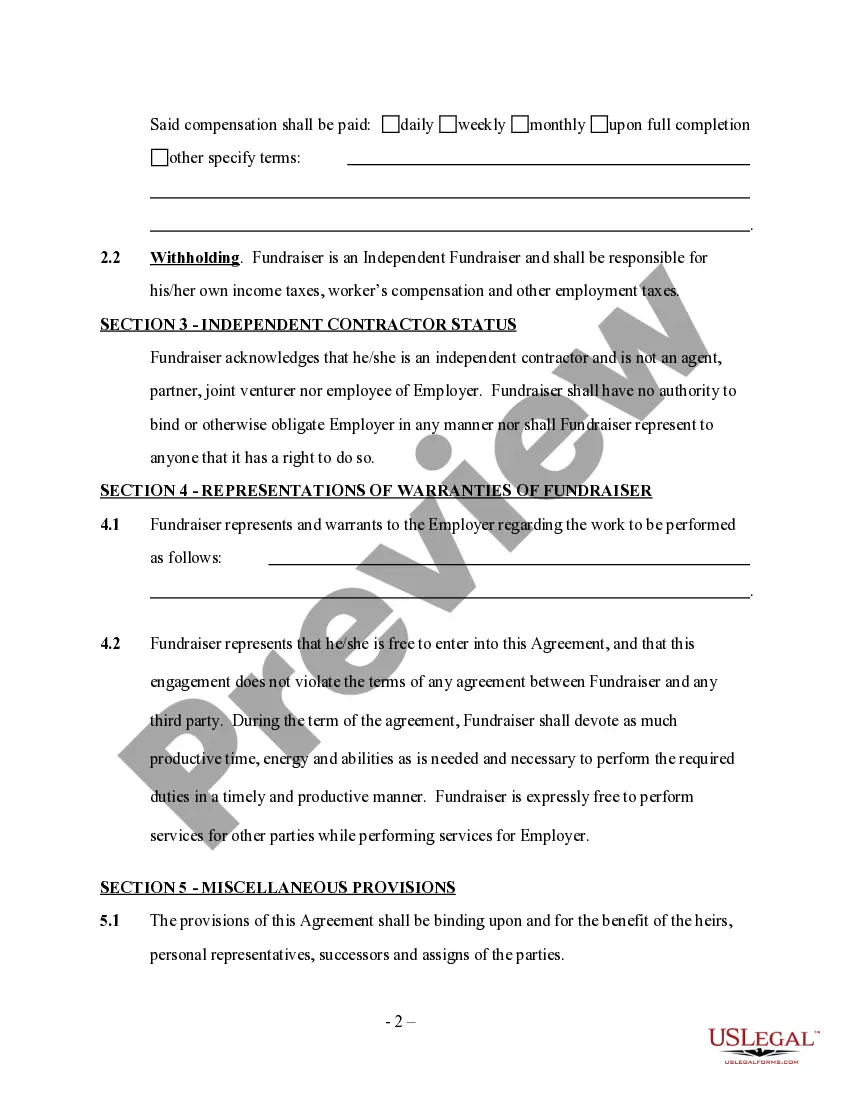
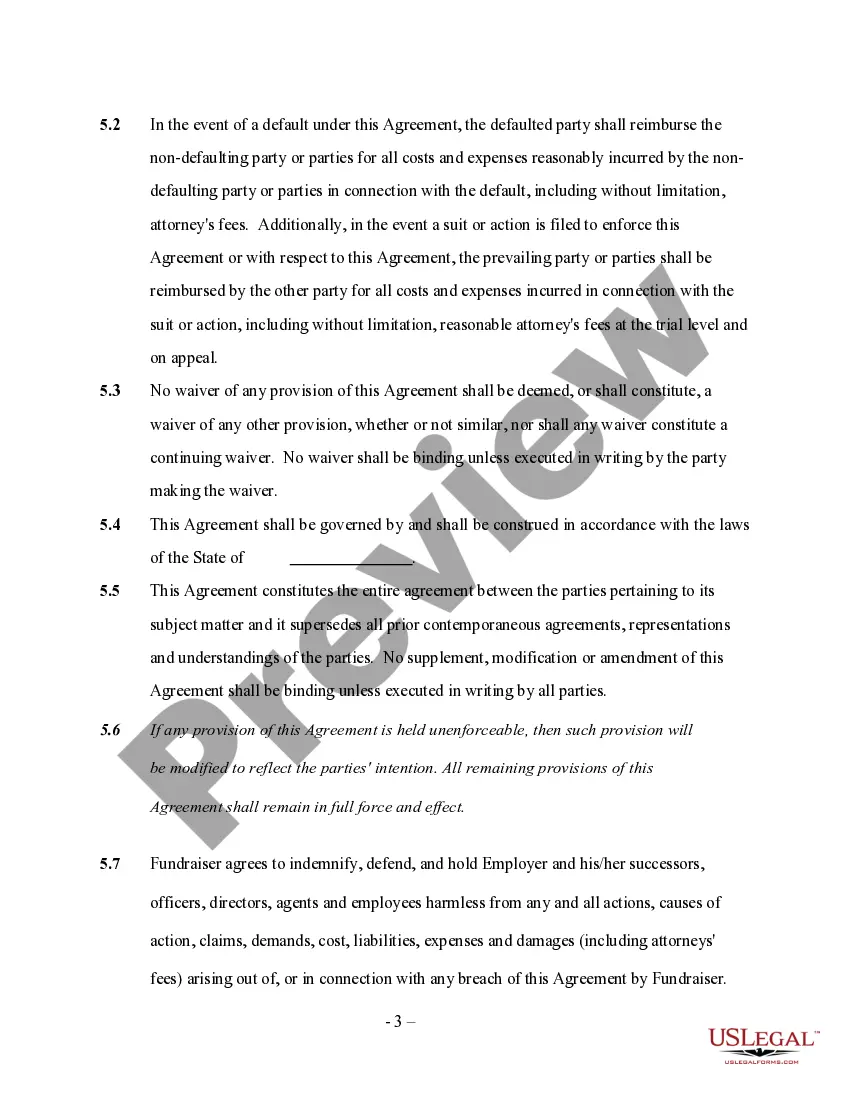
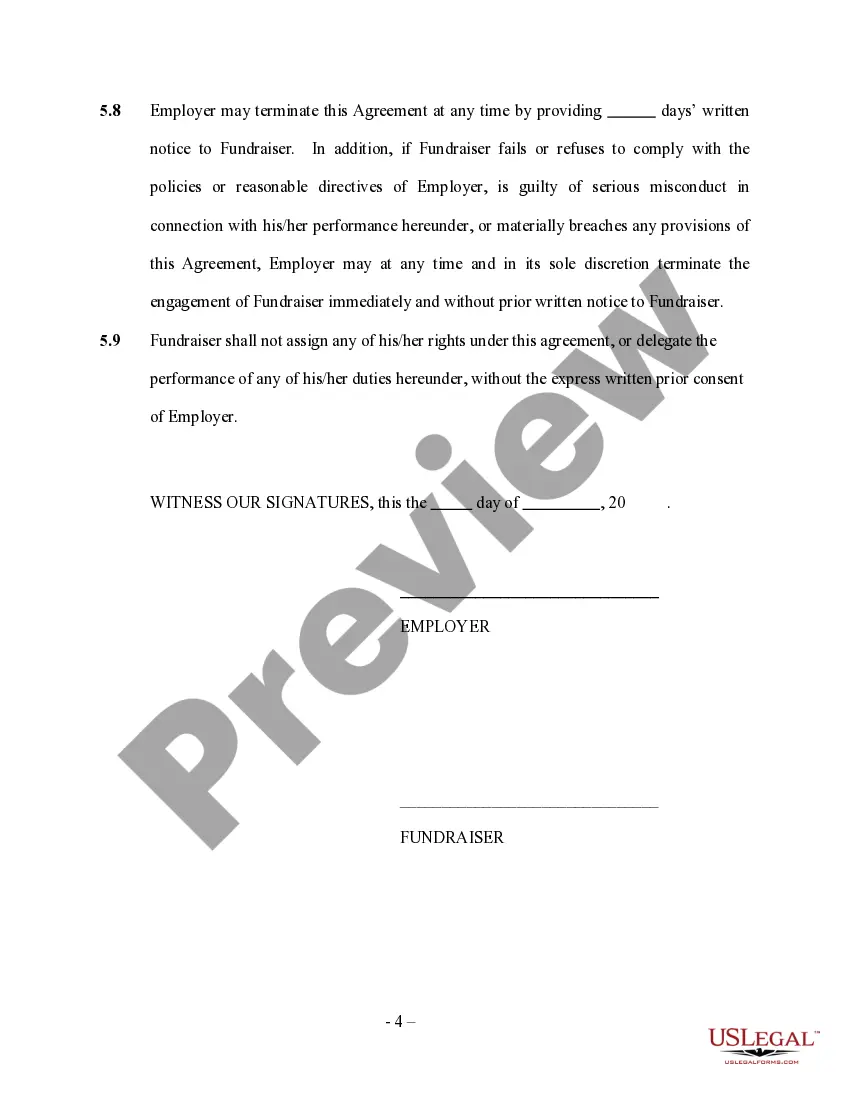
How to fill out Professional Fundraiser Services Contract - Self-Employed?
It’s common knowledge that you cannot instantly become a legal specialist, nor can you learn to swiftly create a Professional Contract Template With Time without having a professional background.
Producing legal documents is an extensive process that demands a specific education and skill set. So, why not entrust the creation of the Professional Contract Template With Time to the experts.
With US Legal Forms, recognized as one of the most extensive legal template collections, you can discover everything from court documents to templates for internal communication.
If you require a different template, start your search again.
Sign up for a complimentary account and choose a subscription plan to purchase the template. Click Buy now. Once the payment is processed, you can access the Professional Contract Template With Time, complete it, print it, and either send it or mail it to the appropriate individuals or organizations.
- We recognize the significance of compliance with federal and state laws and regulations.
- That’s why, on our site, all documents are tailored to specific locations and are up-to-date.
- Begin by utilizing our platform to acquire the document you need in just a few minutes.
- Locate the form you require using the search feature located at the top of the webpage.
- Preview it (if this option is available) and review the accompanying description to ascertain if the Professional Contract Template With Time is what you are looking for.
Form popularity
FAQ
The three C's of a contract are clarity, consistency, and completeness. Clarity ensures that all terms and conditions are easy to understand, while consistency guarantees that the information aligns throughout the document. Completeness means that all necessary details are included, leaving no room for ambiguity. Utilizing a professional contract template with time can help you incorporate these principles effectively.
To calculate contract duration, you first need to identify the start date and the end date of the contract. Then, simply subtract the start date from the end date. This will give you the total duration in days, months, or years, depending on your needs. Using a professional contract template with time can help you clearly define these dates and ensure all parties are on the same page.
Indeed, Word contains various contract templates that you can utilize. These templates help you save time and ensure you include essential clauses and terms. For added efficiency, look for a professional contract template with time, which can further guide you in drafting a robust and legally binding agreement.
Making an agreement in MS Word involves opening a new document and either starting from scratch or using a template. To enhance your agreement's professionalism, opt for a professional contract template with time, which provides a solid foundation for structure and content. Don't forget to proofread your agreement for accuracy and completeness.
To create a professional contract, start by gathering all relevant information about the parties involved and the terms of the agreement. Next, consider using a professional contract template with time to streamline the process and ensure you cover all essential details. Finally, review the contract thoroughly before signing to guarantee clarity and understanding.
You can create a contract in Microsoft Word quite easily. The software provides tools and features that allow you to format and customize your document according to your needs. For a seamless experience, consider using a professional contract template with time, which ensures you include all necessary elements.
Yes, Microsoft Word offers a variety of templates, including those for contracts. You can easily access these templates through the software by searching for 'contract' in the template section. Using a professional contract template with time can help you create agreements that are structured and legally sound.
The 5 C's of contract law are: Capacity, Consideration, Consent, Legality, and Clarity. Each element plays a vital role in forming a valid contract. By utilizing a professional contract template with time, you ensure that all these components are addressed, making your contracts more robust and enforceable.
When writing a date and time in a sentence, it is best to use a clear and consistent format. For example, you might say, 'The project is due on September 15, 2023, at PM.' Using a professional contract template with time can help you maintain this clarity across all your documentation, which improves communication.
To write a time and material contract, start by detailing the scope of work and the hourly rates for labor. Include material costs and any markup percentages. Utilizing a professional contract template with time can streamline this process, making it easier to define costs while ensuring all terms are clear and legally binding.