Service Contract Self Employed For Turbotax
Description
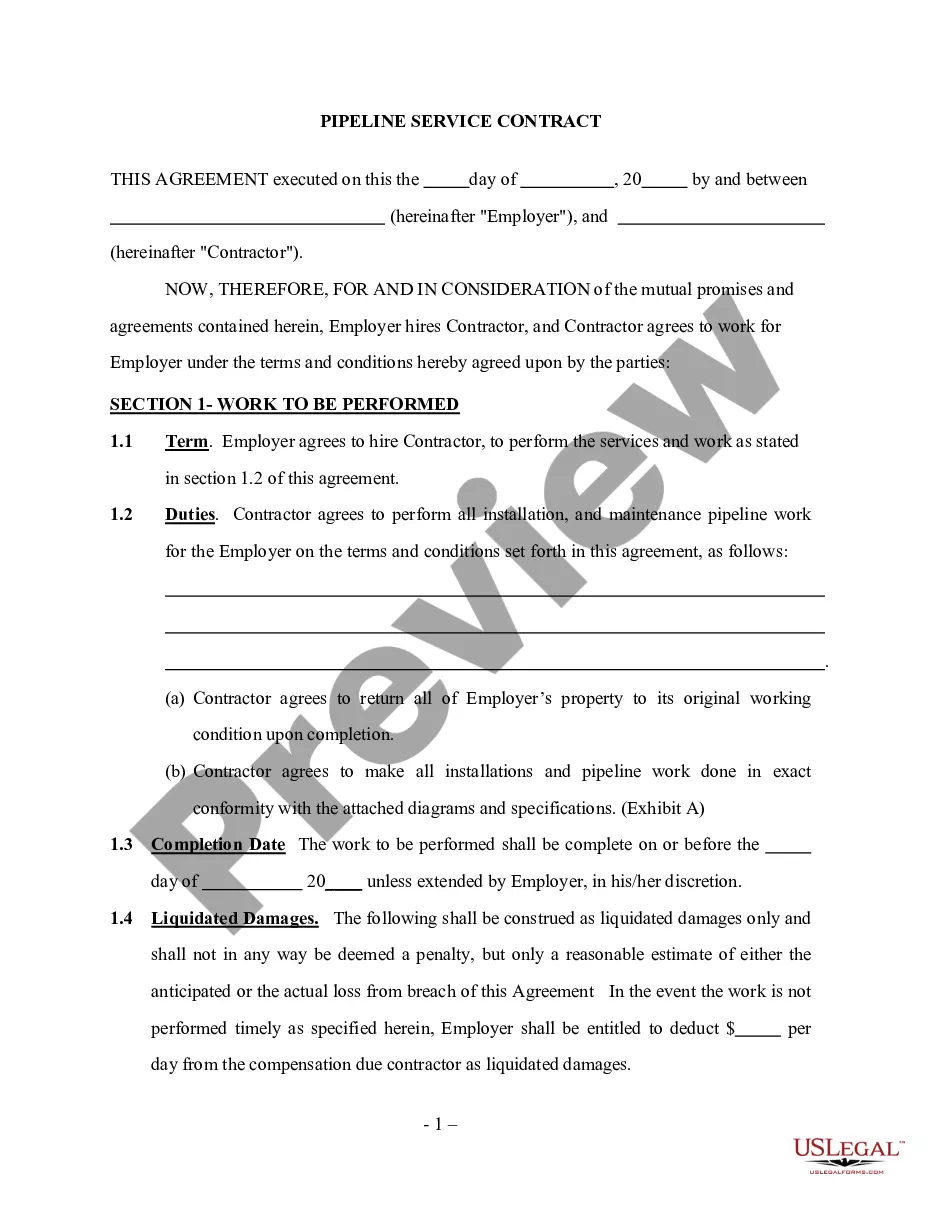
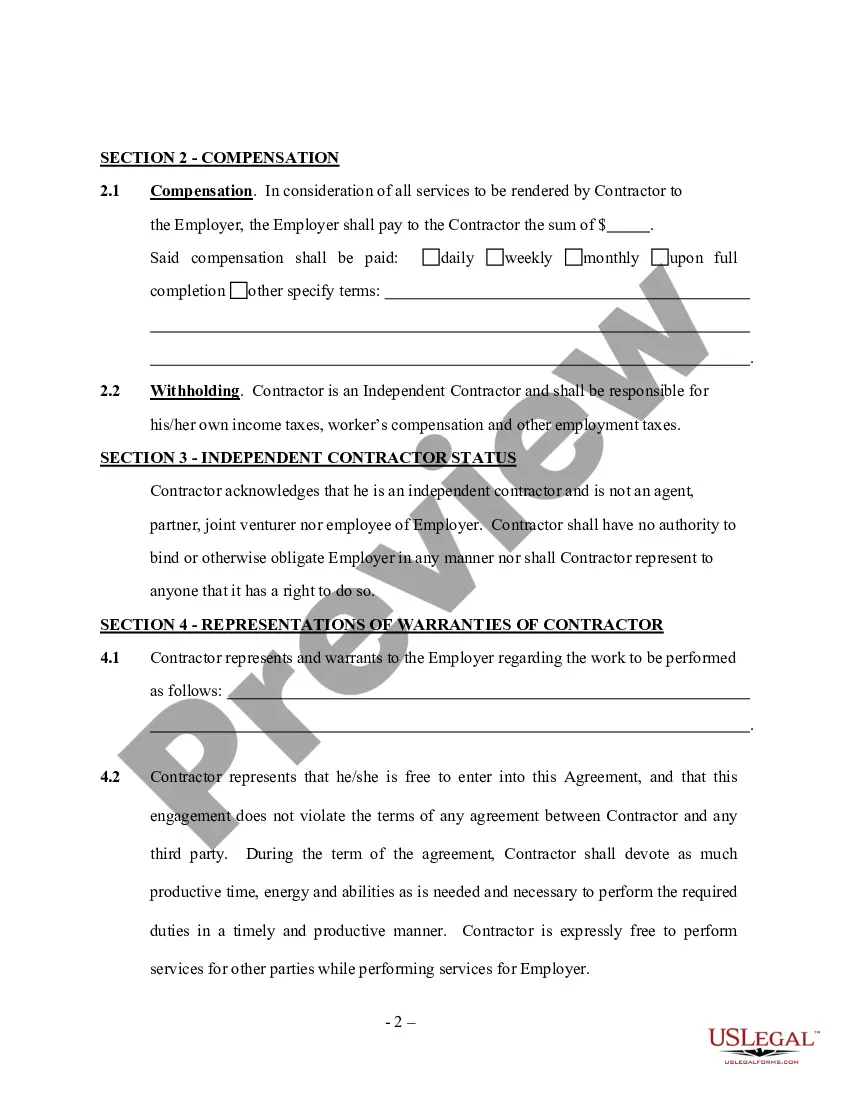
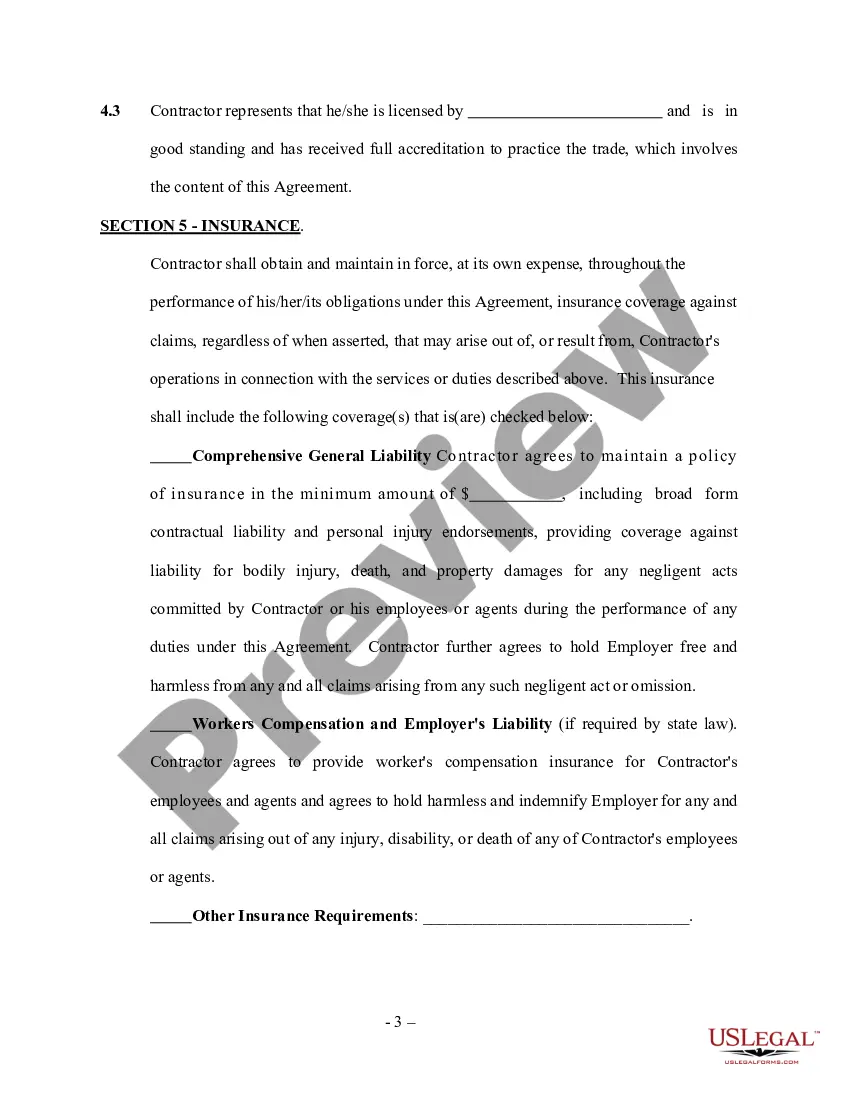
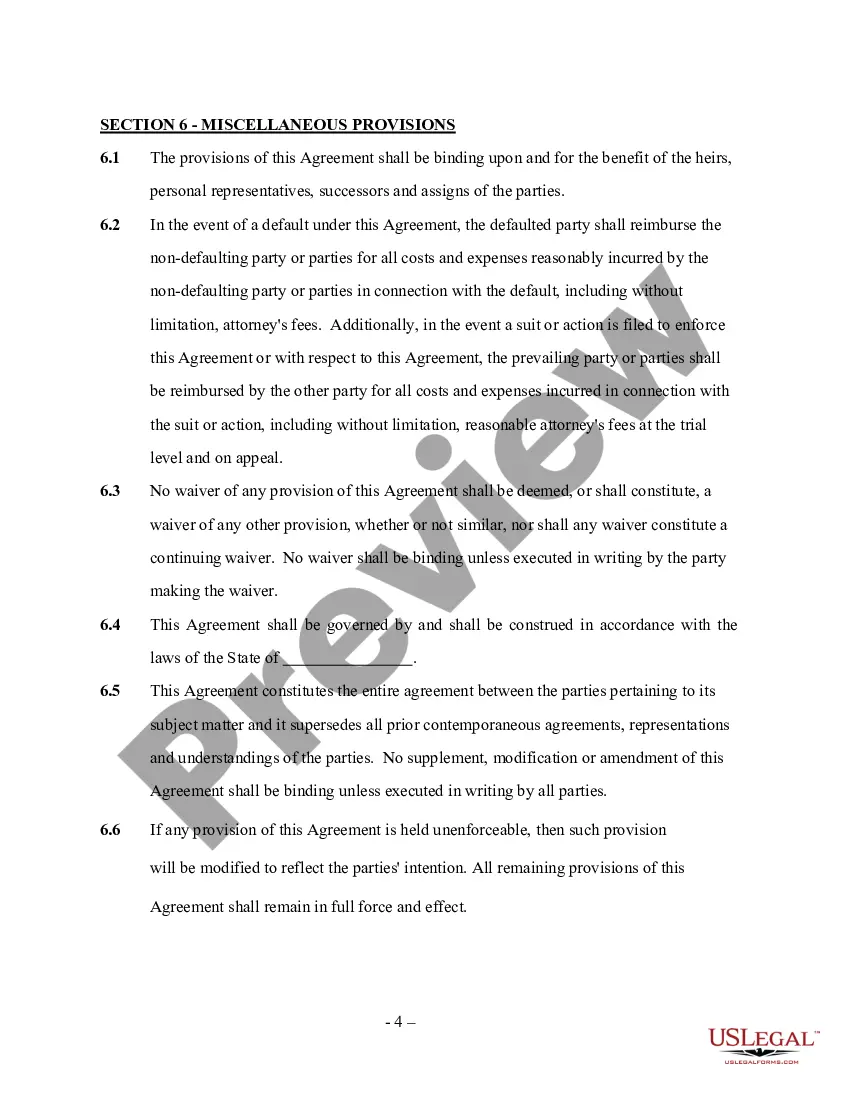
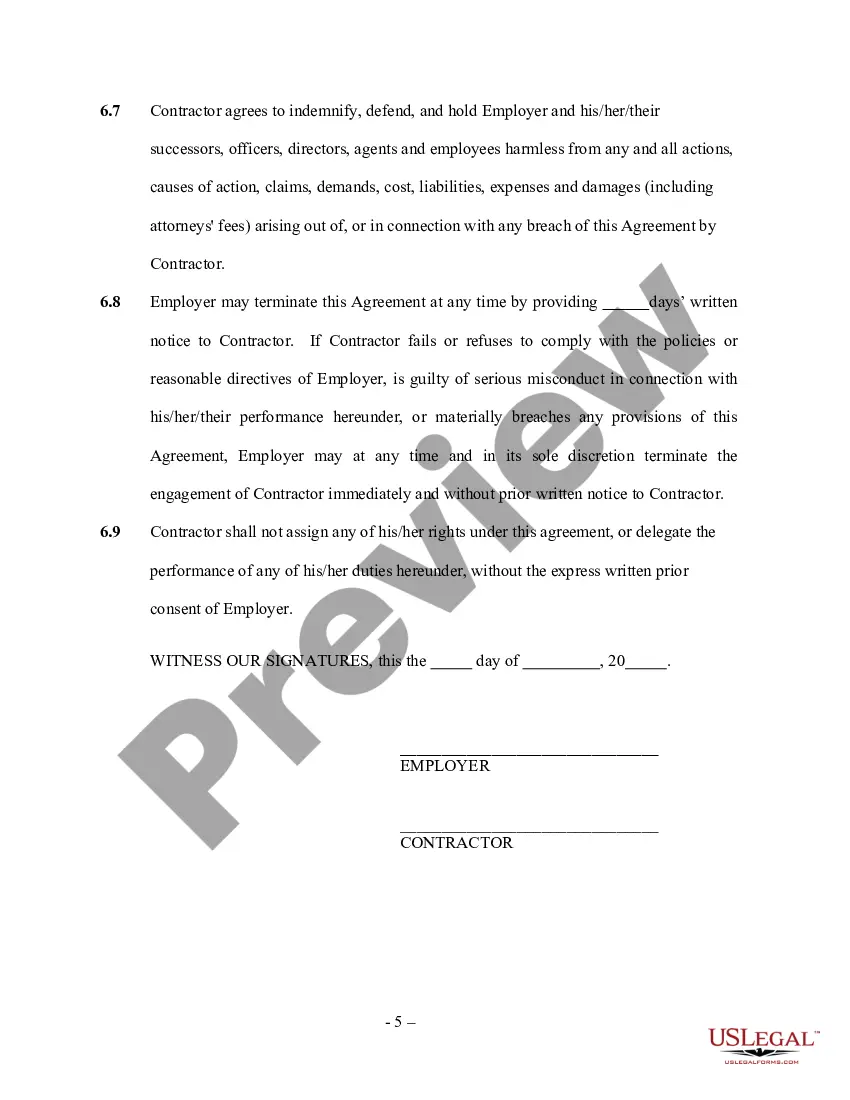

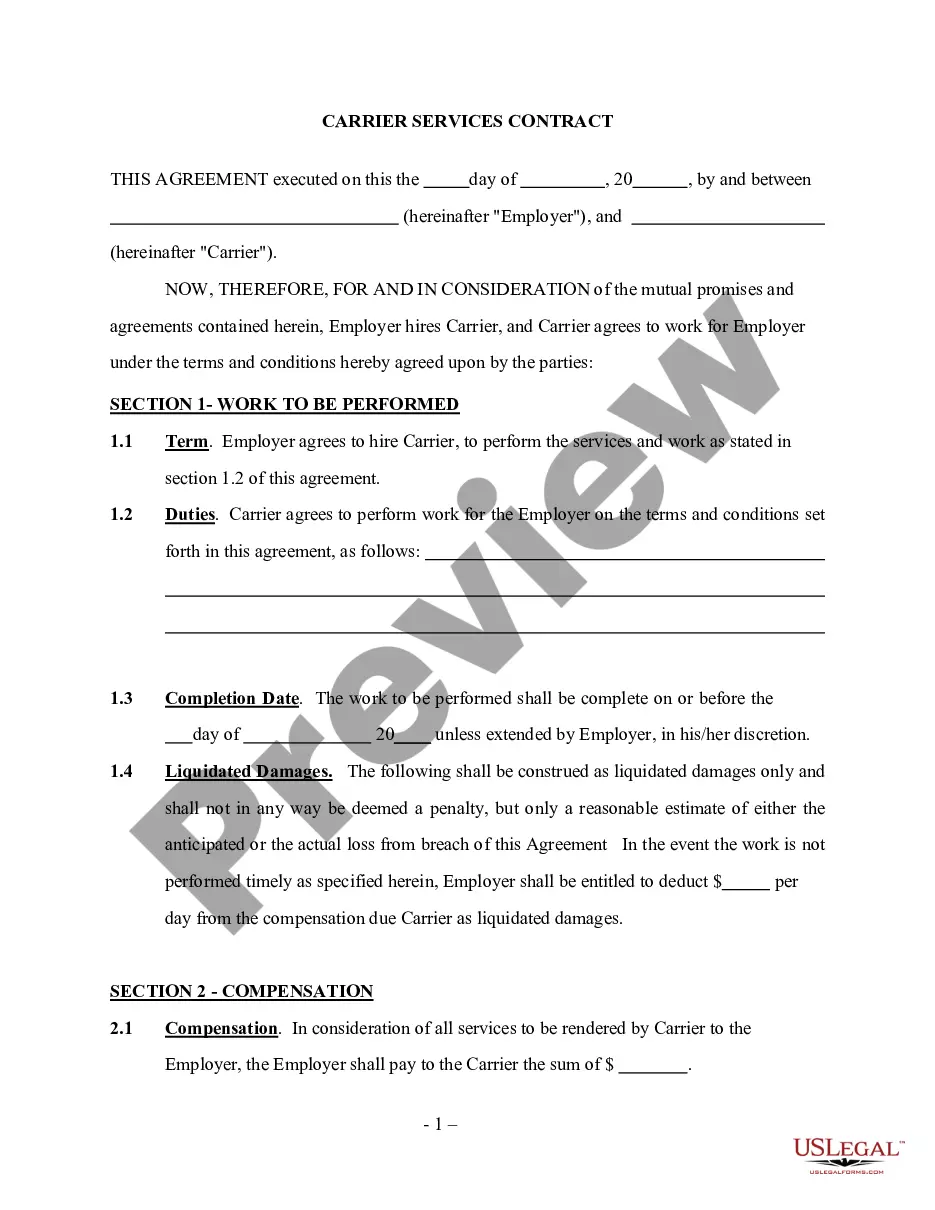
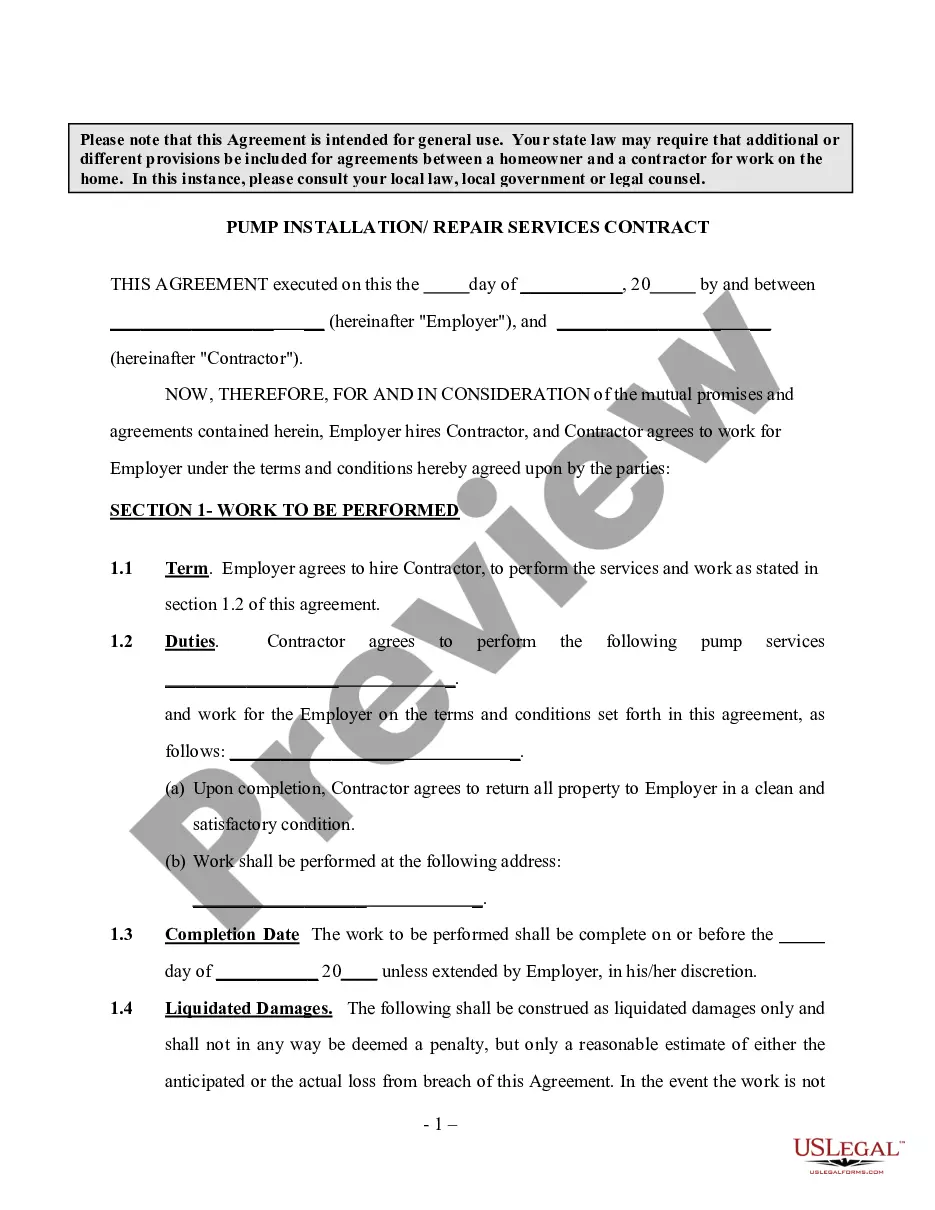
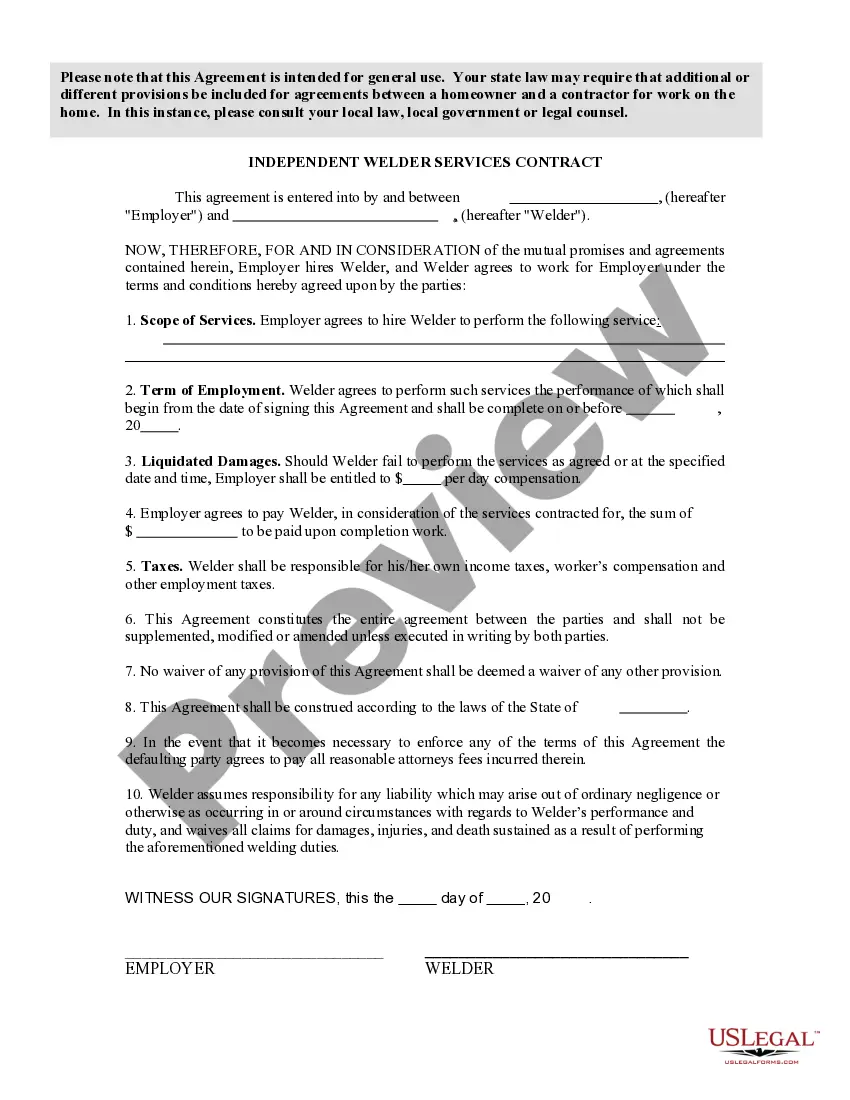
Get your form ready online
Our built-in tools help you complete, sign, share, and store your documents in one place.
Make edits, fill in missing information, and update formatting in US Legal Forms—just like you would in MS Word.
Download a copy, print it, send it by email, or mail it via USPS—whatever works best for your next step.
Sign and collect signatures with our SignNow integration. Send to multiple recipients, set reminders, and more. Go Premium to unlock E-Sign.
If this form requires notarization, complete it online through a secure video call—no need to meet a notary in person or wait for an appointment.
We protect your documents and personal data by following strict security and privacy standards.

Make edits, fill in missing information, and update formatting in US Legal Forms—just like you would in MS Word.

Download a copy, print it, send it by email, or mail it via USPS—whatever works best for your next step.

Sign and collect signatures with our SignNow integration. Send to multiple recipients, set reminders, and more. Go Premium to unlock E-Sign.

If this form requires notarization, complete it online through a secure video call—no need to meet a notary in person or wait for an appointment.

We protect your documents and personal data by following strict security and privacy standards.
Looking for another form?







How to fill out Pipeline Service Contract - Self-Employed?
There’s no longer a requirement to invest time scouring for legal documents to adhere to your local state laws.
US Legal Forms has gathered all of them in one location and enhanced their availability.
Our site provides over 85k templates for various business and personal legal situations organized by state and usage area.
Utilize the Search field above to find another sample if the one you currently have does not meet your needs.
- All documents are expertly crafted and verified for correctness, guaranteeing you receive an up-to-date Service Contract Self Employed For Turbotax.
- If you are acquainted with our platform and possess an account, ensure your subscription is active before accessing any templates.
- Log In to your account, select the document, and click Download.
- You can also revisit all obtained documents at any time by navigating to the My documents section in your profile.
- If you haven't utilized our platform previously, the process will require a few additional steps to finalize.
- Here's how new users can discover the Service Contract Self Employed For Turbotax in our directory.
- Review the page content thoroughly to ensure it includes the sample you require.
- To do this, make use of the form description and preview options if available.
Form popularity
FAQ
Can I still use TurboTax Self-Employed to file my taxes for both? Absolutely. TurboTax Self-Employed is the right choice for those who need to file employment income and self-employment income.
If you choose to use TurboTax Self-Employed, you will need to purchase the Self-Employed plan (for online access) or the Home & Business plan (for desktop access) in order to prepare the necessary schedules and forms such as Schedule C.
At its most basic, here is how to file self-employment taxes step-by-step.Calculate your income and expenses. That is a list of the money you've made, less the amount you've spent.Determine if you have a net profit or loss.Fill out an information return.Fill out a 1040 and other self-employment tax forms.
You'll enter this under the Federal Taxes tab (or Personal, if working in TurboTax Self-Employed/Home & Business), then select Wages & Income, then Investment Income, then Stocks, Mutual Funds, Bonds, Other. Follow the prompts to enter the 1099-B information.
Intuit recommends TurboTax Home & Business for the self-employed. It guides users through completion of Schedule C and maximizes deductions for your home office, vehicle, and other business costs. It includes a simple way to enter income and expenses. It creates W-2 and 1099 forms for your employees and contractors.