Employ Act Disabilities For Employees
Description


Get your form ready online
Our built-in tools help you complete, sign, share, and store your documents in one place.
Make edits, fill in missing information, and update formatting in US Legal Forms—just like you would in MS Word.
Download a copy, print it, send it by email, or mail it via USPS—whatever works best for your next step.
Sign and collect signatures with our SignNow integration. Send to multiple recipients, set reminders, and more. Go Premium to unlock E-Sign.
If this form requires notarization, complete it online through a secure video call—no need to meet a notary in person or wait for an appointment.
We protect your documents and personal data by following strict security and privacy standards.

Make edits, fill in missing information, and update formatting in US Legal Forms—just like you would in MS Word.

Download a copy, print it, send it by email, or mail it via USPS—whatever works best for your next step.

Sign and collect signatures with our SignNow integration. Send to multiple recipients, set reminders, and more. Go Premium to unlock E-Sign.

If this form requires notarization, complete it online through a secure video call—no need to meet a notary in person or wait for an appointment.

We protect your documents and personal data by following strict security and privacy standards.
Looking for another form?





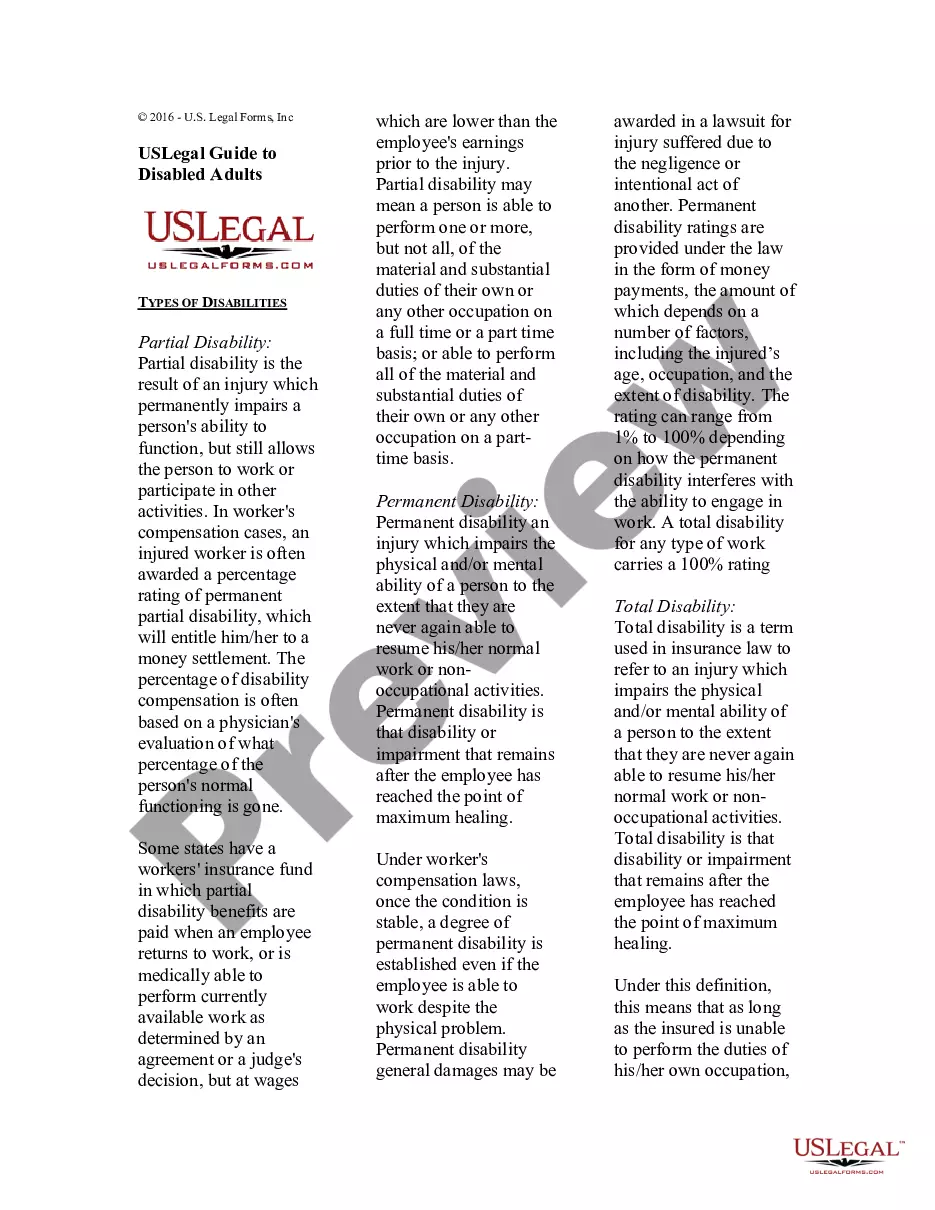
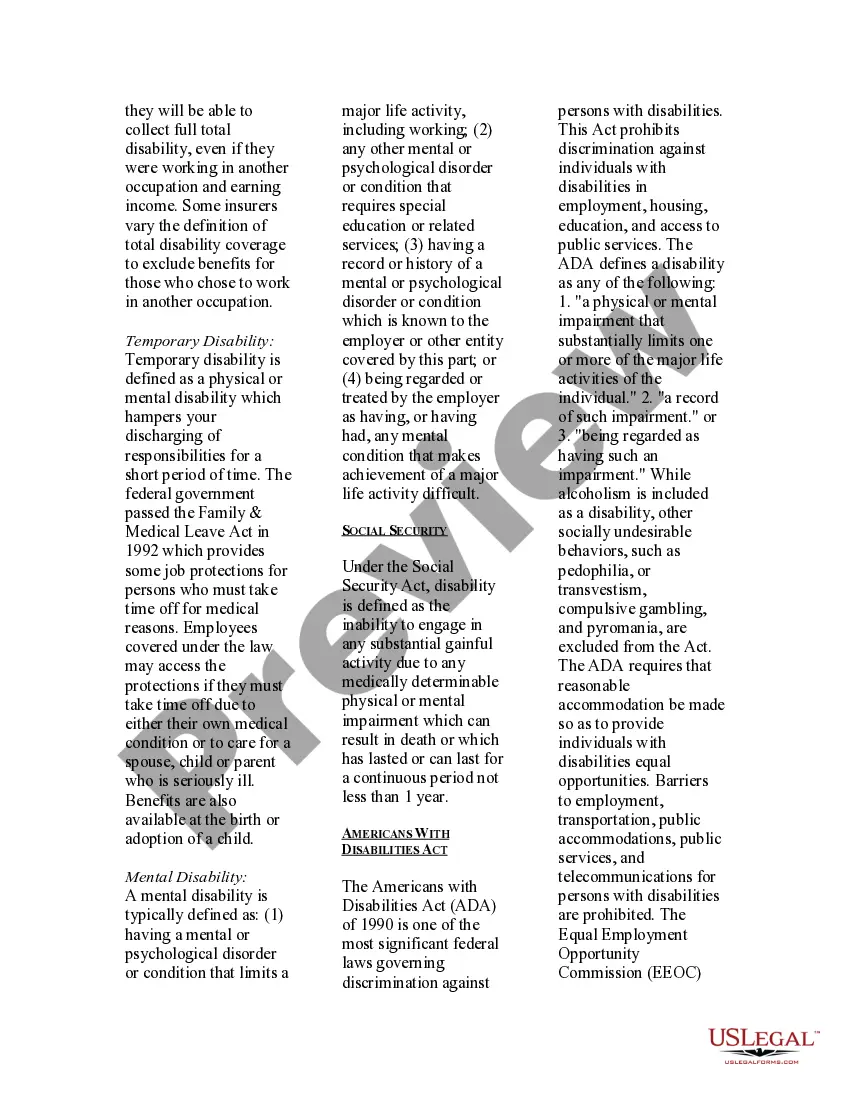
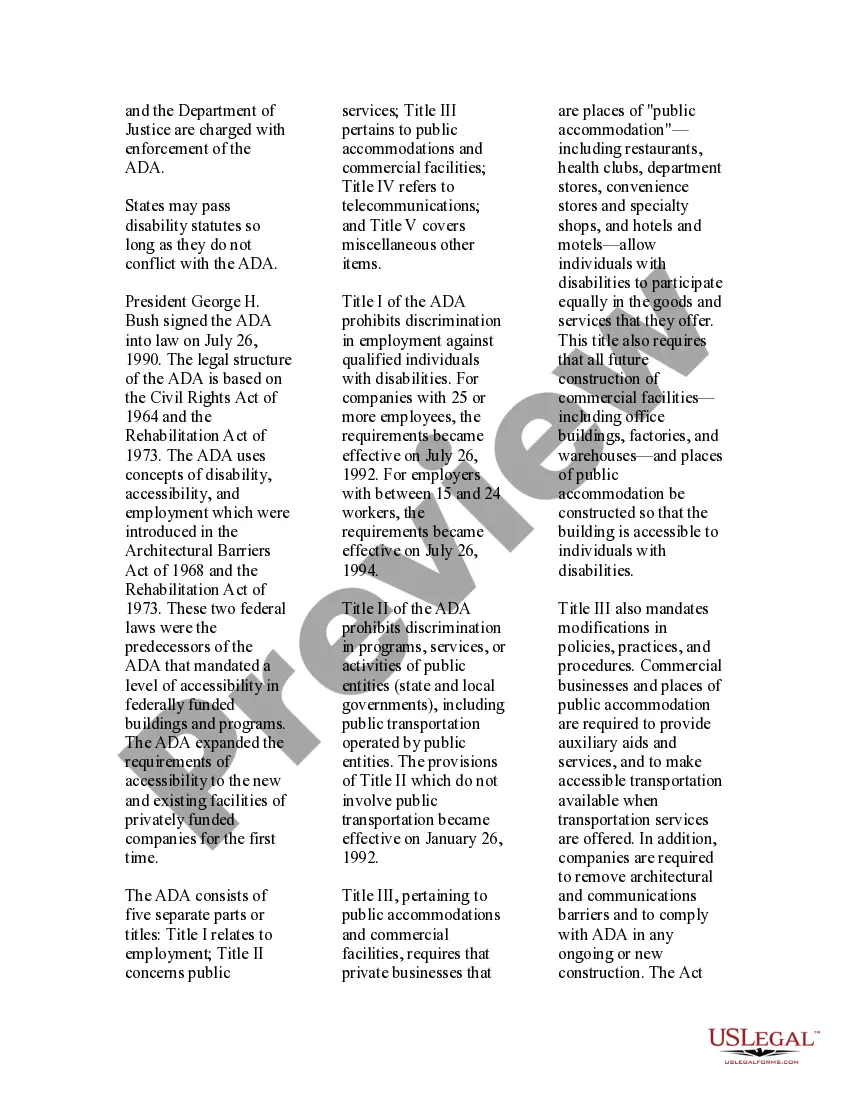
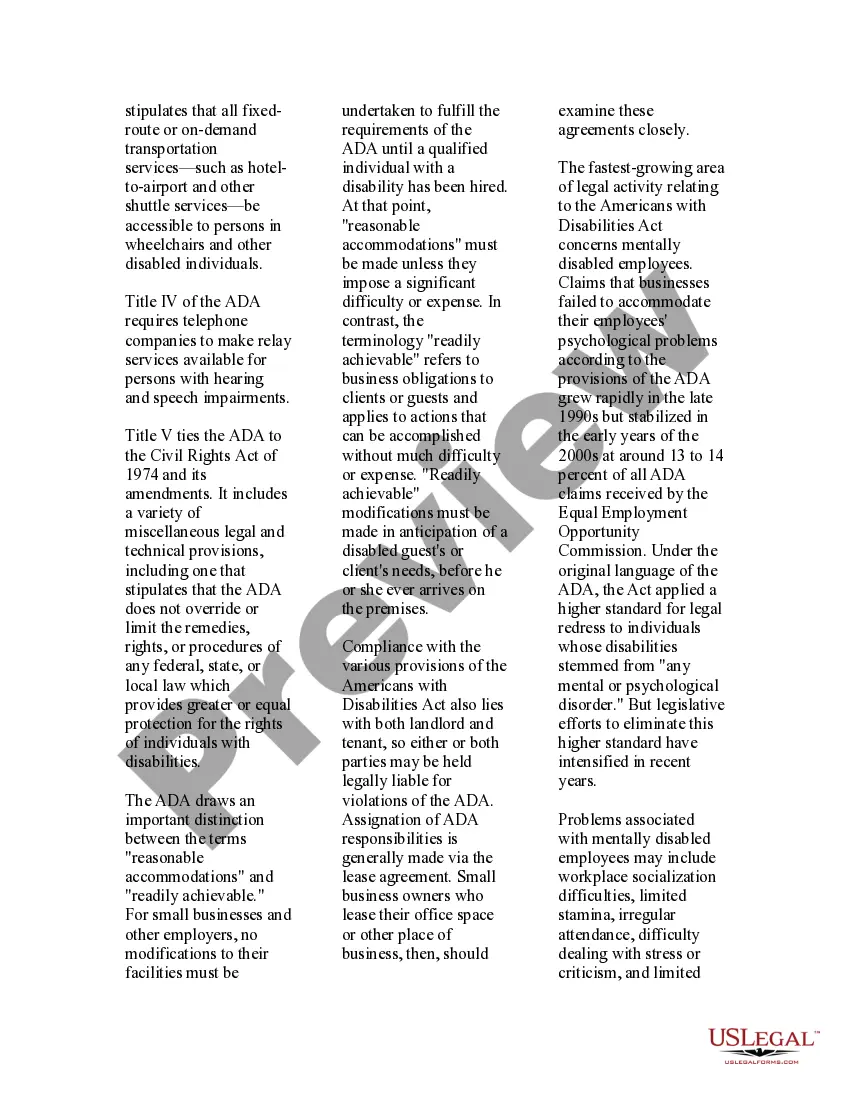
How to fill out USLegal Guide To Disabled Adults?
- Log in to your account at US Legal Forms if you're an existing user. Confirm that your subscription is active; renew it if necessary.
- Preview the form you require along with its description to ensure it's suitable for your specific needs and complies with local regulations.
- If adjustments are necessary, use the Search feature to find an alternate template that meets your requirements.
- Once satisfied, click on the Buy Now button to select your preferred subscription plan, and register for an account for full access.
- Complete your purchase by entering your payment details via credit card or PayPal.
- Download the selected legal document and save it to your device. You can always access it later through the My Forms section in your profile.
By following these steps, you'll be equipped to create a more inclusive workplace for your employees with disabilities while ensuring that you have all necessary legal documents in order.
Start your journey towards compliance and inclusivity today by visiting US Legal Forms and accessing their extensive library of legal documents.
Form popularity
FAQ
To report your employer for issues related to disabilities under the employ act for employees, start by documenting any incidents or actions that you believe violate your rights. You should gather supporting evidence, including emails, witness statements, or any relevant correspondence. Next, consider submitting a formal complaint to your HR department or your state’s labor department. Additionally, you can reach out to organizations specializing in disability rights for guidance on your next steps.
One common ADA violation involves failing to provide reasonable accommodations for employees with disabilities. This might include neglecting to modify workstations or not allowing flexible work hours. To prevent such issues, it is crucial for employers to understand employ act disabilities for employees and actively engage in promoting accessibility.
The ADA does not provide a specific list of 21 disabilities but recognizes various conditions such as visual impairments, hearing impairments, mobility impairments, and mental health conditions. Common disabilities also include diabetes, epilepsy, autism, and post-traumatic stress disorder (PTSD). Awareness of these conditions is vital when addressing employ act disabilities for employees in the workplace.
The Americans with Disabilities Act (ADA) defines a disability as a physical or mental impairment that significantly limits one or more major life activities. This includes conditions like mobility limitations, chronic illnesses, and intellectual disabilities. Understanding this definition helps you navigate the employ act disabilities for employees and ensures both employees and employers know their rights and responsibilities.
Accommodations in the workplace can range from physical changes, like wheelchair-accessible entrances, to policy adjustments, such as flexible start times. Technology, like screen readers or voice recognition software, can also be useful tools. Each situation is unique, so it’s essential to discuss specific needs with the employee. By leveraging the Employ Act disabilities for employees, employers can create a supportive atmosphere that empowers all workers.
The ADA requires employers to provide reasonable accommodations for qualified employees with disabilities. This includes adjustments that allow employees to perform their essential job functions without any discrimination. Compliance with the ADA not only aligns with legal requirements but also fosters a diverse and inclusive workplace. Understanding the Employ Act disabilities for employees helps businesses thrive by supporting all employees.
To document a disability at work, you should provide medical documentation that clearly states your condition and its impact on your job performance. This documentation helps establish eligibility for accommodations under the ADA. Keep copies of all submitted paperwork for your records. Utilizing platforms like uslegalforms can make this process easier and ensure that you're following proper legal guidelines under the Employ Act disabilities for employees.
An employer may refuse a specific request for accommodation if it poses an undue hardship on the business. However, they must engage in an interactive discussion with the employee to explore alternative solutions. It is essential to be aware of the legal obligations under the Employ Act disabilities for employees. Collaboration can often lead to practical solutions that meet both employee and employer needs.
Reasonable accommodations can include flexible work schedules, allowing telecommuting, or modifying job duties. Each accommodation depends on the specific needs of the employee and the nature of the job. Employers should evaluate these requests thoroughly to ensure compliance with the Employ Act disabilities for employees. Creating a supportive work environment benefits everyone involved.
Typically, the employee seeking accommodations under the Americans with Disabilities Act (ADA) fills out the necessary paperwork. However, a family member, healthcare provider, or legal representative may assist. It is crucial to provide accurate information about the disability and needed accommodations. This process is an important step in utilizing the Employ Act disabilities for employees.