Rights Regarding Shares For Employees
Description





Get your form ready online
Our built-in tools help you complete, sign, share, and store your documents in one place.
Make edits, fill in missing information, and update formatting in US Legal Forms—just like you would in MS Word.
Download a copy, print it, send it by email, or mail it via USPS—whatever works best for your next step.
Sign and collect signatures with our SignNow integration. Send to multiple recipients, set reminders, and more. Go Premium to unlock E-Sign.
If this form requires notarization, complete it online through a secure video call—no need to meet a notary in person or wait for an appointment.
We protect your documents and personal data by following strict security and privacy standards.

Make edits, fill in missing information, and update formatting in US Legal Forms—just like you would in MS Word.

Download a copy, print it, send it by email, or mail it via USPS—whatever works best for your next step.

Sign and collect signatures with our SignNow integration. Send to multiple recipients, set reminders, and more. Go Premium to unlock E-Sign.

If this form requires notarization, complete it online through a secure video call—no need to meet a notary in person or wait for an appointment.

We protect your documents and personal data by following strict security and privacy standards.
Looking for another form?

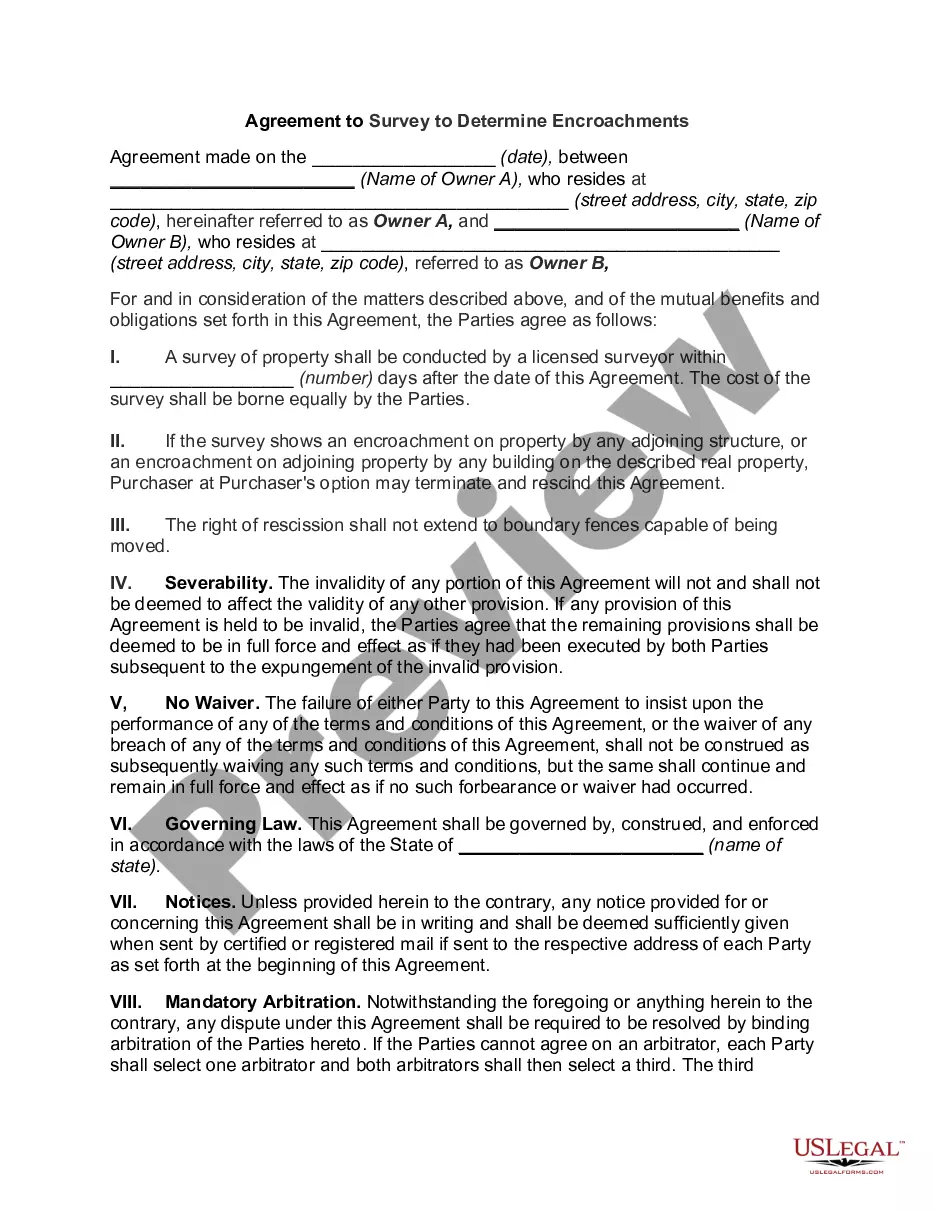
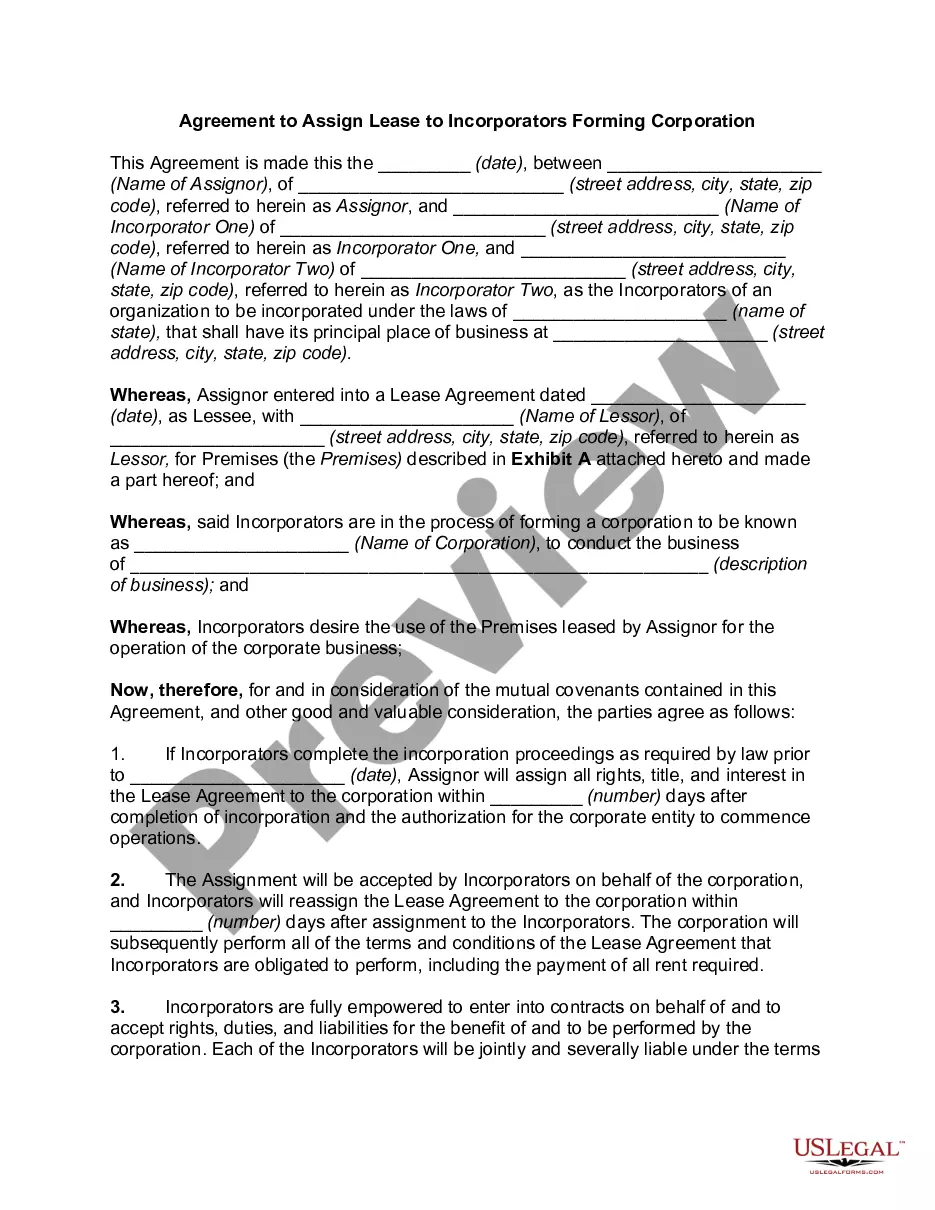

How to fill out Investor Rights Agreement Regarding The Purchase Of Series C Preferred Stock Shares?
Dealing with legal documents and processes can be a lengthy addition to your routine.
Rights Concerning Shares For Employees and similar forms usually necessitate you to look for them and grasp the optimal way to fill them out efficiently.
For this reason, whether you are handling financial, legal, or personal issues, having a detailed and accessible online directory of forms readily available will be highly beneficial.
US Legal Forms is the premier online resource for legal templates, featuring over 85,000 state-specific forms along with various tools to help you fill out your documents effortlessly.
Simply Log In to your account, locate Rights Concerning Shares For Employees, and obtain it instantly from the My documents section. You can also retrieve previously stored forms.
- Browse the collection of relevant documents available to you with a single click.
- US Legal Forms provides you with state- and county-specific forms that are accessible for download at any time.
- Safeguard your document management processes with an excellent service that enables you to create any form in minutes without additional or concealed costs.
Form popularity
FAQ
To apply for a rights issue of shares, you need to first review the offer details provided by your employer. The process typically involves filling out an application form and submitting it within the specified timeframe. It's essential to understand your rights regarding shares for employees, as this can impact your financial decisions. If you need further assistance, platforms like US Legal Forms can provide templates and guide you through the necessary steps.
SARs are taxed the same way as non-qualified stock options (NSOs). There are no tax consequences of any kind on either the grant date or when they are vested. However, participants must recognize ordinary income on the spread at the time of exercise. 2 Most employers will also withhold supplemental federal income tax.
Employees Stock Option Scheme (ESOP) and Sweat Equity Shares are two methods of issuing shares by a company to its employees. By issuing the shares, the company can also increase its capital.
There are two common ways to grant Common Stock to employees: through stock options or restricted stock. As an early-stage startup, stock options are by far the most common way to grant equity to employees. However, it's important for you to understand the alternative so you can make the best possible decision.
An employee stock ownership plan (ESOP) is an employee benefit plan that gives workers ownership interest in the company in the form of shares of stock. ESOPs encourage employees to give their all as the company's success translates into financial rewards.
In accounting, the process that the company uses to record SAR agreements is to accrue a liability and recognize expense over the term of service. At the end of the service period, the liability is settled in cash or stock (or both).