Leasehold Improvements In Quickbooks
Description
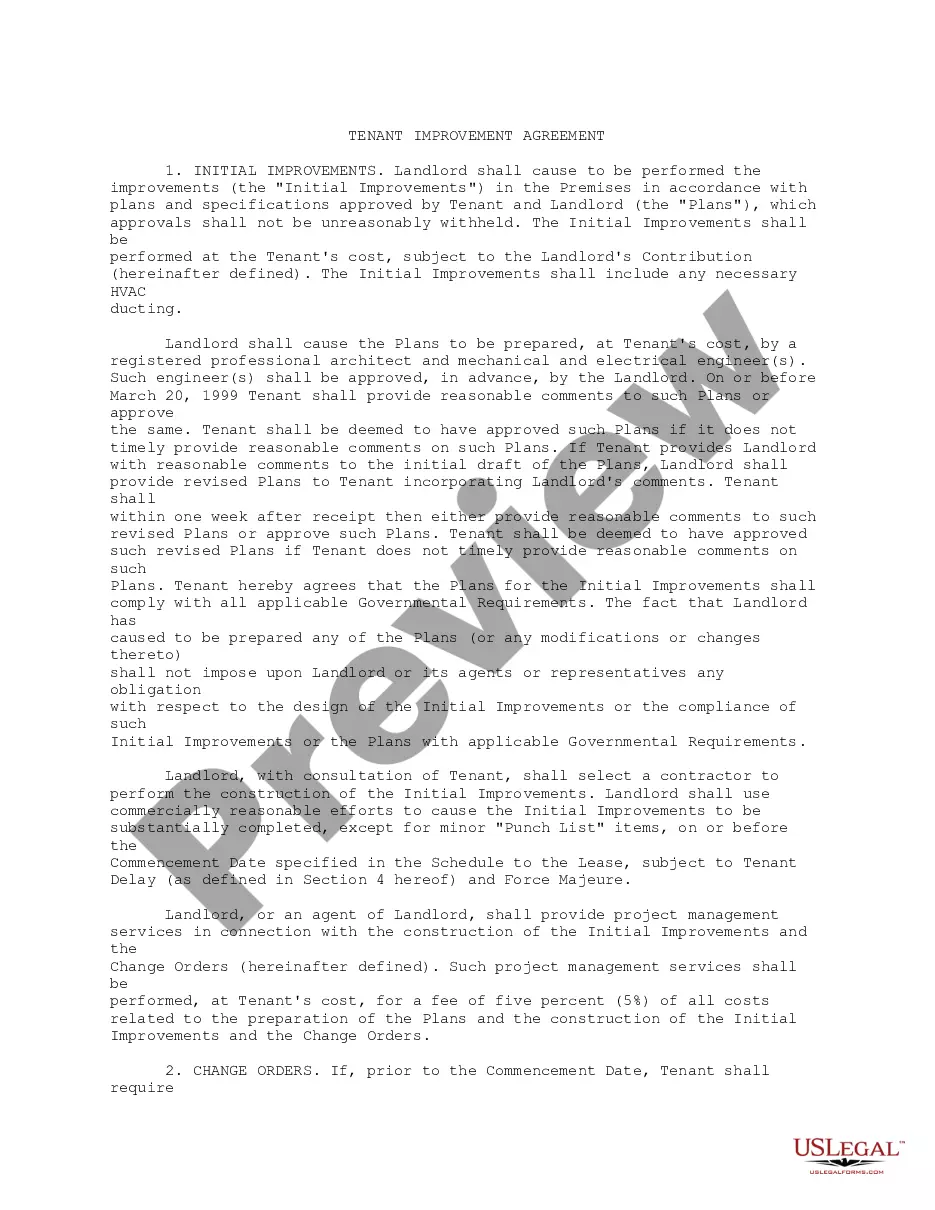
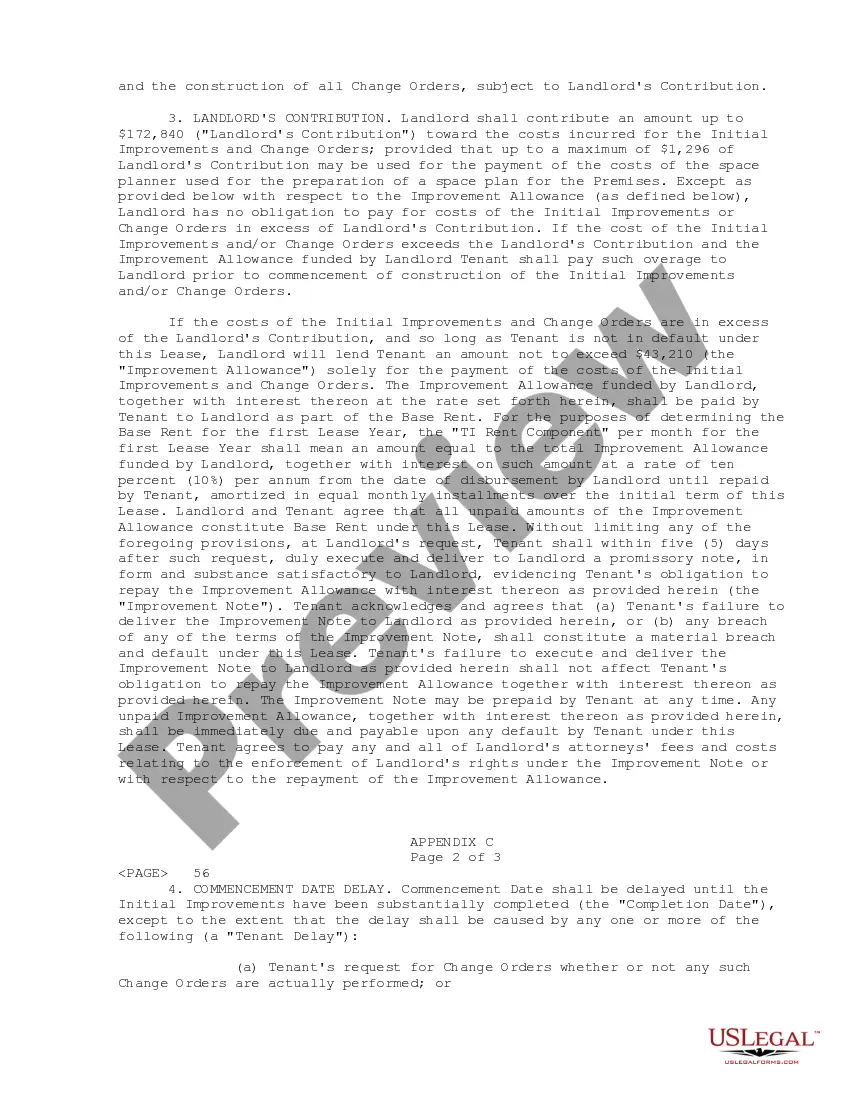
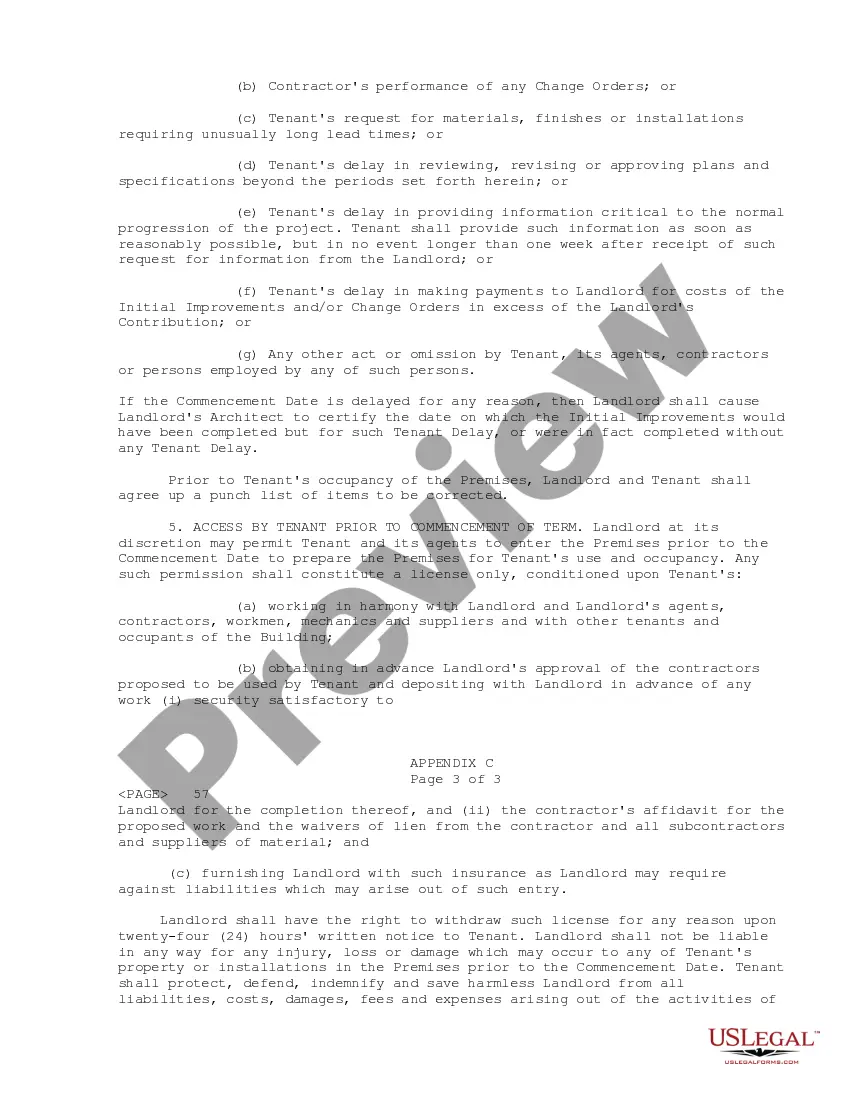
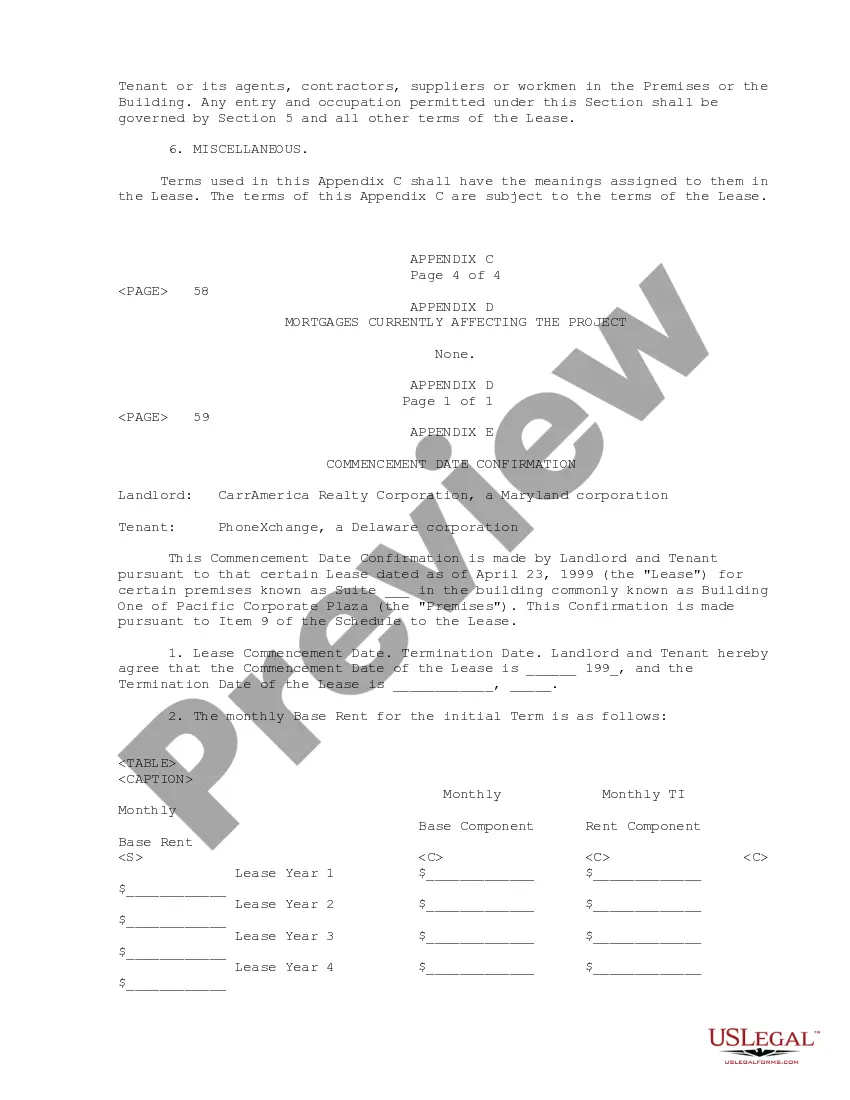
Get your form ready online
Our built-in tools help you complete, sign, share, and store your documents in one place.
Make edits, fill in missing information, and update formatting in US Legal Forms—just like you would in MS Word.
Download a copy, print it, send it by email, or mail it via USPS—whatever works best for your next step.
Sign and collect signatures with our SignNow integration. Send to multiple recipients, set reminders, and more. Go Premium to unlock E-Sign.
If this form requires notarization, complete it online through a secure video call—no need to meet a notary in person or wait for an appointment.
We protect your documents and personal data by following strict security and privacy standards.

Make edits, fill in missing information, and update formatting in US Legal Forms—just like you would in MS Word.

Download a copy, print it, send it by email, or mail it via USPS—whatever works best for your next step.

Sign and collect signatures with our SignNow integration. Send to multiple recipients, set reminders, and more. Go Premium to unlock E-Sign.

If this form requires notarization, complete it online through a secure video call—no need to meet a notary in person or wait for an appointment.

We protect your documents and personal data by following strict security and privacy standards.
Looking for another form?




How to fill out Tenant Improvement Lease?
It's clear that you cannot transform into a legal expert immediately, nor can you quickly understand how to promptly create Leasehold Improvements In Quickbooks without a specialized education.
Generating legal documents is a lengthy procedure that necessitates distinct training and abilities. So why not entrust the development of the Leasehold Improvements In Quickbooks to the experts.
With US Legal Forms, one of the most extensive legal template libraries, you can find anything from court documents to templates for internal communication.
Click Buy now. Once the payment is complete, you can download the Leasehold Improvements In Quickbooks, fill it out, print it, and send or dispatch it by mail to the relevant individuals or organizations.
You can regain access to your documents from the My documents tab at any time. If you’re a returning customer, you can simply Log In, and find and download the template from the same tab.
- Start your journey on our website and obtain the document you need in just a few minutes.
- Locate the form you seek by utilizing the search bar at the upper section of the page.
- Examine it (if this feature is available) and review the accompanying description to determine if Leasehold Improvements In Quickbooks is what you are looking for.
- Restart your search if you require a different document.
- Create a free account and select a subscription plan to purchase the template.
Form popularity
FAQ
The accounting rules for leasehold improvements include recognizing improvements as assets and depreciating them over their useful life. QuickBooks supports these rules, allowing users to create specific asset accounts and set up depreciation schedules easily. Understanding these rules helps ensure accurate financial reporting and compliance with accounting standards.
To write off leasehold improvements in QuickBooks, you need to set up a depreciation expense account. Each year, you will allocate a portion of the improvement costs to this expense account. This method allows you to reflect the decreasing value of your assets on your balance sheet accurately.
The write off period for leasehold improvements generally depends on the length of the lease agreement, typically over 15 years. In QuickBooks, you can set up a depreciation schedule that aligns with these timeframes. This ensures that your financial statements accurately reflect the costs associated with your leasehold improvements.
In QuickBooks, leasehold improvements refer to the changes made to a rental space that enhance its value. These can include renovations, new fixtures, or updates to the layout. Tracking these improvements specifically in QuickBooks helps businesses manage their asset depreciation and better visualize their investment in the property.
To account for leasehold improvement allowance in QuickBooks, you first need to determine the total amount of the allowance. After that, you can create an asset account for leasehold improvements in QuickBooks. This allows you to track the improvements over their useful life, ensuring that your accounting records reflect the value accurately.
A leasehold improvement qualifies as any modification made to a leased property that adds value and enhances its usability. This can range from simple cosmetic changes to major renovations. In QuickBooks, it is crucial to identify and classify these improvements to optimize your financial analysis.
Examples of leasehold improvements include installing built-in shelving, upgrading HVAC systems, and modifying restrooms. These improvements make the space more usable and attractive for tenants or employees. Make sure to document these changes accurately in QuickBooks for proper asset tracking.
Leasehold improvements can include items like new flooring, wall partitions, lighting fixtures, and plumbing upgrades. These changes add value to the leased space and may lead to increased functionality. When using QuickBooks, it’s essential to categorize these expenses correctly to maintain clear financial records.
Yes, leasehold improvements are considered capital expenditures. They enhance the value of a leased property and are typically recorded as assets on your balance sheet. In QuickBooks, these capital expenses should be tracked to ensure accurate financial reporting and depreciation calculations.
To account for leasehold improvements, you should first identify the total costs incurred for the improvements. In QuickBooks, you can then categorize these costs under fixed assets, facilitating the tracking of both the asset and its depreciation. By using this method, you'll simplify your financial management and ensure that leasehold improvements are accurately recorded in your accounts.