Collector 3rd Party With Unifi Protect
Description
Get your form ready online
Our built-in tools help you complete, sign, share, and store your documents in one place.
Make edits, fill in missing information, and update formatting in US Legal Forms—just like you would in MS Word.
Download a copy, print it, send it by email, or mail it via USPS—whatever works best for your next step.
Sign and collect signatures with our SignNow integration. Send to multiple recipients, set reminders, and more. Go Premium to unlock E-Sign.
If this form requires notarization, complete it online through a secure video call—no need to meet a notary in person or wait for an appointment.
We protect your documents and personal data by following strict security and privacy standards.

Make edits, fill in missing information, and update formatting in US Legal Forms—just like you would in MS Word.

Download a copy, print it, send it by email, or mail it via USPS—whatever works best for your next step.

Sign and collect signatures with our SignNow integration. Send to multiple recipients, set reminders, and more. Go Premium to unlock E-Sign.

If this form requires notarization, complete it online through a secure video call—no need to meet a notary in person or wait for an appointment.

We protect your documents and personal data by following strict security and privacy standards.
Looking for another form?
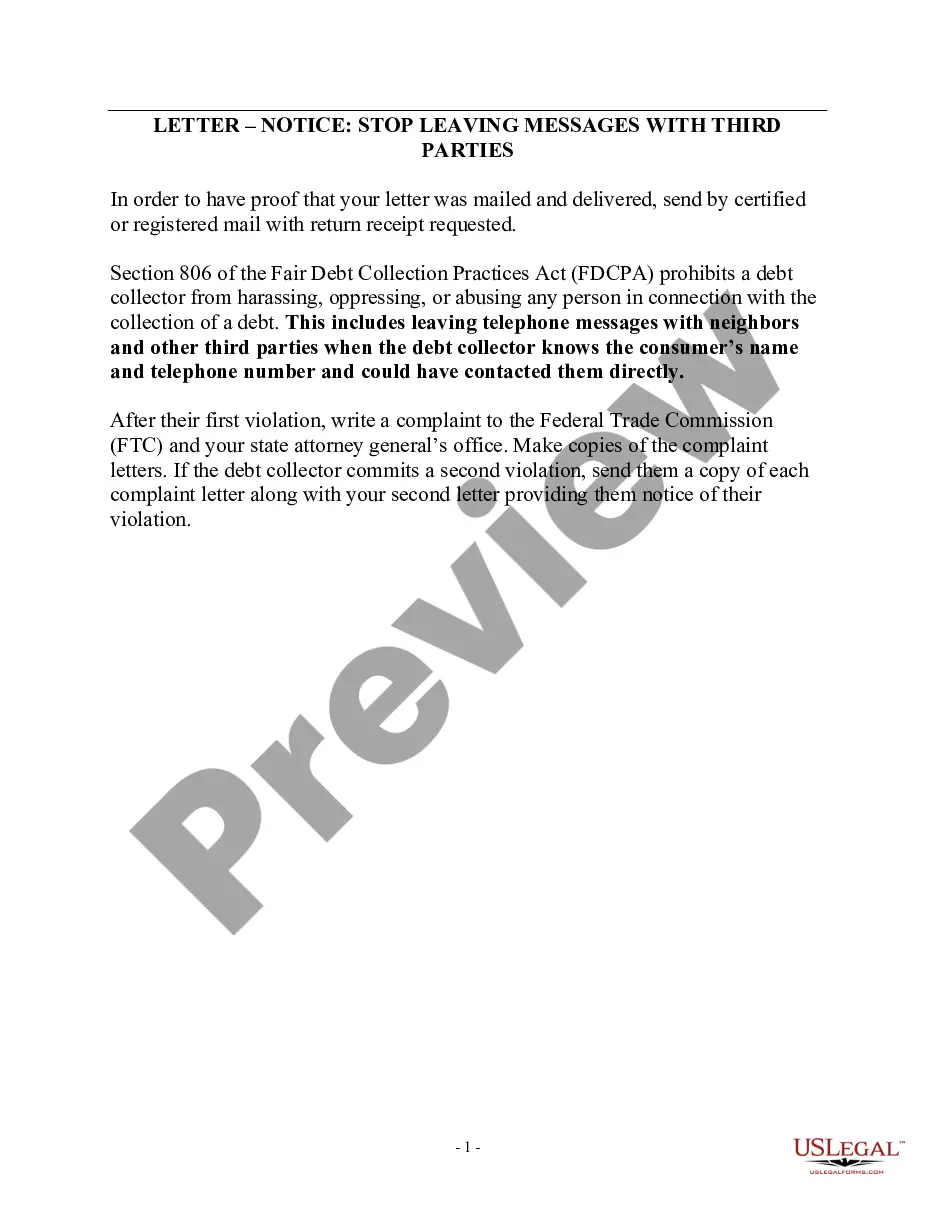
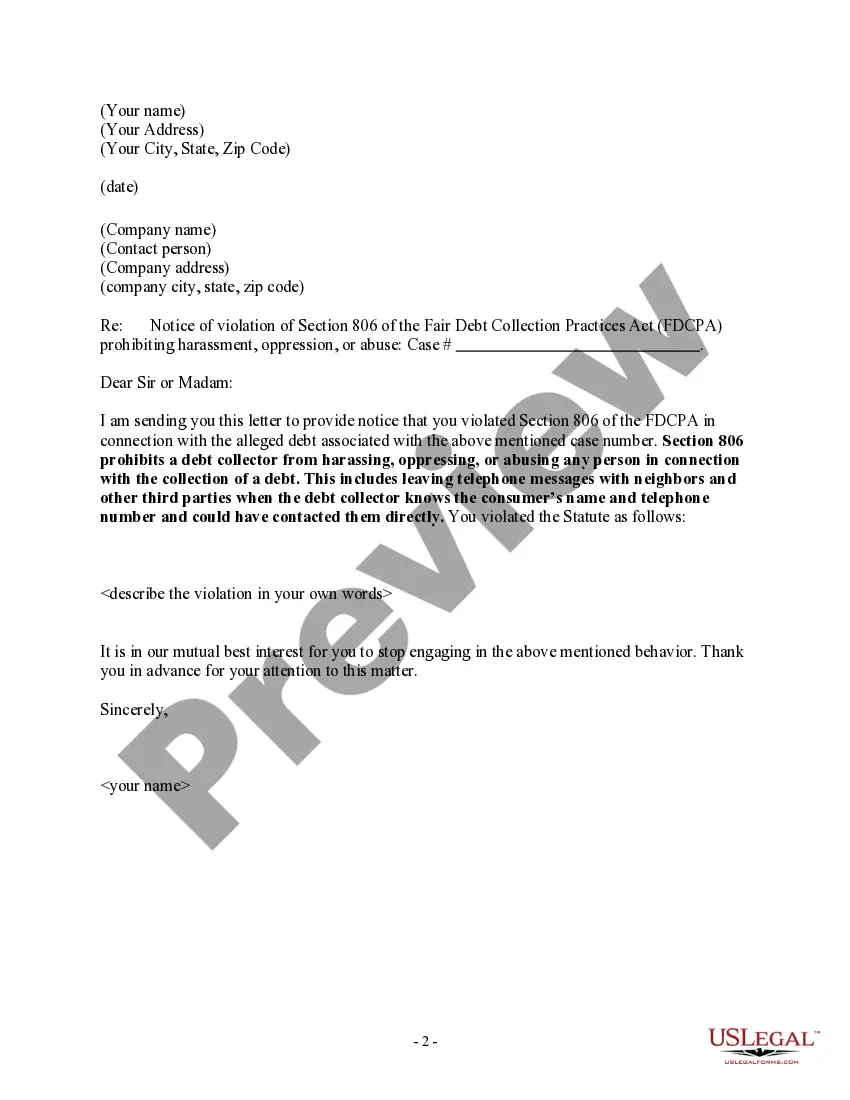
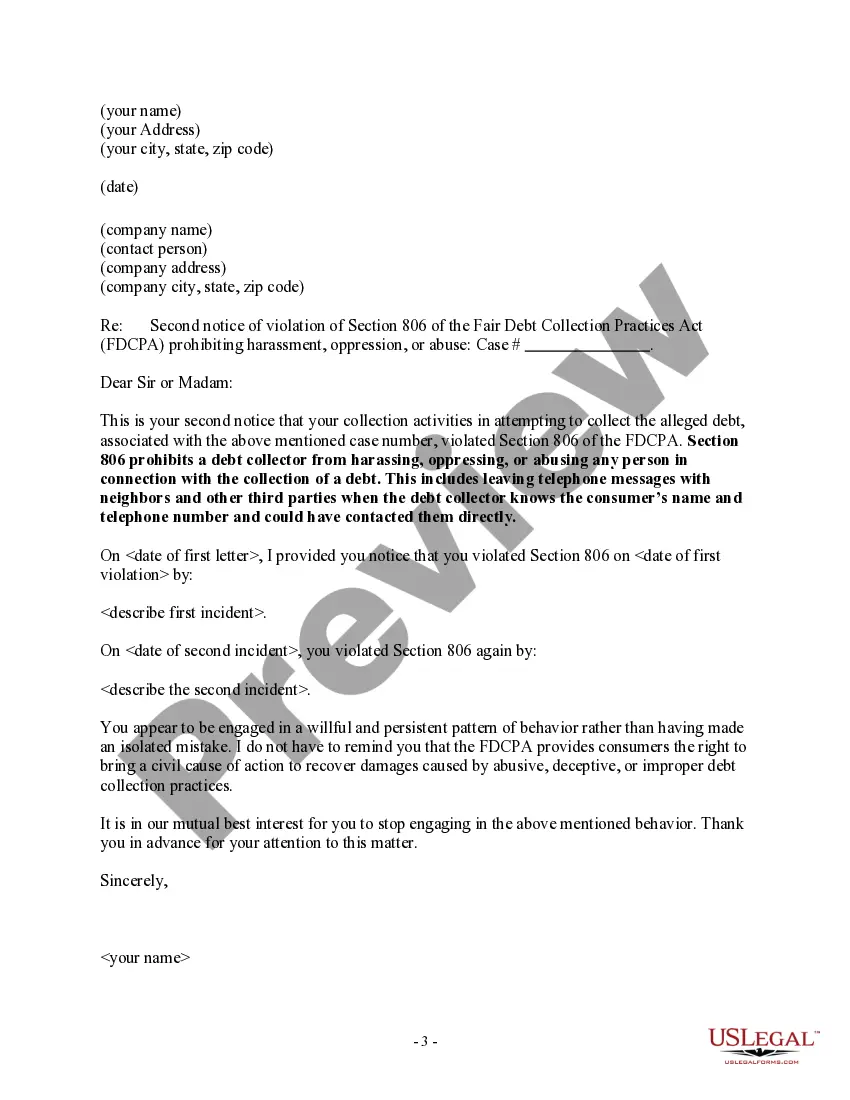
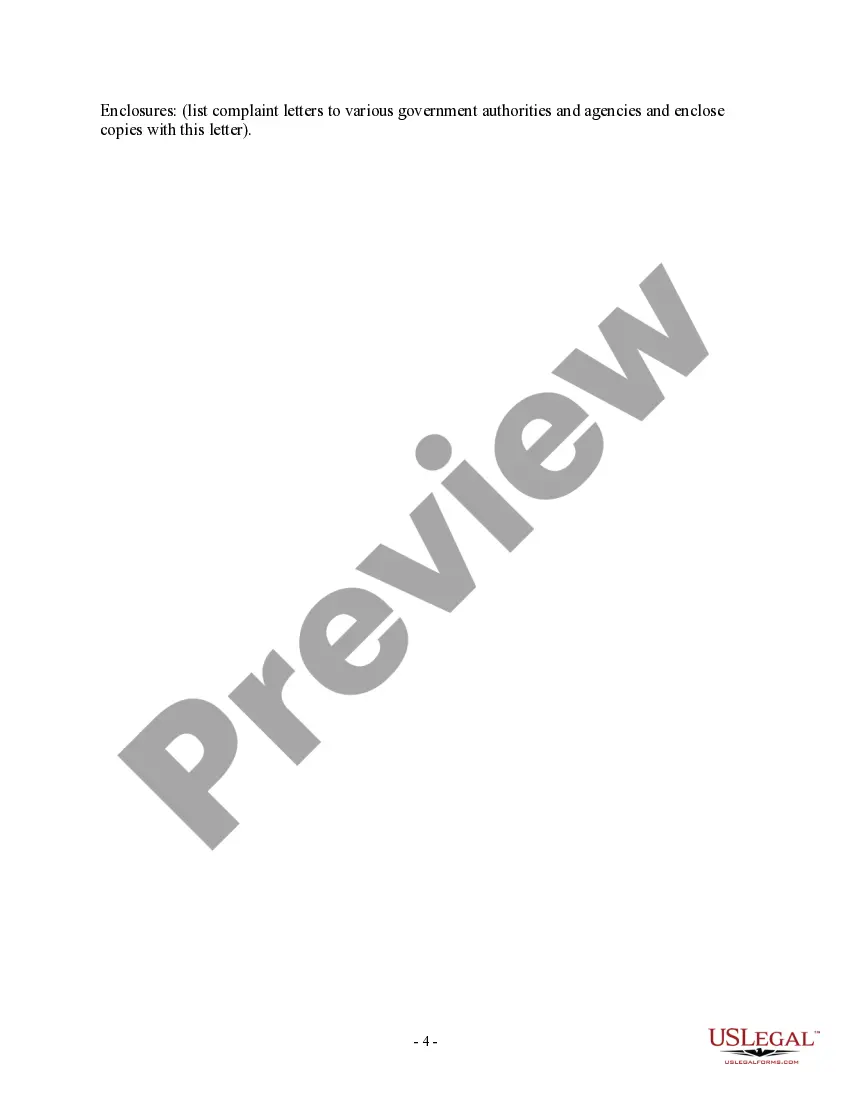
How to fill out Notice To Debt Collector - Unlawful Messages To 3rd Parties?
The Collector 3rd Party With Unifi Protect presented on this page is a versatile formal template created by experienced lawyers in compliance with federal and state laws.
For over 25 years, US Legal Forms has offered individuals, businesses, and attorneys access to over 85,000 authenticated, state-specific forms suitable for various professional and personal situations.
Subscribe to US Legal Forms to have authenticated legal templates for every life scenario readily available.
- Search for the form you require and review it.
- Browse through the searched file and preview it or review the form description to confirm it meets your needs. If it doesn’t, utilize the search bar to locate the suitable one. Click Buy Now when you find the template you require.
- Register and sign in.
- Select the pricing option that fits you and create an account. Use PayPal or a credit card for an instant payment. If you already possess an account, Log In and review your subscription to proceed.
- Obtain the editable template.
- Choose the format you prefer for your Collector 3rd Party With Unifi Protect (PDF, DOCX, RTF) and save the sample to your device.
- Complete and sign the document.
- Print the template to fill it out manually. Alternatively, utilize an online multi-functional PDF editor to swiftly and accurately complete and sign your form digitally.
- Download your documents again.
- Use the same form again whenever necessary. Navigate to the My documents tab in your profile to redownload any previously acquired forms.
Form popularity
FAQ
Manually adding a camera to UniFi Protect is a straightforward process. First, access your UniFi Protect dashboard, and select the option to add a new device. You’ll need to input the camera’s IP address and the relevant RTSP stream URL to complete the integration. This method works particularly well for a Collector 3rd party with UniFi Protect setup.
You can use a third-party router with a UniFi gateway, but it may require additional configuration. This setup could present challenges, particularly if you're looking to integrate a Collector 3rd party with UniFi Protect. Using a UniFi router is generally advisable for straightforward setup and optimum performance.
A Rhode Island limited power of attorney form can be used to appoint another person to take care of specific matters on your behalf. This paperwork has been developed so that only a certain amount of principal power is available to the agent when representing the principal.
A Brief Summary of Rhode Island Durable Power of Attorney Law. As with most other states, Rhode Island statute allows the patient's appointed health care agent (named in the durable power of attorney) to refuse any procedure that prolongs the dying process.
A Rhode Island durable financial power of attorney form allows a principal to name an individual, known as the attorney-in-fact, to manage their money and business affairs. With a ?durable? financial power of attorney, the authority of the attorney-in-fact become effective immediately.
If the power of attorney is granted to a person other than an attorney, certified public accountant, or licensed public accountant, or enrolled agent, it must be witnessed or notarized below.
Motions may be filed in paper, or alternatively, may be sent electronically via email to our Helpdesk at: rib_helpdesk@rib.uscourts.gov. The subject line of the email must state, "Motion For Excusal".
A Rhode Island durable statutory power of attorney form is used to transfer authority over financial acts from one person (?principal?) to someone else (?agent?). The principal can choose more than one agent to act on their behalf and select to have them work jointly or severally.