Section Rules
Description
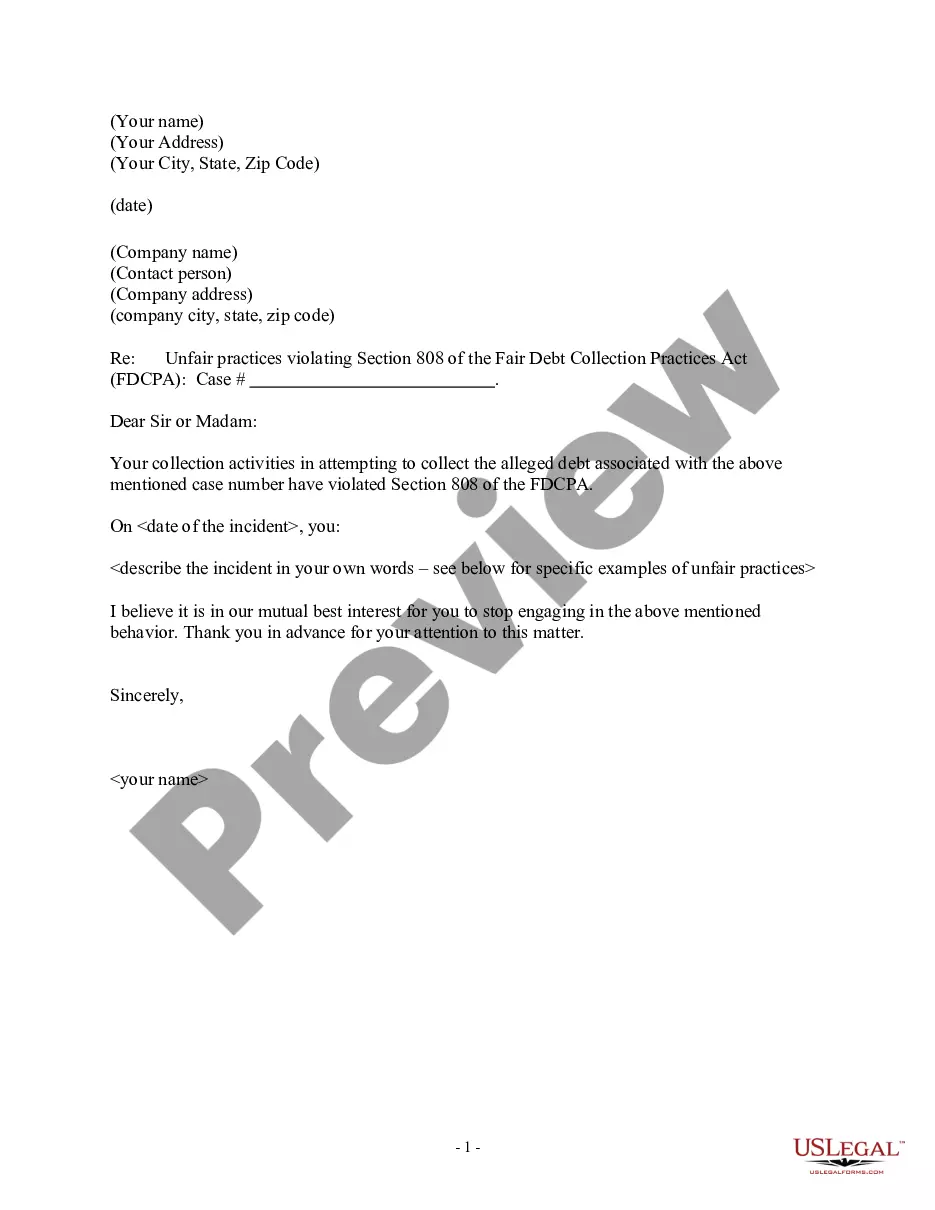
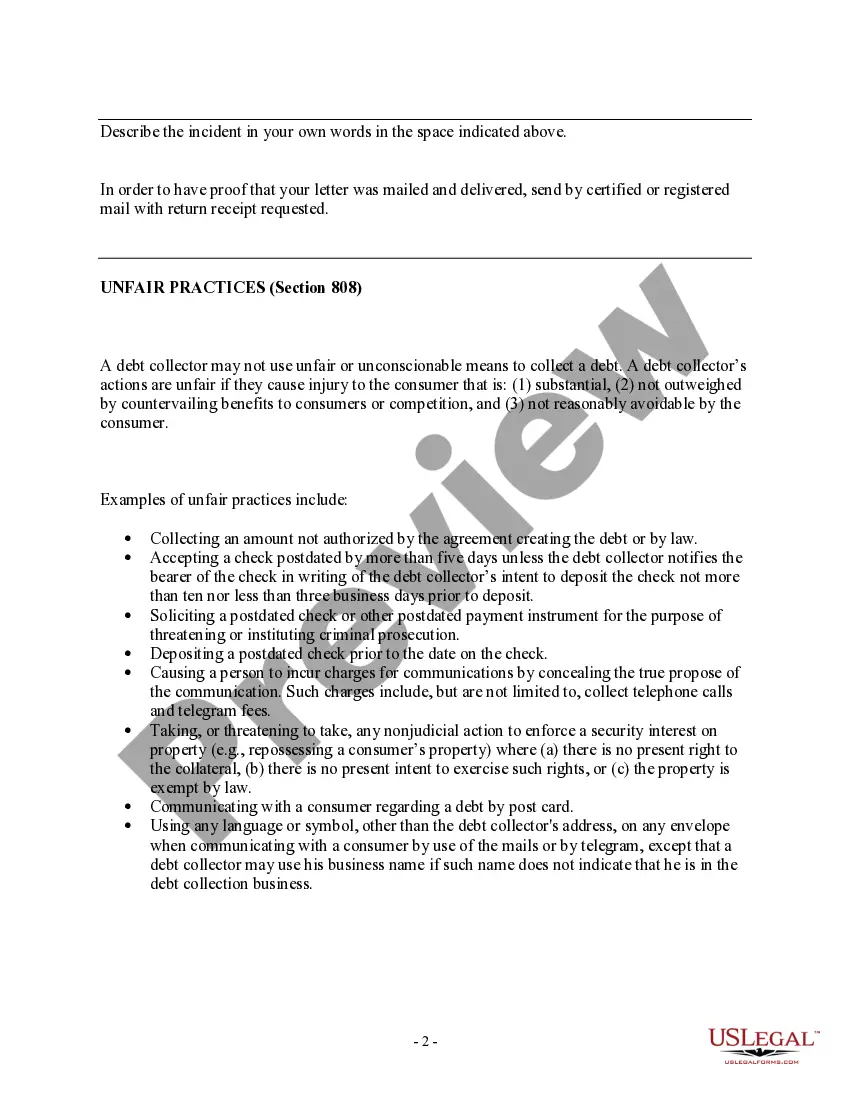
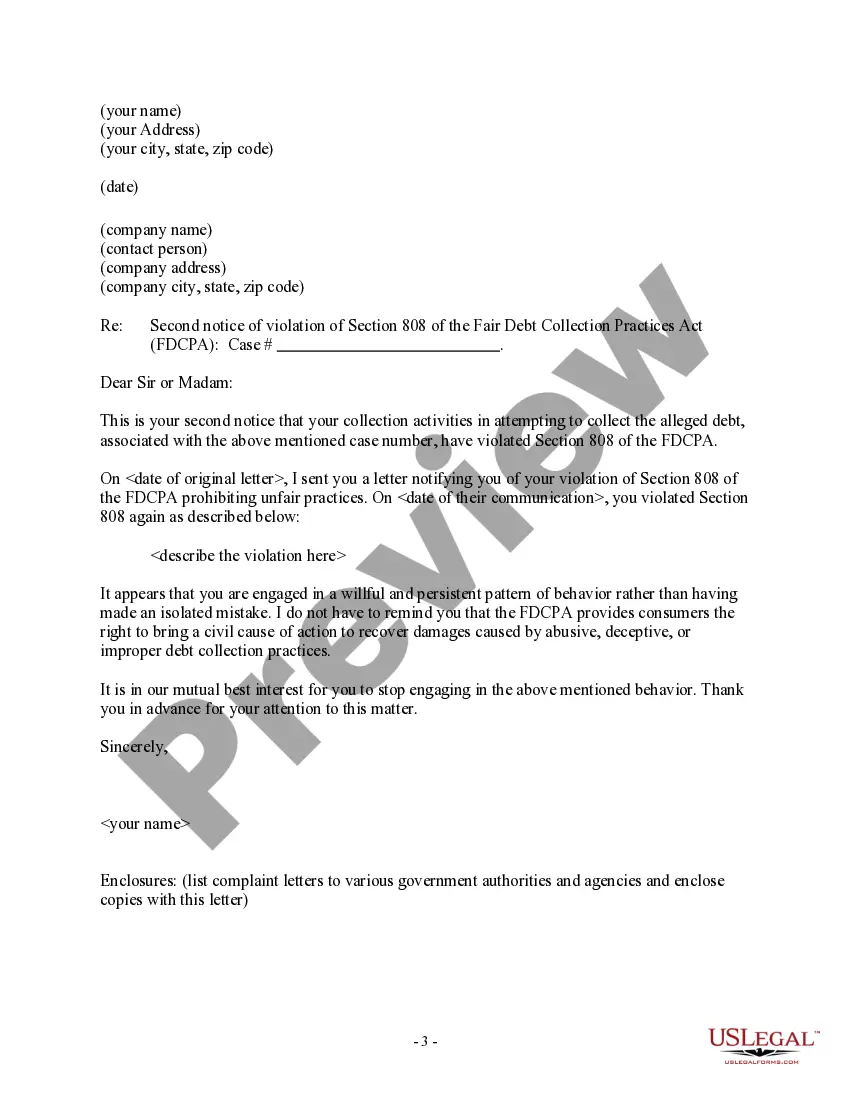
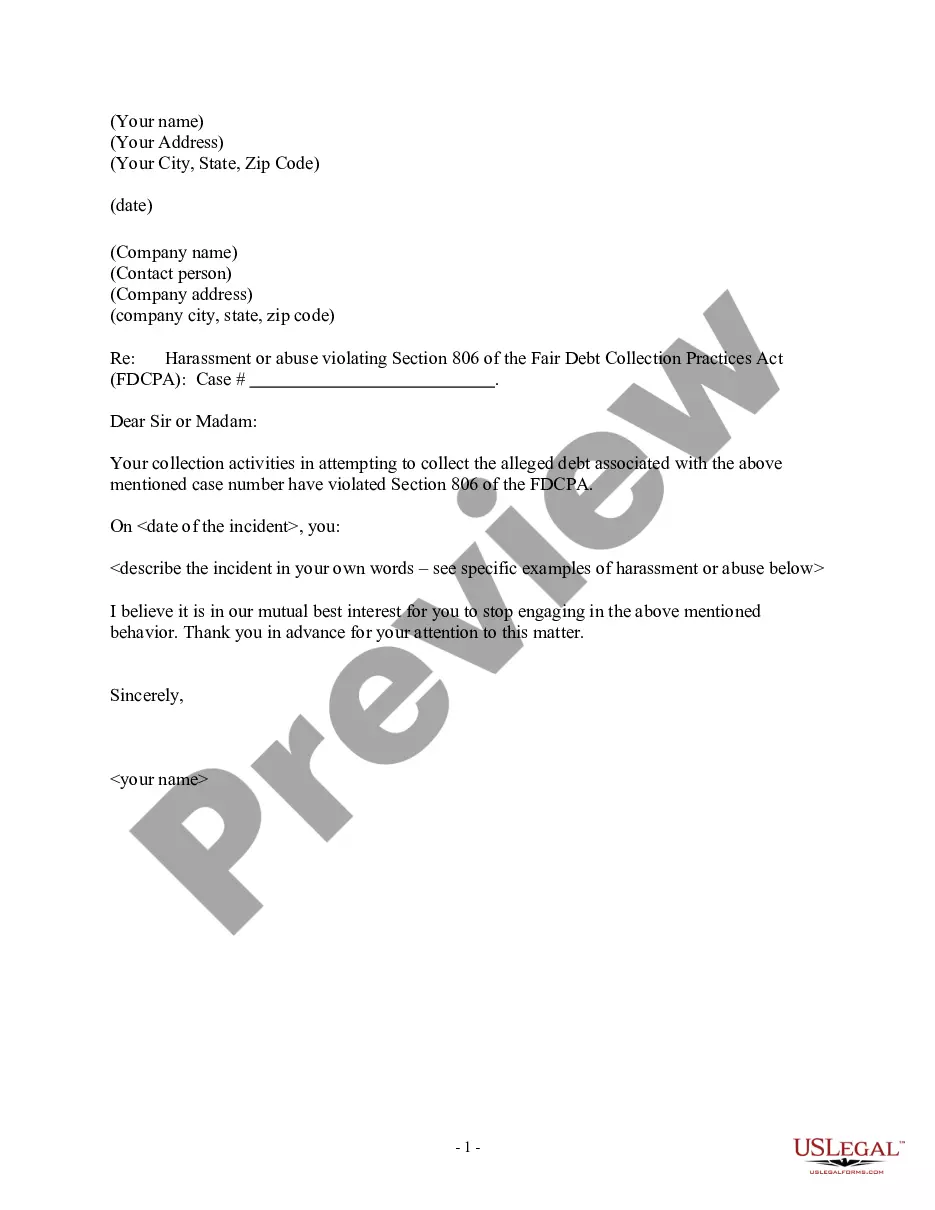
Get your form ready online
Our built-in tools help you complete, sign, share, and store your documents in one place.
Make edits, fill in missing information, and update formatting in US Legal Forms—just like you would in MS Word.
Download a copy, print it, send it by email, or mail it via USPS—whatever works best for your next step.
Sign and collect signatures with our SignNow integration. Send to multiple recipients, set reminders, and more. Go Premium to unlock E-Sign.
If this form requires notarization, complete it online through a secure video call—no need to meet a notary in person or wait for an appointment.
We protect your documents and personal data by following strict security and privacy standards.

Make edits, fill in missing information, and update formatting in US Legal Forms—just like you would in MS Word.

Download a copy, print it, send it by email, or mail it via USPS—whatever works best for your next step.

Sign and collect signatures with our SignNow integration. Send to multiple recipients, set reminders, and more. Go Premium to unlock E-Sign.

If this form requires notarization, complete it online through a secure video call—no need to meet a notary in person or wait for an appointment.

We protect your documents and personal data by following strict security and privacy standards.
Looking for another form?
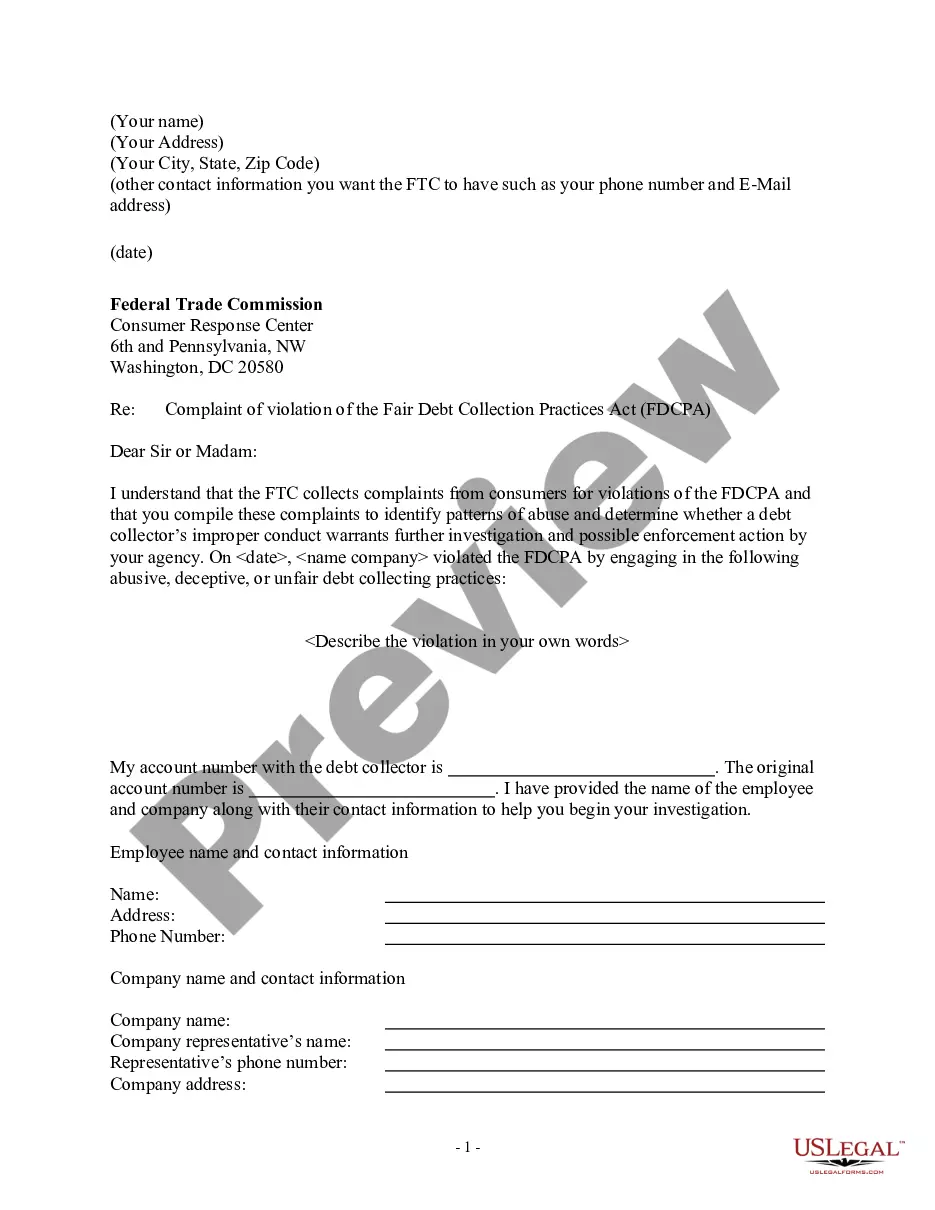
How to fill out Notice Letter To Debt Collector Of Section 808 Violation - Unfair Practices?
It’s well-known that you cannot instantly become a legal expert, nor can you learn to swiftly prepare Section Rules without possessing a specialized background.
Drafting legal paperwork is an extensive undertaking that necessitates specific training and expertise. So why not entrust the development of the Section Rules to the professionals.
With US Legal Forms, one of the most extensive collections of legal templates, you can access everything from court documents to formats for internal business communication. We recognize how vital it is to comply with and adhere to federal and state laws and regulations. That’s why, on our site, all templates are location-specific and current.
Click Buy now. Once your payment is finalized, you can download the Section Rules, complete it, print it, and send or deliver it to the relevant individuals or organizations.
You can access your forms again from the My documents tab whenever you need. If you’re an existing customer, you can simply Log In and locate and download the template from the same tab.
- Start your journey with our platform and secure the document you require in just a few minutes.
- Find the document you need by utilizing the search bar located at the top of the webpage.
- Preview it (if this feature is available) and review the accompanying description to determine whether Section Rules is what you are looking for.
- If you require a different document, restart your search.
- Create a free account and select a subscription plan to purchase the form.
Form popularity
FAQ
How To Complete An I-9 Form - Section 2 - YouTube YouTube Start of suggested clip End of suggested clip And then really that's it just quickly before we end on section three below is very freeMoreAnd then really that's it just quickly before we end on section three below is very free verification. And rehire. So you would use this section.
In Section 2, enter the document title, issuing authority, number(s) and expiration date(s) (if any) from the original document(s) the employee presented. Enter the employee's first day of employment as noted above. Enter your first and last name and title. Sign and date the form.
Completing Form I-9 Section One: Employee Information and Attestation. Completed by employees. Section Two: Employer or Authorized Representative Review and Verification. Completed by employers. Supplement A, Preparer and/or Translator Certification for Section 1. ... Supplement B: Reverification and Rehires.
Employers may choose to place an employee on a leave of absence for a reasonable amount of time to allow the individual time to obtain the required documentation, or employers may terminate an employee who fails to produce the required documents within three business days.
As an employer, you or your authorized representative must complete and sign Section 2 of Form I-9, Employment Eligibility Verification, within 3 business days of the date of hire of your employee (the hire date means the first day of work for pay).