Credit Shelter Trust Form With Beneficiaries
Description
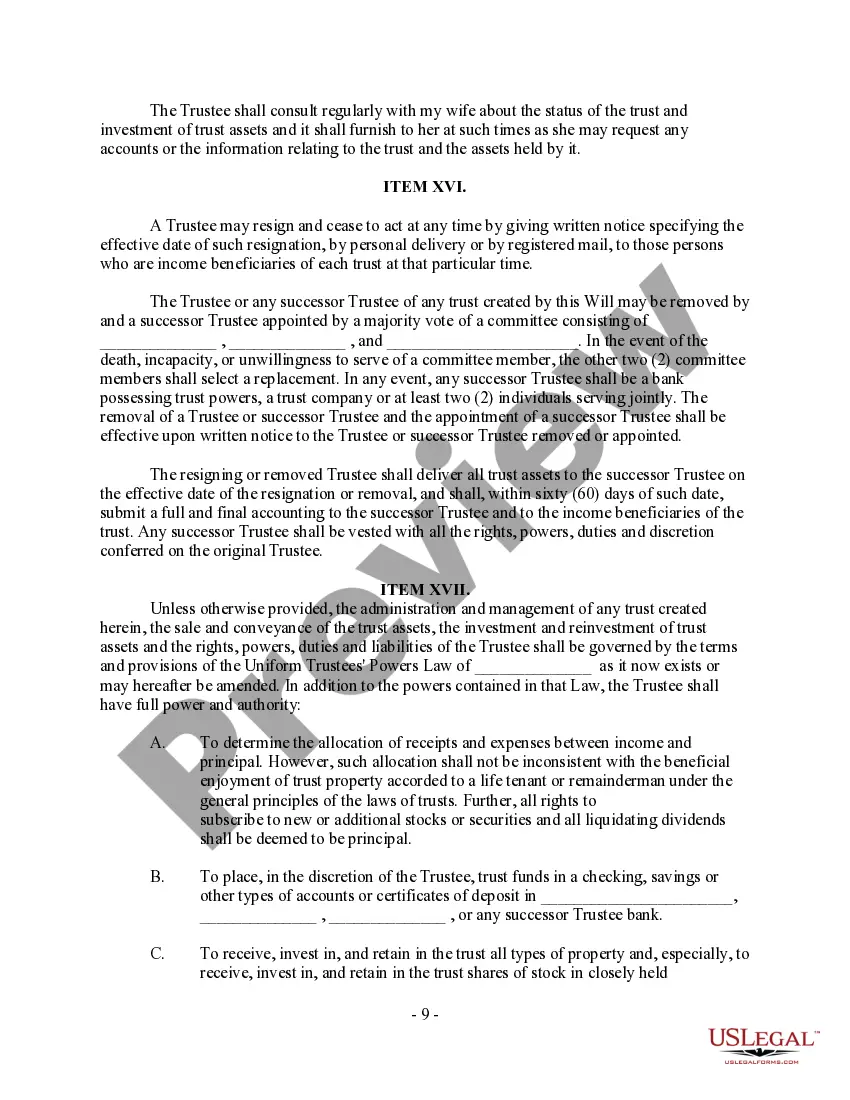
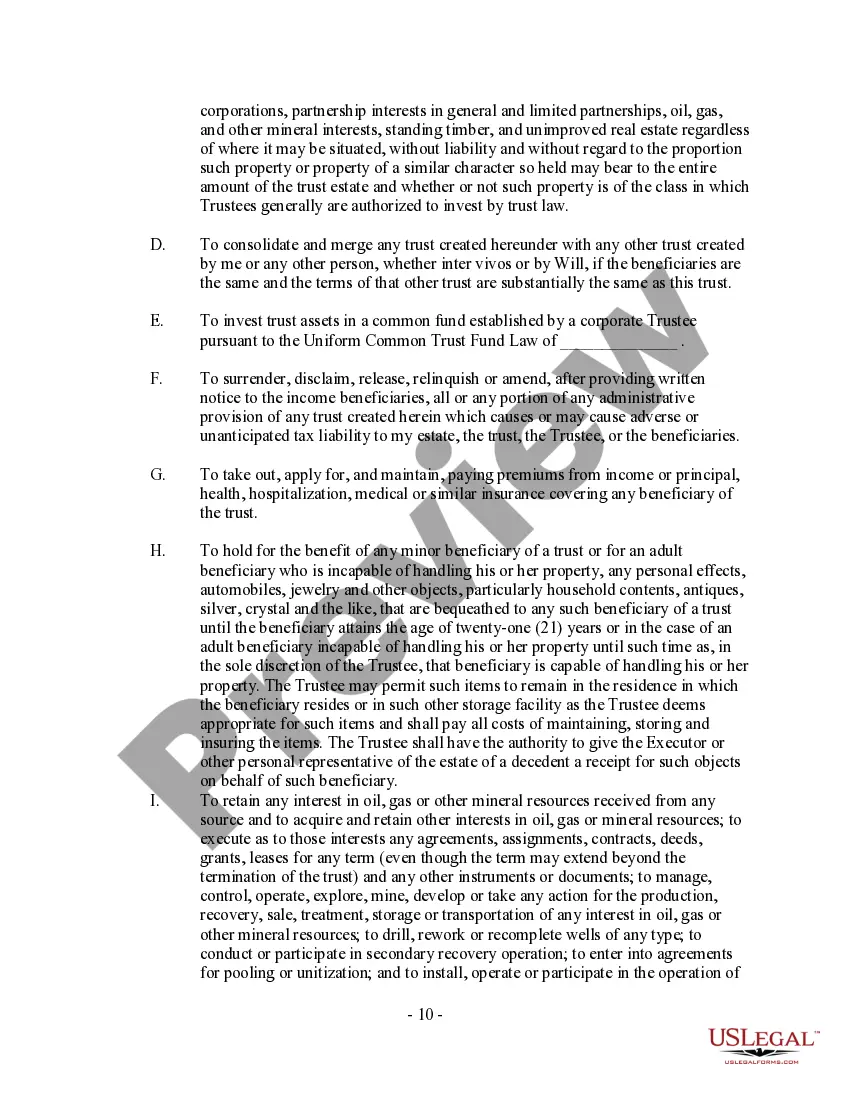

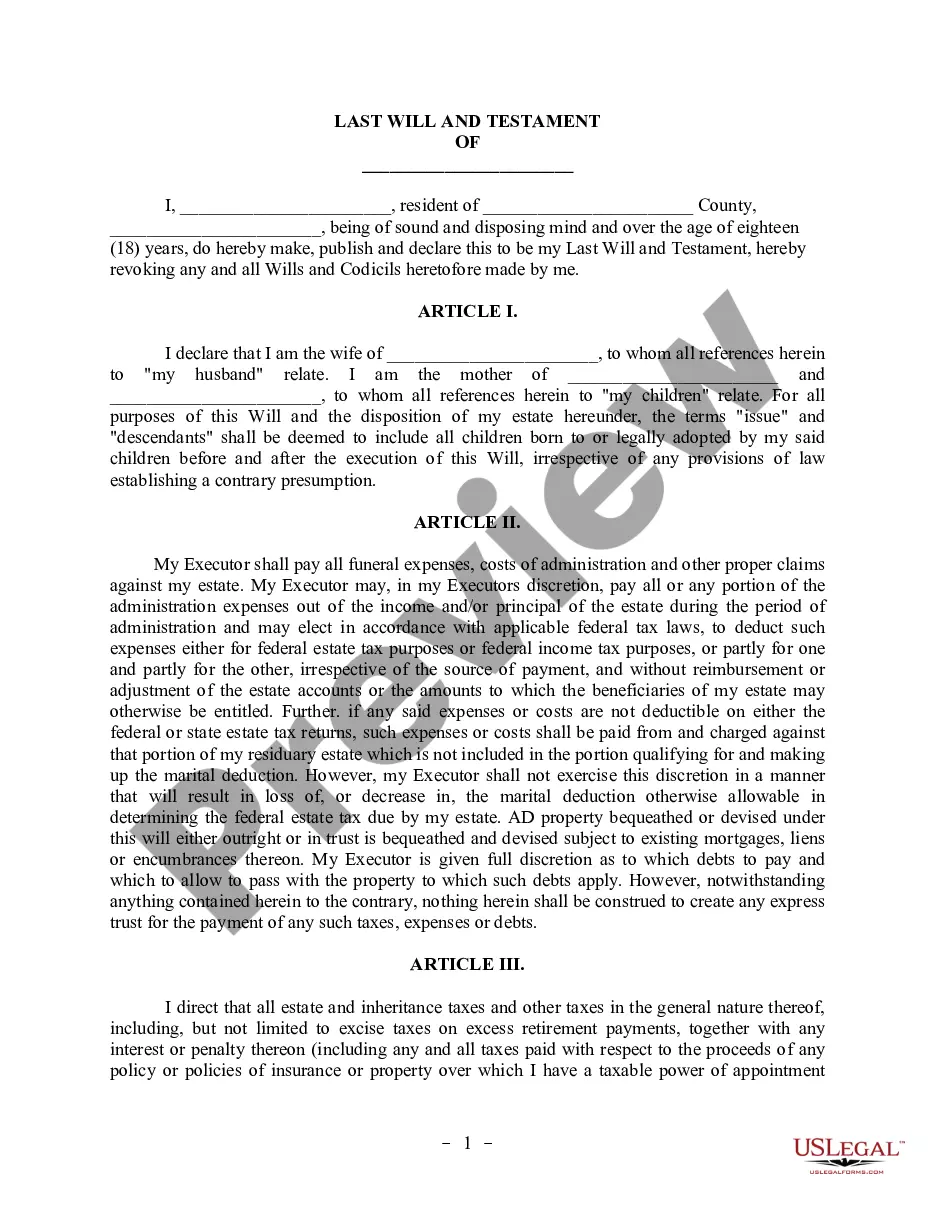
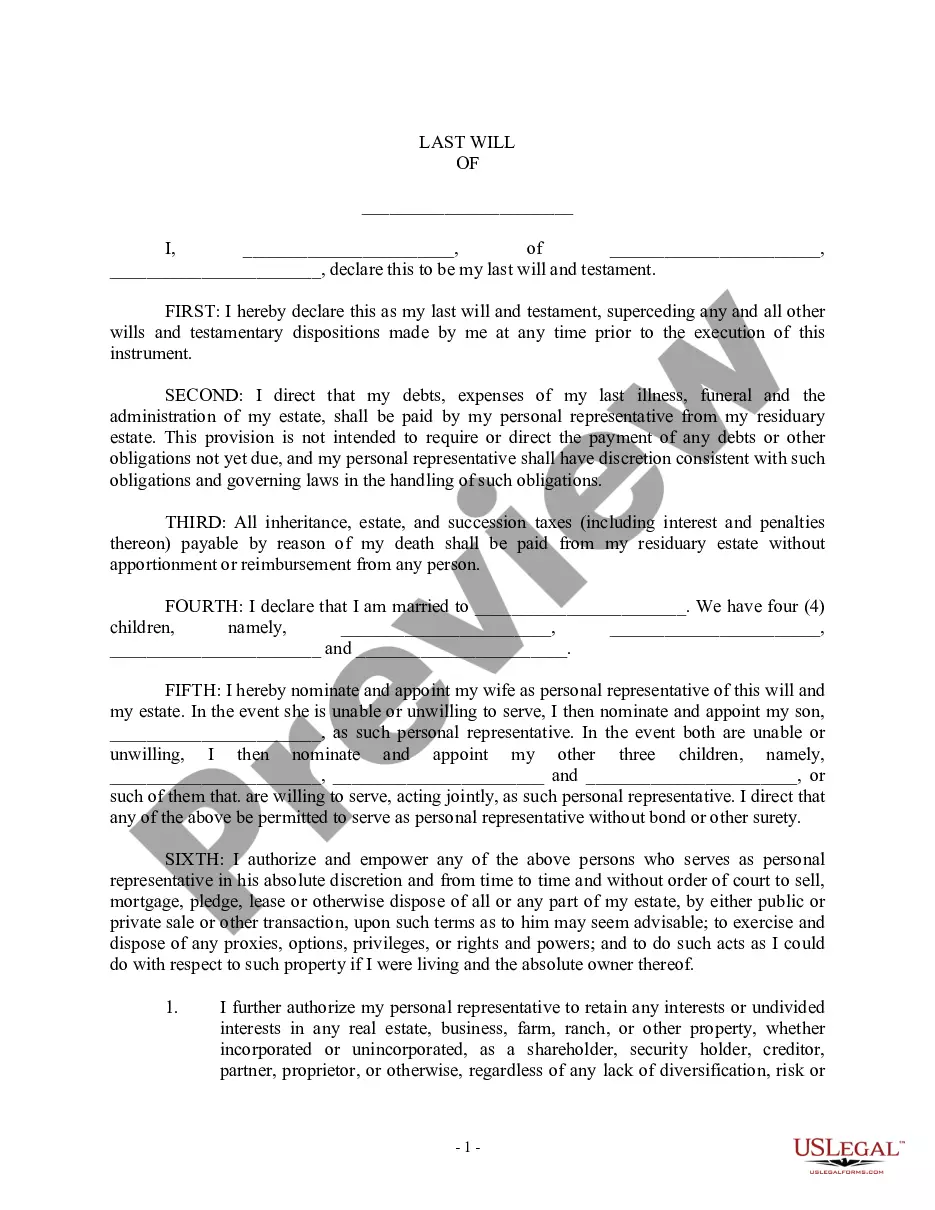
Get your form ready online
Our built-in tools help you complete, sign, share, and store your documents in one place.
Make edits, fill in missing information, and update formatting in US Legal Forms—just like you would in MS Word.
Download a copy, print it, send it by email, or mail it via USPS—whatever works best for your next step.
Sign and collect signatures with our SignNow integration. Send to multiple recipients, set reminders, and more. Go Premium to unlock E-Sign.
If this form requires notarization, complete it online through a secure video call—no need to meet a notary in person or wait for an appointment.
We protect your documents and personal data by following strict security and privacy standards.

Make edits, fill in missing information, and update formatting in US Legal Forms—just like you would in MS Word.

Download a copy, print it, send it by email, or mail it via USPS—whatever works best for your next step.

Sign and collect signatures with our SignNow integration. Send to multiple recipients, set reminders, and more. Go Premium to unlock E-Sign.

If this form requires notarization, complete it online through a secure video call—no need to meet a notary in person or wait for an appointment.

We protect your documents and personal data by following strict security and privacy standards.
Looking for another form?



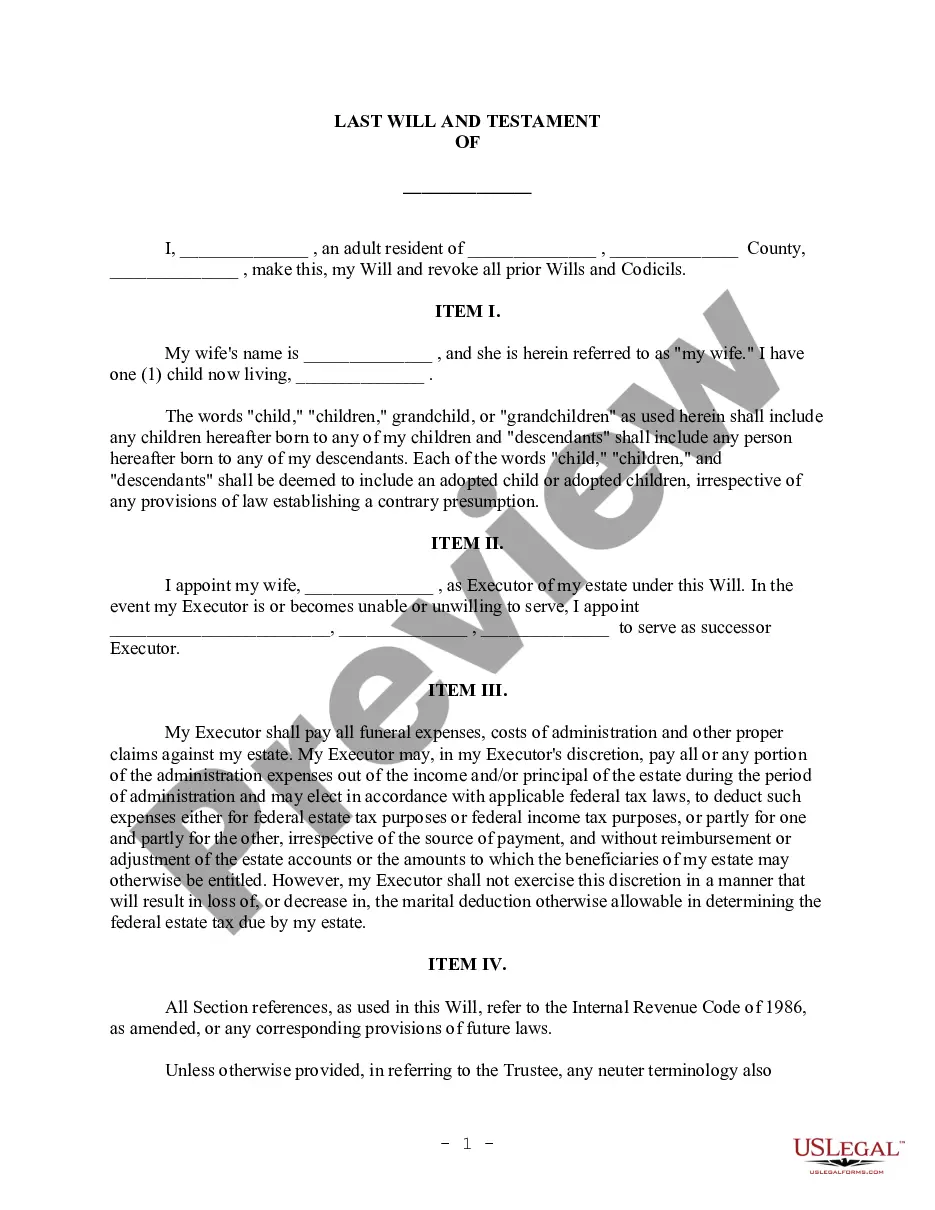
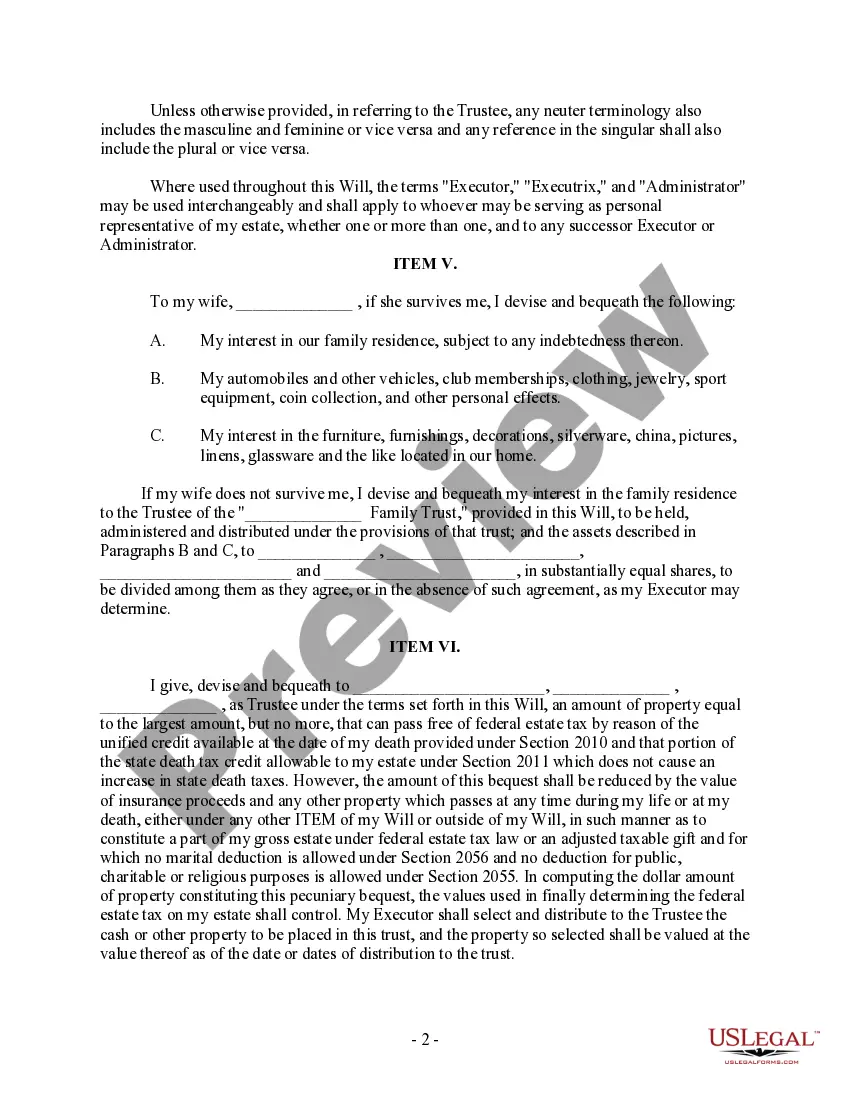
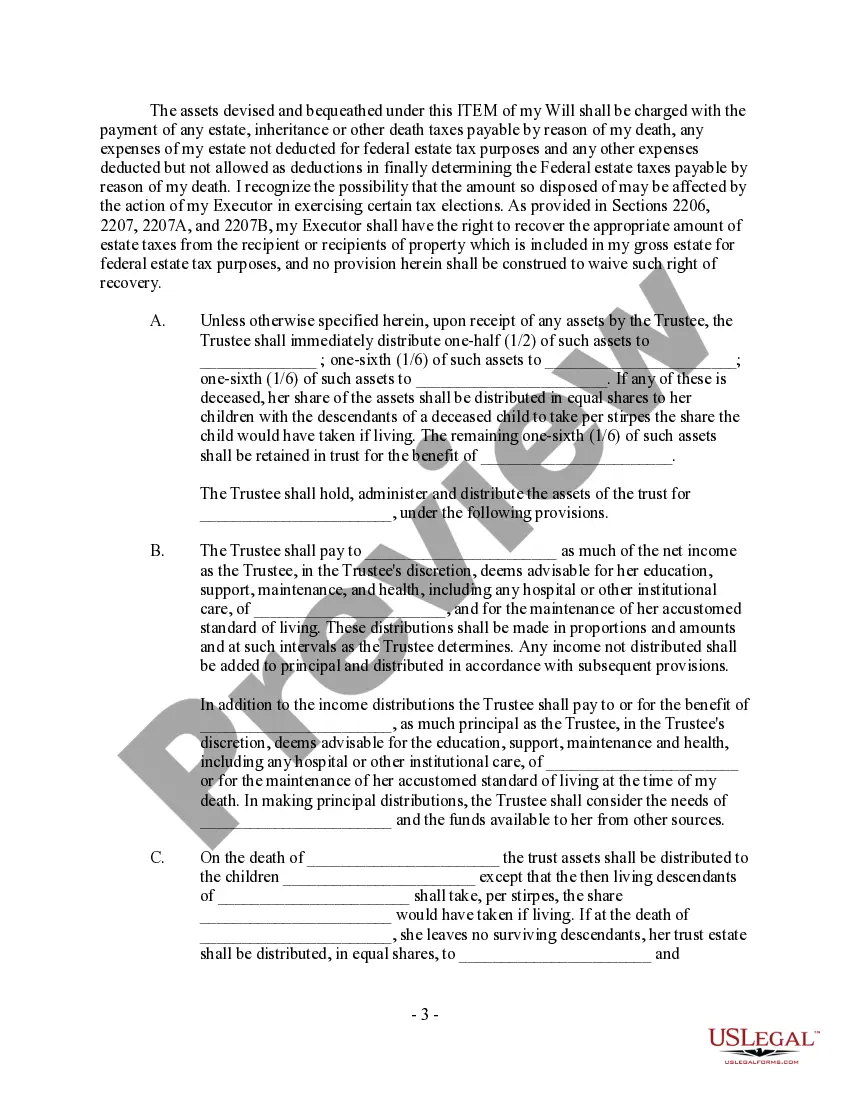
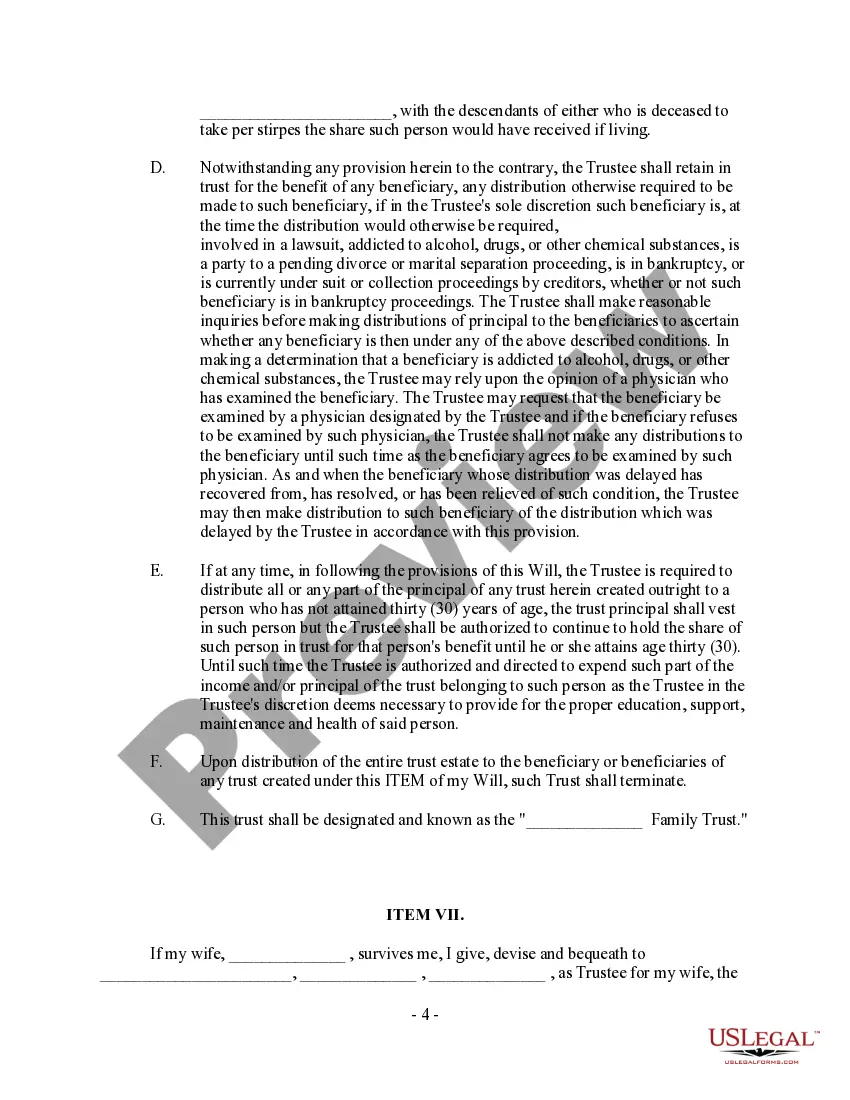
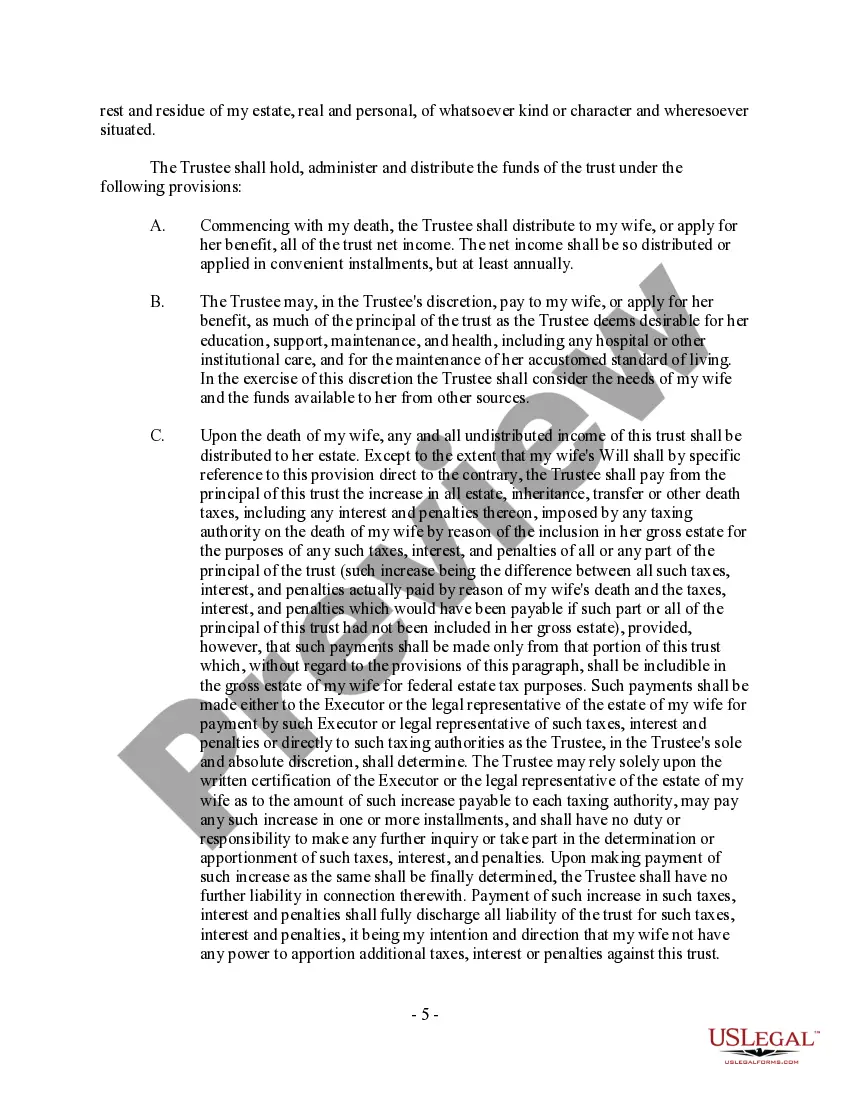
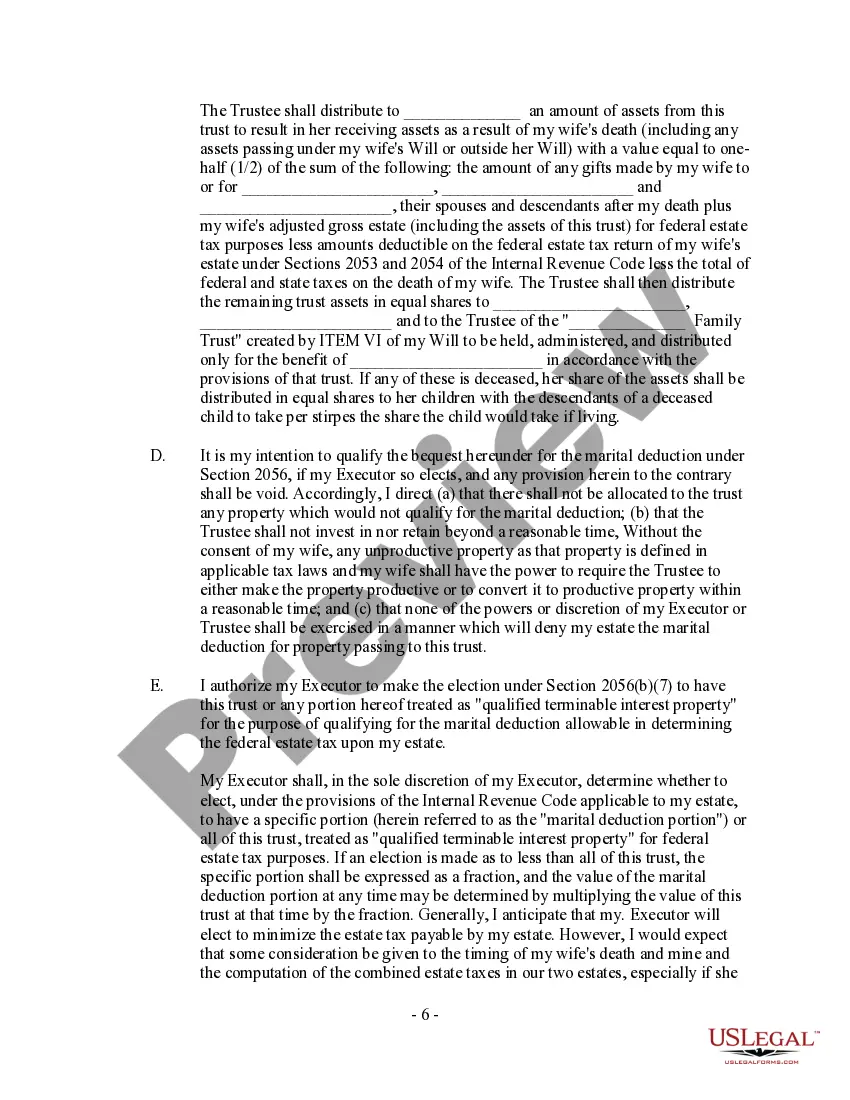
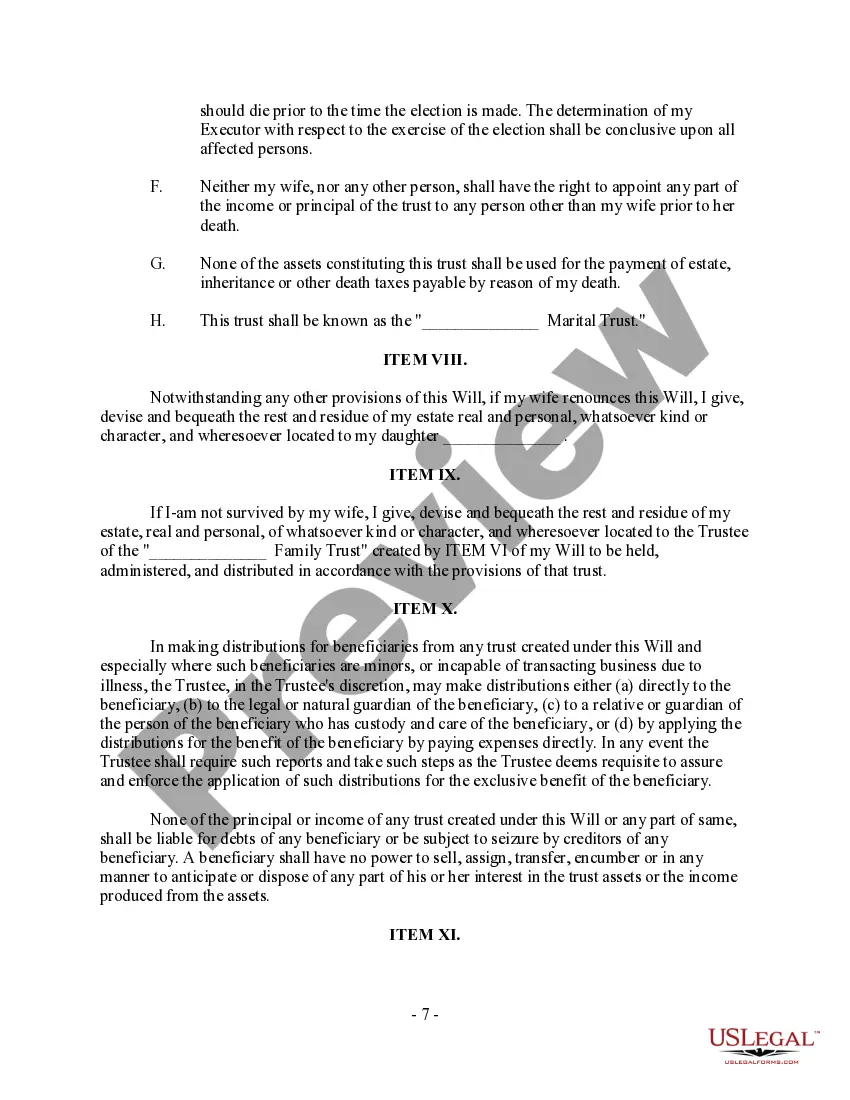
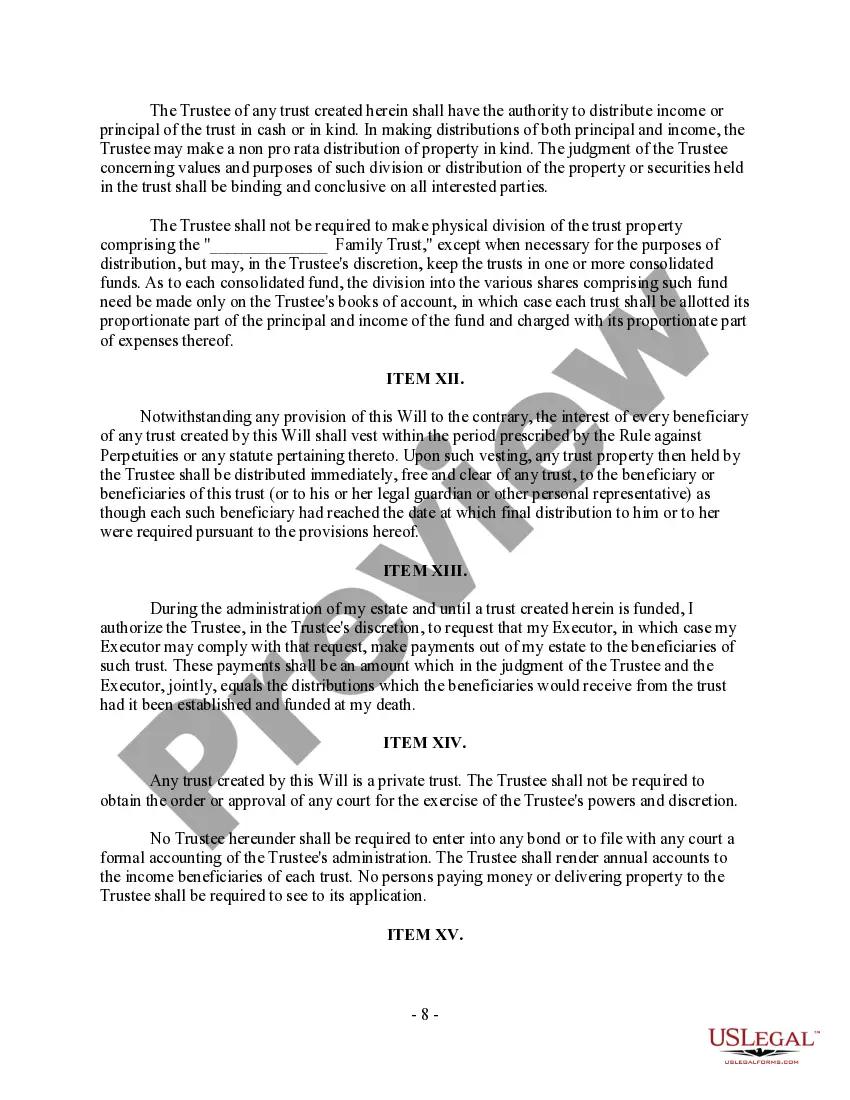
How to fill out Complex Will - Credit Shelter Marital Trust For Spouse?
Dealing with legal documents and processes can be a lengthy addition to your daily routine.
Credit Shelter Trust Form With Beneficiaries and similar documents typically necessitate you to locate them and comprehend how to fill them out correctly.
Thus, regardless of whether you are managing financial, legal, or personal issues, having an all-inclusive and user-friendly online repository of forms readily available will be tremendously beneficial.
US Legal Forms is the premier online platform for legal templates, providing more than 85,000 state-specific forms and a variety of tools to assist you in completing your documents effortlessly.
Simply Log In to your account, locate Credit Shelter Trust Form With Beneficiaries, and instantly download it from the My documents tab. You can also access previously saved forms.
- Browse the extensive collection of pertinent documents accessible with just a single click.
- US Legal Forms supplies you with state- and county-specific forms available for download at any moment.
- Secure your document management processes with a superior service that enables you to prepare any form in minutes without incurring extra or hidden charges.
Form popularity
FAQ
To add a living trust as a beneficiary, you will need to complete the credit shelter trust form with beneficiaries. First, clarify the details of your living trust, including its name and the trustee involved. Next, contact your financial institutions or insurance companies to request their specific procedures. Finally, submit the completed form to ensure that your living trust receives your intended assets.
Understanding a Credit Shelter Trust (CST) CSTs are created upon a married individual's death and funded with that person's entire estate or a portion of it as outlined in the trust agreement. These assets then flow to the surviving spouse.
A credit shelter trust (CST) is a trust created after the death of the first spouse in a married couple. Assets placed in the trust are generally held apart from the estate of the surviving spouse, so they may pass tax-free to the remaining beneficiaries at the death of the surviving spouse.
Credit Shelter Trust Example Spouse A passes away leaving his entire estate to Spouse B. Due to the unlimited marital exemption, Spouse B will pay zero estate tax on this transfer, and as such would not utilize any of Spouse's A's $11.5mm federal exemption or New York's $6mm exemption.
This trust is irrevocable and will pass to beneficiaries other than the surviving spouse (usually their children). The surviving spouse must follow the trust's plan without overly benefiting from its operation, but this trust often passes income to the surviving spouse to live on for the rest of their life.
When the credit shelter trust is initially funded upon the death of one spouse, the assets that are placed under the trust receive a step-up in basis. This is an important consideration, because any assets held in a CST don't receive a second step-up in basis upon the death of the surviving spouse.