Changing Name On Certificates
Description
Get your form ready online
Our built-in tools help you complete, sign, share, and store your documents in one place.
Make edits, fill in missing information, and update formatting in US Legal Forms—just like you would in MS Word.
Download a copy, print it, send it by email, or mail it via USPS—whatever works best for your next step.
Sign and collect signatures with our SignNow integration. Send to multiple recipients, set reminders, and more. Go Premium to unlock E-Sign.
If this form requires notarization, complete it online through a secure video call—no need to meet a notary in person or wait for an appointment.
We protect your documents and personal data by following strict security and privacy standards.

Make edits, fill in missing information, and update formatting in US Legal Forms—just like you would in MS Word.

Download a copy, print it, send it by email, or mail it via USPS—whatever works best for your next step.

Sign and collect signatures with our SignNow integration. Send to multiple recipients, set reminders, and more. Go Premium to unlock E-Sign.

If this form requires notarization, complete it online through a secure video call—no need to meet a notary in person or wait for an appointment.

We protect your documents and personal data by following strict security and privacy standards.
Looking for another form?

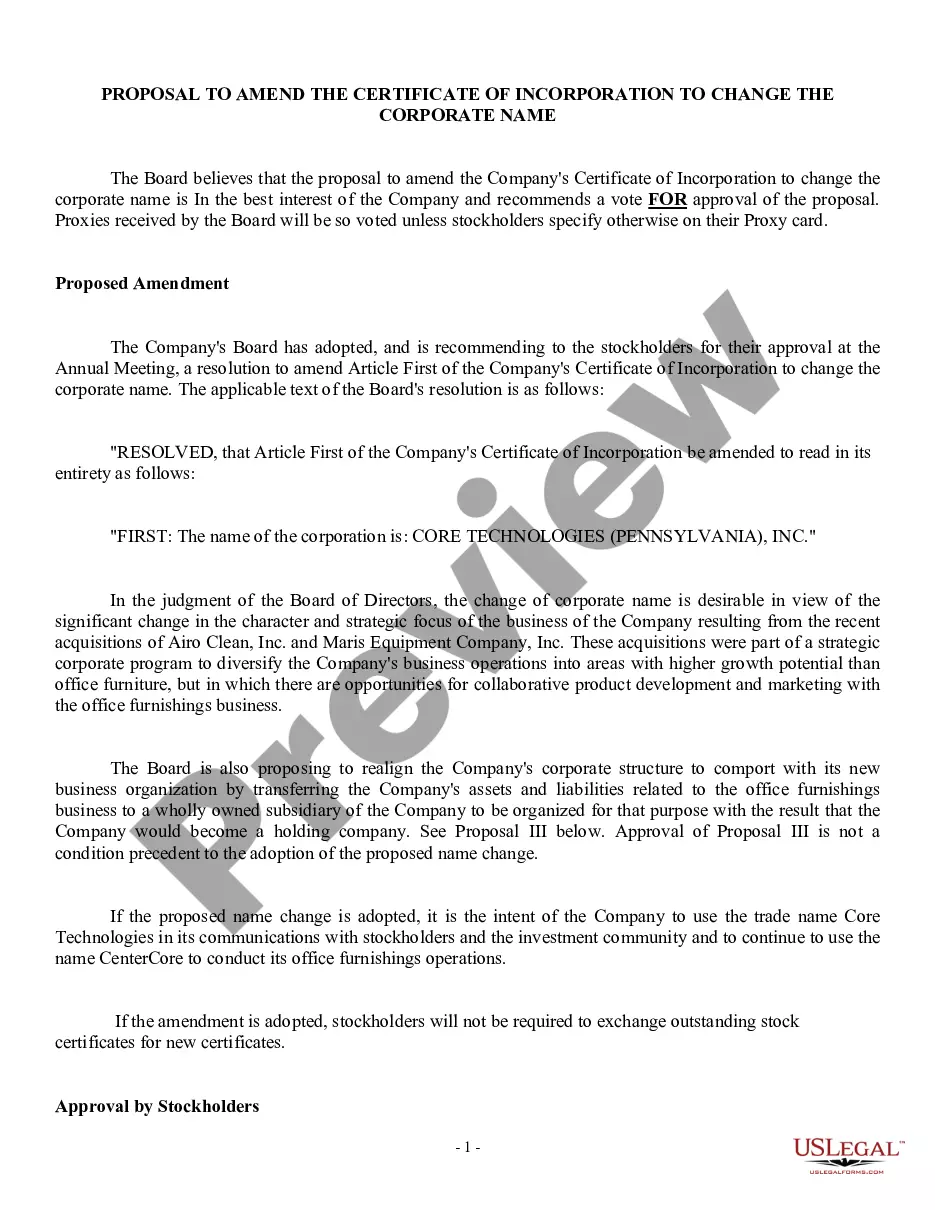
How to fill out Proposal To Amend Certificate Of Incorporation To Change Corporate Name?
It's widely known that you cannot become a legal authority instantly, nor can you learn how to efficiently draft Changing Name On Certificates without possessing a specific skill set.
Drafting legal documents is an extensive process that demands particular education and expertise. So why not entrust the creation of the Changing Name On Certificates to the specialists.
With US Legal Forms, one of the most extensive libraries of legal templates, you can find anything from court documents to templates for internal business communication. We recognize how crucial compliance with federal and local regulations is. That’s why, on our site, all templates are region-specific and current.
You can revisit your forms from the My documents tab whenever you wish. If you are an existing customer, you can simply Log In and locate and download the template from the same tab.
Regardless of the intent of your documentation—whether financial, legal, or personal—our platform has you covered. Try US Legal Forms today!
- Find the document you require using the search bar at the top of the page.
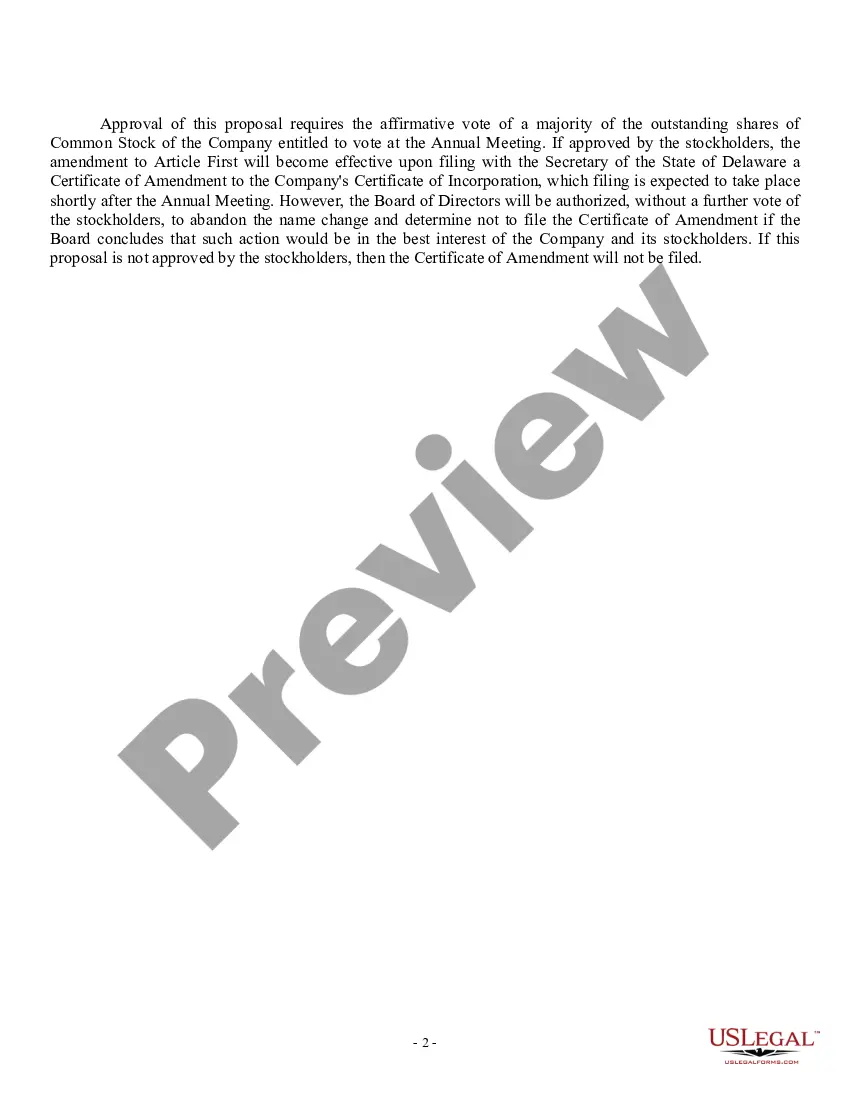
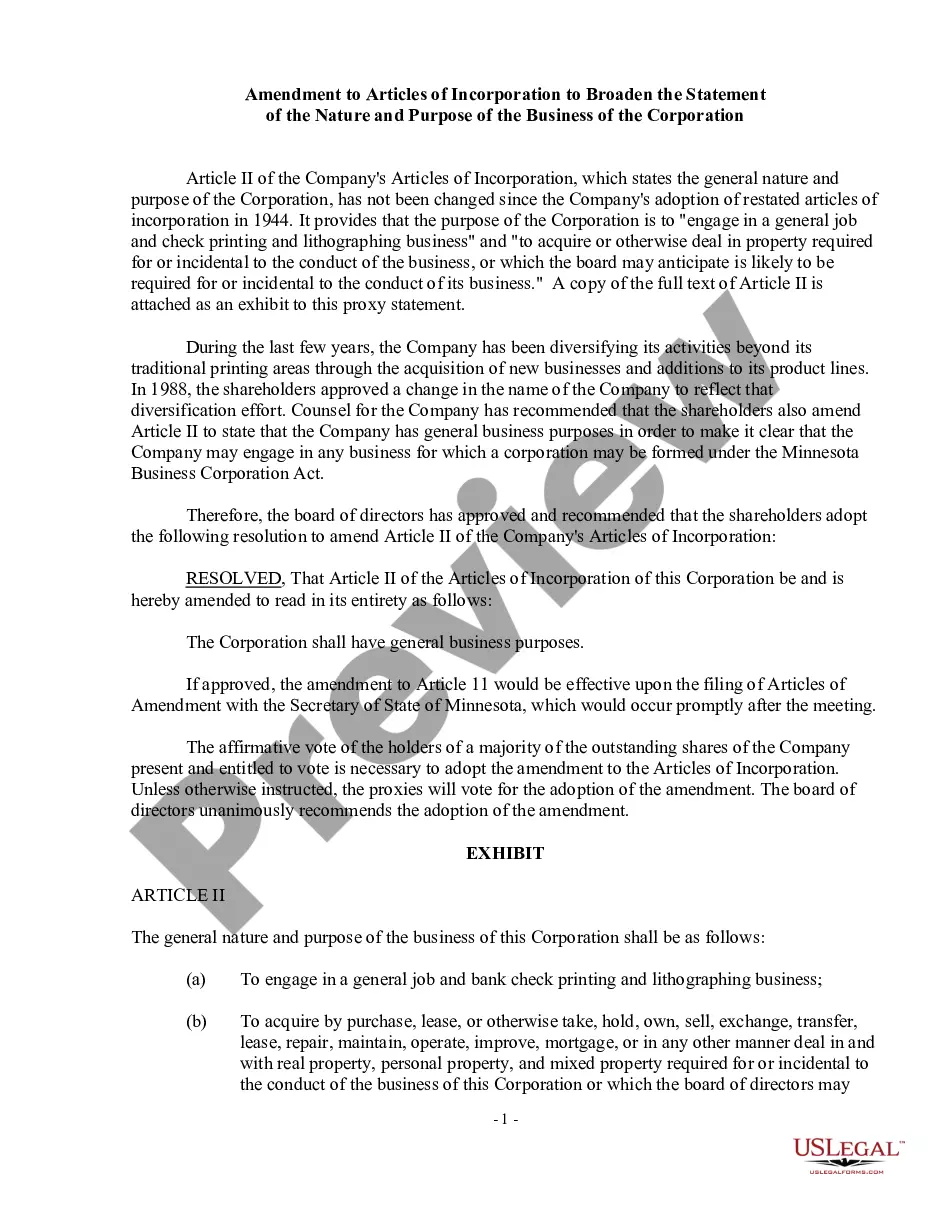
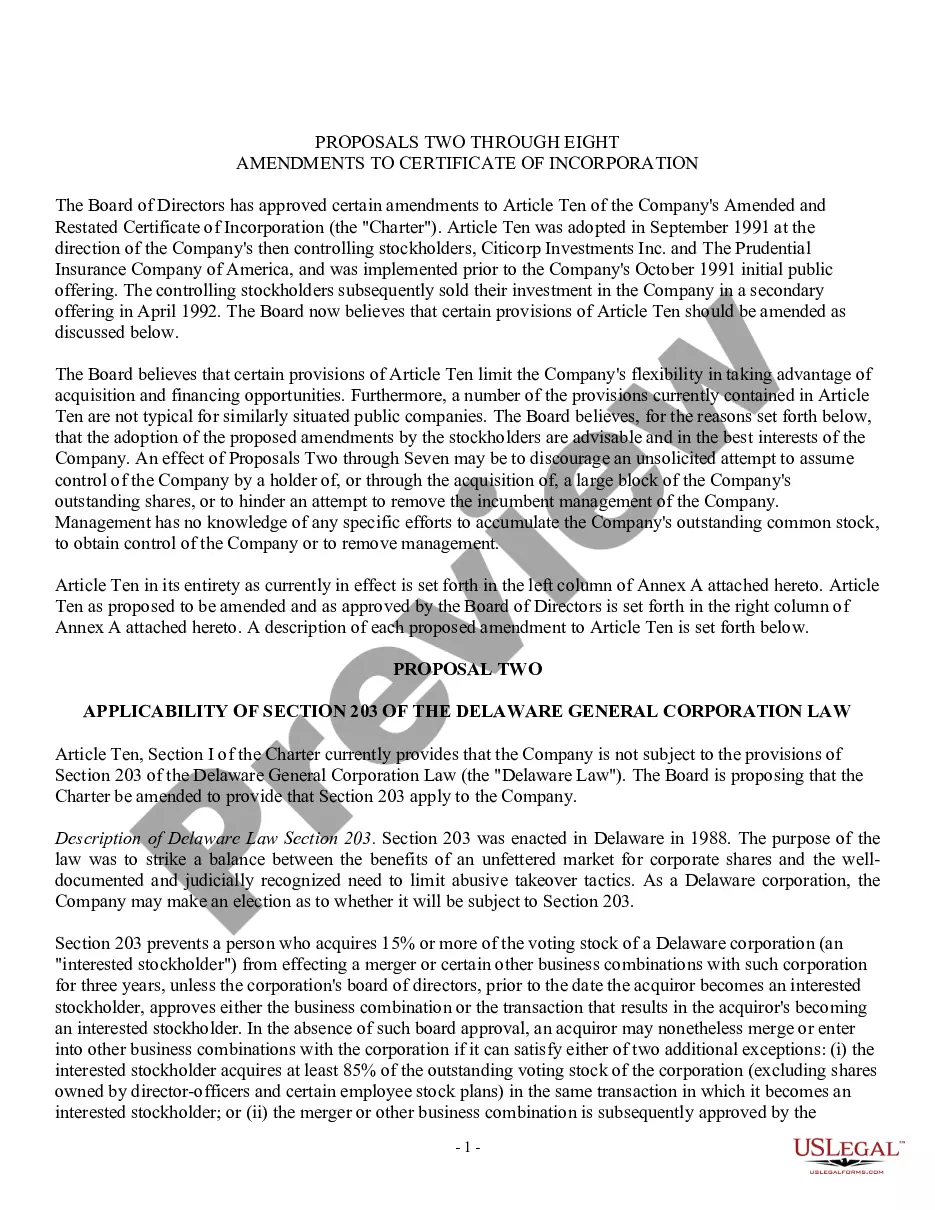
- Preview it (if this option is available) and review the accompanying description to see if Changing Name On Certificates is what you're looking for.
- Start your search again if you need a different template.
- Sign up for a free account and choose a subscription plan to purchase the template.
- Click Buy now. Once the payment is completed, you can access the Changing Name On Certificates, fill it out, print it, and send it or mail it to the necessary individuals or organizations.
Form popularity
FAQ
To get started you'll need either a marriage certificate or a deed poll. You can go back to your former name even if you're not divorced! Whatever your situation, we refer to this document as your certificate. Financial institutions and government departments may ask for additional documents to safeguard your identity.
Submission of an affidavit Affidavit submission is the initial stage of the legal process. The following steps need to be undertaken for submitting your affidavit requesting a change in name: To submit the affidavit, you must speak with a notary public. Approach a notary public in your area and state your desire.
Making the decision not to change your name is the hard part. ... Your in-laws care less than you think. ... Other people may actually care more than your husband. ... People may assume that your brother is your husband. ... If you have a baby, the hospital will end up calling the baby by your last name, not your husband's.
If you would want to change your name in the Educational Certificate, then you should follow the below given procedure for complying with the same: Step 1: Affidavit. ... Step 2: Publish in Newspaper. ... Step 3: Notifying in the Gazette. ... Step 4: Verification Compliance. ... Step 5: Approval.
How do you write name on a certificate? The names on most certificates appear as full first name, middle initial, and full last name. If a recipient goes by their middle name instead of their first name, you can spell out the middle name and keep the first name as an initial.