Change Of Name Certificate Copy
Description
Get your form ready online
Our built-in tools help you complete, sign, share, and store your documents in one place.
Make edits, fill in missing information, and update formatting in US Legal Forms—just like you would in MS Word.
Download a copy, print it, send it by email, or mail it via USPS—whatever works best for your next step.
Sign and collect signatures with our SignNow integration. Send to multiple recipients, set reminders, and more. Go Premium to unlock E-Sign.
If this form requires notarization, complete it online through a secure video call—no need to meet a notary in person or wait for an appointment.
We protect your documents and personal data by following strict security and privacy standards.

Make edits, fill in missing information, and update formatting in US Legal Forms—just like you would in MS Word.

Download a copy, print it, send it by email, or mail it via USPS—whatever works best for your next step.

Sign and collect signatures with our SignNow integration. Send to multiple recipients, set reminders, and more. Go Premium to unlock E-Sign.

If this form requires notarization, complete it online through a secure video call—no need to meet a notary in person or wait for an appointment.

We protect your documents and personal data by following strict security and privacy standards.
Looking for another form?

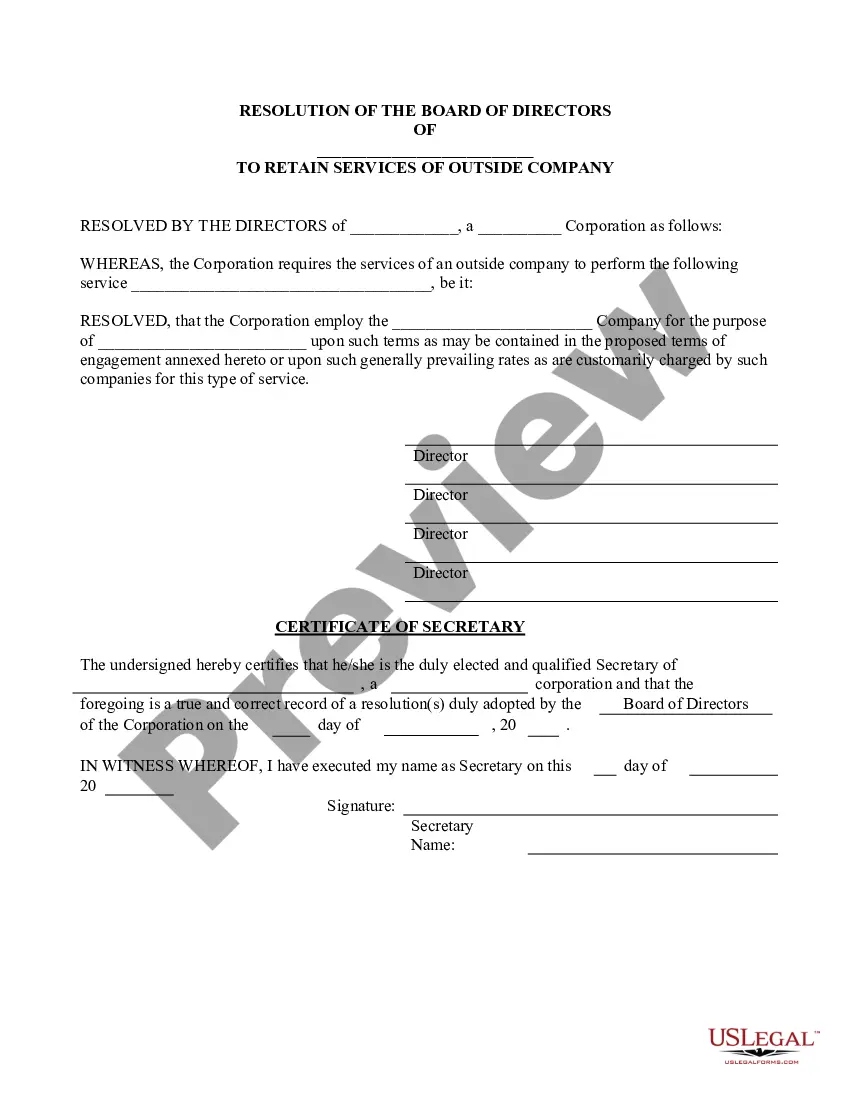



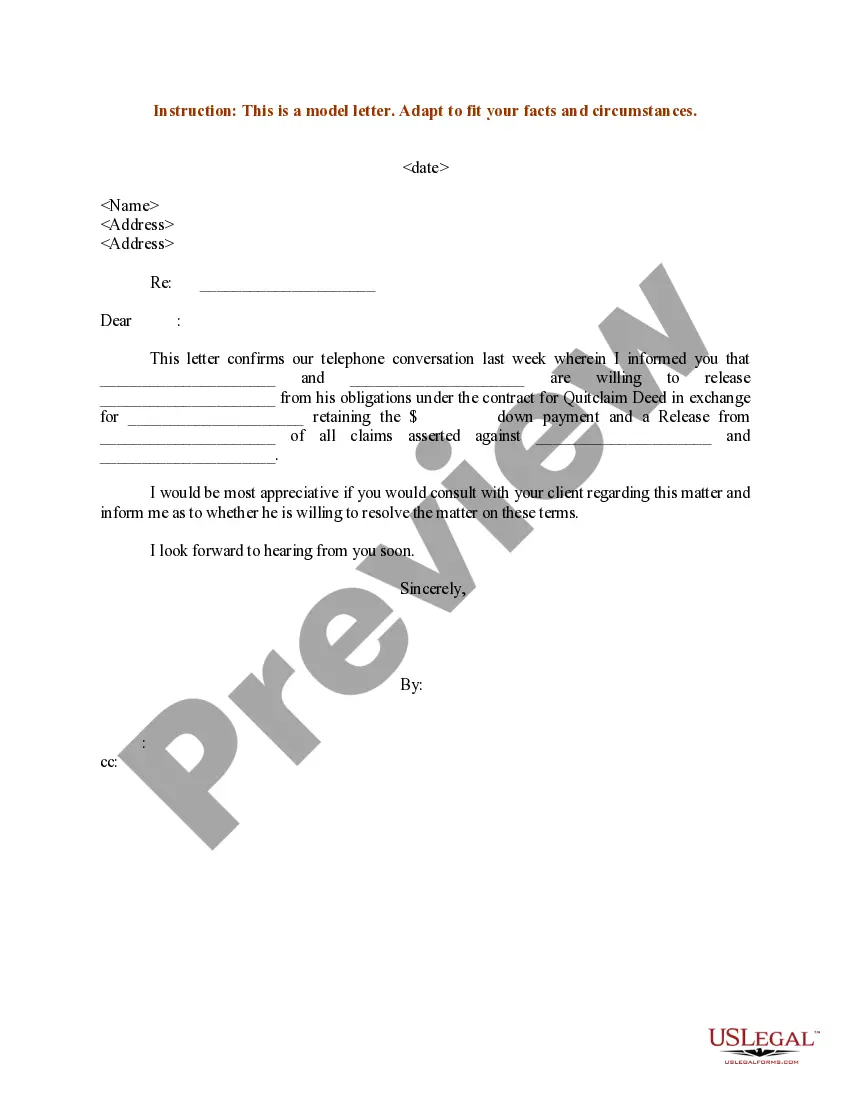
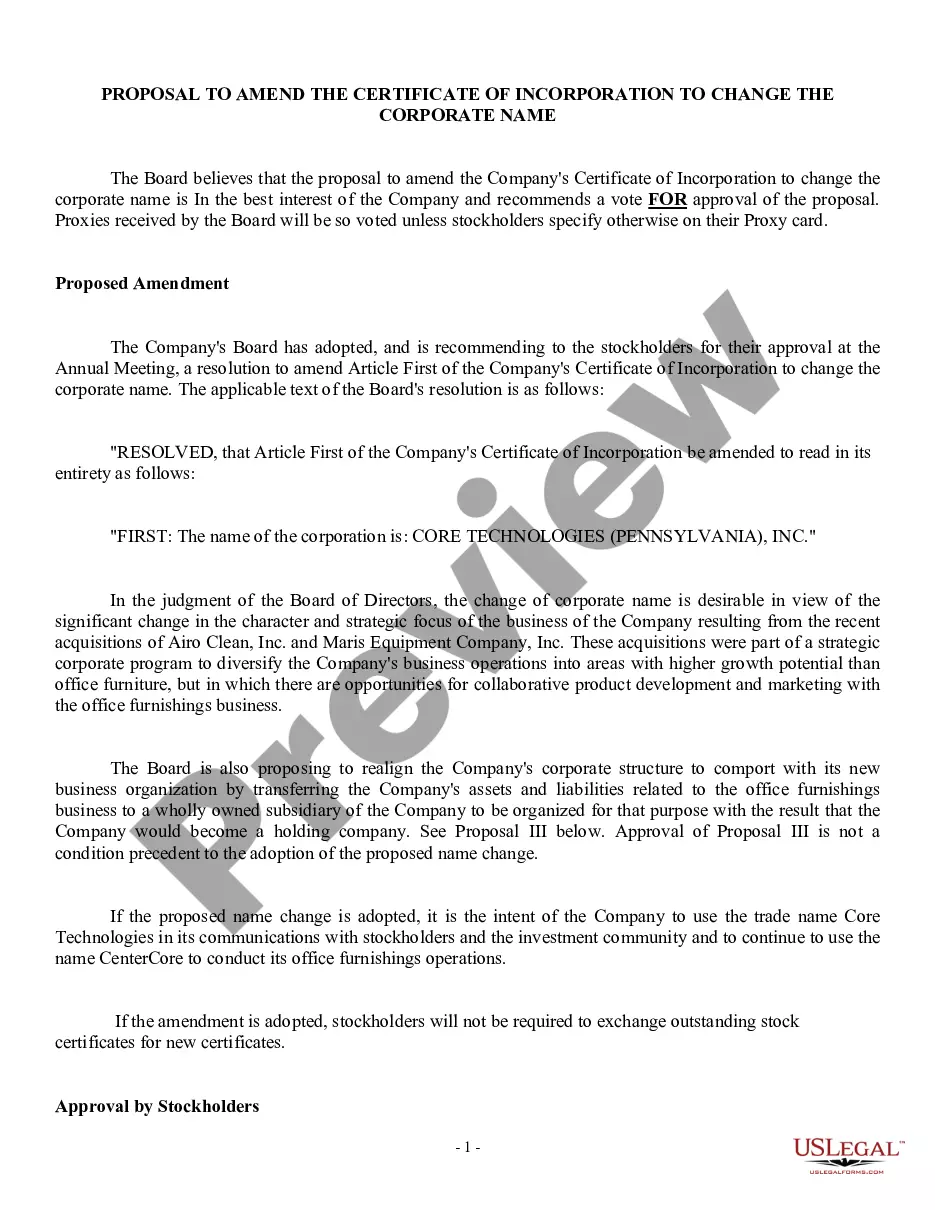
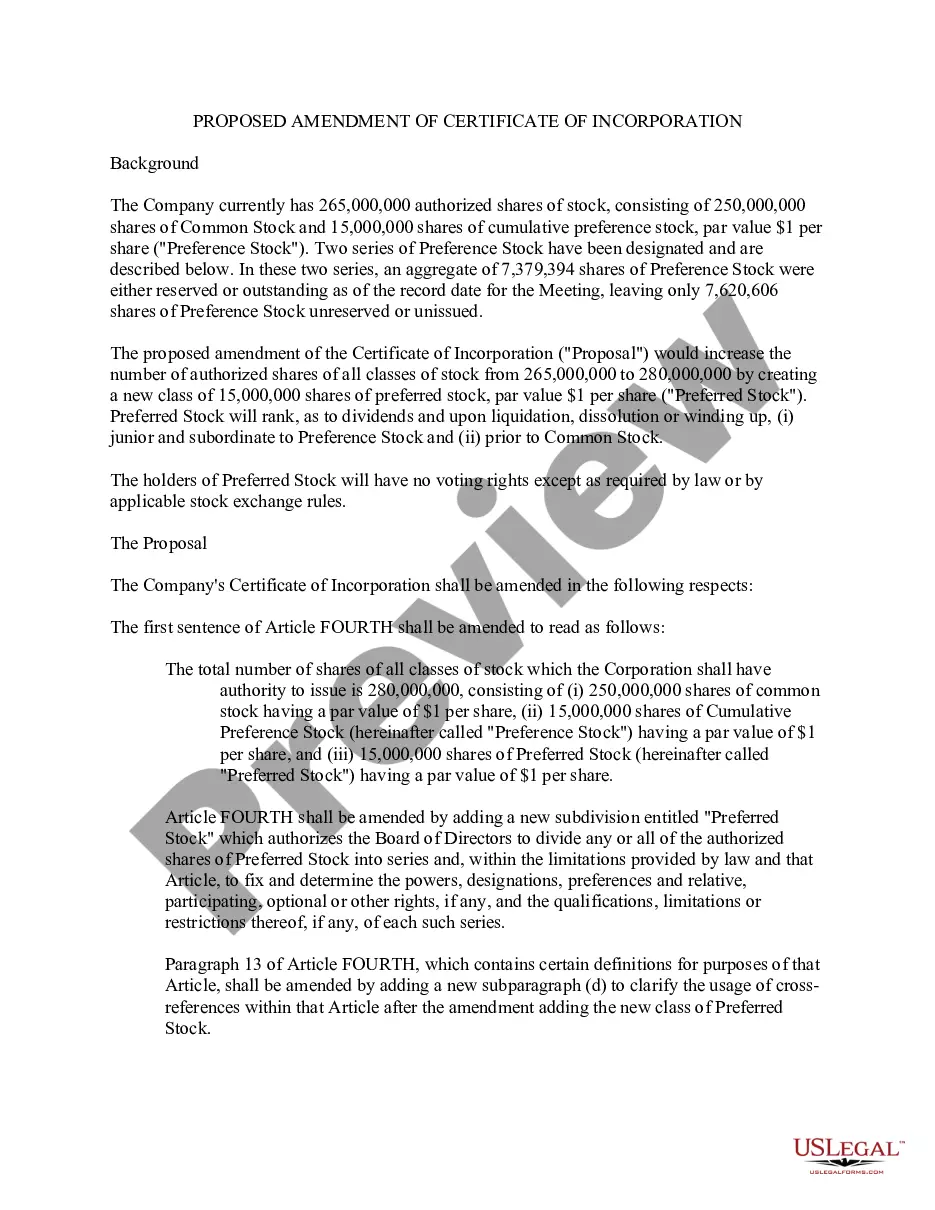
How to fill out Proposal To Amend Certificate Of Incorporation To Change Corporate Name?
Creating legal documents from the ground up can occasionally be daunting.
Certain situations may require extensive research and significant financial expenditure.
If you're seeking a simpler and more economical method of producing a Change Of Name Certificate Copy or other forms without unnecessary complications, US Legal Forms is always available to assist.
Our online collection of over 85,000 current legal forms covers nearly every aspect of your financial, legal, and personal concerns.
However, before you proceed to download the Change Of Name Certificate Copy, keep these suggestions in mind: Review the form preview and descriptions to confirm that you have located the form you need. Verify that the template you choose meets the standards of your state and county. Select the appropriate subscription plan to access the Change Of Name Certificate Copy. Download the document, then fill it out, certify it, and print it. US Legal Forms has a solid reputation and over 25 years of expertise. Join us today and make form completion a straightforward and efficient process!
- With just a few clicks, you can quickly obtain state- and county-compliant templates carefully crafted by our legal professionals.
- Utilize our website whenever you require trustworthy and dependable services to swiftly find and download the Change Of Name Certificate Copy.
- If you’re already familiar with our services and have previously registered an account with us, simply Log In to your account, find the form, and download it or re-download it anytime in the My documents section.
- Don't have an account? No problem. Setting it up and exploring the library only takes a few minutes.
Form popularity
FAQ
The clerk can get you a certified copy. This means the clerk adds an official stamp to your Decree that says the copy is true copy of the original. Depending on how many legal ID documents you want to update, you can ask for more than one certified Decree. There is a $40 fee for each certified copy.
Note that if the judge grants your request to seal your name change case, you will have to make a Motion to Unseal in order to receive certified copies of your name change order. To do this, you will have to come back to court and submit the motion with the clerk in room 118.
If your petition is approved, the judge will complete and sign the order changing your name. The order is one of the documents that you can get by using the Do-It-Yourself Name Change tool. There is a $10 fee to have the court enter the order. A certified copy of the order costs another $11.
To change your name on a Texas driver's license or ID, you'll usually have to show some proof of the name change. The proof might be a certified copy of a court order, a marriage license, or another document. Texas Administrative Code Title 37, Rule 15.23(1) makes several exceptions to this rule.
If the name change is granted, go to the clerk's office and get a Change of Name certificate or a certified copy of the court's order as proof of the change. Notify the appropriate agencies (Social Security Administration, the Bureau of Vital Statistics, Texas Department of Public Safety) of your new name.