Certified Name Change Document For Passport
Description
Get your form ready online
Our built-in tools help you complete, sign, share, and store your documents in one place.
Make edits, fill in missing information, and update formatting in US Legal Forms—just like you would in MS Word.
Download a copy, print it, send it by email, or mail it via USPS—whatever works best for your next step.
Sign and collect signatures with our SignNow integration. Send to multiple recipients, set reminders, and more. Go Premium to unlock E-Sign.
If this form requires notarization, complete it online through a secure video call—no need to meet a notary in person or wait for an appointment.
We protect your documents and personal data by following strict security and privacy standards.

Make edits, fill in missing information, and update formatting in US Legal Forms—just like you would in MS Word.

Download a copy, print it, send it by email, or mail it via USPS—whatever works best for your next step.

Sign and collect signatures with our SignNow integration. Send to multiple recipients, set reminders, and more. Go Premium to unlock E-Sign.

If this form requires notarization, complete it online through a secure video call—no need to meet a notary in person or wait for an appointment.

We protect your documents and personal data by following strict security and privacy standards.
Looking for another form?
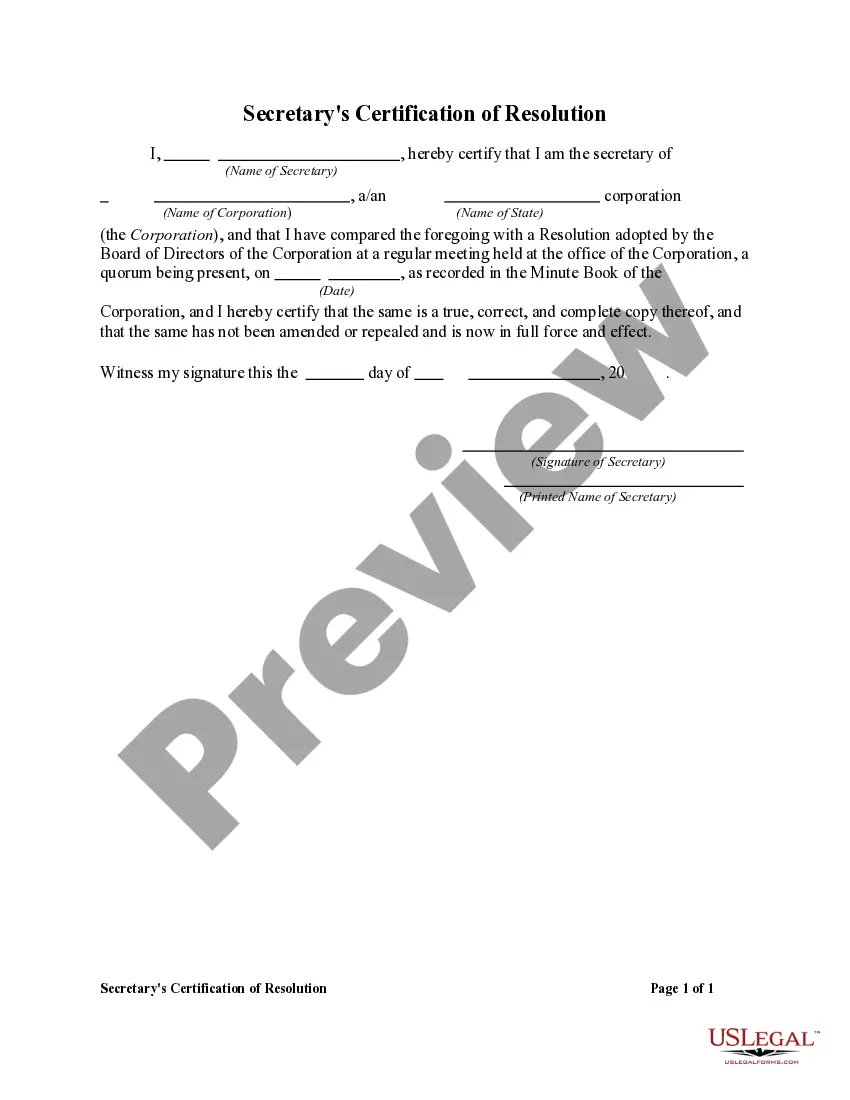
How to fill out Proposal To Amend Certificate Of Incorporation To Change Corporate Name?
Legal paperwork management can be perplexing, even for the most adept professionals.
When you are seeking a Certified Name Change Document For Passport and lack the time to search for the appropriate and current version, the procedures can be stressful.
US Legal Forms caters to any needs you may have, from personal to business documentation, all in one location.
Utilize advanced tools to fill out and manage your Certified Name Change Document For Passport.
Here are the steps to follow after downloading the necessary form: Verify that it is the correct document by previewing it and reviewing its details. Ensure the template is recognized in your state or county. Select Buy Now when you are prepared. Choose a subscription plan. Locate the file format you require, and Download, complete, sign, print, and send your documents. Take advantage of the US Legal Forms online library, backed by 25 years of expertise and reliability. Transform your daily document management into a seamless and user-friendly experience today.
- Tap into a valuable resource library of articles, guides, and materials related to your situation and requirements.
- Save time and energy searching for the documents you require, and use US Legal Forms’ sophisticated search and Preview feature to locate and obtain your Certified Name Change Document For Passport.
- If you hold a monthly subscription, Log In to your US Legal Forms account, look for the form, and acquire it.
- Check your My documents tab to review the documents you have previously downloaded and to organize your folders as needed.
- If this is your first experience with US Legal Forms, create an account to enjoy unlimited access to all platform benefits.
- An extensive online form repository can be transformative for anyone looking to navigate these scenarios effectively.
- US Legal Forms stands as a frontrunner in online legal documentation, providing over 85,000 state-specific legal forms at your convenience.
- With US Legal Forms, you can access legal and business documents tailored to your state or county.
Form popularity
FAQ
Although the Social Security Number (SSN) is required when applying for or renewing a passport, it is used as proof of identity and U.S. citizenship, and it won't appear on your passport. If your SSN appears on your passport, it is an error and you should contact the Department of State to have the mistake corrected.
If you are changing your name within one year of the date your passport was issued, you will need to complete Form DS-5504: Name Change, Data Correction, and Limited Passport Book Replacement. If you are changing your name more than a year after your passport was issued, you must submit Form DS-82: Renewal Application.
The passport name should match your proof of citizenship (typically birth certificate) and proof of identity (typically driver's license). So clearly the SS card and passport can be different. Indeed, there are few times you should ever have to show passport and Social Security card at the same time.
You can fill out the form using the online form filler of the Department of State website ( ) or print it out and fill it out by hand using a black pen.
Form DS-11. Your evidence of U.S. citizenship and photocopy of that evidence. Your original or certified name change document, such as a marriage certificate, divorce decree, or court order (no photocopies or notarized copies) Valid ID and photocopy of that ID.